How we make this list: we compare pricing pages, product documentation and public user reviews. Rankite is independent; if a vendor ever pays for a featured spot, that listing is clearly labeled Partner.
Key takeaways
- Cvent Event Diagramming (formerly Social Tables) is the default choice for venues that already use Cvent, since it handles diagrams and seating in one place.
- Seated With Love is the standout free option for wedding venues that want clients to build floor plans themselves.
- Tripleseat and EventPro go beyond diagrams and bundle sales, CRM, and operations, which suits hotel and venue sales teams.
- SmartDraw is the cheapest way to draw an accurate room layout if you do not need guest lists or seating charts.
Quick comparison
| Tool | Best for | Starting price | Free plan |
|---|
 Cvent Event Diagramming Cvent Event Diagramming | venues already using Cvent | See website | Free trial |
 Seated With Love Seated With Love | wedding venues wanting a free tool | Free | Yes |
 Tripleseat Tripleseat | venue sales and event teams | See website | Free trial |
 Aisle Planner Aisle Planner | wedding planners managing the whole event | See website | Free trial |
 EventPro EventPro | large venue and hotel operations | See website | No |
 Planning Pod Planning Pod | full-service event businesses | See website | Free trial |
 VenueOps VenueOps | arenas and large entertainment venues | See website | No |
 SmartDraw SmartDraw | simple room diagrams on a budget | See website | Free trial |
Is your product missing or out of date?
We review this list regularly. Vendors can request a listing, send updated pricing or ask about featured placement.
The best event floor plan software
Starting priceSee website
Free planFree trial
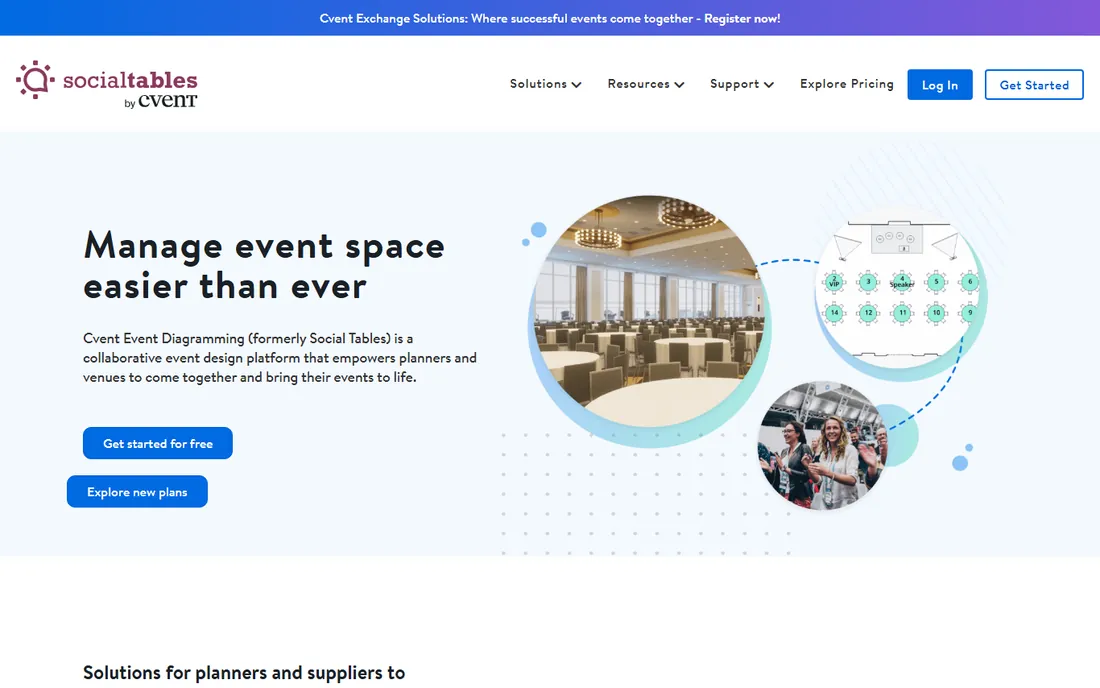
Cvent Event Diagramming is the product formerly known as Social Tables. Cvent acquired the company and folded it into its own lineup, so the diagrams, seating charts, and collaboration tools that planners know now sit inside the Cvent platform. If your venue already runs Cvent for registration or event management, this is the path of least resistance.
The diagramming itself is built for scale and precision. You can drop in tables, chairs, stages, and dance floors, assign guests to seats, and share a live link with clients so they can review the layout without an account. Version history helps when a client changes their mind three times in a week.
The honest catch is that this is an enterprise product with enterprise pricing habits. Small independent planners often find it more than they need. And with Cvent winding down Prismm (the tool formerly known as AllSeated) by mid-2027, expect Cvent Event Diagramming to keep absorbing features, which is good for the product but means the interface keeps shifting.
What we like- Accurate scaled diagrams
- Seating chart tools built in
- Deep Cvent ecosystem integration
Watch out for- Pricing is not published
- Best value only if you already use Cvent products
Starting priceFree
Free planYes
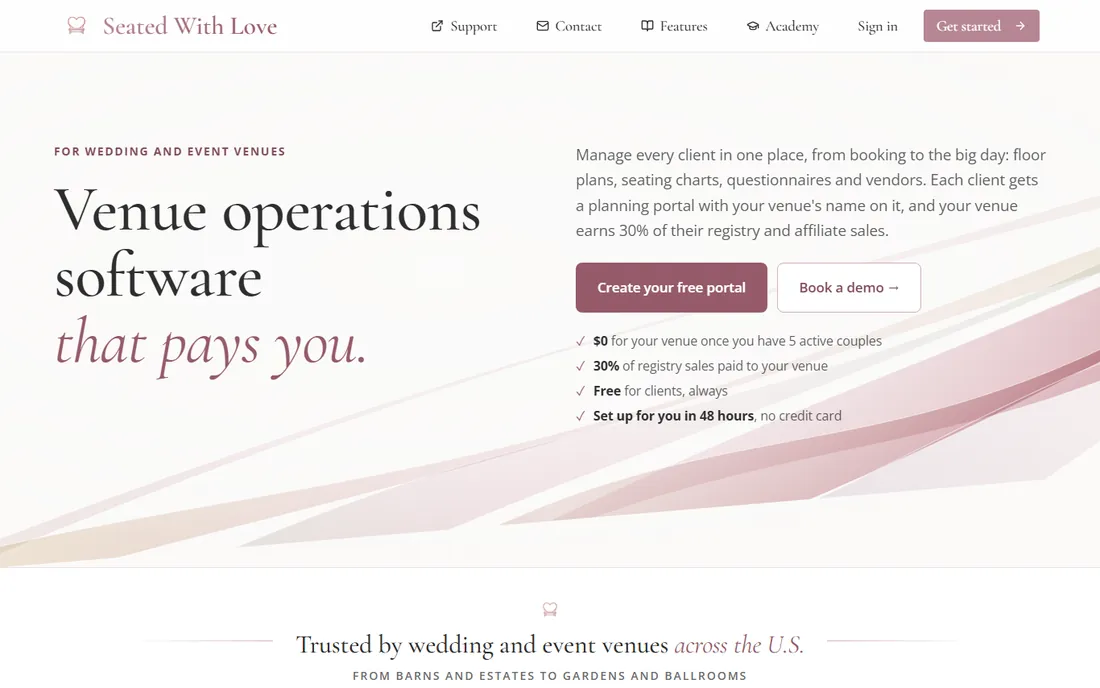
Seated With Love takes the opposite approach to the big enterprise tools: it is free for venues and built around the idea that the couple or client does the planning work themselves. The venue uploads its floor plan once, and clients drag and drop tables, build seating charts, and coordinate with vendors on the same canvas.
For wedding venues, that division of labor matters. Instead of the coordinator redrawing the room every time the guest count changes, the couple handles revisions and the venue approves them. The tool also has timeline and vendor collaboration features that fit how wedding days actually run.
The limitation is focus. Corporate event teams and conference venues will find the wedding-centric workflow awkward. The product is also younger than the established names, so the integration library is thinner. But for a wedding venue that wants to stop doing free layout revisions by email, the price (nothing) is hard to argue with.
What we like- Free for venues
- Clients can build their own floor plans
- Vendor collaboration features
Watch out for- Wedding-focused, less useful for corporate events
- Newer, so fewer integrations
Starting priceSee website
Free planFree trial
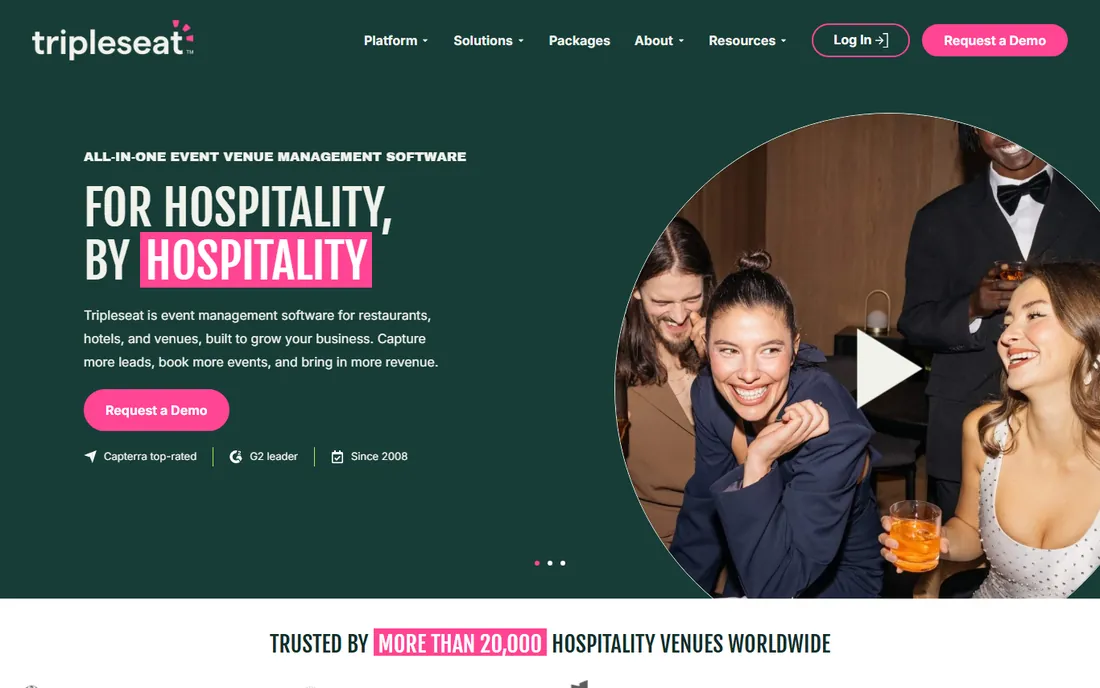
Tripleseat started as a venue sales platform and added diagramming, which makes it a strong pick for teams where the floor plan is one step in a longer sales process. You can go from lead to proposal to signed contract to event order, with the room diagram attached to the same record.
That connected workflow is the selling point. Sales managers see which events are booked against which rooms, planners see the client history, and nothing lives in a separate diagram tool that nobody else can open. The company has deep roots in hospitality, so the feature set reflects how hotels and restaurants actually sell events.
If all you need is to draw a room, Tripleseat is overkill and priced like it. The quoting process also means you cannot comparison-shop quickly. But for venue teams that lose deals to slow follow-up, the sales-first design pays for itself.
What we like- Combines diagrams with CRM and sales pipeline
- Strong document and proposal tools
- Hotel and venue industry focus
Watch out for- More than pure floor-planning teams need
- Pricing requires a sales conversation
Starting priceSee website
Free planFree trial
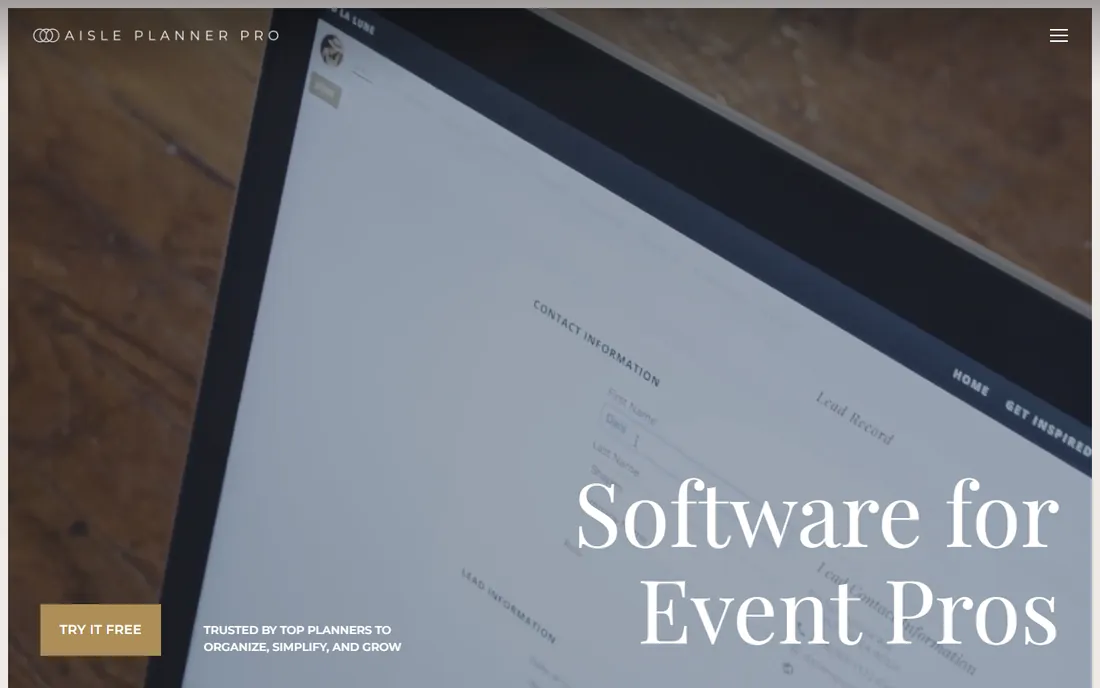
Aisle Planner is a full wedding planning platform with a capable floor plan module inside. Planners get seating charts and room layouts alongside budgets, design boards, timelines, and task lists, all visible to the client through a branded portal.
The advantage is keeping everything in one system. The seating chart knows the guest list, the guest list knows the RSVP status, and the timeline knows when the room flips. That tight coupling saves the double entry that plagues planners juggling separate tools.
Corporate event managers should look elsewhere. The templates, terminology, and workflows assume weddings and social events. Pricing is also built around planner subscriptions rather than venue licenses, so it fits businesses that plan many events for different clients rather than one venue hosting them.
What we like- Floor plans plus budgets, timelines, and checklists
- Client portal for collaboration
- Planner-focused workflow
Watch out for- Wedding and social event focus
- Not a fit for corporate venue operations
Starting priceSee website
Free planNo
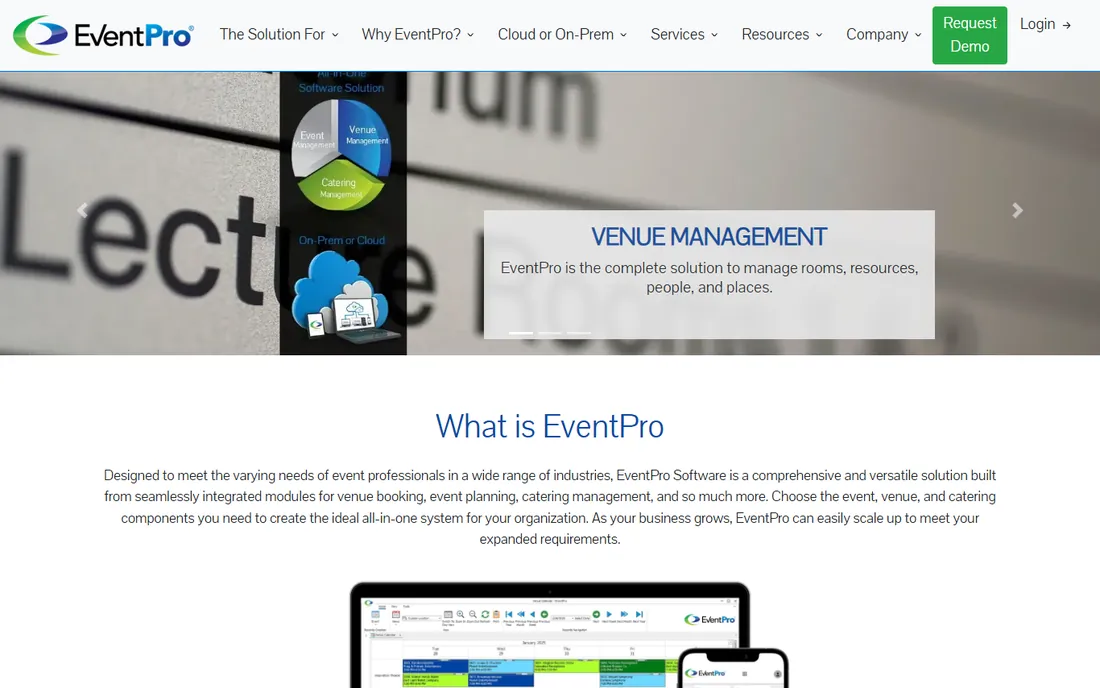
EventPro has been selling event management software to venues and hotels for decades, and its diagramming sits inside a much larger operations system. Function diaries, banquet event orders, billing, and room setup sheets all flow from the same data as the floor plan.
That maturity shows in edge cases. Multi-room events, complex turnover schedules, and union labor rules are handled without workarounds. Large hotel groups use it to standardize how every property runs events, which is a harder problem than drawing one room.
The trade-off is that some parts of the interface feel their age, and onboarding a full team takes real effort. It is also a bigger purchase decision than a standalone diagram tool. But for operations-heavy venues that need the diagram to connect to billing and staffing, few tools go as deep.
What we like- Long track record in hospitality
- Function diaries and banquet orders
- Scalable for multi-venue groups
Watch out for- Dated interface in places
- Implementation takes time
Starting priceSee website
Free planFree trial
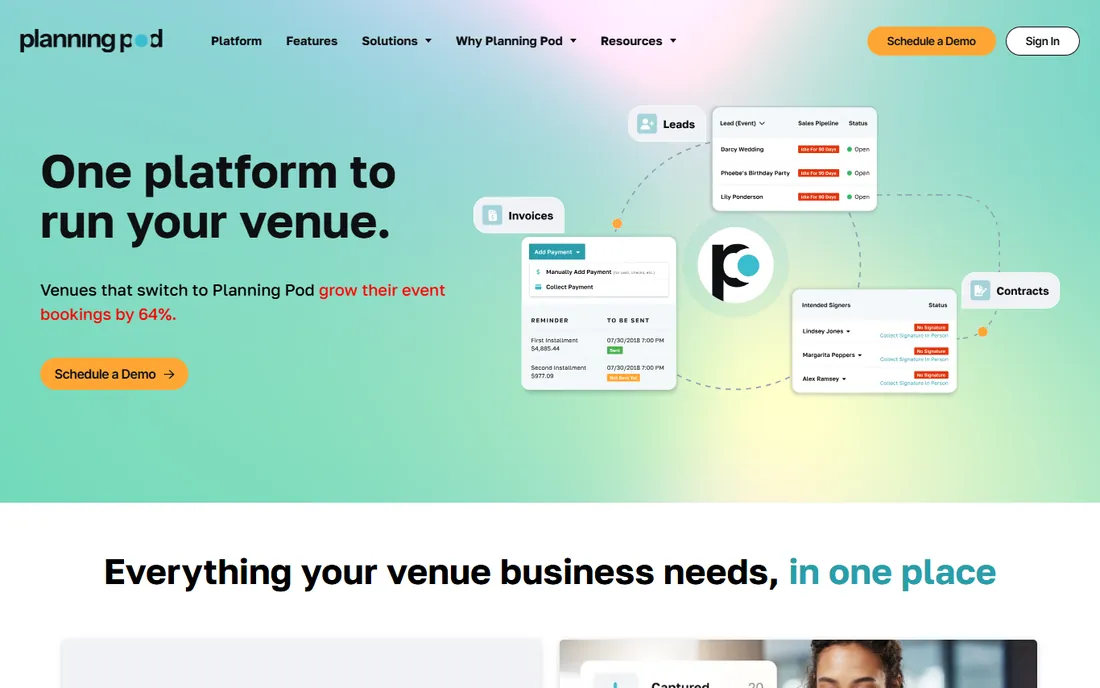
Planning Pod bundles floor plan software with the business tools around it: lead management, proposals, contracts, invoicing, and task management. It is aimed at event businesses that want one subscription instead of five.
The floor plan designer itself is solid, with scaled rooms, furniture libraries, and guest seating. Because it shares data with the CRM, the seating chart pulls from your actual guest list and the invoice reflects the actual setup labor. That integration is where the value sits.
The breadth is also the weakness. Teams that only need diagrams will spend time learning features they will never use. And while the pricing is fair for what you get, it is not the cheapest way to draw a room. It fits established event businesses consolidating their stack, not someone planning a single wedding.
What we like- Floor plans plus CRM, proposals, and invoicing
- Good for planners and venues alike
- Regular updates
Watch out for- Broad scope means a learning curve
- Pricing is mid-range rather than budget
Starting priceSee website
Free planNo

VenueOps is event management software for the biggest rooms in the business: arenas, stadiums, convention centers, and performing arts venues. Its diagramming tools serve that world, where a floor plan might need to show 20,000 seats, staging configurations, and sponsor placements.
The platform shines at the operational side of large events: booking calendars, holds and challenges, settlements, and financial reporting. The diagrams connect to those workflows, so the plan for a concert maps directly to the settlement report.
Smaller venues should not bother. The sales process, the pricing, and the feature set all assume enterprise scale. But if you run a venue where events have promoters, settlements, and five-figure guarantees, VenueOps speaks your language in a way the wedding-focused tools do not.
What we like- Built for large-scale venues
- Event booking and settlement workflows
- Strong calendar and holds management
Watch out for- Overkill for small venues
- Enterprise pricing and sales process
Starting priceSee website
Free planFree trial
SmartDraw is a general diagramming tool, not event software, and that is exactly why it belongs on this list. If your need is an accurate scaled room layout for a proposal, a permit application, or a fire marshal review, SmartDraw does it faster and cheaper than any event platform.
The template library includes floor plans with walls, doors, and furniture that snap into place. You can export to PDF, Word, or image formats that slot into proposals. There is no learning curve beyond basic diagramming, and the pricing is a fraction of the event-specific tools.
What you give up is everything event-specific. There is no guest list, no seating chart logic, no vendor collaboration, and no timeline. It is a drawing tool, full stop. For venues that already manage guests elsewhere and just need clean room diagrams, that is enough.
What we like- Easy drag-and-drop diagramming
- Huge template library
- One-time purchase option available
Watch out for- No guest lists or seating management
- Not built for event collaboration
What to check before you commit
Start with who draws the plan. If clients and couples will build their own layouts, you need a tool with a good client-facing experience and sharing links, like Seated With Love or Cvent Event Diagramming. If your own team does all the drawing, prioritize speed and template quality over collaboration features.
Next, check what the diagram connects to. A standalone diagram is fine for proposals, but if seating charts need your guest list and setup sheets need your staffing plan, pick a platform that bundles those pieces. Tripleseat, EventPro, and Planning Pod all reduce the copy-paste between systems.
Ask about scale limits too. Most tools handle a ballroom comfortably, but arenas and convention halls need software built for large footprints. And always test the export: a beautiful on-screen diagram that prints badly will cost you time on every single event.
Pricing, explained without the sales pitch
Almost none of these vendors publish pricing, and there is a reason: most sell to venues and planners with very different sizes, so quotes vary. Expect per-user or per-location subscriptions, with the enterprise tools (EventPro, VenueOps, Tripleseat) requiring a sales call.
The exceptions tell you something. Seated With Love is free for venues, betting that volume and upsells will pay the bills. SmartDraw sells affordable subscriptions and even a one-time purchase, because it is a general diagramming tool with huge scale.
Budget for onboarding, not just the license. The diagram tools that connect to your CRM or sales process save money only if your team actually uses them, and training a sales team on new software takes weeks. Ask every vendor what implementation support is included before you sign.
How we chose
We compared tools that venue teams and planners actually use for floor plans and seating charts, based on vendor pricing pages, product documentation, and public reviews on sites like G2, Capterra, and Software Advice. We favored tools with current development and real event industry users, and we left out products being phased out (Prismm, formerly AllSeated, is being wound down by Cvent through mid-2027). The final list mixes enterprise platforms, planner-focused tools, and budget options so different venue sizes can find a fit.
Frequently asked questions
Do I need event-specific software, or will a general diagram tool work?
It depends on the job. A general tool like SmartDraw is fine for drawing a scaled room layout for a proposal or permit. You need event-specific software when the diagram has to connect to a guest list, seating assignments, vendor coordination, or setup sheets.
What happened to AllSeated and Social Tables?
AllSeated rebranded as Prismm in 2024, and Cvent acquired it in 2025. Cvent is winding down Prismm access through June 2027 and moving customers to Cvent Event Diagramming, which is the product formerly known as Social Tables. If you still use Prismm, plan your migration now.
Can clients build their own floor plans?
Yes, and for wedding venues this is becoming standard. Seated With Love and Cvent Event Diagramming both let clients view and edit layouts through shared links. Letting the couple handle revisions saves the venue hours of back-and-forth per event.
How accurate are the diagrams for permits and fire codes?
Most event tools produce scaled diagrams, which is usually enough for internal planning and client approvals. For official submissions like fire marshal reviews, confirm the tool exports to the format your authority requires, and have your venue manager verify measurements.
Should the floor plan tool connect to my CRM?
If your team sells events, yes. When the diagram lives in the same system as the proposal and the client record, as with Tripleseat or EventPro, you avoid re-entering event details and reduce mistakes on event day.
Sources we checked (9)
- https://www.socialtables.com/
- https://blog.seatedwithlove.com/prismm-sunset-wedding-venue-floor-plans/
- https://seatedwithlove.com/
- https://tripleseat.com/
- https://aisleplanner.com/
- https://www.eventpro.net/
- https://planningpod.com/
- https://www.venueops.com/
- https://www.smartdraw.com/
Is your product missing or out of date?
We review this list regularly. Vendors can request a listing, send updated pricing or ask about featured placement.

Shihab Mia · Founder, Rankite
Shihab has spent more than a decade helping SaaS and e-commerce brands grow through search. He writes Rankite's software buying guides from pricing pages, documentation and public user reviews. More about Shihab.