How we make this list: we compare pricing pages, product documentation and public user reviews. Rankite is independent; if a vendor ever pays for a featured spot, that listing is clearly labeled Partner.
Key takeaways
- If you pay for nothing else, start with MuseScore: free, full-featured desktop notation with no score limit.
- Dorico Pro ($579.99 one-time) is the strongest pick for professional engravers and publishers; Dorico SE is free for students and dabblers.
- Browser-based writers should compare Noteflight Premium ($49 per year) and Flat Power ($49.99 per year); both have genuinely usable free tiers.
- Sibelius runs three tiers (a free entry level, Artist, Ultimate) but Avid publishes prices only in its store checkout, so confirm the current quote there.
- Finale and Encore are both discontinued; if you are migrating, Dorico and Sibelius both offer crossgrade paths.
Quick comparison
| Tool | Best for | Starting price | Free plan |
|---|
 Dorico Dorico | Professional engravers, publishers and composers who want the cleanest automatic layout | $579.99 one-time (Dorico Pro 6) | Yes (Dorico SE, free; Elements at $99.99) |
 Sibelius Sibelius | Film composers, educators and publishers already in the Avid ecosystem | See website (three tiers: free, Artist, Ultimate) | Yes (free tier limited to 4 staves) |
 MuseScore MuseScore | Students, teachers and community musicians who want real notation software for free | Free | Yes |
 Noteflight Noteflight | Music classrooms and students who need notation in a browser | $49/year (Noteflight Premium; $7.95/month option) | Yes (Basic, up to 10 scores) |
 Flat Flat | Composers and groups collaborating in real time across devices | $49.99/year (Flat Power; $9.99/month option) | Yes (up to 15 scores) |
 Soundslice Soundslice | Guitarists, teachers and transcribers who learn from recordings | $50/year (Plus; $5/month option) | Yes |
 Notation Composer Notation Composer | Windows hobbyists who start from MIDI files and want quick arrangements | See website | Free trial |
 LilyPond LilyPond | Engravers and academics who want typographic perfection and version control | Free | Yes |
Is your product missing or out of date?
We review this list regularly. Vendors can request a listing, send updated pricing or ask about featured placement.
The best notation software
Your orchestra library closes, your engraver retires, and suddenly the question is which program gets the next score out of your head and onto the stand before rehearsal. Notation software ranges from free open-source workhorses to $580 professional suites, and the wrong pick costs you months of relearning. These eight cover the real market in 2026: desktop heavyweights, browser tools for classrooms, and the budget pick that has outlasted two commercial giants.
#1
Dorico
Best for: Professional engravers, publishers and composers who want the cleanest automatic layout
Visit steinberg.net
Starting price$579.99 one-time (Dorico Pro 6)
Free planYes (Dorico SE, free; Elements at $99.99)
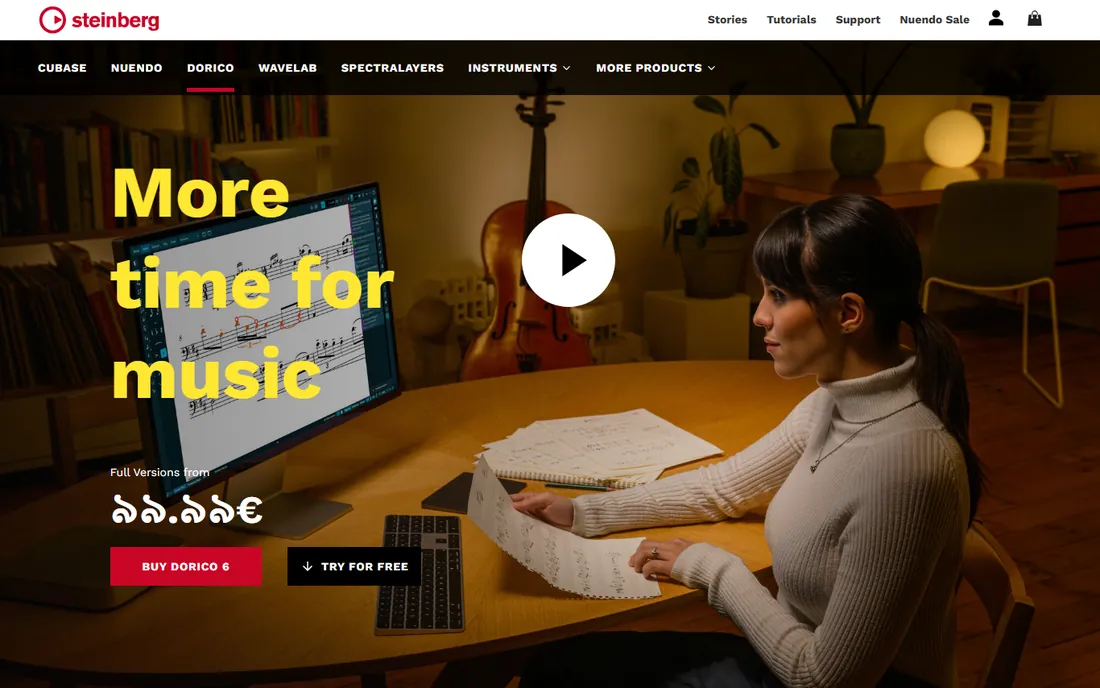
Dorico is the program Finale users were pointed to when Finale shut down, and the recommendation holds up. Its automatic spacing, part extraction and condensing produce publishable pages with less nudging than anything else here. Pro handles unlimited players, cutaway scores and custom chord symbols; Elements at $99.99 covers most student and amateur needs; SE is free for small scores. The 60-day trial is the longest in the category, which matters because Dorico thinks differently from its rivals and you should audition it properly.
The honest catch is the mental model. Dorico separates players, flows and layouts in a way that confuses first-time users, and veterans of other programs report a few weeks of friction. At $579.99 it also costs more than Sibelius Ultimate's subscription. If you engrave for money, it pays for itself. If you write the occasional lead sheet, SE or Elements is the saner buy.
What we like- Automatic engraving that needs the least manual fixing of any notation program
- Free SE tier handles up to eight players
- 60-day full Pro trial with no payment required
Watch out for- Pro price is steep for hobbyists
- Learning curve is real for users coming from Sibelius or Finale
#2
Sibelius
Best for: Film composers, educators and publishers already in the Avid ecosystem
Visit avid.com
Starting priceSee website (three tiers: free, Artist, Ultimate)
Free planYes (free tier limited to 4 staves)
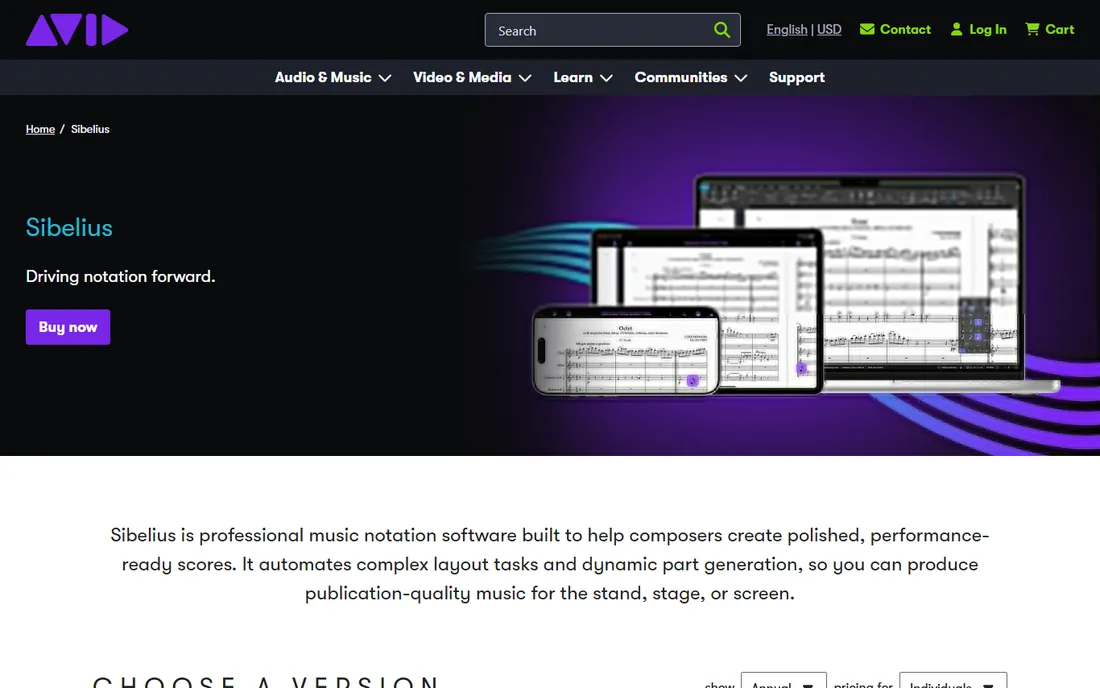
Sibelius remains the best-selling notation program in the world, and its strength is workflow speed: magnetic layout, ideas capture and cloud sharing are built for composers working against deadlines. The three-tier lineup (free, Artist for 16-staff scores, Ultimate for unlimited) covers everyone from beginners to scoring stages, and Pro Tools integration matters if you score to picture.
The honest catch is pricing opacity. Avid lists the tiers but not the prices on its product page, so you have to start a checkout or talk to a reseller to see the real numbers; resellers currently list Artist around $99 per year and Ultimate around $199. It is also subscription-only now, which annoys owners of old perpetual licenses. If you want predictable published pricing, Dorico lists everything upfront.
What we like- Three clear tiers including a genuinely free entry level
- 36 GB sound library and unlimited staves on Ultimate
- Magnetic layout keeps parts readable with minimal tweaking
Watch out for- Avid does not publish US prices on its product page, so you enter the store to see numbers
- Subscription-only model with no perpetual option on the top tier
#3
MuseScore
Best for: Students, teachers and community musicians who want real notation software for free
Visit musescore.org
Starting priceFree
Free planYes
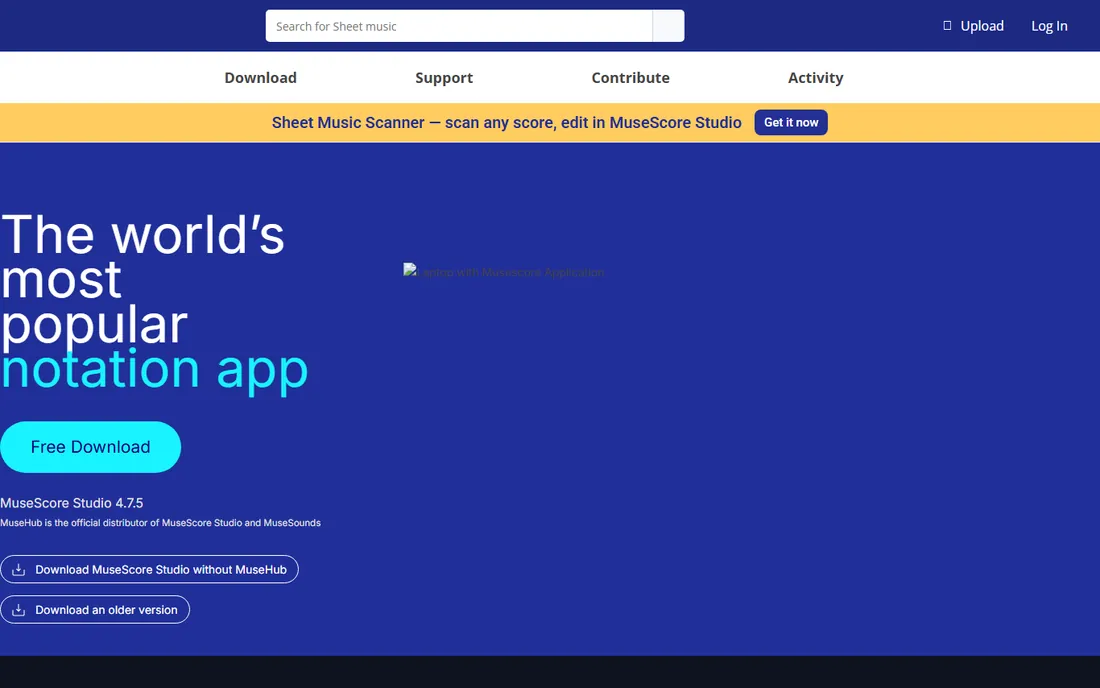
MuseScore is the reason many musicians never pay for notation software. It is open source, it runs everywhere, and it handles everything from lead sheets to full orchestral scores without a paywall or a score counter. The companion score-sharing site hosts millions of scores, which makes it genuinely useful for students learning repertoire. Version 4 rebuilt the interface and playback engine, closing much of the gap with commercial rivals.
The honest catch is the last 10 percent. Engravers who sell their work will notice weaker automatic spacing and fewer typographic controls than Dorico Pro, and the default playback, while improved, does not match the commercial sound libraries. For teaching, community bands, churches and personal projects, it is the obvious default. Paid programs have to justify themselves against free.
What we like- Completely free desktop software with no score, part or page limits
- Large online score library at musescore.com for learning and sharing
- Runs on Windows, Mac and Linux
Watch out for- Playback sounds and engraving polish trail the paid programs
- Very large orchestral scores can feel slower than Dorico or Sibelius
#4
Noteflight
Best for: Music classrooms and students who need notation in a browser
Visit noteflight.com
Starting price$49/year (Noteflight Premium; $7.95/month option)
Free planYes (Basic, up to 10 scores)
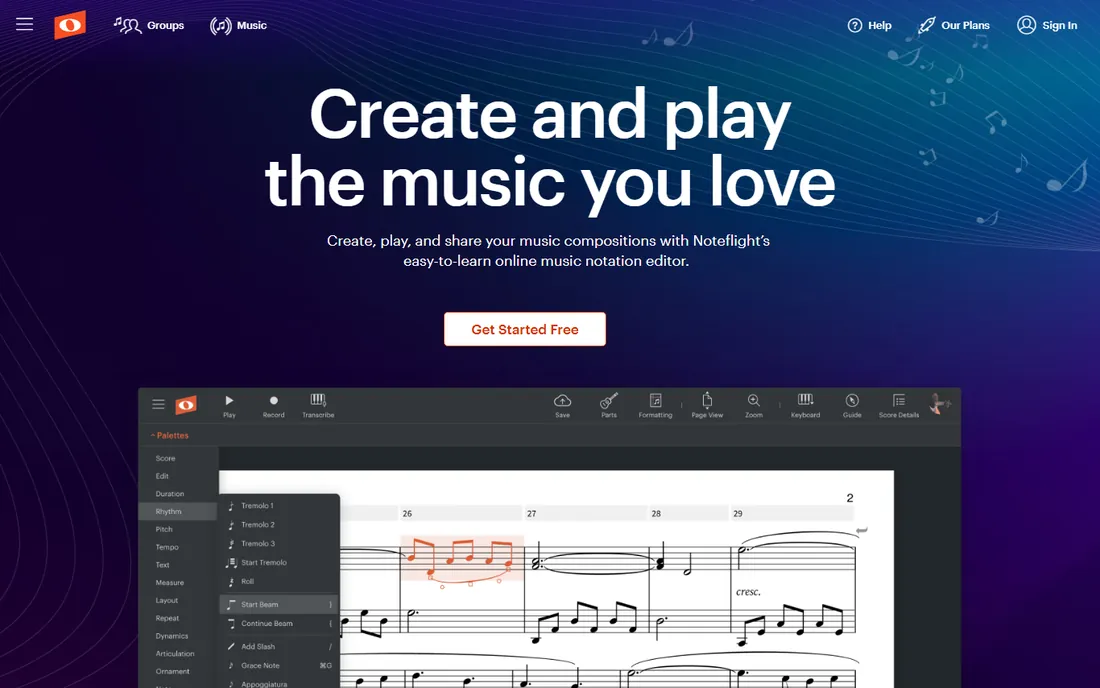
Noteflight has been the classroom standard for browser notation since before Chromebooks existed, and it still owns that niche. Premium at $49 per year adds unlimited scores, 85 high-quality instruments, live audio recording and MIDI transcription, plus a licensed sheet music library that teachers actually use. The Learn plan adds a private school site with assignments and grading, which is why whole districts adopt it.
The honest catch is the ceiling. Noteflight is built for writing and teaching, not for publishing: fine engraving control, complex contemporary notation and print production belong on Dorico or Sibelius. The free tier's 10-score cap also fills up fast in a busy semester. For a teacher managing 30 students on mixed devices, though, nothing here deploys faster.
What we like- Nothing to install, works on Chromebooks and school devices
- 80,000-plus licensed sheet music titles on Premium
- Education plan (Learn) with classroom tools from $69 per year
Watch out for- Free tier caps you at 10 scores
- Engraving depth is below desktop programs for publishing work
#5
Flat
Best for: Composers and groups collaborating in real time across devices
Visit flat.io
Starting price$49.99/year (Flat Power; $9.99/month option)
Free planYes (up to 15 scores)
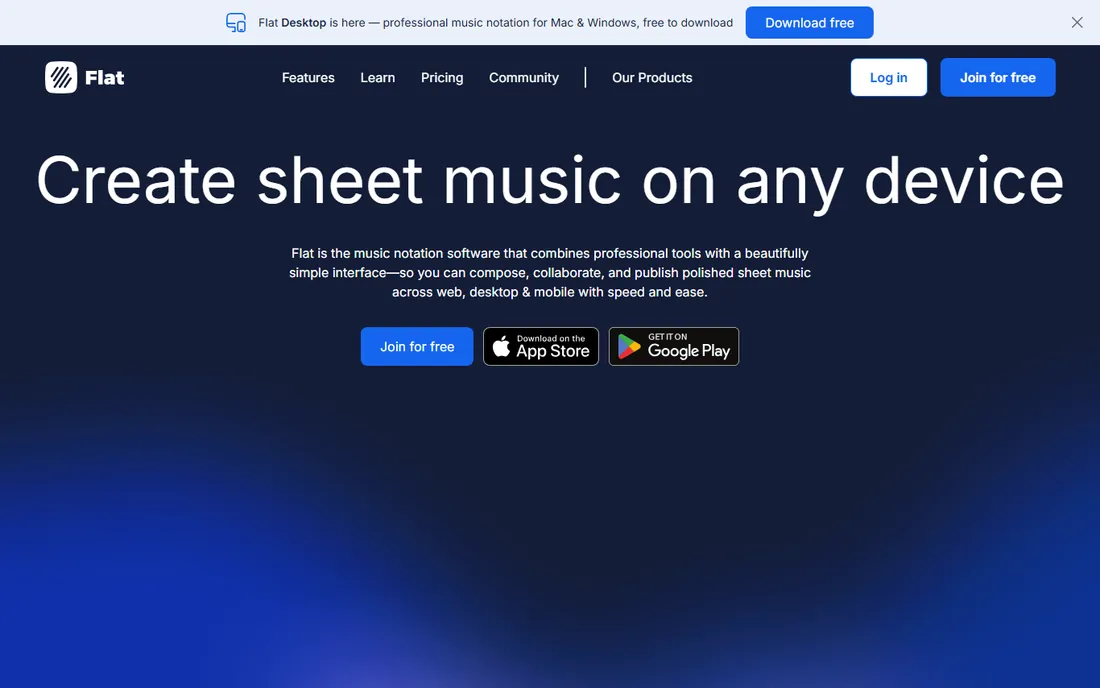
Flat, made by Tutteo, is the modern challenger to Noteflight: browser-first, collaboration-first, and genuinely pleasant to use. The free version gives you 15 scores, 30 instruments, real-time collaboration and MusicXML and MIDI import and export, with only a small logo on exports. Flat Power at $49.99 per year removes the score limit and logo, adds 180-plus instruments, and syncs your library across web, desktop and mobile. There is also a native desktop app that works offline, which matters on unreliable connections.
The honest catch is depth. Flat is built for composing and collaborating, not for producing publication-ready parts: engravers will miss the fine controls of Dorico or Sibelius, and the built-in sounds are serviceable rather than inspiring. For songwriters, student groups and anyone who writes with others in real time, the collaboration alone justifies it.
What we like- Real-time collaboration like Google Docs for scores
- Native desktop apps work fully offline and sync later
- Free tier is generous with 15 scores and MusicXML import/export
Watch out for- Premium playback instruments lag behind Noteflight and Dorico
- Advanced engraving features are thinner than desktop programs
#6
Soundslice
Best for: Guitarists, teachers and transcribers who learn from recordings
Visit soundslice.com
Starting price$50/year (Plus; $5/month option)
Free planYes
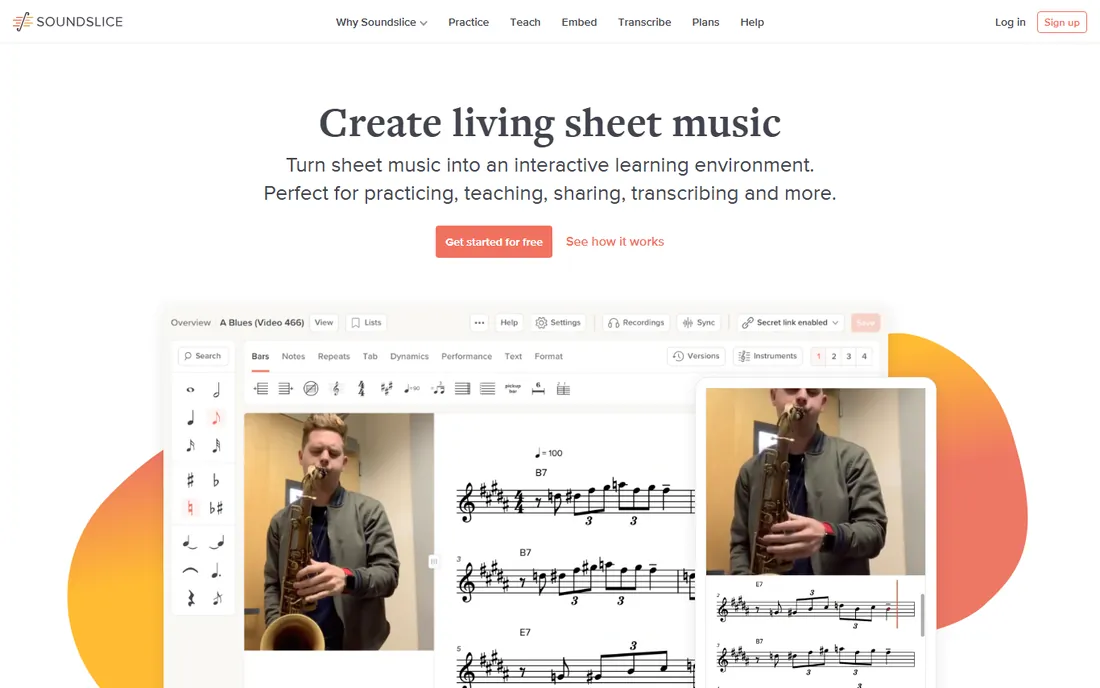
Soundslice occupies a niche nobody else here touches: it pairs notation with actual recordings, so clicking a note jumps the video to that exact moment. For guitarists learning solos, teachers assigning pieces and transcribers working from audio, that single trick changes everything. The free tier is a complete interactive learning environment; Plus at $50 per year adds secret-link sharing, printing control, custom tunings and notation copying across pieces.
The honest catch is that Soundslice is a practice tool first and a notation editor second. If your job is producing printed parts for an ensemble, use Dorico or Sibelius and embed Soundslice for rehearsal. But for the enormous population of musicians who learn by ear from recordings, it is the most useful program on this list.
What we like- Notation synced to real recordings and YouTube videos, note by note
- Interactive tab and slowdown tools built for practice
- Teacher and licensing plans for studios and publishers
Watch out for- Editor is lighter than full notation programs for original composition
- Plus is about practice and sharing, not publishing
#7
Notation Composer
Best for: Windows hobbyists who start from MIDI files and want quick arrangements
Visit notation.com
Starting priceSee website
Free planFree trial
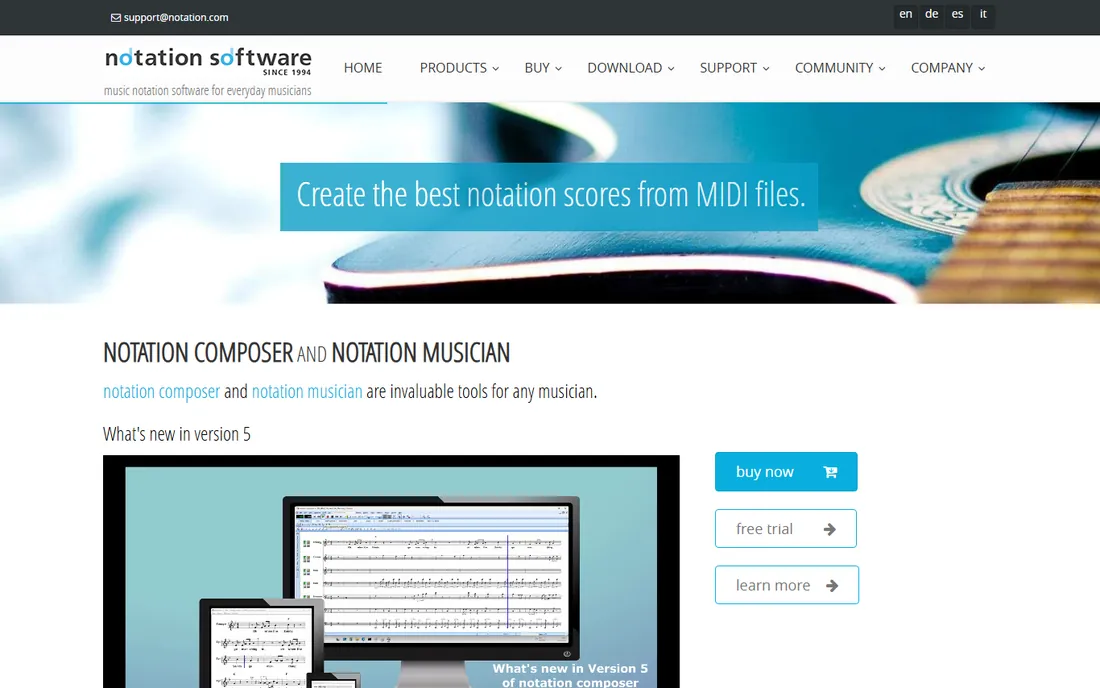
Notation Composer takes a different starting point from every other program here: instead of entering notes on a blank staff, you begin with a MIDI file and the software transcribes it into notation, which you then edit, arrange and print. For church musicians, community band arrangers and hobbyists working from downloaded MIDI files, that workflow saves hours. It handles chord-name recognition, practice loops and lyric editing, and the current version 5 runs on modern Windows.
The honest catch is the platform and the polish. Mac support is limited, the interface shows its age, and pricing is only visible in the vendor's store. If you compose from scratch rather than arranging existing MIDI, a modern editor like MuseScore or Flat will feel more natural. For its specific audience, though, nothing transcribes MIDI to readable notation faster.
What we like- Best-in-class MIDI-to-notation transcription for the price tier
- Long-lived product with an active user community
- Karaoke-style follow-along playback for practice
Watch out for- Windows-centric with limited Mac support
- Interface and graphics look dated next to modern rivals
#8
LilyPond
Best for: Engravers and academics who want typographic perfection and version control
Visit lilypond.org
Starting priceFree
Free planYes
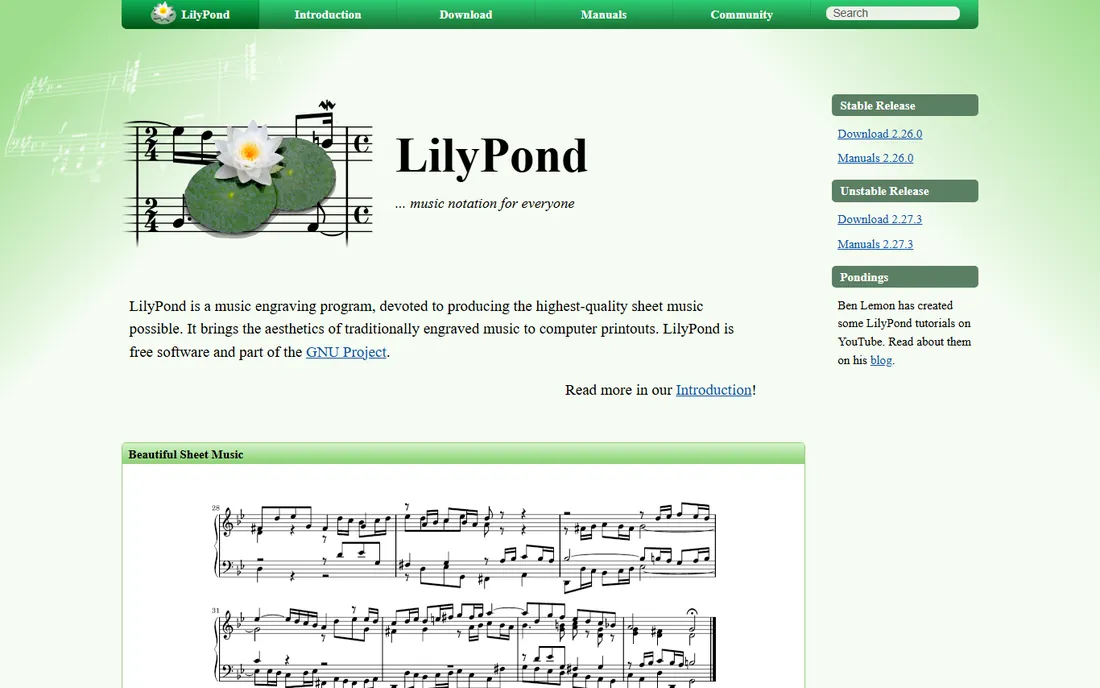
LilyPond is the odd one out: you type music as text, like writing code, and it renders publication-quality engraving. The output genuinely rivals hand engraving, which is why academic publishers and early-music specialists use it. Because scores are plain text, they version-control cleanly and can be generated programmatically, a superpower for researchers and large projects.
The honest catch is the learning curve, and it is a cliff. Most musicians think in staves, not syntax, and LilyPond offers no piano-roll or click-to-enter alternative. There are front ends like Frescobaldi that soften the blow, but this is a tool for people who already read code or are willing to learn. If you just want to write a song, use anything else on this list.
What we like- Produces the most beautiful printed output of any program here, free
- Text-based input works with Git and automation
- Enormous library of classical scores already engraved in it
Watch out for- You write music as code, which is a non-starter for most musicians
- No real-time graphical editing or playback workflow
How we chose
We started with the programs musicians actually search for: music notation software, scorewriter, sheet music maker and free notation software. For each candidate we checked the vendor's own pricing page or official announcement for prices and plan limits, then cross-checked features against documentation and musician discussion on scoring forums and Reddit. Where a price could not be confirmed on the vendor's own page, we wrote "See website" instead of guessing. Discontinued products (Finale, Encore, PreSonus Notion) were excluded from the ranked list and noted where relevant.
What to check before you buy
Start with your output. If the end product is a printed part for a paying gig, you need Dorico Pro or Sibelius Ultimate, and the decision comes down to engraving quality versus ecosystem. If the end product is a classroom assignment, a rehearsal track or a personal project, the free tier of MuseScore, Noteflight or Flat is probably all you need, and you should test all three before spending anything.
Then check your platform. Browser tools (Noteflight, Flat, Soundslice) run on anything with a screen, including Chromebooks, which is why schools choose them. Desktop programs need Windows or Mac and, for the paid ones, a machine with real storage for the sound libraries (10 to 36 GB). If you collaborate, ask who you collaborate with: Flat's real-time editing only helps if your partners use it too.
Finally, mind the migration. Finale's shutdown pushed thousands of users into the market, and both Dorico and Sibelius offer crossgrade pricing for them. If you have decades of Finale or Encore files, test MusicXML import on your shortlist before buying: conversion is good but never perfect, and complex scores always need cleanup.
Free vs paid: where the line really sits
The free tier in notation software is unusually strong. MuseScore gives away the whole program, LilyPond gives away professional engraving, and Noteflight and Flat give away enough for most students. The paid tiers buy three things: unlimited scores on browser tools (around $50 per year), better sounds and engraving depth on desktop tools, and publishing-grade layout control at the top end.
That makes the buying decision simple. Pay when a free tier's limit blocks real work: the 10-score cap on Noteflight Basic, the 15-score cap on Flat, or the missing engraving controls when a publisher rejects your parts. Do not pay for features you will not use; a songwriter who needs chord charts and voice memos gets nothing from a $580 engraving suite. And if you are choosing for a school, count devices and IT support before counting features: the best program is the one students can open.
Frequently asked questions
What is the best free notation software?
MuseScore. It is a full desktop program with no score or feature limits, running on Windows, Mac and Linux, backed by a huge shared score library. LilyPond is the free pick for publication-quality engraving if you can write music as text. Noteflight Basic and Flat's free tier cover browser-based work.
Is Finale really discontinued?
Yes. MakeMusic ended Finale development and pointed users toward Dorico, which offers a crossgrade path and a free SE tier for small scores. If you have a Finale library, export your most important scores to MusicXML while you still can and test the imports in Dorico or Sibelius before committing.
Which notation software is best for beginners?
For most beginners, MuseScore (free, desktop) or Noteflight Basic (free, browser). Both get you writing music in minutes without spending anything. Students in a classroom should use whatever their teacher standardizes on, usually Noteflight Learn or Flat for Education, because assignment workflows matter more than features.
Do I need the paid version for professional publishing?
If you sell engraved parts, yes: Dorico Pro or Sibelius Ultimate. Publishers expect clean automatic spacing, part extraction and typographic control that the free tools do not fully provide. For everything else, from teaching to community ensembles, the free tiers are genuinely sufficient.
Can notation software import my old scores?
Most programs import MusicXML, MIDI and (with add-ons) scanned PDFs. MusicXML transfers notes, rhythms and basic formatting well; fine layout almost always needs touch-up. If you are migrating from Finale or Encore, budget an afternoon to test your most complex scores in the trial version before you buy.
Which is better for guitar: standard notation or tab?
Use both. Soundslice, Flat and Noteflight all display tablature under standard notation, and Soundslice's video sync is built for guitarists learning from recordings. For publishing guitar music, Dorico Pro and Sibelius Ultimate handle tab and notation together with proper fingering and fret diagrams.
Sources we checked (5)
- https://www.noteflight.com/premium
- http://blog.dorico.com/2025/04/dorico-6-released/
- http://blog.flat.io/best-offline-desktop-notation-software/
- https://www.soundslice.com/plus/
- https://www.toolfarm.com/knowledge-base/avid-faqs/avid-sibelius-licensing/
Is your product missing or out of date?
We review this list regularly. Vendors can request a listing, send updated pricing or ask about featured placement.

Shihab Mia · Founder, Rankite
Shihab has spent more than a decade helping SaaS and e-commerce brands grow through search. He writes Rankite's software buying guides from pricing pages, documentation and public user reviews. More about Shihab.