How we make this list: we compare pricing pages, product documentation and public user reviews. Rankite is independent; if a vendor ever pays for a featured spot, that listing is clearly labeled Partner.
Key takeaways
- Xero (multi-currency on the $90/month Established plan) and QuickBooks Online are the mainstream picks for SMBs with international customers.
- Zoho Books (free plan; paid from $12/month) and Wave (free) are the budget routes to multi-currency invoicing.
- NetSuite, Sage Intacct and Odoo serve businesses that need multi-entity, multi-currency consolidation at scale.
- FreshBooks covers freelancers billing clients abroad; watch FX fees on payments, not just software cost.
Quick comparison
| Tool | Best for | Starting price | Free plan |
|---|
 Xero Xero | SMBs that invoice and pay in foreign currencies | From $25/month | No |
 QuickBooks Online QuickBooks Online | US small businesses with foreign-currency customers or vendors | See website | No |
 FreshBooks FreshBooks | Freelancers and service businesses billing clients abroad | See website | No |
 Zoho Books Zoho Books | Small businesses wanting multi-currency on a budget | Free (paid from $12/month) | Yes |
 Wave Wave | Free accounting with multi-currency invoicing | Free | Yes |
 Sage Intacct Sage Intacct | Finance teams managing multiple entities and currencies | See website | No |
 NetSuite NetSuite | Global businesses needing ERP-grade multi-currency | See website | No |
 Odoo Accounting Odoo Accounting | Businesses wanting open-source multi-currency with ERP around it | Free (Enterprise per user) | Yes |
Is your product missing or out of date?
We review this list regularly. Vendors can request a listing, send updated pricing or ask about featured placement.
The best multi-currency accounting software
Selling or buying across borders means invoices, bills and reports in more than one currency, with exchange rates applied automatically and gains or losses tracked. Every tool below handles multi-currency accounting; they differ in price, depth and who they are built for. All verified live.
#1
Xero
Best for: SMBs that invoice and pay in foreign currencies
Visit xero.com
Starting priceFrom $25/month
Free planNo
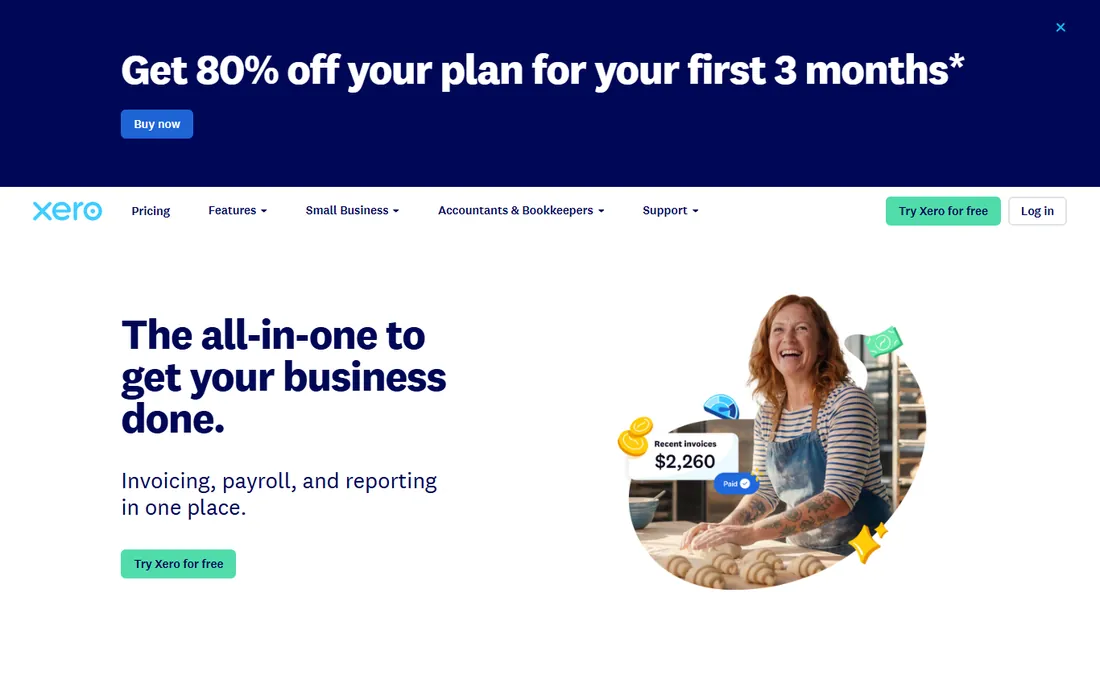
Xero built its reputation on international readiness: multi-currency invoicing, bill payments and bank reconciliation with automatic rate feeds, plus reporting that handles foreign exchange gains and losses properly. The US plans run $25 (Early), $55 (Growing) and $90 (Established) per month, with multi-currency sitting on Established.
For SMBs with real cross-border volume, Xero's multi-currency depth justifies the top tier. Occasional foreign invoices may be cheaper to handle in Zoho Books or Wave.
What we like- Multi-currency on the Established plan ($90/month): invoice, pay bills and reconcile in 160-plus currencies
- Automatic exchange rate updates and realized/unrealized gains
- Strong bank feed coverage internationally
Watch out for- Multi-currency requires the top SMB tier
- Per-plan feature gating can frustrate growing businesses
- Payroll is a separate add-on in some regions
Starting priceSee website
Free planNo
QuickBooks Online remains the default US small-business ledger, and its multi-currency features cover the standard needs: foreign-currency invoices and bills, automatic exchange rates, and home-currency reporting with FX gains and losses. Your accountant almost certainly knows it, which matters at tax time.
Pricing requires a visit to quickbooks.intuit.com, and multi-currency lives on the upper plans. Businesses choosing between Xero and QuickBooks usually decide on ecosystem and accountant familiarity rather than multi-currency depth.
What we like- Multi-currency support for invoicing, bills and reports
- The US market leader, so accountants know it
- 800-plus integrations and deep payroll options
Watch out for- Pricing is not published on the homepage
- Multi-currency is limited to higher tiers
- The interface carries years of accumulated complexity
#3
FreshBooks
Best for: Freelancers and service businesses billing clients abroad
Visit freshbooks.com
Starting priceSee website
Free planNo
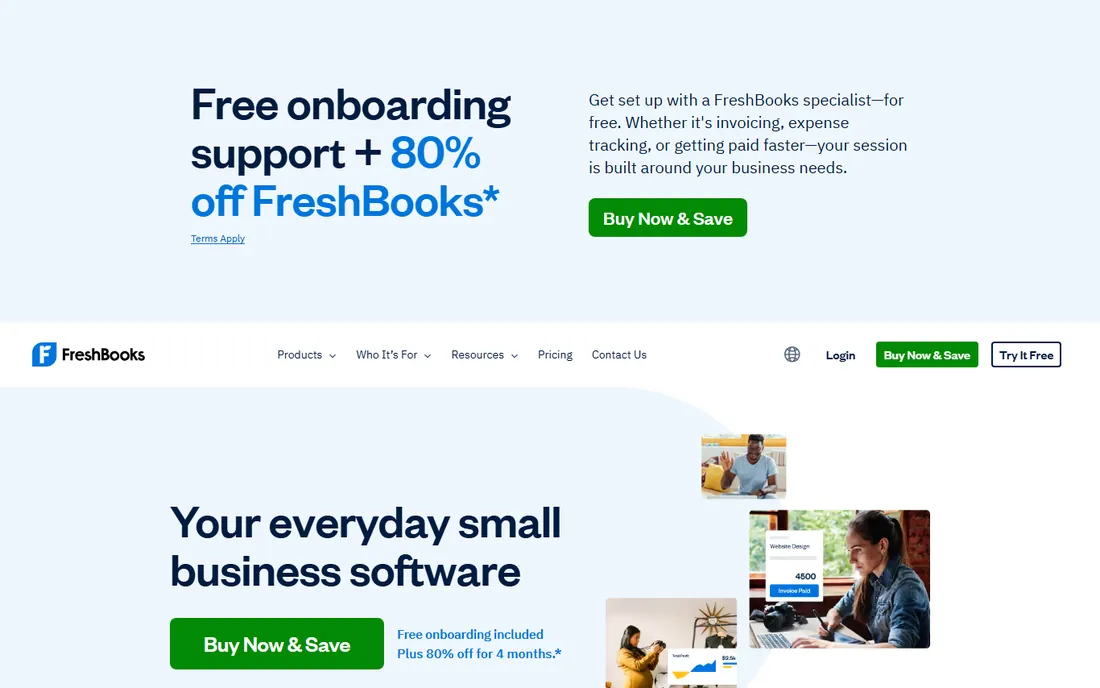
FreshBooks is the freelancer's favorite: invoices that look great, get paid fast, and handle foreign currencies for clients abroad. Time tracking, expense capture and project features suit service businesses better than inventory-heavy ones. The multi-currency story is about billing and getting paid, not complex consolidation.
It is not a full ERP, and businesses with multi-entity needs should look at NetSuite or Intacct. But for solo operators and small agencies with international clients, FreshBooks keeps the books simple.
What we like- Simple, beautiful invoicing with multi-currency support
- Built for service businesses: time tracking, expenses, proposals
- Used in 160-plus countries
Watch out for- Pricing page leads with a $1/month first-year promo rather than standard rates
- Lighter general-ledger depth than Xero or QuickBooks
- Multi-currency is invoicing-focused
#4
Zoho Books
Best for: Small businesses wanting multi-currency on a budget
Visit zoho.com
Starting priceFree (paid from $12/month)
Free planYes
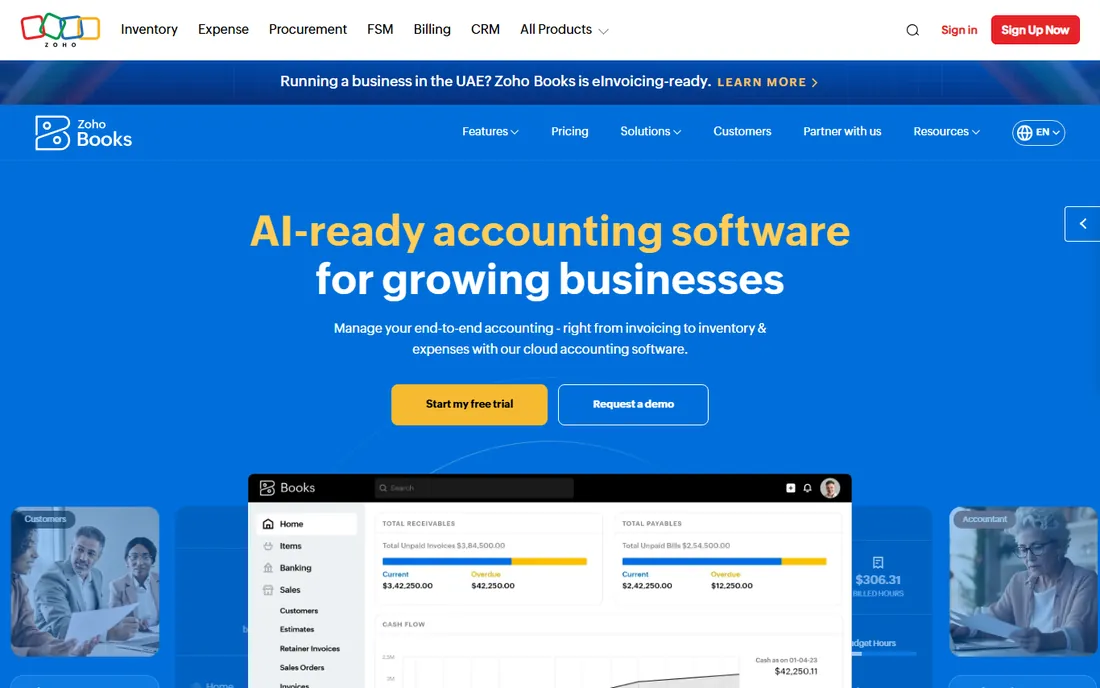
Zoho Books is the value play: a complete accounting platform with multi-currency support (paid plans from $12/month, free tier available for the smallest businesses), automatic exchange rate updates, and foreign-currency invoicing and bills. Integration with Zoho CRM, Inventory and the wider suite suits businesses already in the Zoho world.
Feature depth trails Xero and QuickBooks at the top end, but the price gap is dramatic. For cost-conscious small businesses with international transactions, Zoho Books is the first place to look.
What we like- Free plan for micro-businesses
- Paid tiers from $12/month
- Multi-currency transactions, automated FX and 180-plus currencies supported on paid plans
- Part of the integrated Zoho suite
Watch out for- Multi-currency requires a paid plan
- The free tier has transaction limits
- Advanced inventory and automation need higher tiers
Starting priceFree
Free planYes
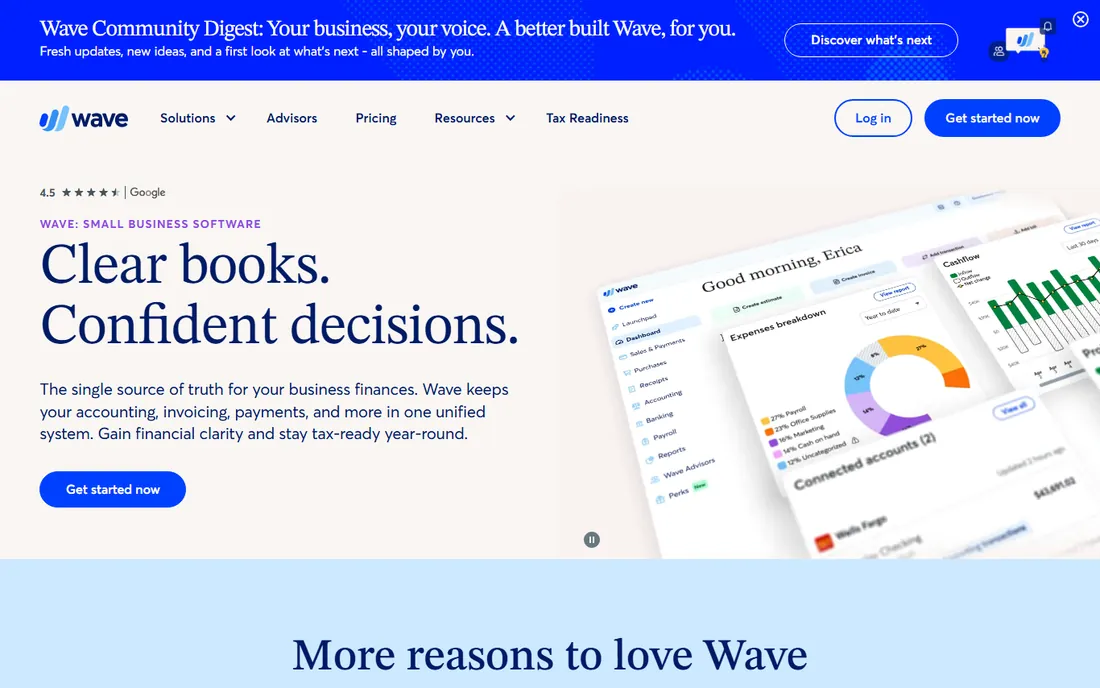
Wave's pitch is radical simplicity: free double-entry accounting and invoicing for small businesses, including the ability to invoice in foreign currencies. For freelancers and micro-businesses whose international needs stop at "bill a client in euros," Wave handles it at zero software cost.
Businesses with foreign-currency bills, multi-currency bank accounts or consolidation needs will outgrow it. But as a free starting point, Wave's multi-currency invoicing is unmatched value.
What we like- Free accounting, invoicing and receipts
- Multi-currency invoicing supported
- Built for non-accountant small business owners
- Simple, friendly interface
Watch out for- Multi-currency depth is basic compared with paid tools
- Payroll and payments are paid add-ons
- Support options are limited on the free tier
#6
Sage Intacct
Best for: Finance teams managing multiple entities and currencies
Visit sage.com
Starting priceSee website
Free planNo
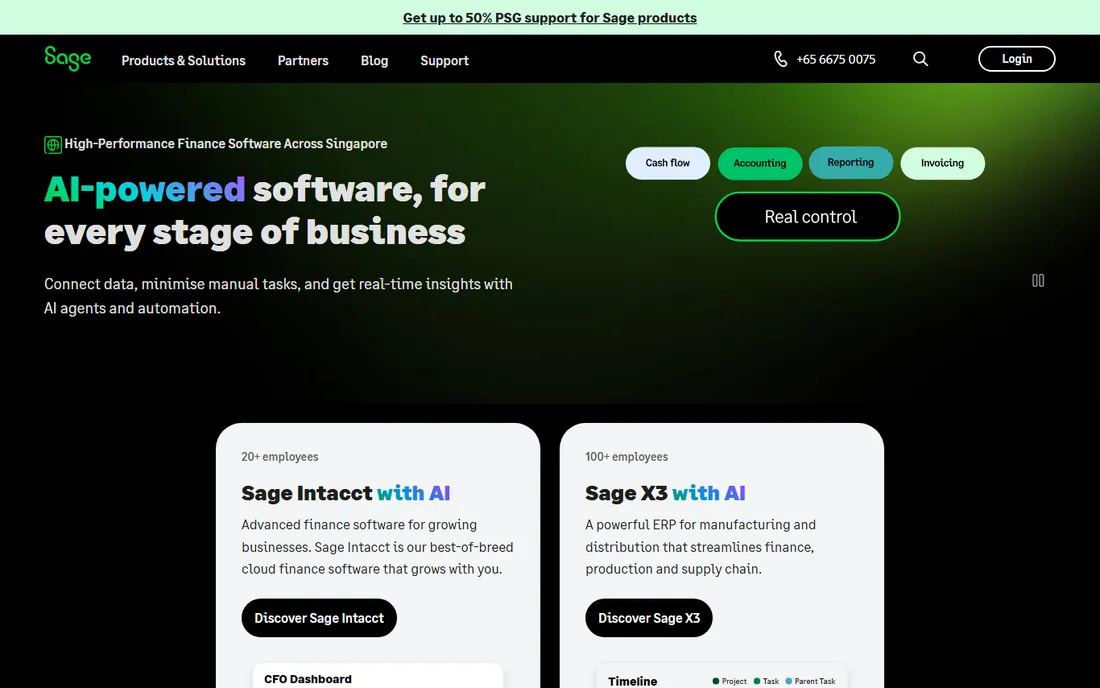
Sage Intacct is the step up when spreadsheets and SMB tools break: multi-entity accounting with automatic currency translation, intercompany eliminations and consolidated reporting across subsidiaries. Finance teams get dimensional chart of accounts, strict approval workflows and audit-ready controls.
This is mid-market software with mid-market pricing (request a quote at sage.com) and implementation effort to match. Single-entity businesses should stay with Xero or QuickBooks; groups with foreign subsidiaries belong here.
What we like- True multi-entity, multi-currency consolidation with automated intercompany
- AICPA-preferred cloud financials
- Strong controls, audit trails and dimensional reporting
Watch out for- Pricing requires a quote
- Implementation is a project, not a signup
- Overkill for single-entity small businesses
#7
NetSuite
Best for: Global businesses needing ERP-grade multi-currency
Visit netsuite.com
Starting priceSee website
Free planNo
Oracle NetSuite is the heavyweight: a unified cloud ERP where multi-currency runs through every module (order management, billing, inventory, financials) with automated consolidation across subsidiaries. Businesses operating in dozens of countries with complex tax and compliance needs land here.
The cost and implementation effort put NetSuite out of reach for small businesses; that is by design. For scaling companies whose multi-currency needs span entities, warehouses and sales channels, it is the reference platform.
What we like- Full ERP: financials, inventory, CRM and ecommerce with multi-currency throughout
- Multi-subsidiary consolidation in 190-plus currencies
- The enterprise standard for growing global companies
Watch out for- Pricing requires a quote and is enterprise-grade
- Implementations take months
- Complexity demands dedicated administration
#8
Odoo Accounting
Best for: Businesses wanting open-source multi-currency with ERP around it
Visit odoo.com
Starting priceFree (Enterprise per user)
Free planYes
Odoo takes the open-source route to global accounting: multi-currency invoicing, bills and reporting with automatic exchange rates, inside an ERP that also runs your CRM, inventory and point of sale. The Community edition costs nothing; Enterprise is a single per-user price with no usage-based surprises.
It will not match NetSuite's consolidation depth, and setup rewards technical confidence. But for businesses that want ERP breadth and multi-currency without enterprise licensing, Odoo is the compelling alternative.
What we like- Community edition is free and open source
- Multi-currency accounting with automatic rates
- Sits inside a full ERP (CRM, inventory, POS, projects)
- Per-user Enterprise pricing with no usage-based fees
Watch out for- Multi-currency depth trails NetSuite and Intacct
- Implementation and customization need technical help
- The app breadth can overwhelm pure accounting users
Frequently asked questions
What is multi-currency accounting software?
Accounting software that lets you invoice, pay bills and keep books in more than one currency: it applies exchange rates automatically, tracks foreign exchange gains and losses, and reports in your home currency.
Which plan do I need for multi-currency in Xero?
Multi-currency in Xero requires the Established plan ($90/month); it is not included on Early ($25) or Growing ($55). Check xero.com for current plan details.
What is the cheapest multi-currency accounting software?
Wave (free) and Zoho Books (free plan; paid from $12/month) are the cheapest verified options with real multi-currency support. Odoo's free Community edition is another zero-cost route.
Do I need multi-currency accounting or just multi-currency invoicing?
Invoicing-only needs (billing foreign clients) are served by Wave, FreshBooks and Zoho Books. Full multi-currency accounting (foreign bills, multi-currency bank accounts, FX gains/losses, consolidation) needs Xero, QuickBooks, Intacct, NetSuite or Odoo.
How do exchange rates work in these tools?
Most pull daily rates automatically from rate providers and apply them to transactions, then calculate realized and unrealized foreign exchange gains and losses for reporting. You can usually override rates manually.
What about taxes across countries?
Multi-currency tools handle the currency math; tax compliance (VAT/GST, withholding, nexus) is a separate concern. Businesses operating in multiple tax jurisdictions need local accountants regardless of software choice.
Can I switch multi-currency tools later?
Yes, but plan the migration: export chart of accounts, open invoices and bills, customer and vendor records, and historical FX rates. Mid-migration is also the moment most businesses discover their old tool was missing realized FX gains, so reconcile carefully in the first quarter on the new system.
Do these tools handle cryptocurrency?
Generally no, or only partially. Crypto accounting (cost basis, staking rewards, wallet reconciliation) is a specialist category; most of the tools here treat crypto as a manual asset at best. Businesses with meaningful crypto volume should pair their ledger with dedicated crypto accounting software.
What multi-currency really needs
Checklist before you buy: invoice and receive payment in foreign currencies, pay foreign-currency bills, hold multi-currency bank accounts, automatic exchange rate updates, FX gain/loss reporting, and (for groups) multi-entity consolidation with currency translation. Match the list to the tool: invoicing-only needs are cheap to serve; consolidation needs are not. Buying NetSuite for foreign invoices is as wasteful as running a subsidiary on Wave.
The hidden cost: FX fees
Software cost is only half the bill. Payment processors and banks take their cut on every currency conversion (often 1-3% above the mid-market rate), and those fees dwarf software subscriptions at volume. When comparing tools, look at their payment integrations and whether they connect to low-cost FX providers. A $90/month plan that routes payments through cheap rails beats a free plan that does not.
The practical move is to separate the two decisions: choose accounting software for the books, and choose payment rails for the money movement. Many businesses run Xero or QuickBooks for accounting while collecting through a multi-currency business account that converts at near mid-market rates, then reconcile in the ledger. Ask each vendor which payment and banking integrations they support before committing, and model the FX cost on your actual monthly volume: at $50,000/month in conversions, a single percentage point of spread is $500, several times the software subscription.
How we chose
We started with the multi-currency accounting category as international businesses search it, then verified each vendor's live homepage. We used vendor-published pricing where available (Xero's $25/$55/$90 tiers, Zoho Books' free-to-$12/month range) and wrote "See website" where pricing required a quote or was not published. We covered the full range from free invoicing to enterprise consolidation.
Sources we checked (8)
- https://www.xero.com/
- https://www.quickbooks.intuit.com/
- https://www.freshbooks.com/
- https://www.zoho.com/books
- https://www.waveapps.com/
- https://www.sage.com/
- https://www.netsuite.com/
- https://www.odoo.com/
Is your product missing or out of date?
We review this list regularly. Vendors can request a listing, send updated pricing or ask about featured placement.

Shihab Mia · Founder, Rankite
Shihab has spent more than a decade helping SaaS and e-commerce brands grow through search. He writes Rankite's software buying guides from pricing pages, documentation and public user reviews. More about Shihab.