How we make this list: we compare pricing pages, product documentation and public user reviews. Rankite is independent; if a vendor ever pays for a featured spot, that listing is clearly labeled Partner.
Key takeaways
- For most SMBs the shortlist is Lansweeper ($239/year for 2,000 assets), Spiceworks Inventory (free, ad-supported) and Total Network Inventory ($100 one-time): three very different price models for the same core job.
- Teams that live in automation should look at NetBox (free open-source, paid Cloud quoted): it doubles as the source of truth for Ansible and Nornir, not just a static inventory.
- Auvik and Device42 publish no prices: Auvik bills per managed network device and Device42 per device/IP tier, so both require a quote modeled on your actual device mix.
- Docusnap ($229/month) is the pick when the deliverable is documentation: it turns inventory data into audit-ready reports and compliance evidence automatically.
Quick comparison
| Tool | Best for | Starting price | Free plan |
|---|
 Lansweeper Lansweeper | IT and security teams that want deep discovery without enterprise pricing | $239/year (Starter, up to 2,000 assets) | Free trial (14 days) |
 Auvik Auvik | MSPs and multi-site IT teams that want a live map, not a scan report | See website (custom quote, priced per managed network device) | Free trial (14 days, no credit card required) |
 NetBox NetBox | Network engineers who automate with Ansible, Nornir or Python | See website (NetBox Cloud custom-quoted) | Yes (open-source edition is free to self-host) |
 ManageEngine OpManager ManageEngine OpManager | IT shops that want inventory inside a full monitoring suite | $245/year (Standard Edition, 10 devices) | Yes (free edition monitors up to 3 devices; 30-day trial) |
 Total Network Inventory Total Network Inventory | Small teams that want to buy once and never pay a subscription | $100 (one-time, perpetual license with 1 year of updates) | Free trial |
 Spiceworks Inventory Spiceworks Inventory | IT departments with zero budget and tolerance for ads | $0 (free, ad-supported) | Yes (fully free) |
 Device42 Device42 | Data centers and hybrid estates needing discovery plus dependency mapping | See website (custom quote; vendor publishes no pricing) | Free trial |
 Docusnap Docusnap | IT teams and MSPs whose deliverable is documentation, not just data | $229/month (Docusnap365 Pro, billed annually) | Free trial (full-featured, no credit card required) |
Is your product missing or out of date?
We review this list regularly. Vendors can request a listing, send updated pricing or ask about featured placement.
The best network inventory software
Nobody budgets for network inventory until an audit, a security incident or a failed device forces the question: what do we actually own, where is it, and what is it running? By then a spreadsheet is already lying to you. The eight tools below all answer that question automatically, but they split into distinct philosophies: continuous discovery platforms (Lansweeper, Auvik), automation sources of truth (NetBox), monitoring suites with inventory built in (OpManager), one-time-license scanners (Total Network Inventory), free community tools (Spiceworks), data-center CMDBs (Device42) and documentation engines (Docusnap).
#1
Lansweeper
Best for: IT and security teams that want deep discovery without enterprise pricing
Visit lansweeper.com
Starting price$239/year (Starter, up to 2,000 assets)
Free planFree trial (14 days)
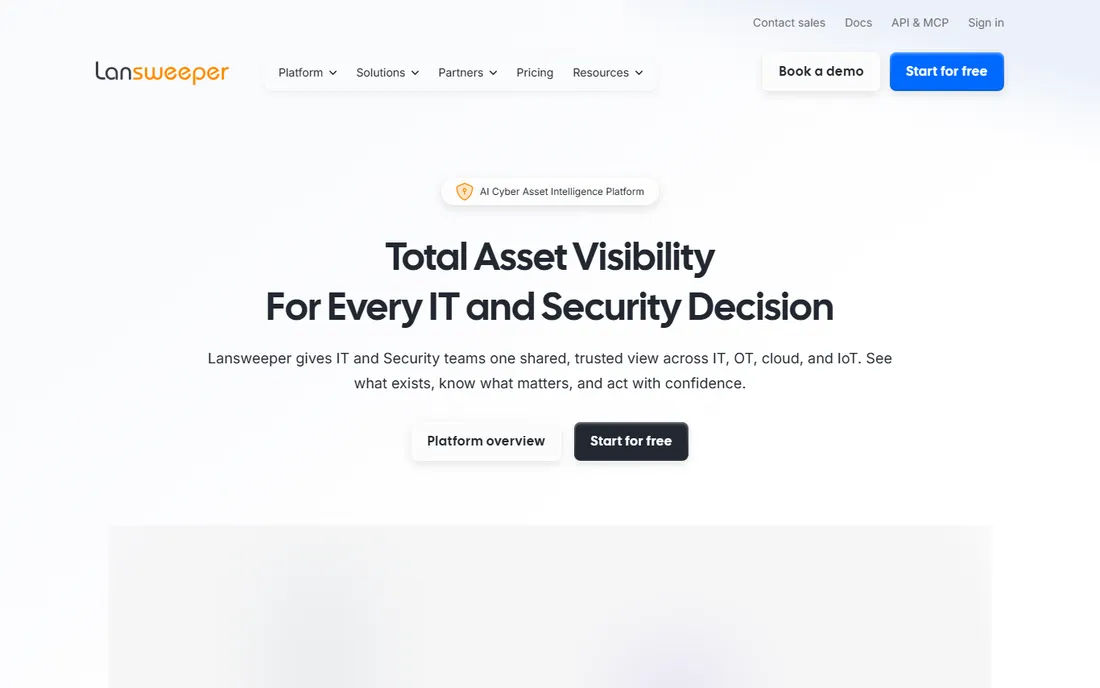
Lansweeper's pitch is simple: know every asset, or you cannot secure or manage any of them. It discovers devices agentlessly across your network, matches them by MAC, serial and hostname (never IP, so a device that changes address stays one record), and enriches each with lifecycle stage, vulnerability context and risk scoring. The same data feeds ITSM and CMDB tools, so the inventory becomes infrastructure rather than a report. Pricing per G2's vendor-supplied data starts at $239 per year for 2,000 assets on Starter, $439 on Pro.
The honest catch is presentation. Reviewers consistently praise the depth and the price while calling the UI dated, and very large estates need a properly sized SQL backend. Lansweeper has also repositioned itself as a "cyber asset intelligence platform," which means some messaging now targets security buyers more than the sysadmins who made it popular. If you want the most discovery per dollar and can live with the interface, nothing else here touches it.
What we like- Agentless discovery across IT, OT, cloud and IoT with a 175M+ device fingerprint library
- Per-asset pricing stays cheap as estates grow
- Strong vulnerability and lifecycle context on every asset
Watch out for- Interface and reporting feel dated next to newer cloud platforms
- Large environments need proper database planning to stay fast
#2
Auvik
Best for: MSPs and multi-site IT teams that want a live map, not a scan report
Visit auvik.com
Starting priceSee website (custom quote, priced per managed network device)
Free planFree trial (14 days, no credit card required)
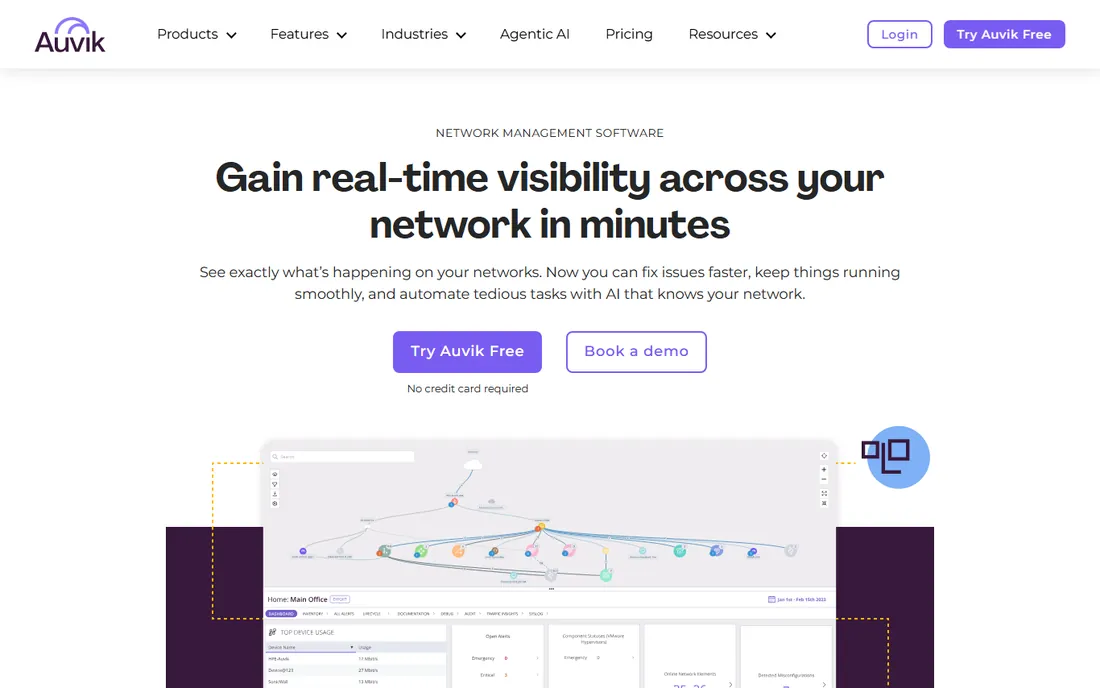
Auvik is the closest thing to "network inventory that draws itself." Deploy the collector, and within the hour you get a live topology map of every device and connection, automated inventory and documentation, configuration backups with version comparison, and traffic analysis. It supports 700+ device vendors out of the box, and the cloud deployment means no server to babysit. MSPs get multi-tenant management with per-client billing data from the usage API.
The honest catch is the quote. Auvik publishes no prices; you pay per managed network device across tiers (Essentials and Performance), while access points, printers, phones and IoT devices are monitored free. That makes the quote highly dependent on your device mix, so count your switches, routers, firewalls and wireless controllers before the call. If your network changes constantly and you need the map to keep up, Auvik earns its premium; if you just need a quarterly asset list, it is overkill.
What we like- Real-time automated topology mapping with zero drawing
- Config backup, traffic analysis and 64+ pre-built alerts in one cloud console
- Unlimited users, sites and endpoints on every plan
Watch out for- No published pricing, so budgeting starts with a sales conversation
- Only infrastructure devices (switches, routers, firewalls, controllers) are billable, which confuses first-time quotes
#3
NetBox
Best for: Network engineers who automate with Ansible, Nornir or Python
Visit netboxlabs.com
Starting priceSee website (NetBox Cloud custom-quoted)
Free planYes (open-source edition is free to self-host)
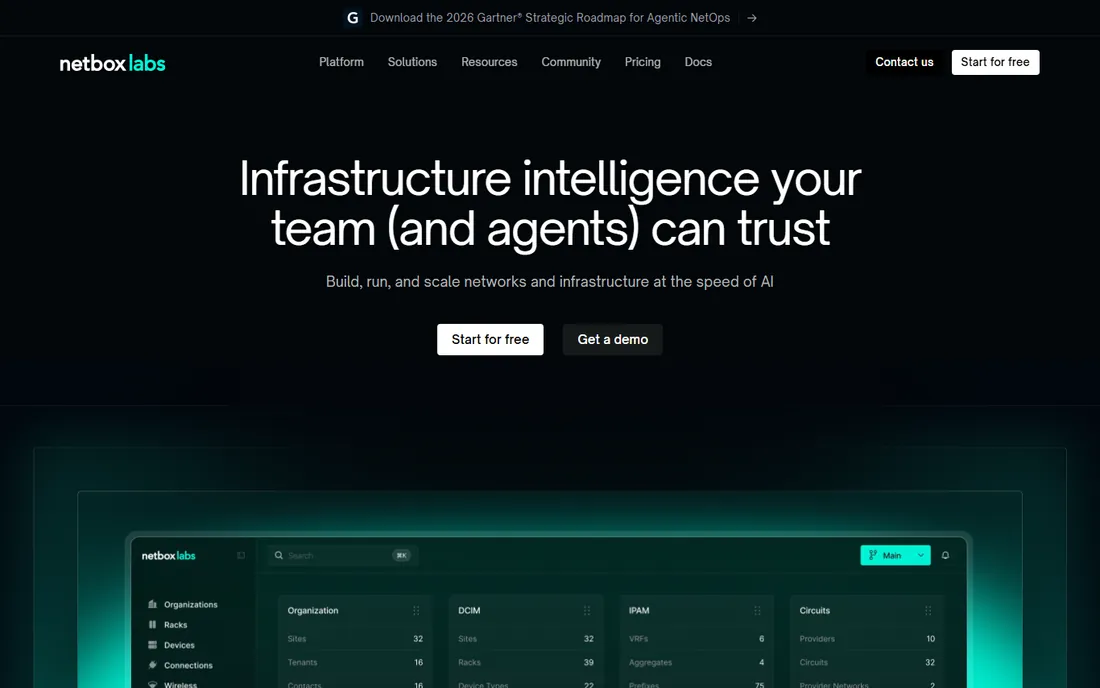
NetBox plays a different game from everything else on this list. It does not discover your network for you; it is the authoritative database where your network's intended state lives, and your automation reads from it. That is why network engineers love it: Ansible and Nornir pull inventory straight from NetBox, configs get generated from it, and drift between intent and reality becomes detectable. The open-source edition is free to self-host, and NetBox Labs sells NetBox Cloud and Enterprise for teams that want it managed.
The honest catch is the blank-page problem. Out of the box NetBox knows nothing about your network; you (or your discovery integrations) teach it. Teams without automation ambitions will find it an expensive-feeling way to keep a device list. But if your roadmap includes network automation, start with NetBox as the foundation and let every other tool feed it, not the other way around.
What we like- The industry-standard source of truth for network automation, trusted by 10,000+ organizations
- Free open-source core with a huge plugin ecosystem
- NetBox Cloud removes the hosting burden for teams that want it managed
Watch out for- It is a database you populate, not a scanner: discovery comes from integrations, not built-in magic
- Paid Cloud pricing is quote-only
#4
ManageEngine OpManager
Best for: IT shops that want inventory inside a full monitoring suite
Visit manageengine.com
Starting price$245/year (Standard Edition, 10 devices)
Free planYes (free edition monitors up to 3 devices; 30-day trial)
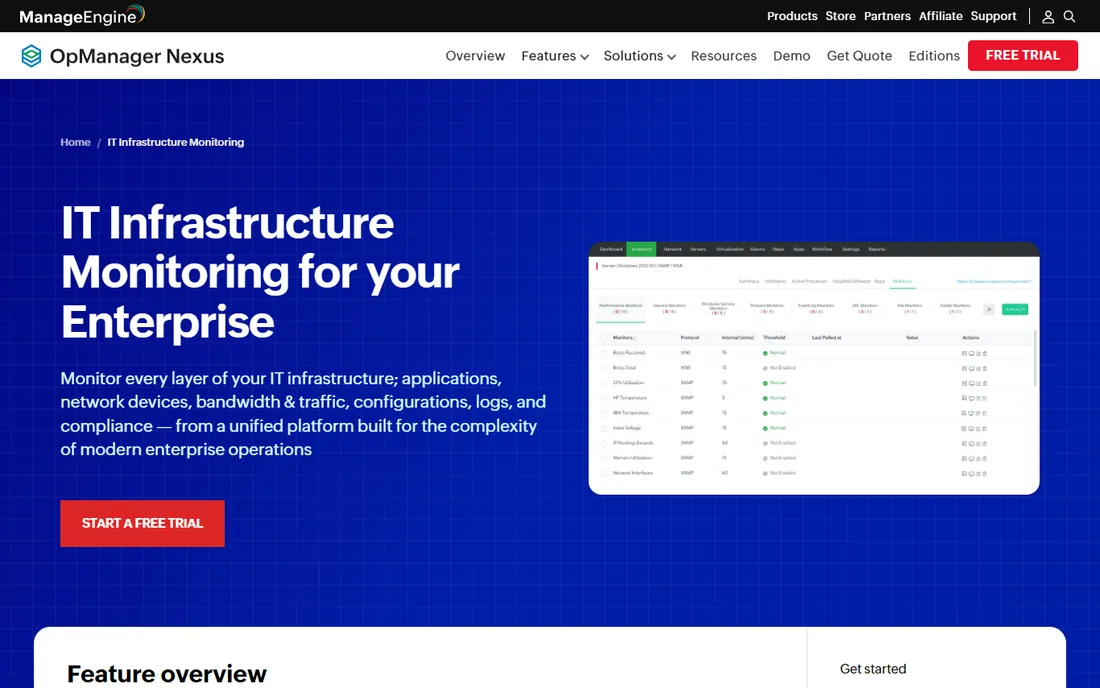
ManageEngine OpManager approaches inventory as one chapter of infrastructure monitoring rather than the whole book. Alongside device discovery and asset inventory you get fault and performance monitoring across 1,000+ device types, NetFlow-based bandwidth analysis, configuration change tracking with rollback, and compliance reporting. Pricing is refreshingly concrete for the category: Standard starts at $245 per year for 10 devices, Professional at $345, scaling to Enterprise tiers for thousands of devices.
The honest catch is the product maze. ManageEngine has folded OpManager Plus into "OpManager Nexus" as an observability platform while the classic editions continue, so confirm exactly which product a quote covers. The console is powerful but dense, and reviewers note it can be heavy on server resources in large environments. For Windows-centric SMBs that want one vendor for monitoring and inventory, the value is hard to beat; pure-inventory buyers will find simpler tools above.
What we like- Inventory, performance monitoring, config management and bandwidth analysis in one console
- Honest per-device pricing that starts small
- Deep Windows and virtualization coverage
Watch out for- ManageEngine's rebrand to "OpManager Nexus" (formerly OpManager Plus) makes the lineup confusing
- The interface carries years of accumulated complexity
#5
Total Network Inventory
Best for: Small teams that want to buy once and never pay a subscription
Visit softinventive.com
Starting price$100 (one-time, perpetual license with 1 year of updates)
Free planFree trial
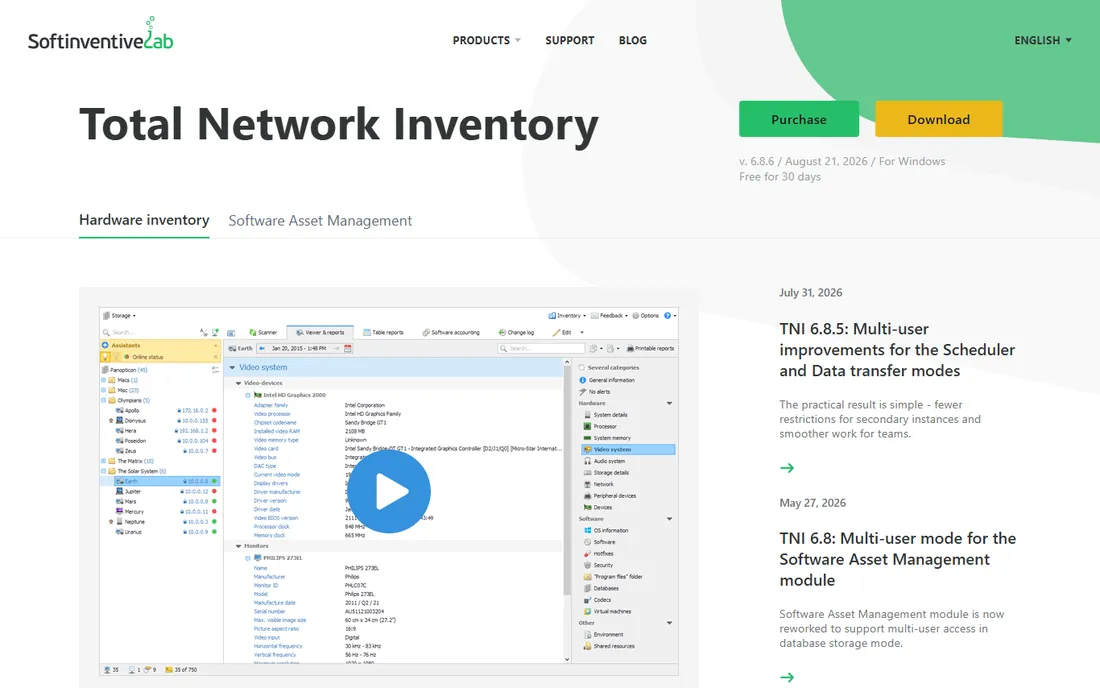
Total Network Inventory is gloriously old-school: you buy it once, install it on one Windows machine, give it admin credentials, and it scans your network into a centralized database. No agents, no cloud account, no monthly bill. The change log tracks hardware and software changes between scans, the scheduler keeps data fresh automatically, and reports export to XLSX, PDF and CSV. The vendor's store lists licenses from $100 one-time with a year of updates included.
The honest catch is the era it comes from. There is no web interface and no SQL backend; collaboration means sharing a folder. The Standard edition covers inventory basics, while network maps and software license accounting need the Professional edition. For a small office that wants an audit-ready asset list without another SaaS subscription, TNI is the pragmatic pick; distributed teams should look at the cloud options instead.
What we like- Perpetual license with no subscription treadmill
- Agentless scanning of Windows, macOS, Linux, FreeBSD and ESXi from a single install
- Change log, scheduled scans and barcode support included
Watch out for- Windows-only console with no web interface
- Professional edition (network maps, license accounting) costs extra
#6
Spiceworks Inventory
Best for: IT departments with zero budget and tolerance for ads
Visit spiceworks.com
Starting price$0 (free, ad-supported)
Free planYes (fully free)
Spiceworks Inventory is free in the most literal sense: no tiers, no device caps on the free plans, no credit card. The online version collects device data through lightweight agents into a cloud dashboard with customizable reports, while the classic on-prem scanner still exists for traditional networks. It is funded by advertising and vendor content, which is the entire business model, and support is free too.
The honest catch is what "free" costs. The interface carries ads, detailed inventory needs agents on each device, and performance degrades on large networks. Spiceworks is a community company first and a software vendor second, so the roadmap follows community energy. For a small business or school that needs asset tracking today for zero dollars, it is genuinely useful; anyone with compliance requirements or thousands of devices will outgrow it fast.
What we like- Completely free, including support
- Cloud-based Inventory Online plus the classic on-prem scanner
- Backed by the huge Spiceworks IT community for troubleshooting help
Watch out for- Ad-supported interface feels cluttered
- Agent-based collection for detailed data
- Scalability limits for large estates
#7
Device42
Best for: Data centers and hybrid estates needing discovery plus dependency mapping
Visit device42.com
Starting priceSee website (custom quote; vendor publishes no pricing)
Free planFree trial
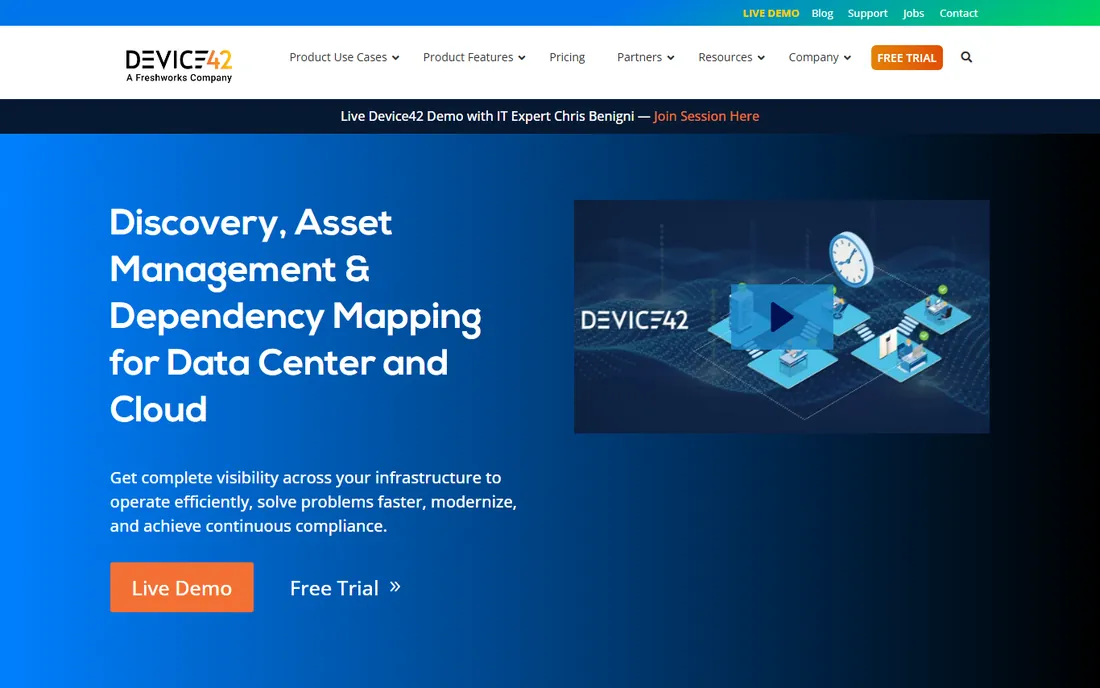
Device42, now a Freshworks company, is the heavyweight CMDB option: continuous agentless discovery across servers, network gear, virtualization and cloud, with everything stored as configuration items in a central repository. Its signature strength is dependency mapping: visualizing which applications depend on which infrastructure, which makes data-center migrations and impact analysis dramatically safer. IP address management, software license tracking and rack visualizations ride along.
The honest catch is commercial opacity. Device42 publishes no prices; third-party sources cite entry tiers around $1,449 per year for up to 100 devices with add-on modules (software license management, power monitoring, advanced discovery) priced separately, but treat those as estimates and get the quote. Implementation is a project, not an afternoon. Buy Device42 when dependency mapping and audit readiness justify enterprise process; buy Lansweeper or TNI when you just need to know what you own.
What we like- Agentless discovery from mainframes to cloud containers in one CMDB
- Application dependency mapping that de-risks migrations
- IPAM, password management and DCIM views included
Watch out for- No published pricing and modular add-ons make budgeting murky
- Reviewers report a steep learning curve and slower performance at very large scale
#8
Docusnap
Best for: IT teams and MSPs whose deliverable is documentation, not just data
Visit docusnap.com
Starting price$229/month (Docusnap365 Pro, billed annually)
Free planFree trial (full-featured, no credit card required)
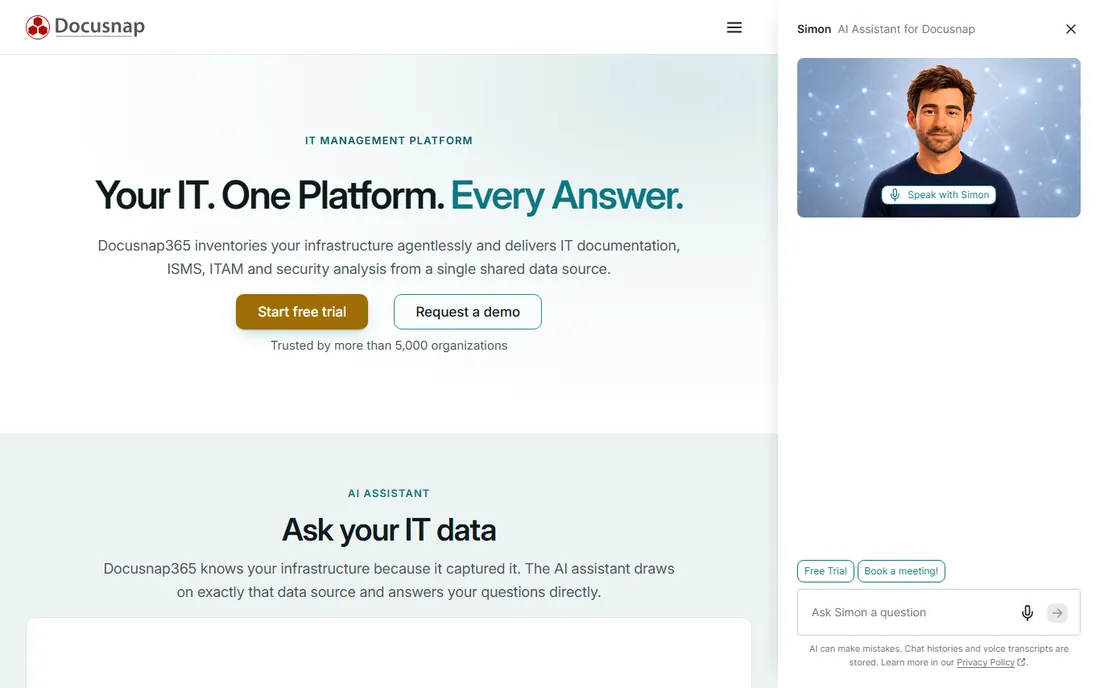
Docusnap answers a different question from the rest of this list: not "what do we own" but "prove it, in writing, to an auditor." Its agentless inventory feeds a documentation engine that generates network maps, topology plans, emergency manuals and compliance evidence (ISO 27001, NIS2) that update with every scan. Permission analysis shows who can access what in the Windows filesystem, CVE analysis flags vulnerable systems, and warranty matching tracks hardware coverage. Over 5,000 organizations use it, and the vendor offers a genuinely full-featured free trial with no sales call.
The honest catch is the price tag. Docusnap365 Pro starts at $229 per month billed annually (around 4,000 Windows systems), Business at $799, and the classic perpetual edition historically started around 465 euros per year. That is documentation-platform money, not scanner money. If audits, certifications or client-facing documentation are the job, Docusnap pays for itself; if you just need an asset list, the cheaper tools above do it for less.
What we like- Turns inventory into 200+ auto-updating reports, network maps and compliance evidence
- Agentless discovery across on-prem and cloud
- ISMS, permission analysis and CVE checks built in
Watch out for- Priced per month like an enterprise platform, steep for small shops
- The classic on-prem edition and the Docusnap365 cloud line can confuse buyers
Agentless vs. agent-based vs. cloud: pick your discovery model
How a tool collects data shapes everything about living with it, so decide this before comparing features.
Agentless scanning
Lansweeper, Total Network Inventory and Docusnap scan from the network using existing credentials (WMI, SSH, SNMP). Nothing to install on endpoints, which makes deployment fast and keeps desktop teams happy. The tradeoff is depth: deeply detailed software data sometimes needs an agent, and scans only see what is online and reachable when they run.
Agent-based collection
Spiceworks Inventory Online leans on lightweight agents for full detail. Agents see everything on the endpoint even off-network, but you now manage agent deployment, updates and the occasional broken agent. Best for laptop-heavy fleets where devices wander.
Cloud-native continuous discovery
Auvik and NetBox Cloud watch continuously rather than scanning on a schedule. Auvik's live map never goes stale; NetBox stays current because automation writes to it. The price is a subscription and, for Auvik, a cloud dependency. Choose this when the network changes faster than your scan schedule.
What network inventory actually costs
Pricing models in this category are all over the map, so normalize before comparing. Per-asset annual (Lansweeper, from $239/year for 2,000 assets) is cheapest at scale. Per-device annual (OpManager, from $245/year for 10 devices) looks cheap until you count every switch port and printer. Perpetual one-time (Total Network Inventory, from $100) wins for static small networks and loses the moment you need ongoing updates. Quote-only per-device (Auvik, Device42) demands a real device count before the sales call, or the quote will surprise you. And free (Spiceworks, NetBox open-source) costs staff time instead of money: budget the hours honestly.
Two traps to avoid. First, the "free trial" that becomes shelfware: inventory tools only pay off if someone owns the data, so assign an owner before the trial starts. Second, the discovery gap: every tool here misses something (offline devices, shadow IT, cloud sprawl), so plan a second source for what your primary tool cannot see.
How we chose
We started from how IT teams actually buy: continuous discovery platforms, automation sources of truth, monitoring suites, one-time scanners, free tools, data-center CMDBs and documentation engines. For each candidate we opened the vendor's own site and pricing page, took prices only from vendor-published pages (writing "See website" where the vendor publishes nothing), and cross-checked positioning against public reviews on G2 and Capterra and practitioner discussion on Reddit. Lansweeper's entry price comes from G2's vendor-supplied pricing data; Device42 and Auvik publish no prices, so we did not invent any.
Frequently asked questions
What is network inventory software?
It automatically discovers the devices on your network (servers, workstations, switches, printers, and more), records their hardware and software details, and keeps that record current. Good tools add change tracking, reporting, license management and integrations with help desks and monitoring systems.
How much does network inventory software cost?
From $0 to quote-only enterprise pricing. Spiceworks Inventory is free (ad-supported), Total Network Inventory starts at $100 one-time, Lansweeper at $239/year, OpManager at $245/year, Docusnap at $229/month, while Auvik, Device42 and NetBox Cloud are custom-quoted based on your device count.
Do I need agents on every device?
Not necessarily. Lansweeper, Total Network Inventory and Docusnap scan agentlessly using network credentials. Spiceworks Inventory Online uses lightweight agents for full detail. Auvik uses a collector appliance per site. Agentless is easier to deploy; agents see more on roaming laptops.
What is the difference between network inventory and a CMDB?
Inventory records what exists; a CMDB records what exists plus how it relates and what it is supposed to be. Device42 and NetBox are CMDBs: they model dependencies, support change processes and feed automation. Lansweeper and TNI are inventory-first. Buy the CMDB when you manage change; buy inventory when you manage assets.
Can network inventory software find rogue devices?
The continuous-discovery tools can: Lansweeper's passive detection, Auvik's live mapping and OpManager's rogue-device detection all surface unknown devices. Scheduled scanners only find what is present during a scan. Either way, pair discovery with a policy for what happens when an unknown device appears.
Is open-source network inventory worth it?
NetBox's open-source edition is free and excellent as an automation source of truth, but it is a database you populate, not a scanner. Budget the integration work honestly: the software is free, the staff time to feed it is not. Teams without automation plans usually get more value from Lansweeper or Spiceworks.
Sources we checked (12)
- https://lansweeper.com/
- https://www.auvik.com
- https://netboxlabs.com/
- https://www.manageengine.com/it-operations-management/it-infrastructure-monitoring.html
- https://www.softinventive.com/products/total-network-inventory
- https://www.softinventive.com/store/total-network-inventory/
- https://www.spiceworks.com
- https://www.device42.com
- https://docusnap.com/
- http://docusnap.com/en/pricing
- https://www.g2.com/products/lansweeper/pricing
- https://www.g2.com/products/manageengine-opmanager/reviews
Is your product missing or out of date?
We review this list regularly. Vendors can request a listing, send updated pricing or ask about featured placement.

Shihab Mia · Founder, Rankite
Shihab has spent more than a decade helping SaaS and e-commerce brands grow through search. He writes Rankite's software buying guides from pricing pages, documentation and public user reviews. More about Shihab.