How we make this list: we compare pricing pages, product documentation and public user reviews. Ratings come from G2, Capterra or Trustpilot, with the date we checked them.
The short answer
Adobe Premiere Pro is the best multicam sync software for most editors, because it syncs clips by audio waveform, timecode, or markers, and it lets you switch angles live while the timeline plays. DaVinci Resolve is the best free option, with audio and timecode sync at no cost. Final Cut Pro is the best one-time purchase for Mac editors.
Key takeaways
- Audio waveform sync is the most useful method for weddings, interviews, and podcasts, because every camera records the same room sound.
- Timecode sync is the most reliable method for planned shoots, but it needs cameras that share the same clock.
- Premiere Pro, Final Cut Pro, and DaVinci Resolve all support live angle switching.
- DaVinci Resolve and PowerDirector both offer free versions with multicam tools, so you can test the workflow before paying.
- Four 4K angles usually need proxies or a strong graphics card.
What is multicam sync software and how does it work?
Multicam sync software lines up video clips from two or more cameras so they play in step on one timeline. You select the clips from each angle, pick a sync method, and the editor builds a single multicam clip that holds every angle. You then watch all angles at once and click the one you want while the sequence plays, which cuts the edit in real time. The sync step is what makes the whole workflow possible. Without it, you would have to line up each clip by eye, which takes hours on a long ceremony or podcast. Good sync software also keeps audio attached to the right picture.
Which sync method is most reliable: audio, timecode, or a clap?
Timecode is the most reliable sync method when your cameras and audio recorder can share it. Each device stamps every frame with the same clock, so the editor lines clips up frame by frame. Audio waveform sync is the most practical method for most creators, because it needs no extra gear. The editor compares the sound recorded on each camera, finds the matching pattern, and slides the clips into place. A clap works as a manual sync point when audio is weak or missing. You mark the frame where the clapboard closes on each angle, and the editor aligns those marks. For a wedding, audio sync usually wins. For a studio interview with a dedicated recorder, timecode wins, because it never drifts.
Most tools here handle four or more angles, and the professional editors handle far more. Premiere Pro, Final Cut Pro, DaVinci Resolve, and Avid Media Composer can group a large number of angles into one multicam clip, though how many you can watch at once depends on your hardware. Four angles is the practical limit for most laptops, because each angle needs its own decoded video stream. Six to nine angles are common at weddings, with a wide shot, two close cameras, and a roaming camera. Podcast producers usually run two to four angles. The cheaper tools in this guide cap out sooner, with four angles being a typical ceiling. Check the angle limit before you buy, and remember that proxy files make a big difference.
What should wedding and event filmmakers look for in multicam software?
Wedding and event filmmakers should look for strong audio waveform sync first, because ceremonies are shot with cameras that never share timecode. The editor must line up a long ceremony from three or four cameras using only the sound each camera recorded, and it must hold sync across an hour-long take without drift. Fast angle switching matters next, because the cut is often made live while watching the ceremony play through. A clear multicam viewer and keyboard shortcuts for switching angles save time. Proxy support matters too, because wedding footage is often 4K, and four 4K angles will choke a laptop without proxies. Finally, look for a tool that keeps audio from your best source attached to the picture.
Do I need to pay for multicam sync, or is there a good free option?
You do not need to pay for multicam sync. DaVinci Resolve includes full multicam sync in its free version, with audio waveform sync, timecode sync, and a multicam viewer, and it is the strongest free option in this guide. PowerDirector Essential is also free and includes a multicam designer, though its free version adds a watermark to exports. Lightworks has a free version too, but free exports are capped at 720p, which is too low for most client work. Paid tools earn their price with deeper angle switching, better proxy workflows, and stronger support for shared projects. If you edit multicam once a month or less, start with DaVinci Resolve. If you cut it weekly for clients, a paid editor pays for itself in saved time.
Multicam sync software at a glance
| Tool | Best for | Starting price | Free plan |
| Adobe Premiere Pro | Pro editors who cut multicam daily | $22.99 per month, annual plan billed monthly | 7-day free trial |
| Final Cut Pro | Mac editors, one-time purchase | $299.99 one-time | 90-day free trial |
| DaVinci Resolve | Editors who want free sync | Free; Studio $295 one-time | Full free version |
| Avid Media Composer | Broadcast and film teams | $39.99 per month, Standard | Media Composer First, free |
| VEGAS Pro | Windows editors, strong audio | $17.95 per month | 15-day free trial |
| Lightworks | Budget editors, all platforms | $9.99 per month, Create | Free version, 720p export cap |
| CapCut | Creators, short multicam clips | $19.99 per month, Pro | Free plan |
| CyberLink PowerDirector | Beginners, guided multicam | $79.99 per year, 365 list price | PowerDirector Essential, free |
Quick comparison
| Tool | Best for | Starting price | Free plan |
|---|
 Adobe Premiere Pro | Professional editors who cut multicam daily | $22.99 per month on an annual plan, billed monthly, checked 12 Nov 2026 | 7-day free trial; no free desktop plan |
 Final Cut Pro | Mac editors who want a one-time purchase | $299.99 one-time, checked 12 Nov 2026 | 90-day free trial |
 DaVinci Resolve | Editors who want free multicam sync | Free; Studio $295 one-time, checked 12 Nov 2026 | Full free version with multicam sync included |
 Avid Media Composer | Broadcast and film teams that need shared projects | $39.99 per month for Standard, third-party reported on 12 Nov 2026; Avid's store prices vary by region, so confirm at checkout | Media Composer First, free with limited features |
 VEGAS Pro | Windows editors who want strong audio tools | $17.95 per month, $99.95 per year, or $219.95 perpetual, checked 12 Nov 2026 | 15-day free trial with all features |
 Lightworks | Budget editors on Windows, Mac, or Linux | $9.99 per month for Create; Pro is $23.99 per month, third-party reported on 12 Nov 2026; confirm on the LWKS pricing page | Free version with export capped at 720p |
 CapCut | Creators who edit short multicam clips | $19.99 per month for Pro, or $179.99 per year, third-party reported on 12 Nov 2026 from CapCut's plan page and app store listings; CapCut publishes no fixed global price, so checkout shows the final figure | Free plan with core editing included |
 CyberLink PowerDirector | Beginners who want guided multicam editing | $79.99 per year list price for PowerDirector 365; a $59.99 promotional annual price was reported on CyberLink's US listing in late October 2026; monthly billing is $24.99 per month | PowerDirector Essential, free with a watermark on exports |
Is your product missing or out of date?
We review this list regularly. Vendors can request a listing, send updated pricing or ask about featured placement.
The best multicam sync software for video editing
#1Adobe Premiere Pro
Best for: Professional editors who cut multicam daily4.5/5 on
G2 (1,675 reviews, checked Oct 2026)
Visit adobe.com
Starting price$22.99 per month on an annual plan, billed monthly, checked 12 Nov 2026
Free plan7-day free trial; no free desktop plan
Premiere Pro syncs multicam clips through its Create Multi-Camera Source Sequence command. You select the clips from each angle, then choose audio, timecode, clip markers, or in and out points as the sync method. Audio sync compares the waveforms from each camera and slides the clips into place, which suits weddings and interviews. Once the sequence is built, you open the multicam viewer and watch every angle at once. You click an angle, or press its number key, while the sequence plays, and Premiere cuts to that angle in real time.
What we like- Fast, accurate audio waveform sync
- Live angle switching
- Strong proxy workflow for 4K angles
Watch out for- Subscription only, with no perpetual license
- Several 4K angles can stutter on older hardware without proxies
#2Final Cut Pro
Best for: Mac editors who want a one-time purchase4.4/5 on
G2 (87 reviews, checked Oct 2026)
Visit apple.com
Starting price$299.99 one-time, checked 12 Nov 2026
Free plan90-day free trial
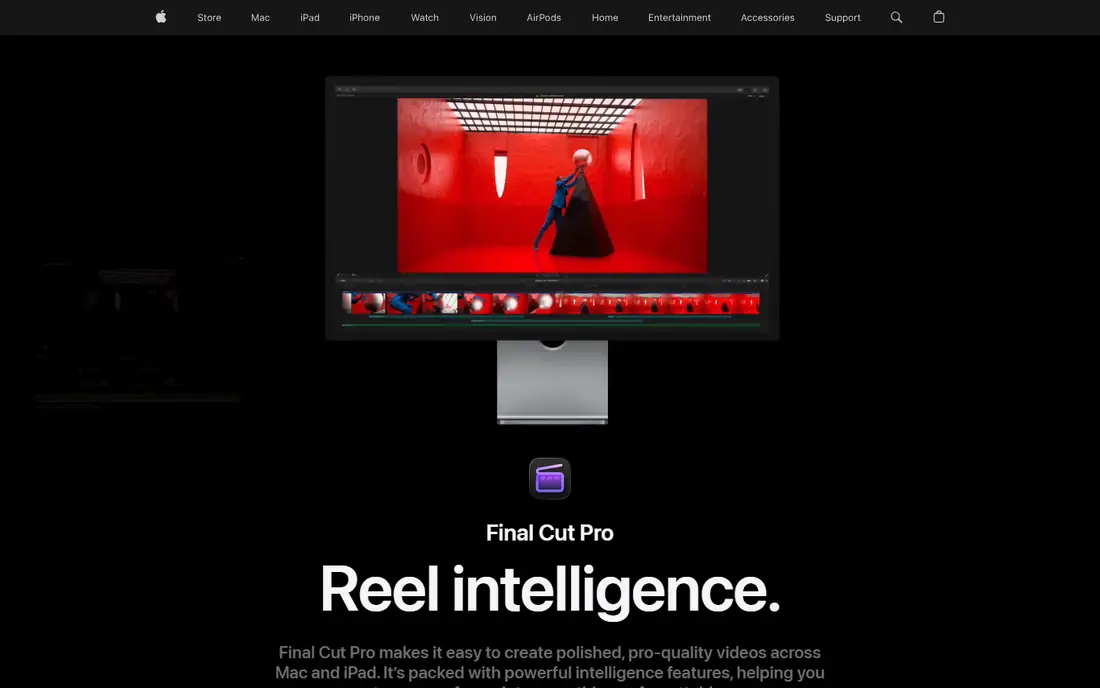
Final Cut Pro builds a multicam clip from your selected angles and syncs them by audio waveform, timecode, content creation date, or a manual marker. Audio sync needs no extra gear and handles long takes well. After sync, you open the Angle Viewer and watch every camera at once. You click an angle or press a number key to cut to it while the clip plays, and Final Cut records each switch as an edit on the timeline. The Angle Editor lets you nudge one angle by a frame when the automatic sync is slightly off. You can also keep the audio on a separate angle, so the picture cuts while the sound stays on your best microphone.
What we like- Fast playback on Apple silicon
- Angle editor for fine sync fixes
- One-time price with free updates
Watch out for- Mac only, with no Windows version
- The magnetic timeline takes time to learn for editors used to track-based timelines
Starting priceFree; Studio $295 one-time, checked 12 Nov 2026
Free planFull free version with multicam sync included
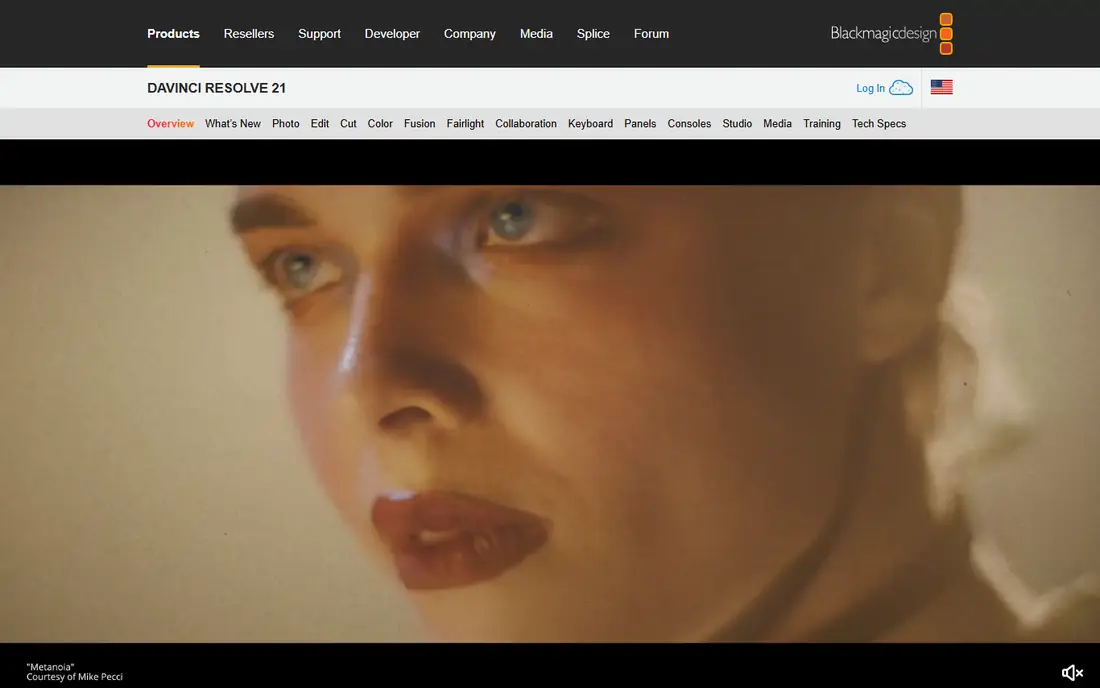
DaVinci Resolve syncs multicam clips in its Media Pool and in the Sync Bin on the Cut page. You select the clips, then sync by audio waveform, timecode, or a slate marker. Audio sync compares the sound on each camera and lines the clips up, which suits weddings, podcasts, and interviews. Timecode sync lines clips up frame by frame when your cameras share a clock. The Sync Bin groups clips from one shoot by timecode or audio, so you can pick the best angle before you start cutting. Once the multicam clip is built, the multicam viewer shows every angle, and you switch angles live while the timeline plays.
What we like- Free multicam sync
- Sync Bin speeds angle selection
- Strong color tools
Watch out for- Free exports cap at UHD 60 frames per second
- Many 4K angles need a strong graphics card
#4Avid Media Composer
Best for: Broadcast and film teams that need shared projects4.1/5 on
G2 (69 reviews, checked Oct 2026)
Visit avid.com
Starting price$39.99 per month for Standard, third-party reported on 12 Nov 2026; Avid's store prices vary by region, so confirm at checkout
Free planMedia Composer First, free with limited features
Avid Media Composer handles multicam through group clips. You select the clips from each angle and group them by timecode, by audio waveform, or by a common sync point. Timecode grouping is the standard method in broadcast, because cameras on a studio floor or a film set usually share a clock. Once grouped, the group clip plays every angle in step, and you cut between angles in the Source monitor while the sequence plays. Waveform sync covers clips that lack matching timecode. The strength of the Avid approach is stability over long takes. A two-hour multicam group stays in sync on shared storage.
What we like- Rock solid group clips for long takes
- Shared projects
- Proven in broadcast and film
Watch out for- The learning curve is steep and the interface feels dated
- The price is high for solo creators who edit multicam only occasionally
Starting price$17.95 per month, $99.95 per year, or $219.95 perpetual, checked 12 Nov 2026
Free plan15-day free trial with all features
VEGAS Pro syncs multicam clips in its multicam editing mode. You place the clips from each angle on the timeline, then sync them by audio waveform or by lining up a shared event such as a clap. Once synced, you switch to multicam mode and watch all the angles in one preview window. You click the angle you want while the footage plays, and VEGAS records the switch as a cut. The audio tools are the reason many Windows editors stay with VEGAS. Each angle keeps its own audio track, and you can mix and clean the sound without leaving the editor.
What we like- Deeper audio editing than most editors here
- Simple multicam setup
- Perpetual license available
Watch out for- Windows only, with no Mac version
- The tutorial community is smaller than Premiere or Resolve
#6Lightworks
Best for: Budget editors on Windows, Mac, or Linux3.6/5 on
G2 (31 reviews, checked Oct 2026)
Visit lwks.com
Starting price$9.99 per month for Create; Pro is $23.99 per month, third-party reported on 12 Nov 2026; confirm on the LWKS pricing page
Free planFree version with export capped at 720p
Lightworks syncs multicam clips by audio or timecode and plays the angles back in its multicam viewer. You load the clips from each angle, pick the sync method, and Lightworks lines them up on a shared timeline. Audio sync compares the soundtracks and slides each clip into place, which works for interviews and events where every camera hears the same room. Timecode sync suits planned shoots where the cameras share a clock. Once the angles are lined up, you watch them together and cut between them in real time, then refine the cuts on the timeline. The free version suits learning the workflow, but the 720p export cap means client work needs a paid plan.
What we like- Runs on Windows, Mac, and Linux
- Film style timeline
- Low starting price
Watch out for- Free exports cap at 720p, too low for most client work
- The interface differs from other editors
Starting price$19.99 per month for Pro, or $179.99 per year, third-party reported on 12 Nov 2026 from CapCut's plan page and app store listings; CapCut publishes no fixed global price, so checkout shows the final figure
Free planFree plan with core editing included
CapCut added multicam editing to its desktop app, and it syncs clips by audio. You import the clips from each camera, and CapCut lines them up by matching the sound each camera recorded. The workflow is aimed at short videos, such as a podcast clip, a reaction video, or a two-camera interview for social media. You watch the angles together and switch between them while the clip plays, then trim the cuts on the timeline. Auto captions, templates, and one-click effects finish a short clip in minutes. On longer projects, angle counts are lower than in Premiere or Resolve, with less control over manual sync points and audio routing.
What we like- Fast to learn
- Strong auto captions and templates
- Desktop and mobile
Watch out for- Multicam tools are basic next to the professional editors here, with fewer angles and less sync control
- Pricing varies by region and device
#8CyberLink PowerDirector
Best for: Beginners who want guided multicam editing4.4/5 on
G2 (57 reviews, checked Oct 2026)
Visit cyberlink.com
Starting price$79.99 per year list price for PowerDirector 365; a $59.99 promotional annual price was reported on CyberLink's US listing in late October 2026; monthly billing is $24.99 per month
Free planPowerDirector Essential, free with a watermark on exports
PowerDirector syncs multicam clips in its MultiCam Designer. You import the clips from each angle, and the Designer analyses the audio on each clip to line them up. The tool works best when each camera records a clear shared reference, such as the same speech or music, and for difficult recordings a manual sync point is more dependable than automatic alignment alone. Once the clips are synced, you watch all the angles in the Designer and click the angle you want while the footage plays. PowerDirector records each switch, then sends the finished sequence to the main timeline for trimming and effects. Each step is labelled, so a first-time multicam editor can finish a two-camera interview without a manual.
What we like- Guided MultiCam Designer
- Strong effects and title library
- Good value on the annual plan
Watch out for- The free version adds a watermark to exports
- The interface suits enthusiasts, so pro teams may find media management too simple
Frequently asked questions
What is the easiest multicam sync software for beginners?
PowerDirector is the easiest starting point, because its MultiCam Designer walks you through sync in labelled steps. DaVinci Resolve is the best free next step, with strong Sync Bin and audio sync and no watermark. Premiere Pro is easy once you learn its multicam command, but it assumes basic timeline skills.
Can I sync multicam clips without timecode?
Yes. Audio waveform sync lines clips up by comparing the sound each camera recorded. A clap also works as a manual sync point when audio is weak or missing, because you can mark the clap frame on each angle. Timecode is the most reliable method, but it is not required. Most wedding editors rely on audio sync alone.
How do I sync a podcast recorded on two cameras and a separate audio recorder?
Import the two camera clips and the recorder audio, select them all, and choose audio sync. The editor compares the sound on each source and lines them up. If the recorder audio is cleaner, set it as the master audio track. Check sync at the start and end of a long take, because drift grows over an hour. If you see drift, split the clip and re-sync.
Why do my multicam clips drift out of sync?
Drift usually comes from cameras at slightly different frame rates or audio clocks that run at different speeds. A clip at 23.976 frames per second mixed with one at 24 will slowly fall out of step. Shoot every camera at the same frame rate, use timecode when you can, and check sync at the end of a long take.
Does multicam editing work on a laptop?
Yes, but proxy files help a lot. Four 4K angles will stall most laptops at full quality, but play back well as low resolution proxies. Final Cut Pro on Apple silicon handles several 4K angles without proxies, and Resolve and Premiere have strong proxy workflows. Use a fast external drive, close other apps, and keep the viewer at a modest size.
Sources we checked (8)
- https://www.adobe.com/products/premierepro.html
- https://www.apple.com/final-cut-pro/
- https://www.blackmagicdesign.com/products/davinciresolve
- https://www.avid.com/media-composer
- https://www.vegascreativesoftware.com/us/vegas-pro/
- https://www.lwks.com
- https://www.capcut.com
- https://www.cyberlink.com/products/powerdirector/overview_en_CA.html?fileName=overview&r=1
Is your product missing or out of date?
We review this list regularly. Vendors can request a listing, send updated pricing or ask about featured placement.

Shihab Mia · Founder, Rankite
Shihab has 5+ years in B2B and SaaS SEO. He writes Rankite's software buying guides from pricing pages, documentation and public user reviews. More about Shihab.