How we make this list: we compare pricing pages, product documentation and public user reviews. Rankite is independent; if a vendor ever pays for a featured spot, that listing is clearly labeled Partner.
Key takeaways
- Microsoft Intune and Jamf are the standards for managing company phones and tablets, with Intune winning on Windows-heavy setups and Jamf on Apple fleets.
- Lookout and Zimperium specialize in mobile threat defense: detecting malicious apps, network attacks, and OS vulnerabilities on devices.
- Norton, Bitdefender, and McAfee remain the practical picks for individuals and small teams who want antivirus plus VPN and identity extras.
- ESET and Sophos bridge both worlds, with business endpoint products that cover mobile alongside desktops.
- Decide first whether you need device management (controlling the phone) or threat protection (securing what runs on it). Most businesses eventually need both.
Quick comparison
| Tool | Best for | Starting price | Free plan |
|---|
 Microsoft Intune Microsoft Intune | Managing company devices | See website | No |
 Jamf Jamf | Apple device fleets | See website | No |
 Lookout Lookout | Mobile threat defense | See website | No |
 Zimperium Zimperium | Enterprise mobile security | See website | No |
 Norton Norton | Consumer all-in-one protection | See website | No |
 Bitdefender Bitdefender | Lightweight mobile antivirus | See website | Yes |
 McAfee McAfee | Bundled device protection | See website | No |
 ESET ESET | Business endpoint security | See website | No |
 Sophos Sophos | SMB endpoint and mobile | See website | No |
Is your product missing or out of date?
We review this list regularly. Vendors can request a listing, send updated pricing or ask about featured placement.
The best mobile security software
Starting priceSee website
Free planNo
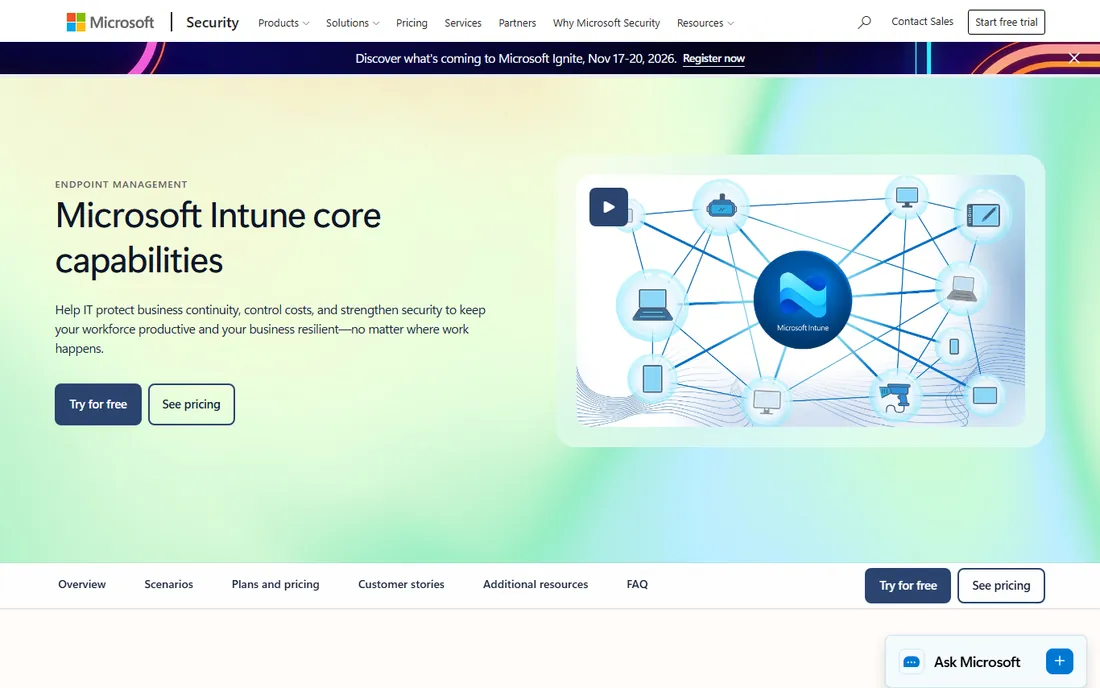
If your business runs on Microsoft 365, Intune is the default answer for mobile device management. It enrolls company phones and tablets, enforces policies (encryption, passcodes, app restrictions), separates work and personal data, and can wipe corporate data from a lost device without touching family photos. Conditional access ties device health to app logins, so an out-of-date phone cannot open company email.
The learning curve is real. Intune's policy model is powerful but fiddly, and licensing sits on top of your Microsoft 365 costs. Small businesses without IT staff may find it heavy. For organizations already in the Microsoft ecosystem, though, the integration with Entra ID, Defender, and Teams makes Intune the path of least resistance.
What we like- Deep Microsoft 365 integration
- Strong conditional access
- Manages iOS, Android, and Windows
Watch out for- Complex to configure
- Licensing adds up
Starting priceSee website
Free planNo
Jamf manages Apple devices better than anyone, because that is all it does. iPhones, iPads, and Macs enroll with zero-touch deployment: unbox the phone, sign in, and policies, apps, and Wi-Fi configure themselves. For schools, retailers, healthcare, and any business standardized on Apple hardware, that polish matters daily.
The trade-off is the Apple-only worldview. Mixed fleets with many Android devices need a second system or a compromise. Pricing is premium, aimed at organizations rather than individuals. But if your fleet is Apple, Jamf's depth (including Jamf Protect for threat defense on the same console) is unmatched.
What we like- Best-in-class Apple management
- Zero-touch deployment
- Strong security add-ons
Watch out for- Apple-only focus
- Premium pricing
Starting priceSee website
Free planNo
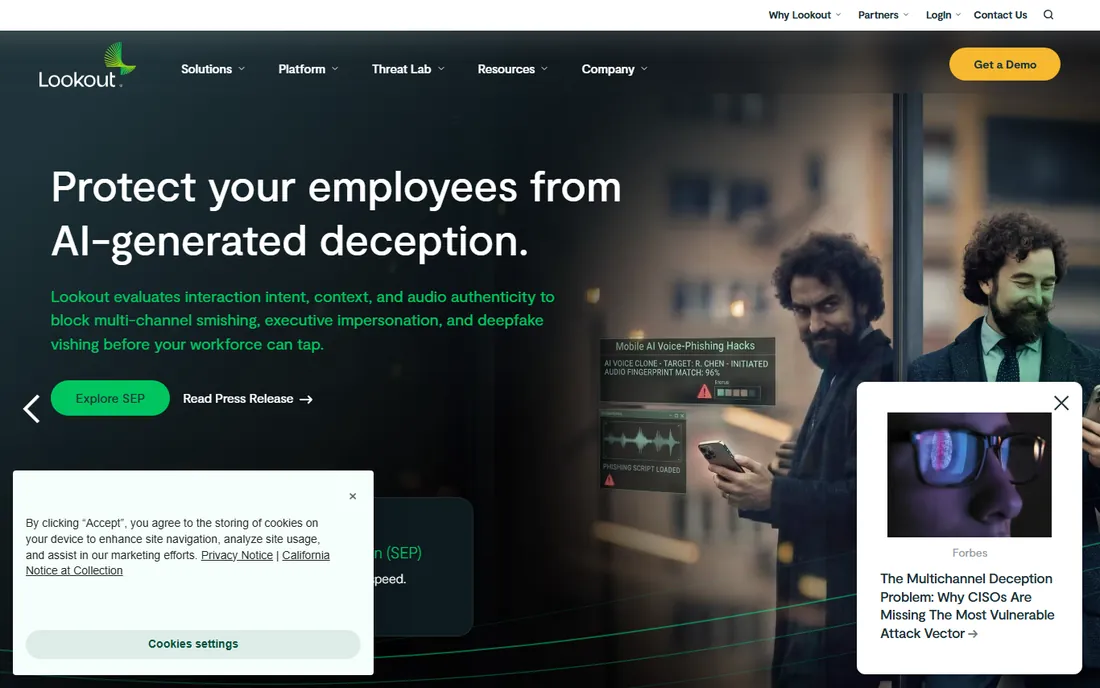
Lookout does not manage your phones; it protects what runs on them. Its mobile threat defense platform watches for malicious apps, phishing links, man-in-the-middle attacks on public Wi-Fi, and OS vulnerabilities, using a large cloud dataset of mobile threats. IT teams get risk scores per device and can trigger conditional access when a phone looks compromised.
This is enterprise software sold to security teams, not an app you install casually. If you only need basic device management, Intune or Jamf cover it. Choose Lookout when mobile phishing and malicious apps are a genuine risk: executives, finance teams, and anyone handling sensitive data on personal devices.
What we like- Strong phishing and app-risk detection
- Cloud-delivered intelligence
- Enterprise focus
Watch out for- Enterprise sales motion
- Less relevant for pure device management
Starting priceSee website
Free planNo
Zimperium's differentiator is on-device detection. Its z9 engine analyzes threats directly on the phone rather than sending everything to the cloud, which helps in regulated environments and spots device, network, phishing, and app risks in real time. Banks, governments, and healthcare organizations with strict requirements are the core audience.
Like Lookout, this is sold through enterprise channels with custom pricing. Small businesses will find it more than they need. For security teams that must demonstrate mobile threat coverage to auditors or regulators, Zimperium's depth and on-device architecture are strong selling points.
What we like- On-device detection engine
- Strong for regulated industries
- No cloud dependency for detection
Watch out for- Enterprise pricing and sales cycle
- Overkill for small teams
Starting priceSee website
Free planNo
Norton 360 with LifeLock is the bundle most consumers know: antivirus for the phone plus VPN, password manager, cloud backup, and identity theft monitoring in one subscription. For an individual or family that wants one purchase covering every device, the bundle logic works. Setup takes minutes and the mobile apps are polished.
The annoyances are familiar: renewal pricing jumps after the first year, and the software nudges you toward add-ons. Power users may prefer lighter standalone tools. But for non-technical buyers who want a single brand handling security across phones and computers, Norton remains the default choice.
What we like- Recognizable brand
- Bundles VPN, password manager, and identity monitoring
- Easy setup
Watch out for- Upsell prompts
- Heavier than minimalist alternatives
Starting priceSee website
Free planYes
Bitdefender consistently earns top marks from independent antivirus labs while staying light on system resources, and the mobile apps carry that reputation over. Malware scanning, web protection, and anti-theft tools come in the mobile security app, with a free tier covering the basics. Paid plans add VPN, parental controls, and cross-device coverage.
The free tier is genuinely useful but limited, and the full value needs a paid subscription. For Android and iOS users who want strong protection without the bloat, Bitdefender is one of the best-regarded names in the industry. Small businesses sometimes pair it with a separate MDM for device control.
What we like- Excellent detection with low performance impact
- Free tier available
- Good VPN add-on
Watch out for- Best features need the paid suite
- Support can be slow
Starting priceSee website
Free planNo
McAfee's Total Protection bundles antivirus, VPN, identity monitoring, and safe browsing across phones and computers, with generous device counts per subscription. For households or very small teams with a mix of devices, one subscription covering everything is convenient. The interface is straightforward and setup is quick.
Like Norton, McAfee's renewal prices rise after introductory deals, so check the second-year cost before committing. Independent lab scores are solid rather than chart-topping. It is a practical, well-known bundle for buyers who value simplicity over squeezing out the last point of detection performance.
What we like- Covers many devices per subscription
- Includes identity monitoring
- Simple interface
Watch out for- Renewal pricing
- Interface pushes add-ons
Starting priceSee website
Free planNo
ESET built its reputation on a fast, light antivirus engine, and its business products extend that to mobile. ESET PROTECT manages phones alongside desktops from one cloud console, with anti-malware, anti-phishing, and device controls for company mobiles. Small and mid-size businesses like the straightforward licensing and the fact that it does not slow machines down.
The interface will not win design awards, and mobile-specific features are less deep than dedicated MTD platforms like Lookout. For an SMB that wants one vendor covering every endpoint including phones, ESET's balance of protection, performance, and price is compelling.
What we like- Lightweight engine
- Strong business console
- Good value for SMBs
Watch out for- Interface is plain
- Mobile features trail desktop depth
Starting priceSee website
Free planNo
Sophos Intercept X for Mobile brings the company's endpoint protection to phones: anti-malware, web filtering, and device security checks managed through Sophos Central alongside desktops and servers. IT teams and MSPs like having one console for the whole fleet. The mobile apps are free for basic use, with advanced features tied to Central licenses.
The ecosystem lock-in is the consideration. Sophos works best when you commit to Sophos Central across endpoints, firewall, and email. Businesses already in that world get clean mobile coverage. Those looking for a standalone mobile tool should look at the consumer options above instead.
What we like- Intercept X mobile protection
- Central cloud management
- Good for MSPs
Watch out for- Full value needs the Sophos Central ecosystem
- Pricing is quote-based for business
MDM versus MTD: what you actually need
Mobile device management (MDM) and mobile threat defense (MTD) solve different problems, and the acronyms get mixed up constantly. MDM (Intune, Jamf) controls the device: enrollment, policies, app deployment, remote wipe. MTD (Lookout, Zimperium) watches for attacks: malicious apps, phishing, network interception, OS exploits. A stolen phone is an MDM problem. A executive clicking a phishing link on hotel Wi-Fi is an MTD problem. Most businesses start with MDM because lost devices and onboarding are daily realities, then add MTD when the security team matures. Consumer antivirus (Norton, Bitdefender, McAfee) bundles basic versions of both for individuals.
What to check before you buy
iOS and Android are different worlds
Apple locks down iOS heavily, so "antivirus" on iPhone mostly means web protection, VPN, and anti-theft rather than file scanning. Android allows deeper scanning. Do not expect the same feature list on both platforms from any vendor. Check the iOS and Android feature pages separately before assuming coverage.
BYOD changes everything
If employees use personal phones for work, you need containerization: separating work apps and data from personal content, and the ability to wipe only the work side. Intune and Jamf handle this well. Forcing full-device management on personal phones creates resentment and, in some places, legal issues. Get the policy right before picking the tool.
Battery and performance impact
Security software that drains the battery gets uninstalled or disabled. Bitdefender and ESET earn their reputations partly by staying light. During trials, watch battery stats and user complaints, not just the admin console. The best security tool is the one that stays installed.
Central visibility for teams
Individuals can manage one app. IT teams need a console showing every device's status, policy compliance, and threat alerts. If you manage more than a handful of phones, prioritize the management console over the on-device feature list. That is where Intune, Jamf, Sophos Central, and ESET PROTECT earn their keep.
How we chose
We selected tools that provide real mobile security in 2026, spanning enterprise device management, mobile threat defense, and consumer protection. We based the list on vendor documentation, independent lab results, and each product's standing with IT buyers and reviewers. We excluded VPN-only apps and general endpoint tools with no real mobile component. No vendor paid for placement, and we did not run malware tests for this guide.
Frequently asked questions
Do iPhones need antivirus software?
Not in the traditional sense. iOS does not allow the deep system scanning that desktop antivirus does, so iPhone "security" apps focus on web protection, phishing blocking, VPN, password management, and anti-theft. Businesses still need MDM to manage iPhones, and high-risk users benefit from MTD. But no app can scan an iPhone for malware the way desktop antivirus scans a PC.
What is the difference between MDM and mobile antivirus?
MDM manages the device itself: setup, policies, apps, and remote wipe. Mobile antivirus (or mobile threat defense) protects against attacks: malware, phishing, and malicious networks. Businesses typically need MDM first, then add threat defense. Consumers usually buy antivirus bundles that include basic device-finding features.
Can my employer see my personal data through MDM?
With proper BYOD setup, no. Modern MDM separates work and personal profiles, and IT can only see and wipe the work container. They generally cannot read your personal messages, photos, or browsing. If your employer demands full-device enrollment on a personal phone, ask exactly what they can see before agreeing.
Is free mobile antivirus good enough?
For careful users, the free tiers from Bitdefender and others cover the basics: malware scanning and web protection. Paid plans add VPN, identity monitoring, and multi-device coverage. The bigger question is your risk profile. If you bank, work, and shop on your phone, the paid bundle's extras are worth considering.
How do I secure company phones without annoying employees?
Use BYOD containerization so personal stuff stays private, keep policies minimal (passcode, encryption, automatic updates), and explain what IT can and cannot see. Heavy-handed restrictions drive people to work around the system. The goal is a phone that is safe by default, not a phone employees hate.
Sources we checked (9)
- https://www.microsoft.com/en-us/security/business/endpoint-management/microsoft-intune
- https://www.jamf.com
- https://www.lookout.com
- https://zimperium.com
- https://us.norton.com
- https://www.bitdefender.com
- https://www.mcafee.com
- https://www.eset.com
- https://www.sophos.com
Is your product missing or out of date?
We review this list regularly. Vendors can request a listing, send updated pricing or ask about featured placement.

Shihab Mia · Founder, Rankite
Shihab has spent more than a decade helping SaaS and e-commerce brands grow through search. He writes Rankite's software buying guides from pricing pages, documentation and public user reviews. More about Shihab.