How we make this list: we compare pricing pages, product documentation and public user reviews. Rankite is independent; if a vendor ever pays for a featured spot, that listing is clearly labeled Partner.
Key takeaways
- Firebase Crashlytics is the default for Android and cross-platform teams already in the Firebase ecosystem, and it costs nothing.
- Sentry is the strongest pick for developers who want code-level context, an open-source core and a self-hosted option.
- Bugsnag suits teams that manage releases by stability score and need polished release-health workflows.
- Luciq (formerly Instabug) and Shake lead on in-app bug reporting with screenshots and shake-to-report, paired with crash data.
- Embrace is the deepest mobile observability option, now under Palo Alto Networks, for teams that want session-level context on every issue.
Quick comparison
| Tool | Best for | Starting price | Free plan |
|---|
 Sentry Sentry | Developers wanting code-level context | See website | See website |
 Firebase Crashlytics Firebase Crashlytics | Teams already using Firebase | Free | Yes |
 Bugsnag Bugsnag | Stability scores and release health | See website | See website |
 Luciq Luciq | Mobile-first crash plus in-app reporting | See website | See website |
 Datadog RUM Datadog RUM | Teams already on Datadog | See website | See website |
 New Relic Mobile New Relic Mobile | Full-stack observability teams | See website | See website |
 Embrace Embrace | Deep mobile observability with session context | See website | See website |
 UXCam UXCam | Session replay paired with analytics | See website | See website |
 Shake Shake | Shake-to-report bug and crash capture | See website | See website |
Is your product missing or out of date?
We review this list regularly. Vendors can request a listing, send updated pricing or ask about featured placement.
The best mobile crash reporting software
Starting priceSee website
Free planSee website
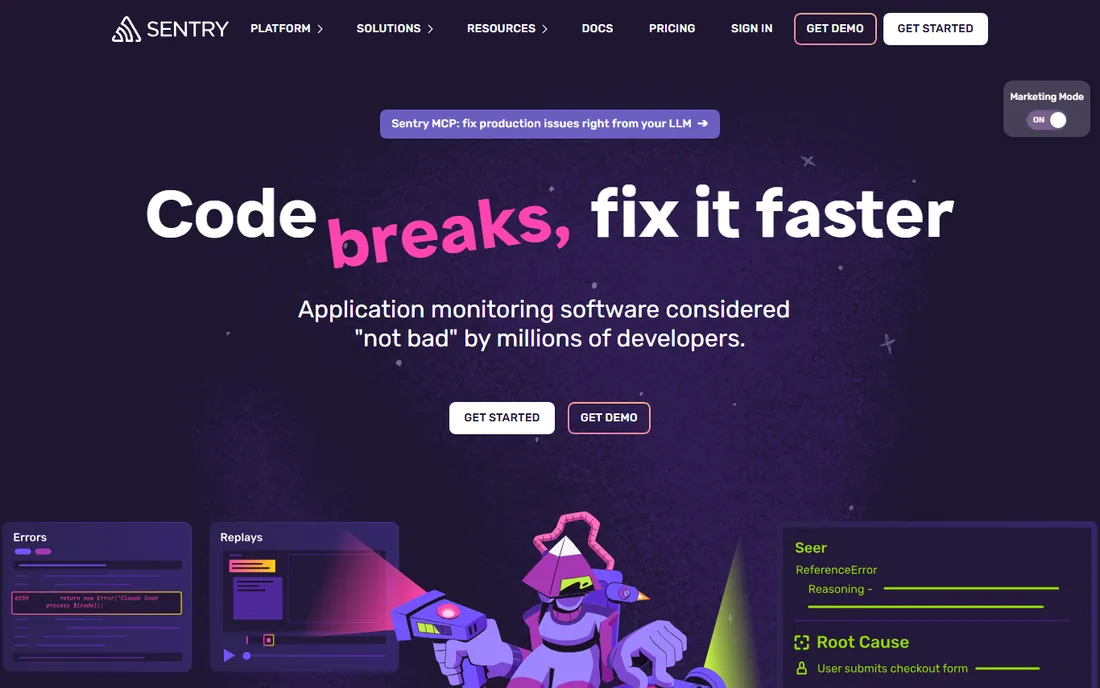
Sentry wins on developer experience. The SDK takes about five lines to install, symbolication works without the dSYM wrestling that used to eat release days, and each issue arrives with the stack trace, breadcrumbs, tags and commit suspects in one view. Its AI debugger, Seer, can now propose fixes from that context, which is genuinely useful for triaging unfamiliar crashes rather than a demo trick.
The catch is the pricing model. Sentry bills on events, and a bad release that generates millions of duplicate crashes can burn through quota fast, so you need to set up spike protection and sampling rules on day one. Teams that want data residency control can self-host the open-source core, which almost nobody else on this list offers. For pure mobile crash reporting inside a web and backend error platform, Sentry remains the developer favorite.
What we like- Symbolication and source maps handled out of the box
- Seer AI debugger suggests fixes from full error context
- Open-source core with a self-hosted option
Watch out for- Event-based pricing can spike during incident storms
- Mobile is one surface of a broad platform, not the sole focus
Starting priceFree
Free planYes
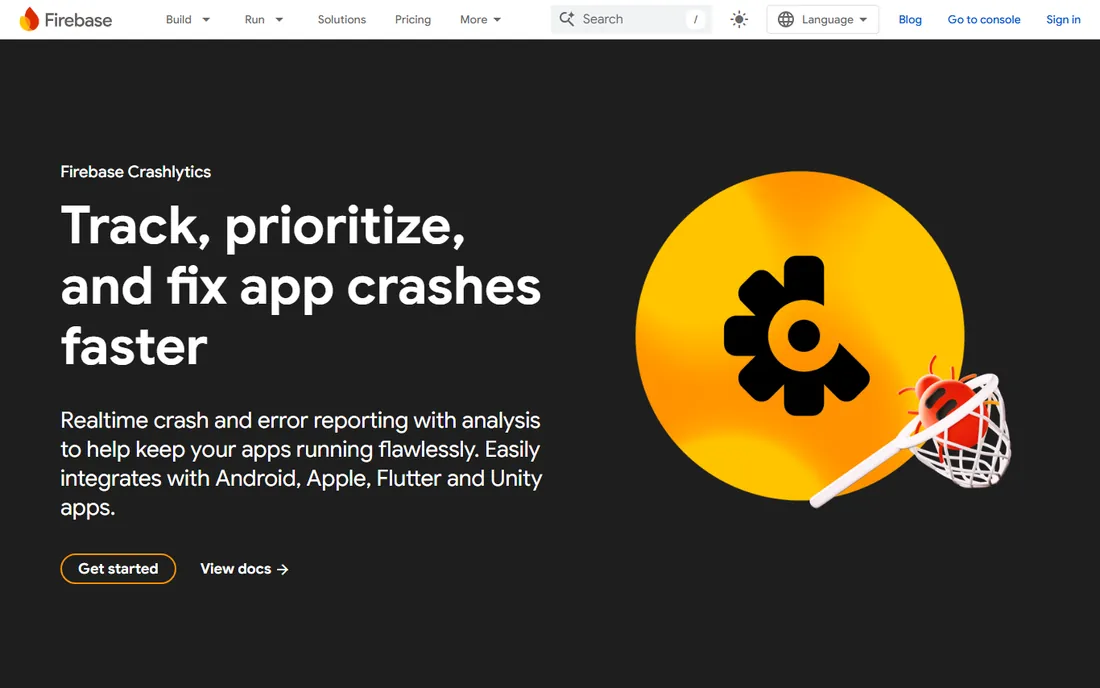
Crashlytics is the reason half the apps on your phone report crashes at all. It starts capturing the moment you add the SDK, groups issues by how many real users they hit, and now offers AI-powered crash insights through Gemini in Firebase. Google's own pricing page states plainly that there is no cost to using Crashlytics, which makes it the obvious starting point for indie developers and funded startups alike.
The limitation is philosophical: Crashlytics is a Firebase citizen first. If your stack is already Firebase, everything composes beautifully. If you run a multi-cloud backend with your own analytics, you will feel the seams, and power features like deep segmentation are thinner than in paid specialists. For most mobile teams, though, free and good enough beats expensive and perfect.
What we like- No cost to use, straight from Google's pricing page
- Groups crashes by real user impact for prioritization
- Integrates with Android Studio's App Quality Insights window
Watch out for- Tied to the Google and Firebase ecosystem
- Less customizable than specialist tools outside that world
Starting priceSee website
Free planSee website
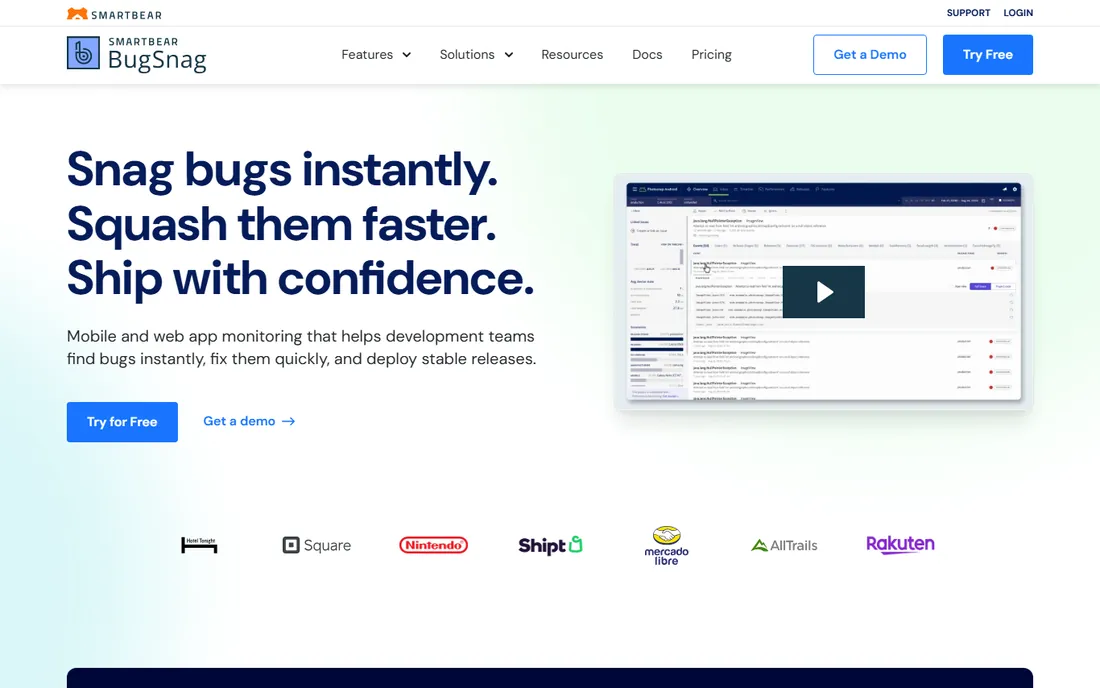
Bugsnag's defining idea is the stability score: one number that tells the whole company whether a release is healthy enough to promote or broken enough to roll back. Product managers and release captains love it because it turns crash data into a go/no-go decision. Under the hood you get the full specialist toolkit, including breadcrumbs, device diagnostics, handled-error tracking and release-stage comparisons.
The company is now part of SmartBear, and the pricing page has been reworked more than once since the acquisition, so treat any third-party price you find online as stale and get the current numbers from Bugsnag directly. The free tier exists for evaluation, but the features that make Bugsnag worth buying (advanced segmentation, error prioritization, SSO) live on paid plans. Teams that run formal release trains with beta stages will get the most from it.
What we like- Stability score gives a single ship-or-fix metric per release
- Strong error inbox prioritized by user impact
- Broad platform support across 50+ frameworks
Watch out for- Pricing has shifted under SmartBear ownership, so verify current plans
- Advanced diagnostics sit behind paid tiers
Starting priceSee website
Free planSee website
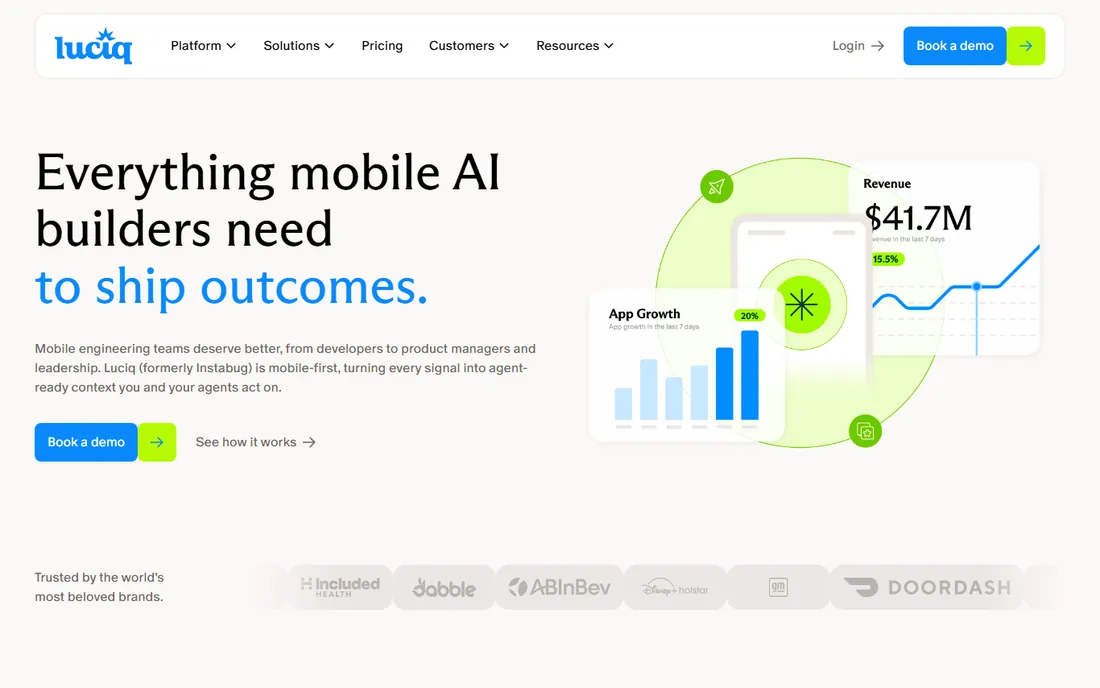
Luciq is the new name for Instabug, and the rebrand came with a repositioning: less bug-reporting widget, more mobile observability platform with AI agents in the loop. The core strengths carry over. One lightweight SDK captures crashes, ANRs, hangs and network issues across iOS, Android, React Native and Flutter, and users can shake the phone to file a bug report with screenshots, logs and repro steps attached automatically.
The platform now leans hard into agentic workflows, with a Companion that groups duplicates and ranks issues and an Autopilot that can draft fixes behind guarded releases. That is ambitious, and buyers should evaluate it on the crash fundamentals first: symbolication quality, ANR detection and alert reliability. The rebrand means some documentation and contracts still say Instabug, so confirm naming with sales to avoid procurement confusion.
What we like- Crash, ANR and performance signals captured at full session fidelity
- In-app bug reporting with screenshots and repro steps
- Agentic workflows that group and prioritize issues
Watch out for- Recent rebrand from Instabug can confuse procurement
- Pricing scales on usage, so model your session volume first
Starting priceSee website
Free planSee website
Datadog's Real User Monitoring treats mobile crashes as one more signal in a full-stack picture, which is exactly right for teams debugging issues that span the app, the API and the infrastructure behind it. A crash in the mobile SDK links to the backend trace that caused it, and session replay shows what the user did before everything went wrong. If your company already pays for Datadog, adding mobile RUM is the path of least resistance.
If you are not a Datadog shop, this is an expensive way to buy crash reporting. Session-based pricing adds up fast on consumer apps with millions of sessions, and you will be buying into the whole Datadog platform to get the value. The right buyer is a team that already lives in Datadog dashboards and wants mobile crashes correlated with everything else they monitor.
What we like- Crash reports land next to backend traces, logs and infrastructure metrics
- Strong session replay and funnel analysis
- One bill for the whole observability stack
Watch out for- Expensive at mobile scale if you are not already a Datadog customer
- Crash reporting is a module, not the product's heart
Starting priceSee website
Free planSee website
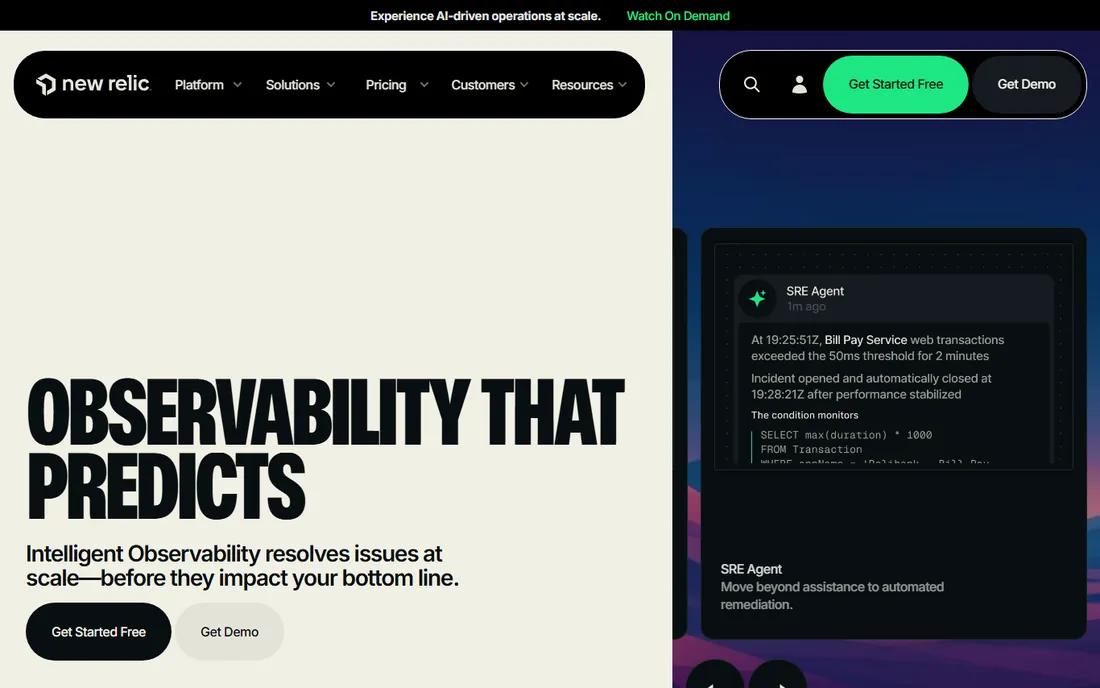
New Relic's pitch is the unified one: your mobile crashes, your API performance, your infrastructure and your logs in a single queryable system. The mobile agent captures crashes, handled exceptions, network requests and custom events, and the alerting engine can page whoever owns the code. New Relic's free tier is genuinely usable for small teams, which lowers the cost of trying it.
The tradeoff mirrors Datadog's. Mobile is a capable module inside a giant platform, so mobile-specific niceties like ANR flame graphs and release-health rituals are thinner than in mobile-first tools. Pricing is also consumption-based, and teams are sometimes surprised by data ingest costs once they instrument everything. Choose New Relic Mobile when the backend team already standardizes on New Relic, not when you need a mobile specialist.
What we like- Crash and handled-exception data alongside APM, logs and infrastructure
- Generous free tier for getting started
- Strong custom dashboards and alerting
Watch out for- Platform breadth means mobile-specific workflows get less love
- Pricing complexity grows with data ingest
#7
Embrace
Best for: Deep mobile observability with session context
Visit embrace.io
Starting priceSee website
Free planSee website
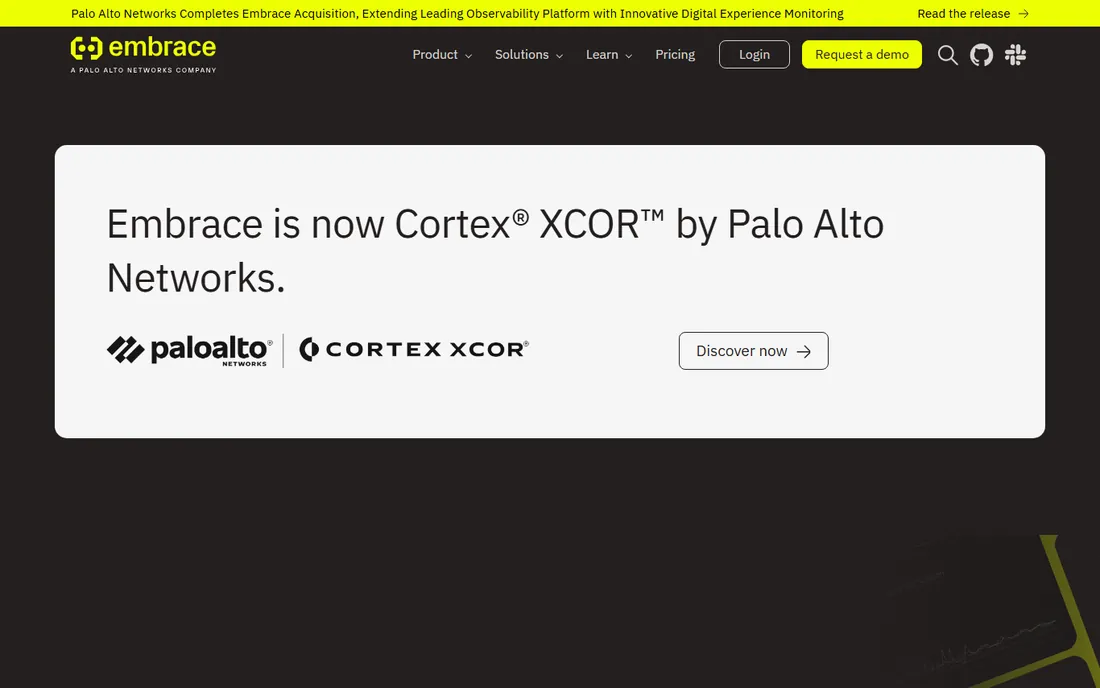
Embrace goes deeper on mobile than anyone else on this list. Where most tools give you a stack trace and some breadcrumbs, Embrace reconstructs the full user session: every screen, network call, log and performance span leading to the crash. That depth is why mobile gaming and high-traffic consumer apps adopted it. It is built on OpenTelemetry, so your data is portable rather than locked in a proprietary format.
The big change is ownership: Embrace is now part of Palo Alto Networks, branded as Cortex XCOR. The product continues at embrace.io, but enterprise buyers should expect the roadmap to tilt toward large customers and security-adjacent use cases. Pricing is session-based with a free tier, and the pay-as-you-go Pro tier suits teams that outgrow the free allowance. If your hardest crashes need session-level forensics, Embrace is the specialist to beat.
What we like- Full session timelines with technical and behavioral context on every issue
- Strong ANR, hang and OOM detection
- OpenTelemetry-native with data export options
Watch out for- Now part of Palo Alto Networks (Cortex XCOR), so the roadmap reflects enterprise priorities
- Session-based pricing needs careful modeling
Starting priceSee website
Free planSee website
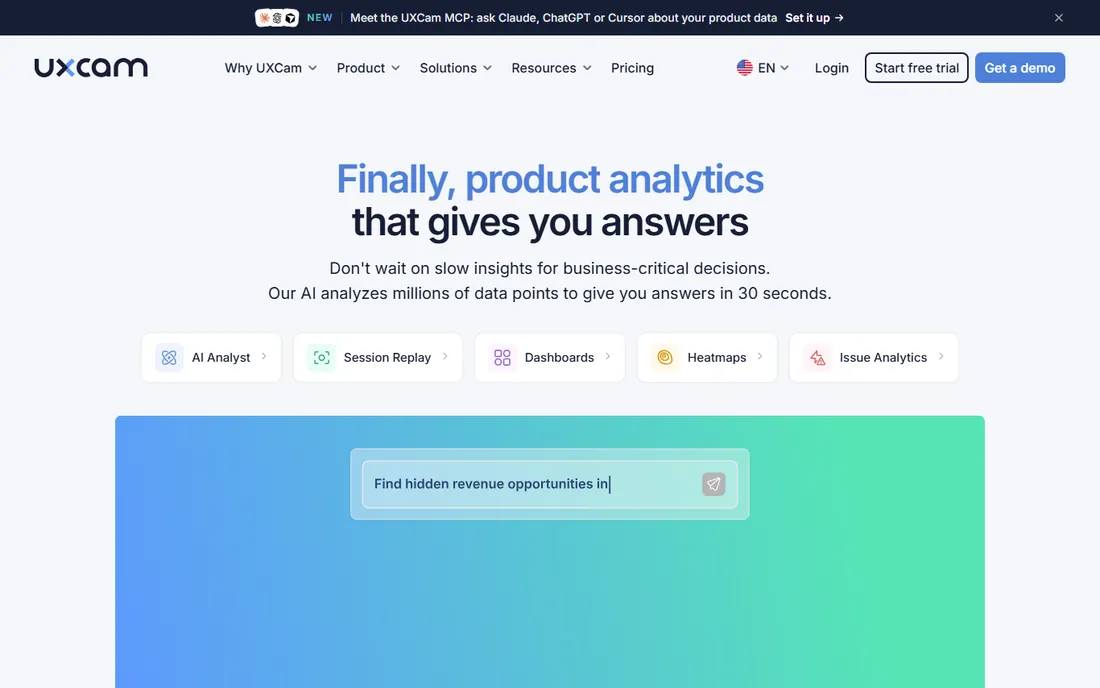
UXCam approaches crashes from the product side. Its session replay captures the user's actual screen journey, so when a crash report lands you can watch the taps, rage gestures and navigation that preceded it. That pairing of qualitative replay with quantitative funnels and crash data makes it popular with product teams that own both stability and conversion.
As a pure crash reporter it is less deep than Sentry or Embrace: symbolication and ANR analysis are solid but not the headline. The pricing rewards using the full analytics suite, so a team that only wants crash reporting will find better-focused options. Pick UXCam when the same team owns product analytics and app stability and wants one tool for both conversations.
What we like- Session replay shows exactly what users did before a crash
- Product analytics and funnels in the same tool
- Strong compliance posture (SOC 2, GDPR, HIPAA)
Watch out for- Analytics-first product, so crash workflows are less specialized
- Best value comes from using the whole suite
Starting priceSee website
Free planSee website
Shake, formerly known as ShakeBugs, built its reputation on the simplest bug-reporting interaction in mobile: shake the phone, and a report goes to the developers with everything attached. Screen recordings, network logs, device details and reproduction steps arrive without the user writing a word. Automatic crash reporting covers the cases nobody reports manually, and the SDK supports iOS, Android, React Native and Flutter plus web.
The tradeoff is scale. Shake is a focused product from a smaller company, so the integration catalog and enterprise features do not match the platform vendors. For small and mid-size teams that want the fastest path from "user hit a bug" to "developer has a repro," that focus is the point.
What we like- Shake gesture triggers bug reports with screenshots, logs and device data attached
- Automatic crash reporting for mobile and web
- Lightweight SDK with quick integration
Watch out for- Smaller vendor with a narrower integration list
- Advanced analytics are thinner than platform rivals
How we chose
We evaluated each tool from its vendor documentation, pricing pages, SDK docs and public reviews on G2, Capterra and Reddit, with attention to mobile-specific capabilities rather than generic error tracking. Every product here exists today, supports iOS and Android (natively or through cross-platform SDKs), and handles the fundamentals: crash capture, symbolication, issue grouping and alerting. We weighted mobile depth (ANR and OOM detection, release health, session context, SDK footprint) over marketing claims, and we noted where products were renamed or acquired so you evaluate the current reality. We did not run hands-on SDK trials.
What to look for before you buy
Start with symbolication, because it is where cheap tools quietly fail. Your crash reporter must turn memory addresses into file names and line numbers automatically for every build you ship, including dSYMs for iOS and mapping files for Android, without a manual upload ritual. Ask how the tool handles build variants, bitcode-era archives and obfuscated release builds. If the demo cannot show a symbolicated crash from your own test build, walk away.
Next, check the mobile-specific crash types that generic error trackers miss. ANRs (application not responding) on Android, app hangs and watchdog terminations on iOS, and out-of-memory crashes all need dedicated detection, and they are often the crashes users complain about most. Breadcrumbs matter too: a stack trace without the network calls, screen transitions and user actions before it is a puzzle with missing pieces. Session replay or full session timelines, like Embrace and UXCam provide, close that gap.
Then look at release health. The best tools track crash-free users and crash-free sessions per release, so you can compare a new build against the previous one and catch regressions in the first hours of rollout. Alerting should integrate with your actual workflow (Slack, PagerDuty, Jira, GitHub), and alerts must be tunable, because a crash tool that pages you for every new issue will get muted within a week.
Finally, model the pricing against your real volume. Crash tools bill on events, sessions, monthly active users or data ingest, and each model punishes a different growth pattern. An event-based plan hurts during incident storms; a session-based plan hurts on high-traffic consumer apps. Run your last six months of crash and session numbers through the pricing calculator before you commit, and confirm data retention limits on lower tiers.
Crash reporting versus full observability
It helps to know which problem you are actually buying for. Crash reporting answers "what broke and who did it hurt," and tools like Crashlytics, Sentry and Shake do that job well at low cost. Full observability answers "why is the experience degrading," which needs performance traces, network data, session context and backend correlation, the territory of Embrace, Datadog RUM and New Relic.
Most teams need both eventually, but they rarely need them from one vendor on day one. A common setup is a focused crash reporter for the mobile team plus the backend observability platform the server team already uses, with the two linked through shared release identifiers. Consolidate into one platform only when the correlation between mobile and backend issues becomes a daily debugging need rather than an occasional one.
Frequently asked questions
Is Firebase Crashlytics really free?
Yes. Google's Crashlytics pricing page states there is no cost to using Crashlytics. It is the rare enterprise-grade tool with no catch: no event caps to upgrade past, no feature gates on the core crash workflow. You pay only if you use other Firebase products with usage-based billing, like Cloud Functions or Firestore.
Do I still need crash reporting if I have app store crash logs?
Yes. App Store Connect and Google Play Console show crashes with hours of delay, limited context and no breadcrumbs, custom logs or user metadata. A dedicated tool gives you real-time alerts, symbolicated stack traces, release comparisons and integrations with your issue tracker. The store consoles are a backup, not a strategy.
What is the difference between a crash and an ANR?
A crash terminates the app, usually from an unhandled exception, signal or out-of-memory event. An ANR (application not responding) happens on Android when the main thread blocks for too long and the system offers to kill the app. ANRs do not always produce a crash report, so your tool needs dedicated ANR detection. Users experience both as "the app froze," and both hurt ratings.
How much does crash reporting SDK add to app size and performance?
Modern SDKs are small, typically well under a megabyte, and designed to do almost nothing until a crash occurs. The performance risk comes from session replay and verbose network logging, which capture more data continuously. If startup time and battery matter to your app, ask vendors for their SDK footprint numbers and test with replay features both on and off.
Should crashes go to the mobile team or the backend team?
Both, but triage should have one owner. Mobile crashes with backend causes (failed APIs, bad payloads) are the classic cross-team argument. Tools that link mobile crashes to backend traces, like Datadog and New Relic, or that export cleanly to a shared tracker, reduce the finger-pointing. Agree on severity definitions and an on-call rotation before the first major incident, not during it.
Sources we checked (9)
- https://sentry.io/
- https://firebase.google.com/products/crashlytics
- https://www.bugsnag.com
- https://instabug.com
- https://datadoghq.com/
- https://newrelic.com
- https://embrace.io/
- https://uxcam.com/
- https://www.shakebugs.com
Is your product missing or out of date?
We review this list regularly. Vendors can request a listing, send updated pricing or ask about featured placement.

Shihab Mia · Founder, Rankite
Shihab has spent more than a decade helping SaaS and e-commerce brands grow through search. He writes Rankite's software buying guides from pricing pages, documentation and public user reviews. More about Shihab.