How we make this list: we compare pricing pages, product documentation and public user reviews. Rankite is independent; if a vendor ever pays for a featured spot, that listing is clearly labeled Partner.
Key takeaways
- Jamf leads for Apple device fleets; Microsoft Intune leads for Microsoft-centric shops.
- Omnissa Workspace ONE covers the broadest multi-platform environments.
- Ivanti, SOTI, and ManageEngine offer strong value for mixed device fleets.
- Hexnode and Kandji are modern alternatives that smaller teams adopt quickly.
- Trials are widely available; test enrollment on your actual device mix.
Where MAM fits in device management
Mobile application management is the layer that controls which apps live on company devices, how they are configured, and what corporate data they can touch. It sits inside the broader world of mobile device management and unified endpoint management, but the focus is the apps rather than the whole device.
Why the distinction matters: on employee-owned phones, IT often cannot manage the entire device, but it can manage the work apps through a secure container. MAM policies control app installation, updates, data sharing between apps, and remote wiping of corporate data without touching personal photos.
Pricing is typically per device per month. The comparisons below cover the leading platforms across Apple, Android, and mixed fleets.

#1
Jamf
Best for: Organizations standardized on Apple devices
Visit jamf.com
Starting priceSee website
Free planTrial available
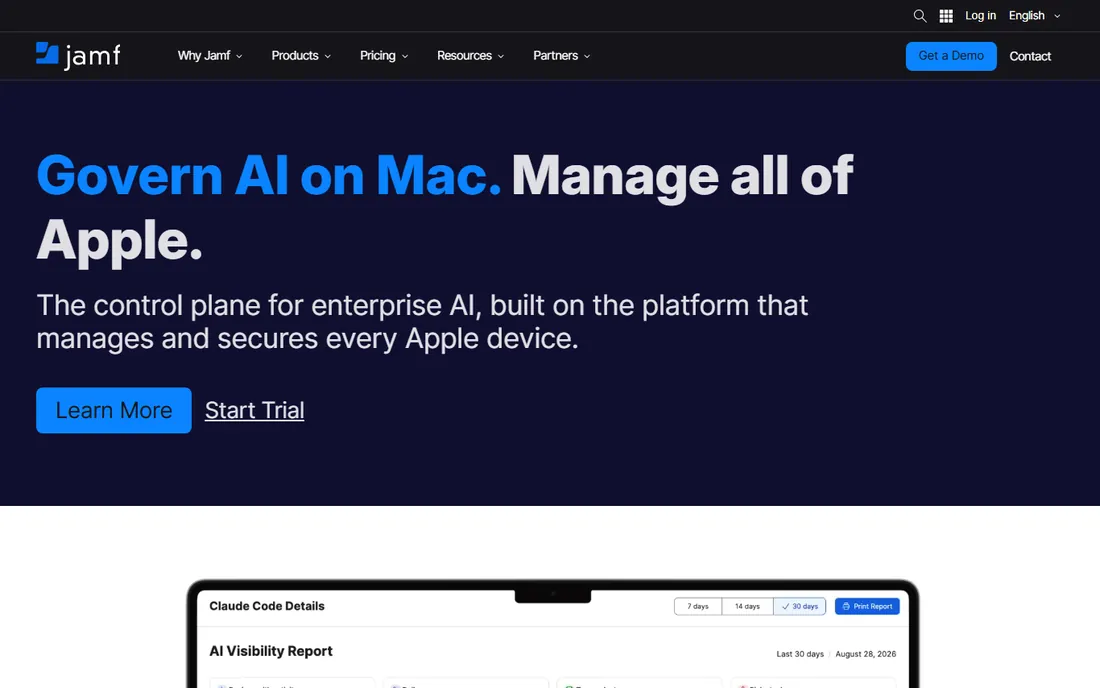
Jamf is the definitive management platform for Apple fleets. App deployment, configuration profiles, and security policies for iPhone, iPad, and Mac are handled with a depth no cross-platform tool matches, including same-day support for new Apple OS releases.
For MAM specifically, Jamf distributes in-house and App Store apps, manages licenses, and enforces per-app VPN and data protections. IT teams in education, healthcare, and creative industries run enormous Apple fleets on it.
The limitation is scope: it is Apple-only. Mixed fleets need a companion tool for everything else, which is why many enterprises pair Jamf with Intune or Workspace ONE.
What we like- Best-in-class Apple management
- Same-day OS support
- Strong app deployment
- Trusted by Apple-heavy orgs
Watch out for- Apple-only focus
- Pricing adds up
- Windows and Android need another tool
Starting priceSee website
Free planTrial available
Intune manages apps and devices across Windows, iOS, Android, and macOS from the Microsoft cloud. For organizations on Microsoft 365, the integration with Entra ID conditional access is the killer feature: app access decisions factor in device compliance automatically.
App protection policies secure corporate data inside Office apps even on unmanaged personal devices, which is the core MAM scenario for BYOD. Deployment through the Microsoft Store and managed app configs covers the standard needs.
Apple-specific depth does not match Jamf, and the admin console takes learning. But for Microsoft shops, the ecosystem integration is unmatched.
What we like- Native integration with Microsoft 365
- Strong conditional access
- Covers Windows, iOS, Android
- Included in some Microsoft suites
Watch out for- Console can be complex
- Apple management trails Jamf
- Advanced features need higher licenses

#3
Omnissa Workspace ONE
Best for: Large multi-platform environments
Visit omnissa.com
Starting priceSee website
Free planTrial available
Workspace ONE, now under Omnissa after the VMware EUC divestiture, manages apps and devices across every major platform from one console. The unified app catalog gives employees one place to find sanctioned apps on any device.
MAM capabilities include app tunneling, per-app VPN, and data loss prevention policies that follow corporate data across apps. Large enterprises with diverse fleets value the single-pane management.
It is an enterprise platform in cost and complexity. Buyers should confirm the Omnissa roadmap meets their needs, but the product itself remains a leader.
What we like- Broadest platform coverage
- Strong app catalog
- Good conditional access
- Proven at enterprise scale
Watch out for- Complex to fully configure
- Pricing is enterprise-grade
- The VMware transition needs watching
Starting priceSee website
Free planNo, demo available
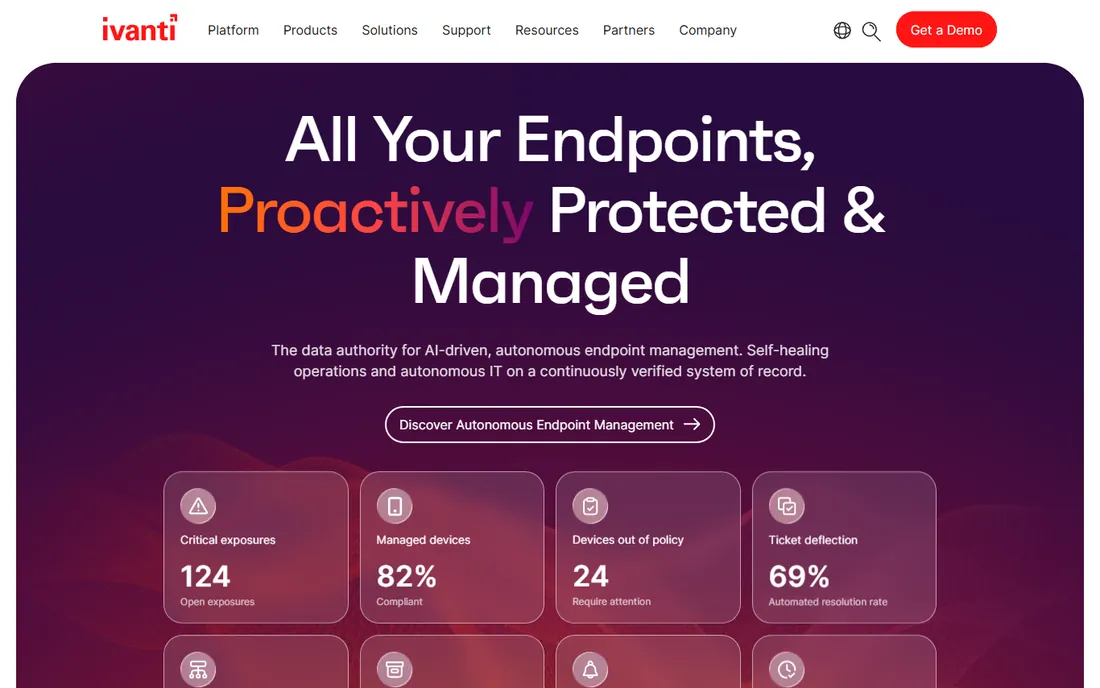
Ivanti's endpoint management covers mobile apps alongside desktops, servers, and security tools, which appeals to IT teams consolidating vendors. App deployment, patching, and policy enforcement run from integrated consoles.
For MAM use cases, Ivanti handles app distribution and containerization with security policies that satisfy regulated industries. The automation capabilities reduce repetitive admin across large fleets.
The portfolio breadth can make product selection confusing, so work with the vendor to scope the right bundle. Windows-centric organizations get the most natural fit.
What we like- Broad endpoint portfolio
- Good automation
- Strong for Windows-heavy shops
- Security-focused features
Watch out for- Product line can confuse buyers
- Interface less modern
- Pricing is quote-based
Starting priceSee website
Free planTrial available
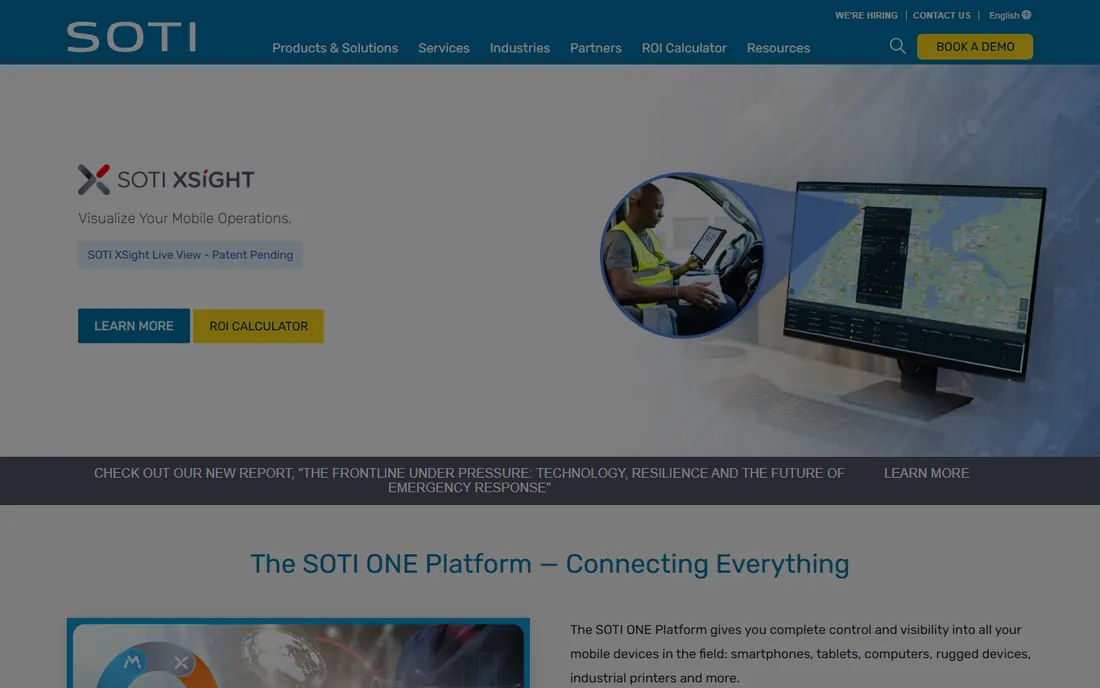
SOTI MobiControl shines where devices are tools, not perks: warehouse scanners, delivery phones, retail tablets, and other purpose-built fleets. Remote control, lockdown modes, and app management for these scenarios are best in class.
Industries like transportation, logistics, and field services run tens of thousands of devices on SOTI. The platform handles the messy reality of shared devices, shift workers, and harsh environments.
Office BYOD programs are not its strength. But when the fleet works for a living, SOTI is the specialist to beat.
What we like- Excellent for rugged and purpose-built devices
- Strong in logistics and retail
- Remote control capabilities
- Reliable at scale
Watch out for- Less focused on knowledge-worker BYOD
- Interface feels dated
- Consumer device polish trails rivals

#6
ManageEngine Mobile Device Manager Plus
Best for: Affordable management for SMBs and schools
Visit manageengine.com
Starting priceSee website
Free planYes, free for up to 25 devices
ManageEngine offers capable mobile management at prices far below enterprise rivals, including a free tier for up to 25 devices. App deployment, restrictions, and containerization cover the standard MAM requirements.
SMBs, schools, and nonprofits get real functionality without enterprise budgets. The on-premise option suits organizations that prefer keeping management inside their network.
Polish and advanced automation lag the leaders, but the value equation is excellent. For cost-conscious teams, it is the pragmatic choice.
What we like- Very affordable
- Free tier for small fleets
- Covers iOS, Android, Windows
- Straightforward to deploy
Watch out for- Interface less refined
- Advanced features trail leaders
- Support can be slow
Starting priceSee website
Free planTrial available
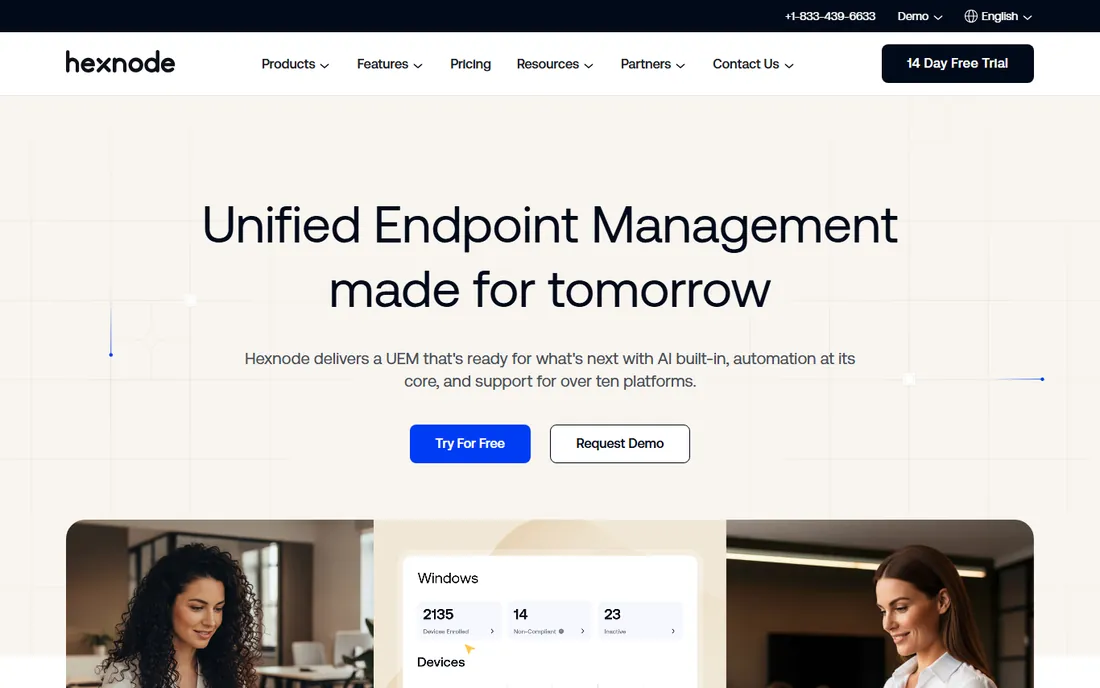
Hexnode has grown fast by being the modern, approachable alternative to legacy UEM tools. App management, kiosk modes, and BYOD containerization are straightforward to configure, and the interface does not require a certification to understand.
Pricing undercuts the enterprise suites while covering iOS, Android, Windows, and macOS. Mid-market IT teams praise the support responsiveness.
The largest global deployments still favor the incumbents. For everyone else, Hexnode delivers most of the capability with far less friction.
What we like- Clean modern interface
- Quick deployment
- Good multi-platform support
- Competitive pricing
Watch out for- Smaller company
- Very large scale less proven
- Advanced features still growing

#8
Kandji
Best for: Apple fleets wanting modern automation
Visit iru.com
Starting priceSee website
Free planTrial available
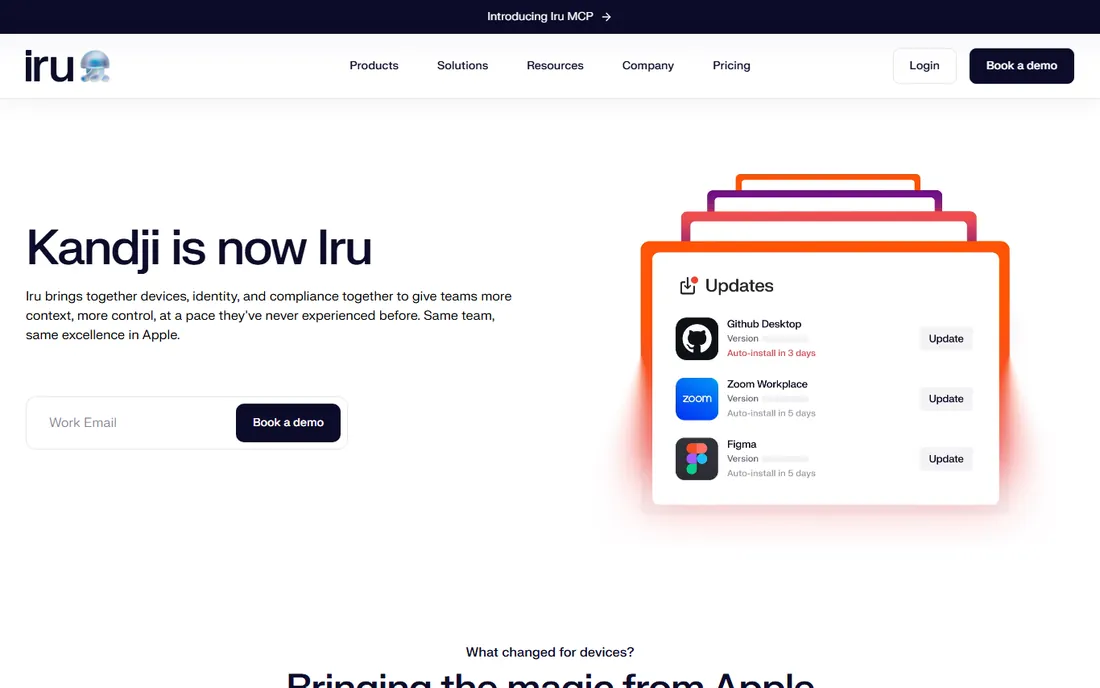
Kandji is the modern Apple device management platform, competing with Jamf on automation and ease rather than breadth. Prebuilt blueprints configure devices to best practices with minimal manual policy work.
App deployment and updates are handled cleanly, and the security features, like automated compliance remediation, reduce the tickets IT teams field. The interface is a genuine pleasure compared to legacy tools.
Like Jamf, it is Apple-only and priced at a premium. Apple-centric teams choosing between the two should trial both; many pick Kandji for the automation.
What we like- Apple-focused with great automation
- Prebuilt blueprints
- Strong security posture
- Loved by IT teams
Watch out for- Apple-only
- Pricing is premium
- Smaller ecosystem than Jamf
Quick comparison
| Tool | Best for | Starting price | Free plan |
|---|
| Jamf | Organizations standardized on Apple devices | See website | Trial available |
 Microsoft Intune Microsoft Intune | Microsoft 365 and Entra ID environments | See website | Trial available |
| Omnissa Workspace ONE | Large multi-platform environments | See website | Trial available |
 Ivanti Ivanti | IT teams consolidating endpoint tools | See website | No, demo available |
 SOTI SOTI | Rugged devices and frontline fleets | See website | Trial available |
| ManageEngine Mobile Device Manager Plus | Affordable management for SMBs and schools | See website | Yes, free for up to 25 devices |
 Hexnode Hexnode | Modern UEM that teams adopt quickly | See website | Trial available |
| Kandji | Apple fleets wanting modern automation | See website | Trial available |
Is your product missing or out of date?
We review this list regularly. Vendors can request a listing, send updated pricing or ask about featured placement.
How we chose
We selected platforms with real app management capabilities, active development, and customers managing production fleets. We looked for app deployment, policy enforcement, and BYOD containerization as core requirements.
We covered Apple specialists, Microsoft-centric, and cross-platform options because fleet composition drives the decision. We weighed usability for IT admins, platform breadth, and pricing accessibility. Vendor claims were checked against product documentation.
Selecting a mobile management solution
Start with your fleet. Apple-only organizations should compare Jamf and Kandji. Microsoft 365 shops should start with Intune. Mixed or rugged fleets point to Workspace ONE, SOTI, or Hexnode, with ManageEngine for tight budgets.
Trial enrollment on your actual device mix, including the oldest models you support, because enrollment friction and policy behavior only show in practice. And confirm app licensing: managed distribution models differ between Apple and Android in ways that affect cost.
Mobile management mistakes to avoid
The biggest mistake is enrolling devices before defining policies. Teams rush to get phones into the console, then discover inconsistent app deployments, conflicting restrictions, and security gaps. Design the policy sets first, for corporate-owned, BYOD, and shared devices separately, then enroll against them. The console organizes decisions; it does not make them.
Second, ignoring the user experience on personal devices. Heavy-handed BYOD policies that drain batteries, block personal apps, or feel like surveillance drive employees to find workarounds. Use app-level containerization that secures corporate data without touching personal use, and communicate exactly what IT can and cannot see. Trust keeps BYOD working.
Third, forgetting about app licensing. Managed distribution on Apple and Android has licensing models that affect cost and availability. Sort out volume purchasing, license assignment, and what happens when employees leave before rollout, not during it.
Fourth, neglecting the offboarding path. Every enrollment needs a matching unenrollment: wiping corporate data, revoking app access, and reclaiming licenses when people leave. Test the full offboarding flow for each device type. The security incident you prevent is the one where a former employee's phone still holds customer data.
Finally, treating deployment as the finish line. OS updates, new app versions, and changing security requirements need ongoing attention. Assign ownership, review policies quarterly, and keep a test device group for validating changes before they hit the fleet.
Frequently asked questions
What is the difference between MDM and MAM?
MDM manages the whole device, including settings and security policies. MAM manages just the apps and their data, which suits BYOD scenarios where IT should not control personal devices fully.
Can we manage employee-owned phones?
Yes, through app-level management and work containers that separate corporate data from personal data. Most platforms support wiping only the corporate container when an employee leaves.
How much does mobile management cost?
Typical pricing runs a few dollars per device per month, with enterprise suites higher. ManageEngine's free tier covers small fleets, and volume discounts apply at scale.
Do we need this if everyone uses web apps?
Largely no for the apps themselves, but device-level security policies and conditional access still matter. The need shrinks as the fleet moves to browser-based work.
Which platform is best for schools?
Jamf for Apple-heavy schools, ManageEngine or Hexnode for mixed fleets on budgets, and Intune where Microsoft 365 dominates. All three scenarios are common in education.
Should we allow employee-owned devices for work?
It depends on your risk tolerance and workforce. BYOD saves hardware costs and employees prefer their own phones, but it complicates security and support. The middle path most companies take is app-level management: corporate data lives in managed, containerized apps that IT can wipe, while personal use stays private. Define the policy clearly, communicate exactly what IT can see, and get written acknowledgment. Regulated industries and high-security roles often still require corporate-owned devices, and that is a legitimate choice.
Sources we checked (0)
Is your product missing or out of date?
We review this list regularly. Vendors can request a listing, send updated pricing or ask about featured placement.

Shihab Mia · Founder, Rankite
Shihab has spent more than a decade helping SaaS and e-commerce brands grow through search. He writes Rankite's software buying guides from pricing pages, documentation and public user reviews. More about Shihab.