How we make this list: we compare pricing pages, product documentation and public user reviews. Ratings come from G2, Capterra or Trustpilot, with the date we checked them.
Key takeaways
- Flutter and React Native are the safest default picks, with the largest hiring pools and the most learning material.
- Kotlin Multiplatform suits teams that already know Android and want to share logic while keeping native screens.
- .NET MAUI is the natural pick for C# teams, while Ionic and Cordova suit web teams shipping simple apps fast.
- Every framework on this list is free and open source, so the real cost is developer time, not licenses.
Quick comparison
Is your product missing or out of date?
We review this list regularly. Vendors can request a listing, send updated pricing or ask about featured placement.
The best mobile app development framework

#1Flutter
Best for: One codebase, custom UI4.6/5 on
G2 (73 reviews, checked Oct 2026)
Visit flutter.dev
Starting priceFree
Free planYes
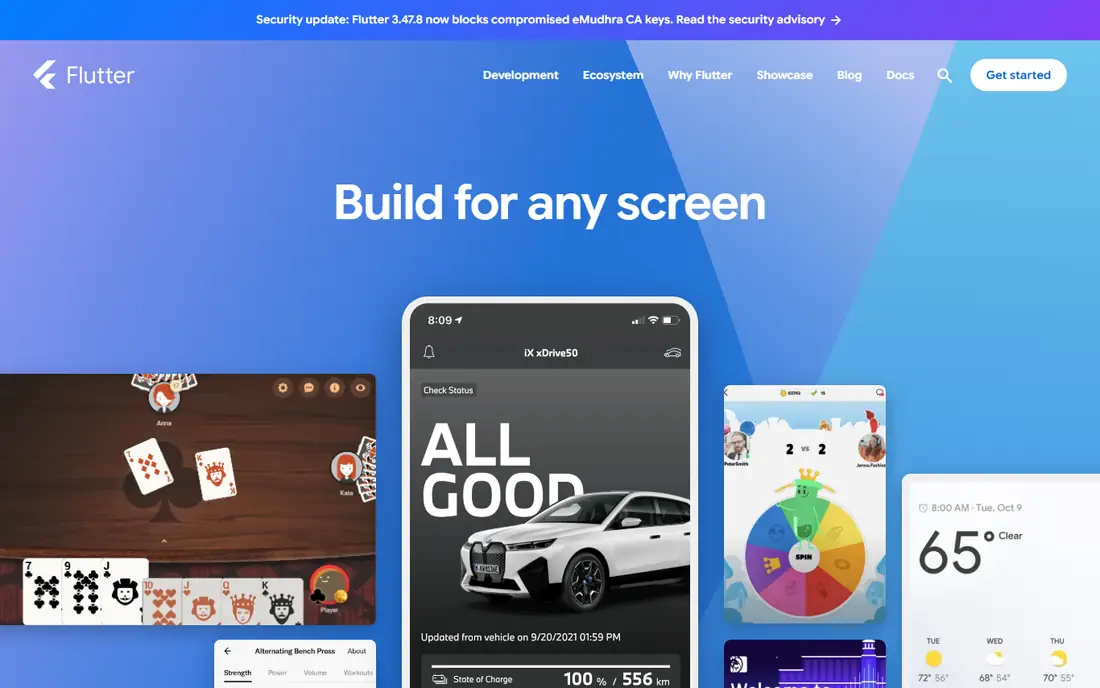
Flutter, supported by Google, compiles Dart code to machine code for fast performance on any device, and it deploys to mobile, web, desktop, and embedded devices from one codebase. Hot Reload updates code and shows changes almost instantly without losing state, which makes UI iteration unusually quick. The framework gives you control over every pixel, so custom designs look the same on iOS and Android.
The main cost is Dart. It is a pleasant language, but fewer developers know it than JavaScript or Kotlin, so hiring and onboarding take longer. App bundles also run larger than fully native builds, which matters for users on slow connections. If your app needs a distinctive custom interface and one team for every platform, Flutter is the strongest default pick.
What we like- Single codebase for mobile, web, and desktop
- Hot Reload speeds iteration
- Full control over every pixel
Watch out for- Dart is less common than JavaScript, so hiring takes longer
- App sizes run larger than fully native apps
Starting priceFree
Free planYes
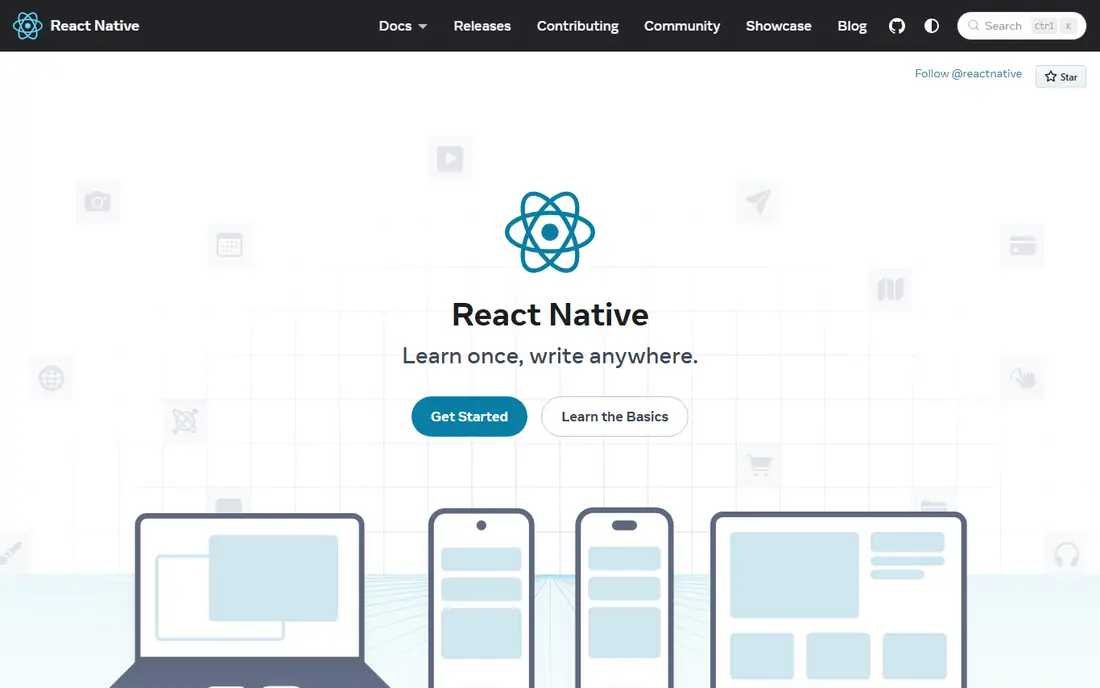
React Native brings React to native development: you write JavaScript, and its primitives render to native platform UI, so apps use the same native APIs as fully native apps. It provides core components such as View, Text, and Image that map directly to each platform's native building blocks, and it does not prescribe routing or API access, leaving those choices to your team.
The official docs now recommend starting with a framework such as Expo, which handles routing, native modules, and developer tools. That advice is worth following, since bare React Native projects need more setup. The hiring advantage is real: JavaScript developers are easy to find, and web teams can move to mobile without learning a new language. The catch is that advanced features still need native code, and major version upgrades can consume a sprint.
What we like- Huge JavaScript hiring pool
- Primitives render to real native UI
- Recommended path now runs through Expo
Watch out for- Needs native code for advanced features
- Upgrades across versions can take real effort
Starting priceFree
Free planYes
Kotlin Multiplatform takes a different approach from Flutter and React Native: share the business logic, networking, and data layers across platforms, while each platform keeps its own native interface. That keeps apps feeling truly native on both iOS and Android, and it reduces duplicated work on the parts of an app that users never see. Kotlin applications run on iOS, Android, macOS, Windows, Linux, and watchOS.
The approach suits teams that already build Android apps in Kotlin and want iOS without rewriting everything. Companies such as McDonald's, Forbes, and Philips use it for shared mobile logic. Shared UI tooling is still maturing compared with Flutter, so teams that want one interface for both platforms should look elsewhere. The Kotlin Toolchain, now recommended for most new multiplatform projects, simplifies setup, but iOS builds still need a Mac and Xcode.
What we like- Share business logic while keeping native screens
- Google-backed Android story
- Used by McDonald's, Forbes, and Philips
Watch out for- Shared UI is still maturing
- IOS setup needs Xcode and Apple tooling
Starting priceFree
Free planYes
.NET MAUI builds native apps for Windows, macOS, iOS, and Android from one C# codebase and project system, abstracting each platform into a common framework built on .NET. The default project template includes open-source controls and components, with sample content from the Community Toolkit and Syncfusion, and Microsoft Learn offers a full training path from fundamentals to data storage and web services.
For companies already running .NET on the server, MAUI keeps one language and one hiring pipeline from backend to mobile, and vendors such as Syncfusion, DevExpress, and Telerik sell polished component libraries. The community is smaller than Flutter's or React Native's, so answers to unusual problems can take longer to find. Teams without .NET experience should not adopt MAUI just for mobile, since the learning curve only pays off inside a .NET shop.
What we like- Single C# codebase for iOS, Android, macOS, and Windows
- Visual Studio tooling
- Strong enterprise component vendors
Watch out for- Smaller community than Flutter or React Native
- Mobile-first teams may find desktop features distracting
Starting priceFree
Free planYes
Ionic is an open-source mobile UI toolkit for building cross-platform apps from a single codebase in React, Vue, or Angular, or with no framework at all. It is built for speed by default, with hardware-accelerated transitions and touch-optimized gestures, and it ships light and dark modes out of the box. Apps deploy to iOS and Android app stores through the Capacitor bridge and its cross-platform plugin APIs.
The pitch is simple: if your team already builds web apps, Ionic lets that team ship mobile apps without learning native tooling. The trade-off is feel. WebView-based apps can lag behind native apps on heavy animations and complex gestures, so performance-critical apps should test early on low-end devices. Ionic's cloud build service, Appflow, handles builds and live updates, but it is a paid product on top of the free framework.
What we like- Open-source UI toolkit for React, Vue, or Angular
- Hardware-accelerated transitions
- Capacitor bridge to app stores
Watch out for- WebView-based apps can feel less native
- Heavy animations need care to stay smooth
Starting priceFree
Free planYes
NativeScript lets you build fully native apps with TypeScript, using a shared set of components that map directly to each platform's native UI building blocks. Unlike WebView frameworks, there is no browser layer in the middle: your code calls native APIs directly, such as reading battery level from UIDevice on iOS or BatteryManager on Android, from the same TypeScript.
That directness gives apps a genuinely native feel and full access to platform features without plugins for common tasks. The ecosystem is smaller than React Native's, so you will write more code yourself and find fewer ready-made templates. A newer deployment platform, Norrix, adds cloud builds, store submissions, and over-the-air updates for teams that want that workflow. NativeScript suits TypeScript teams that want native UI without adopting React.
What we like- Truly native UI from TypeScript
- Direct access to native iOS and Android APIs
- No WebView in the middle
Watch out for- Smaller ecosystem than React Native
- Fewer ready-made plugins and templates
Starting priceFree
Free planYes
Expo is the recommended way to start a React Native app, and the React Native docs point new projects to it directly. It adds file-based routing for stack, modal, drawer, and tab screens with little boilerplate, lets you use any library or native code, and offers Expo Go for testing on a real device within minutes. The platform reports more than 3 million developers and 500,000 projects, with 80 percent of React Native developers choosing Expo.
The framework itself is free, and its cloud services cover builds, updates with channels and rollouts, and production monitoring. The catch is the ceiling: apps that need unusual native modules must use a dev client or eject to bare React Native, and heavy cloud build usage moves to paid plans. For most new React Native apps, starting with Expo and ejecting only if needed is the sensible path.
What we like- Recommended starting point for React Native
- File-based routing
- Expo Go for instant device testing
Watch out for- Advanced native modules need a dev client or ejection
- Cloud build limits apply on the free tier
Starting priceFree
Free planYes
Apache Cordova wraps a web app built with HTML, CSS, and JavaScript into a native container that can access device functions through a unified JavaScript API, letting one codebase target nearly every phone and tablet on the market. It supports offline scenarios, reusable code across platforms, and a command-line workflow that runs on Node.js and NPM: create a project, add a platform, and run it.
Cordova is the oldest approach on this list, and it shows. It suits simple apps, internal tools, and prototypes where web skills already exist and native polish matters less. Complex animations and heavy native features strain the WebView model, and individual plugin maintenance varies, so audit the plugins you depend on. New projects with ambitious UI goals should pick Flutter, React Native, or Ionic instead, but Cordova remains a workable free path for simple apps.
What we like- Free and open source
- Wraps HTML, CSS, and JavaScript into a native container
- Supports offline scenarios
Watch out for- Oldest approach on this list
- WebView performance limits complex apps
- Plugin maintenance varies
How we chose
We opened every homepage listed here to confirm it loads and belongs to the product, and we compared language, rendering model, platform coverage, and ecosystem size. All eight frameworks are free and open source, so we weighed hiring availability, learning material, native performance, and the cost of reaching advanced features instead of license prices. We favored frameworks with active maintenance and clear documentation over older projects with fading plugin ecosystems.
Mobile framework buying guide
Match the framework to your team's existing skills first. JavaScript teams should start with React Native or Expo, Kotlin teams with Kotlin Multiplatform, C# teams with .NET MAUI, and web teams with Ionic or Cordova. Switching languages for a single app rarely pays off, since hiring and onboarding cost more than any framework advantage.
Native feel versus speed
Frameworks that render real native UI, such as React Native, NativeScript, and Kotlin Multiplatform, feel closest to platform-native apps. Flutter draws its own UI, which gives pixel control but a slightly different feel. WebView frameworks such as Ionic and Cordova are fastest for web teams but weakest on heavy animation. Test your hardest screen on a low-end Android phone before committing, since that is where differences show up first.
Cost, hiring, and maintenance
Licenses cost nothing here, so budget for people instead. React Native and Flutter have the largest hiring pools and the most tutorials. Kotlin Multiplatform and .NET MAUI hire well inside Android and .NET shops but slower outside them. Factor in upgrade effort too: cross-platform frameworks release often, and skipping upgrades for a year makes the eventual jump painful. Pick the framework your team can maintain for three years, not the one that demos best in a week.
Frequently asked questions
Which mobile framework is best for beginners?
Expo is the easiest start, since it removes native setup and lets you test on your phone within minutes. Flutter is the next best option for beginners who want one codebase and strong documentation, though Dart is a new language for most.
Is Flutter better than React Native?
Neither wins outright. Flutter gives more UI control and one codebase for mobile, web, and desktop, while React Native gives a larger JavaScript hiring pool and truly native components. Choose based on your team's language and whether custom UI or native feel matters more.
Can I build an iOS app without a Mac?
No, not for store submission. Even cross-platform frameworks need Xcode and Apple tooling to build and sign iOS apps, so budget for a Mac or a cloud Mac build service. Android builds run on any major operating system.
Are these frameworks really free?
Yes, all eight are free and open source. Costs appear elsewhere: paid cloud builds, component libraries, app store fees, and developer time. Expo and Ionic offer paid cloud services, but their frameworks remain free.
Should I still consider native development?
Yes, for apps where platform features, performance, or store rules dominate. Kotlin Multiplatform is a middle path: share logic and keep native screens. Fully native Swift and Kotlin apps remain the ceiling for polish, at the cost of two codebases.
What happened to Xamarin?
Xamarin was Microsoft's earlier cross-platform framework and has been replaced by .NET MAUI, which is its successor. New .NET mobile projects should start with MAUI, not Xamarin.
Sources we checked (8)
- https://flutter.dev
- https://reactnative.dev
- https://kotlinlang.org
- https://dotnet.microsoft.com/en-us/apps/maui
- https://ionicframework.com/
- https://nativescript.org
- https://expo.dev/
- https://cordova.apache.org/
Is your product missing or out of date?
We review this list regularly. Vendors can request a listing, send updated pricing or ask about featured placement.

Shihab Mia · Founder, Rankite
Shihab has 5+ years in B2B and SaaS SEO. He writes Rankite's software buying guides from pricing pages, documentation and public user reviews. More about Shihab.
 React Native
 Kotlin Multiplatform
 .NET MAUI
 Ionic
Ionic NativeScript
 Expo
Expo Apache Cordova