How we make this list: we compare pricing pages, product documentation and public user reviews. Ratings come from G2, Capterra or Trustpilot, with the date we checked them.
Key takeaways
- Automatic tracking is the feature that matters most, since a log you must start by hand will miss drives on busy days.
- MileIQ suits simple automatic tracking, while Everlance and Hurdlr add expenses and tax estimates for self employed users.
- TripLog and Zoho Expense suit teams and reimbursement programs, with admin controls and approval workflows.
- Stride is the best free option for gig workers, while Driversnote suits drivers who need compliant logs across countries.
- MileageWise helps drivers rebuild past logs, and SherpaShare helps rideshare and delivery drivers track profit per trip.
Quick comparison
| Tool | Best for | Starting price | Free plan |
|---|
 MileIQ MileIQ | Simple automatic tracking | See website | Yes |
 Everlance Everlance | Mileage plus expenses | $69.99 per user/year | Yes |
 TripLog TripLog | Team reimbursement programs | $59.99 per user/year | Yes |
 Hurdlr Hurdlr | Mileage plus tax estimates | $99.99 per user/year | Yes |
 Driversnote Driversnote | Compliant logs across countries | $11.00 per user/month | Yes |
 Stride Stride | Free tracking for gig workers | $0 per user/month | Yes |
 MileageWise MileageWise | Rebuilding past mileage logs | $69.99 per user/year | Free trial |
 SherpaShare SherpaShare | Rideshare and delivery profit tracking | $59.99 per user/year | No |
 Zoho Expense Zoho Expense | Mileage inside Zoho workflows | $3.00 per user/month | Yes |
Is your product missing or out of date?
We review this list regularly. Vendors can request a listing, send updated pricing or ask about featured placement.
The best mileage app
A mileage log is only useful if it would hold up when checked. Tax rules and employer reimbursement programs usually need a date, a start and end location, a business purpose, and a distance for each trip, kept in a consistent record. A notebook can do that, but it relies on memory at the end of the day, which is where most logs fail. An app that detects drives automatically, asks for a quick business or personal label, and exports a clean report removes the weakest step.
The choice then comes down to who pays for the miles and what else needs tracking. A solo driver for taxes needs a simple log. A self employed worker may also need expenses and tax estimates. A company needs approvals, rates, and team reports. A rideshare driver needs profit per trip, not just miles. The nine apps below cover those jobs, with the limits that matter for each.
#1MileIQ
Best for: Simple automatic tracking4.2/5 on
G2 (68 reviews, checked Oct 2026)
Visit mileiq.com
Starting priceSee website
Free planYes
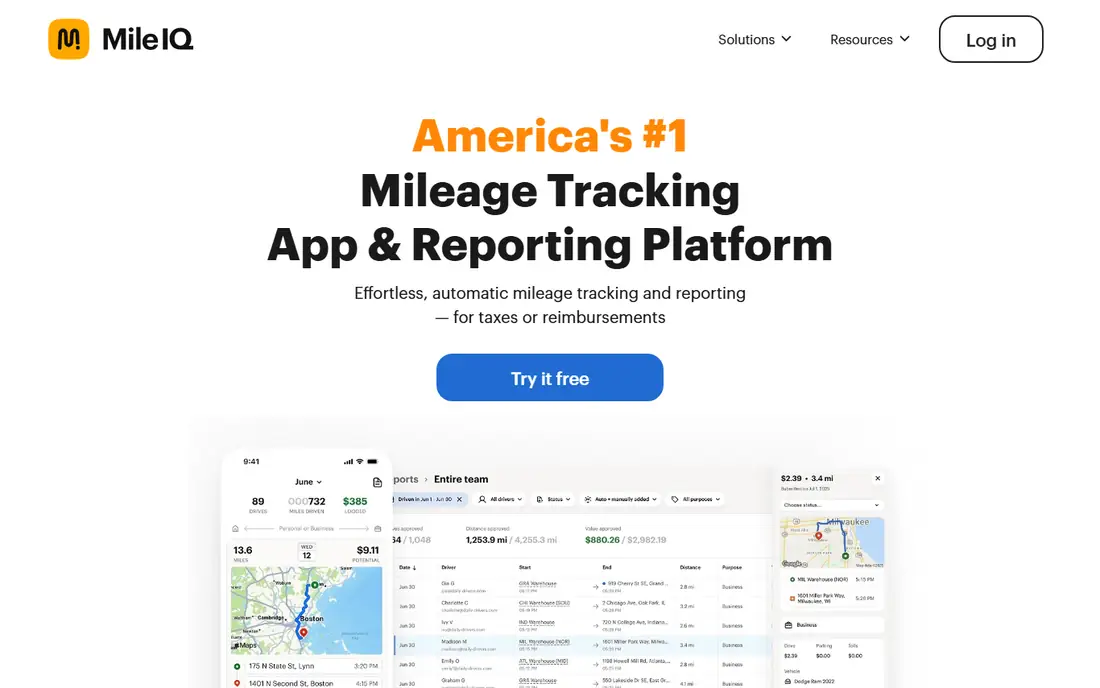
MileIQ is the simplest automatic tracker on this list, and that simplicity is why many solo drivers start here. The app detects drives in the background, and a user swipes right for business or left for personal, adds a purpose if needed, and exports a report at tax time or for reimbursement. Frequent drives and work hours can be set to classify automatically, which cuts the daily routine to a few seconds.
The limits are scope and price clarity. MileIQ tracks miles only, so expenses, receipts, and income need another tool, and the free plan covers only 40 drives per month, which is tight for daily drivers. Paid pricing has varied in vendor listings, so the current pricing page should be checked before purchase. For a solo driver who wants a hands off mileage log and nothing else, MileIQ is the clearest pick.
What we like- Automatic drive detection
- Swipe to classify business or personal
- Clean tax and reimbursement reports
Watch out for- No built in expense tracking
- Team pricing adds up
- Free plan caps drives per month
#2Everlance
Best for: Mileage plus expenses4.4/5 on
G2 (133 reviews, checked Oct 2026)
Visit everlance.com
Starting price$69.99 per user/year
Free planYes
Everlance combines mileage tracking with expense tracking, which suits self employed workers who need both for taxes. The app detects trips automatically, lets users photograph receipts, syncs bank and card transactions, and builds an IRS compliant log that can be exported. A deduction finder scans transactions for possible deductions, which helps users who otherwise miss small expenses.
The free plan limits automatic trips to 30 per month, with unlimited manual trips, so heavy drivers will need Premium. Premium also adds fuller expense categorization and team features. Everlance is best for a freelancer or gig worker who wants miles and expenses in one place, and who will use the app weekly to classify trips and receipts.
What we like- Automatic mileage and expense tracking in one app
- Bank and card sync
- IRS compliant reports
Watch out for- Free plan caps automatic trips
- Premium needed for unlimited tracking and full expense features
Starting price$59.99 per user/year
Free planYes
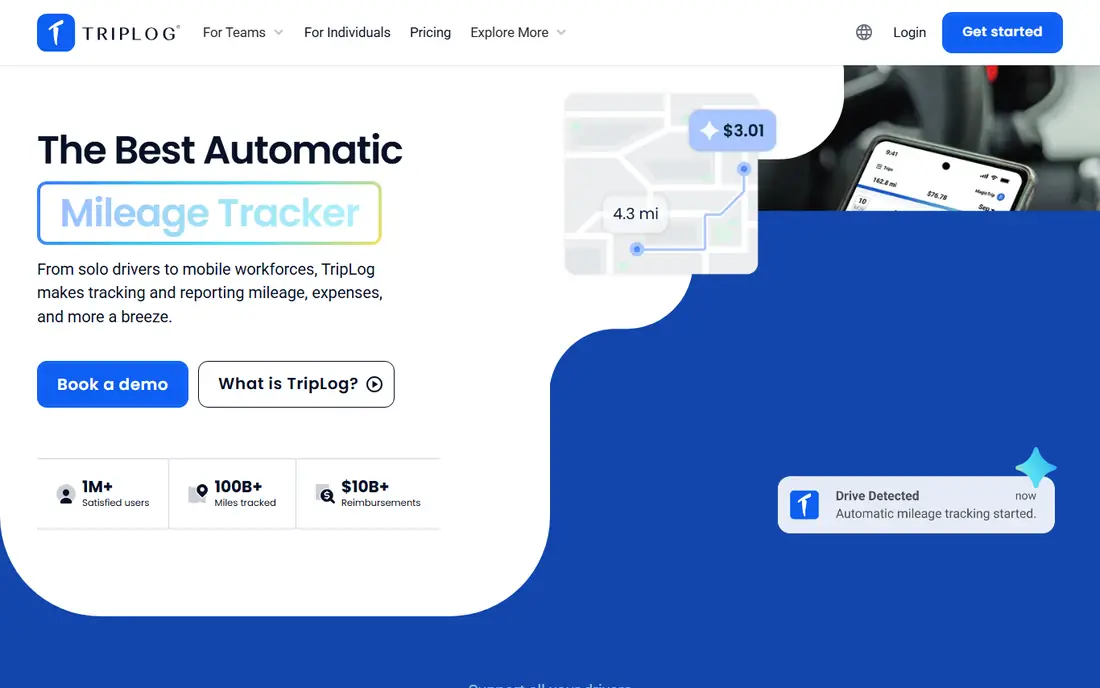
TripLog is built for teams and mobile workforces, not just solo drivers. It tracks mileage automatically, adds expenses, receipts, and time tracking, and lets admins set reimbursement rates, approve reports, and manage drivers from a central dashboard. Programs for cents per mile, fixed allowance, and fixed plus variable rates cover common employer reimbursement models.
The trade off is complexity for a solo user. A single driver who only needs a tax log will find TripLog heavier than MileIQ or Stride, and team setup takes admin time to configure rates and approvals. TripLog fits best for a company with field staff, sales teams, or service technicians who need consistent reimbursement reports and manager approval.
What we like- Automatic tracking plus expenses and time tracking
- Team admin and approval tools
- Reimbursement rate programs
Watch out for- Feature depth can overwhelm solo users
- Team pricing and setup need admin time
#4Hurdlr
Best for: Mileage plus tax estimates4.3/5 on
G2 (23 reviews, checked Oct 2026)
Visit hurdlr.com
Starting price$99.99 per user/year
Free planYes
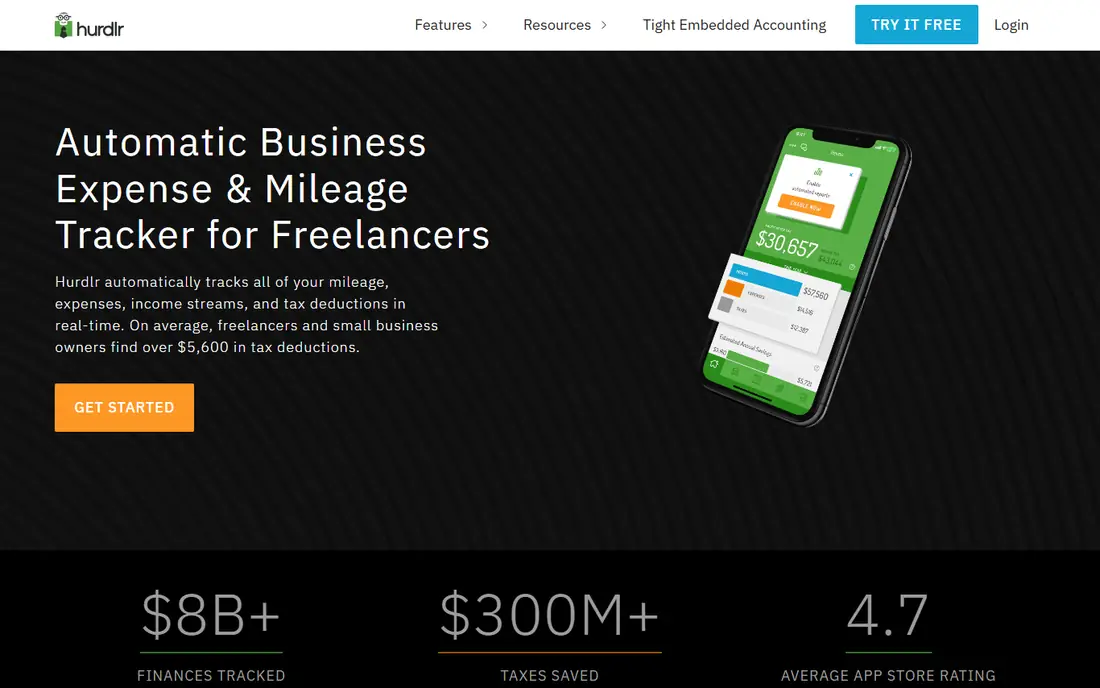
Hurdlr tracks mileage, expenses, and income together, and adds live tax estimates that show what a self employed user may owe and when payments are due. That tax view is the reason many freelancers choose Hurdlr over a mileage only app, since it turns a log into a clearer picture of quarterly taxes. Receipt capture, bank sync, and reports support that picture.
The limit is price for a mileage only job. Premium costs more than MileIQ or Everlance annual plans in many listings, so a user who only needs miles should not pay for tax and invoicing features they will not use. Tax estimates also depend on correct categorization, so a user should still review results with a tax professional. Hurdlr suits a freelancer who wants miles, expenses, income, and tax estimates in one dashboard.
What we like- Automatic mileage, expenses, and income tracking
- Live tax estimates and reminders
- Invoicing on higher plans
Watch out for- Premium price is high for mileage alone
- Some tax features need careful review with a professional
#5Driversnote
Best for: Compliant logs across countries4.6/5 on
G2 (26 reviews, checked Oct 2026)
Visit driversnote.com
Starting price$11.00 per user/month
Free planYes
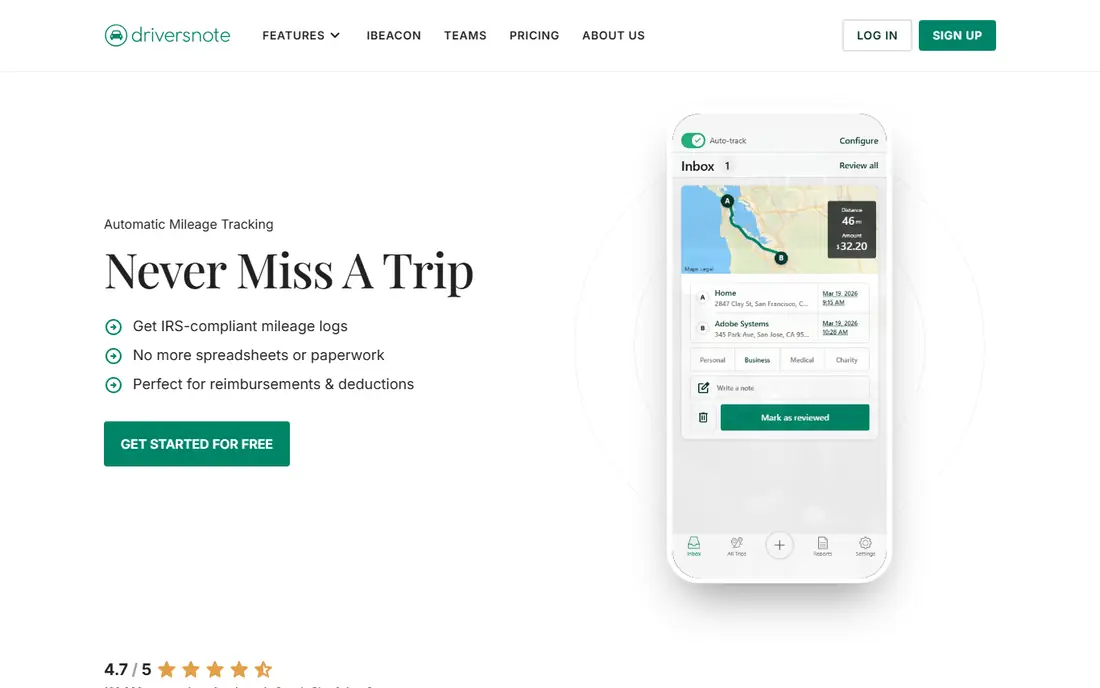
Driversnote is a mileage app built around compliant logs, with support for tax rules in many countries beyond the United States. It tracks trips automatically, offers an optional iBeacon device that can start tracking when a phone enters a car, and produces reports that match common tax authority formats. For drivers who work across borders or for employers with strict log rules, that compliance focus matters.
The limits are scope and free tier size. Driversnote does not track expenses or income, and the free plan covers only 15 trips per month, so most regular drivers will need a paid plan. Pricing also varies by web versus app store billing, so the vendor site should be checked. Driversnote is best for a driver who needs a clean, compliant log and values the iBeacon option for battery saving.
What we like- Automatic tracking with iBeacon option
- Compliant logs for many countries
- Simple web and mobile reports
Watch out for- No expense tracking
- Free plan caps trips per month
- Pricing varies by billing route
Starting price$0 per user/month
Free planYes
Stride is the free option for gig workers, delivery drivers, and freelancers who need a mileage and expense log without a subscription. The app tracks miles and expenses, helps users estimate deductions, and costs nothing to use, which makes it easy to recommend to a driver who is just starting gig work. There is no paid tier to upgrade to for core tracking.
The catch is automation. Stride relies more on manual starts and reminders than MileIQ or Everlance, so a driver who forgets to start a trip can miss miles. Reporting and team features are also lighter than paid rivals. Stride is best for a budget conscious gig worker who will remember to log trips, and who values a free log over full automation.
What we like- Completely free mileage and expense tracking
- Simple interface for gig workers
- No subscription needed
Watch out for- Tracking needs more manual input than fully automatic rivals
- Fewer team and reporting features
#7MileageWise
Best for: Rebuilding past mileage logs4.9/5 on
G2 (8 reviews, checked Oct 2026)
Visit mileagewise.com
Starting price$69.99 per user/year
Free planFree trial
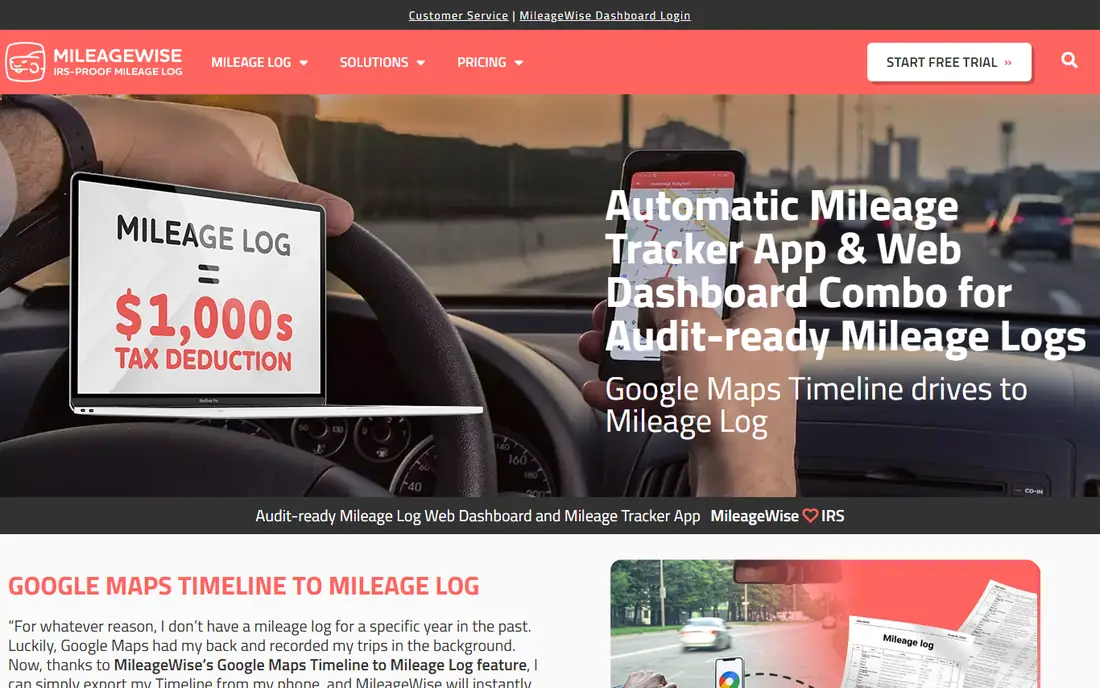
MileageWise serves a specific and stressful job, which is rebuilding a mileage log for past months or years. It can pull data from sources such as Google Timeline, calendars, and other records to reconstruct trips, then produce a log that is structured for tax review. For a driver who missed months of tracking and faces a tax deadline, that rebuilding tool is far more valuable than another simple tracker.
The limits are price and daily use. There is no free plan, only a trial, and the interface is built around rebuilding and audit preparation rather than the simplest daily swipe. Current trip tracking is included, but a driver who only needs ongoing tracking will find MileIQ or Everlance simpler. MileageWise is the pick when past logs are missing and a defensible reconstruction is needed.
What we like- Tools to rebuild logs from past data sources
- Automatic tracking for current trips
- Audit focused reports
Watch out for- No free plan, only a trial
- Interface is focused on log rebuilding rather than daily simplicity
Starting price$59.99 per user/year
Free planNo
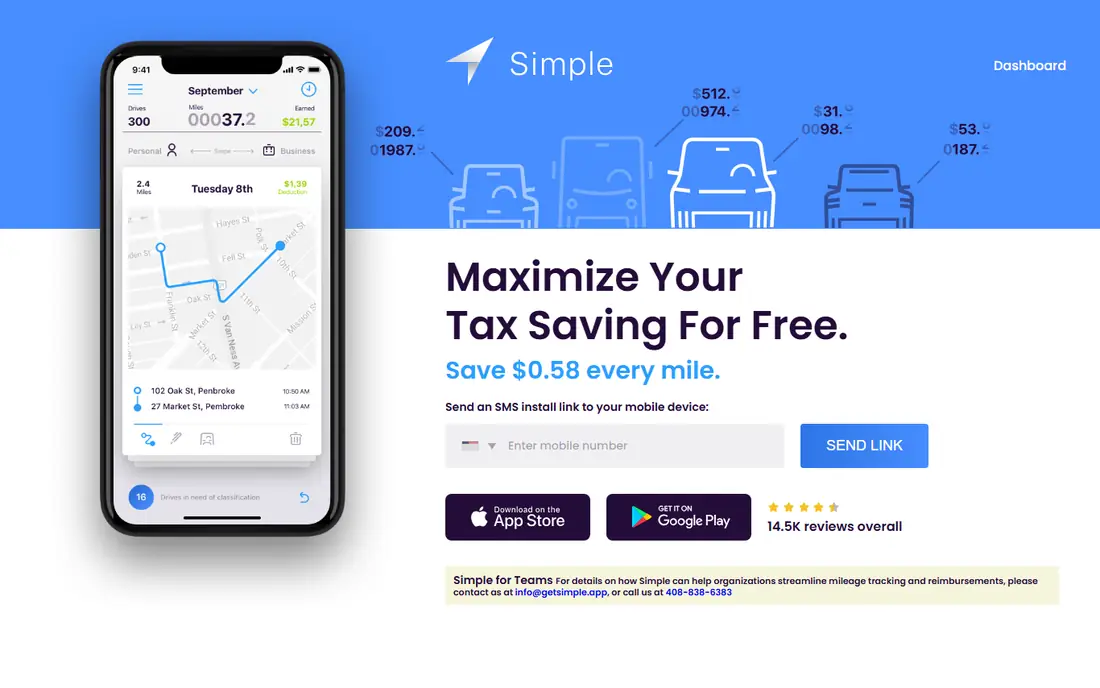
SherpaShare is built for rideshare and delivery drivers who need more than a mileage total. It tracks miles, combines them with earnings data, and shows profit per trip, per hour, and by area or platform, which helps a driver decide where and when to work. That profit view is the reason a delivery driver might choose SherpaShare over a general tracker.
The trade off is niche focus and price. There is no free plan, and a non gig driver will get little from platform analytics. Setup also needs connections to earnings sources to give full value. SherpaShare suits a full time or regular rideshare and delivery driver who wants to track profit, not just miles, and who will use the analytics weekly.
What we like- Mileage tracking plus earnings and profit analytics for rideshare and delivery
- Trip insights by platform and area
Watch out for- No free plan
- Niche focus means less value for non gig drivers
- Setup needs platform connections
#9Zoho Expense
Best for: Mileage inside Zoho workflows4.5/5 on
G2 (1,579 reviews, checked Oct 2026)
Visit zoho.com
Starting price$3.00 per user/month
Free planYes
Zoho Expense is a full expense management product that includes mileage tracking alongside receipts, approvals, and accounting integrations. Employees can log miles, submit them with other expenses, and managers can approve reports in one workflow, with connections to Zoho Books, QuickBooks, and Xero. The free plan covers up to three users, which helps a very small team start without cost.
The limit is that mileage is not the whole product. A solo driver who only needs miles will find Zoho Expense heavier than MileIQ, and setup requires a Zoho account and some admin configuration. Zoho Expense fits best for a business already using Zoho tools, or a small team that wants mileage inside a single expense approval system rather than a separate tracker.
What we like- Mileage tracking inside a full expense system
- Approvals and accounting integrations
- Free plan for small teams
Watch out for- Mileage is one feature inside a larger expense product
- Setup needs Zoho account and admin time
How we chose
We reviewed vendor pricing pages, product documentation, and public reviews on G2, Capterra, and Reddit, and we grouped apps by job, such as solo tax logs, self employed expenses, team reimbursement, gig profit tracking, and past log rebuilding. We favored apps that exist today, serve US drivers, and offer automatic tracking or a clear manual workflow, with a free plan or trial where available. We did not claim hands on lab results, and prices are shown as See website where vendor listings conflicted or varied by billing route. This is not tax advice.
This is not tax advice, and users should confirm current IRS log requirements and rates with a tax professional before filing.
Making a mileage log that holds up
Classify trips at least weekly, not at tax time, since memory fades and a late reconstruction is harder to defend. Add a business purpose for each business trip, such as a client name or job site, and keep personal trips labeled as well, so the log shows a complete picture. Export a backup each month in PDF or spreadsheet form, and store it with other tax records.
Check battery, GPS, and work hours settings
Automatic tracking depends on location permissions, battery settings, and background app refresh. Allow location access while using the app or always where the app needs it, turn off aggressive battery optimization for the tracker, and set work hours or frequent locations to reduce manual labeling. Test the app for a full week of normal driving before relying on it for a tax log.
Confirm the reimbursement rate and report format
Employers and tax programs use different rates and report formats, so confirm the rate, the report period, and the approval route before the first submission. A log that is perfect for taxes may still need a different export for an employer, and a team app such as TripLog or Zoho Expense can produce both if configured correctly. Keep a note of the rate used for each period, since rates change over years.
Frequently asked questions
What does a compliant mileage log need?
A compliant log usually needs a date, start and end locations, business purpose, and distance for each business trip, kept consistently over the year. Apps such as MileIQ, Everlance, TripLog, and Driversnote produce reports with those fields. Check current IRS guidance and confirm details with a tax professional for your situation.
Is automatic tracking better than manual tracking?
Yes, for most drivers, automatic tracking misses fewer trips than manual entry, since it does not rely on remembering to start a log. Manual tracking can work for low volume drivers who drive the same route rarely, but automatic tracking is safer for daily drivers. Always review and classify trips weekly, even with automatic tracking.
Which mileage app is free?
Stride is free for mileage and expense tracking, with no subscription for core features. MileIQ, Everlance, TripLog, Hurdlr, Driversnote, and Zoho Expense offer free plans with trip caps or limited features. Check the free plan limits against your monthly trip count before choosing.
Can a mileage app track expenses too?
Yes, Everlance, TripLog, Hurdlr, Stride, and Zoho Expense track expenses alongside mileage, with receipt capture in many cases. MileIQ, Driversnote, and MileageWise focus mainly on miles, so expense tracking needs a separate tool if those apps are chosen.
Do I need a team app for a small business?
A team app helps when several drivers submit reports, managers approve them, and reimbursement rates must stay consistent. TripLog and Zoho Expense cover that job, while MileIQ offers team plans for simpler needs. A solo driver or a two person team may not need full team approval workflows.
How do I rebuild a mileage log for last year?
Start by gathering calendars, Google Timeline data, invoices, and other records that show where you drove and why, then use a rebuilding tool such as MileageWise to structure those trips into a log. Review each reconstructed trip for purpose and distance, export a backup, and ask a tax professional to review the log before filing.
Sources we checked (9)
- https://www.mileiq.com
- https://www.everlance.com
- https://www.triplogmileage.com
- https://www.hurdlr.com
- https://www.driversnote.com
- https://www.stridehealth.com
- https://www.mileagewise.com
- https://www.sherpashare.com
- https://www.zoho.com/expense/
Is your product missing or out of date?
We review this list regularly. Vendors can request a listing, send updated pricing or ask about featured placement.

Shihab Mia · Founder, Rankite
Shihab has 5+ years in B2B and SaaS SEO. He writes Rankite's software buying guides from pricing pages, documentation and public user reviews. More about Shihab.