How we make this list: we compare pricing pages, product documentation and public user reviews. Ratings come from G2, Capterra or Trustpilot, with the date we checked them.
Key takeaways
- Automatic detection is the feature that saves the most time, since manual logs are easy to forget after a busy day of driving.
- Free plans are useful, but they cap automatic trips, so count your monthly business drives before you rely on one.
- Team tools add approval and reimbursement workflows that solo apps do not need, and they charge per user.
- A log needs date, start and end locations, miles and business purpose to be useful at tax time.
- The cheapest app is not the best pick if it misses drives or produces reports your accountant cannot use.
Quick comparison
| Tool | Best for | Starting price | Free plan |
|---|
 MileIQ MileIQ | Automatic detection for solo drivers | $13.99 per user/month | Yes |
 Everlance Everlance | Mileage plus expenses for freelancers | $8.99 per user/month | Yes |
 Hurdlr Hurdlr | Self-employed tax estimates | $9.99 per user/month | Yes |
 Driversnote Driversnote | Simple logs across countries | $11 per user/month | Yes |
 Stride Stride | Free tracking for gig workers | $0 per user/month | Yes |
 MileageWise MileageWise | Rebuilding past mileage logs | $69.99 per year | Free trial |
 Zoho Expense Zoho Expense | Mileage inside Zoho accounting | $3 per user/month | Yes |
 Timeero Timeero | Field teams with GPS time tracking | $6 per user/month | Free trial |
Is your product missing or out of date?
We review this list regularly. Vendors can request a listing, send updated pricing or ask about featured placement.
The best apps to track mileage for work
#1MileIQ
Best for: Automatic detection for solo drivers4.2/5 on
G2 (68 reviews, checked Oct 2026)
Visit mileiq.com
Starting price$13.99 per user/month
Free planYes
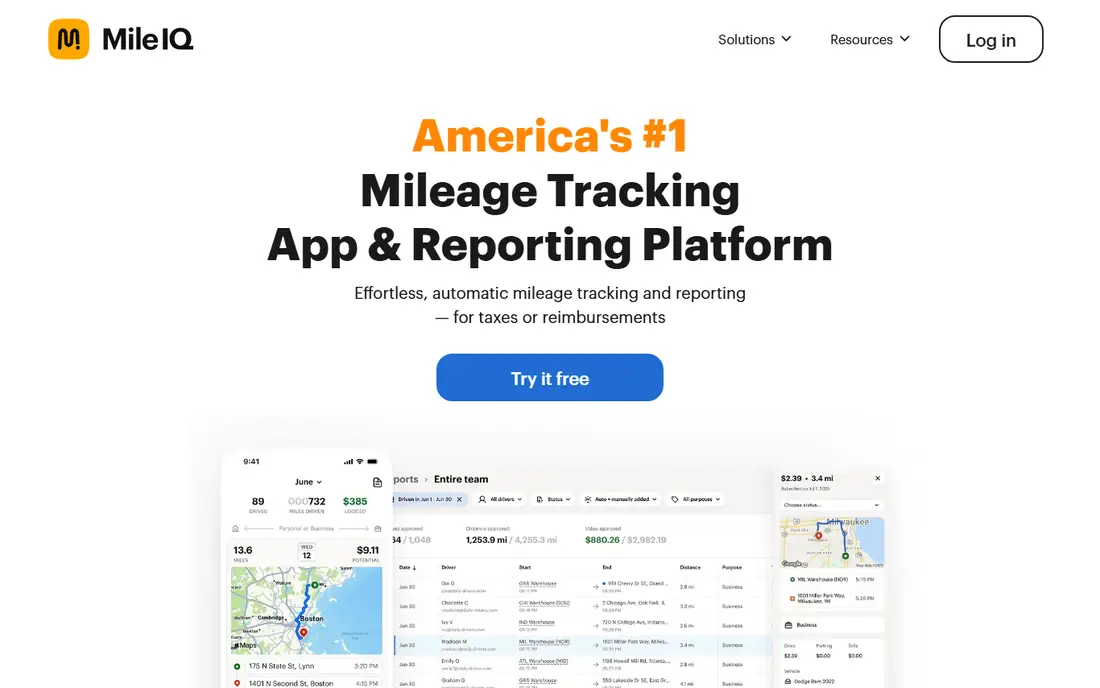
MileIQ is the simplest answer for a solo driver who forgets to log trips. The app detects drives in the background, then you swipe each drive as business or personal. That swipe step takes seconds, and it is far more reliable than trying to reconstruct a week of driving from memory on Sunday night. Reports group drives by month, which makes tax preparation and reimbursement claims much easier.
The limit is scope. MileIQ tracks mileage only, so receipts, tolls and other expenses live elsewhere. The free plan covers 40 drives a month, which suits a light driver but not a field worker with daily stops. If you drive often for work and want a log you do not have to think about, the paid plan is worth the cost. If you drive only a few times a month, test the free plan first and count how often you hit the cap.
What we like- Automatic drive detection with no start or stop tap
- Simple swipe classification
- Clear monthly and yearly reports
Watch out for- No expense tracking built in
- Paid plan is pricey for light drivers
- Reports need review for personal trips
#2Everlance
Best for: Mileage plus expenses for freelancers4.4/5 on
G2 (133 reviews, checked Oct 2026)
Visit everlance.com
Starting price$8.99 per user/month
Free planYes
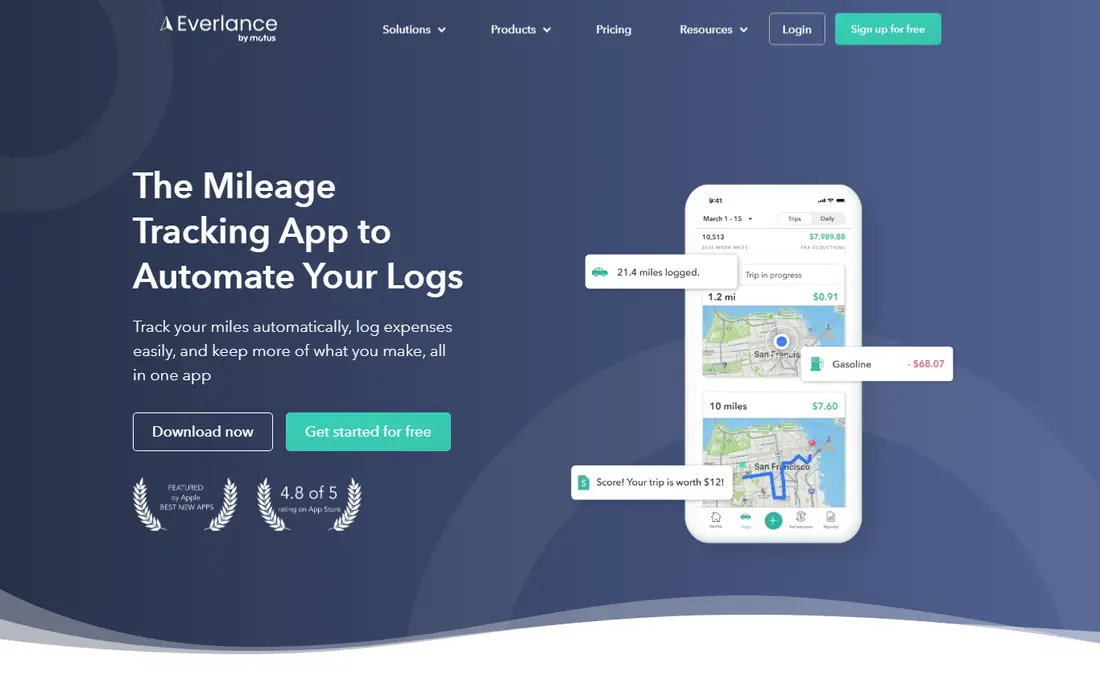
Everlance fits freelancers who want mileage, receipts and spending in one place. Automatic detection handles the driving, while expense tools handle the rest of the paper trail. Paid plans add bank and card sync, which reduces manual entry for people who already track business spending. The app also produces reports that separate business and personal activity, a detail accountants appreciate.
The free plan is a real starting point, with 30 automatic trips a month and unlimited manual trips. Heavy drivers will hit that cap, so check your typical month before you settle. Everlance is also more app to learn than MileIQ, since expense categories and sync settings need attention at setup. Once that setup is done, it replaces two separate tools for many solo workers.
What we like- Mileage and expense tracking in one app
- Automatic trip detection
- Bank and card sync on paid plans
Watch out for- Free plan caps automatic trips at 30 a month
- Some features need the higher paid tier
- Setup takes longer than a mileage only app
#3Hurdlr
Best for: Self-employed tax estimates4.3/5 on
G2 (23 reviews, checked Oct 2026)
Visit hurdlr.com
Starting price$9.99 per user/month
Free planYes
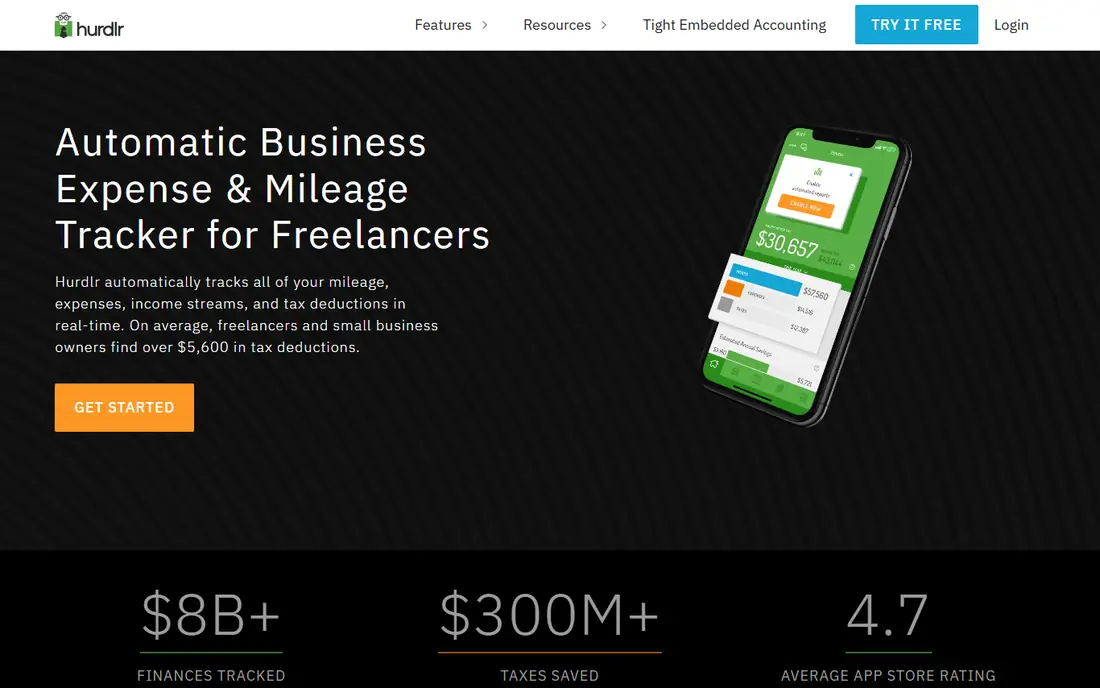
Hurdlr answers a different question than a pure mileage logger: how much tax might you owe right now. It tracks mileage, income and expenses, then shows a running estimate that updates as you log activity. For a self-employed worker with irregular income, that running view helps with quarterly payments and avoids a surprise at year end. Manual mileage tracking is free, which keeps the cost at zero for a careful logger.
Automatic tracking sits on the paid plan, so a driver who wants hands off logging must pay. The tax estimate also depends on the data you enter, so incomplete logs produce a misleading number. Treat the estimate as a planning aid, and confirm final figures with a tax professional. This is not tax advice, and Hurdlr does not replace a professional for complex returns.
What we like- Mileage plus income and expense tracking
- Running tax estimates
- Manual mileage tracking on the free plan
Watch out for- Automatic tracking needs a paid plan
- The tax estimate is an estimate, not tax advice
- The app covers a lot, which can distract from mileage alone
#4Driversnote
Best for: Simple logs across countries4.6/5 on
G2 (26 reviews, checked Oct 2026)
Visit driversnote.com
Starting price$11 per user/month
Free planYes
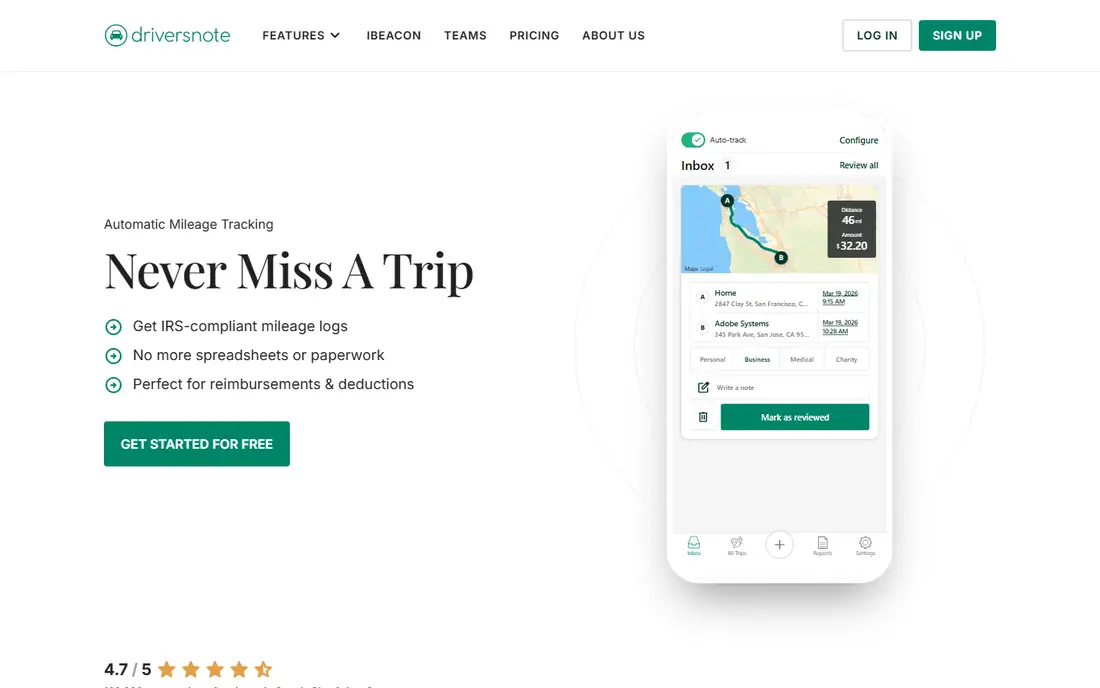
Driversnote keeps the focus narrow: record drives accurately, classify them, and export a clean log. That narrow focus is a strength for employees who need a compliant record and nothing else. The app works across many countries, with mileage units and report formats that fit local rules. An optional beacon in the car can improve detection for drivers who want extra reliability.
The free plan covers 15 trips a month, which is enough for an occasional driver but not for daily field work. Paid plans remove the cap and add reporting options. There is no expense module, so receipts need another tool. If your main need is a defensible mileage log for work, Driversnote is one of the cleanest options here.
What we like- Automatic tracking with a simple interface
- Logs that meet many country rules
- Optional beacon for reliable detection
Watch out for- No expense tracking
- No annual discount on some plans
- The free plan caps trips at 15 a month
Starting price$0 per user/month
Free planYes
Stride is the free option that many gig drivers start with, and for a good reason: there is no subscription to weigh against a small number of drives. You can log mileage and expenses, then export a record for tax time. The app is simple, which helps when you are moving between jobs and do not want a long setup process. For a driver who is just starting out, that zero cost removes the main barrier.
The trade-off is automation. Stride relies more on manual input and reminders than the automatic detection in MileIQ or Everlance, so missed entries are possible on busy days. Team features are also thin, since this is a solo worker tool. If you drive a lot and miss manual entries often, a paid automatic app may save more in deductions than it costs. If you drive less often and log carefully, Stride is hard to beat on value.
What we like- Free with no paid tier for mileage
- Simple expense logging
- A good fit for gig and delivery drivers
Watch out for- Tracking needs more manual input than automatic rivals
- Fewer team features
- Reports are basic compared with paid tools
#6MileageWise
Best for: Rebuilding past mileage logs4.9/5 on
G2 (8 reviews, checked Oct 2026)
Visit mileagewise.com
Starting price$69.99 per year
Free planFree trial
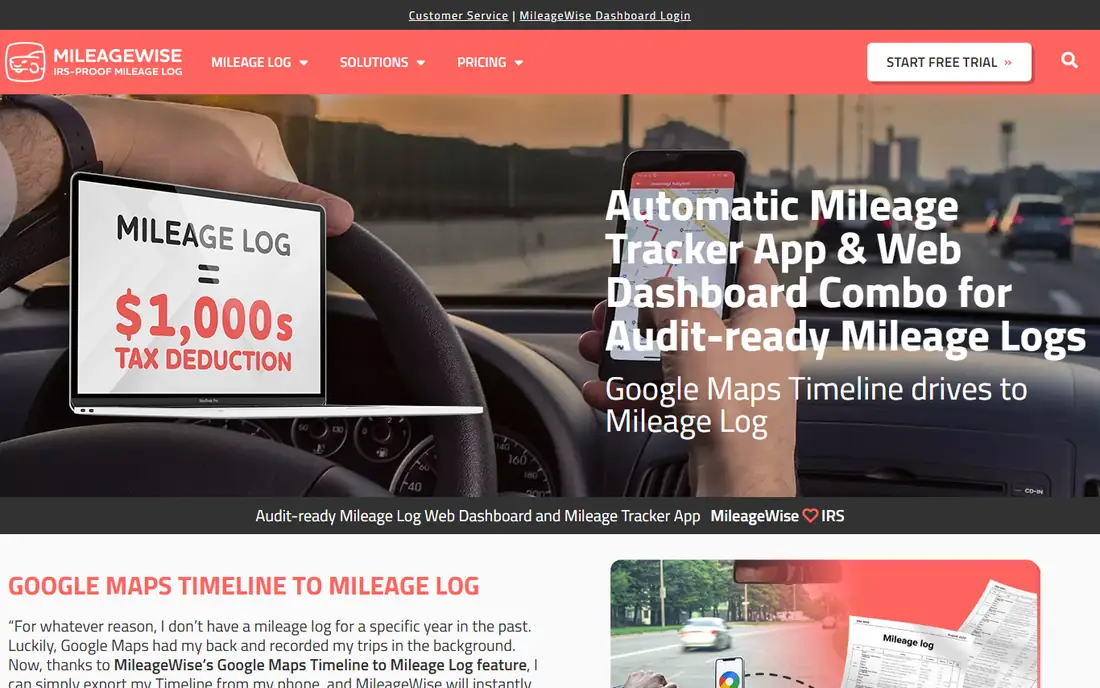
MileageWise stands out for one specific job: rebuilding a log you should have kept. It can pull from calendars, location history and other records to help reconstruct past trips, then format the result as a compliant log. That feature matters for drivers who face an audit or who realize late that a year of driving was never recorded. Automatic tracking covers current trips, so you do not need a second app going forward.
Reconstruction is not magic. You still need source records, and the result needs review before you submit it. The paid only model also means there is no free tier to test long term, though a trial is available. If your current log is in good shape, a simpler app may fit better. If you need to fix the past, MileageWise is the tool on this list built for that job.
What we like- Tools to rebuild past logs from calendars and records
- Automatic tracking
- Vehicle expense entries
Watch out for- No permanent free plan
- The rebuild process still needs your records
- The interface is more detailed than simple loggers
#7Zoho Expense
Best for: Mileage inside Zoho accounting4.5/5 on
G2 (1,579 reviews, checked Oct 2026)
Visit zoho.com
Starting price$3 per user/month
Free planYes
Zoho Expense is not a mileage only app, and that is the point for Zoho users. Mileage entries flow into the same expense reports, approvals and accounting records as receipts and travel costs. A small team already on Zoho can add mileage without a separate subscription or a separate export step. The free tier for up to three users makes it easy to test with a small group.
For a solo driver outside Zoho, the setup cost is hard to justify. You would be learning an expense system just to log drives. Mileage features are solid, but they sit inside menus built for finance teams. Choose Zoho Expense if your business already runs on Zoho, or if you want mileage, expenses and approvals in one system. Otherwise, pick a dedicated tracker.
What we like- Mileage inside a full expense system
- A free tier for up to three users
- Integrations with Zoho Books and other tools
Watch out for- Mileage is one feature in a larger system
- Setup is heavier than a standalone app
- Best value only if you already use Zoho
#8Timeero
Best for: Field teams with GPS time tracking4.8/5 on
G2 (51 reviews, checked Oct 2026)
Visit timeero.com
Starting price$6 per user/month
Free planFree trial
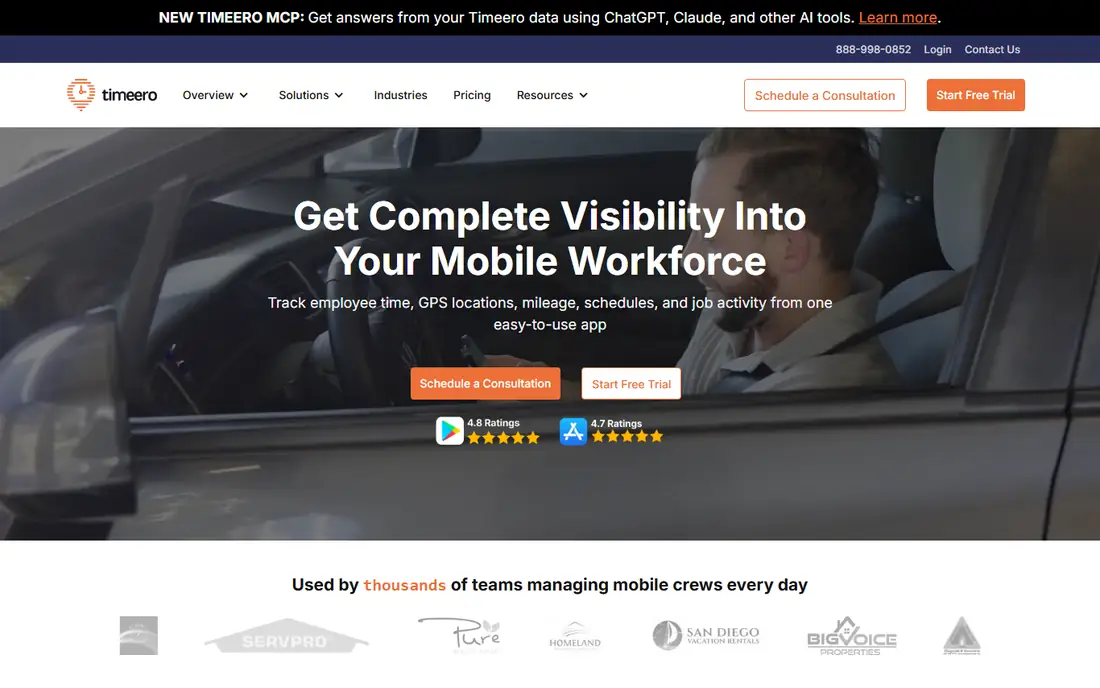
Timeero combines time tracking and mileage for field teams, which solves a common problem: a worker visits several sites in one shift, and the company needs both hours and miles. Segmented trip tracking breaks a route into stops, so each visit gets its own record. Managers can review time and mileage together, which reduces disputes over pay and reimbursement.
Solo drivers will find Timeero larger than they need, and the per user price grows with team size. There is no permanent free plan, though a trial lets a team test the workflow. If you run a field crew and need proof of time on site plus miles driven, Timeero is a strong fit. If you only need a personal log, a solo app on this list will be simpler and cheaper.
What we like- GPS time tracking plus mileage
- Segmented trips for multi-stop routes
- Admin controls for field teams
Watch out for- No permanent free plan
- Built for teams, not solo drivers
- Per user pricing adds up for large crews
How we chose
We compared pricing pages, product documentation and public reviews on G2, Capterra and Reddit, along with each app feature list, tracking method and report format. We looked for tools that serve US workers, produce a log with date, locations, miles and business purpose, and offer a free plan or trial that lets a driver test real trips. Company size fit mattered: solo drivers, freelancers and field teams have different needs, and a tool that fits one group may be too large or too small for another. We flagged prices that vary by plan or team size as See website rather than guessing a single figure.
How to pick the right mileage app for your work
Start with how many business drives you make in a typical month, since that number decides whether a free plan works. A driver with 20 drives a month can live on a free tier, while a driver with 80 drives needs unlimited automatic tracking. Count stops as well as days, since a multi-stop route can use several trips in one shift.
Check the log before you commit
Run any new app for two full weeks before you rely on it. Export a report at the end of that period and check it line by line: dates, start and end points, miles and business purpose. Look for missed drives, doubled entries and personal trips that were misclassified. A report that looks clean in the app but exports badly will cause trouble at tax time or during a reimbursement review.
Match the app to who pays
Solo drivers should weigh automatic detection against price, since missed drives cost more than a subscription in many cases. Freelancers should check whether expense and tax tools save a second subscription. Employers should check approval workflows, rate settings and export formats, since admin time is part of the true cost. Ask your accountant what format they prefer before you pick, since a clean export can save a fee later.
Keep a backup habit
Even the best automatic app can miss a drive when a phone battery dies or permissions change after an update. Check the app weekly, classify trips promptly, and keep fuel receipts or calendar entries as a backup. That weekly check takes a few minutes and prevents a large reconstruction job at year end. This is not tax advice, and tax rules change, so confirm deduction rules with a qualified professional for your situation.
Frequently asked questions
How many free drives do mileage apps offer?
Free plans vary, with MileIQ offering 40 drives a month, Everlance offering 30 automatic trips a month, and Driversnote offering 15 trips a month. Stride is free with no paid mileage tier. Check the cap against your real monthly count, since a cap that looks generous can still be too low for a field worker.
Is automatic mileage tracking accurate enough for taxes?
Automatic tracking is generally accurate for distance and route, but you still need to classify trips correctly and add a business purpose. Review trips weekly, fix errors promptly, and export reports regularly. A log with correct miles but missing purposes is incomplete, so the review step matters as much as the detection.
Do I need a separate app if my accounting software tracks mileage?
Not always. If your accounting tool already tracks mileage and produces a clean log, a separate app may add little value. A dedicated tracker fits better when you need automatic detection, team approvals, or a specific report format that your accounting tool does not offer. Compare the export from your current tool before adding another subscription.
What happens if I forget to classify a trip?
Unclassified trips usually stay in a review queue until you assign them as business or personal. That queue grows fast if you ignore it, so classify trips at least weekly. Some apps let you set rules for repeated routes, which can classify a regular commute or client visit automatically and reduce the weekly work.
Can a team app track mileage for employees who use personal cars?
Yes, most team tools are built for that case. Drivers use their own phones and cars, admins set a reimbursement rate, and the app produces a per driver report. Check privacy settings with your team, since GPS tracking raises legitimate questions, and agree on when tracking starts and stops before rollout.
Is Stride really free?
Stride mileage tracking is free, with no paid tier for the core mileage features in the version reviewed here. That makes it a strong start for gig workers and light drivers. Paid automatic rivals may still be worth it for heavy drivers, since missed manual entries can cost more than a subscription over a year.
Sources we checked (8)
- https://www.mileiq.com/pricing
- https://www.everlance.com/pricing
- https://www.hurdlr.com/pricing
- https://www.driversnote.com/pricing
- https://www.stridehealth.com
- https://www.mileagewise.com/pricing
- https://www.zoho.com/expense/pricing/
- https://www.timeero.com/pricing
Is your product missing or out of date?
We review this list regularly. Vendors can request a listing, send updated pricing or ask about featured placement.

Shihab Mia · Founder, Rankite
Shihab has 5+ years in B2B and SaaS SEO. He writes Rankite's software buying guides from pricing pages, documentation and public user reviews. More about Shihab.