How we make this list: we compare pricing pages, product documentation and public user reviews. Rankite is independent; if a vendor ever pays for a featured spot, that listing is clearly labeled Partner.
Key takeaways
- MileIQ and Driversnote are the simplest set-and-forget mileage loggers.
- TripLog is the best choice for employers reimbursing teams, including FAVR plans.
- Everlance and Hurdlr combine mileage with expenses and tax estimates for the self-employed.
- Stride is completely free and ideal for gig drivers who want a basic log.
- Veryfi Logbook is a low-cost alternative with automatic tracking from $3 per month.
Quick comparison
| Tool | Best for | Starting price | Free plan |
|---|
 MileIQ MileIQ | set-and-forget simplicity | $8.99/mo (reported) | Yes |
 TripLog TripLog | employer reimbursement programs | $8/user/mo (reported) | Free trial |
 Driversnote Driversnote | international tax logs | $11/mo (reported) | Yes |
 Everlance Everlance | mileage plus expenses | $5/mo (reported) | Yes |
 Hurdlr Hurdlr | self-employed tax estimates | $9.99/mo (reported) | Yes |
 Stride Stride | free gig driver tracking | $0 | Yes |
 Veryfi Logbook Veryfi Logbook | budget automatic tracking | $3/mo (reported) | Yes |
Is your product missing or out of date?
We review this list regularly. Vendors can request a listing, send updated pricing or ask about featured placement.
The best vehicle mileage tracker apps
Starting price$8.99/mo (reported)
Free planYes
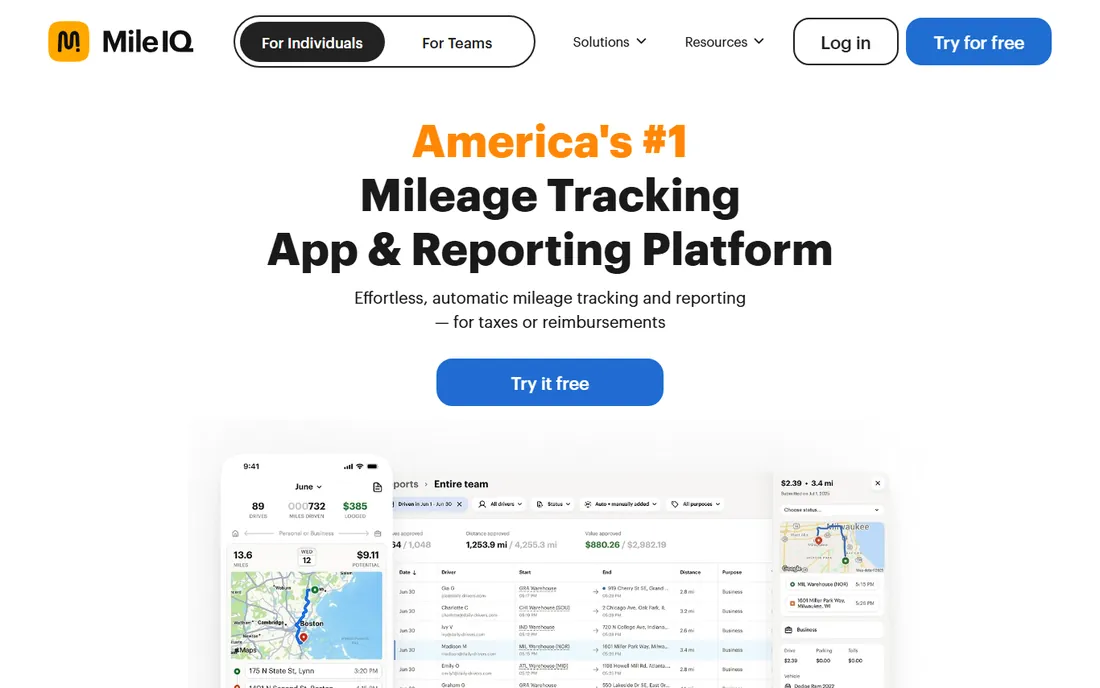
MileIQ is the best-known mileage tracker, owned by Microsoft, and it does exactly one job: log your drives. The app detects drives automatically in the background, and you classify each trip with a swipe right for business or left for personal. Work hours rules auto-classify regular drives. Reports generate in seconds from the phone or the web dashboard.
The appeal is zero friction. There are no forms, no dropdowns, no expense features to ignore. The tracking is accurate and battery-friendly, and frequent routes can be flagged so they classify themselves. For business owners and sales professionals who just need a clean mileage log, MileIQ is the least-effort option.
The honest catch is the narrow scope and the price. MileIQ tracks miles and nothing else: if you want expenses, you will integrate with QuickBooks or FreshBooks. The free plan covers 40 drives a month, and unlimited costs $8.99 per month or about $90 a year. For mileage-only users, the simplicity justifies it.
What we like- Automatic drive detection with swipe classification
- Battery-friendly background tracking
- Solid IRS-ready reports
Watch out for- Mileage only, no expense tracking
- Free tier capped at 40 drives a month
- Pricing has increased over time
Starting price$8/user/mo (reported)
Free planFree trial
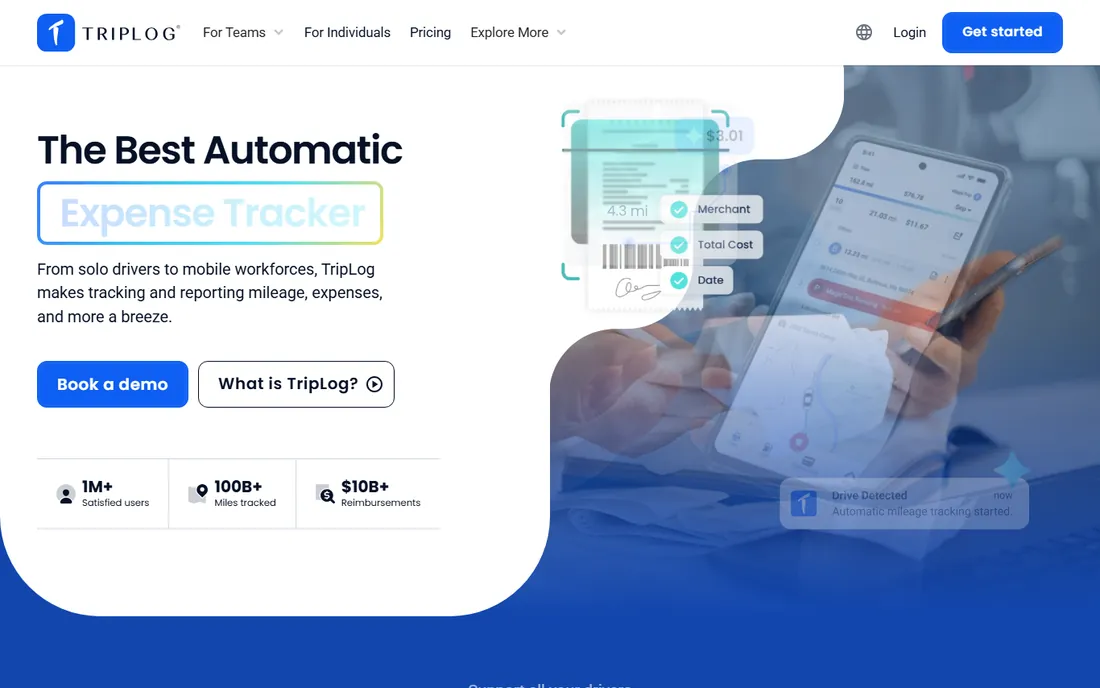
TripLog is the mileage tracker built for employers, not just drivers. Standard mileage reimbursement plans run $8 per user per month with GPS tracking, customizable rates, receipt capture, admin controls, and payroll integrations. For higher-mileage drivers, FAVR plans at $19 per assigned driver per month add personalized reimbursements and IRS compliance checks.
The team features are the differentiator. Multi-level approval hierarchies, commute mileage policies, out-of-policy flagging, and admin dashboards give finance teams control. Optional hardware like the TripLog Beacon automates detection for fleet vehicles. Nonprofit and volume pricing are available.
The trade-off is complexity. Solo drivers get more app than they need, and per-user pricing scales quickly. But for companies reimbursing employees for driving, TripLog is the most complete compliance-ready option. The 15-day free trial lets you test the workflow before committing.
What we like- Built for teams and reimbursement policies
- Supports FAVR programs
- Payroll and HR integrations
Watch out for- More complex than individual-focused apps
- Pricing per user adds up for large teams
- Overkill for solo drivers
Starting price$11/mo (reported)
Free planYes
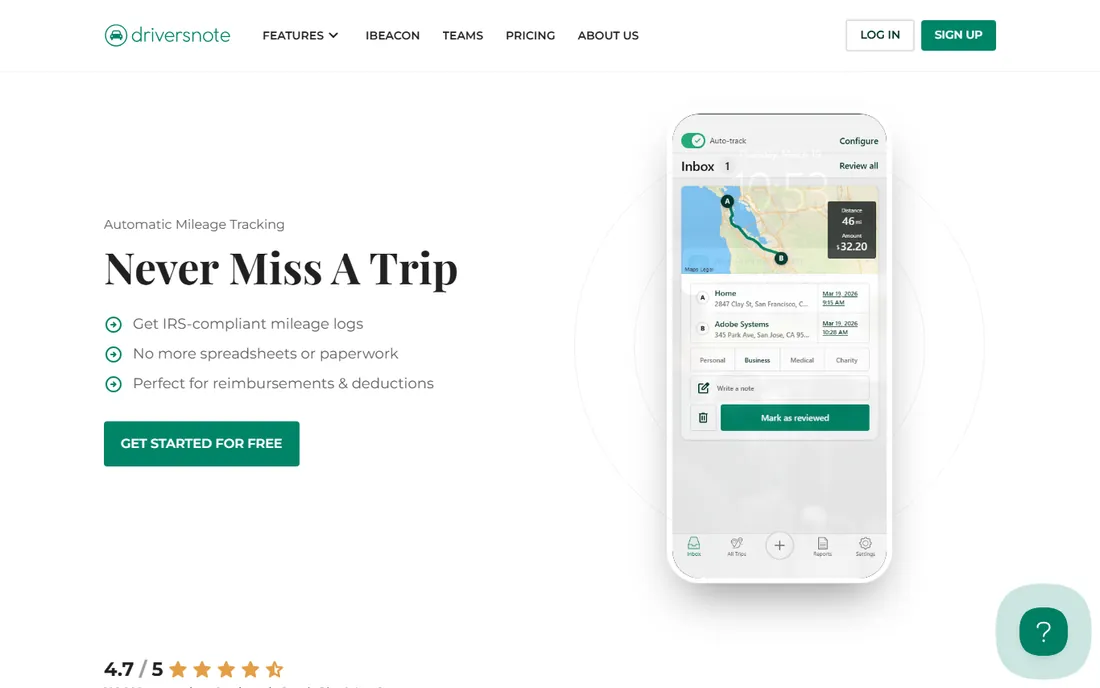
Driversnote is the Danish mileage tracker with over a million Android installs and a 4.69 rating. The standout feature is international compliance: it generates mileage reports formatted for the IRS, UK HMRC, Canadian CRA, and Australian ATO. For anyone who drives for business in more than one country, nothing else matches it.
The optional Bluetooth iBeacon sits in the car and tells the app when you get in and out, improving detection reliability over GPS alone. It is free with the annual plan. Automatic trip detection, business/personal classification, and Excel exports round out the package.
The limits are scope and pricing quirks. Driversnote does mileage only. The free tier covers 15 automatic trips a month, and Pro is about $11 a month on the web but $14 in the US App Store, so subscribe on the website. For US-only drivers, MileIQ is simpler. For international drivers, Driversnote wins.
What we like- Tax-compliant reports for IRS, HMRC, CRA, and ATO
- Optional iBeacon for accurate detection
- Works across countries
Watch out for- Mileage only, no expenses
- Prices differ between web and app store
- Smaller US support footprint
Starting price$5/mo (reported)
Free planYes
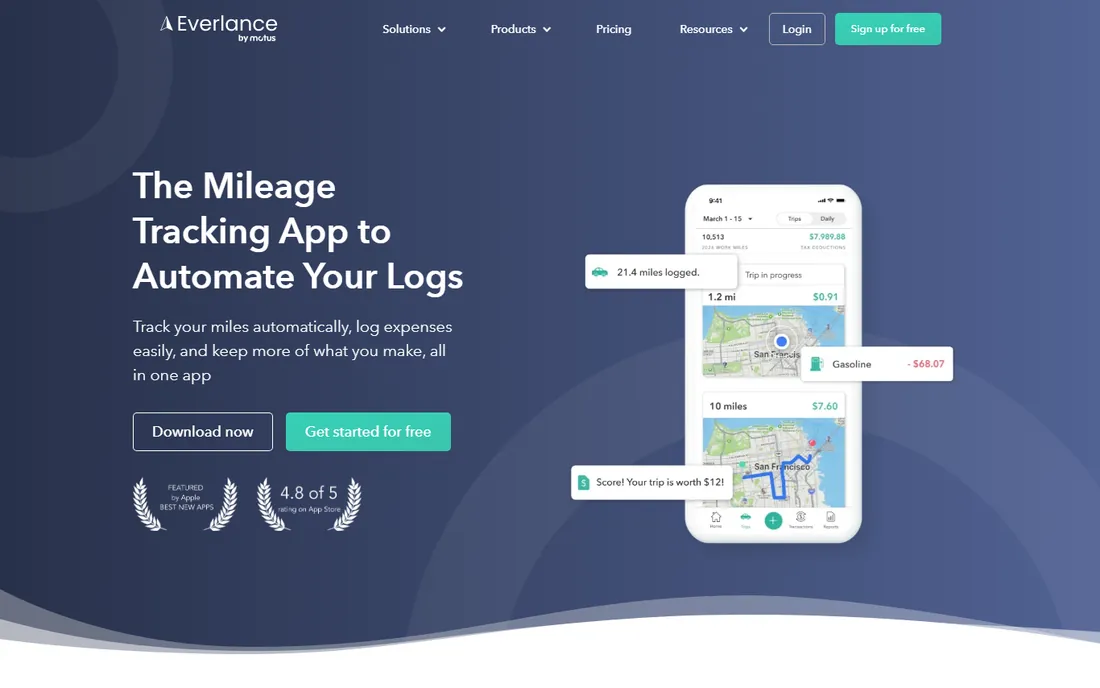
Everlance is the mileage tracker for people who also need expenses. The free plan gives 30 automatic trips a month, unlimited manual tracking, unlimited receipt uploads, and IRS-compliant reports. Premium at $5 a month billed annually adds unlimited automatic detection, bank and card sync, automatic trip classification, and the tax deduction finder.
The all-in-one design suits gig drivers, real estate agents, and freelancers. Swipe to classify trips and transactions, link your accounts for automatic expense capture, and export tax-ready reports. DoorDash officially recommends Everlance to its Dashers, which says something about its gig-economy fit.
The honest catch is the free tier. Thirty automatic trips runs out fast for heavy drivers, and auto-classification is paywalled. At $5 a month annual, though, Premium costs less than half of MileIQ's annual price while doing more. If you need miles and expenses together, Everlance is the value pick.
What we like- Mileage and expense tracking in one app
- Bank and credit card sync
- Deduction finder for tax savings
Watch out for- Free tier capped at 30 automatic trips
- Auto-classification requires paid plan
- Pricing varies by plan tier
Starting price$9.99/mo (reported)
Free planYes
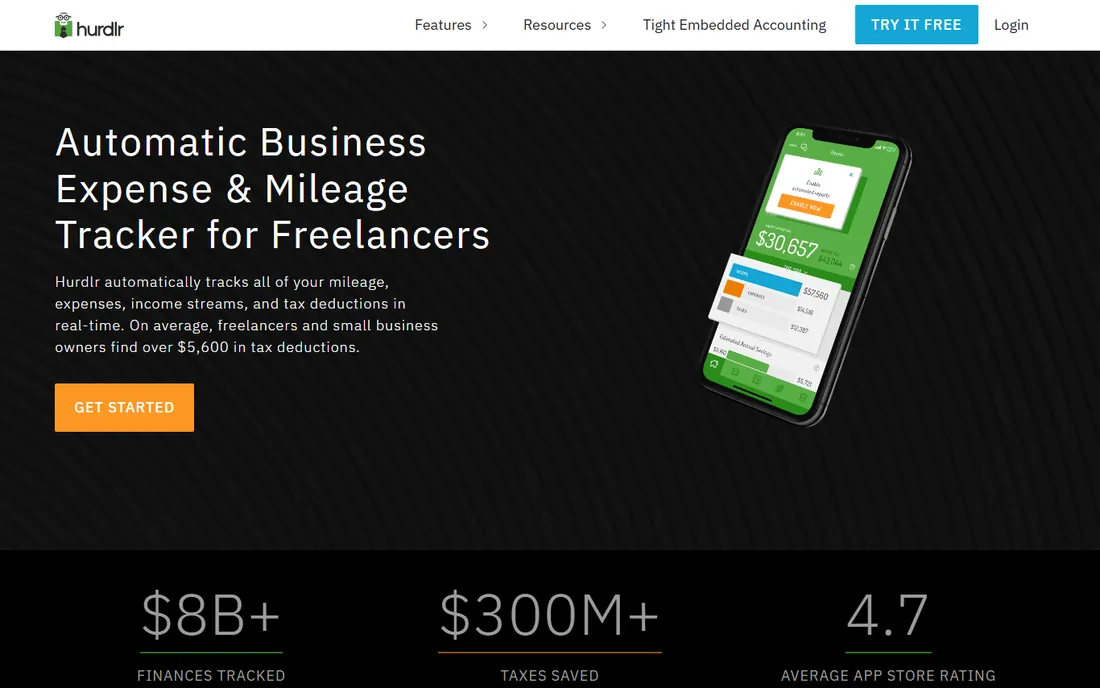
Hurdlr is the mileage tracker that thinks like an accountant. Beyond automatic mileage logging, it tracks income and expenses, connects to Uber, Square, Stripe, PayPal, and thousands of banks, and calculates real-time federal, state, and self-employment tax estimates. For 1099 workers, seeing your tax bill evolve through the year is genuinely useful.
The app is optimized for people on the road: low battery usage, speed tagging for quick classification, work hours rules, and calendar-based trip tagging. Premium at $9.99 a month or $99.99 a year opens up auto-mileage, auto-expense, and auto-income tracking plus the tax calculations.
The catch is the free tier. Basic is free but automatic mileage tracking requires Premium, so free users log manually. That makes the free plan a trial in practice. For self-employed workers who want mileage, expenses, and tax estimates in one place, Hurdlr's Premium is a fair price for a virtual bookkeeper.
What we like- Real-time federal and state tax estimates
- Income and expense tracking built in
- Gig platform integrations
Watch out for- Automatic mileage tracking requires Premium
- Free version is manual only
- Newer features like invoicing add complexity
Starting price$0
Free planYes
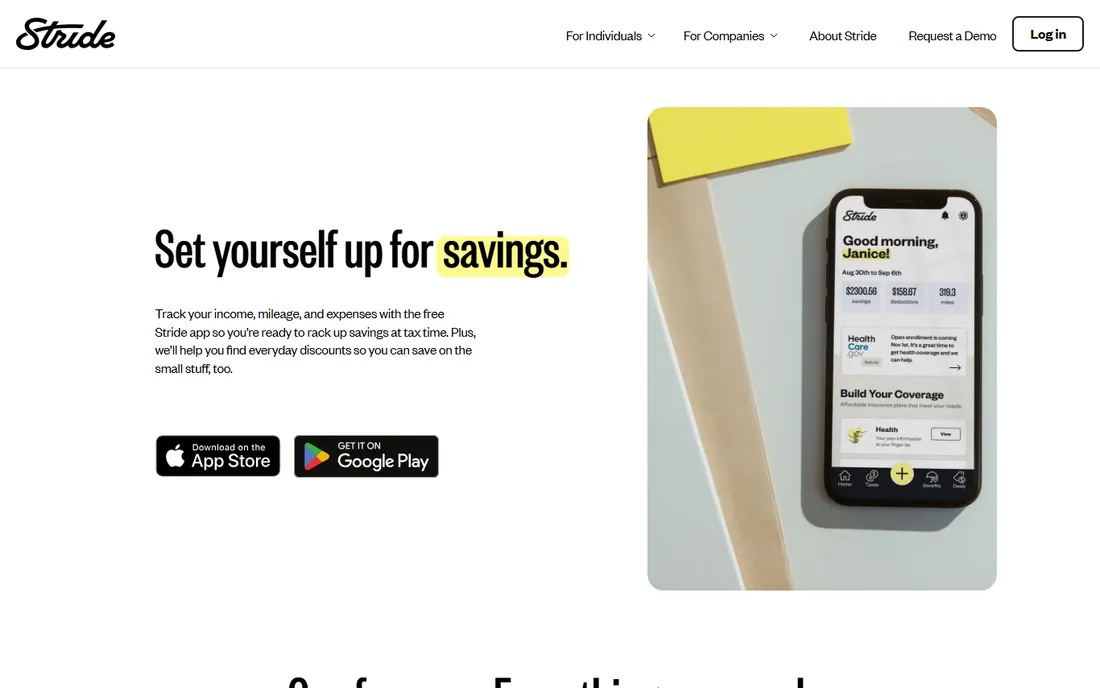
Stride is the only completely free mileage tracker worth using. There is no paid tier: the company earns from health insurance referrals. The app logs mileage and deductible expenses and produces IRS-ready mileage logs. More than 2.6 million people use it, mostly rideshare and delivery drivers.
The simplicity is deliberate. Stride does not try to be accounting software. It tracks what gig workers need for taxes and stays out of the way. The expense logging covers the common deductions beyond mileage, like phone bills and supplies.
The honest catch is manual tracking. Trips are started by you, with a driving reminder on iPhone, so there is no automatic drive detection. If you forget to start a trip, the miles are gone. And the insurance marketing is constant. But for gig drivers who want a free log and nothing more, Stride is unbeatable at its price.
What we like- Completely free with no paid tier
- Logs mileage and deductible expenses
- IRS-ready reports
Watch out for- Trips start manually, no auto-detection
- Insurance offers sit alongside tax features
- Basic feature set
Starting price$3/mo (reported)
Free planYes
Veryfi Logbook is the budget play in automatic mileage tracking. From the company behind Veryfi's receipt-scanning platform, it offers GPS-based automatic drive detection, business/personal classification, and IRS-compliant mileage reports from $3 a month, with a free version available.
The price is the whole argument. At roughly a third of MileIQ's cost, it delivers the core automatic tracking experience: drives detected, trips classified, reports exported. For solo drivers and freelancers who want automation without the premium price, the math is compelling.
The trade-offs are ecosystem and scale. Veryfi Logbook has a smaller user base, fewer accounting integrations, and no team or reimbursement features. It is an individual tool, not a platform. But for the core job of automatic mileage logging on a budget, it is the cheapest credible option.
What we like- Automatic GPS tracking at a low price
- IRS-compliant reports
- From the established Veryfi receipt platform
Watch out for- Smaller user base than the leaders
- Fewer integrations
- Limited team features
How we chose
We selected seven mileage tracker apps with real iOS and Android apps, automatic or semi-automatic drive detection, and IRS-compliant reporting. We covered individual trackers, team reimbursement platforms, and free options. Pricing is third-party reported where vendors do not publish it clearly. We did not drive-test any app.
Picking a mileage tracker for your situation
Start with who you are. Self-employed drivers who only need miles should compare MileIQ, Driversnote, and Veryfi Logbook on price and simplicity. Gig drivers who want free should get Stride. Freelancers who need expenses too should look at Everlance or Hurdlr. Employers reimbursing teams need TripLog.
Check the free tier math before paying. If you drive 25 business trips a month, MileIQ's 40 free drives or Everlance's 30 free trips may cover you completely. Heavy drivers who exceed every free tier should compare annual prices: Everlance Premium at $60 a year beats MileIQ's $90 and Hurdlr's $100.
Think about tax season, not just tracking. The app's real job is producing a report your accountant accepts. All seven generate IRS-compliant logs, but Everlance and Hurdlr go further with deduction finders and tax estimates. If you dread April, those features are worth more than a slicker interface.
The IRS mileage log rules
The IRS requires a contemporaneous log: date, business purpose, start and end locations, and miles for each trip. Estimates reconstructed at tax time do not qualify. Automatic tracking apps satisfy this by recording drives as they happen.
Keep the reports. Export your annual mileage log and store it with your tax records for at least three years. Most apps export to Excel, CSV, or PDF. If you are ever audited, the app's GPS-stamped log is far more credible than a spreadsheet you filled in during April.
Automatic vs. manual tracking
Automatic tracking uses your phone's GPS to detect drives and log them without input. It catches every trip but uses more battery and occasionally logs false trips, like being a passenger. Manual tracking requires starting each trip, which is free of false positives but misses trips you forget.
For most business drivers, automatic tracking pays for itself in recovered deductions. One forgotten 50-mile trip at the standard rate is worth more than a month of most apps. If you choose manual tracking with Stride or a free tier, build a habit: start the trip before you shift into drive.
Battery and privacy matter too. Automatic trackers run location services constantly. All the apps here are optimized for low battery use, but expect some drain. On privacy, reputable apps encrypt trip data and do not sell location data. Check each app's privacy policy if you track sensitive routes.
Frequently asked questions
What is the best free mileage tracker app?
Stride is completely free with no paid tier and produces IRS-ready logs, though trips start manually. MileIQ gives 40 free automatic drives a month, Everlance gives 30, and Driversnote gives 15. Light drivers can often stay on a free tier permanently.
How much does MileIQ cost?
MileIQ's Unlimited plan costs $8.99 per month or about $90 per year, with a free tier covering 40 drives a month. Team plans for employers cost more. Prices have increased over time, so check the current rates before subscribing.
Do mileage tracker apps work for taxes?
Yes. All seven apps generate IRS-compliant mileage logs with the date, purpose, locations, and distance the IRS requires. Everlance and Hurdlr add expense tracking and tax estimates. Keep your exported logs with your tax records for at least three years.
What is the difference between MileIQ and Everlance?
MileIQ is mileage-only: simpler, with 40 free drives a month and unlimited at $8.99 a month. Everlance combines mileage with expense tracking, receipt uploads, and bank sync, with 30 free automatic trips and Premium at $5 a month billed annually. Choose MileIQ for simplicity, Everlance for expenses too.
Can my employer reimburse mileage through an app?
Yes. TripLog is built for employer reimbursement with admin controls, approval workflows, and FAVR plans. Everlance also offers business plans for teams. Individual apps like MileIQ work for simple reimbursement where the employee submits a report.
Is automatic mileage tracking accurate?
Generally yes. GPS-based detection captures routes accurately, though it can occasionally log false trips when you are a passenger or log partial trips in areas with poor signal. Driversnote's optional iBeacon improves accuracy by detecting when you enter and exit your car.
Sources we checked (16)
- https://www.godaddy.com/resources/skills/best-mileage-tracker-apps?fbclid=IwAR0Sa5M1I0XqHF7c2-FfIuVs0yVdt6ZhwV9pzhwWbUhyJ6Ig6mhjZ6XeLlY
- https://www.techrepublic.com/article/best-mileage-tracker-apps/
- https://www.mileagewise.com/mileiq-vs-everlance/
- https://slashdot.org/software/comparison/Logbook-Mileage-Tracker-vs-MileIQ/
- https://www.getapp.com.au/software/114473/triplog
- https://slashdot.org/software/comparison/TripLog-vs-US-Fleet-Tracking/
- https://www.driversnote.ca/pricing
- https://www.mileagewise.com/mileiq-alternative/driversnote-review/
- https://www.androidrank.org/developer?id=6276559733251561745
- https://comparisons.financesonline.com/everlance-vs-gpswox-vs-triplog
- https://www.saasworthy.com/product/everlance/pricing
- https://apps.appfollow.io/ios/everlance-mileage-tracker-log/985378916?country=us
- https://www.myandroid.org/apps/app-hurdlr-com
- https://apprecs.com/android/app.hurdlr.com/hurdlr%3A-mileage%2C-expense-%26-tax
- https://sparkreceipt.com/blog/best-mileage-tracker-apps/
- https://Slashdot.org/software/comparison/ExpensePoint-vs-Stride/
Is your product missing or out of date?
We review this list regularly. Vendors can request a listing, send updated pricing or ask about featured placement.

Shihab Mia · Founder, Rankite
Shihab has spent more than a decade helping SaaS and e-commerce brands grow through search. He writes Rankite's software buying guides from pricing pages, documentation and public user reviews. More about Shihab.