How we make this list: we compare pricing pages, product documentation and public user reviews. Ratings come from G2, Capterra or Trustpilot, with the date we checked them.
Key takeaways
- Otter.ai is the best all-round meeting transcription app, with live captions, speaker identification and searchable transcripts.
- Fireflies.ai suits teams that want automatic recording, summaries and CRM sync across Zoom, Meet and Teams.
- Fathom suits Zoom users who want free, high-quality transcripts with one-click highlights.
- Rev suits users who need human-verified accuracy for legal, medical or published transcripts.
- Accuracy depends on audio quality, accents and crosstalk, so test each tool on your real meetings before committing.
Meeting transcription apps record calls, identify speakers, produce searchable transcripts and summarise action items. The eight below cover the main options, from AI-only transcription to human-verified services. All of them integrate with Zoom, Google Meet or Microsoft Teams, though coverage varies.
Pricing is usually monthly per user, with free tiers for limited minutes. Prices below are marked "See website" where tier pricing changes often. Tell participants when a meeting is recorded, since consent rules vary by location and company policy.
Quick comparison
| Tool | Best for | Starting price | Free plan |
|---|
 Otter.ai Otter.ai | Best all-round transcription | See website | Yes |
 Fireflies.ai Fireflies.ai | Teams and CRM sync | See website | Yes |
 Fathom Fathom | Free Zoom transcripts | Free | Yes |
 Grain Grain | Highlights and clips | See website | Yes |
 Rev Rev | Human-verified accuracy | See website | No |
 tl;dv tl;dv | Meet and Zoom summaries | See website | Yes |
 Tactiq Tactiq | Live captions and notes | See website | Yes |
 Notta Notta | Multilingual transcription | See website | Yes |
Is your product missing or out of date?
We review this list regularly. Vendors can request a listing, send updated pricing or ask about featured placement.
The best meeting transcription apps
#1Otter.ai
Best for: Best all-round transcription4.4/5 on
G2 (505 reviews, checked Oct 2026)
Visit otter.ai
Starting priceSee website
Free planYes
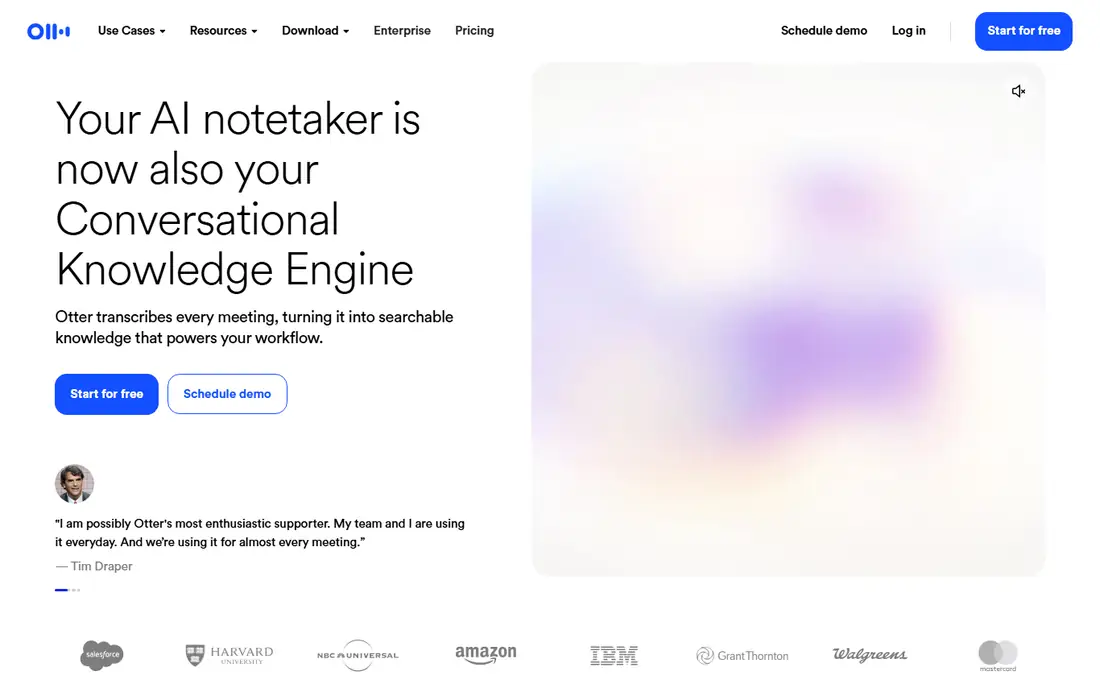
Otter.ai is the most popular meeting transcription app, offering live captions, speaker identification, searchable transcripts and AI summaries with action items. The OtterPilot bot joins Zoom, Meet and Teams meetings automatically, and transcripts sync to calendars and workspaces. Search across past meetings finds decisions and quotes fast.
Accuracy drops when speakers talk over each other or with strong accents, and the free tier limits monthly minutes. For a team or individual who wants reliable, searchable meeting transcripts, Otter.ai is the best all-round choice.
What we like- Live transcription with speaker identification
- Searchable transcripts and summaries
- Good Zoom, Meet and Teams integration
Watch out for- Accuracy drops with heavy crosstalk or accents
- Free tier limits minutes
#2Fireflies.ai
Best for: Teams and CRM sync4.7/5 on
G2 (754 reviews, checked Oct 2026)
Visit fireflies.ai
Starting priceSee website
Free planYes
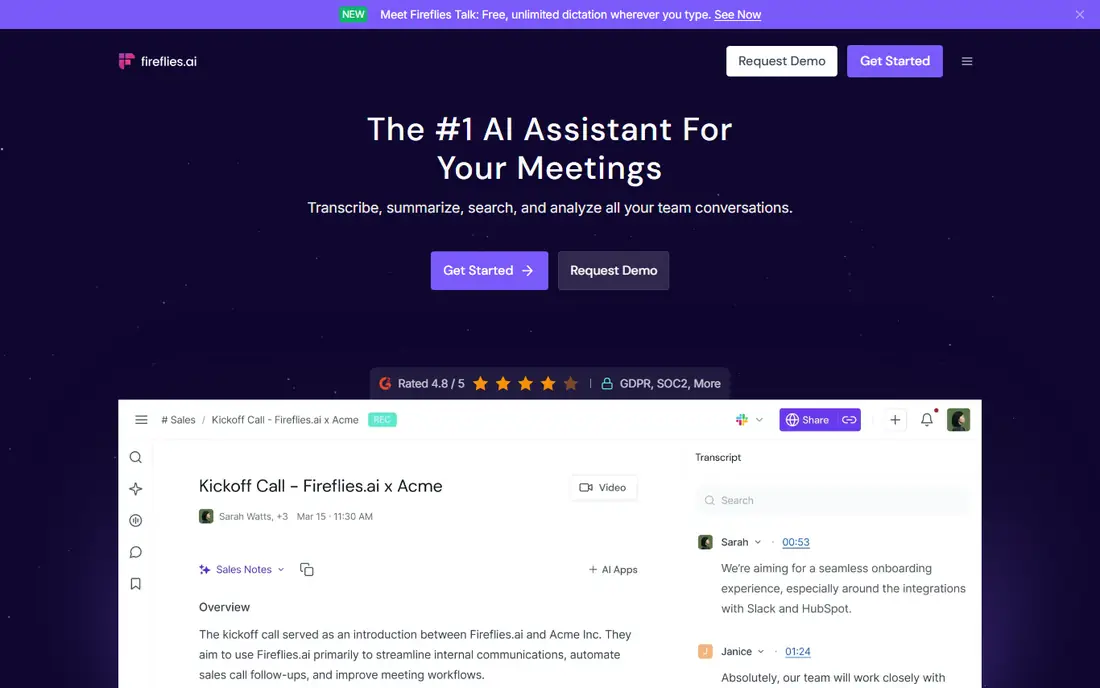
Fireflies.ai records meetings automatically across Zoom, Google Meet, Microsoft Teams and other platforms, producing transcripts, summaries, action items and topic tracking. Integrations push notes to Salesforce, HubSpot, Slack and Notion, and search covers every recorded meeting. The free tier suits individuals testing the tool.
The Fireflies bot joins as a visible participant, which some guests dislike, and accuracy varies with audio quality. For a sales or operations team that wants meeting notes flowing into CRM automatically, Fireflies.ai is the strongest team option.
What we like- Automatic recording across Zoom, Meet and Teams
- AI summaries and action items
- CRM and Slack integrations
Watch out for- Bot joins as a visible participant, which some guests dislike
- Accuracy varies by audio quality
#3Fathom
Best for: Free Zoom transcripts5.0/5 on
G2 (7,076 reviews, checked Oct 2026)
Visit fathom.video
Starting priceFree
Free planYes
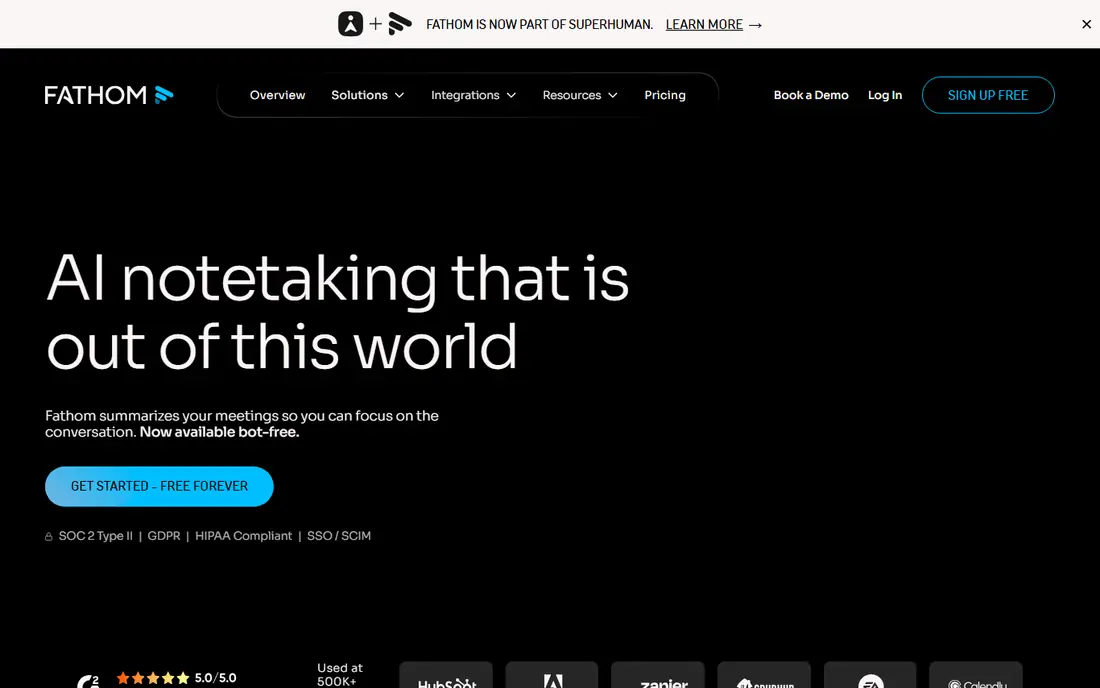
Fathom offers free, high-quality transcription for Zoom, with one-click highlights during calls that mark key moments for the summary. After the call, Fathom produces a full transcript, summary and action items, shareable as a link or synced to CRM tools. The free tier is unusually generous for individuals.
Coverage centres on Zoom, with thinner Meet and Teams support, and advanced team features need paid tiers. For a Zoom user who wants excellent free transcription, Fathom is the best value here.
What we like- Free high-quality Zoom transcripts
- One-click highlights during calls
- Automatic summaries and action items
Watch out for- Zoom-focused, with thinner Meet and Teams coverage
- Advanced features need paid tiers
#4Grain
Best for: Highlights and clips4.7/5 on
G2 (314 reviews, checked Oct 2026)
Visit grain.com
Starting priceSee website
Free planYes
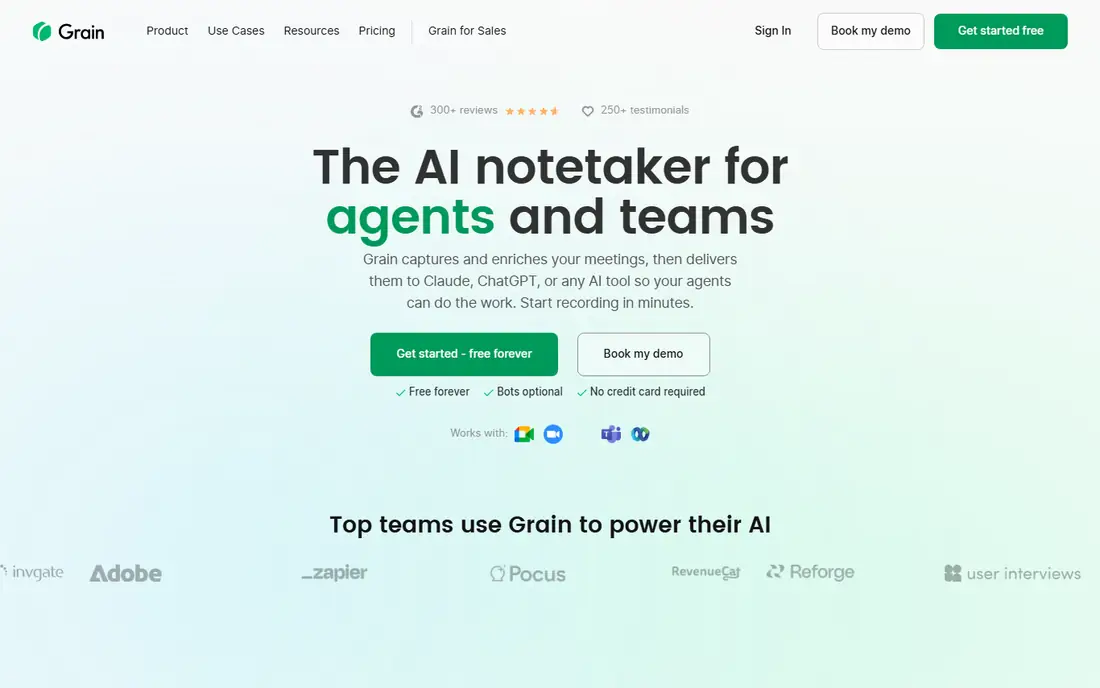
Grain focuses on highlights, letting users mark moments during or after a meeting and share them as short video clips with transcripts. The tool suits teams that share customer calls, user interviews and decisions as clips rather than full transcripts. Summaries and action items cover the standard needs, with integrations for major meeting platforms.
The ecosystem is smaller than Otter's or Fireflies', and transcription minutes are limited on lower tiers. For a team that shares meeting moments as clips, Grain is the most clip-friendly option.
What we like- Highlights and shareable clips from meetings
- Good summaries
- Integrates with Zoom, Meet and Teams
Watch out for- Smaller ecosystem than Otter or Fireflies
- Transcription minutes limited on lower tiers
#5Rev
Best for: Human-verified accuracy4.7/5 on
G2 (621 reviews, checked Oct 2026)
Visit rev.com
Starting priceSee website
Free planNo
Rev offers both AI transcription for speed and human transcription for accuracy, with human transcripts reaching the highest accuracy available. The service suits legal, medical, media and published transcripts where errors matter, plus captions and subtitles for video. Turnaround for human work runs in hours, not seconds.
Human transcription costs per minute and takes longer than AI, and there is no free tier. For a user who needs near-perfect accuracy for important recordings, Rev is the most reliable choice.
What we like- Human transcription with very high accuracy
- AI option for speed
- Captions and subtitles too
Watch out for- Human transcription costs per minute and takes longer
- No free tier
#6tl;dv
Best for: Meet and Zoom summaries4.7/5 on
G2 (537 reviews, checked Oct 2026)
Visit tldv.io
Starting priceSee website
Free planYes
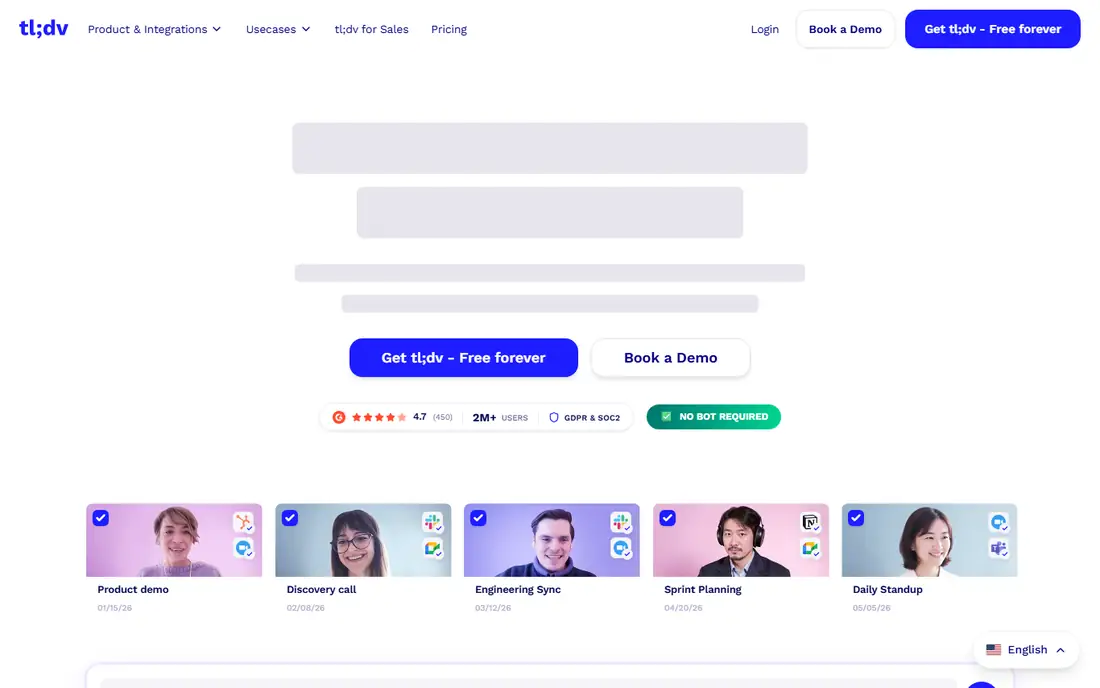
tl;dv records Google Meet and Zoom meetings with timestamped highlights, AI summaries and searchable transcripts, plus multilingual transcription for international teams. Highlights marked during the call become shareable moments, and integrations cover Slack, Notion and CRM tools. The free tier suits individuals.
Team features need paid tiers, and the bot joins as a visible participant. For a Meet-heavy team that wants timestamped highlights and summaries, tl;dv is a strong choice.
What we like- Good Google Meet and Zoom coverage
- Timestamped highlights and summaries
- Multilingual support
Watch out for- Teams features need paid tiers
- Bot joins as a participant
Starting priceSee website
Free planYes
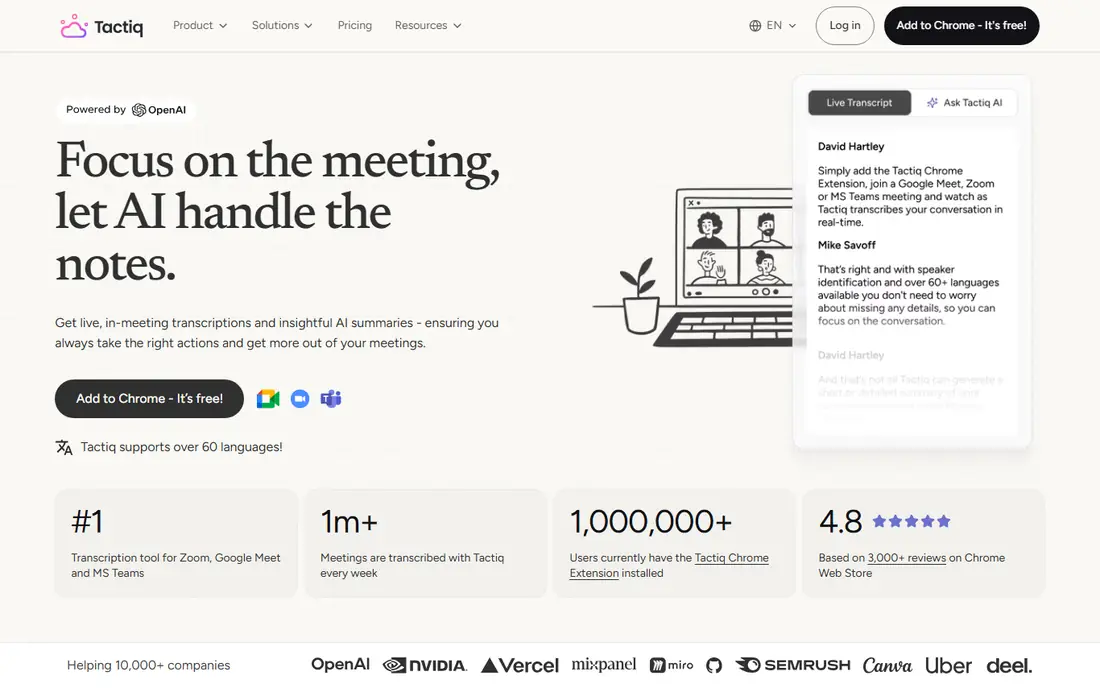
Tactiq runs as a browser extension that adds live captions and AI notes to Google Meet, Zoom and Microsoft Teams calls, producing transcripts and action items without a separate bot. The extension suits individuals who want transcription on any call without inviting a bot participant. A free tier covers basic use, with paid tiers adding team features.
Recording and playback features trail full platforms like Fireflies, and accuracy depends on each platform's audio. For an individual who wants live captions and notes on every call, Tactiq is the lightest option.
What we like- Live captions during Meet, Zoom and Teams
- AI notes and action items
- Works as a browser extension
Watch out for- Recording features trail full platforms
- Accuracy depends on platform audio
#8Notta
Best for: Multilingual transcription4.3/5 on
G2 (347 reviews, checked Oct 2026)
Visit notta.ai
Starting priceSee website
Free planYes
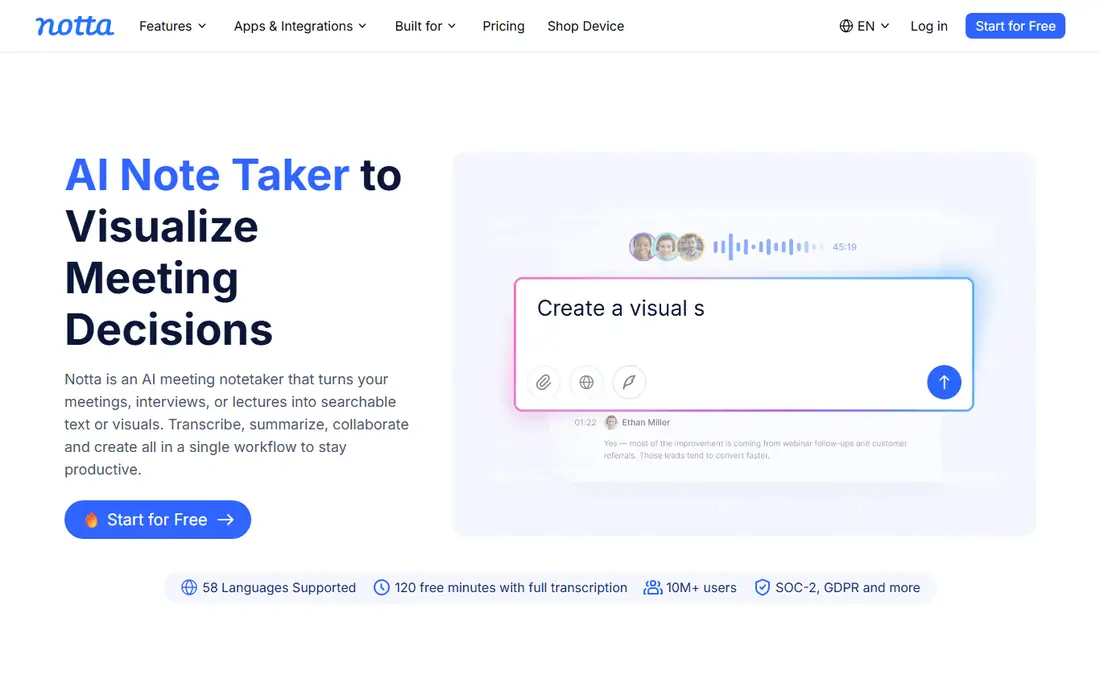
Notta transcribes meetings, interviews and lectures in many languages, with web, mobile and browser extension options. The tool suits multilingual teams, journalists and students who transcribe varied audio, not just meetings. AI summaries and exports cover standard needs, and the free tier allows testing.
Meeting bot features trail Otter and Fireflies, and summaries stay basic on lower tiers. For a multilingual user who transcribes meetings plus interviews and lectures, Notta is the most versatile choice.
What we like- Transcription in many languages
- Good for interviews and lectures
- Web, mobile and extension options
Watch out for- Meeting bot features trail Otter and Fireflies
- Summaries are basic on lower tiers
How we chose
We compared tools on their published transcription accuracy, platform coverage, pricing pages and public reviews from teams. We favoured tools with speaker identification, searchable transcripts, summaries and a usable free tier or trial, plus human options where accuracy matters most. Prices were marked "See website" or "Free" where the model is clear. We did not claim hands-on testing.
Improving transcription accuracy
Accuracy starts with audio. Use a decent microphone, sit near it, and ask participants to speak one at a time, since crosstalk is the biggest accuracy killer. Mute when not speaking, avoid background noise, and use a wired connection where possible, since compressed call audio degrades transcription.
Also correct the transcript after important meetings. Most tools let you edit speaker names and fix key terms, which improves future accuracy and makes the record trustworthy. For legal or published use, order human verification from Rev rather than trusting AI alone, since AI transcripts still mishear names, numbers and technical terms.
Transcripts become useful only when someone acts on them. After each important meeting, assign every action item an owner and a deadline within a day, and send that short list to participants rather than the full transcript, since few people read a twenty-page record. Store transcripts where the team already works, such as the project channel or shared drive, with a clear title including date and topic, because a transcript nobody can find helps nobody. Review the transcript for decisions, not just tasks, and record those decisions in the project notes, since teams most often re-argue settled points when the decision lives only in a transcript. Finally, delete or archive recordings under your company's retention policy, because keeping every meeting forever creates a privacy and storage burden.
Meeting notes should capture decisions with names attached. For every decision in a transcript, record what was decided, who decided it, who owns the follow-up and by when, because a decision without an owner and deadline quietly dies. Share that decision log with participants within a day, while memory is fresh, and invite corrections, since a wrongly recorded decision causes more damage than a missing one. Link the decision log to the project workspace, not just the transcript, so future team members find it when the question resurfaces. Teams that keep a running decision log stop re-arguing old choices and move faster on new ones. Review the log at project retrospectives, since patterns in past decisions often reveal process fixes worth making.
Frequently asked questions
What is the best meeting transcription app?
Otter.ai is the best all-round choice, with live transcription, speaker identification and searchable transcripts. Fireflies.ai suits teams that want CRM sync, Fathom suits free Zoom transcription, and Rev suits human-verified accuracy. The best app depends on your meeting platform and accuracy needs.
Are meeting transcription apps accurate?
AI transcription is accurate for clear, single-speaker audio, typically above 90 percent on good recordings, but accuracy drops with crosstalk, accents and background noise. Human transcription from Rev reaches near-perfect accuracy. Test each tool on your real meetings before relying on it.
Do I need to tell participants a meeting is recorded?
Yes, in most cases. Many tools announce the bot, and consent laws vary by location, with some regions requiring all-party consent. Tell participants at the start, check company policy, and avoid recording sensitive meetings without clear permission.
Can transcription apps summarise action items?
Yes. Otter, Fireflies, Fathom, Grain, tl;dv and Tactiq all generate summaries and action items from transcripts. Quality varies, so review action items after important meetings rather than forwarding them unchecked.
Which transcription app works best with Google Meet?
Otter.ai, Fireflies.ai, tl;dv and Tactiq all support Google Meet, with tl;dv and Tactiq particularly strong on Meet. Fathom centres on Zoom, so Meet-heavy teams should favour the Meet-friendly tools. Check current platform coverage before buying, since integrations change.
Is there a free meeting transcription app?
Yes. Fathom offers free Zoom transcription, and Otter, Fireflies, Grain, tl;dv, Tactiq and Notta offer free tiers with limited minutes. Free tiers suit individuals with light use, while teams with heavy meeting loads need paid plans.
Sources we checked (8)
- https://otter.ai
- https://fireflies.ai
- https://fathom.video
- https://grain.com
- https://www.rev.com
- https://tldv.io
- https://tactiq.io
- https://www.notta.ai
Is your product missing or out of date?
We review this list regularly. Vendors can request a listing, send updated pricing or ask about featured placement.

Shihab Mia · Founder, Rankite
Shihab has 5+ years in B2B and SaaS SEO. He writes Rankite's software buying guides from pricing pages, documentation and public user reviews. More about Shihab.