How we make this list: we compare pricing pages, product documentation and public user reviews. Ratings come from G2, Capterra or Trustpilot, with the date we checked them.
Key takeaways
- Non-technical founders building customer-facing apps should start with Bubble (Starter $29/month) or Google AppSheet ($5/user/month) for the cheapest path to a working product.
- Engineering teams building internal tools get the most leverage from Retool, with its per-builder plus per-user pricing and a free plan for up to 5 users.
- Microsoft shops should default to Power Apps (Premium $20/user/month); the licensing is confusing, so get the Dataverse and connector costs in writing.
- OutSystems, Mendix, and Appian are enterprise plays with quote-based pricing and free tiers or trials to validate fit before the sales cycle starts.
Quick comparison
| Tool | Best for | Starting price | Free plan |
|---|
 Bubble Bubble | Non-technical founders building customer-facing web apps | $29/month (Starter plan, billed annually; $32 billed monthly) | Yes (build and test free; deployment requires a paid plan) |
 Retool Retool | Engineering teams building internal dashboards and admin tools | See website (per-builder plus per-internal-user pricing) | Yes (free plan for up to 5 users) |
 Microsoft Power Apps Microsoft Power Apps | Enterprises already running on Microsoft 365 | $20/user/month (Premium plan, per Microsoft's homepage) | Free Developer plan for building and testing; trial available |
 Zoho Creator Zoho Creator | Zoho customers needing custom database apps on a budget | See website (per-user pricing; Standard, Professional, Enterprise tiers) | Yes (free edition for basic app building; 15-day full-featured trial) |
 Google AppSheet Google AppSheet | Google Workspace teams digitizing spreadsheets and field work | $5/user/month (Starter plan) | Yes (free prototyping for up to 10 test users) |
 OutSystems OutSystems | Large enterprises replacing legacy systems | See website (quote-based; enterprise pricing) | Free trial available (no permanent free plan) |
 Mendix Mendix | Large organizations standardizing how business and IT build together | See website (quote-based) | Yes (free tier available) |
 Appian Appian | Regulated industries automating complex approval workflows | See website (quote-based; priced per user, per month, per app) | Yes (free Community Edition for up to 15 users) |
 Betty Blocks Betty Blocks | Mid-market companies wanting governed citizen development | See website (quote-based) | Trial offered; confirm current terms on the vendor site |
 Kissflow Kissflow | Operations teams automating forms, approvals, and internal processes | See website (quote-based) | Free trial available (no permanent free plan confirmed) |
Is your product missing or out of date?
We review this list regularly. Vendors can request a listing, send updated pricing or ask about featured placement.
Gartner has tracked low-code adoption climbing for years, and the 2026 reality is simple: the question is no longer whether to build with low-code, but which pricing model will not punish you later. Some platforms charge per builder, some per end user, some per app, and one measures your bill in "workload units." Pick the wrong model and a successful launch becomes a budget problem.
The ten platforms below span the real market, from free-to-start builders to enterprise suites sold through sales teams. Prices are from vendor pages where they publish them; where they do not, that itself tells you something about who the product is for.
#1
Bubble
Best for: Non-technical founders building customer-facing web apps
Visit bubble.io
Starting price$29/month (Starter plan, billed annually; $32 billed monthly)
Free planYes (build and test free; deployment requires a paid plan)
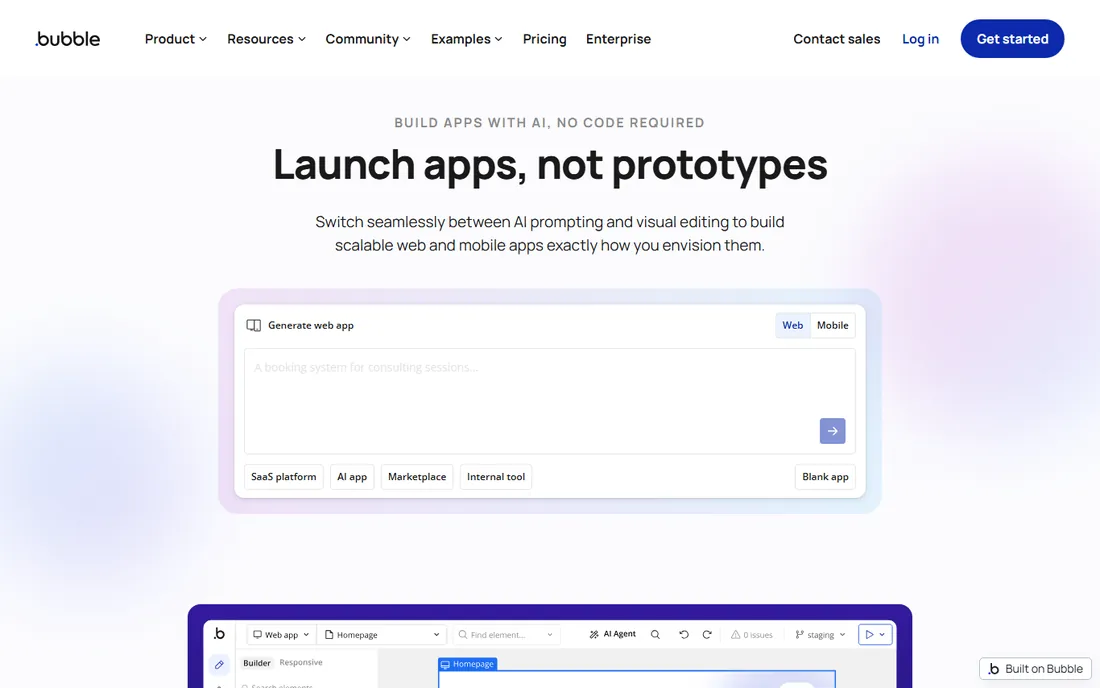
Bubble remains the default answer when a non-technical founder asks how to build a real web app. Its visual programming is genuinely expressive: conditional logic, database relationships, and API integrations without writing code, plus a plugin marketplace that covers most common needs. Real SaaS products run on it, which separates it from simpler form-builders.
The honest catch is the billing model. Bubble prices partly on workload units, a measure of compute your app consumes, so a quiet app is cheap and a viral one can surprise you. Watch the usage dashboard from day one. Also note the calendar: Bubble's own blog says Starter rises to $32 per month annual ($39 monthly) effective October 20, 2026. Prototype free, budget for the new rates, and you have the cheapest credible path from idea to live product.
What we like- Most expressive visual logic builder in no-code
- Huge plugin and template marketplace
- Fully hosted with managed scaling
Watch out for- Workload-unit pricing can spike as apps scale
- Vendor lock-in concerns for complex products
#2
Retool
Best for: Engineering teams building internal dashboards and admin tools
Visit retool.com
Starting priceSee website (per-builder plus per-internal-user pricing)
Free planYes (free plan for up to 5 users)
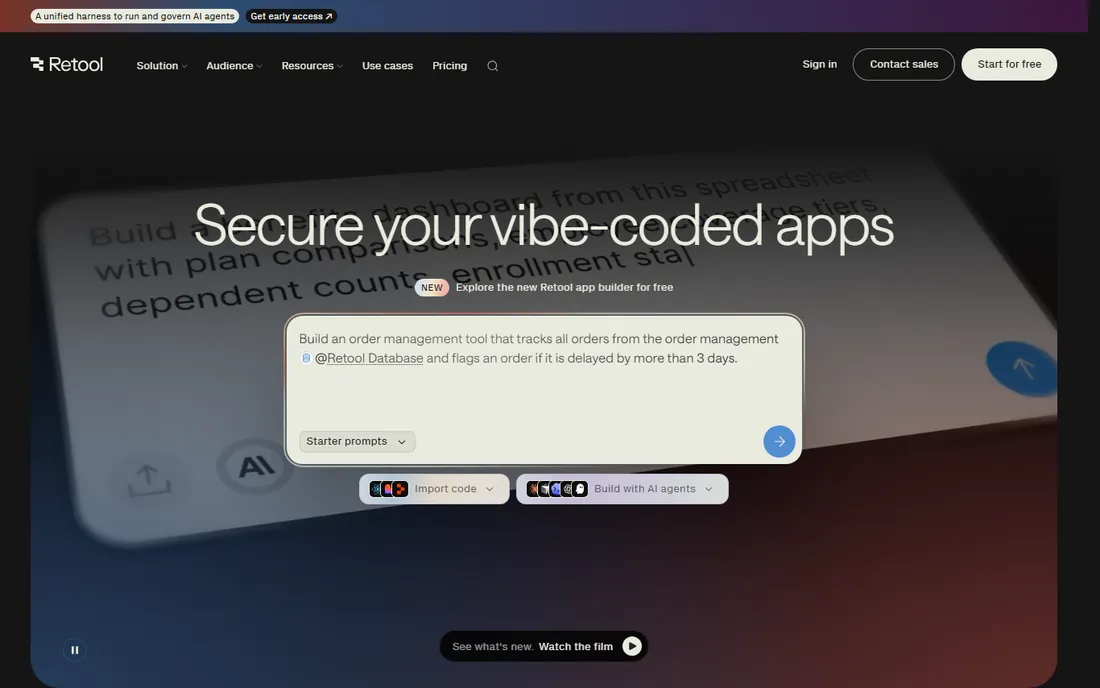
Retool owns the internal-tools niche for a reason. Connect it to Postgres, Snowflake, Salesforce, or any REST API, drag components onto a canvas, and drop into real JavaScript or SQL wherever the visual builder runs out. The rebuilt AI-native builder generates a working starting point from a description, which compresses the first build from days to hours for teams that know their data.
Pricing is the part to model carefully. Retool charges per builder (people who create apps) plus per internal user (employees who use them), and while the vendor's pricing page confirms the model and a free tier up to 5 users, exact figures are worth confirming on retool.com/pricing before budgeting. Every employee who logs in adds cost. If your whole company will use the tools, do the headcount math first. Self-hosting is available on higher tiers for teams whose data cannot leave their infrastructure.
What we like- 100-plus database and API integrations with drag-and-drop building
- AI-assisted generation speeds up first builds
- Granular permissions and audit logs
Watch out for- Dual per-user pricing compounds as headcount grows
- Built for internal tools, not customer-facing apps
Starting price$20/user/month (Premium plan, per Microsoft's homepage)
Free planFree Developer plan for building and testing; trial available
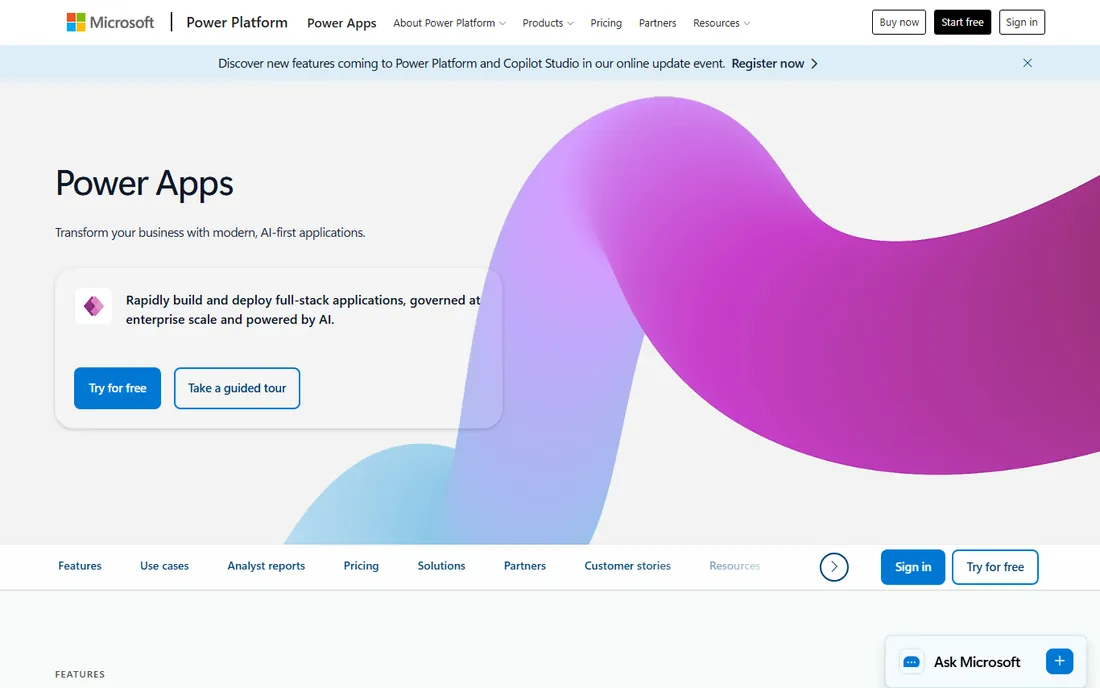
If your company lives in Microsoft 365, Power Apps is the path of least resistance. Canvas apps for custom interfaces plus model-driven apps on Dataverse, all inside the identity, security, and compliance boundary your IT team already manages. The $20 per user per month Premium figure comes straight from Microsoft's own homepage, which is refreshingly direct for this vendor.
The catch is everything around that number. Per-app versus per-user licensing, Dataverse storage capacity, and premium connectors each carry their own meters, and real deployments routinely cost more than the headline rate. Get licensing advice, ideally from someone who does not sell you the licenses, before budgeting. Implementation is IT-led and measured in weeks. For Microsoft-centric organizations the integration depth is unmatched; for everyone else, the licensing maze is a reason to look elsewhere.
What we like- Deepest native integration with Microsoft 365, Dataverse, and Teams
- Broad app rights per user on Premium
- Enterprise governance through Azure AD
Watch out for- Licensing is famously confusing
- Premium connectors and Dataverse capacity add cost beyond the sticker price
#4
Zoho Creator
Best for: Zoho customers needing custom database apps on a budget
Visit zoho.com
Starting priceSee website (per-user pricing; Standard, Professional, Enterprise tiers)
Free planYes (free edition for basic app building; 15-day full-featured trial)
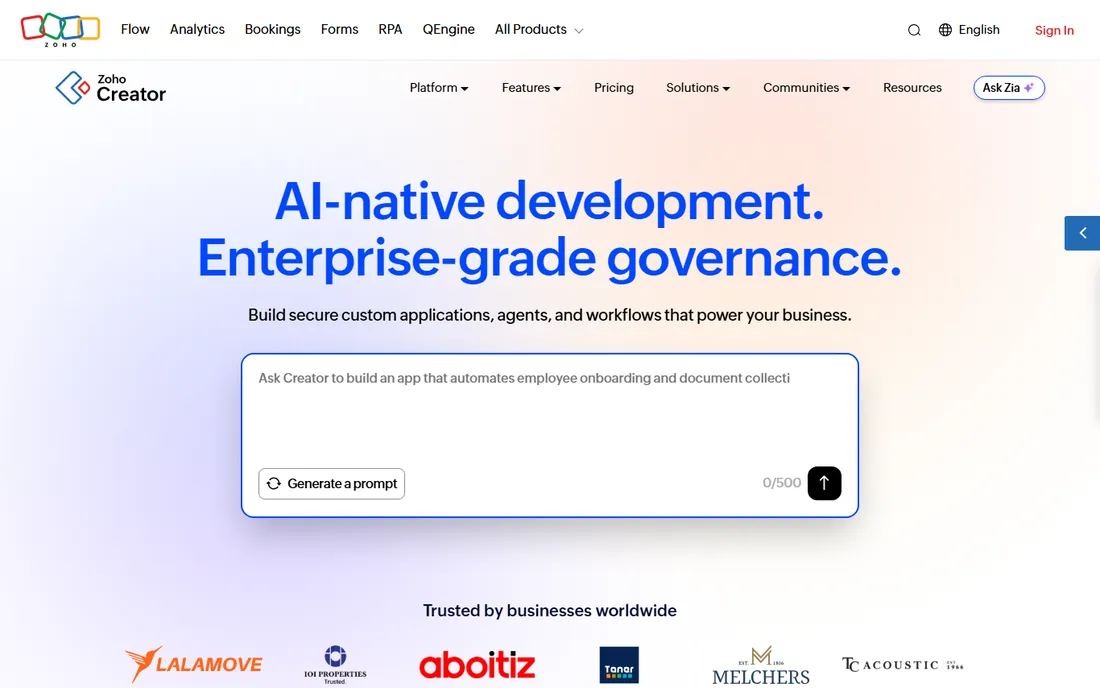
Zoho Creator is the value play. If you already run Zoho CRM, Books, or the rest of the suite, Creator lets you build custom database apps, workflows, and portals that share data with everything else, at a fraction of rival pricing. The vendor confirms a free edition for basic building and a 15-day trial of the full platform; paid tiers run Standard, Professional, and Enterprise on per-user pricing, with exact figures on the pricing page.
The trade-offs are polish and learning curve. The builder does not feel as modern as Bubble or Retool, and while simple apps are pure visual building, complex logic means writing Deluge, Zoho's scripting language. For straightforward operational apps, that rarely matters. Setup takes days, and the 50-plus app templates cover common needs. If you are already paying for Zoho, this is the cheapest serious low-code option available.
What we like- Very low cost of entry for multi-user apps
- Native fit across 45-plus Zoho applications
- Deluge scripting enables genuinely custom logic
Watch out for- Interface feels dated next to modern rivals
- Serious customization means learning Deluge
Starting price$5/user/month (Starter plan)
Free planYes (free prototyping for up to 10 test users)
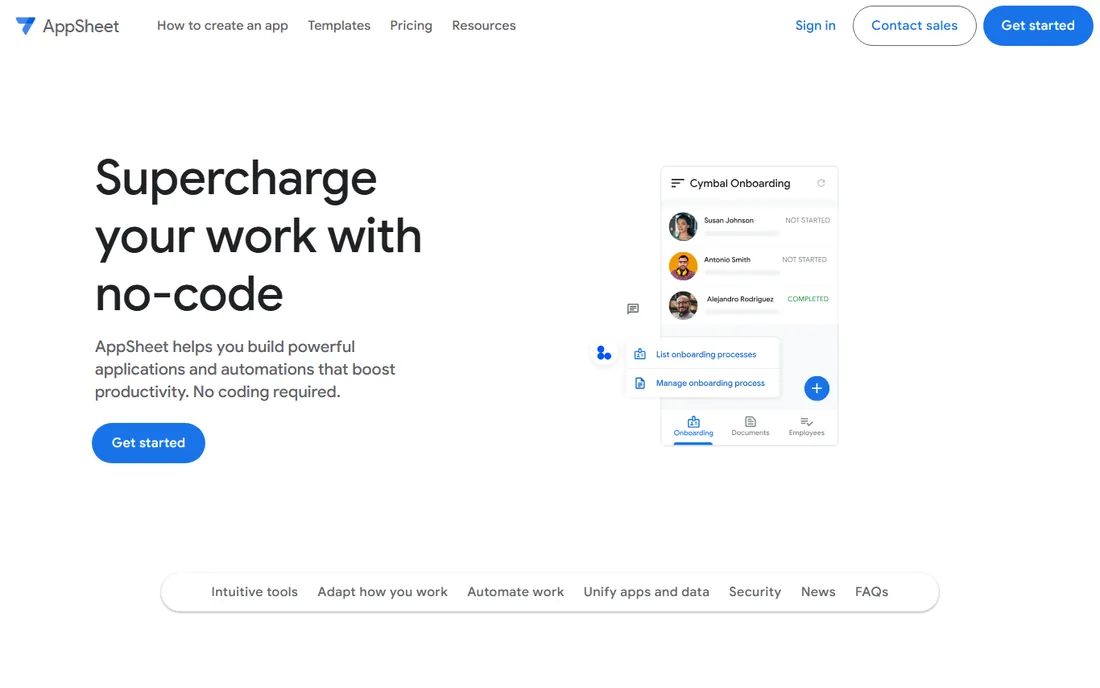
AppSheet wins on speed like nothing else here. Point it at a Google Sheet and you get a working mobile app with forms, views, and workflows, often the same afternoon. At $5 per user per month for Starter ($10 Core, $20 Enterprise Plus, all from the official pricing page), it is the cheapest paid on-ramp in the category, and some Google Workspace plans bundle it.
The limits are real. Complex business logic, highly custom interfaces, and advanced governance push you toward Enterprise Plus or off the platform entirely. And buyers remember Google's habit of reorganizing products, which makes some teams nervous about building core processes here. For inspections, inventory, field data collection, and spreadsheet replacement, though, nothing beats the time-to-value. Prototype free with up to 10 test users before spending anything.
What we like- Turns a Google Sheet into a working mobile app in hours
- Cheapest paid entry in this roundup
- Bundled in some Google Workspace plans
Watch out for- Hits walls on complex logic and custom interfaces
- Google's product-shuffle history worries long-term planners
Starting priceSee website (quote-based; enterprise pricing)
Free planFree trial available (no permanent free plan)
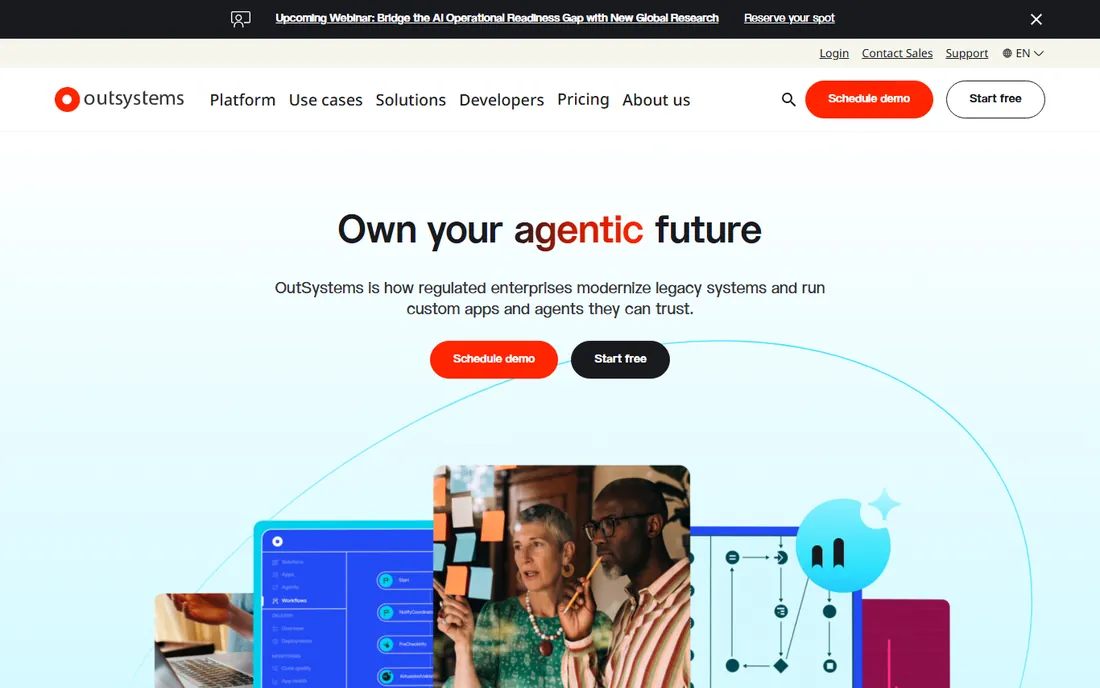
OutSystems plays a different game from the builders above. It generates real, maintainable application code with enterprise-grade security, release management, and governance, aimed at organizations replacing legacy systems rather than prototyping MVPs. The DevOps story, environment management, and SAP and Salesforce integrations reflect that enterprise brief.
Everything about the commercial model says enterprise: quote-based pricing, annual contracts, implementations measured in months, usually with partner help. Third parties cite entry points in the tens of thousands per year, but the vendor publishes nothing, so treat that as directional. Run the free trial and a tightly scoped pilot before engaging sales. If you are a large organization with mission-critical applications to modernize, this is the heavy machinery. If you need an internal dashboard next week, it is not.
What we like- Full-stack code generation for genuinely complex applications
- Strong DevOps and lifecycle management
- Proven at large scale
Watch out for- Quote-based pricing with a high entry point
- Steeper learning curve than lighter tools
#7
Mendix
Best for: Large organizations standardizing how business and IT build together
Visit mendix.com
Starting priceSee website (quote-based)
Free planYes (free tier available)
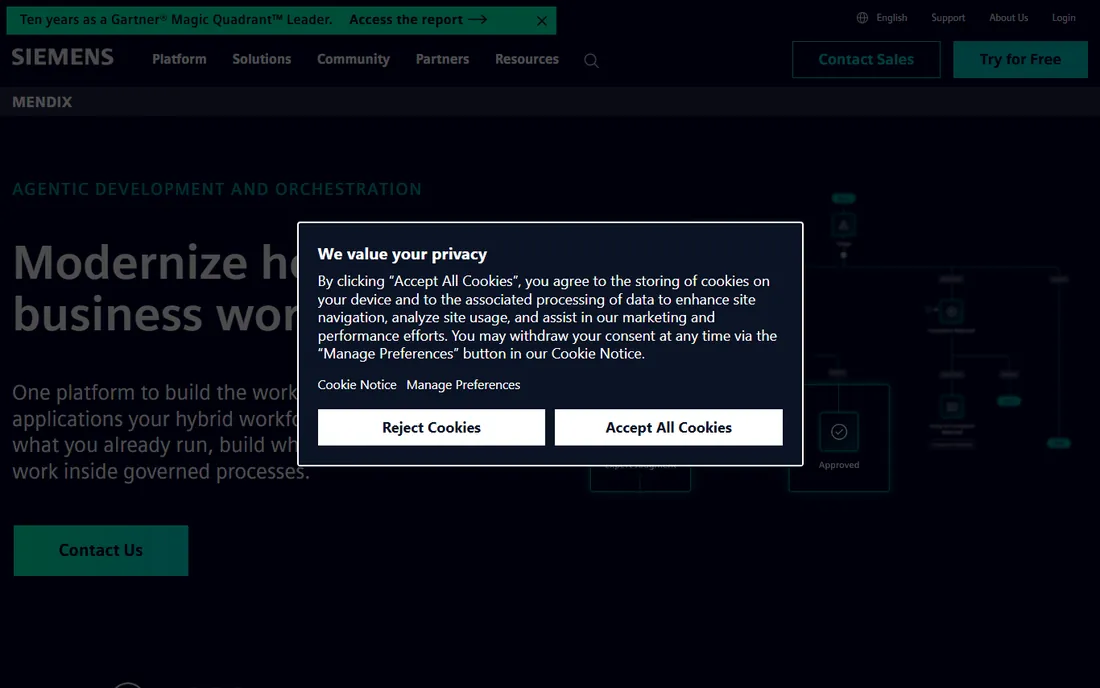
Mendix, backed by Siemens, is the enterprise low-code platform for organizations that want one sanctioned way to build applications. Its strength is the collaboration model: business users and IT working in the same environment with governance both sides accept, plus reusable components and deployment across clouds. The free tier lets teams validate the approach before the sales conversation starts.
The honest assessment mirrors OutSystems: this is an enterprise commitment with an enterprise sales cycle. Pricing is quote-based, contracts are annual, and implementations run weeks to months. For a large organization standardizing development across departments, the governance and longevity story is compelling. For a small team with one app to build, the overhead dwarfs the benefit. Start free, prove the fit, then talk to sales.
What we like- Siemens-backed platform with real staying power
- Strong model for business-IT collaboration
- Multi-cloud deployment options
Watch out for- Enterprise sales motion with annual contracts
- Overkill in cost and complexity for simple apps
#8
Appian
Best for: Regulated industries automating complex approval workflows
Visit appian.com
Starting priceSee website (quote-based; priced per user, per month, per app)
Free planYes (free Community Edition for up to 15 users)
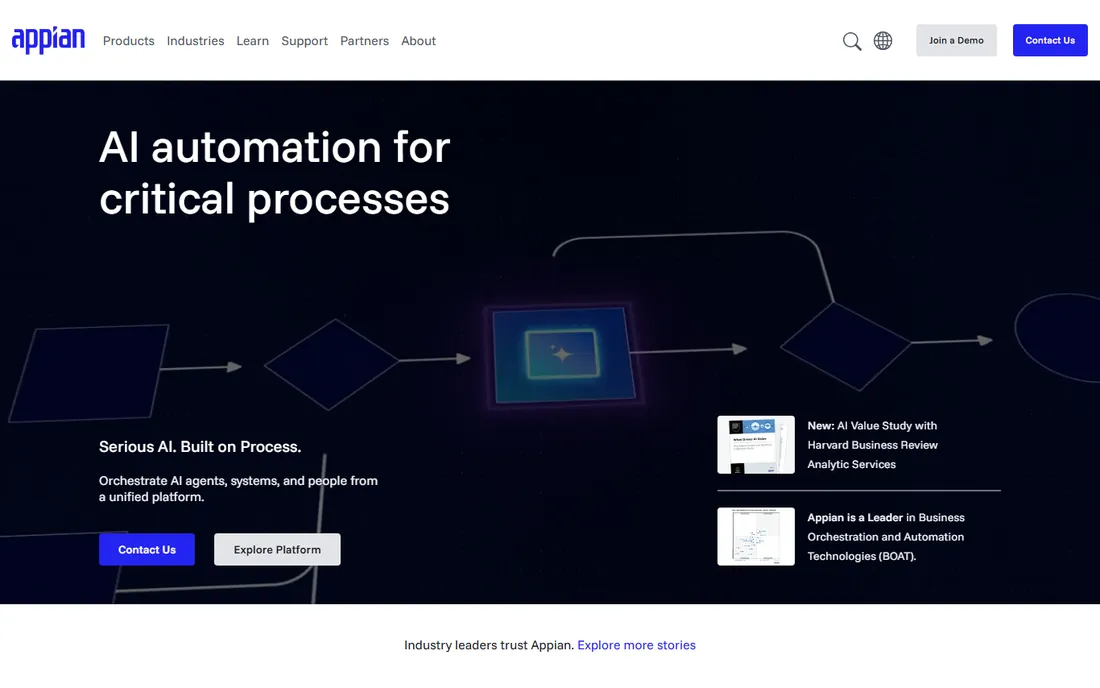
Appian comes from business process management, and it shows. Where most low-code platforms bolt on workflow features, Appian's process modeling is the core: complex approvals, case management, and compliance-driven workflows are its home turf, particularly in financial services, government, and other regulated industries. The free Community Edition (15 users) is genuinely useful for evaluation and learning.
The pricing structure demands attention. Appian prices per user per month per app, which means each new application is a new budget line. Model your application portfolio, not just your user count, and negotiate accordingly. The designer experience also trails the newer visual builders. But if your problem is really "complex regulated workflows that happen to need apps," rather than "apps that need some workflow," Appian's depth is hard to match.
What we like- Deep process automation heritage combined with low-code apps
- Strong in regulated sectors
- Free Community Edition to learn hands-on
Watch out for- Per-app pricing multiplies costs with each application
- Designer experience feels less modern than newer rivals
Starting priceSee website (quote-based)
Free planTrial offered; confirm current terms on the vendor site
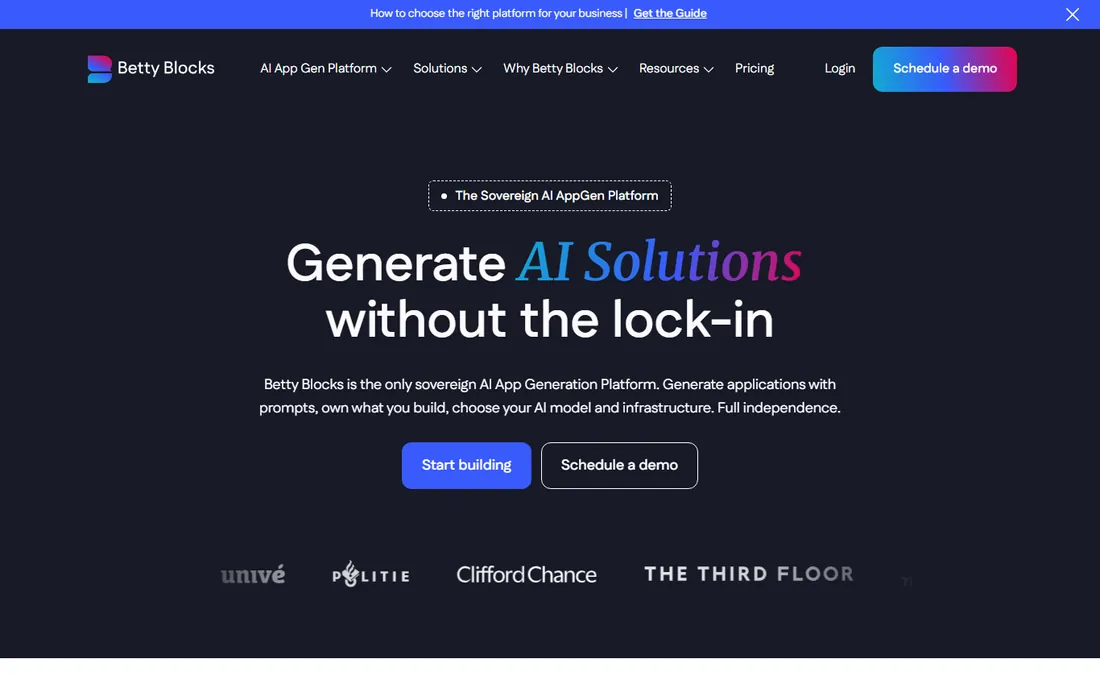
Betty Blocks targets the governance gap: business users building real applications, with IT retaining control through reusable components, permissions, and lifecycle management. The "blocks" concept means approved pieces get reused instead of reinvented, which is how citizen development avoids becoming shadow IT. Visual building covers most needs, with code options when it does not.
The friction is commercial, not technical. Pricing is quote-based with nothing published, so you cannot budget without a sales conversation; get numbers in writing early. The template and partner ecosystem is also thinner than the category leaders. For mid-market companies that want business-led building without losing IT oversight, the balance is right. Just go in expecting a sales-led buying process.
What we like- Reusable building blocks balance speed with IT guardrails
- Visual building plus real code options
- Solid application lifecycle management
Watch out for- Opaque quote-based pricing
- Smaller ecosystem of templates and partners than the giants
#10
Kissflow
Best for: Operations teams automating forms, approvals, and internal processes
Visit kissflow.com
Starting priceSee website (quote-based)
Free planFree trial available (no permanent free plan confirmed)
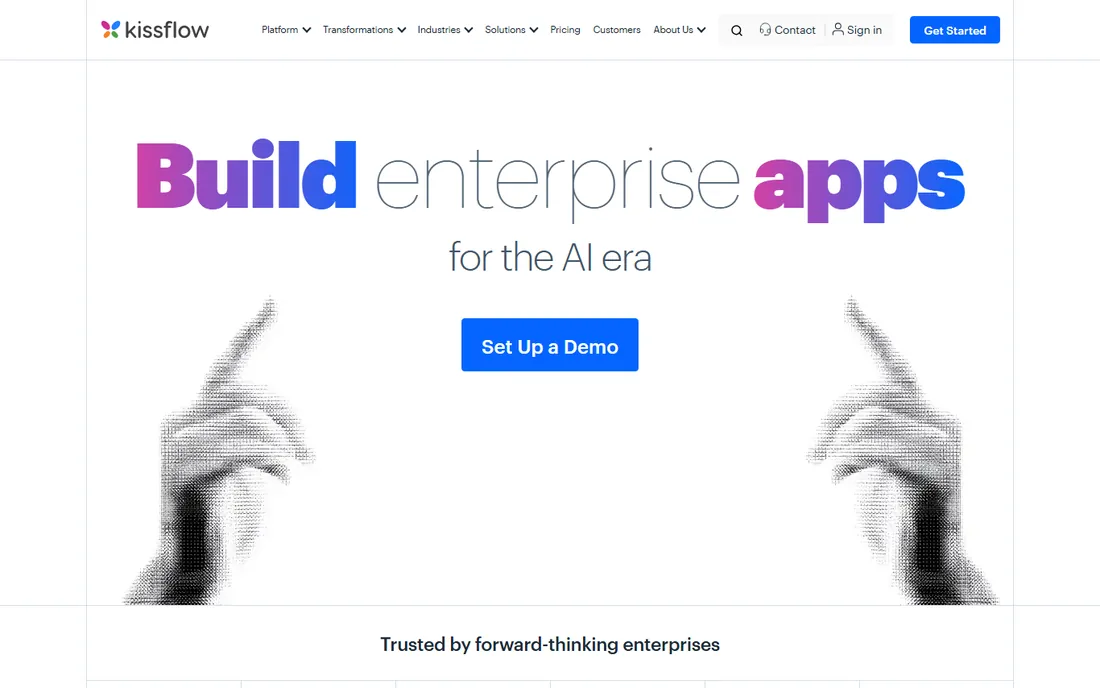
Kissflow leads with process, not apps. For operations teams drowning in approval emails and spreadsheet handoffs, its boards and workflow automation are the main event, with low-code app building attached. That process-first framing is why business users adopt it: it looks like the work they already do, organized. Integrations cover Google Workspace, Slack, SAP, and webhooks.
The commercial picture is the familiar enterprise one: no published pricing, quote-based deals, typically annual contracts. Third parties cite entry points around $1,500 per month for 50 users, but verify against your own headcount. Setup takes days to weeks, much faster than the enterprise suites. If your need is "automate our internal processes" rather than "build software products," Kissflow's framing fits better than the developer-centric tools.
What we like- Process-first approach business users actually adopt
- Boards, workflows, and apps unified
- Friendly for non-technical teams
Watch out for- Pricing not published
- Less suited to highly custom or customer-facing applications
Frequently asked questions
What is the difference between low-code and no-code?
No-code targets non-technical builders with purely visual tools; low-code targets developers and technical teams, offering visual building plus real code where needed. In practice the line blurs: Bubble is no-code but expressive, Retool is low-code but approachable. Choose by who will build and maintain the apps, not by the label.
How much does a low-code platform cost?
It depends entirely on the pricing model. Per-user tools like AppSheet start at $5 per user per month; per-builder tools like Retool add a second meter for end users; enterprise suites like OutSystems and Mendix are quote-based annual commitments. Model your specific headcount and app count against each model before comparing headline prices.
Can low-code platforms build customer-facing apps?
Some can. Bubble was built for it, and Betty Blocks and Mendix support it. Retool and AppSheet are primarily internal-tools platforms. If customers will use the app, check the vendor's external-user pricing specifically; it is often metered separately and can change the economics completely.
Do we still need developers?
For simple apps on Bubble or AppSheet, often no. For Retool, Power Apps, or anything touching your core systems, you need someone technical for data modeling, integrations, and security review. Low-code reduces the engineering load; it rarely eliminates the need for technical judgment.
What about vendor lock-in?
It is the real risk in this category. Apps built in proprietary builders generally cannot be exported as standard code, with OutSystems' code generation a partial exception. Mitigate it by keeping critical business logic documented outside the platform, preferring standard databases you control, and confirming data export options before you commit.
Is low-code secure enough for enterprise use?
The enterprise platforms (OutSystems, Mendix, Appian, Power Apps) are built for it: SSO, audit logs, role-based access, and compliance certifications. Lighter tools vary. Verify the specific certifications your industry requires, confirm data residency options, and check whether self-hosting is available if your data cannot leave your infrastructure.
How to pick without regretting it
Start with the builder, not the platform. Who will actually build and maintain these apps: professional developers, business analysts, or non-technical founders? That single answer eliminates half the list. Developers belong on Retool or Power Apps; analysts on Kissflow or Zoho Creator; founders on Bubble or AppSheet.
Then model the pricing against your reality. Count builders, end users, and apps separately, because each platform meters a different combination. A tool that looks cheap per user can be expensive per app, and vice versa. Run a real pilot, not a demo: build one actual workflow end to end, including the integration and the report your boss will ask for. Finally, check the exit. Confirm you can export your data, understand what happens to running apps if you cancel, and read the contract's auto-renewal terms before the renewal date surprises you.
The pricing models, decoded
Low-code pricing falls into four patterns, and each punishes a different kind of success. Per-user pricing (AppSheet, Power Apps, Zoho Creator) is simple and predictable until headcount grows. Per-builder plus per-user (Retool) is fair for small teams but compounds as adoption spreads. Per-app pricing (Appian) looks cheap until your portfolio grows. Usage-based pricing (Bubble's workload units) is the most volatile: a quiet app costs little, a hit app can spike.
The defense is modeling. Before committing, spreadsheet three scenarios: today's team, doubled headcount, and tripled usage. Ask every vendor what the bill looks like in each. Get the answers in writing, because the sales call's numbers and the contract's numbers are sometimes different things. And revisit the model yearly; pricing changes, as Bubble's October 2026 increase shows, and today's good deal can become tomorrow's budget problem.
How we chose
We started with the searches buyers actually run: best low-code platforms and its variants. For each candidate we opened the vendor's own homepage and pricing page, checked plan names and prices against public reviews on G2 and Capterra and practitioner discussion, and compared feature depth, pricing model, and company-size fit. Where the vendor's page did not show verifiable prices we wrote "See website" rather than repeating third-party figures as fact. The shortlist mixes founder-friendly builders with enterprise suites, because a startup MVP and a bank's legacy modernization are not the same purchase.
Sources we checked (12)
- https://retool.com/pricing
- https://bubble.io/pricing
- https://www.zoho.com/creator/pricing/
- https://powerapps.microsoft.com/en-us/
- https://www.outsystems.com/
- https://appian.com/
- https://mendix.com/
- https://about.appsheet.com/pricing/
- http://bettyblocks.com/
- https://kissflow.com/
- https://www.g2.com/categories/low-code-development-platforms
- https://www.capterra.com/low-code-development-platform/
Is your product missing or out of date?
We review this list regularly. Vendors can request a listing, send updated pricing or ask about featured placement.

Shihab Mia · Founder, Rankite
Shihab has 5+ years in B2B and SaaS SEO. He writes Rankite's software buying guides from pricing pages, documentation and public user reviews. More about Shihab.