How we make this list: we compare pricing pages, product documentation and public user reviews. Rankite is independent; if a vendor ever pays for a featured spot, that listing is clearly labeled Partner.
Key takeaways
- FlutterFlow is the strongest low-code mobile app builder for serious apps, with real Flutter code export that removes vendor lock-in.
- "No-code" and "produces a real native app" are different promises; most platforms only keep one, so check the output type before committing.
- GoodBarber builds true native Swift and Kotlin apps with 15 years of history, and remains the design-first pick for content and commerce apps.
- BuildFire targets businesses that want the app built and managed for them, with pricing to match at $165 per month.
- Google AppSheet is the cheapest route to internal business apps at $5 to $10 per user per month, especially inside Google Workspace.
Quick comparison
| Tool | Best for | Starting price | Free plan |
|---|
 FlutterFlow FlutterFlow | scalable apps with code export | See website | Yes |
 Adalo Adalo | beginner-friendly native apps | $36/month | Yes |
 Thunkable Thunkable | AI-assisted app building for non-coders | See website | Yes |
 BuildFire BuildFire | businesses wanting managed app development | $165/month | No |
 GoodBarber GoodBarber | design-first native apps for content and commerce | See website | Yes |
 Draftbit Draftbit | visual building with React Native code export | See website | Yes |
 AppSheet AppSheet | internal business apps on Google data | See website | Yes |
 Appy Pie Appy Pie | AI-generated native apps from a prompt | $16/month | Yes |
Is your product missing or out of date?
We review this list regularly. Vendors can request a listing, send updated pricing or ask about featured placement.
The best low code mobile app builder
The mobile app builder market split into two camps in 2026. On one side are the AI generators that turn a prompt into an app in minutes. On the other are the low-code platforms that give you visual control, real native output, and a path to scale. This list focuses on the second camp, the builders you can actually run a business on, with each tool verified against its vendor homepage today.
Starting priceSee website
Free planYes
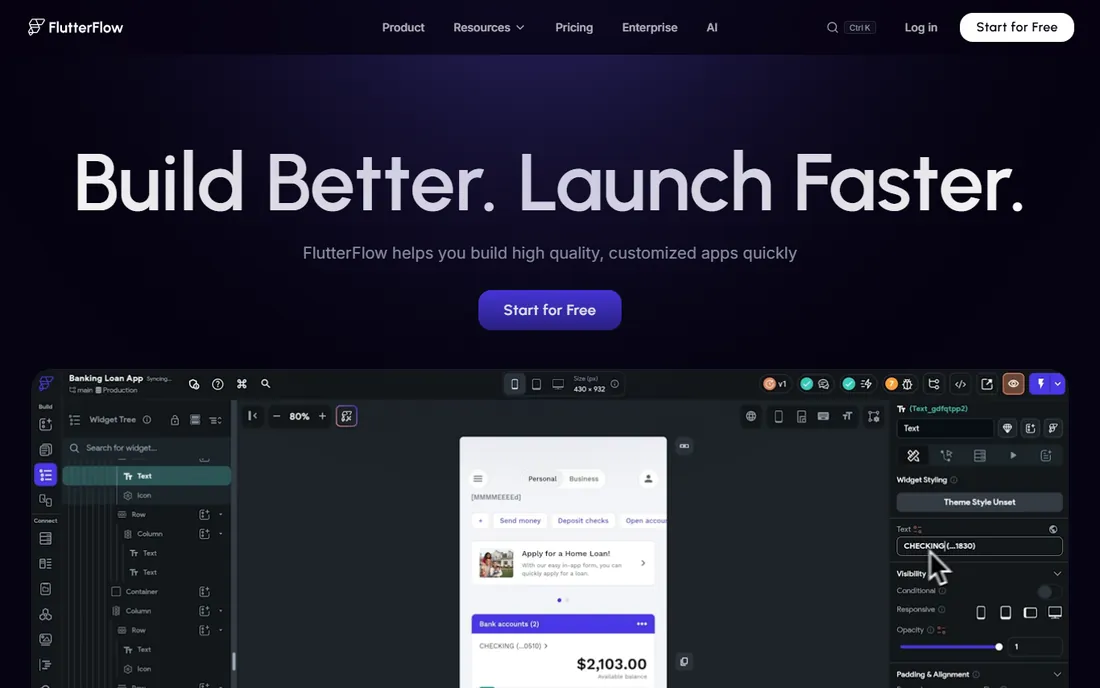
FlutterFlow is the low-code mobile app builder that serious teams standardize on. It is built on Google's Flutter framework, so the apps it produces are genuinely cross-platform and production-grade, and the one-click code export means you can hand the project to developers at any point. That escape hatch is what separates it from every walled-garden builder. With over 3.3 million users building on it, it has the ecosystem and template marketplace to match.
The visual builder handles Firebase, Supabase, and custom API backends, and recent versions added AI assistance alongside the visual canvas. The honest catch is the learning curve. FlutterFlow assumes you understand app architecture: data models, state, navigation. Non-technical founders can absolutely learn it, but it takes weeks, not hours. If you want an app that can scale to real users, this is where you start.
What we like- Generates real production-quality Flutter/Dart code
- One-click export means no vendor lock-in
- Deploys to App Store, Play Store, and web
Watch out for- Steeper learning curve than beginner platforms
- Complex logic still needs some technical understanding
Starting price$36/month
Free planYes
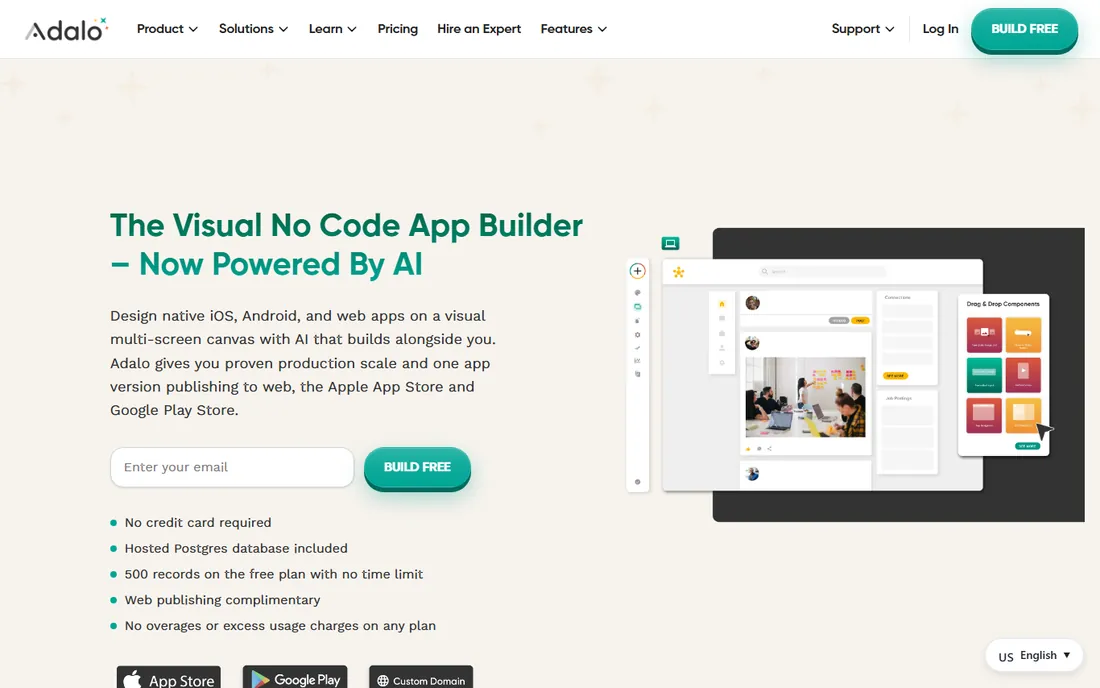
Adalo is the friendliest route from app idea to App Store. The component-based canvas feels like designing slides, and the guided publishing flow walks first-time founders through the store submission process that trips up so many beginners. Apps get a genuinely native look and feel, with offline functionality that matters for real-world use.
Location-heavy apps are a particular strength, with the best map and location support in this price range. The free plan lets you build and test before spending anything, and the Starter tier at $36 per month keeps a first app affordable. The honest catch is scale. Adalo apps hit limits with complex logic, large databases, and high traffic, and there is no code export if you outgrow the platform. It is the right builder for validating an idea, not for running a scaled SaaS.
What we like- True native iOS and Android output
- Most accessible publishing process for first-time publishers
- Strong map and location components
Watch out for- Limited scaling for complex apps
- Database size restrictions on lower tiers
Starting priceSee website
Free planYes
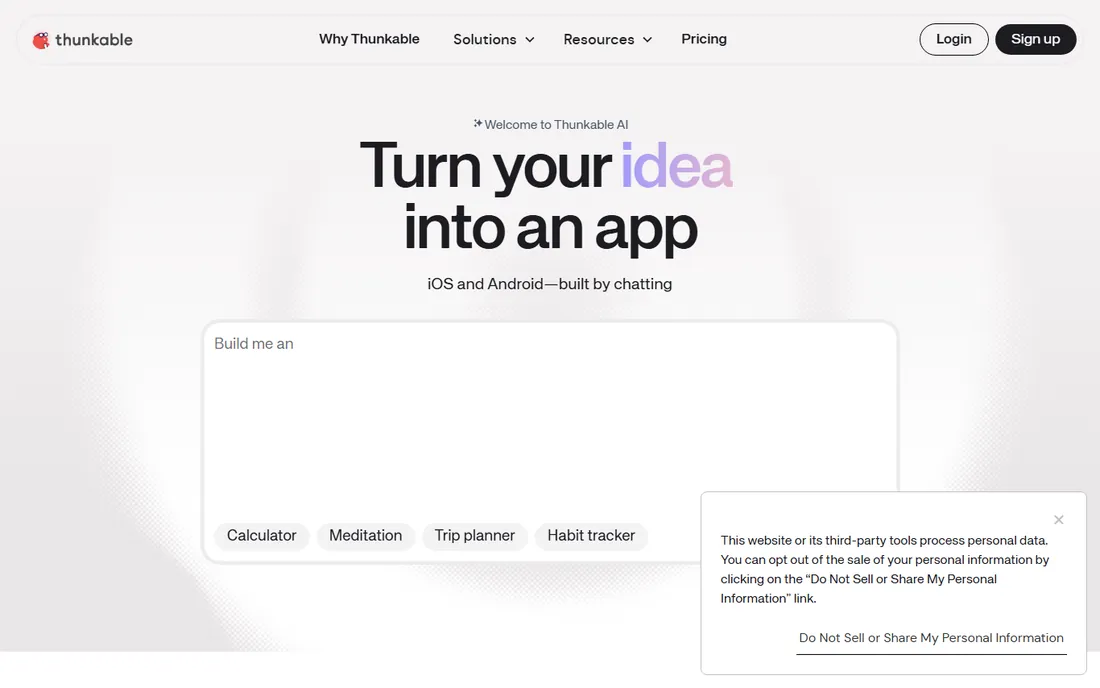
Thunkable reinvented itself for the AI era. The classic drag-and-drop block builder is still there, but the headline feature is now the AI Builder: describe your app in plain language and get a working native app to iterate on. For non-coders who found even visual builders intimidating, chatting an app into existence is a genuine step change in accessibility.
Live testing on your phone makes iteration fast, and the publishing flow covers both Apple and Google stores. The platform has matured over a decade with millions of users, particularly in education. The honest catch is the ceiling. There is no code export, the database options are basic, and complex business logic stretches the block paradigm. Thunkable is excellent for prototypes and simple production apps; serious products will want FlutterFlow or Draftbit instead.
What we like- AI Builder turns prompts into working apps
- Block-based logic familiar to beginners
- Publishes directly to both stores
Watch out for- No source code export
- Limited database and integration options
Starting price$165/month
Free planNo
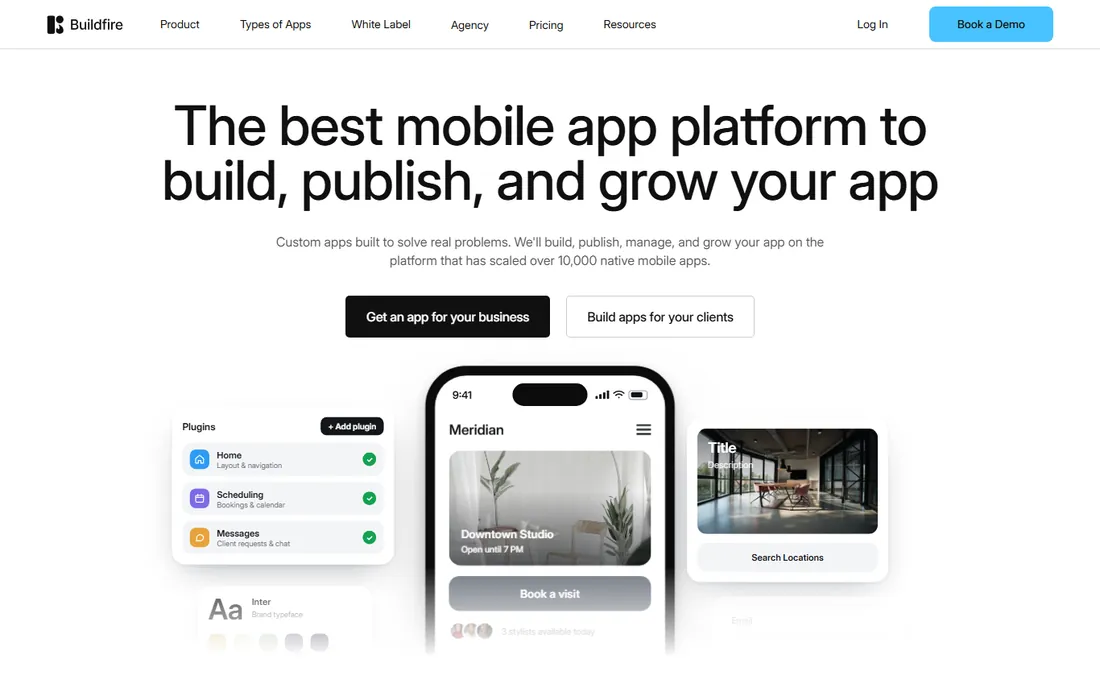
BuildFire sells outcomes, not builders. The platform has powered over 10,000 native mobile apps, and its current pitch is everything after launch: store optimization, push campaigns, loyalty, analytics, and the growth engine most app builders ignore. If you are a business owner who wants an app without becoming an app developer, the Professional Services option has the BuildFire team handle design, build, and publishing.
The plugin marketplace covers loyalty programs, booking, content, events, and e-commerce, with AI-assisted custom plugin generation for features that do not exist yet. Agencies get a white-label reseller program to build apps for clients on BuildFire's engine. The honest catch is the price: $165 per month is the steepest entry on this list, and there is no full source code export, so you are renting, not owning. For businesses that value done-for-them over DIY, the math still works.
What we like- Team can build, publish, and manage the app for you
- 150-plus plugin marketplace
- White-label reseller program for agencies
Watch out for- Premium pricing at $165 per month
- No full source code export
Starting priceSee website
Free planYes
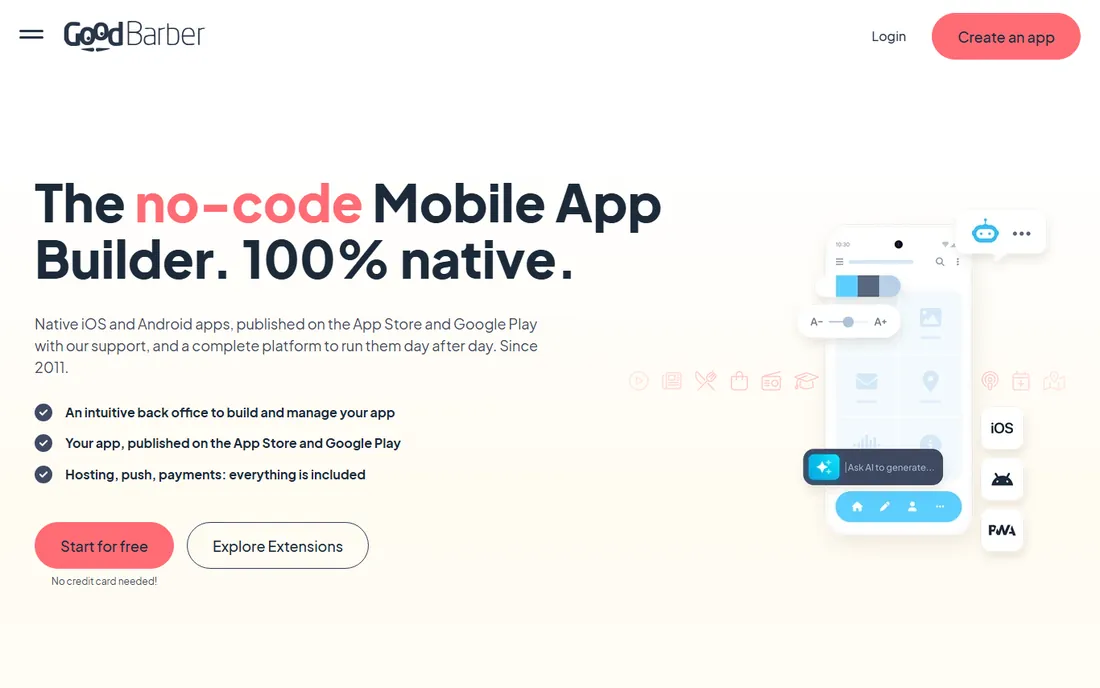
GoodBarber has been building native apps since 2011, before no-code had a name, and that longevity shows in the polish. Unlike the web wrappers that pass for apps elsewhere, GoodBarber compiles real Swift and Kotlin binaries, published to the App Store and Google Play with the team's support. Every app gets a web twin automatically, so your content lives on every screen from one back office.
The design system is the differentiator: professionally crafted foundations that stay beautiful as you customize, plus an AI builder that generates missing features from plain-English descriptions and an MCP server that lets AI assistants manage your app conversationally. Brands like Siemens, Levi's, and Coca-Cola have shipped on it. The honest catch is scope. GoodBarber excels at content, commerce, booking, and course apps; if your idea needs unusual custom logic, a low-code platform like FlutterFlow gives you more room.
What we like- True native apps compiled in Swift and Kotlin
- Beautiful design system with 190-plus extensions
- 15 years in business with 30,000-plus clients
Watch out for- Content and commerce focus limits fit for complex custom logic
- Premium tiers priced in euros
Starting priceSee website
Free planYes
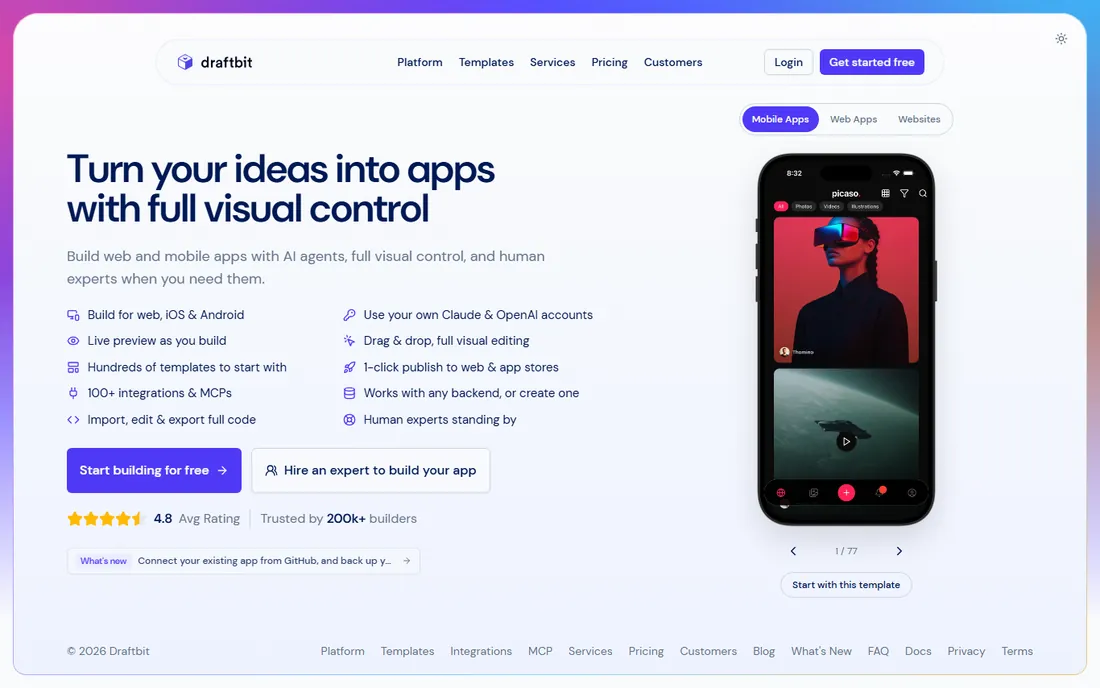
Draftbit is the React Native answer to FlutterFlow. The 2026 platform combines AI agents, drag-and-drop visual editing, and hundreds of templates with something rare in this space: full code import and export. You can pull in an existing app from GitHub, edit it visually, back up the code daily, and export clean React Native whenever you want. That two-way door is exactly what development teams need to adopt a builder without fear.
The platform works with any backend or lets you create one, supports your own Claude and OpenAI accounts for AI features, and publishes to web, iOS, and Android in one click. A 4.8 average rating across builders reflects genuine satisfaction. The honest catch is ecosystem size. Draftbit's community and template library are smaller than FlutterFlow's, and the platform shines brightest when you bring your own backend rather than expecting everything managed.
What we like- Full React Native code import and export
- AI agents plus visual editing
- One-click publishing to web and stores
Watch out for- Smaller ecosystem than FlutterFlow
- Works best when you can bring your own backend
Starting priceSee website
Free planYes
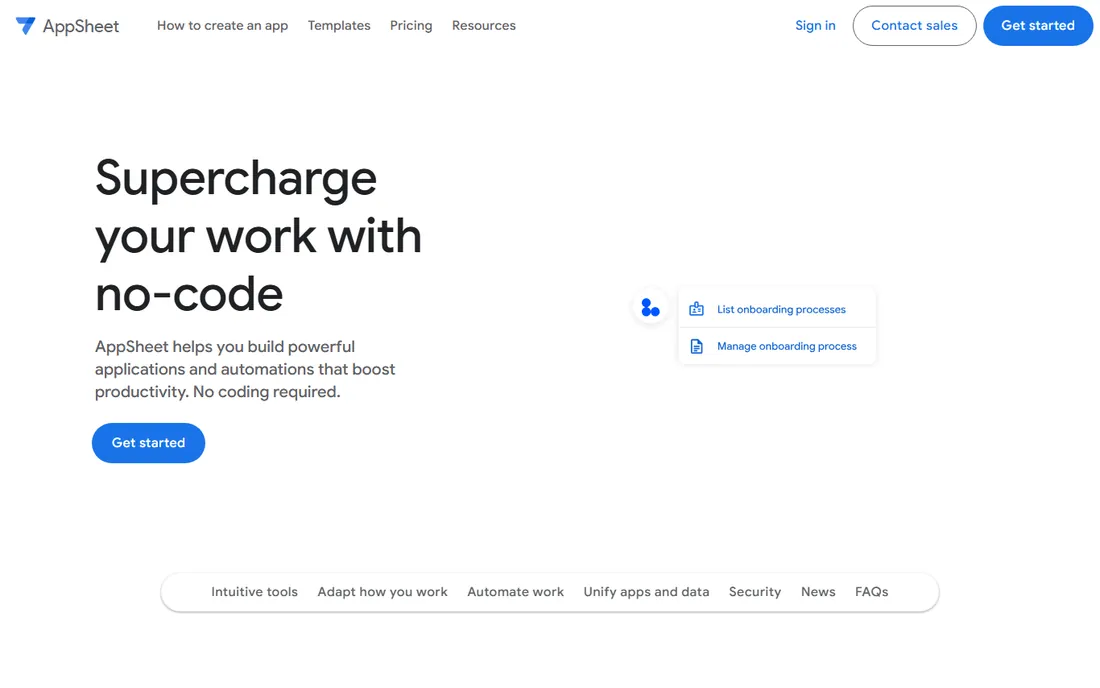
Google AppSheet is the fastest path from spreadsheet to mobile app, full stop. Connect a Google Sheet, Drive, or SQL database, and AppSheet generates a working app prototype with offline mobile access, role-based permissions, and workflow automations. Airbus built an inventory logistics app with one person in days that would have taken developers months; that is the use case in a sentence.
The pricing model is per-user rather than per-app, which makes it economical for internal tools used by defined teams. Spreadsheet-like expressions power advanced logic without code, and the ML capabilities add smart features like predictive text. The honest catch is the aesthetic ceiling. AppSheet apps look functional, not beautiful, and the Google-centric ecosystem feels constraining if your data lives elsewhere. For internal operations tools, nothing beats it on speed and cost.
What we like- Turns spreadsheets into working apps in days
- Deep Google Workspace integration
- Per-user pricing from $5 to $10 monthly
Watch out for- Limited design flexibility
- Google-centric ecosystem can constrain non-Workspace teams
Starting price$16/month
Free planYes
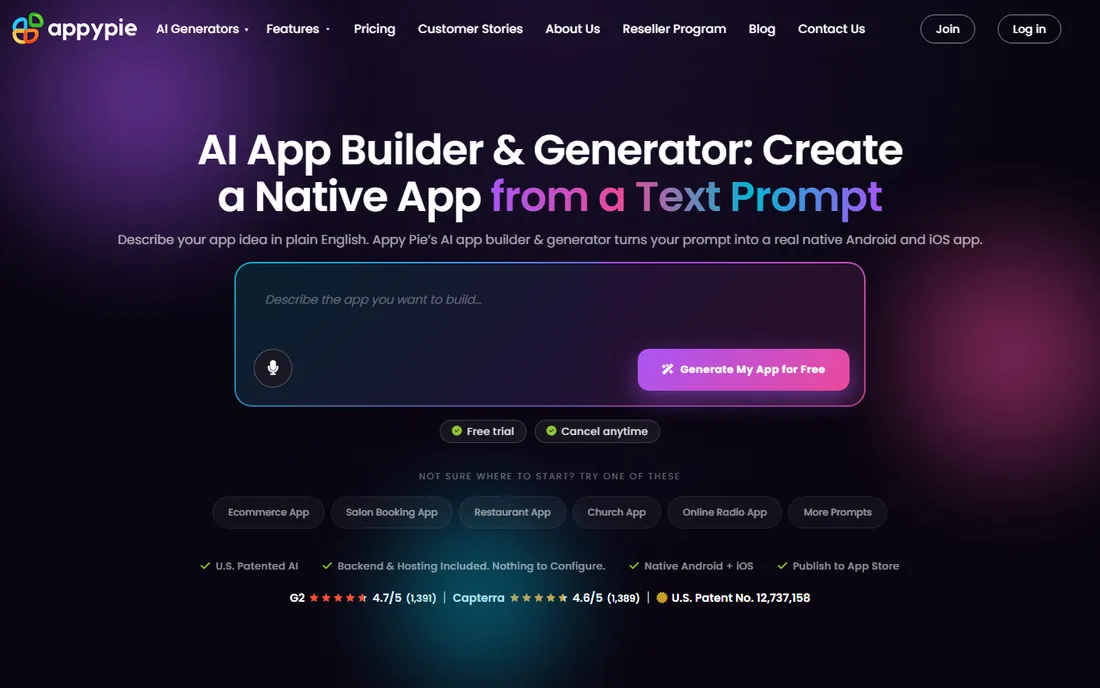
Appy Pie's AI app generator is the most complete prompt-to-published-app flow in this category. Describe your app in plain English, even in eight supported languages, and the AI generates working native binaries: Kotlin for Android, Swift for iOS, with user accounts, payments via Stripe and PayPal, push notifications, and an admin panel all wired up. Most users get store approval in 24 to 48 hours with the guided submission flow.
The vendor is admirably honest about limits: no source code export, no custom server-side logic, and AI-generated apps in regulated categories need extra prep. That transparency is refreshing. The honest catch is ownership. Your app runs on Appy Pie's hosted infrastructure, so if full code ownership matters, FlutterFlow or Draftbit are better fits. But at $16 per month with a 7-day trial, it is the cheapest credible route from idea to live native app on both stores.
What we like- AI generates real native Kotlin and Swift binaries
- Backend, payments, and push included
- Publishing assistance for both stores
Watch out for- No source code export
- AI cannot write custom server-side logic
How we chose these app builders
We focused on builders that produce real mobile output: installable iOS and Android apps, not web pages in disguise. We drew the shortlist from 2026 practitioner comparisons, G2 and Capterra categories, and community discussion among founders and developers. We verified every vendor homepage to confirm the product exists today and fits low-code mobile development. We balanced beginner platforms (Adalo, Thunkable, Appy Pie) against developer-grade builders (FlutterFlow, Draftbit), managed options (BuildFire, GoodBarber), and the internal-tools specialist (AppSheet). We did not claim hands-on testing, and we used "See website" pricing wherever the vendor gates its pricing behind a sales conversation or quote form.
Native output matters more than ease of use
The single most important question about any app builder is what you get at the end. A real native binary, installable from the App Store and Google Play, with push notifications and offline support, is a different product from a web app in a wrapper, even when the demo looks identical. Apple rejects wrapper apps more often than beginners expect, which is why builders with true native compilation (FlutterFlow, GoodBarber, Appy Pie) or managed store processes (BuildFire) earn their place here.
The second question is the exit. If the builder succeeds and your app takes off, can you take the code and hire developers? Only FlutterFlow and Draftbit offer full code export on this list. Everyone else is a rental. That is fine for validating an idea or running a small business app, but plan the exit before the app matters, not after.
Frequently asked questions
What is the best low-code mobile app builder in 2026?
FlutterFlow is the strongest all-around pick for apps that need to scale, thanks to real Flutter code export and production-grade output. For pure beginners, Adalo is friendlier; for done-for-you service, BuildFire; for Google Workspace teams, AppSheet.
Can I really publish to the App Store without coding?
Yes. All eight builders here support publishing to the Apple App Store and Google Play, several with guided submission flows. Apple review still applies to everyone, so budget a few days and expect possible revision requests on your first submission.
How much does it cost to build an app with a low-code builder?
Entry pricing ranges from $5 per user per month (AppSheet) to $165 per month (BuildFire), with most builders starting between $16 and $39 monthly. Factor in Apple Developer ($99/year) and Google Play ($25 one-time) fees on top.
Do I own the app I build with these platforms?
It depends on the platform. FlutterFlow and Draftbit let you export full source code that you own outright. The others host your app on their infrastructure, so you own the app and its data but depend on the platform to keep running it.
What is the difference between low-code and no-code app builders?
No-code builders (Adalo, Thunkable, Appy Pie) target non-technical users with visual or AI-driven creation. Low-code builders (FlutterFlow, Draftbit) assume some technical understanding and expose code, custom logic, and backend control in exchange for more power and scalability.
Which builder is best for internal business apps?
Google AppSheet is the clear winner for internal tools, turning spreadsheets into working mobile apps with offline access at $5 to $10 per user per month. It is especially strong for companies already running on Google Workspace.
Sources we checked (10)
- https://flutterflow.io/
- https://thunkable.com/
- https://buildfire.com/
- https://goodbarber.com/
- https://draftbit.com/
- https://appsheet.com/
- https://appypie.com/
- https://adalo.com/
- https://www.lowcode.agency/blog/best-no-code-mobile-app-builders
- https://www.goodbarber.com/blog/best-app-builders-for-mobile-apps-a1419/
Is your product missing or out of date?
We review this list regularly. Vendors can request a listing, send updated pricing or ask about featured placement.

Shihab Mia · Founder, Rankite
Shihab has spent more than a decade helping SaaS and e-commerce brands grow through search. He writes Rankite's software buying guides from pricing pages, documentation and public user reviews. More about Shihab.