How we make this list: we compare pricing pages, product documentation and public user reviews. Rankite is independent; if a vendor ever pays for a featured spot, that listing is clearly labeled Partner.
Key takeaways
- Renderforest and Placeit are the fastest routes to a finished logo animation, with templates that take minutes, though hundreds of other businesses may use the same ones.
- Adobe After Effects and Blender give you complete creative control for truly original logo work, at the cost of real learning time and, for After Effects, a monthly subscription.
- Apple Motion is the value pick for Mac owners: a $49.99 one-time purchase for professional motion graphics with no subscription.
- Animaker and Vyond suit teams that need animated explainers and branded video beyond just the logo, with character animation and voiceovers built in.
- Canva and Biteable cover the simple case: a clean animated logo for social profiles and video intros, inside tools you may already pay for.
Quick comparison
| Tool | Best for | Starting price | Free plan |
|---|
 Adobe After Effects Adobe After Effects | full creative control for pros | $22.99 per month (billed annually) | Free trial (7 days) |
 Renderforest Renderforest | logo reveals from templates | $9 per month (billed annually) | Yes |
 Animaker Animaker | animated brand videos with characters | See website | Yes |
 Placeit Placeit | fast logo mockups and animations | $14.95 per month | Yes |
 Blender Blender | free 3D logo animation | $0 | Yes |
 Apple Motion Apple Motion | pro motion graphics, one-time price | $49.99 (one-time) | No |
 Vyond Vyond | business animation at team scale | $99 per month ($58 billed annually) | Free trial |
 Canva Canva | simple animated logos in a design tool | $15 per month | Yes |
 Biteable Biteable | polished animated intros for marketing | $29 per month ($19 billed annually) | Free trial |
Is your product missing or out of date?
We review this list regularly. Vendors can request a listing, send updated pricing or ask about featured placement.
The best logo animation software
#1
Adobe After Effects
Best for: full creative control for pros
Visit adobe.com
Starting price$22.99 per month (billed annually)
Free planFree trial (7 days)
After Effects is what professionals reach for when a logo needs to do something no template can. Particle effects, 3D camera moves, custom easing, expressions that drive animation with code: if you can imagine the motion, After Effects can build it. The single-app plan is $22.99 a month billed annually ($34.49 month to month), with a 7-day free trial.
The honest question is whether you need it. Learning After Effects well enough for client-quality logo work takes months, and the subscription never ends. For a one-off logo sting, a template tool costs less than a year of subscription plus your time. Where After Effects earns its place is ongoing motion work: intros, ads and branded content where the logo animation is one piece of a larger pipeline.
Choose After Effects if motion design is a real part of your work, not a one-time task.
What we like- The industry standard for motion graphics
- Unlimited creative control with expressions and plugins
- Huge tutorial and template ecosystem
Watch out for- Subscription cost adds up
- Steep learning curve
- Overkill for a simple logo reveal
Starting price$9 per month (billed annually)
Free planYes
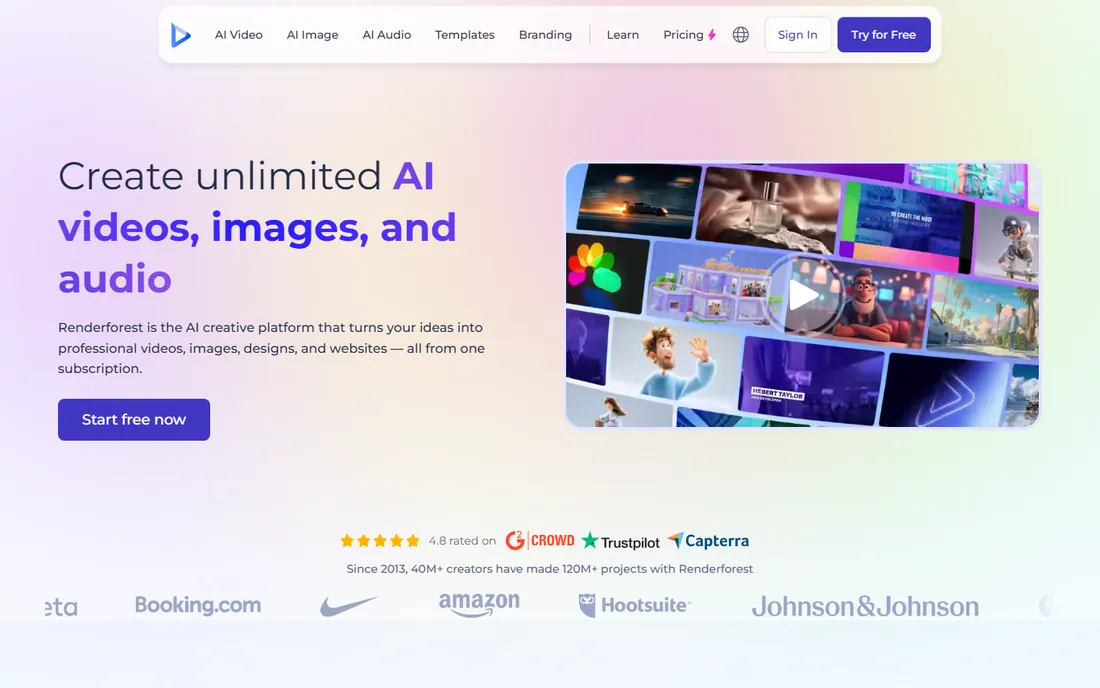
Renderforest built its name on exactly this job: upload your logo, pick an animation template, and get a rendered intro in minutes. The logo reveal category covers light streaks, 3D extrusions, glitch effects, elegant fades and dozens more styles. The Lite plan at $9 a month billed annually suits occasional use.
The trade-off is originality. Popular templates appear in thousands of videos, and viewers who watch a lot of YouTube will recognize them. Customization means changing colors, timing and text, not redesigning the animation. Free exports are watermarked at low resolution, so a paid plan is required for anything public.
Pick Renderforest when you need a professional-looking logo animation this week for a reasonable price.
What we like- Large library of logo animation templates
- Preview before you pay
- Affordable Lite plan for occasional use
Watch out for- Templates are recognizable and widely used
- Free exports are watermarked
- Customization stays within template bounds
Starting priceSee website
Free planYes
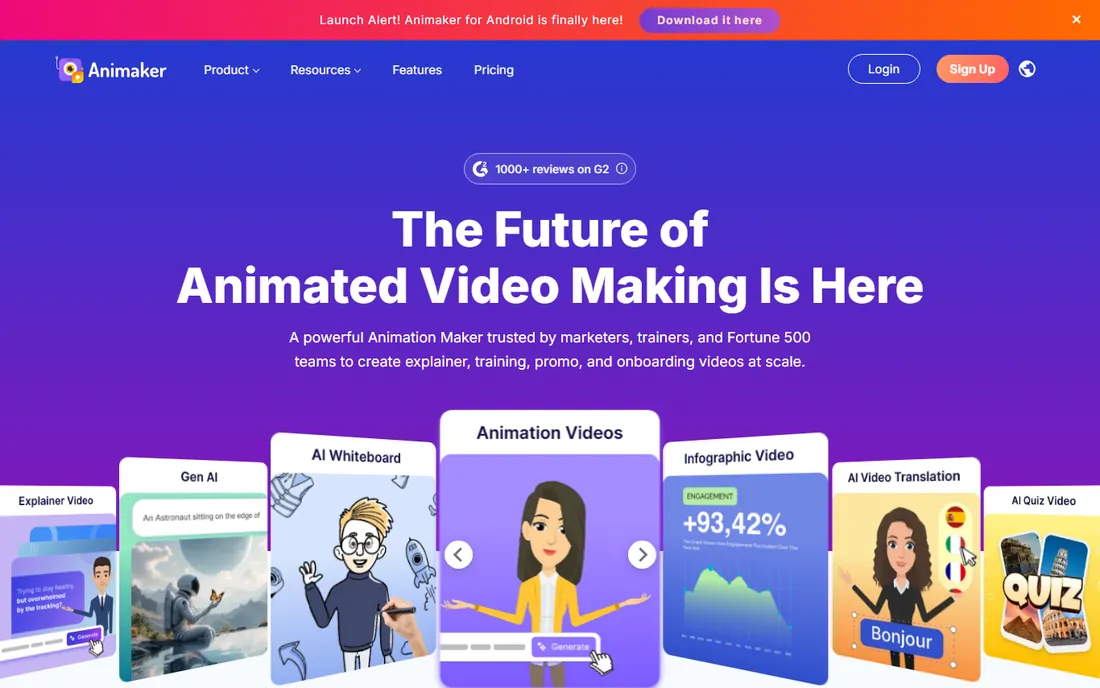
Animaker is a full animation studio in the browser, and logo animation is one feature among many. Its real strength for brands is character animation: build a branded character, add AI voiceover, and produce explainer videos where your animated logo appears as part of a larger story.
For a standalone logo sting, Animaker is more tool than you need, and its logo templates are fewer than Renderforest's dedicated collection. Pricing is the murky part: the vendor confirms a free plan plus Basic, Starter, Pro and Enterprise tiers, but exact prices are not published on the main pages, so check the pricing page directly before budgeting. Free exports carry watermarks.
Choose Animaker if your logo animation is part of a bigger animated content plan: explainers, training videos and ads with consistent characters.
What we like- Character builder for branded animated spokespeople
- Large template and asset library
- AI voiceovers in 180+ languages
Watch out for- Pricing tiers are hard to pin down publicly
- Free exports are watermarked
- Logo-specific templates are a small slice of the library
Starting price$14.95 per month
Free planYes
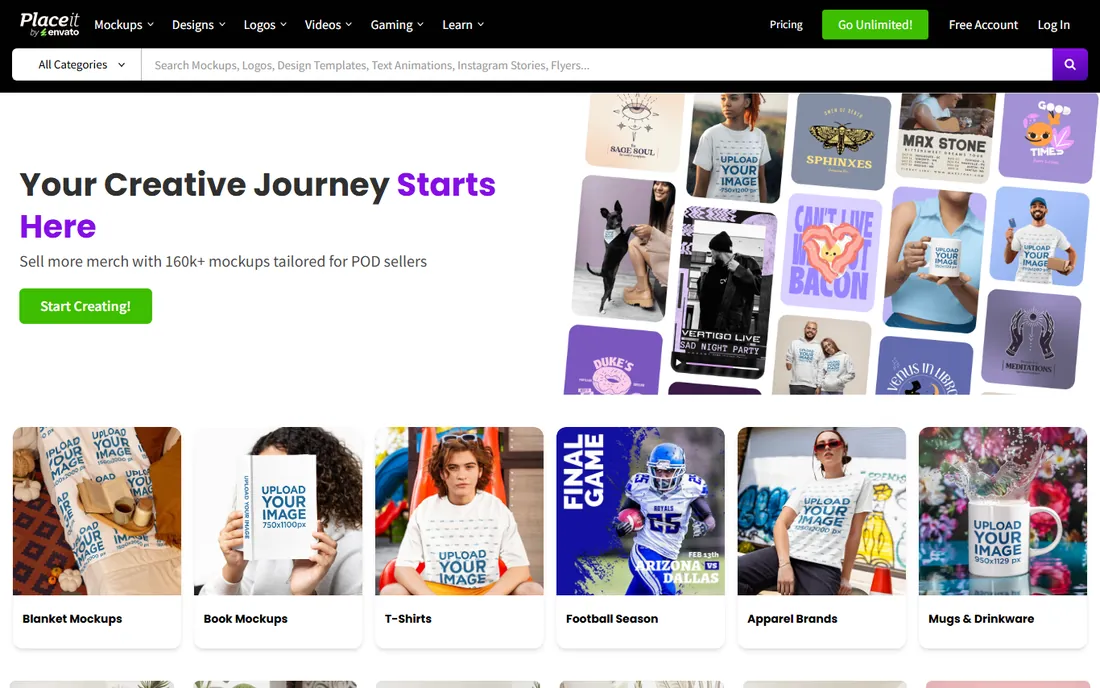
Placeit by Envato takes the template approach to its logical extreme: thousands of logo animation templates, plus mockups that show your logo on signs, shirts and screens. Upload a logo, pick an animation style, and download. The unlimited subscription is $14.95 a month or $89.69 a year, covering mockups, designs, logos and videos with no per-item fees.
The animations themselves are simple: clean reveals, spins and light effects rather than complex motion design. That is fine for social profiles, video watermarks and quick intros. Clean, unwatermarked downloads require the subscription.
Pick Placeit if you need logo animations plus mockups in one subscription, especially for merchandise, social branding and quick video assets.
What we like- Logo animations alongside mockups and design templates
- No design skills needed
- Unlimited subscription covers all downloads
Watch out for- Animations are simple compared to motion tools
- Subscription needed for clean downloads
- Logo maker templates are generic
Starting price$0
Free planYes
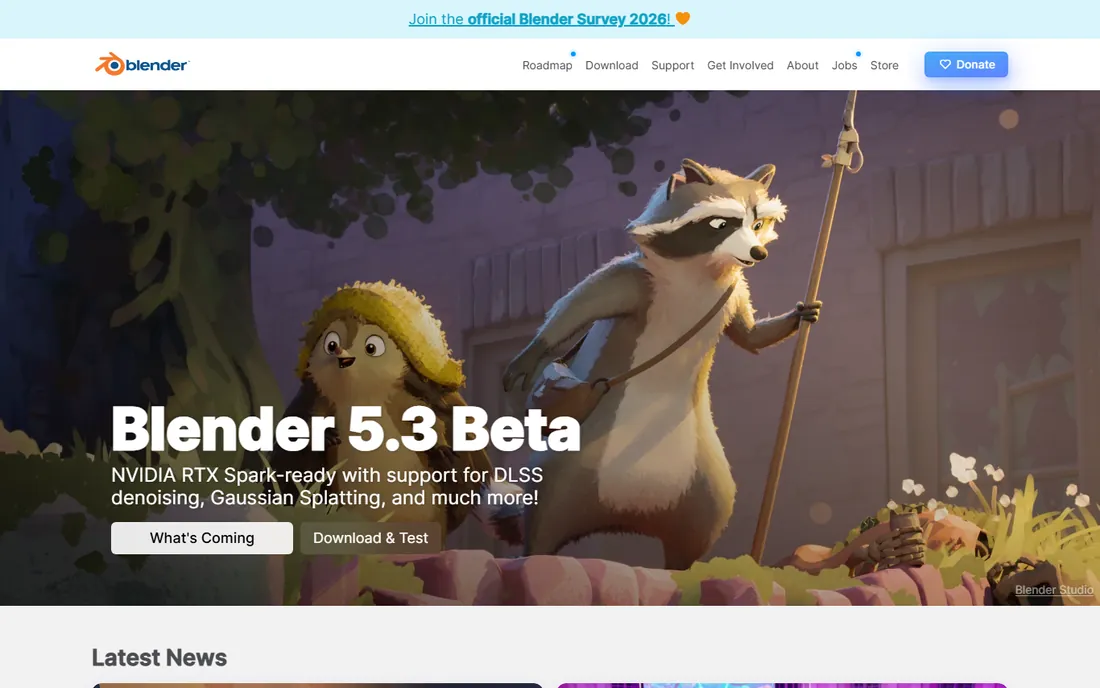
Blender is the only tool here that gives you Hollywood-grade 3D animation for free. Extrude your logo into 3D, light it, animate a camera swoop around it and render with the Cycles engine, all without paying anything or hitting a watermark.
The cost is measured in time and hardware. Blender's interface is famously dense, and 3D logo animation requires learning modeling, materials, lighting and rendering, not just keyframes. A simple 3D reveal can take a beginner days; a polished one takes weeks of practice. Rendering taxes even good GPUs.
Choose Blender if you want a genuinely original 3D logo animation and you are willing to learn real 3D skills.
What we like- Completely free forever, no watermark or upsell
- True 3D animation with professional rendering
- Active community and tutorials
Watch out for- Very steep learning curve
- Interface overwhelms beginners
- Rendering 3D takes serious hardware and time
#6
Apple Motion
Best for: pro motion graphics, one-time price
Visit apple.com
Starting price$49.99 (one-time)
Free planNo
Apple Motion is the quiet bargain of professional motion graphics. For a one-time $49.99 on the Mac App Store, you get real-time motion design with behaviors, particles, 3D text and keyframing that covers most logo animation needs. It pairs with Final Cut Pro, letting you build animated titles that drop straight into edits. No subscription, no watermark, no upsell.
The limitations are platform and ecosystem. Motion only runs on Macs, and its third-party template and plugin market is a fraction of After Effects'. For pure logo animation work, though, few tools match its price-to-capability ratio: professional results for the price of three months of After Effects.
Pick Apple Motion if you edit on a Mac and want professional logo animation without a subscription.
What we like- Professional motion graphics for a single $49.99 payment
- Tight integration with Final Cut Pro
- No subscription
Watch out for- Mac only
- Smaller template and plugin ecosystem than After Effects
- Apple gives it less attention than Final Cut Pro
Starting price$99 per month ($58 billed annually)
Free planFree trial
Vyond is built for business animation at scale: training videos, explainer content and internal communications with consistent branding. The Starter plan is $99 a month or $699 a year (about $58 a month), with Professional at $199 or $1,199 annually adding team features and Shutterstock assets.
As a logo animation tool, Vyond is overkill and overpriced. Its strength is animated scenes with characters and voiceovers where your logo appears as branding, not the standalone logo sting. There is a free trial but no free plan, and the per-user pricing assumes team budgets.
Choose Vyond if your organization produces animated business video regularly and the logo animation is one asset among many.
What we like- Brand-friendly animation styles for business video
- Team collaboration and brand management
- AI text-to-video speeds production
Watch out for- Expensive for logo-only work
- No permanent free plan
- Character styles are recognizable as Vyond
Starting price$15 per month
Free planYes
Canva's logo animation is almost an afterthought feature, and that is its charm. Design or upload your logo, click Animate, pick a style, and export as MP4 or GIF for social profiles, email signatures and video intros. The brand kit on Pro ($15 a month or about $120 a year) keeps everything consistent.
Do not expect motion design. Canva offers preset animation styles with no keyframes, no easing control and no 3D. The results look clean but simple, suitable for a LinkedIn banner or a YouTube end screen, not for a broadcast intro.
Pick Canva if your logo animation needs are modest and you already use Canva for design.
What we like- Animate any logo design with one click
- Brand kit keeps colors and fonts consistent
- Free plan covers basic animation
Watch out for- Animations are basic fades, pans and rises
- No real timeline or keyframe control
- Exports limited to video and GIF formats
Starting price$29 per month ($19 billed annually)
Free planFree trial
Biteable's intro and outro templates give small businesses a polished animated open without hiring a designer. Upload your logo, apply brand colors and fonts through the brand builder, and export. The newer AI tools can draft videos from scripts with avatars and voiceovers for fuller marketing content. Plans run Plus at $29 a month or $19 billed annually, and Ultimate higher.
For logo animation specifically, Biteable sits in an awkward middle: more expensive than Renderforest or Placeit for template reveals, less capable than After Effects or Blender for custom work. Its real value is the broader marketing video workflow, where the animated intro is one piece. There is a free trial but no ongoing free plan, so budget accordingly.
Choose Biteable if you produce marketing videos regularly and want consistent animated branding across all of them. For a one-off logo sting, cheaper template tools do the same job.
What we like- Professional intro and outro templates
- Brand builder applies fonts, colors and logos
- AI video builder for quick drafts
Watch out for- No permanent free plan
- Pricey for logo-only use
- Templates skew to general marketing
How we chose
We did not animate logos in each tool for this roundup. We read each vendor's current pricing page and feature documentation, checked template libraries for logo-specific categories, and scanned user reviews on G2 and Capterra plus motion-design discussions on Reddit for recurring complaints about watermarks, render quality and learning curves. We mixed professional tools with template makers because small businesses buy both, for different jobs.
Template or custom: pick your route first
The single most useful decision is choosing between a template and custom animation. Get this wrong and you either overpay or outgrow the tool in a month.
The template route
Renderforest, Placeit, Canva and Biteable all start from templates. You upload a logo, pick a style, adjust colors and export. Turnaround is minutes to an hour, cost is $0 to $30 a month, and the result looks professional. The downside is sameness: popular templates appear across thousands of videos. This route fits intros, outros, social profiles and video watermarks where speed beats originality.
The custom route
After Effects, Blender and Apple Motion start from a blank timeline. You design every movement, which takes hours to weeks but produces something nobody else has. Cost ranges from free (Blender) to $49.99 once (Motion) to $22.99 a month (After Effects). This route fits broadcast work, brand launches and any case where the animation itself represents the brand.
The middle route
Animaker and Vyond build animated videos where the logo appears as part of a larger production: explainer characters, training scenes, marketing stories. The logo animation is rarely the point; the branded video is. This fits teams producing regular animated content rather than a single sting.
How to decide
If the animation plays for under five seconds at the start of videos, go template. If it is the centerpiece of a brand launch or ad campaign, go custom. If you need both this month, start with a template now and commission or build the custom version later; a good-enough intro today beats a perfect one in six months.
A logo animation is useless if you cannot use it where you need it. Check formats and rights before you commit.
Formats you will actually need
MP4 is the universal choice for video intros and YouTube. GIF works for email signatures and web pages but looks rough at large sizes. Transparent backgrounds (alpha channel) let the animation overlay footage, and only the pro tools here, After Effects, Blender and Motion, export true alpha reliably. Template tools usually export on solid or simple backgrounds.
Resolution
Export at 1080p minimum; 4K matters only for broadcast or large screens. Renderforest and Animaker offer HD and 4K on paid tiers. Canva exports are capped at reasonable but not exceptional quality. Verify the export resolution on the pricing page before you pay, since free and low tiers often cap it.
Commercial rights
Your logo animation is commercial content by definition. Template tools license their templates for commercial use in your videos, which covers normal branding. Read the terms if you plan to sell the animation itself to clients; some licenses restrict resale of template-based work. Work you create from scratch in After Effects, Blender or Motion is yours outright.
Watermarks
Never publish a logo animation with a watermark. Renderforest, Animaker and Placeit watermark free exports; their paid tiers remove it. Blender, Motion and After Effects (paid) never watermark. The monthly cost of a clean export is trivial next to the brand damage of a watermarked logo.
Frequently asked questions
How much does a logo animation cost?
From $0 to thousands. Template tools run $0 to $30 a month: Renderforest Lite is $9, Placeit is $14.95, Canva Pro is $15. Blender is free. Apple Motion is $49.99 once. After Effects is $22.99 a month. Hiring a freelancer typically starts around a few hundred dollars for a simple sting.
How long does it take to animate a logo?
Minutes with a template tool: upload, pick a style, export. Hours to days in After Effects or Motion for custom work. Days to weeks in Blender for 3D. The template route exists precisely because most businesses cannot wait weeks for a five-second intro.
Can I animate my logo for free?
Yes. Blender does it for free with no watermark if you learn 3D. Canva's free plan animates logos with basic styles. CapCut, covered in our video guides, also animates logos free. Template specialists watermark free exports, so free and watermark-free together means Blender, Canva or a general editor.
What format should a logo animation be?
MP4 for video intros, YouTube and presentations. GIF for email signatures and web use. If you need the animation to overlay footage with a transparent background, you need alpha-channel export from After Effects, Blender or Apple Motion; template tools generally cannot do this.
Will a template logo animation look cheap?
Not necessarily. A well-chosen template with your actual brand colors and a clean logo looks professional to most viewers. It looks cheap when the template is overused, the logo is low resolution, or the style clashes with the brand. Pick restrained templates and export at full resolution.
Should I hire a designer instead?
Hire when the animation is central to a brand launch or ad campaign and originality matters. Use a template tool when you need intros, outros and social assets this week. Many businesses do both: templates now, custom work later when the brand earns it.
Sources we checked (14)
- https://www.adobe.com/
- https://www.renderforest.com/
- https://animaker.com/
- https://placeit.net/
- https://www.blender.org/
- https://www.apple.com/
- https://www.vyond.com/
- https://canva.com/
- https://biteable.com/
- https://filmora.wondershare.com/video-editor-review/adobe-after-effects.html
- https://www.saasworthy.com/product/animaker
- https://www.vyond.com/blog/best-ai-video-generators/
- https://www.g2.com/products/vyond/pricing
- https://www.ngram.com/blog/animaker-vs-vyond
Is your product missing or out of date?
We review this list regularly. Vendors can request a listing, send updated pricing or ask about featured placement.

Shihab Mia · Founder, Rankite
Shihab has spent more than a decade helping SaaS and e-commerce brands grow through search. He writes Rankite's software buying guides from pricing pages, documentation and public user reviews. More about Shihab.