How we make this list: we compare pricing pages, product documentation and public user reviews. Ratings come from G2, Capterra or Trustpilot, with the date we checked them.
Key takeaways
- Apache JMeter and Locust are the best free starting points, with JMeter suiting broad protocol coverage and Locust suiting Python teams that want code-first tests.
- Grafana k6 is the strongest choice for developer-led teams, since tests are JavaScript, versioned in Git and easy to run in CI.
- Gatling suits teams that want high throughput from modest hardware and a clear path from open source to an enterprise platform.
- BlazeMeter and NeoLoad suit enterprises that need cloud scale, protocol breadth and shared reporting, at a price that requires a sales conversation.
- Artillery is a good fit for Node.js teams and for browser-based load testing with Playwright, alongside its API load testing.
Quick comparison
| Tool | Best for | Starting price | Free plan |
|---|
 Apache JMeter Apache JMeter | Free testing across web, API, database and messaging protocols | Free (open source) | Yes |
 Grafana k6 Grafana k6 | Developers writing load tests in JavaScript | Free (open source) | Yes |
 Locust Locust | Python teams that want readable, code-first load tests | Free (open source) | Yes |
 Gatling Gatling | High-throughput tests with detailed reporting | Free (open source) | Yes |
 Artillery Artillery | Node.js teams and Playwright-based browser load testing | Free (open source CLI) | Yes |
 BlazeMeter BlazeMeter | Enterprises running JMeter, Gatling and other frameworks at cloud scale | See website | Free trial |
 NeoLoad NeoLoad | Enterprise applications, SAP and complex protocol mixes | See website | Free trial |
Is your product missing or out of date?
We review this list regularly. Vendors can request a listing, send updated pricing or ask about featured placement.
Starting priceFree (open source)
Free planYes
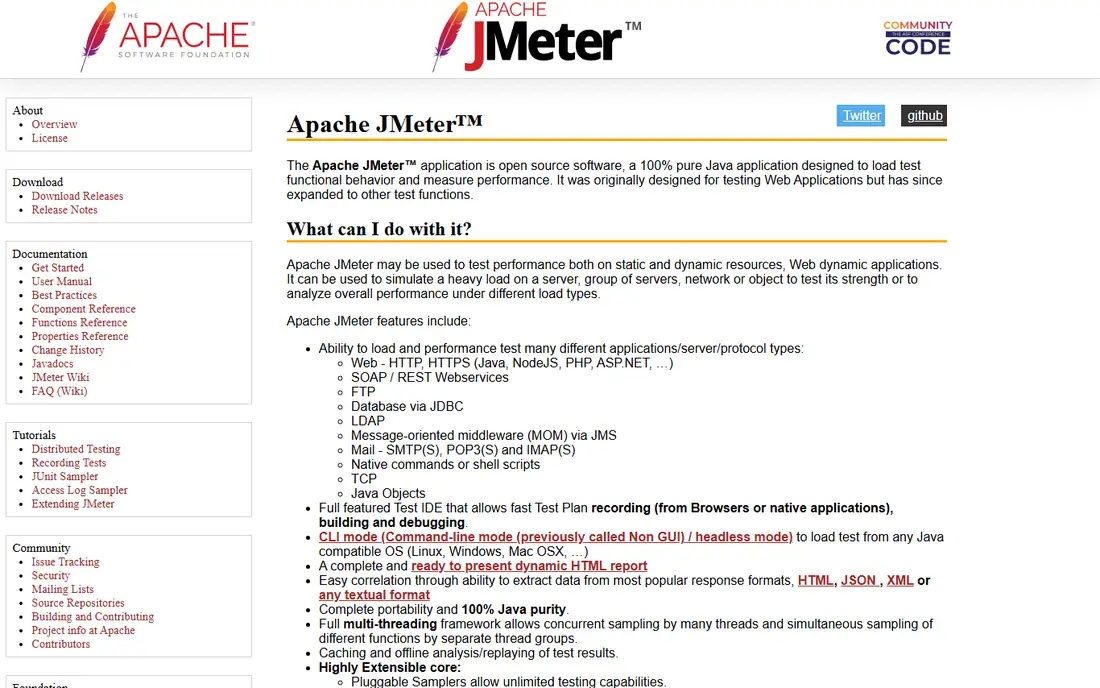
JMeter has been the default free load testing tool for years, and its breadth is still unmatched at zero cost. A test plan can hit a web app, a REST API, a database through JDBC and a message queue, then report response times, throughput and error rates in a single run. The graphical builder lets a tester record a browser session, build a plan from it, and run it headlessly from CI, which makes JMeter useful both for a first load test and for a regular regression suite.
The cost is learning time. JMeter is not a browser, so it does not run JavaScript or render pages, and dynamic values such as session tokens must be extracted and reused by hand. Large tests also need distributed machines to generate enough load without the test tool itself becoming the bottleneck. For a team with Java experience and a varied protocol mix, JMeter remains excellent value. For a team that only tests HTTP APIs and wants code-first tests, k6 or Locust will feel lighter.
What we like- Wide protocol support including HTTP, JDBC, JMS, FTP and LDAP
- Graphical test plan builder with recording
- Distributed testing and HTML reports
Watch out for- Interface feels dated
- High-scale tests need careful distributed setup
- Correlation of dynamic values takes practice
#2
Grafana k6
Best for: Developers writing load tests in JavaScript
Visit k6.io
Starting priceFree (open source)
Free planYes
k6 fits teams that already treat testing as code. A script defines virtual users, stages and thresholds in JavaScript, runs with a single command, and can fail a CI pipeline when response times or error rates cross a limit. That makes performance a gate in the delivery process rather than a report that arrives after release. The same script can run on a laptop for development, in Kubernetes for a larger run, or in Grafana Cloud from many load zones.
The open source core covers most API and web load testing, while the cloud adds team reporting, larger scale and longer result retention at a usage-based price. Browser-based testing exists through an extension, but teams whose main need is browser-level measurement may prefer Artillery with Playwright or NeoLoad with RealBrowser. For API-heavy teams that live in Git and CI, k6 is the most natural pick here.
What we like- Tests are plain JavaScript stored in Git
- Thresholds and checks fail a build when performance regresses
- Same script runs locally, in Kubernetes or in the cloud
Watch out for- Cloud pricing is usage-based and needs a pricing page check
- Browser testing is an extension rather than the core
- Very large tests need cloud or distributed runners
#3
Locust
Best for: Python teams that want readable, code-first load tests
Visit locust.io
Starting priceFree (open source)
Free planYes
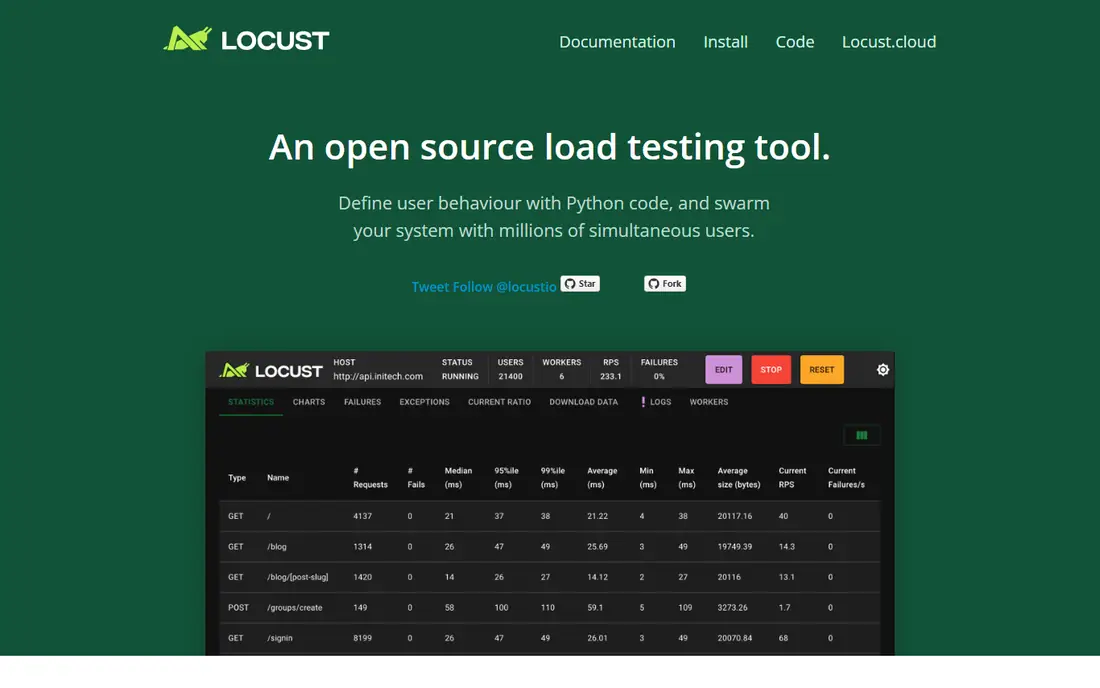
Locust models load the way a developer thinks about users: a user class with tasks, wait times and weights, written in Python. That readability helps when a test needs realistic behaviour, such as browsing, adding to a cart and checking out with different probabilities for each step. A web UI shows requests per second, response times and failures live, and the same tests can run distributed across several workers for larger scale.
Locust asks for code, so a QA team without Python skills will move slower than with a recorder-based tool. Its reports are also plainer than Gatling Enterprise or BlazeMeter, with less built-in trend analysis across releases. For a Python shop that wants load tests in the same repository as the application, with the same review process, Locust is a clean and honest choice.
What we like- Tests are plain Python with a clear user model
- Web UI shows live results during a run
- Distributed mode scales across machines
Watch out for- No graphical test builder, so non-developers need help
- Reporting is simpler than enterprise tools
- Very large tests need distributed setup
#4
Gatling
Best for: High-throughput tests with detailed reporting
Visit gatling.io
Starting priceFree (open source)
Free planYes
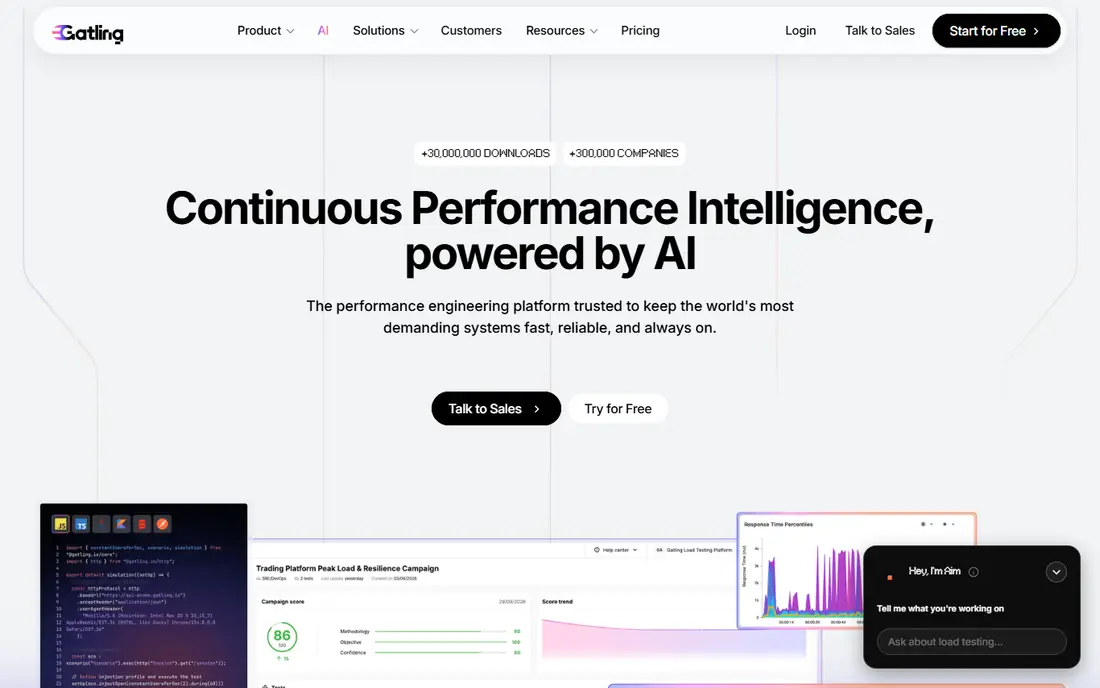
Gatling is known for efficiency: its asynchronous engine can drive a large number of virtual users from a single machine, which lowers the infrastructure cost of a big test. Tests are written as code in Scala, Java or Kotlin, with a domain language for scenarios, feeders and checks, and the resulting reports show response time percentiles, active users over time and error breakdowns in a form that is easy to share with developers.
The open source version is enough for many teams, while Gatling Enterprise adds cloud load generation, team collaboration, trend comparison and CI integration at a quoted price. A no-code recorder and Postman import on the paid platform help teams that do not want to write every test by hand. Gatling suits performance engineers and JVM teams who value throughput and report quality over a drag-and-drop builder.
What we like- Efficient engine that generates high load from modest hardware
- Expressive Scala, Java and Kotlin DSL
- Rich HTML reports with percentiles and trends
Watch out for- Scripting in Scala or Java can deter non-developers
- Enterprise features such as team quotas and cloud zones are paid
- No-code creation sits on the paid platform
#5
Artillery
Best for: Node.js teams and Playwright-based browser load testing
Visit artillery.io
Starting priceFree (open source CLI)
Free planYes
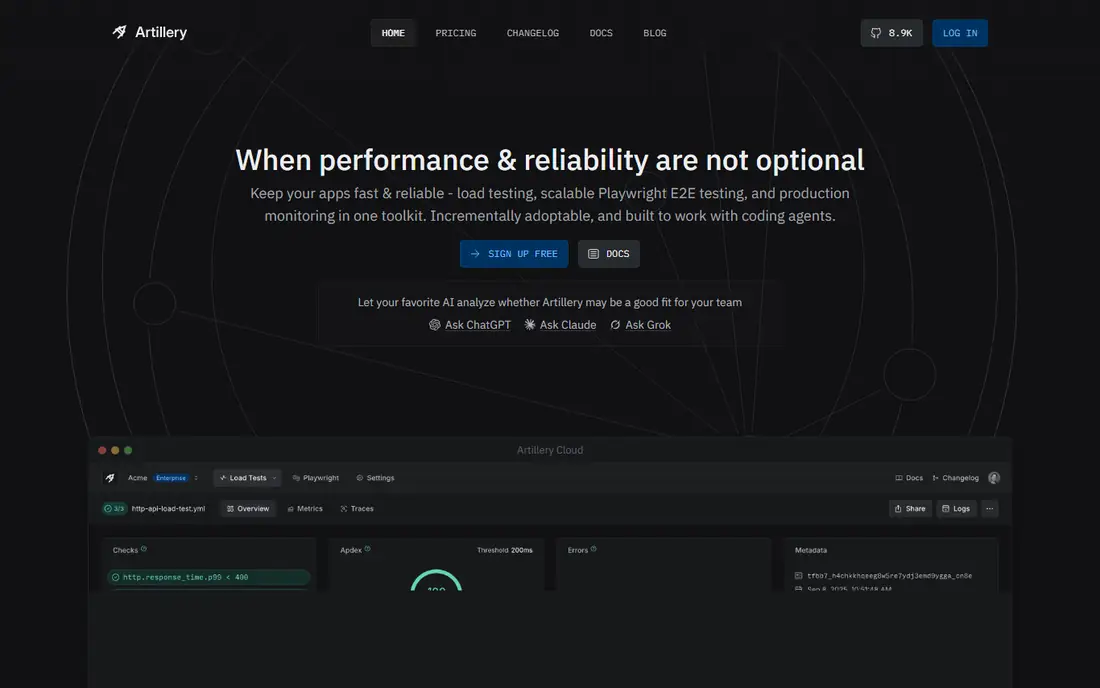
Artillery takes a configuration-first approach: scenarios, phases and assertions live in YAML, which a team can review in a pull request without reading a full program. That simplicity helps a team start load testing quickly, while plugins and JavaScript hooks cover custom logic when a scenario needs it. Artillery also stands out for browser load testing, since existing Playwright tests can be reused to measure real browser performance, including Web Vitals, under load.
The free CLI covers local and self-hosted runs, while Artillery Cloud adds a central dashboard, team collaboration and managed runners. Large browser tests still need planning, since each virtual browser consumes far more resources than a protocol-level virtual user. For a JavaScript team, or a team already invested in Playwright, Artillery is the most direct route to both API and browser load testing.
What we like- YAML-based scenarios that are easy to read and version
- Playwright tests can be reused for browser load testing
- Cloud runners and cost reporting for large tests
Watch out for- Cloud pricing is usage-based and needs a pricing page check
- Browser load testing at scale needs distributed runners
- Enterprise reporting sits on the paid cloud
#6
BlazeMeter
Best for: Enterprises running JMeter, Gatling and other frameworks at cloud scale
Visit blazemeter.com
Starting priceSee website
Free planFree trial
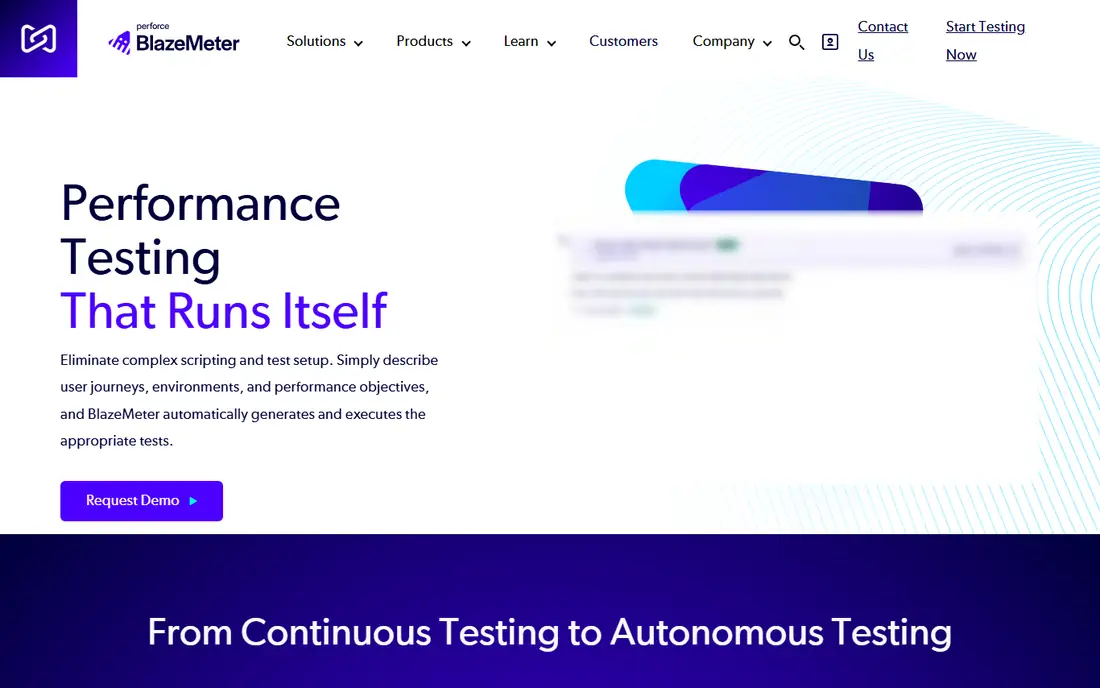
BlazeMeter, from Perforce, is less a single test engine and more a platform for running the engines a team already uses. A JMeter test, a Gatling simulation or a Selenium functional test can be uploaded and run at cloud scale, with results, trends and team sharing in one place. That matters for enterprises that have invested in open source tests but need managed infrastructure, geographic load zones and governance without rebuilding every test.
Pricing is quoted rather than published, so a trial and a sales conversation are part of the buying process. Small teams with one framework and modest scale will get more value from running that framework directly. Large teams with several frameworks, compliance needs and peak events such as product launches will find BlazeMeter's consolidation worth the cost and the setup.
What we like- Runs tests from many open source frameworks including JMeter, Gatling, Locust and Selenium
- Cloud load generation across regions
- Shared reporting and CI integration
Watch out for- Pricing requires a quote
- The platform breadth can feel heavy for a small team
- Some features depend on the underlying framework used
#7
NeoLoad
Best for: Enterprise applications, SAP and complex protocol mixes
Visit tricentis.com
Starting priceSee website
Free planFree trial
NeoLoad, from Tricentis, is built for the enterprise stack that simpler tools do not cover well. It tests web and API layers, SAP GUI and Fiori, Citrix, Oracle and other enterprise applications, and it can combine protocol results with RealBrowser measurements in a single run, so a team sees both server response and what a user actually experienced. Design can be codeless with drag-and-drop, or as-code with YAML and CLI execution, which lets specialists and developers work in the same platform.
That depth comes with enterprise pricing and a longer rollout, including training for the team that will own performance testing. For a company whose critical systems are SAP, Oracle or a mix of legacy and cloud applications, NeoLoad's protocol coverage is the deciding factor. For a web-only startup, an open source tool will deliver the same core answer at far lower cost.
What we like- Codeless design plus YAML as-code authoring
- Native SAP, Citrix and enterprise protocol coverage
- RealBrowser for browser-level measurement alongside protocol results
Watch out for- Pricing requires a quote
- Enterprise depth needs training and setup
- Smaller teams may find it more than they need
How we chose
We compared vendor homepages and documentation, and we weighed each tool by protocol coverage, scripting model, scale method, reporting quality, CI integration and total cost including cloud usage. Tools that only monitored production, or that only tested a single browser, were left out. Where a vendor does not publish a price, we list See website rather than guessing, and open source tools are listed as free with paid cloud or enterprise tiers noted.
Running a load test that gives a useful answer
Start with a realistic user journey, not a single endpoint hammered at full speed. Model the steps a real user takes, the think time between them, and the mix of new and returning users, then ramp load gradually so the breaking point is visible instead of a sudden cliff. Watch error rate and response time percentiles, not just averages, since an average can hide a slow minority that represents real users.
Test in an environment you can trust
A load test against a small staging server will not predict production behaviour, and a load test against production without controls can harm real users. Use a staging environment that mirrors production sizing where possible, seed it with realistic data volumes, and isolate the test from other work. Record the exact build, data size and load shape with each result, so a later comparison measures a real change rather than a different test.
Frequently asked questions
What is the best load testing tool for beginners?
Apache JMeter is a good free starting point for breadth, while k6 is a good starting point for developers who prefer code. Both have large communities and documentation, and both can run a first meaningful test in a day. Beginners should start with one user journey and a modest load, then scale up.
How many virtual users do I need to test?
Base the number on real traffic, not on a round number. Look at peak concurrent users, requests per second and session length from production analytics, then test at that peak, above it, and at a stress level beyond it. The goal is to find where performance degrades, not to hit an arbitrary user count.
Is open source load testing enough for an enterprise?
Often, yes for the test engine itself. JMeter, k6, Locust and Gatling all power serious enterprise testing. Paid platforms add cloud scale, team reporting, governance and support, which matter when many teams test, when peak events are large, or when protocol coverage goes beyond web and API.
What is the difference between load testing and stress testing?
Load testing checks performance at expected and peak traffic, while stress testing pushes beyond peak until the system breaks, to find limits and recovery behaviour. A good performance plan includes both, plus a soak test that runs moderate load for a long period to catch leaks and degradation over time.
Should load tests run in CI?
Yes, for a smoke or regression level. A short load test on every release catches large regressions early, while a full peak test can run nightly or before major releases. Keep CI tests short and stable, with thresholds that fail the build only on real regressions, so the team does not learn to ignore them.
Can I load test a production system?
Only with care and permission. Production testing gives the most realistic answer, but it can slow real users, corrupt data or trigger rate limits and fraud controls. Most teams test in staging first, and only run controlled production tests with monitoring, a kill switch and a clear rollback plan.
Sources we checked (7)
- https://jmeter.apache.org/
- https://k6.io/pricing
- https://locust.io/
- https://gatling.io/pricing
- https://www.artillery.io/pricing
- https://www.blazemeter.com/pricing
- https://www.tricentis.com/products/performance-testing-neoload
Is your product missing or out of date?
We review this list regularly. Vendors can request a listing, send updated pricing or ask about featured placement.

Shihab Mia · Founder, Rankite
Shihab has 5+ years in B2B and SaaS SEO. He writes Rankite's software buying guides from pricing pages, documentation and public user reviews. More about Shihab.