How we make this list: we compare pricing pages, product documentation and public user reviews. Rankite is independent; if a vendor ever pays for a featured spot, that listing is clearly labeled Partner.
Key takeaways
- Maze and Lyssna are the fastest way to run unmoderated tests on a prototype, with free plans that cost nothing to try.
- UserTesting and Userlytics give you large participant panels, but you pay for that reach with custom enterprise pricing.
- Optimal (formerly Optimal Workshop) is the specialist pick for testing information architecture through card sorting and tree testing.
- Lookback is built around live moderated interviews rather than panel recruitment, which fits teams that bring their own users.
A product team I know spent four months building a feature that sounded brilliant in every planning meeting. The week after launch, analytics showed almost nobody touching it. They finally ran five user tests, heard exactly why the idea was wrong, and wished they had done it before writing a line of code. Concept testing exists to catch that mistake early: you put a rough idea, prototype or wireframe in front of real people and watch what actually happens. Here are the eight platforms worth comparing when you want to test before you build.

#1
Maze
Best for: product teams validating prototypes fast
Visit maze.co
Starting priceFree; paid from ~$99/month
Free planYes
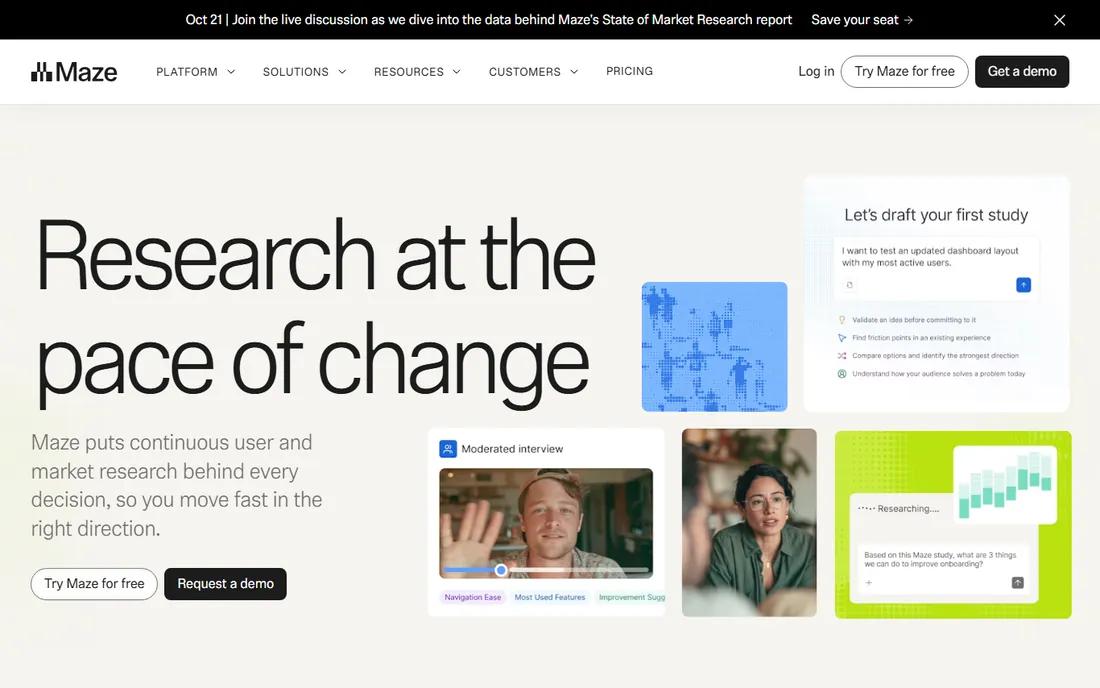
Maze turned prototype testing into something a designer can do in an afternoon without booking a researcher. You import a Figma flow, set tasks and questions, share a link, and get heatmaps, misclick data and path analysis back within hours. The free plan covers genuine unmoderated testing, not a demo, which is why small product teams adopt it first and keep it.
The pricing is straightforward. A free tier gets you started, and paid plans start around $99 per month for teams that need more tests and AI features like automated follow-up questions and synthesized reports. What Maze does not try to be is a participant marketplace on the scale of UserTesting, and its card sorting and tree testing features are reserved for the Enterprise tier. If your research life is mostly unmoderated prototype tests and quick five-second tests, that limitation rarely matters.
What we like- Launches a test in minutes with Figma import
- AI-generated follow-up questions and reports
- Generous free plan for small teams
Watch out for- Card sorting and tree testing sit on the top Enterprise plan
- Smaller built-in panel than UserTesting
- Reporting is simpler than a full research repository
Starting priceCustom (entry ~$25,000/year)
Free planNo
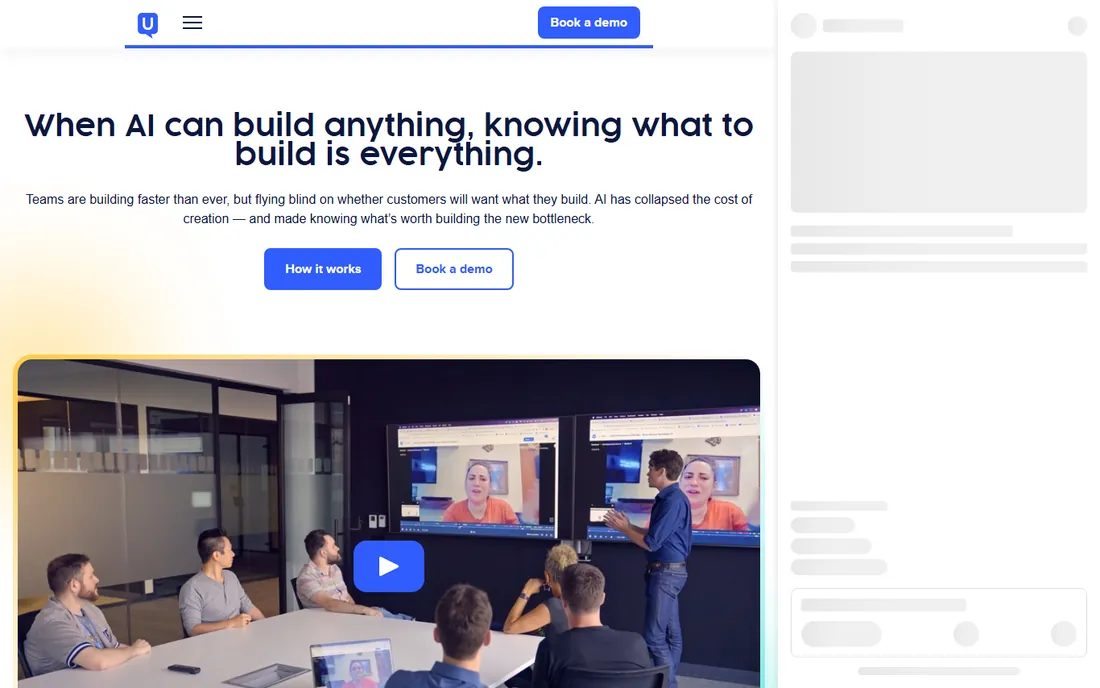
UserTesting is the heavyweight of this list. It pairs a purpose-built participant network with a platform for moderated interviews, unmoderated tests and live conversations, then layers machine-learning dashboards over the results so a team can quantify what it heard. For companies running research as a continuous program, the panel depth and the ability to benchmark experiences over time are the reasons it stays.
The trade-off is cost and complexity. Pricing is custom and starts in the tens of thousands per year, which rules out small teams and one-off studies. There is no free plan, only trials and demos. If you need thousands of qualified participants in specific demographics and a research repository the whole company can use, that budget makes sense. If you just need twenty people to click through a checkout flow this week, one of the cheaper tools on this list will get you there faster.
What we like- One of the largest purpose-built research panels
- Supports moderated and unmoderated studies
- Machine-learning dashboards and highlight reels
Watch out for- Custom enterprise pricing with no published entry plan
- Overkill for teams running occasional tests
- Onboarding is geared toward large organizations
Starting priceFree; Growth from $166/month
Free planYes
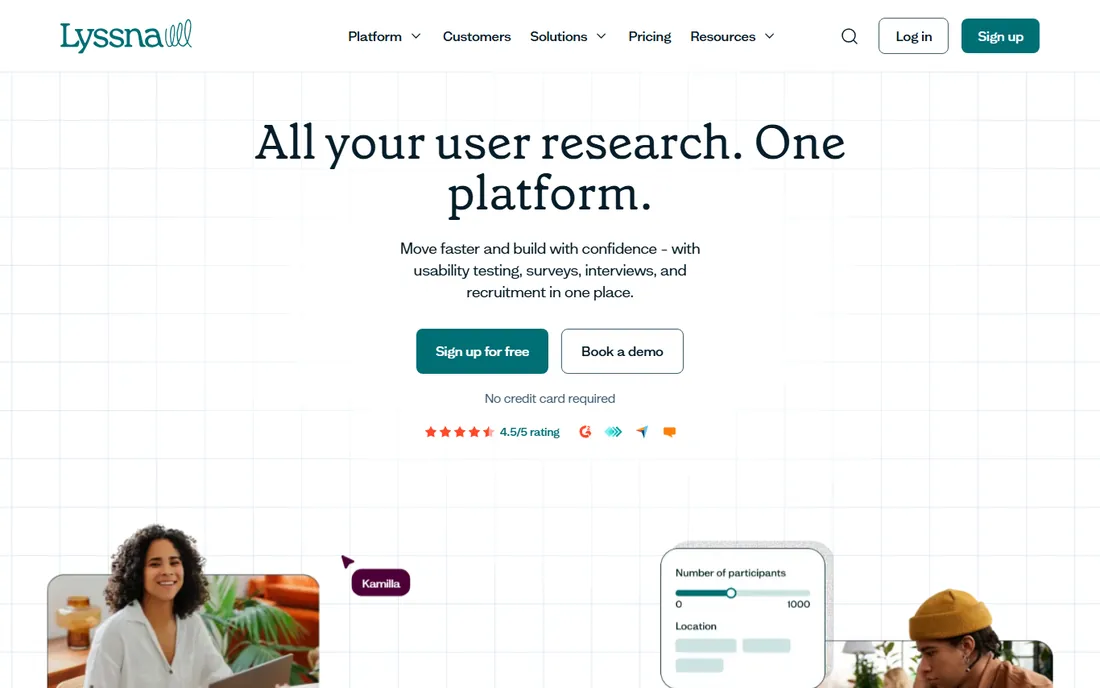
Lyssna, formerly known as UsabilityHub, is the workhorse for fast, unmoderated research. You can run preference tests, five-second tests, first-click tests, design surveys and prototype tasks against your own audience or against its panel of more than 690,000 pre-vetted participants. Teams that need a directional answer today rather than a research program this quarter keep coming back to it.
Pricing starts free, which makes it easy to try a real test before spending anything. The Growth plan starts around $166 per month, with card sorting and tree testing included at that level. One wrinkle: recruiting panel participants costs extra on top of the subscription, so budget the per-participant fees if you do not bring your own users. For validating landing pages, names and early screens, few tools are faster to set up.
What we like- Free plan with real testing capacity
- Panel of 690,000+ pre-vetted participants
- Card sorting, tree testing, five-second and first-click tests in one place
Watch out for- Growth plan costs more than several rivals
- Card sorting and tree testing need a paid plan
- Panel recruiting adds cost on top of the subscription
Starting priceFrom $199/month
Free planFree trial
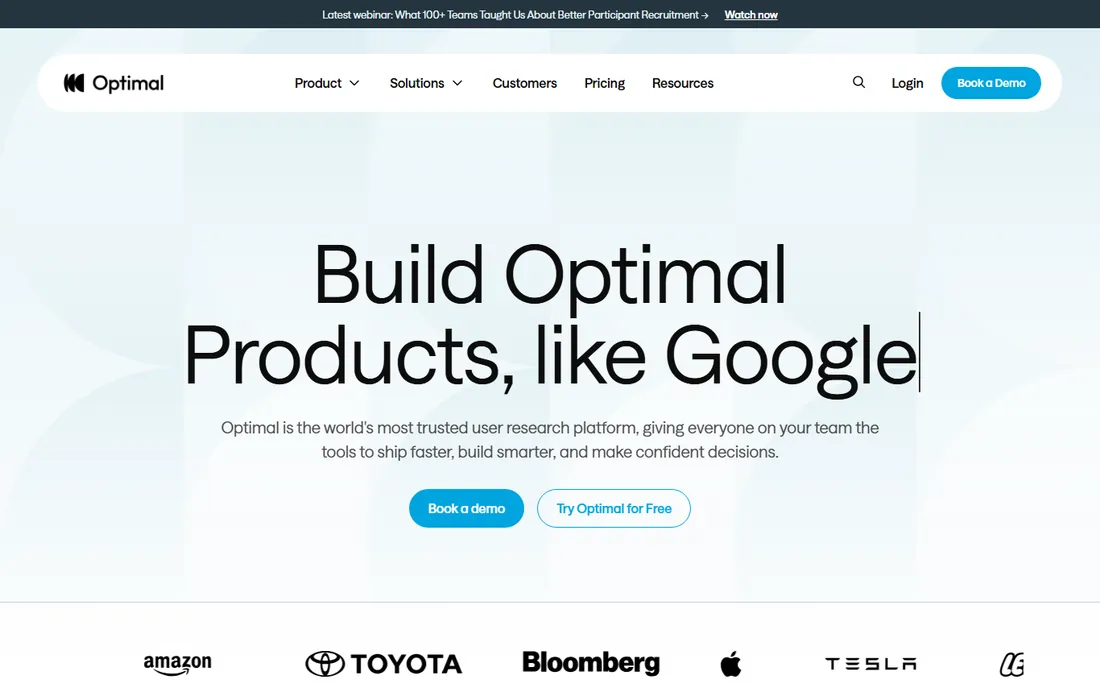
Optimal, which you may know under its former name Optimal Workshop, is the specialist for information architecture. Its card sorting and tree testing tools are the industry standard for finding out whether your navigation makes sense to anyone besides your own team. It also covers first-click testing, surveys and prototype validation, with built-in participant recruitment and AI-driven synthesis of results.
The Starter plan starts at $199 per month, so this is not the cheapest seat at the table. There is a free trial but no free plan. What you get for the money is rigor: advanced cluster analysis, guided study flows and methods built specifically for IA research. Teams restructuring a site navigation or validating a new product taxonomy before a rebuild will get more value from Optimal than from a general-purpose test tool. If you only need a few quick preference tests, look elsewhere first.
What we like- Industry-standard card sorting and tree testing
- Advanced cluster analysis
- Live site testing and prototype validation in one suite
Watch out for- No free plan, only a trial
- Higher entry price than Lyssna
- Learning curve for the advanced analytics
Starting priceFrom $34/session; subscription from $699/month
Free planNo
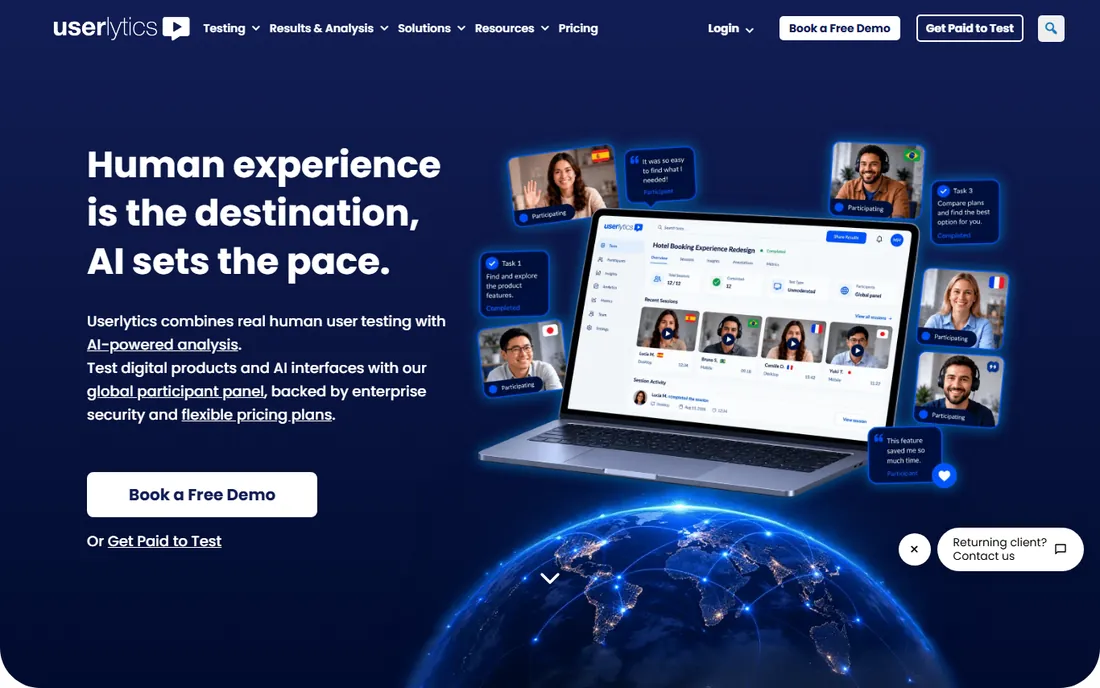
Userlytics sits between UserTesting and the lighter tools on pricing philosophy: instead of a big annual commitment, you can pay per participant session, starting around $34, or take a bring-your-own-participants subscription from about $699 per month paid annually. That flexibility suits teams whose research volume is uneven. The panel is genuinely international, roughly two million testers across 39 countries, which matters if you need to test outside a single English-speaking market.
The platform covers moderated and unmoderated usability tests on websites, mobile apps and prototypes, with session transcriptions in dozens of languages and AI analysis on top of the recordings. Like every panel-based platform here, it tests reactions to something that already exists, so it shines for usability validation rather than exploring a raw concept with no prototype. There is no free plan, though demos are available. If your bottleneck is finding the right participants rather than running the session, Userlytics is one of the stronger options.
What we like- Panel of roughly 2 million participants across 39 countries
- Pay-per-session pricing scales with actual use
- AI annotations, sentiment analysis and a proprietary ULX benchmark score
Watch out for- No free plan
- Per-session costs add up fast on large studies
- Setup is more involved than simpler tools
Starting priceFrom $299/year (Freelance)
Free planFree trial
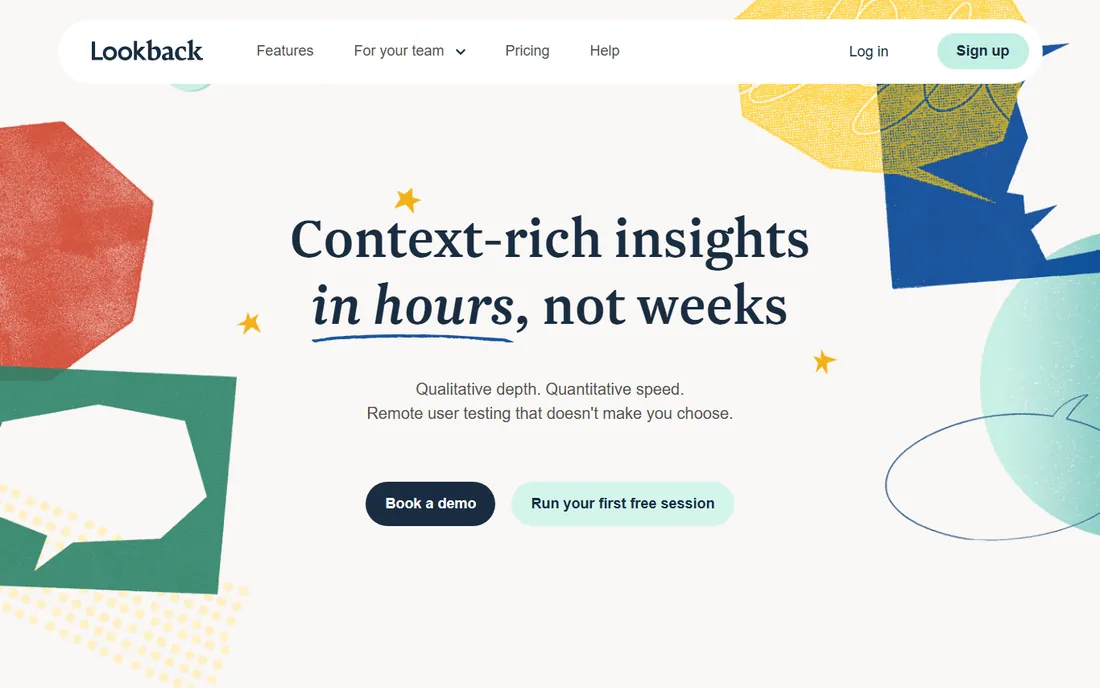
Lookback takes a different shape from the panel platforms on this list. It does not supply participants. Instead it gives you the tools to run and analyze live moderated sessions: screen, face and voice capture, real-time observation for stakeholders, session highlighting and collaboration features so the team can discuss findings right after the interview. If you recruit your own users through customer lists or a recruitment service, it is purpose-built for that workflow.
Pricing is refreshingly affordable next to the enterprise tools. The Freelance plan starts at $299 per year for solo researchers, with Team and Insights Hub tiers for larger groups and a free 60-day trial to evaluate. The honest limitation is that recruiting is on you, so factor in whatever you pay for participant sourcing. For concept interviews where the conversation matters more than a heatmap, Lookback is one of the best-priced options available.
What we like- Built for remote observation of live sessions
- Screen, face and voice capture with session highlighting
- Affordable Freelance plan for solo researchers
Watch out for- No built-in participant panel
- No free plan
- Best suited to teams that recruit their own users
Starting priceFrom ~$67/month
Free planYes
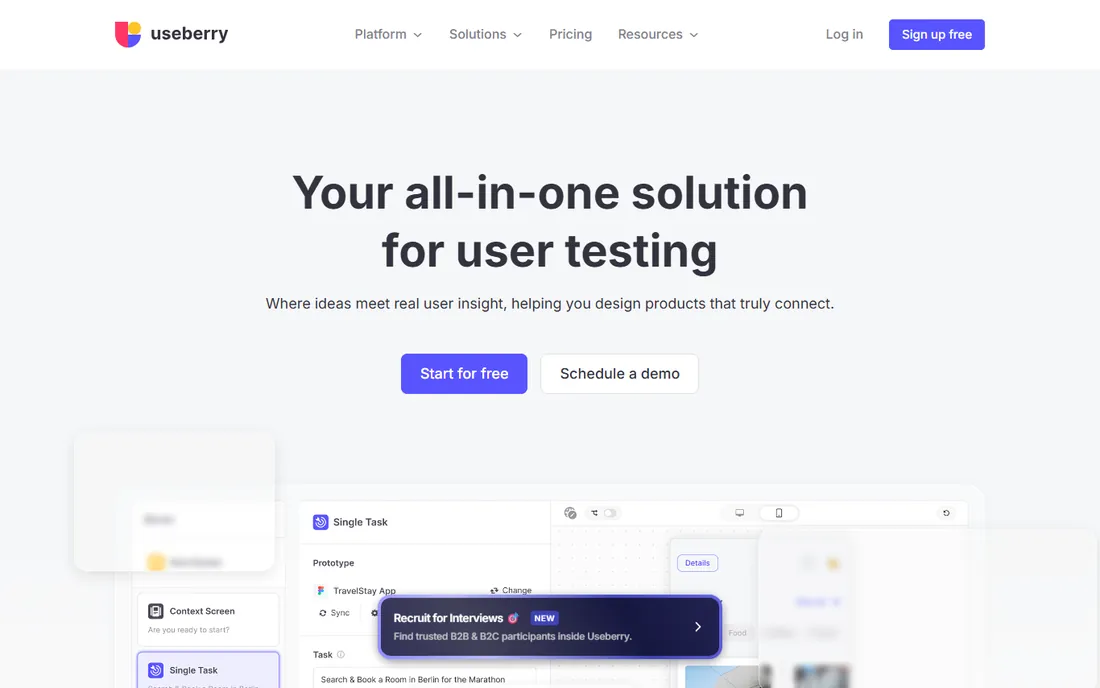
Useberry treats prototype testing like analytics. You give testers tasks on your prototype, and it reports conversion rates, inbound paths, direct paths and bounces across your flows, alongside first-click tests, five-second tests and open analytics that capture naturally occurring user behavior. For teams coming from a product-analytics mindset, the numbers-first view of a prototype is genuinely useful.
Integrations are the other strength: Figma, Sketch, Adobe XD, InVision, Marvel and ProtoPie all connect directly. Pricing starts around $67 per month, and there is a free plan, which makes it one of the most affordable ways to run real prototype tests. It is a smaller company than Maze or Lyssna, and the participant panel story is less developed than the enterprise players. But for validating flows and screens with your own users on a tight budget, it punches above its price.
What we like- Deep integrations with Figma, Sketch, Adobe XD and ProtoPie
- Conversion-rate style analytics on prototype tasks
- Free plan for getting started
Watch out for- Smaller vendor than the category leaders
- Panel features are lighter than UserTesting
- Advanced plans needed for heavier research
Starting priceFrom $59/participant (pay as you go)
Free planFree trial
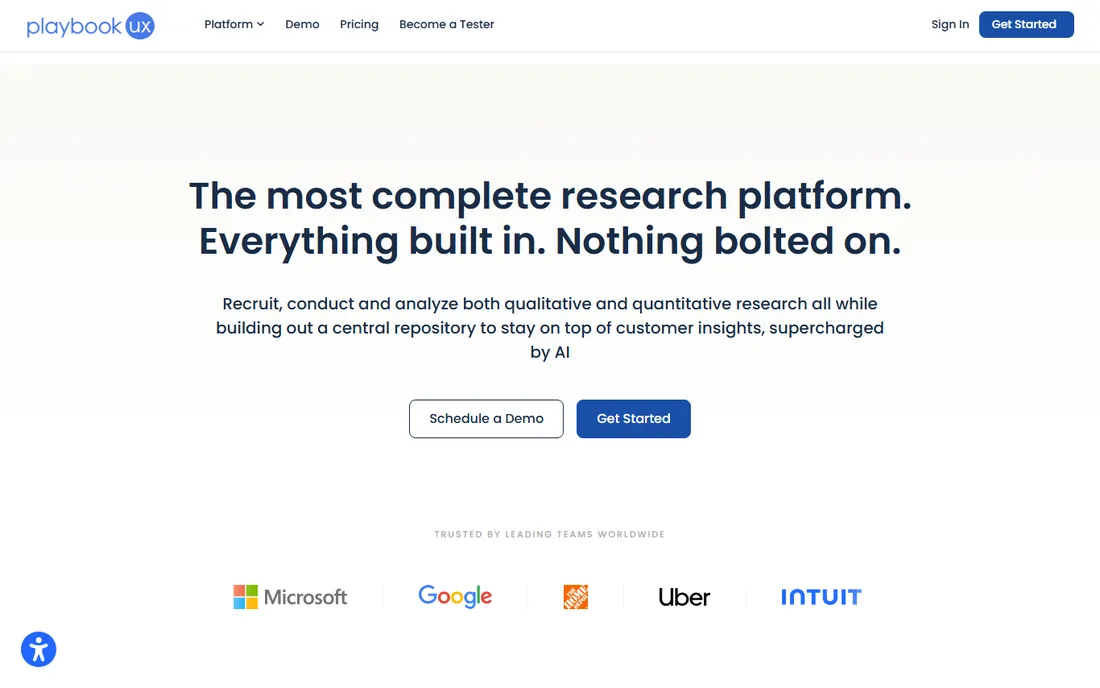
PlaybookUX is built for teams whose testing volume is irregular. The pay-as-you-go option starts around $59 per participant with no subscription, covering unmoderated and moderated testing with its own panel, recruitment of consumers and professionals, transcriptions, timestamped notes and highlight reels. When you only need a handful of tests a quarter, that model beats paying for seats you barely use.
The subscription tiers add more: the Grow plan at around $267 per month billed yearly brings card sorting and tree testing with the panel, plus the ability to send your own users through unmoderated tests, and Scale at around $450 per month adds moderated testing with your own customers and surveys. Enterprise is custom. Some users report panel quality issues, so screen your first few recruits carefully. For occasional concept validation without an annual commitment, the pricing structure is one of the most flexible here.
What we like- No subscription required on pay-as-you-go
- Covers unmoderated and moderated testing with its own panel
- Card sorting and tree testing on subscription plans
Watch out for- Per-participant costs add up on bigger studies
- Grow plan starts at $267/month billed yearly
- Panel reliability gets mixed reviews
Start with the method you actually need. If you are validating a prototype or landing page, an unmoderated tool like Maze, Lyssna or Useberry gets you answers this week. If you are restructuring navigation, you need card sorting and tree testing, which makes Optimal the specialist pick. If the insight has to come from conversation, as with early-stage concept interviews, a moderated platform like Lookback with your own recruits is the right shape.
Next, decide who the participants will be. Panel-based platforms like UserTesting and Userlytics solve recruitment for you, which is worth the premium when you need specific demographics or international reach. If you have a customer list or a community to draw on, you can skip the panel and save a lot of money with tools like Lookback or the bring-your-own-plans at Userlytics and PlaybookUX.
Finally, match the price to your research rhythm. A free plan at Maze, Lyssna or Useberry covers occasional testing with no budget at all. Pay-as-you-go at PlaybookUX or per-session at Userlytics fits irregular schedules. A subscription only makes sense when you are running tests every month. Whatever you pick, the expensive mistake is not the tool, it is skipping the test entirely and building on a guess.
Quick comparison
| Tool | Best for | Starting price | Free plan |
|---|
| Maze | product teams validating prototypes fast | Free; paid from ~$99/month | Yes |
 UserTesting UserTesting | enterprise teams needing a huge participant panel | Custom (entry ~$25,000/year) | No |
 Lyssna Lyssna | quick unmoderated tests and design surveys | Free; Growth from $166/month | Yes |
 Optimal Optimal | testing information architecture with card sorts and tree tests | From $199/month | Free trial |
 Userlytics Userlytics | global panel testing with flexible pricing | From $34/session; subscription from $699/month | No |
 Lookback Lookback | live moderated 1:1 interviews | From $299/year (Freelance) | Free trial |
 Useberry Useberry | codeless prototype analytics and quick UX tests | From ~$67/month | Yes |
 PlaybookUX PlaybookUX | flexible pay-as-you-go testing without a subscription | From $59/participant (pay as you go) | Free trial |
Is your product missing or out of date?
We review this list regularly. Vendors can request a listing, send updated pricing or ask about featured placement.
Frequently asked questions
What is concept testing in product development?
Concept testing means showing a rough idea, prototype, wireframe or message to real users before you build it, then watching how they react. The goal is to find out whether the idea is worth building at all, and which version of it is strongest, while changes are still cheap.
Do I need a paid plan to test a concept?
No. Maze, Lyssna and Useberry all offer free plans that support real unmoderated testing, and Lookback offers a 60-day trial. A free plan is enough for occasional tests with your own users, though panel recruitment usually costs extra.
What is the difference between moderated and unmoderated concept testing?
In unmoderated testing, participants complete tasks on their own and the platform records the session. It is fast and cheap. In moderated testing, a researcher guides a live session, which takes longer but lets you ask follow-up questions and dig into surprises. Maze and Lyssna lean unmoderated, Lookback is built for moderated interviews, and UserTesting and Userlytics do both.
Which tool is best for testing website navigation?
Optimal, formerly Optimal Workshop, is the specialist for this. Its card sorting and tree testing tools are the industry standard for validating information architecture. Lyssna and PlaybookUX also offer card sorting and tree testing on paid plans.
How much does concept testing software cost?
It ranges from free to enterprise. Free plans exist at Maze, Lyssna and Useberry. Paid subscriptions start around $67 per month at Useberry and go up to custom enterprise deals at UserTesting. Pay-per-session models, like Userlytics at $34 per session or PlaybookUX at $59 per participant, sit in between for teams with irregular needs.
Sources we checked (12)
- https://maze.co
- https://maze.co/compare/userlytics-alternatives/
- https://www.usertesting.com
- https://www.lyssna.com
- https://www.lyssna.com/blog/tree-testing-vs-card-sorting/
- https://www.Optimalworkshop.com/blog/product-update-march-2025
- https://www.userlytics.com/user-experience-research/pricing-and-plans/
- http://slashdot.org/software/p/Lookback/
- https://slashdot.org/software/comparison/UXArmy-vs-Useberry/
- https://blog.uxtweak.com/playbookux-pricing/
- https://www.articos.com/blog/best-ux-research-tools
- https://www.dupple.com/ai-startup-dictionary/best-concept-testing-software
Is your product missing or out of date?
We review this list regularly. Vendors can request a listing, send updated pricing or ask about featured placement.

Shihab Mia · Founder, Rankite
Shihab has spent more than a decade helping SaaS and e-commerce brands grow through search. He writes Rankite's software buying guides from pricing pages, documentation and public user reviews. More about Shihab.