How we make this list: we compare pricing pages, product documentation and public user reviews. Rankite is independent; if a vendor ever pays for a featured spot, that listing is clearly labeled Partner.
Key takeaways
- DIALux evo and ReluxDesktop are both free, and either one handles standards-compliant lighting calculations for offices, retail, and outdoor areas without spending a dollar.
- AGi32 is the calculation standard for US lighting engineers, especially for roadway, sports, and complex daylighting work, but pricing is quote-only.
- Capture and WYSIWYG serve live events and theater, where previsualization and console connectivity matter more than photometric reports.
- If your world is Revit, ElumTools brings lighting calculations inside the model; Vectorworks Spotlight does the same for entertainment designers who draft in Vectorworks.
Quick comparison
| Tool | Best for | Starting price | Free plan |
|---|
 DIALux evo DIALux evo | free architectural lighting planning | Free | Yes |
 AGi32 AGi32 | US engineering-grade light calculations | See website | No |
 ReluxDesktop ReluxDesktop | free lighting and sensor planning | Free | Yes |
 Capture Capture | live event visualization and paperwork | See website | Free trial |
 WYSIWYG WYSIWYG | theatrical previsualization and console control | See website | No |
 LightConverse LightConverse | real-time show visualization | See website | No |
 Vectorworks Spotlight Vectorworks Spotlight | entertainment designers who draft in Vectorworks | See website | No |
 ElumTools ElumTools | lighting analysis inside Revit | See website | No |
 Visual Visual | quick lighting layouts with Acuity products | See website | No |
 Calculux Calculux | Philips and Signify luminaire planning | See website | No |
Is your product missing or out of date?
We review this list regularly. Vendors can request a listing, send updated pricing or ask about featured placement.
The best lighting design software
Starting priceFree
Free planYes
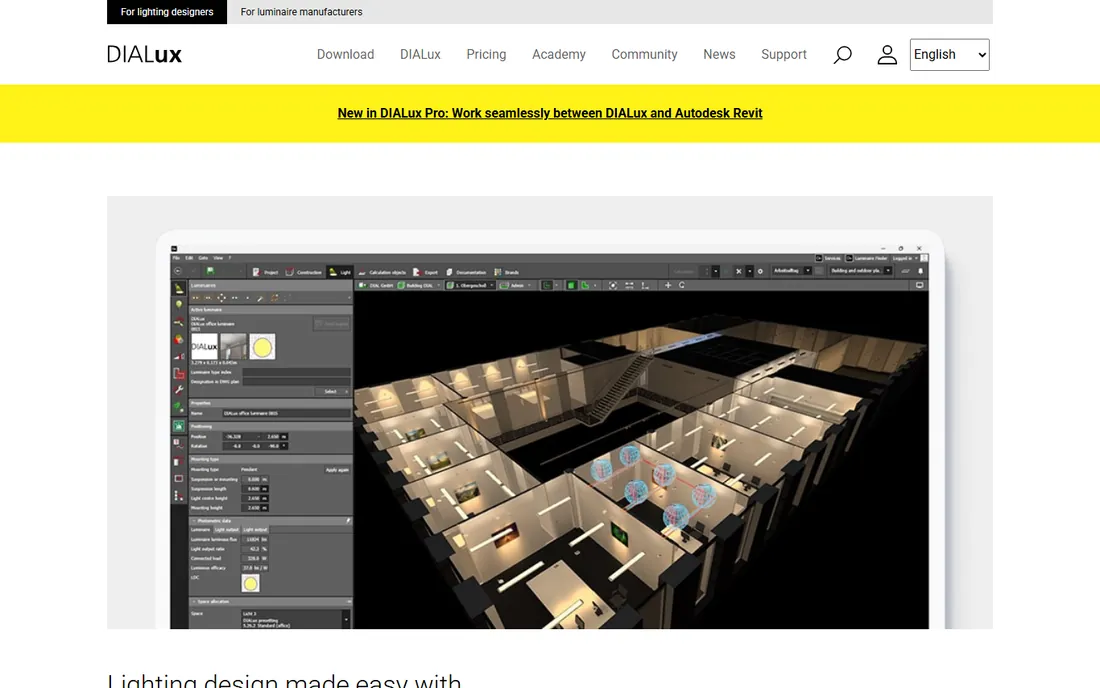
Picture a small architecture firm that just won its first office fit-out and needs real lighting calculations, not guesses. DIALux evo is the answer they can afford, because it costs nothing. Developed by DIAL in Germany, it plans indoor, outdoor, and street lighting with calculations that comply with national and international standards, and it ships with photometric data from hundreds of manufacturers. For everyday architectural work, it does the core job as well as software costing thousands.
The trade-offs are familiar for free professional tools. The interface is powerful but dense, and new users should budget real learning time. The visualizations are accurate rather than beautiful, so client-facing glamour shots may need another tool. And support comes from the community, not a help desk. None of that changes the value proposition: competent, compliant lighting design for free.
What we like- Free for commercial use with no catch
- Standards-compliant calculations
- Huge manufacturer luminaire database
Watch out for- The interface takes real study
- Rendering quality trails paid visualizers
- Support is community-driven
Starting priceSee website
Free planNo
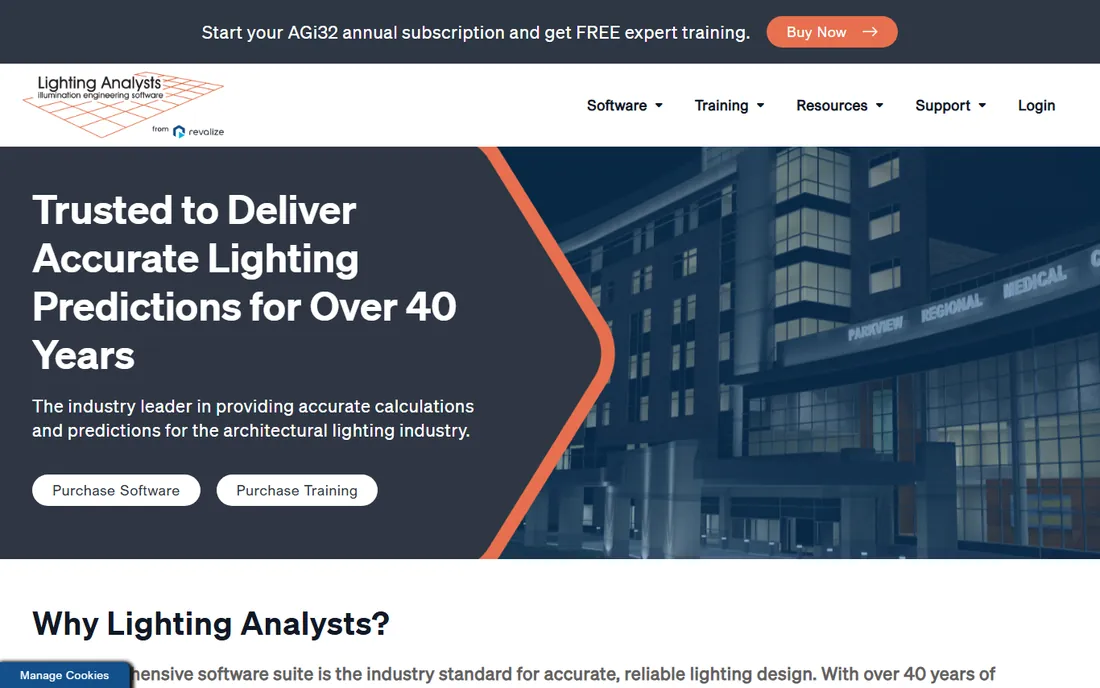
When a US lighting engineer needs numbers that will stand up in a permit review, AGi32 is usually the tool producing them. From Lighting Analysts (now part of Revalize), it performs point-by-point illuminance calculations, daylighting analysis, and roadway and sports lighting layouts with the rigor that IES standards demand. It imports CAD geometry, places luminaires from manufacturer databases, and generates the reports that municipalities and clients expect.
What you give up is approachability and price transparency. This is quote-priced professional software, Windows-only, with an interface built for engineers who already speak photometrics. Designers who want beautiful visuals will pair it with something else or choose DIALux evo for simpler jobs. But for calculation work where the numbers have to be right, AGi32 is the name US firms trust.
What we like- The calculation reference for US lighting engineers
- Strong daylighting and roadway tools
- Trusted for code compliance documentation
Watch out for- Quote-only pricing
- Windows-only desktop software
- The interface prioritizes engineers over designers
Starting priceFree
Free planYes
ReluxDesktop is the other free heavyweight, from Switzerland's RELUX Informatik, and it has a trick nobody else offers: sensor planning. It simulates artificial light, daylight, and sensors in real time, handles emergency lighting planning with unusual precision, and exchanges data bidirectionally with Revit. Like DIALux evo, it is free for personal, educational, and commercial use, supported by industry partners rather than license fees. The 2026 release added AI image generation and a 2D-to-3D digitizing tool.
The honest limitations center on the ecosystem. Luminaire data comes richest from Relux member manufacturers; other brands display anonymously unless you buy a ReluxThirdParty license. It is Windows-only and a hefty 1.1 GB download. And while the base is free, specialist add-ons like ReluxSport for sports facilities are paid. For general architectural lighting, though, it stands toe to toe with DIALux evo, and the sensor planning is genuinely unique.
What we like- Free including commercial use
- The only tool here that plans sensors
- BIM interface to Revit
Watch out for- Manufacturer data favors Relux member companies
- 1.1 GB download and Windows-only
- Advanced add-ons like ReluxSport cost extra
Starting priceSee website
Free planFree trial
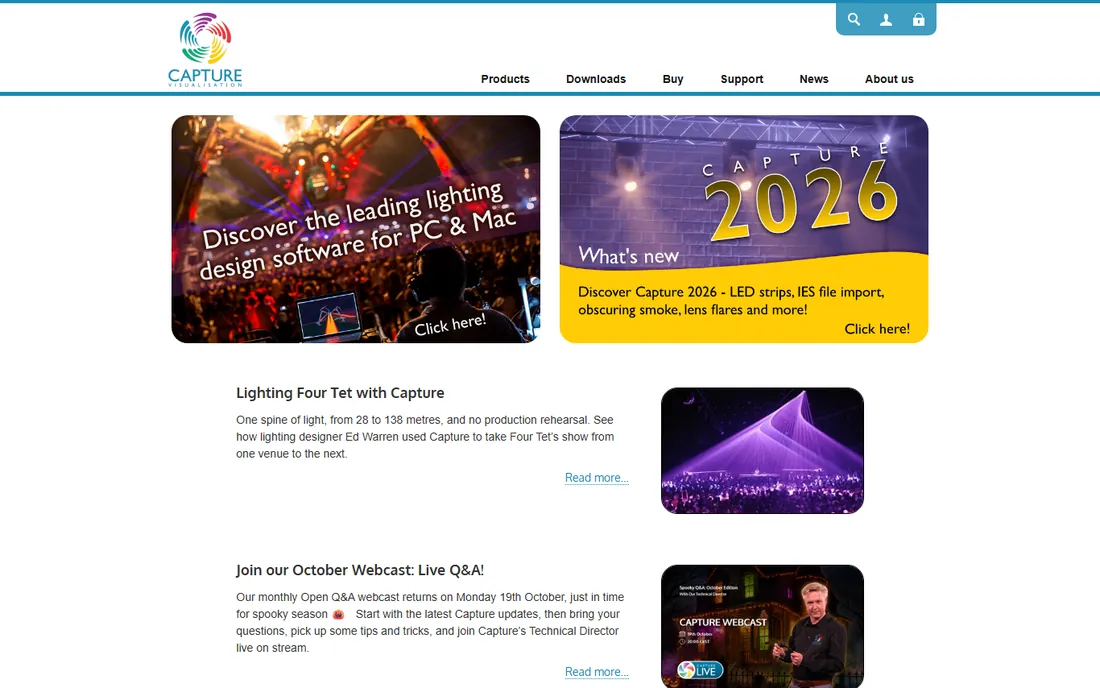
Capture, from Sweden's Capture Visualisation, is built for the people who light concerts, theater, and television. It combines 2D plots, 3D visualization, paperwork, and reporting in one application, with a fixture library that lighting designers consistently praise and connectivity to grandMA, Avolites, ETC Eos, and other consoles via Art-Net, sACN, and CITP. The licensing model is refreshingly old-fashioned: perpetual licenses, with upgrades priced the same no matter how many versions you skip.
Pricing is tiered by edition, from Solo up through Symphony for unlimited universes, so large productions pay accordingly. This is not the tool for architectural illuminance calculations; it will not produce your code compliance report. But for designing a show, generating the paperwork, and previsualizing it before load-in, it is one of the two standards in the business, the other being WYSIWYG.
What we like- Perpetual licenses, no subscription required
- Excellent fixture library and DMX connectivity
- Paperwork and visualization in one app
Watch out for- Pricing is tiered by universe count and adds up
- Focused on events, not architectural calculations
- MacOS and Windows only
Starting priceSee website
Free planNo
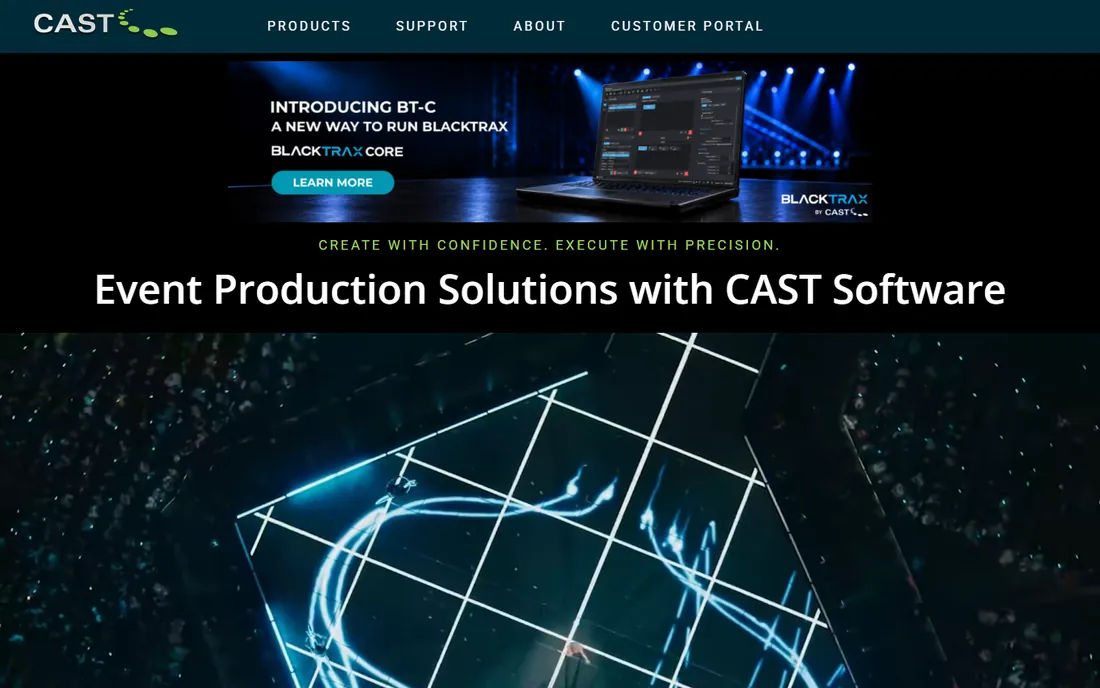
WYSIWYG, from Canada's CAST Software, is the name most associated with lighting previsualization. It integrates CAD drafting, plots, data management, visualization, and virtual show control in a single application, with a library of over 8,000 fixtures. The Design edition covers drafting and visualization; the Perform edition adds direct console connectivity, so you can program a show on grandMA or ETC offline and watch it in the visualizer exactly as the rig will behave. Three and six-month leases exist for project-based work.
The cost matches the capability. This is quote-priced professional software aimed at production companies, rental houses, and busy designers, and the full Perform edition is more firepower than a small theater company needs. It is also Windows-only. For high-end show work, though, WYSIWYG remains the reference: if a venue or tour specifies a visualizer, this is usually the one they mean.
What we like- The industry standard for show previsualization
- Console connectivity for programming offline
- The largest fixture and CAD library in the business
Watch out for- Quote-priced and expensive
- Windows only
- The full Perform edition is more than small productions need
Starting priceSee website
Free planNo
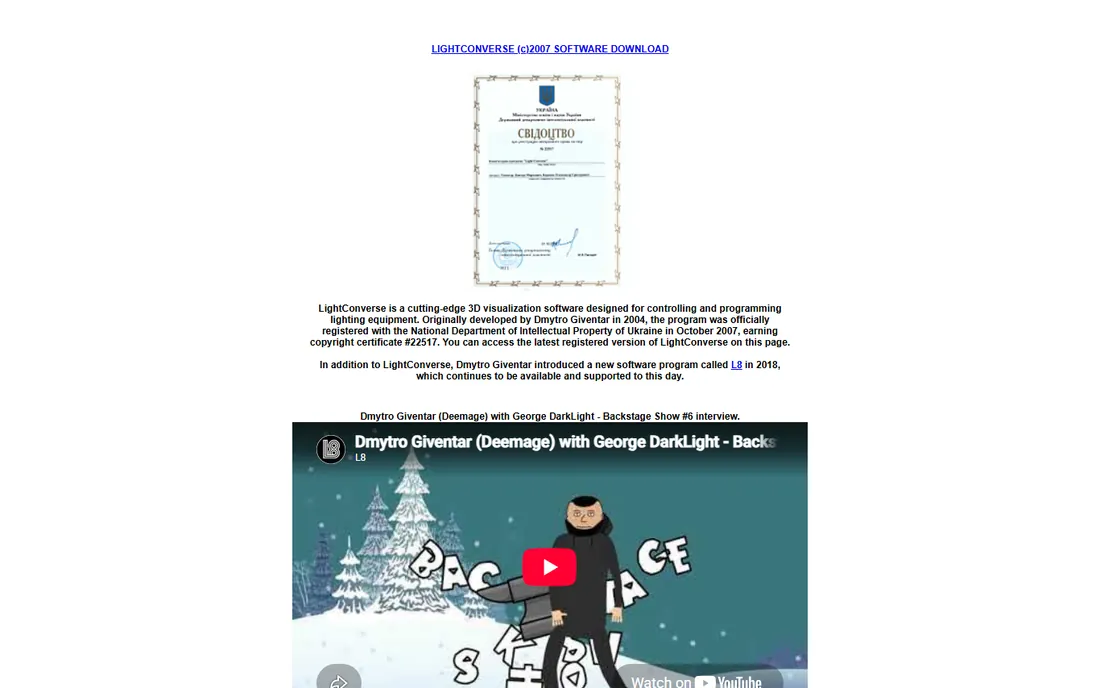
LightConverse has been visualizing shows since 2004, and its pitch is realism at scale: thousands of fixtures, video streams, lasers, pyrotechnics, and moving objects rendered photorealistically in real time, with connectivity to major consoles via DMX, Art-Net, and OEM drivers. The company claims the best realism and speed in the industry, and longtime users back the performance claims. Software updates are free for life once you buy, which is nearly unheard of in this market.
The trade-offs are about ecosystem rather than capability. The community is smaller than Capture's or WYSIWYG's, so tutorials and peer help are thinner. Pricing is quote-based. And the interface carries the marks of two decades of development. For visualization-heavy productions where rendering quality is the priority, it deserves a look alongside the bigger names.
What we like- Photorealistic real-time rendering of huge rigs
- Handles lighting, video, lasers, and pyro in one platform
- Free lifetime software updates
Watch out for- Smaller community and fewer tutorials
- Quote-based pricing
- The interface reflects its long history
Starting priceSee website
Free planNo
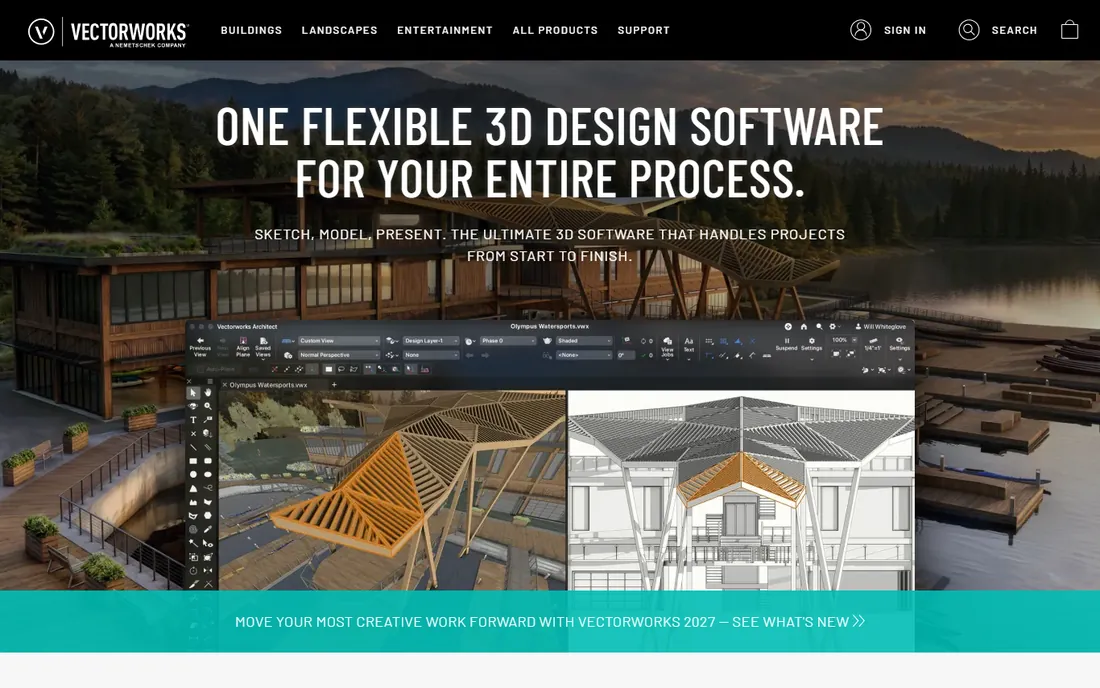
Many entertainment designers already draft in Vectorworks, and Spotlight is the version built for them. It combines 2D drafting and 3D modeling with lighting design tools, paperwork automation, and visualization, plus scenic, rigging, and audio-video tools that the pure lighting apps lack. If your workflow starts with a Vectorworks plot, doing the lighting design in the same file eliminates the export-import round trip entirely.
The catch is commitment. Spotlight is sold as an annual subscription, and you are buying into the Vectorworks ecosystem rather than a standalone tool. Its built-in visualization is good but not at the level of Capture or WYSIWYG, so designers chasing the best previsualization often pair it with a dedicated visualizer. For drafting-centered production workflows, though, the integration is the selling point.
What we like- CAD, lighting, and paperwork in one familiar app
- Strong scenic and rigging tools
- Good file exchange with the wider production world
Watch out for- Subscription pricing
- The lighting visualization is solid but not best-in-class
- You buy into the whole Vectorworks ecosystem
Starting priceSee website
Free planNo
ElumTools answers a specific frustration: your model is in Revit, but your lighting calculations live in another application. This add-in from Lighting Analysts puts the proven AGi32 calculation engine directly inside Revit, with its own ribbon tab. You validate fixture families, check surface reflectances, drop calculation points on workplanes, and get point-by-point illuminance and radiosity visualizations without exporting anything. For Revit-based firms, it collapses hours of round-tripping into minutes.
The constraints are obvious. You need Revit, and ElumTools only works inside it. Pricing is quote-based. And for the most complex calculation work, the full standalone AGi32 still goes deeper. But for lighting designers and electrical engineers whose world is already BIM, it is the most frictionless way to get trustworthy numbers out of the model they are already building.
What we like- The AGi32 calculation engine inside Revit
- No exporting geometry to external tools
- Fast enough for everyday design iteration
Watch out for- Requires a Revit license and lives inside it
- Quote-priced
- Not a substitute for full AGi32 on complex projects
Starting priceSee website
Free planNo
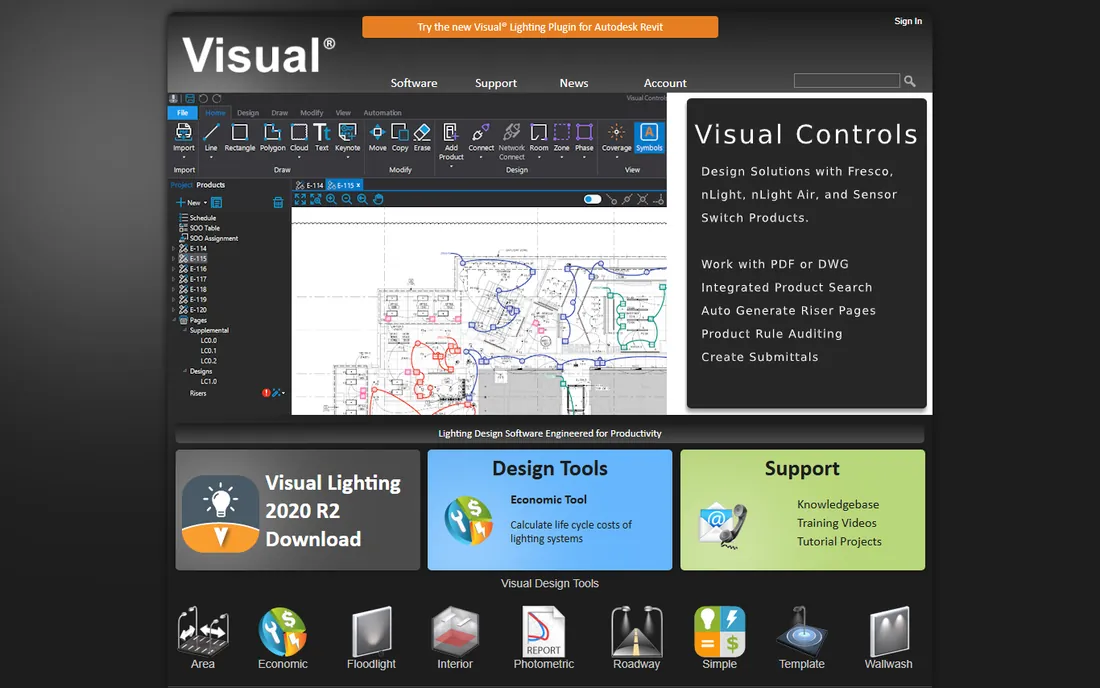
Visual is Acuity Brands' own lighting design software, and it is exactly what it claims to be: a fast, approachable tool for laying out lighting with Acuity products. For distributors, contractors, and designers who specify Lithonia, Holophane, and the rest of the Acuity family, it removes every excuse for not doing a proper layout. The product data is built in and current, the learning curve is gentle, and several of the company's design tools are free.
The limitation is the point of view. This is manufacturer software, optimized for Acuity luminaires, and it will not replace AGi32 or DIALux evo for independent engineering calculations across brands. If your projects run on Acuity products, it is the fastest path from idea to layout. If you need brand-neutral calculations for permit documentation, use one of the independent tools above.
What we like- Easy to learn for quick layouts
- Deep Acuity Brands product data
- Free tools from the manufacturer
Watch out for- Manufacturer-centric, built around Acuity luminaires
- Not a full engineering calculation platform
- Limited appeal outside Acuity specifiers
Starting priceSee website
Free planNo
Calculux is Signify's (formerly Philips Lighting) professional calculation software, aimed at roadway, area, and architectural projects using Philips and Signify luminaires. The photometric data is manufacturer-direct, which matters when the calculation has to match the installed fixture exactly, and it has a long history in street and outdoor lighting design. For municipalities and engineers working within the Signify ecosystem, it is the authoritative tool.
Like Visual, it is manufacturer software with a manufacturer's perspective. You will not do brand-neutral interior office calculations here, and access is oriented toward professionals working with Signify products. Pair it with DIALux evo or ReluxDesktop for the independent verification, and use Calculux where its catalog is the point.
What we like- Precise photometry for Signify and Philips fixtures
- Trusted for roadway and area lighting
- Backed by the largest lighting manufacturer
Watch out for- Built around one manufacturer's catalog
- Not a general-purpose design platform
- Enterprise-oriented access
How to match software to your lighting projects
Lighting software splits into two tribes that barely overlap. Picking the right tribe matters more than picking the right product.
Architectural and engineering work
If the deliverable is a calculation report, a code compliance document, or a permit set, you need DIALux evo, ReluxDesktop, AGi32, ElumTools, Visual, or Calculux. Start free: DIALux evo and ReluxDesktop handle most architectural work at zero cost. Move to AGi32 when US engineering standards, roadway, or sports lighting demand it. Choose ElumTools when the model lives in Revit. Reach for Visual or Calculux when the project runs on those manufacturers' fixtures.
Live events and entertainment
If the deliverable is a show, you need Capture, WYSIWYG, LightConverse, or Vectorworks Spotlight. The deciding factors are console connectivity, fixture library depth, and paperwork. WYSIWYG and Capture are the two standards; LightConverse competes on rendering realism; Vectorworks Spotlight wins when drafting and lighting live in one file. None of these will do your architectural calculations, and that is fine, because that is not their job.
The free-versus-paid decision
Two of the ten tools here are completely free, including for commercial work. That is unusual in professional software and worth taking seriously. DIALux evo or ReluxDesktop covers most architectural lighting design. Pay for AGi32 or ElumTools when the project complexity or the client demands it. In entertainment, there is no free equivalent, so budget for Capture or WYSIWYG as a cost of doing the work.
Why lighting software pricing is so hard to compare
This category has the least transparent pricing in professional software. AGi32, WYSIWYG, LightConverse, ElumTools, and Vectorworks Spotlight are all quote-priced or subscription-priced through sales channels, which makes head-to-head comparison shopping nearly impossible. The vendors argue, with some justification, that lighting projects vary too much for list prices: a single designer and a fifty-person engineering firm are not buying the same thing.
The practical response is to anchor on the free tools first. DIALux evo and ReluxDesktop publish no price because there is none, and they set the baseline every paid tool has to beat. When you do talk to a sales rep, ask for the three-year total including support, upgrades, and any per-seat or per-universe tiers. Capture's perpetual licenses and LightConverse's free lifetime updates are genuinely unusual in this market and worth weighing against subscriptions that never end.
Frequently asked questions
What is the best free lighting design software?
DIALux evo and ReluxDesktop are the two serious answers, and both are free for commercial use. DIALux evo has the broader manufacturer database and the longer track record. ReluxDesktop adds sensor planning and a Revit interface. Most designers try both and keep the one whose workflow clicks.
Do I need AGi32 or is DIALux enough?
For most architectural interiors, DIALux evo or ReluxDesktop is enough. AGi32 earns its keep on US engineering projects where the calculations face formal review: roadway lighting, sports facilities, complex daylighting, and permit documentation. If your engineer of record asks for AGi32, that is the answer.
What software do concert lighting designers use?
Capture and WYSIWYG are the two standards for live event lighting design and previsualization, with Vectorworks Spotlight common among designers who draft in Vectorworks. The choice usually comes down to console compatibility, fixture library needs, and what the production company already runs.
Can lighting software replace a lighting designer?
No. The software calculates and visualizes; it does not make design judgments about glare, contrast, color, or how a space feels. The tools on this list make a good designer faster and more accurate. They do not make an untrained user into a designer.
Does lighting design software work on Mac?
Mostly no. DIALux evo, ReluxDesktop, AGi32, ElumTools, and WYSIWYG are Windows-only. Capture runs on macOS and Windows. Vectorworks runs on both. If your office is Mac-based, verify OS support before committing to anything.
How we chose
We verified that every product on this list exists and is actively sold or maintained in 2026, checking vendor sites, current release announcements (ReluxDesktop 2026.2, Capture 2026), and documentation. Prices come from vendor pages where published; most enterprise tools in this category are quote-priced, and we say so rather than guessing. We weighted real-world fit for small firms and independent designers, which is why the two free tools lead the list.
Sources we checked (13)
- https://www.dialux.com/en-GB/
- https://relux.com/
- https://relux.com/lighting-planning/reluxdesktop
- https://relux.com/downloads
- https://www.capture.se/
- http://cast-soft.com/wysiwyg
- https://lightconverse.com
- https://www.lightinganalysts.com/elumtools/
- https://www.capterra.ie/software/1021725/agi32
- https://www.vectorworks.net/en-US
- https://visual-3d.com/
- https://www.signify.com/en-us
- https://www.ecmag.com/magazine/articles/article-detail/lighting-lighting-design-software-unwrapped
Is your product missing or out of date?
We review this list regularly. Vendors can request a listing, send updated pricing or ask about featured placement.

Shihab Mia · Founder, Rankite
Shihab has spent more than a decade helping SaaS and e-commerce brands grow through search. He writes Rankite's software buying guides from pricing pages, documentation and public user reviews. More about Shihab.