How we make this list: we compare pricing pages, product documentation and public user reviews. Ratings come from G2, Capterra or Trustpilot, with the date we checked them.
Key takeaways
- myLightMeter Pro is the most capable all rounder for iPhone film and digital shooters.
- Light Meter by David Quiles and Lightme suit film photographers who want classic meter controls.
- Android users should start with Light Meter Lux Exposure or the Android version of LightMeter.
- Spot metering and calibration matter more than extra features for accurate exposures.
- Phone meters use reflected light by default, so learn when to compensate for bright or dark subjects.
Quick comparison
Is your product missing or out of date?
We review this list regularly. Vendors can request a listing, send updated pricing or ask about featured placement.
The best light meter app
Starting priceSee website
Free planNo
myLightMeter Pro is the app most film photographers mention first, and the reason is scope. It covers reflected metering, incident style readings with a diffuser approach, spot style checks, and detailed settings for ISO, aperture, and shutter speed. Per lens memory helps shooters who switch between lenses with different maximum apertures, and the wide ranges suit everything from bright daylight to dim interiors.
Beginners may find the dials and options busy at first, because the app mirrors a physical meter rather than hiding controls. Spend one roll or one shoot learning the layout, and the speed improves fast. For iPhone users who shoot film, digital in manual mode, or both, myLightMeter Pro is the safest single purchase in this list.
What we like- Reflected and incident style metering options
- Per lens memory
- Wide ISO, aperture, and shutter ranges
Watch out for- IPhone only
- Interface takes a short learning period for beginners
Starting priceSee website
Free planNo
Lightme wins on clarity. The interface is built for one handed use in the field, with large readings and simple controls that do not demand full attention while you compose. Its standout tool is reciprocity failure calculation, which corrects long film exposures where film loses sensitivity beyond about one second. That feature alone makes it valuable for night, outdoor, and long exposure film work.
Pinhole mode is another specialist strength, handling unconventional apertures that generic meters ignore. Lightme does not match myLightMeter Pro on every pro feature, and Android users should look elsewhere. For iPhone film shooters who value a calm interface and accurate long exposures, Lightme is a strong second pick.
What we like- Clean one handed interface
- Reciprocity failure calculation
- Pinhole camera mode
Watch out for- Fewer pro features than myLightMeter Pro
- IPhone focused
Starting priceSee website
Free planYes
LightMeter by David Quiles, known as myLightMeter Pro on iOS and LightMeter on Android, recreates the look and logic of a classic handheld meter. The analog dial shows equivalent exposure combinations at a glance, which helps beginners understand the link between ISO, aperture, and shutter speed. You can set one value and read the matching values for the others, just as with a physical meter.
The retro style is a matter of taste. Some shooters love the dial, while others prefer a numeric readout for fast digital work. Incident metering also works best with a diffuser over the sensor, so results depend on technique. For film shooters who want a familiar meter feel on a phone, especially on Android, this app is hard to beat.
What we like- Analog dial interface
- Reflected and incident modes
- Available on Android and iOS versions
Watch out for- Retro interface can feel slow for fast digital work
- Incident mode needs a diffuser for best results
Starting priceSee website
Free planYes
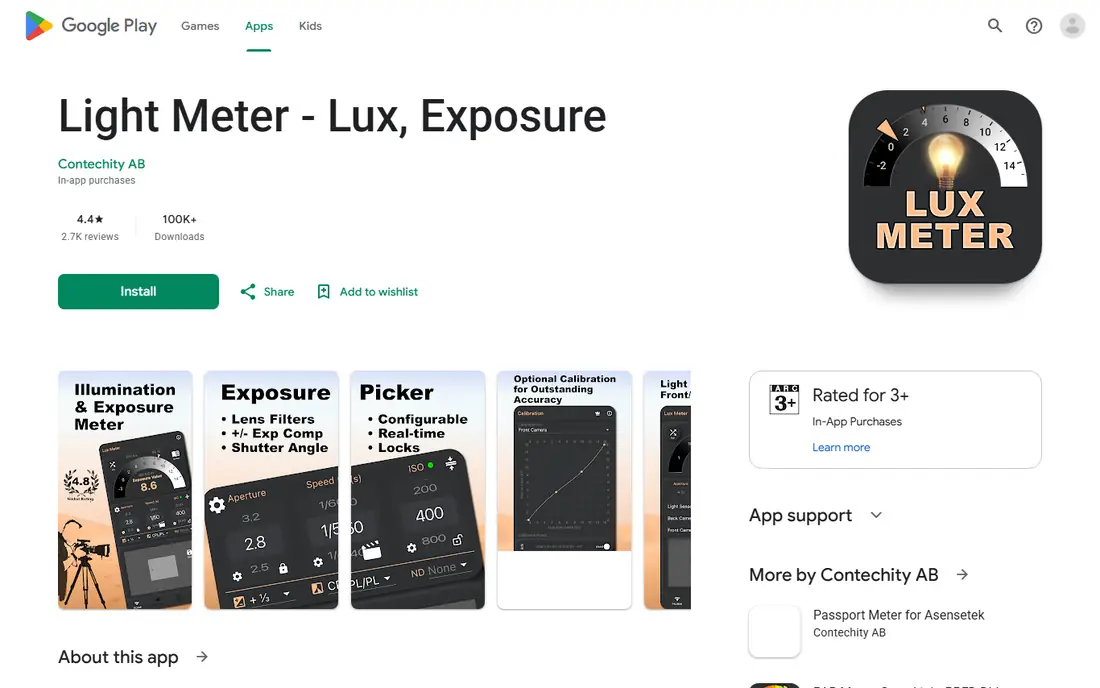
Light Meter Lux Exposure is a practical Android choice for photographers and videographers who want both lux values and exposure settings. Lux readings help with lighting setup, studio work, and video, where you need to know how much light falls on a scene, not just a camera setting. The app lets you choose the rear camera, front camera, or light sensor as the source, which helps when one sensor gives odd readings on a particular phone.
Calibration is essential here, as with any phone meter. Phone sensors vary, so compare the app against a known exposure or a handheld meter on first use and adjust the offset. The interface is plain and the free tier includes prompts, but the core metering is solid. For Android users who want a free, flexible meter, this is a good starting point.
What we like- Lux readings plus exposure settings
- Camera or light sensor options
- Calibration controls
Watch out for- Interface is functional rather than polished
- Subscription prompts can distract on free use
Starting priceSee website
Free planYes
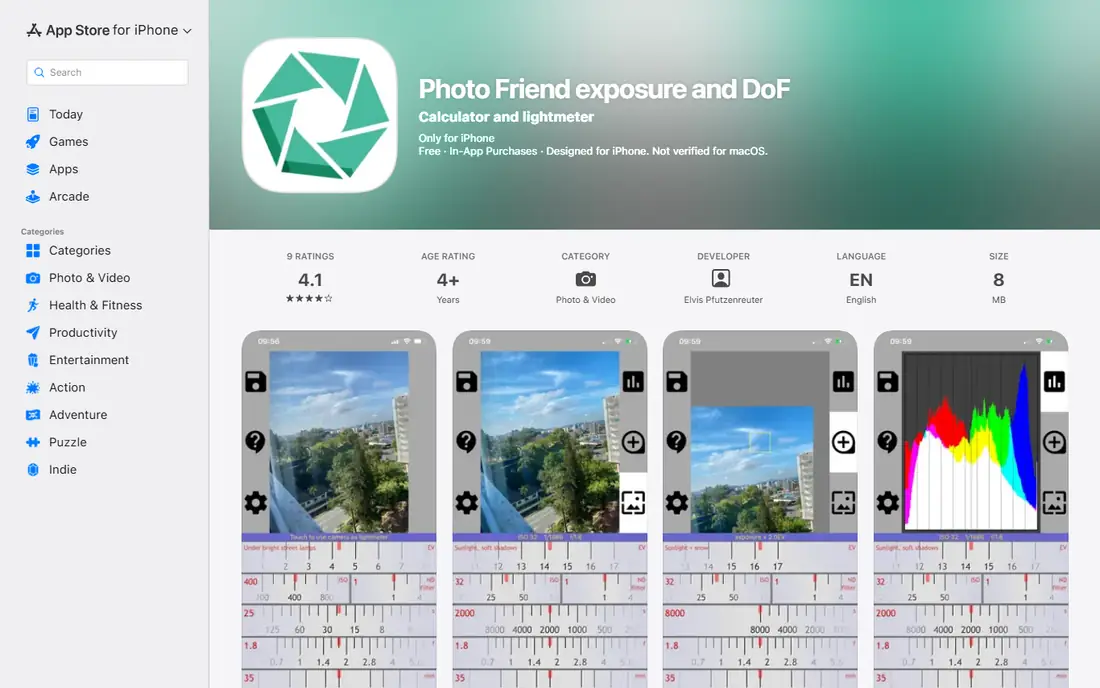
Photo Friend takes the opposite approach from the pro meters above. It asks for your ISO, points at the scene, and shows aperture and shutter speed, with little else to distract you. That restraint makes it ideal for beginners learning manual exposure, students, and casual film shooters who do not need spot metering, zone tools, or long exposure math.
Advanced users will outgrow it quickly. There is no reciprocity calculator, no per lens memory, and no specialist pinhole or large format support. Photo Friend earns its place as a learning tool and a fast backup meter, not as a replacement for a full featured app. If you are new to manual photography, start here and upgrade when you hit a limit.
What we like- Minimal interface
- Quick aperture and shutter recommendations
- Good for learning exposure
Watch out for- Few advanced features
- No reciprocity or specialist film tools
Starting price$5.99
Free planNo
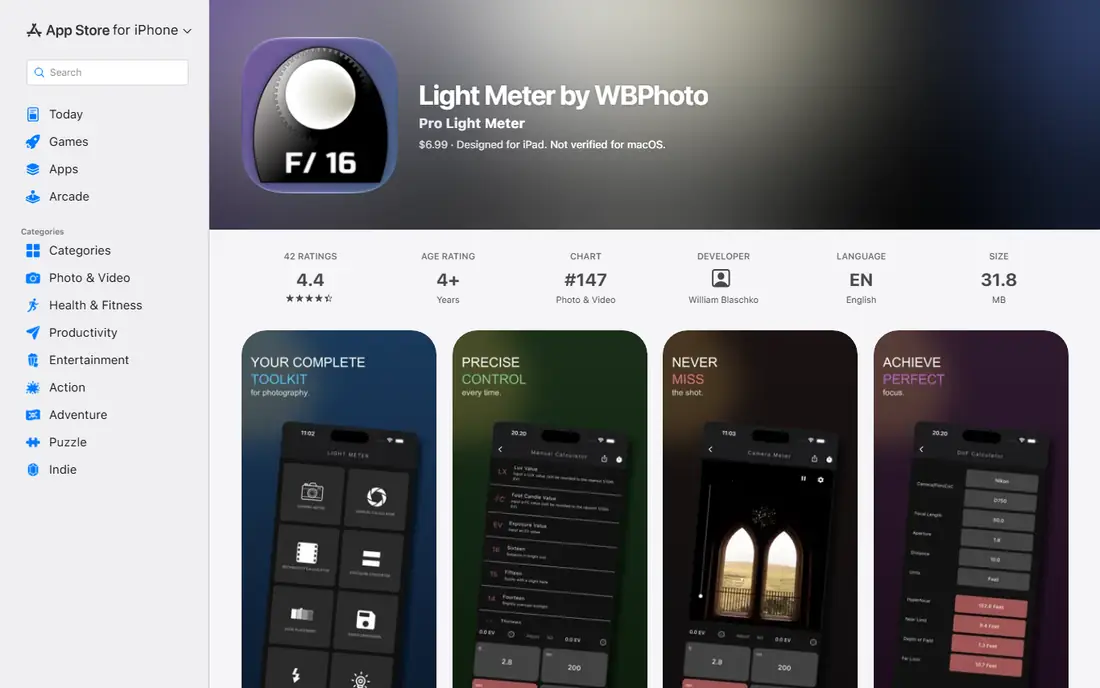
Light Meter by WBPhoto is a professional grade meter for film and digital photographers who want more than a single reading. Spot metering lets you measure precise points in a scene, while Zone System tools show how those points will render in the final image. The calculator set covers reciprocity, depth of field, pinhole, bellows factor, flash guide numbers, and white balance, which replaces several single purpose tools.
That depth is also the learning curve. New users should start with basic spot metering and add calculators one at a time, rather than trying to master the full toolkit on a first shoot. For photographers who shoot manual film cameras, work in high contrast light, or need reliable long exposure math, WBPhoto is one of the most complete phone meters available.
What we like- Spot and Zone System metering
- 12 calculators including reciprocity and depth of field
- Calibrated against professional meters
Watch out for- Paid app with no free tier
- Feature depth takes time to learn
Starting priceSee website
Free planNo
Pocket Light Meter, also known as Pocketmeter, suits photographers who want a modern phone interface rather than a retro dial. Spot metering is its key strength, letting you meter a specific subject in a high contrast scene instead of averaging the whole frame. Exposure lock lets you hold a reading while you recompose, which is essential for backlit portraits and bright skies.
The aperture range tops out in a way that may frustrate large format or pinhole shooters who need very small apertures, though most 35mm and medium format users will not hit that limit. The interface is bright and readable in the field, and the workflow feels built for current phones. For iPhone shooters who want fast spot metering without retro styling, Pocket Light Meter is a strong choice.
What we like- Spot metering for tricky scenes
- Exposure lock
- Clean modern interface
Watch out for- Aperture range may limit large format users
- IPhone focused
Starting priceSee website
Free planNo
Second View is more than a meter. It bundles a light meter with a format matched viewfinder, reciprocity correction for 60 film stocks in recent descriptions, hyperfocal display, and camera kit saving. That combination suits analog photographers who plan a shot fully on the phone before unpacking a film camera. Format support covers 35mm, medium format, and large format, with custom sizes available.
If you only need a meter, Second View may feel large and specialized. The value appears when you use the viewfinder and film tools together, especially on location with multiple cameras or formats. For dedicated analog shooters on iPhone, it replaces several single purpose apps with one toolkit, and the meter itself is fully functional for everyday film exposures.
What we like- Light meter plus viewfinder and reciprocity tools
- Supports many film formats
- Camera kit saving
Watch out for- IPhone only
- Broader toolkit may be more than a pure meter user needs
How we chose
We compared iPhone and Android meters for film and digital use, focusing on metering type, spot options, calibration, reciprocity tools, and format support. We favored apps with current store listings and a clear photography purpose, and we excluded generic lux only apps with no exposure tools. Prices for app store tools change by region and version, so we used See website where a single current price could not be verified from a vendor page.
Getting accurate readings from a phone meter
A phone meter is only as good as its calibration and your technique. Phone cameras and sensors differ, and reflected metering reads light bouncing off the subject, so a bright snow scene or a dark subject can fool the reading. Test any new app against a camera meter or a known Sunny 16 exposure before trusting it on important film.
Calibrate on first use
Shoot a test scene with a known good exposure, compare the app reading, and set an offset if the app allows it. Repeat in bright daylight and low light, because error can vary by brightness. Save the calibration and recheck after a phone or app update.
Use spot metering for contrast
When a scene has bright sky and dark foreground, an average reading will compromise both. Meter the subject you care about, lock the exposure, and recompose. For film, meter a midtone such as grass or a gray card when possible, and adjust for very bright or dark subjects.
Remember reciprocity for film
Long exposures on film need extra time beyond what a meter suggests, because film loses sensitivity. Apps with reciprocity tools, such as Lightme and Second View, handle this math for common stocks. Without such a tool, look up your film stock curve before a night or long exposure shoot.
Frequently asked questions
Are light meter apps accurate?
Phone light meter apps can be accurate enough for film and digital work after calibration, but they are not a substitute for a calibrated handheld meter in critical professional work. Sensor differences, lens coverings, and reflected metering all affect results. Test against a known exposure first, then trust the app within its limits.
What is the best light meter app for iPhone?
myLightMeter Pro is the best all rounder for iPhone, with Lightme close behind for film and long exposures. Pocket Light Meter suits users who want modern spot metering, while Second View suits analog shooters who also want a viewfinder. Choose by whether you shoot film, digital, or both.
What is the best light meter app for Android?
LightMeter by David Quiles and Light Meter Lux Exposure are the strongest Android picks here. The former suits film shooters who like a classic dial, while the latter suits users who also want lux readings and sensor choice. Both benefit from calibration on your specific phone.
Do I need a light meter app for digital photography?
Not always, because digital cameras have built in meters and instant review. A phone meter still helps for film cameras without meters, for learning manual exposure, for lighting setup, and for metering a scene before you set up a camera. It also helps when shooting with vintage lenses or manual flashes.
What is the difference between incident and reflected metering?
Reflected metering reads light bouncing off the subject, which is what phone cameras do by default. Incident metering reads light falling on the subject, usually with a diffuser over the sensor, and it is less fooled by bright or dark subjects. Phone apps approximate incident readings, so technique and calibration matter more than with a dedicated incident meter.
Sources we checked (8)
- https://apps.apple.com/us/app/mylightmeter-pro/id517745453
- https://apps.apple.com/us/app/lightme/id1501224613
- https://play.google.com/store/apps/details?id=com.davidquiles.lightmeter
- https://play.google.com/store/apps/details?id=com.contechity.lux_meter
- https://apps.apple.com/us/app/photo-friend-exposure-and-dof/id1198327295
- https://apps.apple.com/us/app/light-meter-by-wbphoto/id1524189195
- https://apps.apple.com/us/app/pocket-light-meter/id381698842
- https://apps.apple.com/us/app/second-view/id6446222395
Is your product missing or out of date?
We review this list regularly. Vendors can request a listing, send updated pricing or ask about featured placement.

Shihab Mia · Founder, Rankite
Shihab has 5+ years in B2B and SaaS SEO. He writes Rankite's software buying guides from pricing pages, documentation and public user reviews. More about Shihab.
 myLightMeter Pro
 Lightme
 LightMeter by David Quiles
 Light Meter Lux Exposure
 Photo Friend
 Light Meter by WBPhoto
 Pocket Light Meter
 Second View