How we make this list: we compare pricing pages, product documentation and public user reviews. Rankite is independent; if a vendor ever pays for a featured spot, that listing is clearly labeled Partner.
Key takeaways
- FreshBooks still has the best invoicing experience for service businesses, while Square Invoices is the easiest free way to bill and get paid.
- HoneyBook is the pick for creative professionals who need proposals, contracts and payments in one client flow.
- Zoho Invoice is completely free and surprisingly capable, which makes it the default for cost-conscious freelancers.
- Watch payment processing fees separately from software cost: 2.9 percent plus 30 cents per transaction dwarfs most subscriptions.
Quick comparison
| Tool | Best for | Starting price | Free plan |
|---|
 FreshBooks FreshBooks | Service businesses that invoice constantly | See website | Free trial |
 Square Invoices Square Invoices | Free invoicing with easy payments | Free | Yes |
 HoneyBook HoneyBook | Creative professionals managing client projects | See website | Free trial |
 Zoho Invoice Zoho Invoice | Free invoicing without compromises | Free | Yes |
 Wave Wave | Free invoicing tied to free accounting | Free | Yes |
 QuickBooks QuickBooks | Invoicing inside complete accounting | See website | Free trial |
 Xero Xero | Growing businesses wanting clean invoicing | See website | Free trial |
 Stripe Stripe | Businesses that need payments infrastructure | See website | Pay as you go |
 PayPal Invoicing PayPal Invoicing | Billing clients who already use PayPal | See website | Free to send |
 Invoice2go Invoice2go | Mobile-first invoicing for trades and field work | See website | Free trial |
Is your product missing or out of date?
We review this list regularly. Vendors can request a listing, send updated pricing or ask about featured placement.
The best invoicing and payment software
Starting priceSee website
Free planFree trial
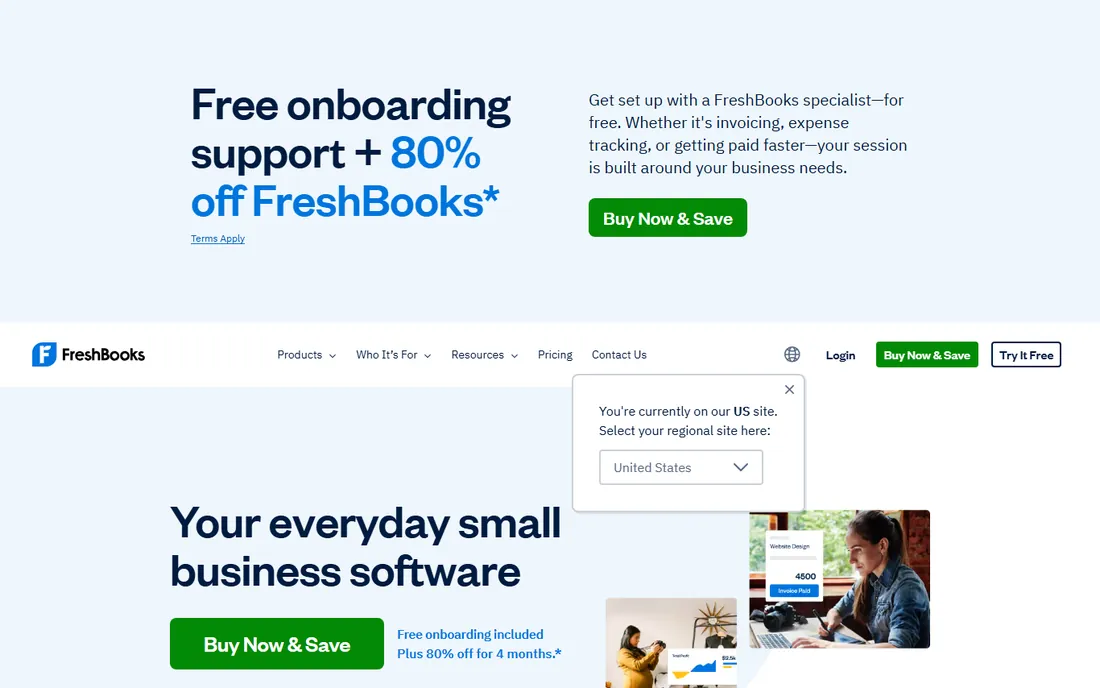
FreshBooks remains the invoicing benchmark for service businesses. Creating and sending a polished invoice takes seconds, automatic reminders chase late payers politely, and clients can pay online by card or bank transfer. Time tracking flows straight into invoices, which eliminates the weekly billing scramble.
The software subscription is only part of the cost; card processing fees apply per transaction. And businesses needing deep accounting will pair it with or graduate to QuickBooks. But for getting invoices out and money in, FreshBooks is still the smoothest experience.
What we like- Fastest professional invoicing workflow
- Automatic late-payment reminders
- Time tracking feeds invoices directly
Watch out for- Payment processing fees apply on top
- Accounting depth is lighter than QuickBooks
Starting priceFree
Free planYes
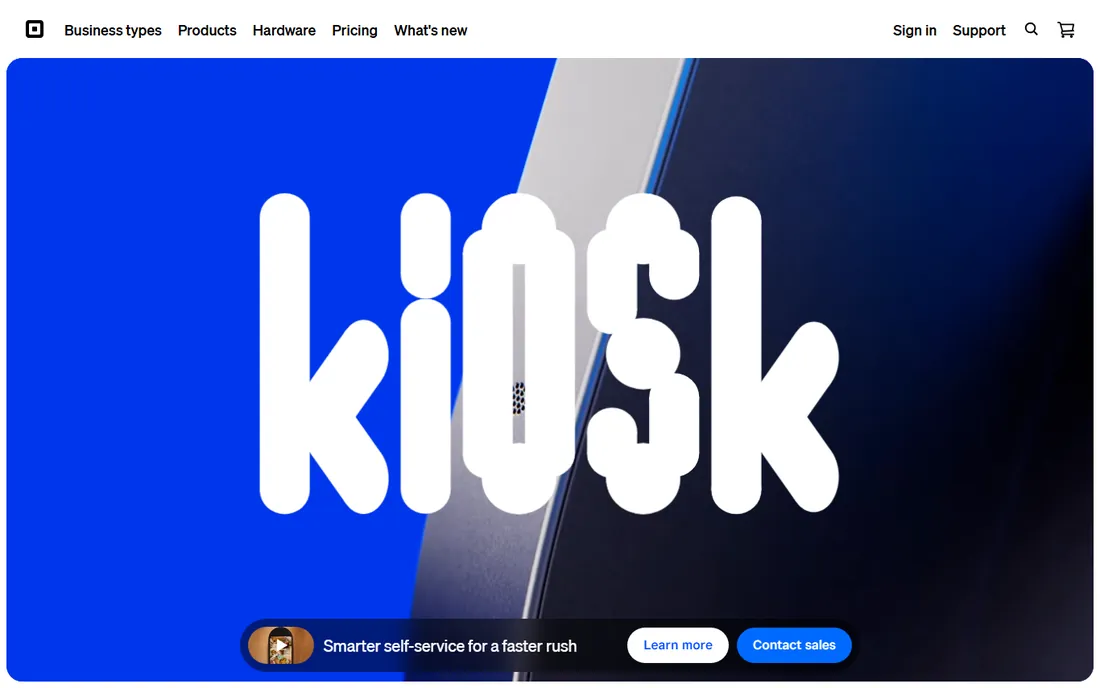
Square Invoices is free, unlimited and dead simple: create an invoice, send it, get paid by card. Businesses already using Square for point of sale get a unified system where in-person and invoiced payments land together. Estimates convert to invoices with one tap.
Square makes its money on processing fees, so high-volume businesses should compare rates. And the invoicing features are simpler than FreshBooks'. But as a free way to look professional and get paid, it is hard to beat.
What we like- Free unlimited invoices
- Clients pay by card easily
- Integrates with Square's full ecosystem
Watch out for- Processing fees per transaction
- Best inside the Square ecosystem
Starting priceSee website
Free planFree trial
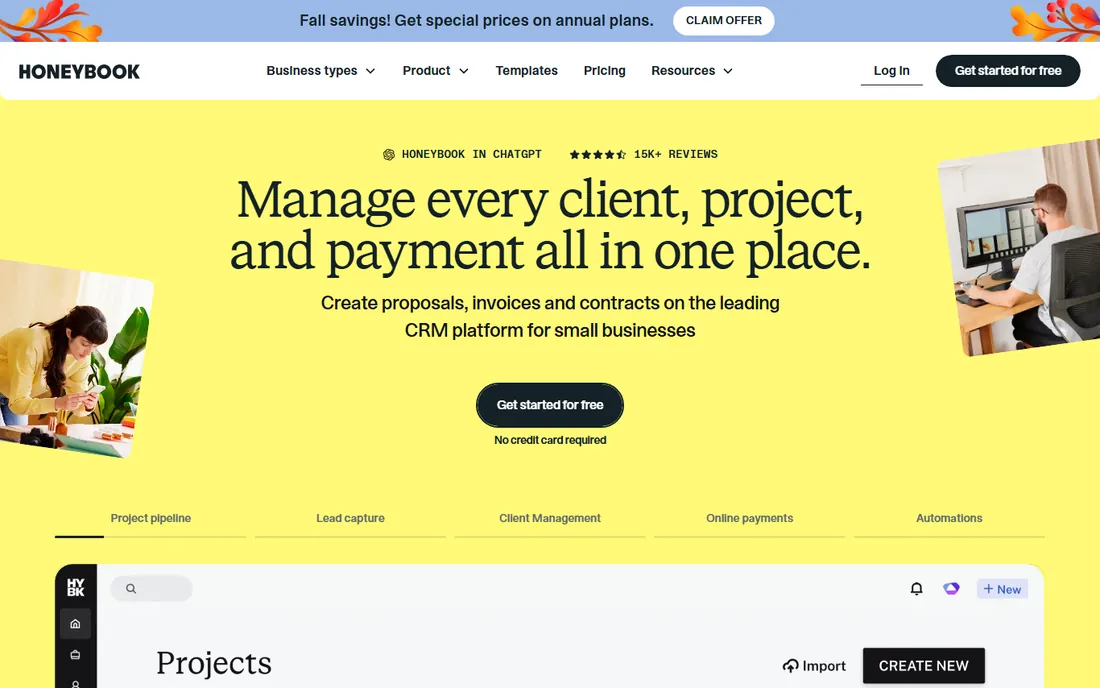
HoneyBook is built for photographers, designers, planners and coaches: the entire client journey from inquiry to final payment lives in one system. Proposals become contracts become invoices, with automated follow-ups filling the gaps. The client portal keeps everything organized for both sides.
The pricing targets working professionals rather than hobbyists, and the workflows assume project-based creative work. But for its audience, HoneyBook replaces a CRM, a contract tool and an invoicing app with one coherent flow.
What we like- Proposals, contracts, invoices and payments in one flow
- Client portal
- Automation for inquiries to booking
Watch out for- Priced for established businesses
- Less suited to non-creative industries
#4
Zoho Invoice
Best for: Free invoicing without compromises
Visit zoho.com
Starting priceFree
Free planYes
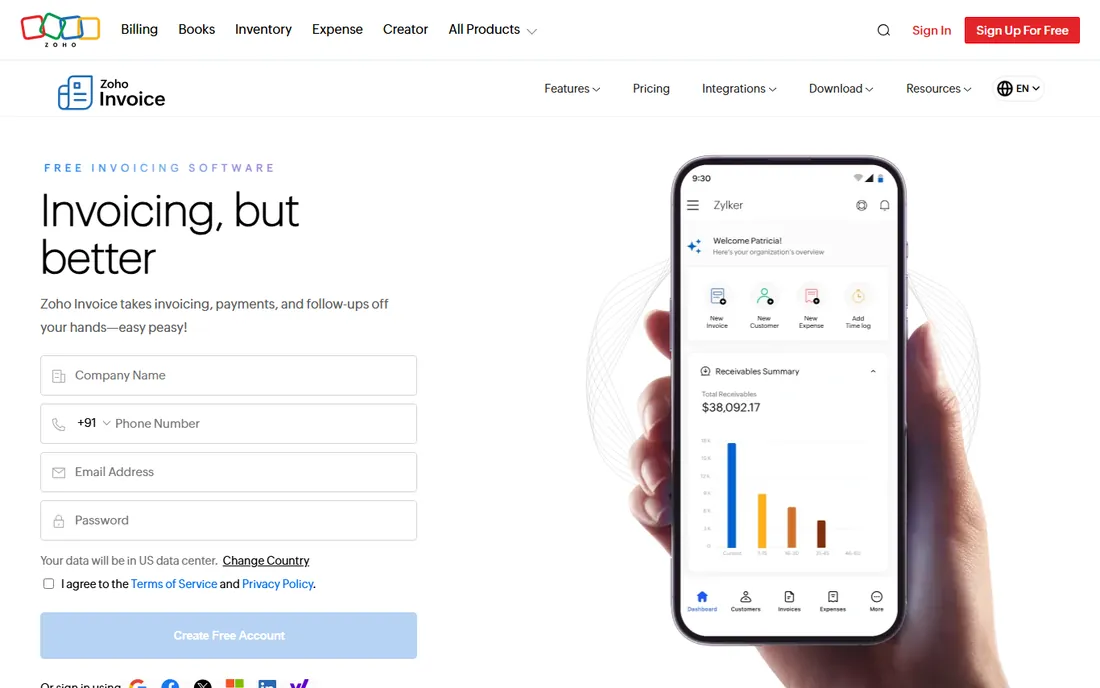
Zoho Invoice is free, not freemium-with-a-catch: invoicing, estimates, expenses, time tracking and a client portal at no cost. It handles multi-currency and multiple businesses, which paid competitors charge for. Freelancers and tiny agencies get professional billing without a subscription.
Online payments require connecting a payment gateway, whose fees apply. And Zoho will suggest its paid siblings. But as pure invoicing software, the free tier embarrasses tools charging $15 a month.
What we like- Completely free with generous limits
- Multi-currency
- Client portal and time tracking
Watch out for- Payment processing needs a gateway
- Upsells to paid Zoho products
Starting priceFree
Free planYes
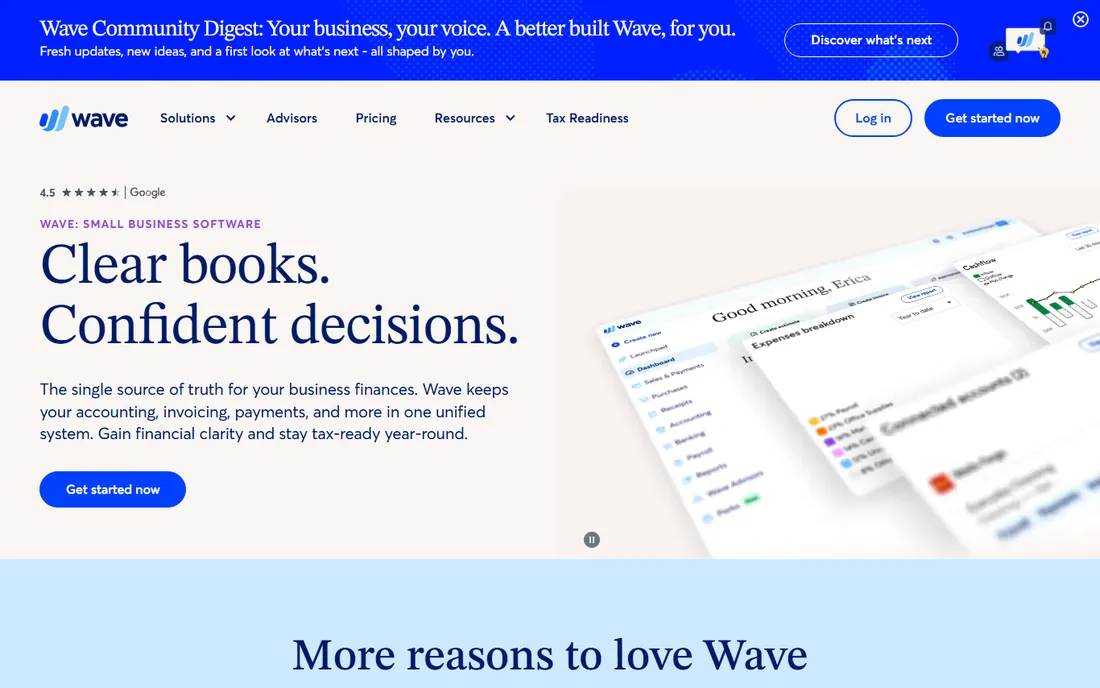
Wave pairs free invoicing with free accounting, which is the combination freelancers actually need. Invoices look professional, recurring billing works, and everything flows into the books automatically. Receipt scanning and basic reports come along free.
Card processing fees apply when clients pay online, and the automation is basic. But the core value is unmatched: send unlimited invoices and keep real books without paying anything.
What we like- Free invoicing plus free accounting
- Recurring invoices
- Professional templates
Watch out for- Payment processing fees
- Fewer automation features than paid tools
Starting priceSee website
Free planFree trial
QuickBooks Online includes solid invoicing inside the accounting suite: estimates, progress billing, recurring invoices and online payments, all reconciled automatically. Businesses that need real books get invoicing as part of the package rather than a separate tool.
Pure invoicing tools are cheaper and simpler. But once you need accounting anyway, running invoicing separately creates reconciliation work. QuickBooks keeps the money trail in one place.
What we like- Invoicing tied to full accounting
- Progress invoicing for projects
- Huge ecosystem
Watch out for- More expensive than pure invoicing tools
- Interface is busy
#7
Xero
Best for: Growing businesses wanting clean invoicing
Visit xero.com
Starting priceSee website
Free planFree trial
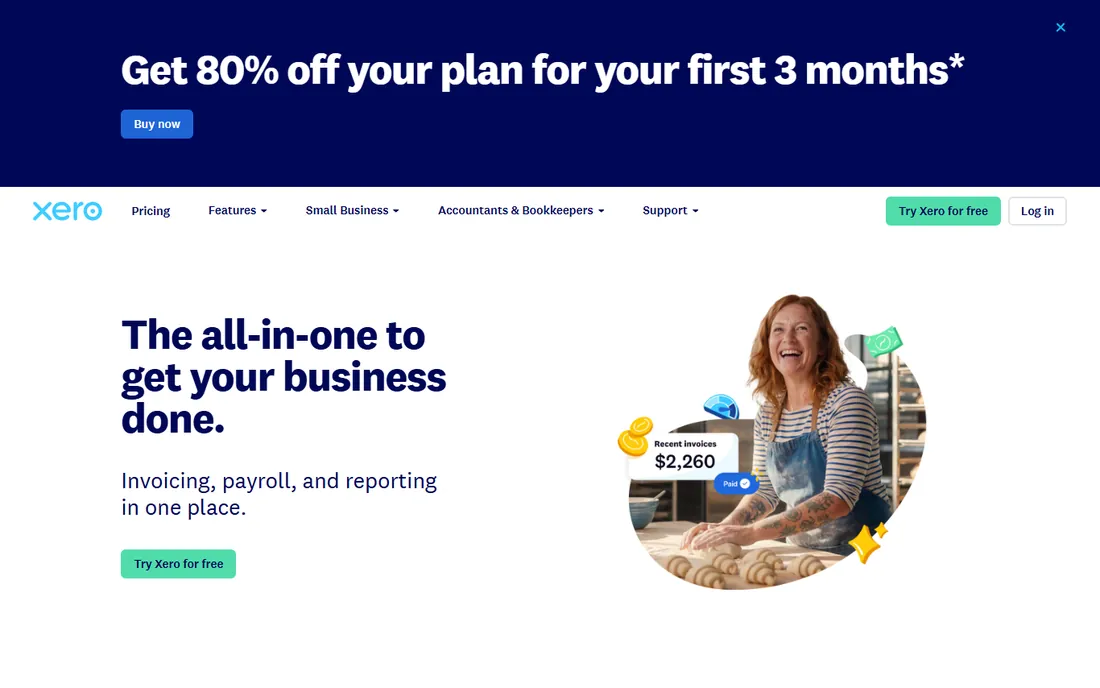
Xero's invoicing is clean and capable: branded templates, online payment buttons, automatic reminders and repeating invoices. Multi-currency invoicing works well for businesses billing internationally. Everything reconciles into proper accounting automatically.
Online payments run through integrated gateways rather than natively, and lower tiers limit invoice volume. But growing businesses that want invoicing inside real accounting will find Xero's experience refreshingly straightforward.
What we like- Clean invoice workflow
- Strong multi-currency
- Online payments via integrations
Watch out for- Payment processing via third parties
- Quote limits on low tiers
#8
Stripe
Best for: Businesses that need payments infrastructure
Visit stripe.com
Starting priceSee website
Free planPay as you go
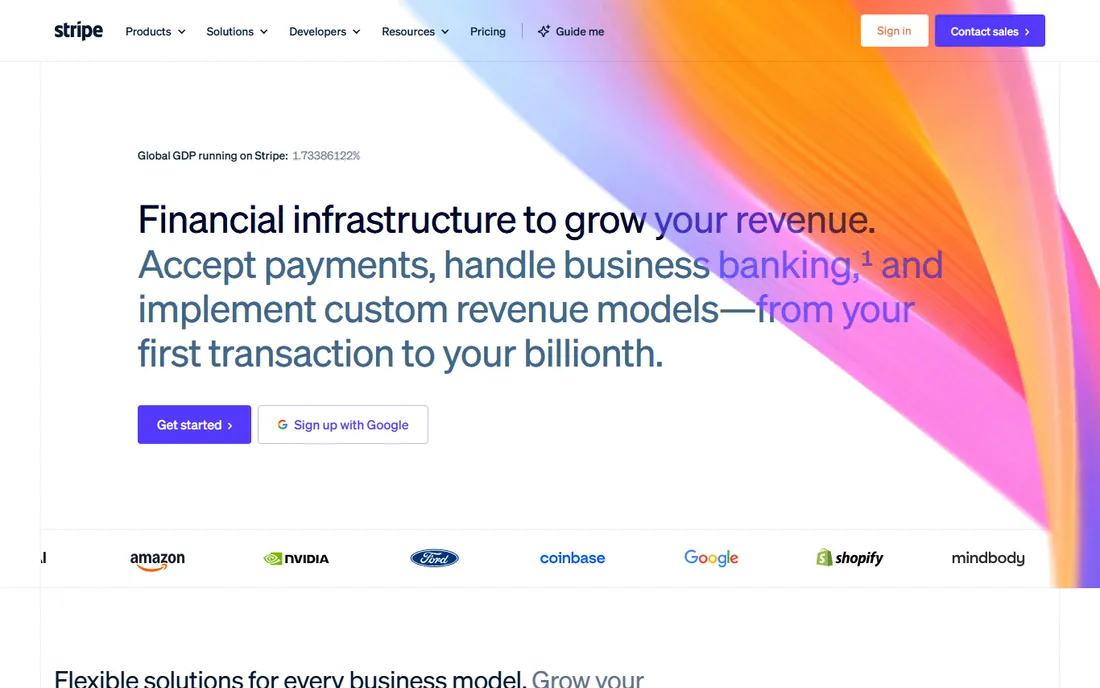
Stripe is payments infrastructure that happens to include invoicing. The Invoicing product creates hosted invoice pages and handles subscriptions, while the underlying platform supports every payment method that matters globally. There is no monthly fee; you pay per transaction.
Non-technical users will find the dashboard functional but plain compared to FreshBooks. Stripe suits businesses with developers, platforms with many sellers, or anyone whose payments logic is custom. For simple invoicing alone, the dedicated tools are friendlier.
What we like- Invoicing plus the best payments API
- Global payment methods
- No monthly fee to start
Watch out for- Needs technical setup for full power
- Invoicing UI is simpler than dedicated tools
#9
PayPal Invoicing
Best for: Billing clients who already use PayPal
Visit paypal.com
Starting priceSee website
Free planFree to send
PayPal Invoicing is free to use: create invoices in the app or website, clients pay with PayPal or card. The advantage is ubiquity; your clients already have PayPal, so payment friction is near zero, especially internationally.
The fees are on the high side, and PayPal's risk holds on funds annoy sellers periodically. It is not a full accounting system. But for freelancers billing clients who suggest "just PayPal me," formal invoices beat informal requests.
What we like- Free to create and send
- Clients pay without new accounts
- Global recognition
Watch out for- Higher processing fees
- Account holds frustrate some sellers
Starting priceSee website
Free planFree trial
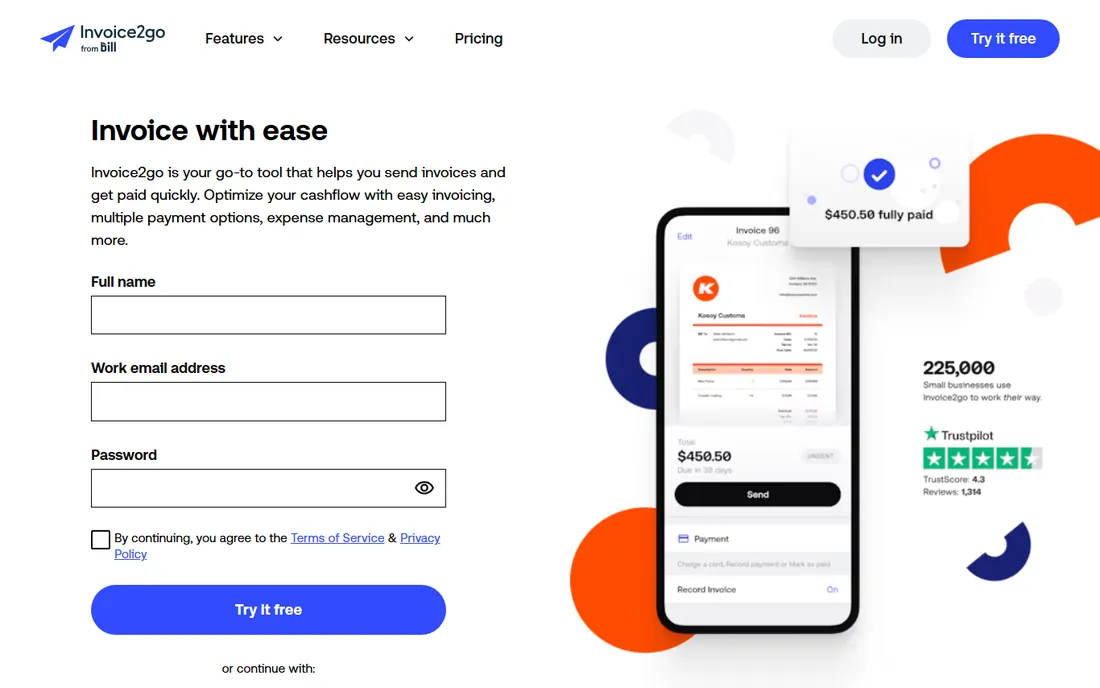
Invoice2go is built for people who invoice from the job site: contractors, tradespeople and field services. The mobile app creates professional estimates and invoices in minutes, takes card payments on the spot, and sends appointment reminders. It fits work boots better than office software.
The acquisition by Bill.com means packaging keeps evolving, so verify current plans. Desktop users will find it thin. But for mobile-first billing in the field, it remains one of the most practical options.
What we like- Excellent mobile app for invoicing on the job
- Simple estimates and invoices
- Appointment reminders
Watch out for- Now part of Bill.com with evolving packaging
- Fewer desktop features
Getting paid faster is the real feature
The best invoicing software is the one that shortens the time between work done and money received. Three things matter most: online payment options on every invoice, automatic reminders for overdue bills, and recurring invoices for retainer clients. Every tool above offers at least two of the three; confirm the third before you choose.
Then look at the true cost. Software subscriptions are the small line; payment processing fees are the big one. A 2.9 percent fee on $10,000 of monthly invoices is $290, dwarfing a $15 subscription. Compare effective rates, including any monthly gateway fees, at your actual volume before deciding.
How we chose
We compared tools on invoicing workflow quality, payment options and fees, automation (reminders, recurring billing), accounting integration and pricing. We verified each vendor's homepage and current positioning, reviewed user feedback on G2, Capterra and freelancer communities, and weighted real payment experience over feature lists. We did not process live transactions.
Chasing late payments without burning bridges
Most late payments are not malice; they are disorganization. A polite automated reminder sequence resolves the majority: a friendly nudge a few days before due, another on the due date, then firmer notes at 7, 14 and 30 days overdue. Every tool on this list automates this, so there is no excuse for manual chasing of routine lates.
For the stubborn cases, pick up the phone. An invoice reminder email is easy to ignore; a calm call asking "is there anything holding up payment on invoice 1042?" is not. Often you will discover a real issue: the invoice went to the wrong person, a PO number is missing, or accounts payable has a question nobody asked. Solve the blocker and the payment follows.
Prevent the problem structurally. Require deposits for new clients and large projects, shorten payment terms where you can, and consider early-payment discounts for chronic late payers. The best collections strategy is a client base selected for payment reliability and terms designed to make paying easy.
Know when to escalate. At 60 to 90 days overdue with no communication, pause work, send a formal demand, and be prepared to involve collections or small claims court. Clear contracts with late-fee clauses make this step professional rather than personal. Hope is not a collections strategy.
Frequently asked questions
What is the cheapest way to send invoices?
Zoho Invoice, Wave and Square Invoices are all free for invoicing. You pay only payment processing fees when clients pay by card. Start free and upgrade when you need automation or accounting depth.
How much do payment processing fees cost?
Typically 2.9 percent plus 30 cents per card transaction in the US, less for bank transfers. High-volume businesses can negotiate lower rates. Always model fees at your volume; they exceed software costs quickly.
Should invoicing and accounting be the same tool?
If you need real accounting, yes: it eliminates reconciliation work. If you only need to bill and track payments, a dedicated invoicing tool is simpler and cheaper.
How do I handle late-paying clients?
Send polite automated reminders at 7, 14 and 30 days overdue. Require deposits for new clients. Charge late fees if your contracts allow. The tools above automate most of this; the policy part is up to you.
Can I invoice in other currencies?
Zoho Invoice, Xero, FreshBooks and Stripe all support multi-currency invoicing. Confirm exchange rate handling and any conversion fees before billing internationally.
What about subscriptions and recurring billing?
FreshBooks, Wave, Zoho Invoice and Stripe all handle recurring invoices or subscriptions. For membership-style businesses, Stripe's subscription billing is the most capable.
Sources we checked (10)
- https://www.freshbooks.com/
- https://squareup.com/
- https://www.honeybook.com/
- https://www.zoho.com/invoice/
- https://www.waveapps.com/
- https://www.quickbooks.intuit.com/
- https://www.xero.com/
- https://stripe.com/
- https://www.paypal.com/
- https://invoice2go.com/
Is your product missing or out of date?
We review this list regularly. Vendors can request a listing, send updated pricing or ask about featured placement.

Shihab Mia · Founder, Rankite
Shihab has spent more than a decade helping SaaS and e-commerce brands grow through search. He writes Rankite's software buying guides from pricing pages, documentation and public user reviews. More about Shihab.