How we make this list: we compare pricing pages, product documentation and public user reviews. Rankite is independent; if a vendor ever pays for a featured spot, that listing is clearly labeled Partner.
Key takeaways
- If you send a handful of invoices a month, Zoho Invoice (free, 1,000 invoices a year) or Wave (free Starter plan) cost you nothing and do the job well.
- Freelancers who bill time should look at FreshBooks (Lite $23/month for 5 clients), where time tracking flows straight into invoices.
- Service pros who book clients, not just bill them, fit HoneyBook (Starter $36/month), which wraps proposals, contracts and payments into one flow.
- If your accountant already works in QuickBooks, QuickBooks Online (Simple Start $38/month) keeps invoicing inside the books they reconcile.
Quick comparison
| Tool | Best for | Starting price | Free plan |
|---|
 FreshBooks FreshBooks | Freelancers and service businesses billing time | $23/month (Lite, up to 5 clients) | Free trial (30 days) |
 Wave Wave | Solo owners who want invoicing and bookkeeping free | $0/month (Starter plan) | Yes (Starter is free) |
 Zoho Invoice Zoho Invoice | Small businesses that want full-featured invoicing free | $0 (free forever) | Yes (free, up to 1,000 invoices per year) |
 Invoice Ninja Invoice Ninja | Tech-comfortable owners who want control and customization | $10/month (Pro plan) | Yes (free plan available) |
 Square Invoices Square Invoices | Businesses already taking payments through Square | $0 (free; card processing fees apply) | Yes (free invoicing) |
 HoneyBook HoneyBook | Solo service pros who book clients, not just bill them | $36/month (Starter; $29 billed annually) | Free trial (7 days) |
 QuickBooks Online QuickBooks Online | Businesses whose accountant already works in QuickBooks | $38/month (Simple Start) | Yes (free tier: 2 invoices per month) |
 Xero Xero | Growing businesses that need accounting depth beyond invoicing | $20/month (Early plan) | Free trial (30 days) |
Is your product missing or out of date?
We review this list regularly. Vendors can request a listing, send updated pricing or ask about featured placement.
The best invoice software
Picture a Friday afternoon: three projects finished, two retainers due, and one client who always pays late. The difference between getting paid next week and getting paid next month is rarely the work. It is the invoice. Whether it went out on time, whether it was easy to pay, and whether it reminded the client by itself. These eight tools cover that whole job, from free invoicing for solo owners to full accounting with invoicing built in.
Starting price$23/month (Lite, up to 5 clients)
Free planFree trial (30 days)
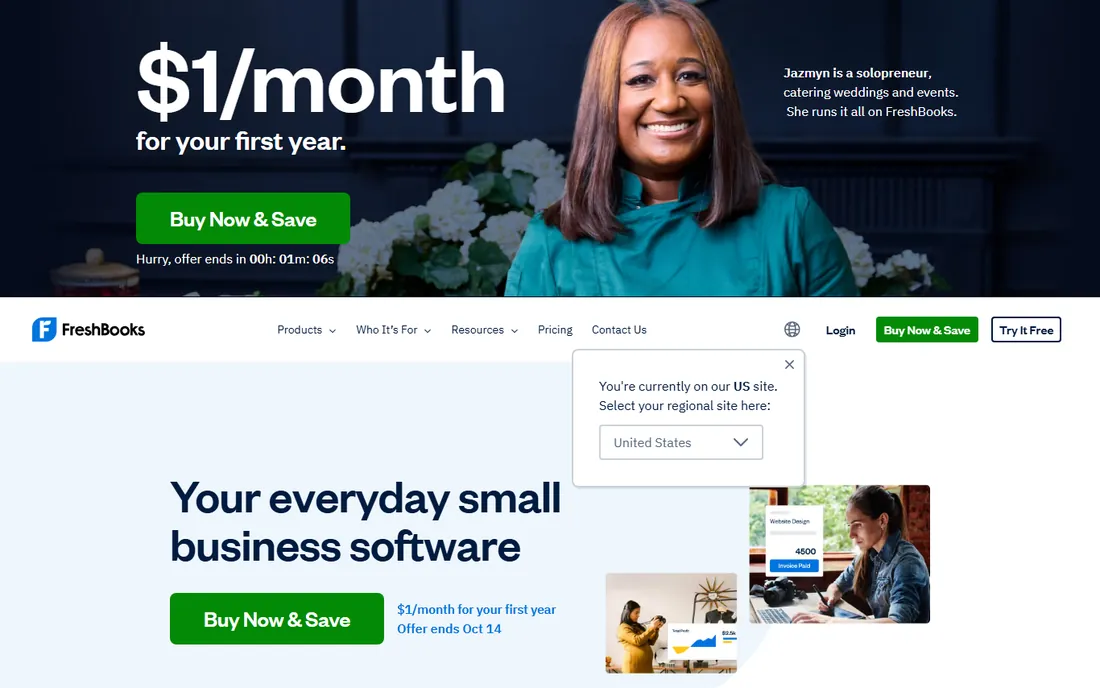
FreshBooks was built for people who bill hours. Log time against a project, click once, and the hours become invoice lines with your notes attached. Lite at $23 per month covers 5 billable clients; Plus at $43 covers 50 and adds proposals and accounting reports; Premium at $70 removes the client cap and adds project profitability tracking. Every plan includes unlimited invoices and estimates.
Watch the client count, not the invoice count. Archived clients count toward the cap, so crossing from 5 to 6 clients doubles your bill from $23 to $43. Payment processing and payroll are paid add-ons. If you bill time to a handful of clients and want the least friction between work and payment, this is the smoothest option.
What we like- Time tracking feeds directly into invoices with one click
- Clean, professional invoices that clients pay online easily
- Proposals, retainers and late-payment reminders built in
Watch out for- Client caps force upgrades fast (Lite covers only 5 clients)
- Team members cost $11 each per month on top of the plan
Starting price$0/month (Starter plan)
Free planYes (Starter is free)
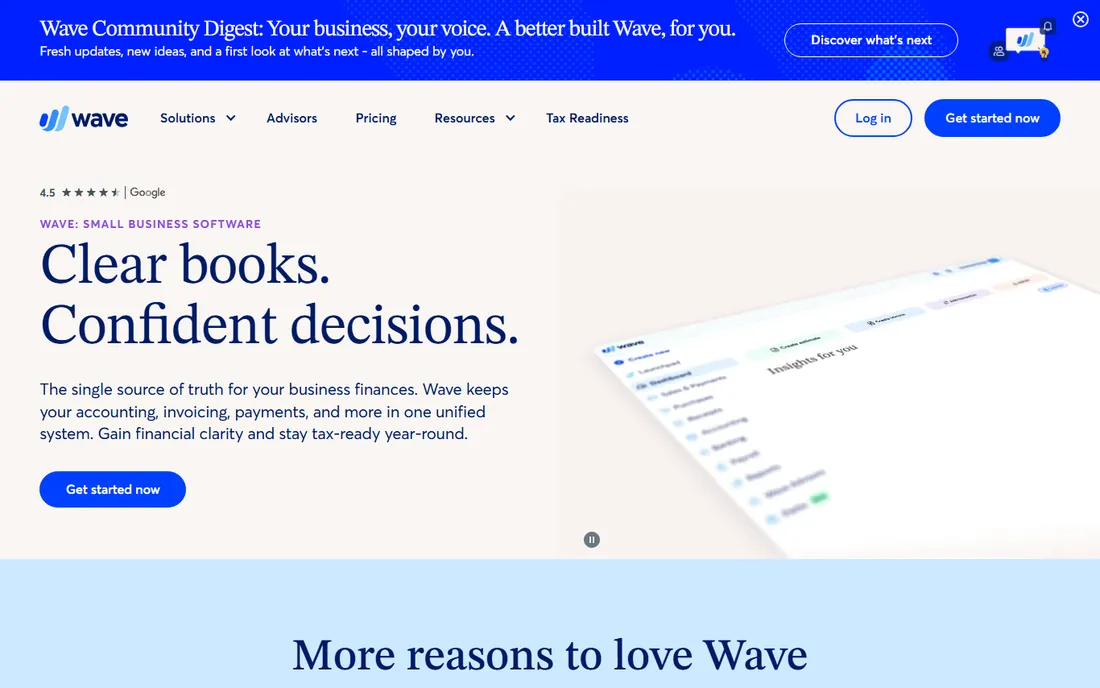
Wave's Starter plan is the best free deal in invoicing: unlimited invoices and clients, expense tracking and basic accounting at no cost. Pro at $19 per month adds automatic late-payment reminders, bank transaction imports and receipt scanning. Payment processing costs the usual card fees when clients pay online.
The free model suits owners who take checks, cash or bank transfers and do not need automation. The moment you rely on card payments, the transaction fees add up, and a paid tool with lower processing rates can win on total cost. For a new freelancer with irregular income, starting free and upgrading only when the reminders pay for themselves is the sensible path.
What we like- Invoicing and accounting genuinely free with unlimited clients and invoices
- Simple enough to set up in an afternoon
- Payment processing built in when you need it
Watch out for- Pro at $19/month adds the automation (late reminders, bank imports) many businesses need
- Support is limited compared with paid rivals
#3
Zoho Invoice
Best for: Small businesses that want full-featured invoicing free
Visit zoho.com
Starting price$0 (free forever)
Free planYes (free, up to 1,000 invoices per year)
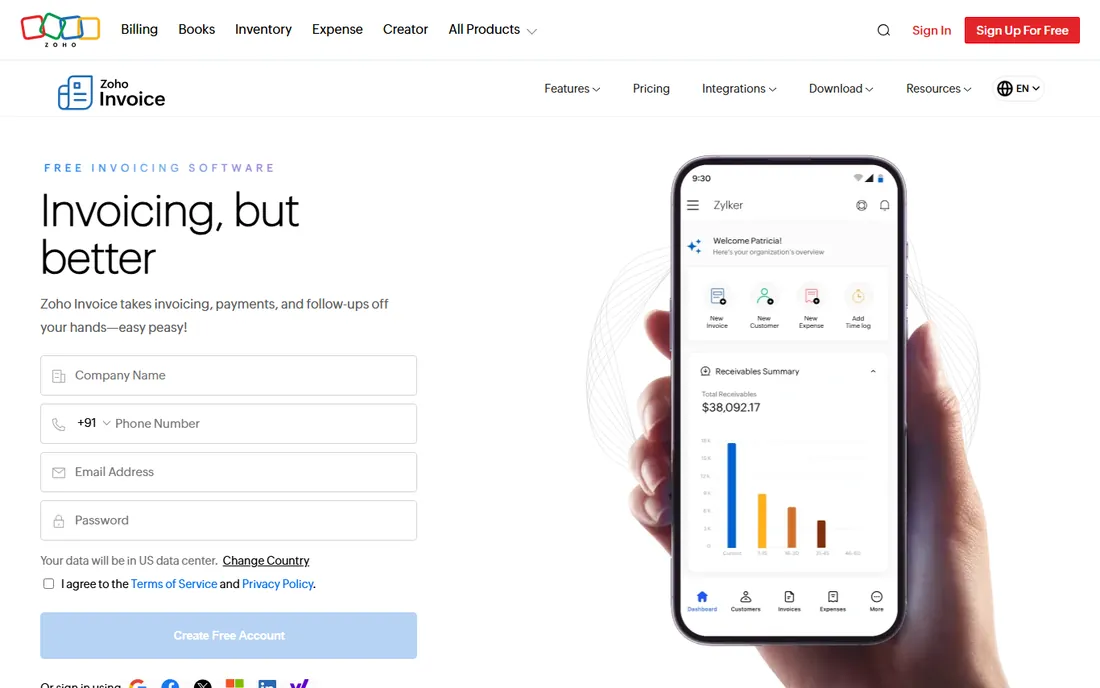
Zoho made its invoicing tool completely free, and it is not a crippled free. You get recurring invoices, payment reminders, time tracking, expense tracking, a client portal, multicurrency support and digital signatures, capped at 1,000 invoices per year and 3 users. It integrates with Stripe and PayPal for online payments and talks to the rest of the Zoho suite.
The limits are volume and polish. A business sending 100 invoices a month hits the cap in under a year, and the interface feels older than FreshBooks or Wave. But for a freelancer or small shop sending a few dozen invoices a month, there is no reason to pay for invoicing when this exists. It is the rare free tool with no paid tier waiting to upsell you.
What we like- Completely free with surprising depth (recurring invoices, time tracking, expenses, client portal)
- Multi-currency and 17 languages
- Estimates convert to invoices automatically
Watch out for- The 1,000-invoice annual cap bites high-volume businesses
- Interface looks dated and support can be slow
Starting price$10/month (Pro plan)
Free planYes (free plan available)
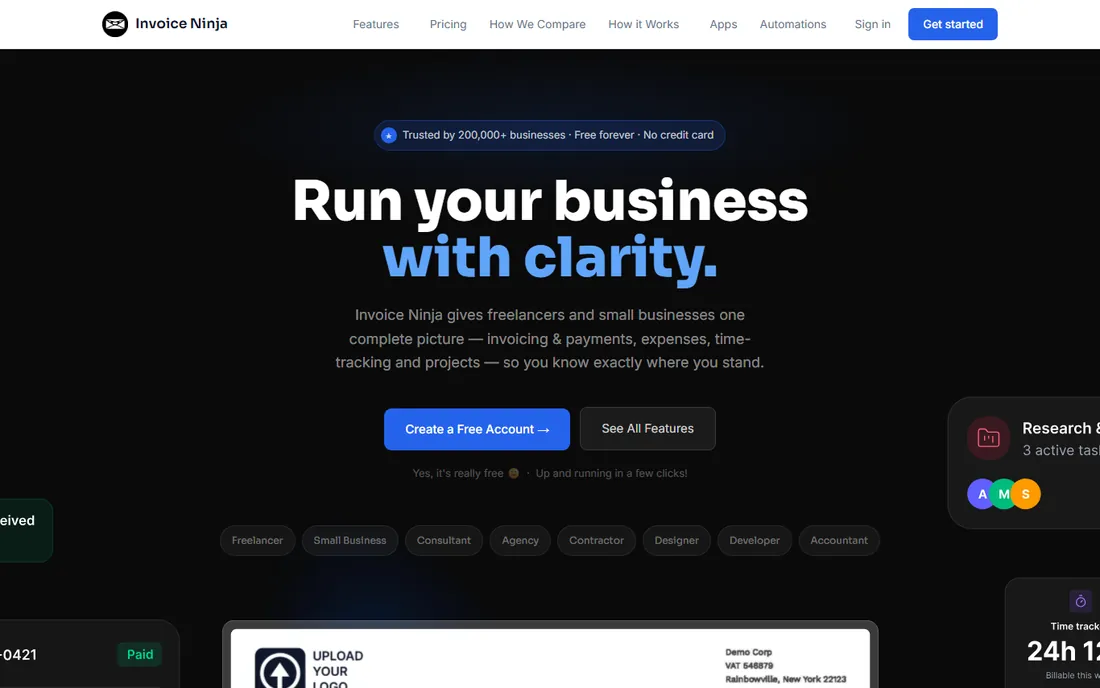
Invoice Ninja is the tinkerer's invoicing tool. The free plan covers invoicing, quotes, recurring billing basics and expense tracking, and the open-source roots mean you can self-host it on your own server if data control matters to you. Pro at $10 per month adds custom domains, white-labeled client portals and more automation.
Forty-plus payment gateways give clients more ways to pay than any tool on this list. The trade is refinement: setup takes longer, the mobile apps are thinner, and support is community-plus-email rather than phone. For a developer, agency or privacy-minded owner who wants to own the stack, it is the most flexible free option available.
What we like- Generous free plan with real invoicing features
- Self-hosting option for owners who want their data on their servers
- 40-plus payment gateways including Stripe, PayPal and Square
Watch out for- The interface and setup assume more technical comfort than FreshBooks
- Advanced features (custom domains, white-label) need the paid plans
#5
Square Invoices
Best for: Businesses already taking payments through Square
Visit squareup.com
Starting price$0 (free; card processing fees apply)
Free planYes (free invoicing)
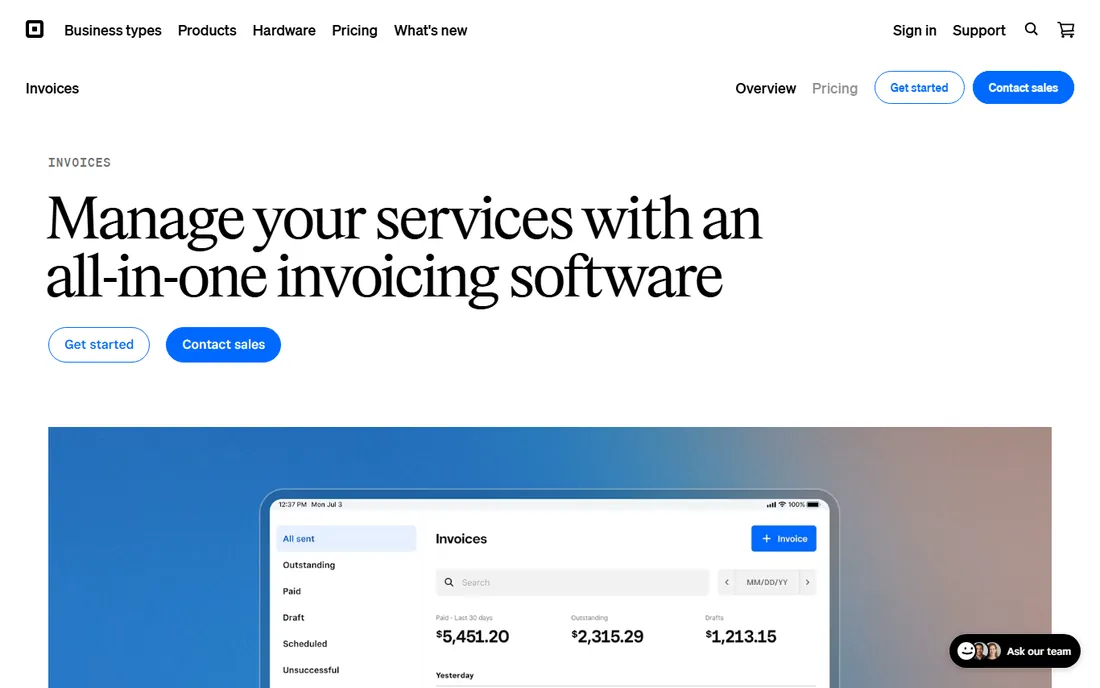
If you already run Square for payments, Square Invoices is the path of least resistance. Create an invoice from the same dashboard as your register, send it by email or text, and the client pays by card or ACH with the money landing in your Square balance. Real-time tracking shows when clients view and pay, and itemized billing handles product and service lines.
Processing fees are the cost: card payments run the standard Square rates, so high-volume card billing gets expensive next to a flat subscription. The free tier covers most small-business needs; Plus adds project-style invoicing with milestones for contractors. For retail, food and service businesses living in the Square ecosystem, nothing else integrates this tightly.
What we like- Invoices go out free and clients pay by card, ACH or in person
- Estimates convert to invoices
- Works naturally with Square's POS, appointments and online store
Watch out for- Single-currency support limits international businesses
- Advanced invoicing features (milestones, multi-package estimates) sit in the paid Plus tier
#6
HoneyBook
Best for: Solo service pros who book clients, not just bill them
Visit honeybook.com
Starting price$36/month (Starter; $29 billed annually)
Free planFree trial (7 days)
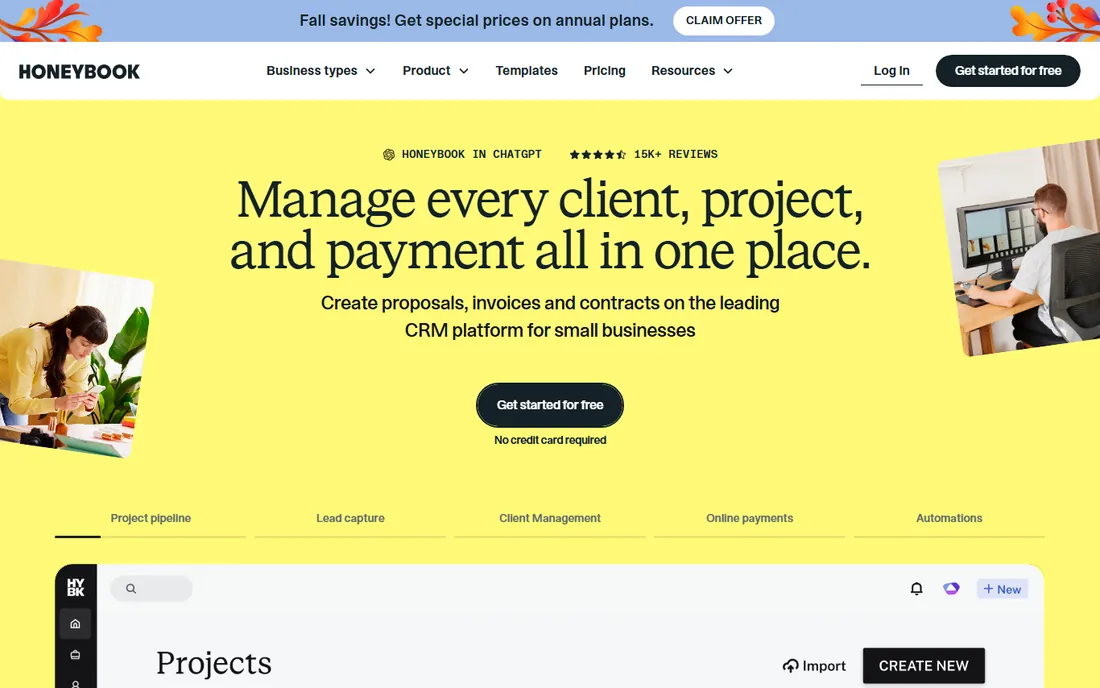
HoneyBook is not really an invoicing tool; it is a client-booking platform that invoices. A photographer, designer or coach sends a proposal, the client signs the contract and pays the deposit, and the remaining invoices go out on schedule, all in one branded flow. Starter at $36 per month ($29 annual) covers the core flow; Essentials at $59 adds automations and the QuickBooks Online integration.
That positioning is the point and the limit. If you just need to bill hours, FreshBooks is cheaper and simpler. If your work starts with a proposal and ends with a final payment, HoneyBook removes the gaps between those steps where clients go quiet. It suits businesses where the client experience wins the next referral.
What we like- Proposals, contracts, invoices and payments in one client flow
- Automations follow up on leads and unpaid invoices for you
- Polished client portal that makes a solo business look bigger
Watch out for- Pricier than pure invoicing tools and built for solo/small teams, not larger operations
- QuickBooks Online integration requires the $59 Essentials tier
Starting price$38/month (Simple Start)
Free planYes (free tier: 2 invoices per month)
QuickBooks earns its place when the books matter as much as the invoices. Simple Start at $38 per month includes invoicing with online payments, expense tracking and tax-time reports; Essentials at $85 adds bill management and multiple users; Plus at $140 adds inventory and project profitability. There is even a free tier covering 2 invoices per month. Intuit runs frequent 50-percent-off promos for new signups.
Nobody should buy QuickBooks just for invoicing; Zoho Invoice does that free. Buy it when your accountant asks for it, when you need inventory or payroll in the same system, or when tax time currently involves a shoebox. For a business outgrowing pure invoicing, it is the default next step in the US.
What we like- Invoices live inside full double-entry accounting, so nothing needs reconciling later
- Your accountant probably already uses it
- Payment reminders and online payments built in
Watch out for- The most expensive invoicing-adjacent option here
- The interface carries accounting complexity that pure invoicing tools avoid
#8
Xero
Best for: Growing businesses that need accounting depth beyond invoicing
Visit xero.com
Starting price$20/month (Early plan)
Free planFree trial (30 days)
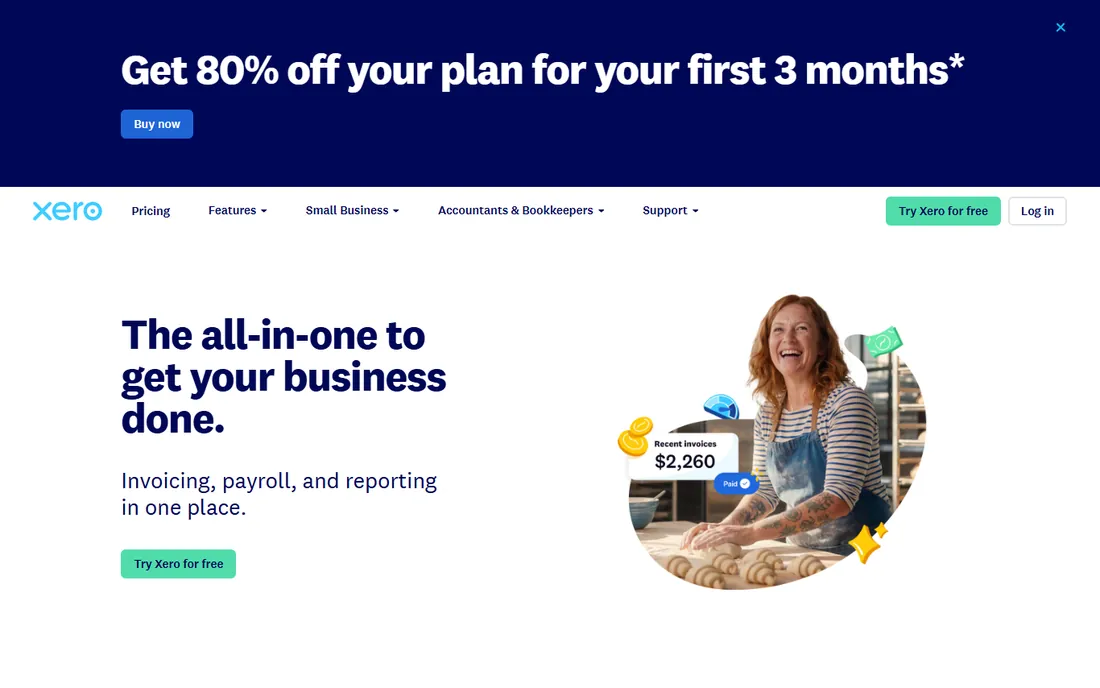
Xero is the accountant-friendly alternative to QuickBooks. Early at $20 per month covers 20 invoices and quotes plus 5 bills with bank reconciliation; Growing at $47 removes the caps and adds bulk reconciliation; Established at $80 adds multi-currency, projects and expense claims. Unlimited users on every plan means your bookkeeper and accountant cost nothing extra.
The Early caps are the tripwire: 20 invoices a month sounds like plenty until a busy month proves otherwise, and then you are on Growing at more than double. Payroll runs through a partner add-on rather than natively. For a growing business that wants clean books and is willing to pay for them, Xero's ease of use justifies the premium over QuickBooks for many owners.
What we like- Beautiful, simple accounting with unlimited users on every plan
- Invoicing, quotes and bank reconciliation in one flow
- 1,000-plus app integrations
Watch out for- Early caps you at 20 invoices and 5 bills per month
- Multi-currency and projects require the $80 Established plan
Frequently asked questions
What is the best free invoice software?
Zoho Invoice and Wave. Zoho Invoice is free forever with real depth (recurring invoices, time tracking, client portal) capped at 1,000 invoices per year. Wave's Starter plan is free with unlimited invoices and basic accounting. Square Invoices is also free if you take Square payments. All three beat paying for invoicing until your volume or automation needs grow.
How much does invoice software cost?
From $0 to $70 per month for most small businesses. Free options (Zoho Invoice, Wave, Square Invoices) cover basic needs. FreshBooks runs $23 to $70 per month depending on client count. HoneyBook runs $36 to $59. Full accounting with invoicing (QuickBooks $38 to $140, Xero $20 to $80) costs more but replaces separate bookkeeping. Add card processing fees (around 2.9% plus 30 cents) on top wherever clients pay online.
Should I use invoicing software or accounting software?
Use invoicing software (FreshBooks, Zoho Invoice, Wave) when billing is the job: you send invoices, track who paid, and hand the books to an accountant. Use accounting software (QuickBooks, Xero) when you also need to track expenses, reconcile bank accounts, run payroll or manage inventory. Many businesses start with invoicing software and move to accounting software around $100K to $250K in revenue.
How do I get clients to pay invoices faster?
Three things work: make it easy (online card or ACH payment links on every invoice), make it automatic (scheduled reminders before and after the due date), and make the terms clear (due dates and late fees stated on the invoice). FreshBooks, HoneyBook, Wave Pro and QuickBooks all automate reminders. Requiring deposits on large projects, which HoneyBook and Square Invoices handle well, removes the biggest late-payment risk entirely.
Can invoice software handle recurring billing?
Yes, all eight tools support recurring invoices. Zoho Invoice includes it free. FreshBooks includes it on all paid plans. For subscription-style billing with trials, upgrades and dunning, a dedicated subscription tool (Stripe Billing, Chargebee) fits better than any invoicing app. The invoicing tools here suit fixed retainers and repeat service billing.
What to check before you commit
Count what the plan counts. FreshBooks counts billable clients (Lite allows 5), Xero Early counts invoices (20 per month), Zoho Invoice counts annual invoices (1,000). Your actual numbers decide the tier, and the cheapest plan that fits your real volume is the right one. Then check the payment math: card processing around 2.9% plus 30 cents per transaction can exceed the subscription cost for businesses whose clients all pay by card.
Look at the edges of the workflow. Do you need estimates that convert to invoices (all eight do this)? Time tracking that becomes invoice lines (FreshBooks, Zoho Invoice, QuickBooks Essentials and up)? Contracts before the invoice (HoneyBook)? Multi-currency (Zoho Invoice free, Xero only on Established)? And confirm the exit: every tool here exports invoices and client data, but check whether historical payment records and attachments come along, because switching invoicing tools mid-year is common and painless only if the export is complete.
Getting paid faster without chasing
The best invoice software does not just send invoices; it removes the reasons clients pay late. Automated reminders are the single highest-ROI feature in this category: a reminder three days before the due date and another three days after catches most late payments without a single awkward email. Online payment links cut days off the cycle because the client can pay from the invoice in one tap.
Deposits change the game for project work. Collecting 30 to 50 percent upfront, which HoneyBook, Square Invoices and FreshBooks all support, means a late final payment is an annoyance rather than a cash-flow crisis. And keep the invoice itself clean: one contact, one due date, one payment link, and late-fee terms stated plainly. The tools make all of this easy; the discipline of using them is the part no software provides.
How we chose
We started with the categories buyers search: invoice software, invoicing software, free invoice software and best invoicing app for small business. For each candidate we opened the vendor's own pricing page, checked plan names and prices against public reviews on G2 and Capterra and practitioner discussion on Reddit, and compared invoice limits, payment options, automation features and company-size fit. Where a price could not be verified on the vendor's page we wrote "See website" rather than guessing.
Sources we checked (10)
- https://www.freshbooks.com/pricing
- https://www.waveapps.com/pricing
- https://www.zoho.com/invoice/
- https://www.invoiceninja.com/pricing
- https://squareup.com/us/en/invoices
- https://www.honeybook.com/pricing
- https://quickbooks.intuit.com/pricing/
- https://www.xero.com/us/pricing/
- https://www.g2.com/categories/invoicing
- https://www.capterra.com/invoicing-software/
Is your product missing or out of date?
We review this list regularly. Vendors can request a listing, send updated pricing or ask about featured placement.

Shihab Mia · Founder, Rankite
Shihab has spent more than a decade helping SaaS and e-commerce brands grow through search. He writes Rankite's software buying guides from pricing pages, documentation and public user reviews. More about Shihab.