How we make this list: we compare pricing pages, product documentation and public user reviews. Rankite is independent; if a vendor ever pays for a featured spot, that listing is clearly labeled Partner.
Key takeaways
- Metricool is the best value pick, with a usable free plan and paid plans from $25 per month.
- Socialinsider leads for competitor benchmarking and content pillar analysis, starting at $99 per month.
- Sprout Social is the enterprise choice when Instagram analytics must sit inside a bigger social workflow.
- Native Instagram Insights is free and the most accurate source for your own account, but it cannot track competitors.
Quick comparison
| Tool | Best for | Starting price | Free plan |
|---|
 Iconosquare Iconosquare | Instagram-first analytics with publishing | See website | Free plan |
 Metricool Metricool | Budget analytics plus scheduling | $25/month | Free plan |
 Socialinsider Socialinsider | Competitor benchmarking | $99/month | Free trial |
 Sprout Social Sprout Social | Enterprise social suites | $199/seat/month | Free trial |
 Hootsuite Hootsuite | All-in-one social management | See website | Free trial |
 Later Later | Visual planning with analytics | See website | Free plan |
 Buffer Buffer | Simple analytics beside the calendar | $6/channel/month | Free plan |
 Keyhole Keyhole | Hashtag and campaign tracking | See website | Free trial |
 Dash Social Dash Social | Visual-first brands and UGC | See website | No |
Is your product missing or out of date?
We review this list regularly. Vendors can request a listing, send updated pricing or ask about featured placement.
Starting priceSee website
Free planFree plan
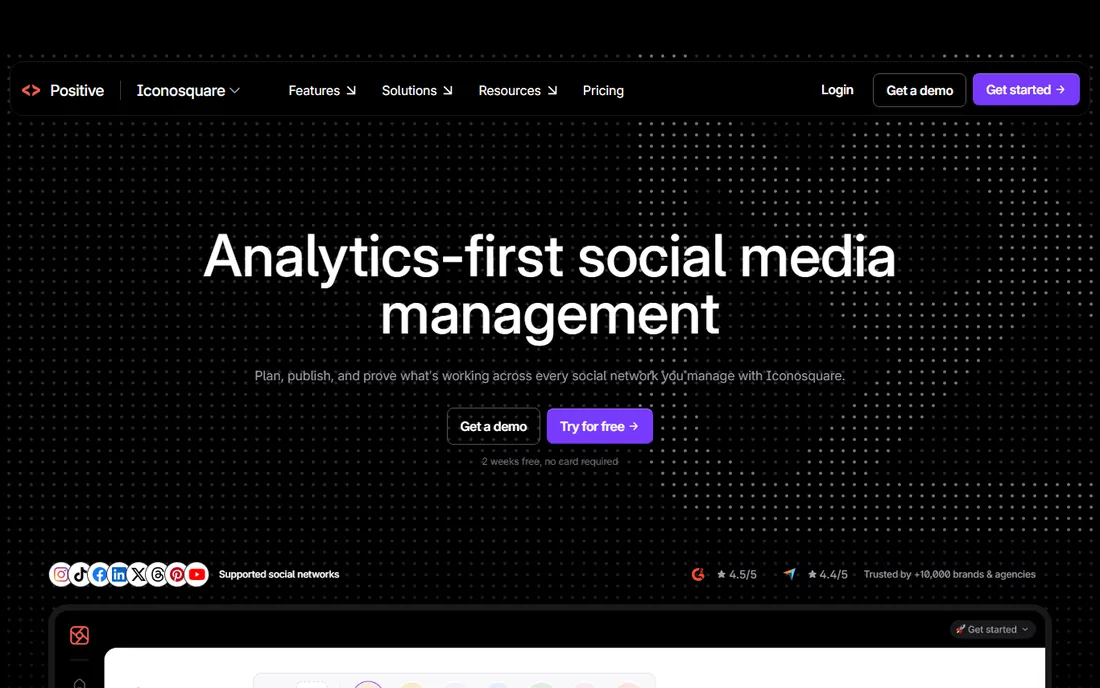
Iconosquare has been an Instagram analytics specialist since before most competitors existed, and the focus shows. The dashboard goes beyond reach and follower counts into story completion rates, best times to post by weekday, and follower growth broken down by organic versus paid. The competitor tracking is practical rather than decorative: you can benchmark your engagement rate against similar accounts in your industry.
Publishing is built in, so you can schedule from the same place you analyze, and the media library makes reposting UGC straightforward. The limitation is scope. If TikTok or LinkedIn matter to you, Iconosquare will not cover them. For Instagram-first brands and agencies managing several client accounts, it remains one of the most complete options.
What we like- Deep Instagram and Facebook metrics
- Competitor benchmarking
- Built-in scheduler with best-time-to-post
Watch out for- Limited to Instagram, Facebook and Threads
- Advanced reports sit on higher tiers
Starting price$25/month
Free planFree plan
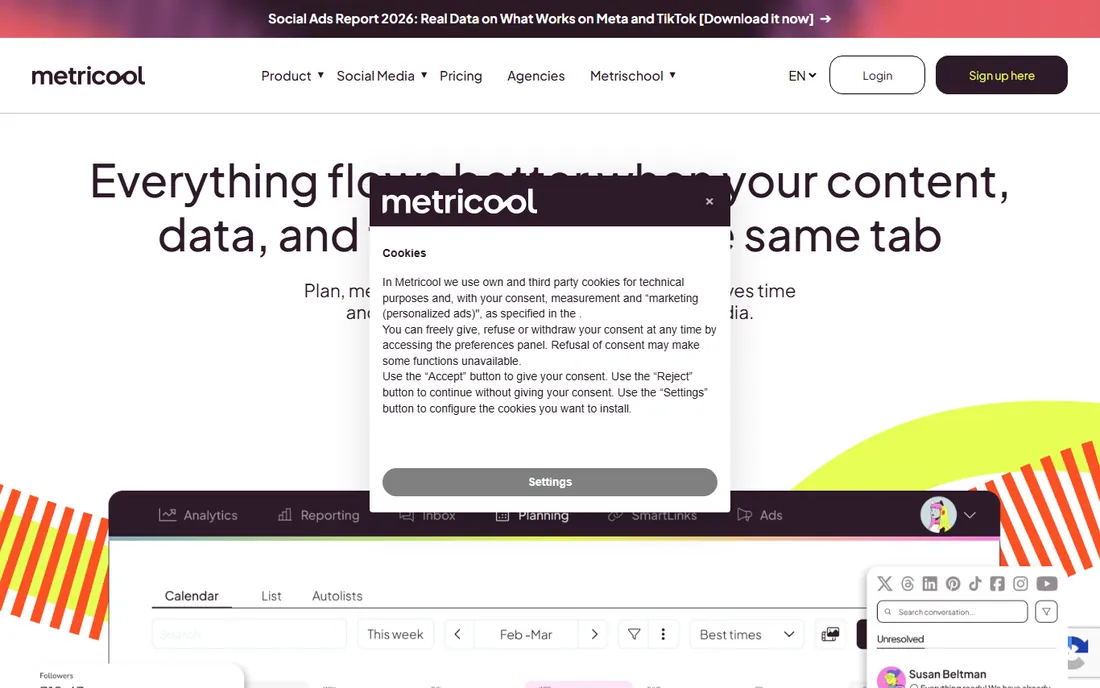
Metricool wins on value. The free plan covers one brand with basic analytics and a limited number of scheduled posts, which is enough for a solo creator to get real insight. Paid plans start at $25 per month billed monthly ($20 on annual billing) and scale by brand count rather than by seat, which keeps costs predictable for small teams.
For Instagram specifically, you get follower demographics, post and story performance, hashtag tracking and competitor analysis. The competitor feature is unusually generous: up to 100 profiles on higher tiers. The trade-off is polish. Reports are functional rather than beautiful, and some advanced analytics cost extra. If budget is the deciding factor, start here.
What we like- Generous free plan
- Tracks up to 100 competitor profiles on paid tiers
- Covers many networks beyond Instagram
Watch out for- Interface can feel dense
- Advanced analytics is a paid add-on on some tiers
Starting price$99/month
Free planFree trial
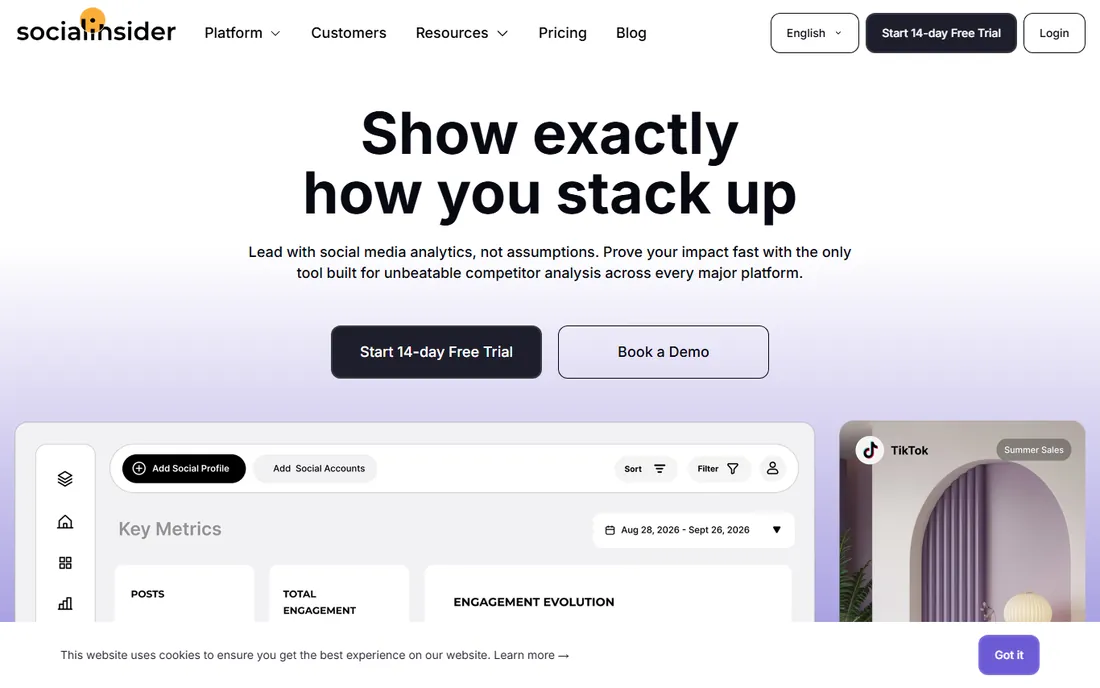
Socialinsider is built for one question: what are competitors doing that works? It benchmarks your Instagram against rivals on engagement, posting frequency, content mix and growth, then breaks content into pillars so you can see which themes drive results. The AI insights layer summarizes the patterns instead of leaving you to hunt through charts.
Pricing starts at $99 per month with a 14-day free trial. There is no scheduler and no inbox, so this is a pure analytics play, best paired with a separate publishing tool. Agencies and brand teams that report to stakeholders on competitive position will get the most from it. Solo creators will likely find Metricool's free tier sufficient.
What we like- Content pillar analysis
- AI-powered insights
- Strong cross-platform benchmarking
Watch out for- No publishing tools
- Starting price is steep for solo creators
Starting price$199/seat/month
Free planFree trial
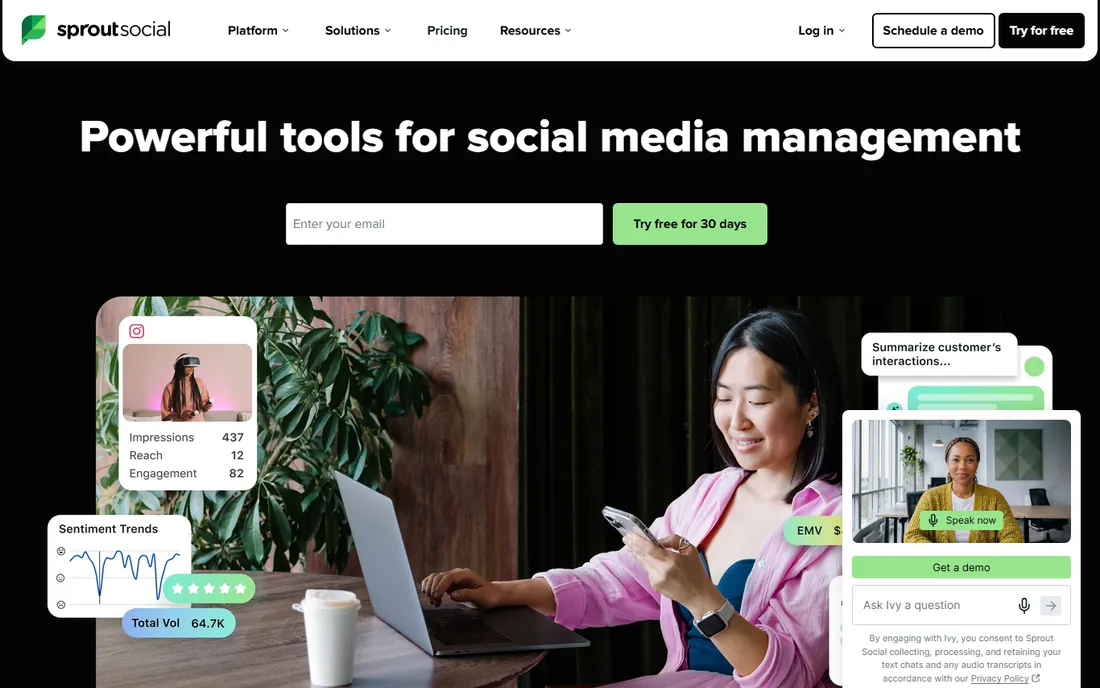
Sprout Social treats Instagram analytics as one module in a full social media suite. The analytics themselves are strong: customizable reports, paid versus organic breakdowns, competitor reports and trend analysis. Where it pulls ahead is everything around the numbers: a unified inbox, approval workflows, employee advocacy and social listening.
The catch is the price model. Plans start at $199 per seat per month, so a five-person team is looking at roughly $1,000 a month before add-ons. That only makes sense when Instagram is part of a multi-network program with real team workflows. For enterprise social teams that need governance and reporting in one place, Sprout is the standard. Smaller teams should look elsewhere.
What we like- Deep reporting across networks
- Social listening built in
- Strong approval workflows for teams
Watch out for- Per-seat pricing gets expensive fast
- Overkill for a single Instagram account
Starting priceSee website
Free planFree trial
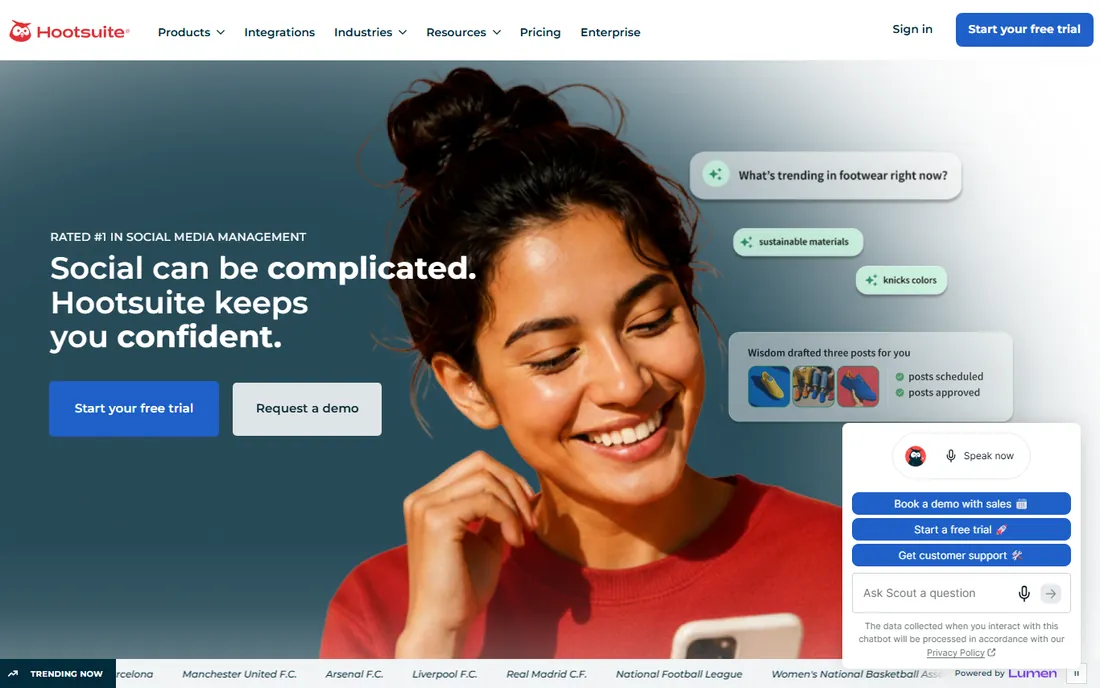
Hootsuite is the veteran all-in-one platform: scheduling, monitoring, engagement and analytics for Instagram alongside every other major network. The Instagram analytics cover the essentials (reach, engagement, follower growth, best times to post) with customizable report templates you can export for clients or bosses. The AI caption writer is a handy extra for busy teams.
Specialists beat it on Instagram-specific depth. You will not get Socialinsider-level competitor analysis or Iconosquare-level story metrics here. Hootsuite makes sense when one tool must cover five networks and the team already knows it. Pricing is quote-visible on the site with a free trial, so check the current plans before comparing.
What we like- Manages many networks from one dashboard
- OwlyWriter AI assists captions
- Established integrations
Watch out for- Analytics depth lags specialists
- Pricing has crept up over the years
Starting priceSee website
Free planFree plan
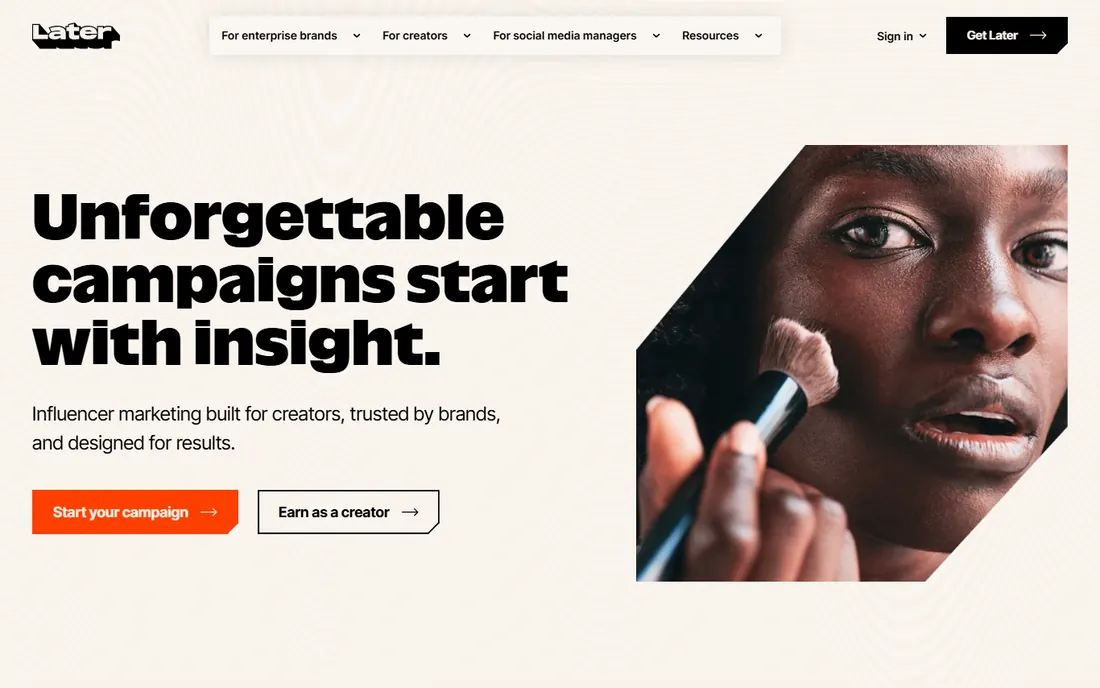
Later grew up as an Instagram scheduler, and its visual planner is still the easiest way to lay out a grid. The analytics module covers post performance, story insights, audience demographics and best times to post, which is enough for most small brands to spot what works. The Link in Bio feature turns the bio link into a mini landing page with clickable posts.
The analytics will not satisfy a data-hungry agency; there is no real competitor benchmarking and reporting options are modest. Later suits creators and small brands that plan visually and want analytics as a supporting feature rather than the main event. A free plan is available for getting started.
What we like- Visual drag-and-drop content calendar
- Link in Bio tooling
- Instagram-first heritage
Watch out for- Analytics are lighter than dedicated tools
- Best features need higher tiers
Starting price$6/channel/month
Free planFree plan
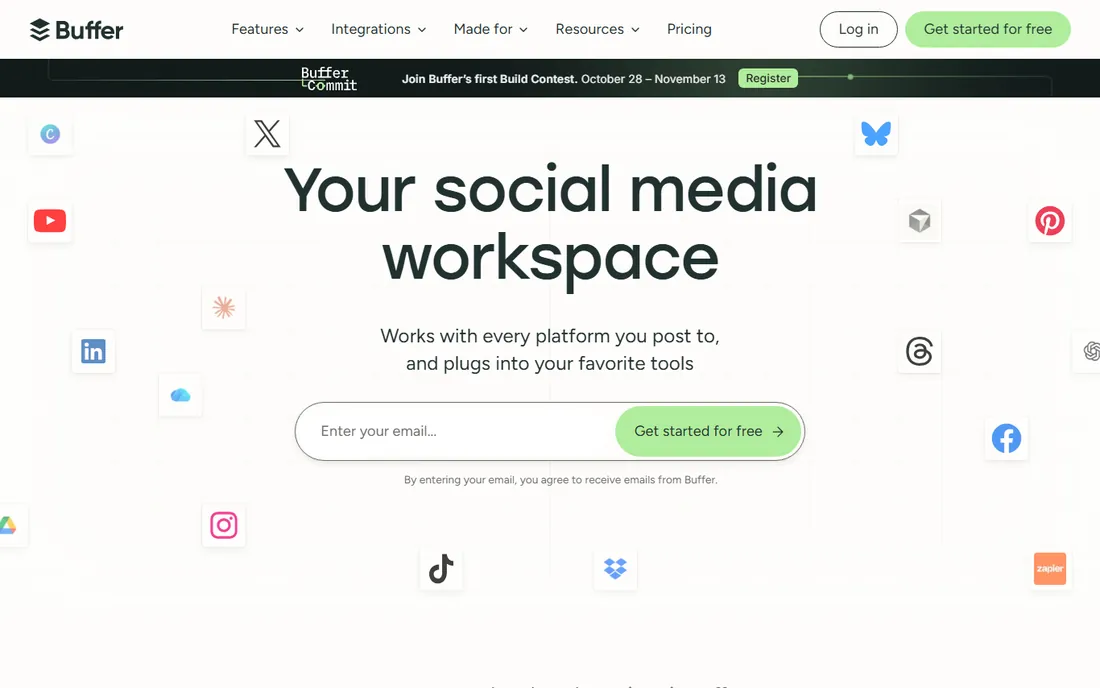
Buffer keeps things deliberately simple. Connect Instagram, schedule posts, and see reach, engagement and follower growth in a clean dashboard next to your content calendar. Pricing is per channel starting at $6 per month, so a brand with Instagram and Facebook pays for exactly two channels and nothing more. The free plan covers up to three channels.
What you give up is depth: no competitor analysis, no hashtag analytics, no AI insights. Buffer is for teams that want scheduling with enough analytics to know whether posts are working, not for teams whose job is analysis. For that narrow job, the simplicity is the selling point.
What we like- Clean, simple interface
- Channel-based pricing is fair for small setups
- Solid free plan
Watch out for- Analytics are basic
- No competitor tracking
Starting priceSee website
Free planFree trial
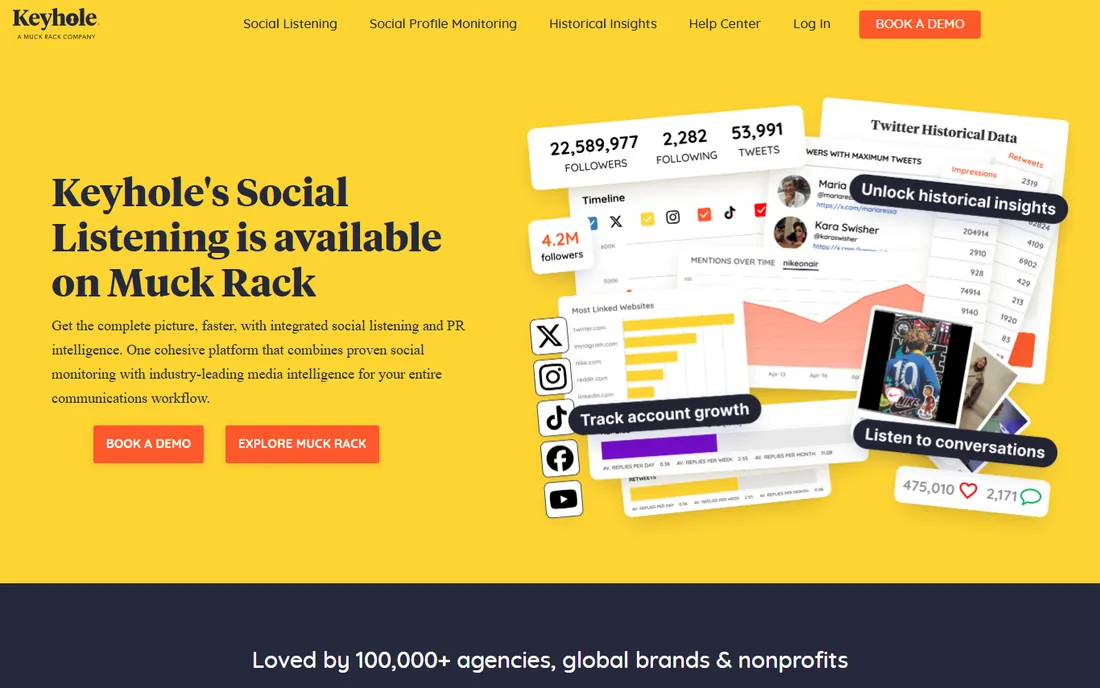
Keyhole does one thing well: tracking conversations. Point it at a hashtag, keyword or account and it reports reach, impressions, sentiment and top contributors in real time. That makes it the right tool for campaign monitoring, event hashtags and brand mention tracking rather than day-to-day account analytics.
The dashboards are shareable, which agencies like for client reporting, and there is an influencer tracking module for campaign measurement. Pricing is quote-based with a free trial. Choose Keyhole when the question is "how did our hashtag perform" rather than "how is our account growing."
What we like- Real-time hashtag and keyword tracking
- Campaign dashboards
- Influencer tracking add-on
Watch out for- Narrower feature set than suites
- Pricing is quote-based
Starting priceSee website
Free planNo
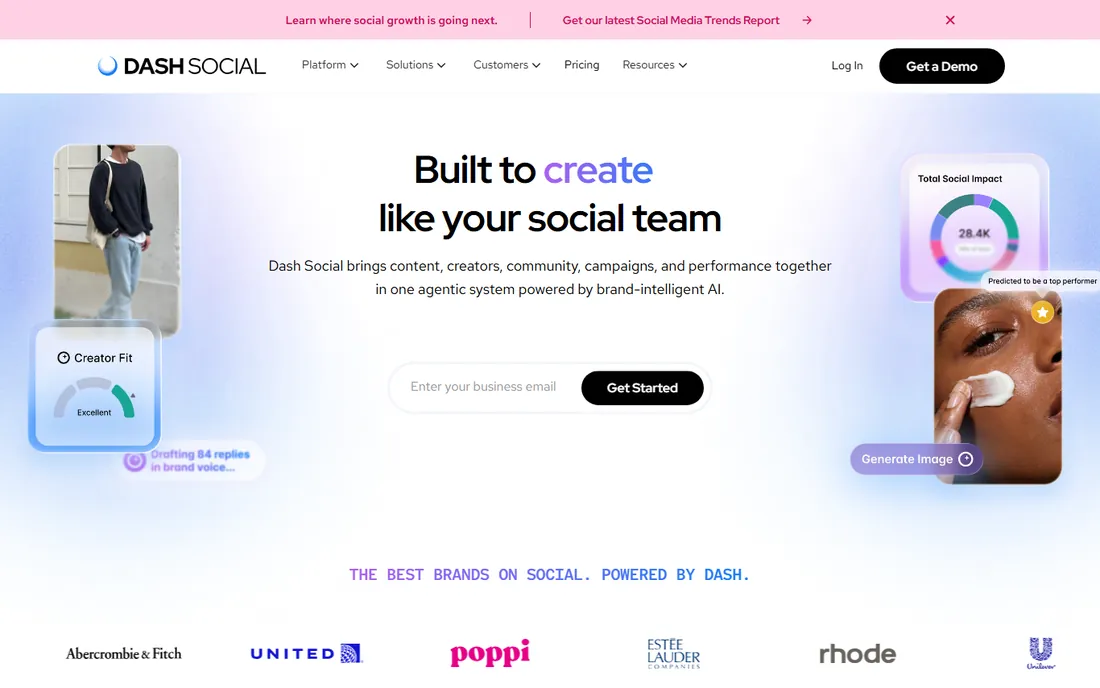
Dash Social (formerly Dash Hudson) serves image-driven brands in fashion, beauty and retail. Its analytics focus on visual performance: which creative styles, colors and formats drive engagement, plus predictive scoring for content before it is published. The platform also handles UGC collection, rights management and shoppable galleries.
This is an enterprise-leaning tool with demo-based pricing and no free tier. Smaller brands will find it oversized and overpriced. For a retail brand where Instagram is a revenue channel and creative testing is constant, the visual analytics justify the conversation.
What we like- Strong visual content performance analytics
- UGC and creator workflow tools
- Built for Instagram and TikTok
Watch out for- No public pricing
- Geared toward larger brands
What actually matters when you compare them
Start with the question you need answered. "How is our account doing" is a different tool than "what are competitors posting" or "did our campaign hashtag take off." Account analytics, competitor benchmarking and campaign tracking are three separate jobs, and few tools do all three well. Buying a suite for one job wastes money; buying a specialist for the wrong job wastes time.
Check data history limits. Some tools only show 90 days of historical data on lower tiers, which makes year-over-year comparisons impossible. If trend reporting matters, confirm the lookback window before you pay.
Confirm which metrics come from Instagram's API. Third-party tools can only report what the API allows, so reach and engagement definitions should match Instagram Insights. If a tool's numbers disagree wildly with native Insights, trust the native data for your own account.
Finally, look at export and reporting. If you send monthly reports to a client or a manager, white-label PDFs and scheduled email reports save hours. Agencies should weight this heavily; in-house teams can live with dashboards.
How we chose
We shortlisted the tools that appear most often in current buyer guides and agency recommendations, then verified each one is an active product with a live site. Pricing figures come from vendor pricing pages and recent published comparisons; where pricing is quote-based we say so instead of guessing. We favored tools with genuine Instagram depth over generic social suites, and we weighted free and low-cost options because most Instagram marketers work with small budgets. No hands-on testing was performed; assessments rest on documentation, pricing pages and public reviews.
Pricing, explained
The market splits into three bands. Free and budget tools (Metricool, Buffer, Later) run $0 to $25 per month and cover the basics well. Mid-market analytics (Socialinsider at $99 per month, Iconosquare) add competitor benchmarking and deeper reporting. Enterprise suites (Sprout Social from $199 per seat per month, Dash Social, Hootsuite) bundle analytics with publishing, inbox and listening at much higher total cost.
Watch per-seat versus per-channel pricing. Sprout charges per seat, Buffer charges per channel, and Metricool charges per brand. For a team of five managing three accounts, those models produce very different totals. Model your actual team before comparing headline prices.
Reporting to clients and stakeholders
The analytics tool is only half the job. The other half is turning its data into reports that clients, bosses or brand partners actually read. A good Instagram report answers three questions: what happened, why it happened, and what we do next. Most reports fail on the second and third. They dump charts without interpretation, leaving the reader to guess what the numbers mean. The fix is commentary. Every chart gets two or three sentences explaining the story behind it. Reach spiked in week three because the Reel about the product launch was shared by two large accounts. Saves are climbing on carousel posts, which suggests the educational content is working. That kind of narration turns data into decisions.
Frequency matters more than most people think. Weekly reports suit active campaigns where tactics change fast. Monthly reports suit retainers and brand partnerships where the story needs time to develop. Daily reporting is almost never worth it; the noise overwhelms the signal and you train stakeholders to obsess over normal fluctuation. Whatever cadence you choose, keep it consistent. A report that arrives every first Monday builds trust. A report that arrives whenever someone remembers does not.
Structure the report the same way every time so readers learn where to look. Start with the headline numbers: followers gained, total reach, engagement rate, profile visits, website taps. Then show content performance: the top three and bottom three posts with a sentence on each. Then audience insights: who is engaging, when they are online, which segments grew. Close with next steps: two or three specific actions for the coming period, tied to what the data showed. This structure works for a freelancer reporting to a local business and for an agency reporting to a national brand. The depth changes; the shape does not.
Tie everything to business outcomes, not vanity metrics. Follower count is the least useful number in the report, yet it usually leads. Lead with the metrics that connect to money or mission: website taps and link clicks for lead generation, saves and shares for content resonance, DMs and comments for community health, branded hashtag uses for campaign reach. When a stakeholder asks why engagement dipped, the answer should reference content mix and posting cadence, not apologize. Analytics tools give you the numbers; your job is to supply the judgment.
White-labeling matters for agencies. Clients should see your logo, not the software vendor's. Most serious tools here offer white-labeled PDF or dashboard reports. Set up the template once with the client's branding, then generate monthly with fresh data. The time saved compounds across a client roster. Also consider live dashboards for clients who want to check numbers themselves. A shared dashboard link reduces "can you send me the numbers" emails to zero, and the client feels in control without needing your time.
Finally, archive everything. Keep every report you send, with the data behind it. Six months later, when a client asks whether Instagram is "working," you will have the trend lines to answer honestly. Year-over-year comparisons are the most persuasive evidence in marketing, and they only exist if you saved the history. Export the raw data monthly, not just the pretty PDF. The PDF persuades; the spreadsheet proves.
Frequently asked questions
What is the best free Instagram analytics tool?
Instagram Insights itself is free and the most accurate for your own account. For competitor tracking on a budget, Metricool's free plan and Buffer's free plan are the strongest options. Both give real analytics without a credit card.
Can analytics tools track my competitors' Instagram accounts?
Yes, for public accounts. Tools like Socialinsider, Iconosquare, Metricool and Keyhole can track public competitor profiles, including follower growth, engagement rates and posting frequency. They cannot see private accounts or data Instagram keeps private, such as story viewers on other accounts.
Why do third-party numbers differ from Instagram Insights?
Small differences are normal. Tools pull data through Instagram's API on a schedule, so there can be delays, and each vendor defines metrics like reach slightly differently. For your own account, Instagram Insights is the source of truth. Use third-party tools for trends and competitors.
Do I need a paid tool if I only manage one account?
Usually not. Instagram Insights plus a free tier from Metricool or Buffer covers most single-account needs. Pay when you need competitor benchmarking, client reporting, or analytics across several accounts.
What metrics should a small business track on Instagram?
Track engagement rate, reach, follower growth, profile visits and website taps. Saves and shares matter more than likes because they signal real interest. Review weekly, and compare against your own past performance rather than chasing viral accounts.
Can these tools schedule posts too?
Many can. Iconosquare, Metricool, Hootsuite, Later, Buffer and Sprout Social all include scheduling alongside analytics. Pure analytics tools like Socialinsider and Keyhole do not, so pair them with a scheduler if you need both.
Sources we checked (12)
- https://www.iconosquare.com/pricing
- https://metricool.com/pricing
- https://www.socialinsider.io/pricing
- https://sproutsocial.com/pricing
- https://www.hootsuite.com/plans
- https://later.com/pricing
- https://buffer.com/pricing
- https://keyhole.co/pricing
- https://www.dashsocial.com/
- https://socialinsider.io/blog/instagram-analytics-tools/
- https://allyhub.com/blog/instagram-competitor-analysis-tools
- https://www.socialpilot.co/insights/metricool-pricing
Is your product missing or out of date?
We review this list regularly. Vendors can request a listing, send updated pricing or ask about featured placement.

Shihab Mia · Founder, Rankite
Shihab has spent more than a decade helping SaaS and e-commerce brands grow through search. He writes Rankite's software buying guides from pricing pages, documentation and public user reviews. More about Shihab.