How we make this list: we compare pricing pages, product documentation and public user reviews. Rankite is independent; if a vendor ever pays for a featured spot, that listing is clearly labeled Partner.
Key takeaways
- Most offices need one of three things: power search over a huge archive (dtSearch), everyday desktop and email search (Copernic, Lookeen, X1 Search) or a way to turn paper into searchable documents first (ABBYY FineReader PDF, FileCenter).
- An index only finds text that exists. If your documents are scans, OCR quality decides everything, and it deserves its own test before you buy anything else.
- Free is a real option: DocFetcher is a capable open-source desktop search tool, and most paid tools offer trials of 14 to 30 days.
- Match the tool to the searcher. One researcher with a giant archive wants dtSearch. An office of twenty where everyone loses files wants something simple like Copernic or FileCenter.
Quick comparison
| Tool | Best for | Starting price | Free plan |
|---|
 dtSearch dtSearch | power search over huge archives | See website | Free trial |
 Copernic Desktop Search Copernic Desktop Search | everyday desktop and email search | See website | Free trial |
 Lookeen Lookeen | Outlook and desktop search | See website | Free trial (14 days) |
 DocFetcher DocFetcher | free open-source document search | Free | Yes |
 X1 Search X1 Search | unified search across email and cloud | See website | Free trial (14 days) |
 ABBYY FineReader PDF ABBYY FineReader PDF | OCR and searchable PDFs | See website | Free trial |
 FileCenter FileCenter | paperless office with OCR search | $197 one-time | Free trial (15 days) |
 DocuWare DocuWare | document management with indexing | See website | Free trial |
Is your product missing or out of date?
We review this list regularly. Vendors can request a listing, send updated pricing or ask about featured placement.
The best indexing software
There is a stubborn belief that indexing software will organize your files for you. It will not. What the best tools do is different and, for most offices, more useful: they build a searchable map of your documents exactly as they are, messy names and all, so you can find anything by the words inside it. Understanding that distinction saves you from buying the wrong category. This guide covers the tools that make documents findable, from OCR engines that create searchable text to desktop search tools and full document management platforms.
Starting priceSee website
Free planFree trial
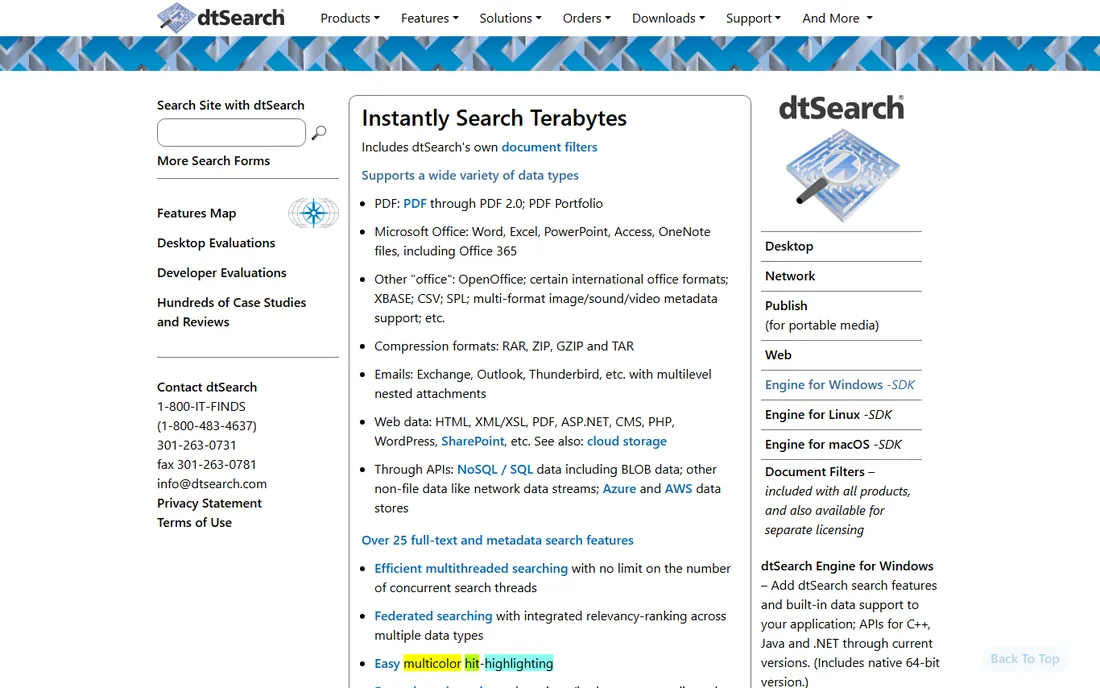
When the archive is measured in terabytes and the search has to be exact, dtSearch is the tool investigators, lawyers and records managers reach for. You point it at folders, email archives or network drives, it builds an index, and then queries return in roughly a second, with stemming, fuzzy matching, proximity and Boolean operators that consumer search tools cannot touch. It understands PDF through PDF 2.0, Office formats, archives like ZIP and RAR, and multilevel nested email attachments.
dtSearch sells desktop and enterprise editions rather than publishing a simple price list, so expect to check the site or talk to sales. The interface shows its age, and the first indexing pass over a very large archive runs for hours. After that, the speed is remarkable. If your problem is finding needles in very large haystacks, few products compete.
What we like- Searches terabytes of text in about a second
- Handles dozens of file types plus email archives
- Boolean, fuzzy and proximity operators
Watch out for- Dated interface
- Windows-focused desktop editions
- Building the first index over a large archive takes time
Starting priceSee website
Free planFree trial
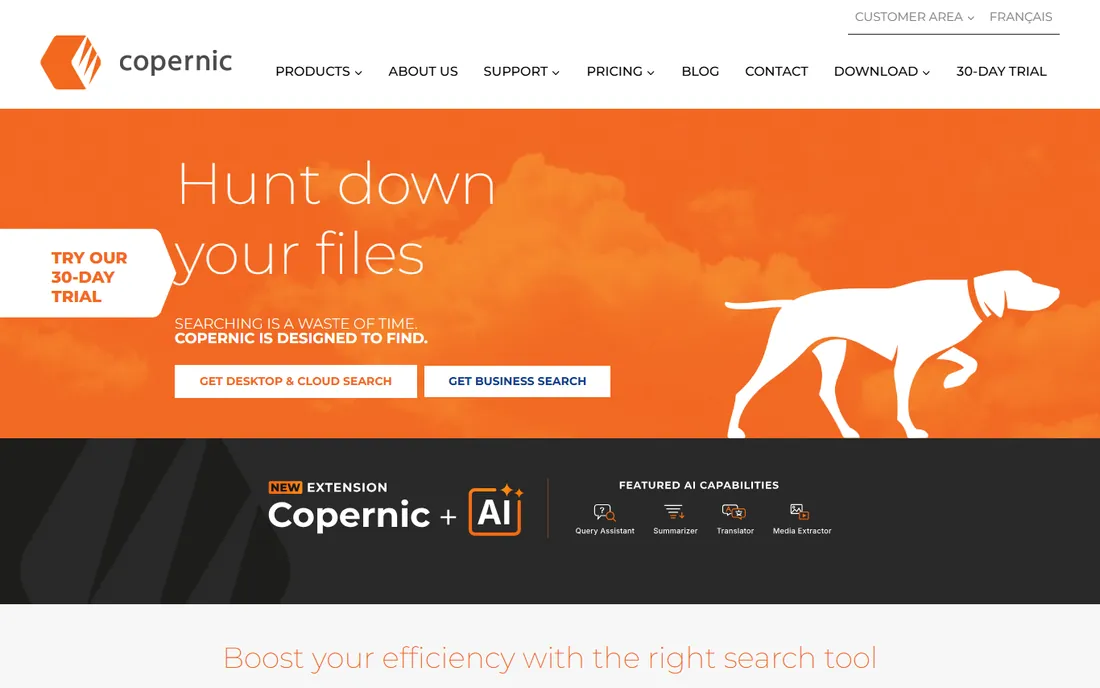
Copernic takes the opposite approach from dtSearch. Instead of maximum power, it aims to be the desktop search most employees will actually use. It indexes files, emails, attachments and cloud drives such as Dropbox, Google Drive and OneDrive, then answers queries as you type with previews and highlighted matches. Recent editions add AI features such as semantic search and document summaries.
Plans are subscription-based across tiers from Basic up to Business and Server Search, and the vendor sells extensions for items like Outlook 365 online search and image text recognition. The entry plan caps how much you can index, so check the tiers against the size of your data. For a typical office where everyone loses files, Copernic is friendlier than anything with a query language.
What we like- Indexes files, email and cloud drives
- Approachable interface for non-technical users
- AI-assisted search features in current editions
Watch out for- Windows only
- Subscription pricing
- Entry tiers limit how much you can index
Starting priceSee website
Free planFree trial (14 days)
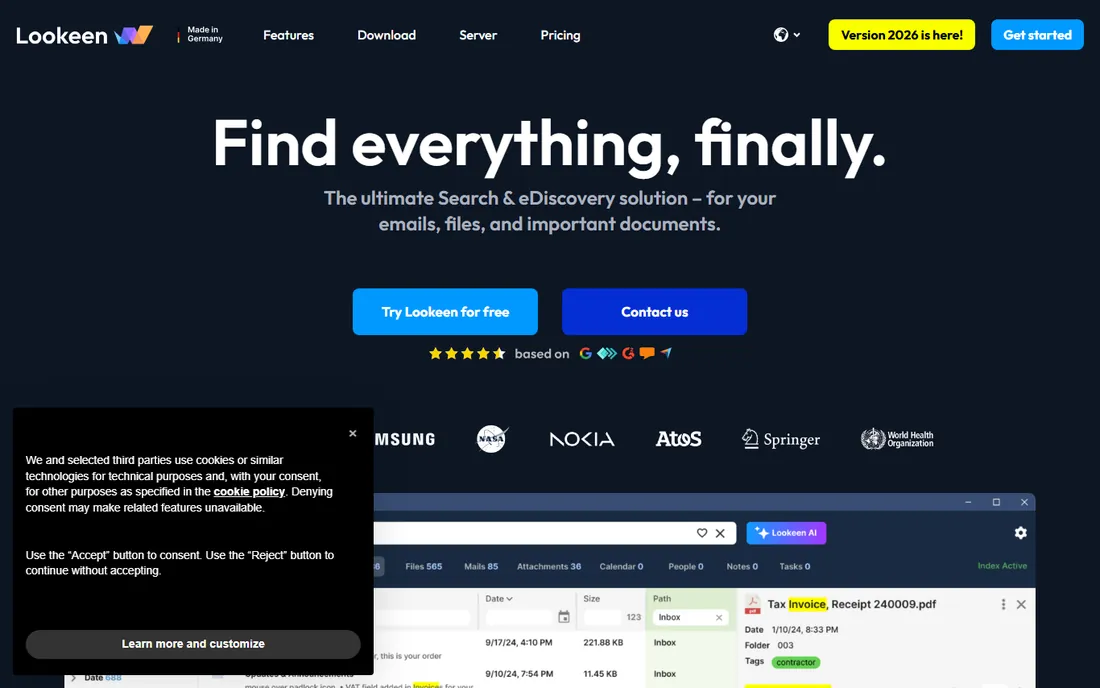
Outlook's built-in search is the reason Lookeen exists. The German-made tool plugs into Outlook and indexes emails, attachments, appointments, tasks and contacts, including PST archives and Exchange servers, plus desktop files and network drives. Search is instant even across years of email, which is the specific pain it was built to kill. The vendor states full functionality is free to test for 14 days, and current editions include an AI assistant that can summarize documents and surface key points.
Lookeen offers desktop, on-premise server and private cloud options, and pricing runs through its sales pages rather than a simple public price list. The obvious limitation is scope: if your team has moved to webmail or Mac, look elsewhere. For the Outlook-heavy office, it remains the best fix for the search problem staff actually complain about.
What we like- Excellent Outlook and Exchange search including PST archives
- Instant results across years of email
- Built-in AI assistant for summaries
Watch out for- Windows and Outlook-centric
- Desktop and enterprise editions can confuse buyers
- Data stays local, which some cloud-first teams dislike
Starting priceFree
Free planYes
For offices with no software budget, DocFetcher answers an awkward question: why pay for desktop search at all. This open-source tool indexes the folders you point it at, covering Office documents, PDFs, Outlook PST files, archives, e-books and more, then searches them in milliseconds with a serious query syntax including wildcards, phrase search, fuzzy matching and proximity operators. Portable versions let you carry a fully indexed, searchable document repository on a USB drive.
The trade is effort. Unlike commercial tools that index everything by default, DocFetcher indexes nothing until you tell it what matters, which means setup work and judgment calls. The interface is functional rather than polished. But it costs nothing, collects no data, and runs on Windows, Linux and macOS. For a small team that just needs reliable full-text search, it is hard to argue with free.
What we like- Completely free and open source
- Powerful query syntax with wildcards, fuzzy and proximity search
- Portable versions run from a USB drive
Watch out for- You choose what to index, which adds setup work
- Dated interface
- No cloud-drive or modern AI features
#5
X1 Search
Best for: unified search across email and cloud
Visit x1.com
Starting priceSee website
Free planFree trial (14 days)
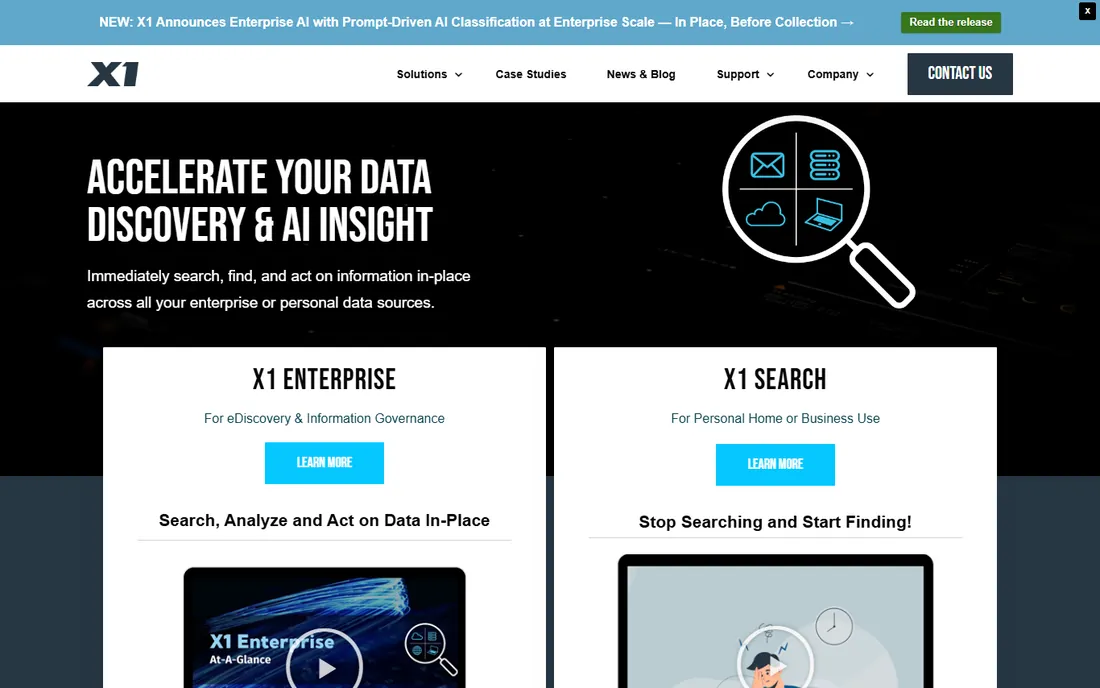
X1 Search answers a different question: what happens when the documents you need are no longer on your computer. It indexes Outlook, Gmail, Teams chats, Slack, SharePoint, Google Drive and local files into a single fast search, with patented fast-as-you-type results, hit highlighting and previews in native format. The company reports more than 600,000 users across 20,000 organizations, and a vendor brief offers a 14-day trial.
X1 also sells an enterprise line for eDiscovery and information governance, which explains why buying can feel enterprise-flavored even for the personal edition. If your team lives across email and cloud apps and the answer might be in a chat thread, X1 is the most complete unified search in this list. If everything you own sits on one shared drive, it is more than you need.
What we like- One search across Outlook, Gmail, Teams, Slack and cloud drives
- Fast-as-you-type results with full-fidelity preview
- Individual purchase available on the site
Watch out for- Purchase details run through sales contact
- Microsoft 365 focus
- Enterprise editions add complexity for simple needs
Starting priceSee website
Free planFree trial
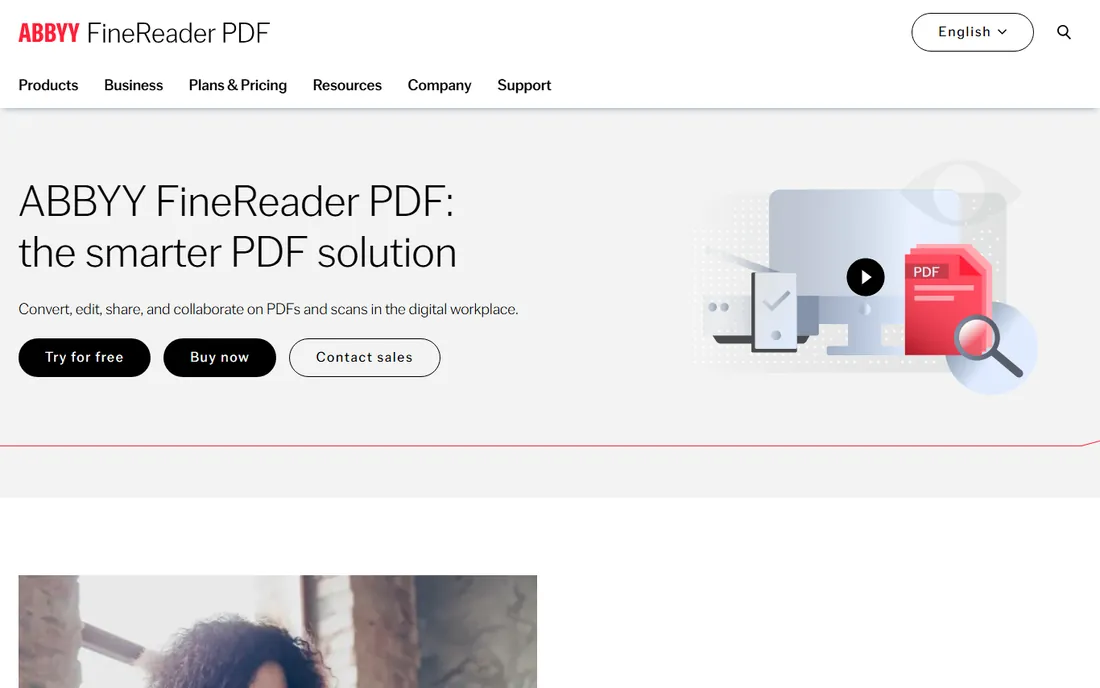
Before any search tool can find text, the text has to exist. That is where ABBYY FineReader PDF earns its place. Its OCR engine converts scans, photos and image PDFs into searchable, editable documents in 198 languages, preserving layout when converting to Word, Excel or searchable PDFs. It also compares document versions and edits PDFs directly, which makes it a working PDF tool as well as an OCR engine.
FineReader is a PDF tool first and an indexer second: once documents are searchable, you find them with whatever search you already use. Pricing runs through its licensing pages and quote process rather than a published plan, so budget a conversation. The free trial is worth running on your worst scans, because that is where the quality gap between OCR engines shows up.
What we like- Best-in-class OCR accuracy in 198 languages
- Converts scans to editable Word, Excel and searchable PDF
- Document comparison tools
Watch out for- Pricing is not published on the product page
- Heavier than a pure search tool
- PDF editing is good but not its main strength
Starting price$197 one-time
Free planFree trial (15 days)
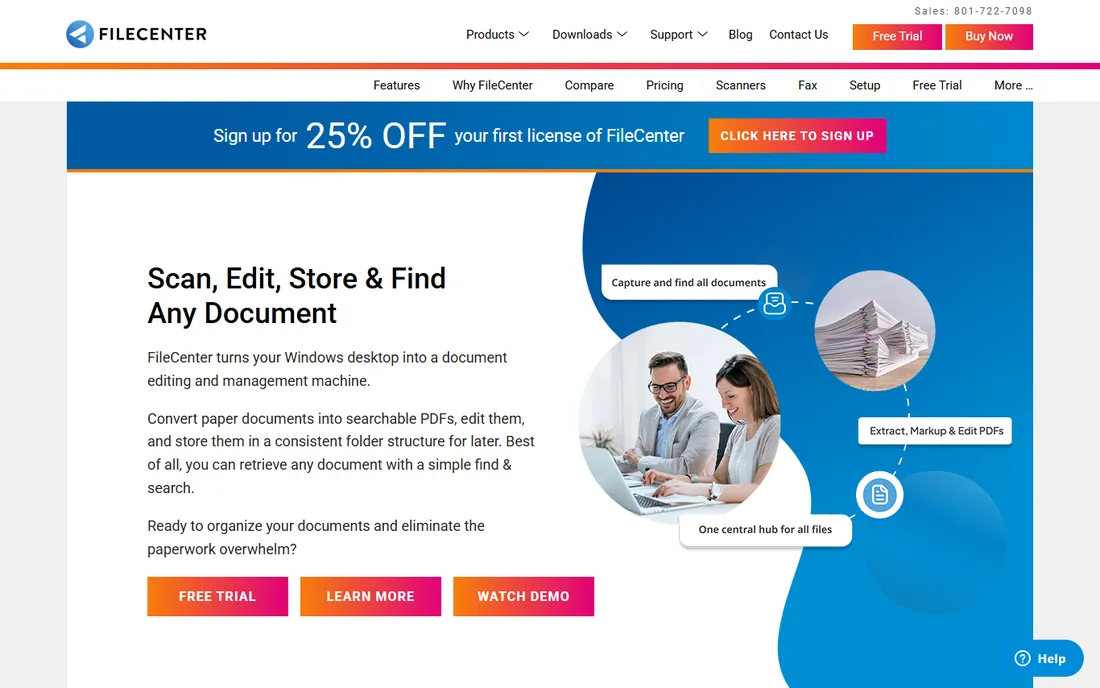
FileCenter is not really a search tool with extras. It is a paperless-office kit that includes search. It scans paper, runs OCR, converts to searchable PDFs and provides full-text search across everything, organized in electronic filing cabinets that feel familiar to anyone who has used a real one. The vendor lists a price of 197 USD with one-time licensing, and a company release for FileCenter 12 mentions a 15-day free trial.
The approach is deliberately simple rather than enterprise-grade: Windows-only, cloud integration through synced folders with Google Drive, OneDrive and Dropbox, and an interface that prioritizes clarity over beauty. For an office of five to twenty people drowning in paper, that simplicity is the point. Run the trial on a real scanning project and judge it on how little training your staff need.
What we like- Scan, OCR and full-text search in one package
- One-time license with no subscription
- Familiar e-file-cabinet interface
Watch out for- Windows only
- Cloud integration works through folders rather than native sync
- Interface favors function over looks
Starting priceSee website
Free planFree trial
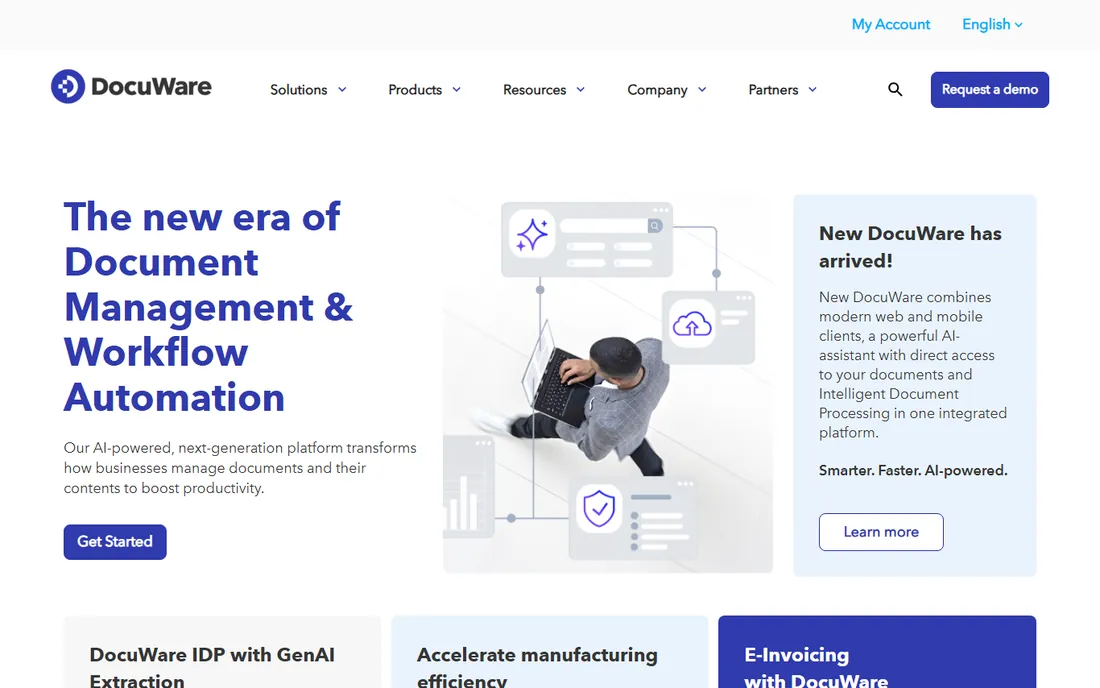
At the far end of the scale, DocuWare is not something you install on one computer. It is a system the whole company files into. Paper and digital documents go in, get indexed automatically with OCR and metadata, and come out findable through full-text search plus workflow automation, version control and audit trails. The current platform adds an AI assistant that answers questions from your own documents and intelligent document processing that extracts data from invoices and forms.
Because it is a platform, pricing runs through quotes and implementation deserves real planning. DocuWare has been named a Challenger in the 2026 Gartner Magic Quadrant for Document Management, which tells you the audience it plays to. Choose it when indexing is one part of a bigger paperless-office project, with approvals, retention and compliance, rather than when you only need faster search.
What we like- Full document management with intelligent indexing
- Built-in AI assistant and document processing
- Strong workflow and compliance tools
Watch out for- Pricing is quote-based
- More than a pure indexing tool
- Needs planning for larger rollouts
How we chose
We reviewed vendor product pages, documentation and independent reviews, and we defined indexing software as tools that make documents findable: OCR engines that create searchable text, desktop search tools that index files and email, and document management platforms with built-in indexing. We favored tools a small or mid-size US business can actually buy and run, and we dropped any product that looked discontinued or whose vendor site could not be verified. No hands-on testing was involved, so treat this as research-based guidance rather than a trial report.
What kind of indexing problem do you have
Start by naming the problem, because the three categories here solve different ones. If your documents are paper or image-only scans, you need OCR first, which points to ABBYY FineReader PDF or FileCenter. If your documents are already digital but scattered across drives, email and cloud apps, you need desktop search, which points to dtSearch, Copernic, Lookeen, X1 Search or DocFetcher. If the problem is process, approvals, retention and version control, you need document management, which points to DocuWare.
Then consider who searches. One researcher with a giant archive wants dtSearch's power. Everyone in the office wanting faster everyday search wants Copernic's or Lookeen's simplicity. The Outlook-dependent team wants Lookeen. Matching the tool to the searcher matters more than comparing feature lists, and it is the step buyers skip most often.
Test with your own worst documents
Run every trial against your hardest material, not a clean sample. Index the scanned contract with coffee stains, the ten-year-old PST archive, the shared drive with no naming conventions. That is the data the software has to handle, and the trial is your only chance to see it fail before you pay. Most tools here offer 14 to 30 days, and DocFetcher costs nothing at all, so there is no reason to buy blind.
Give each tool at least a few days of real use, because first impressions of search tools are often wrong in both directions. A tool that feels slow on day one may simply be building its first index. A tool that feels fast on a small sample may choke on your real archive. The trial exists to answer exactly these questions.
OCR quality is the part you cannot fix later
A search tool can only find text that exists. If the OCR engine garbles your scans, the index inherits those errors and searches silently miss documents, which is worse than no search at all. This is why OCR quality deserves its own evaluation: run the same bad scan through two tools and compare what they extract. ABBYY's reputation exists because its engine reads poor scans that others mangle.
Once documents are committed to an archive with bad OCR, fixing them means reprocessing everything, so get this right at the start. If you buy a document management platform like DocuWare, check whose OCR engine it uses under the hood and test it the same way. The index is only as good as the text fed into it.
Frequently asked questions
What is indexing software?
Indexing software builds a searchable index of your documents so you can find them by the words inside them, not just their file names. Some tools do this by OCRing scanned paper into searchable text, others crawl your existing digital files, emails and cloud drives and build an index you can query in seconds.
Is desktop search different from Windows built-in search?
Yes. Windows search covers fewer file types, struggles with email archives and slows down on large collections. Dedicated tools like dtSearch, Copernic and Lookeen index far more formats, handle PST and OST archives, and return results in seconds where Windows can take minutes or miss documents entirely.
Do we need OCR if all our documents are already digital?
Probably not. OCR only matters for image-based content such as scans and photos of documents. If everything is native Word, Excel, PDF and email, a desktop search tool is the right purchase and you can skip the OCR-focused products.
Can indexing software handle our email archives?
Most of the search tools here can. dtSearch, Copernic, X1 Search and Lookeen all index Outlook data including PST and OST archives, with Lookeen and X1 going furthest into Exchange servers and Microsoft 365. Test with your actual archive size, because very large mailboxes are where weaker tools slow down.
Should we buy a one-time license or a subscription?
One-time licenses like FileCenter's suit stable needs and tight budgets, since you pay once and own the software. Subscriptions like Copernic's plans fund ongoing updates and cloud integrations. For a search tool you will use for years on a stable document set, the one-time license usually wins on total cost.
How long does it take to index a large archive?
The first index is the slow one. A few gigabytes finishes in minutes, while terabytes can take hours or overnight depending on file types and your computer. After the initial build, indexing updates incrementally in the background, so everyday use stays fast.
Sources we checked (13)
- https://dtsearch.com/
- https://copernic.com/
- https://copernic.com/en/desktop/pricing/
- https://lookeen.com/
- https://docfetcher.sourceforge.io/
- https://www.x1.com/
- https://pdf.abbyy.com/
- https://www.filecenter.com/
- https://www.docuware.com/
- https://en.wikipedia.org/wiki/Lookeen
- https://en.wikipedia.org/wiki/ABBYY_FineReader
- https://www.businesswire.com/news/home/20240403904723/en/5624002/New-X1-Search%E2%84%A2-Instantly-Finds-Information-Across-Microsoft-365-Google-Workspace-and-More-Using-a-Single-Search
- https://lifestyle.thepointnews.com/story/630085/filecenter-expands-pdf-and-document-workflow-tools-with-usability-upgrades/
Is your product missing or out of date?
We review this list regularly. Vendors can request a listing, send updated pricing or ask about featured placement.

Shihab Mia · Founder, Rankite
Shihab has spent more than a decade helping SaaS and e-commerce brands grow through search. He writes Rankite's software buying guides from pricing pages, documentation and public user reviews. More about Shihab.