How we make this list: we compare pricing pages, product documentation and public user reviews. Rankite is independent; if a vendor ever pays for a featured spot, that listing is clearly labeled Partner.
Key takeaways
- SharePoint is the default pick for companies already on Microsoft 365, since the repository comes bundled with the subscription you already pay for.
- Box and Egnyte are the strongest cloud-native options for secure sharing and compliance, with Egnyte adding hybrid on-premises support.
- M-Files organizes documents by metadata and context instead of folders, which suits companies drowning in scattered files.
- Laserfiche and DocuWare are built for records management and regulated industries, with workflow automation baked in.
- Alfresco, now part of Hyland, remains the open-source-rooted choice for organizations that want to customize their content platform.
Quick comparison
| Tool | Best for | Starting price | Free plan |
|---|
 Microsoft SharePoint Microsoft SharePoint | teams already on Microsoft 365 | Included with Microsoft 365 (from $6/user/month) | Free trial |
 Box Box | secure cloud content management | $7 per user/month (Business Starter) | Yes |
 DocuWare DocuWare | digitizing paper-heavy workflows | See website | Free trial |
 M-Files M-Files | metadata-driven document organization | See website | Free trial |
 Laserfiche Laserfiche | records management and compliance | See website | Free trial |
 Egnyte Egnyte | hybrid cloud and on-premises storage | $10 per user/month (Team) | No |
 Alfresco Alfresco | customizable open-source content platform | See website | Free trial |
Is your product missing or out of date?
We review this list regularly. Vendors can request a listing, send updated pricing or ask about featured placement.
The best document repository software
Starting priceIncluded with Microsoft 365 (from $6/user/month)
Free planFree trial
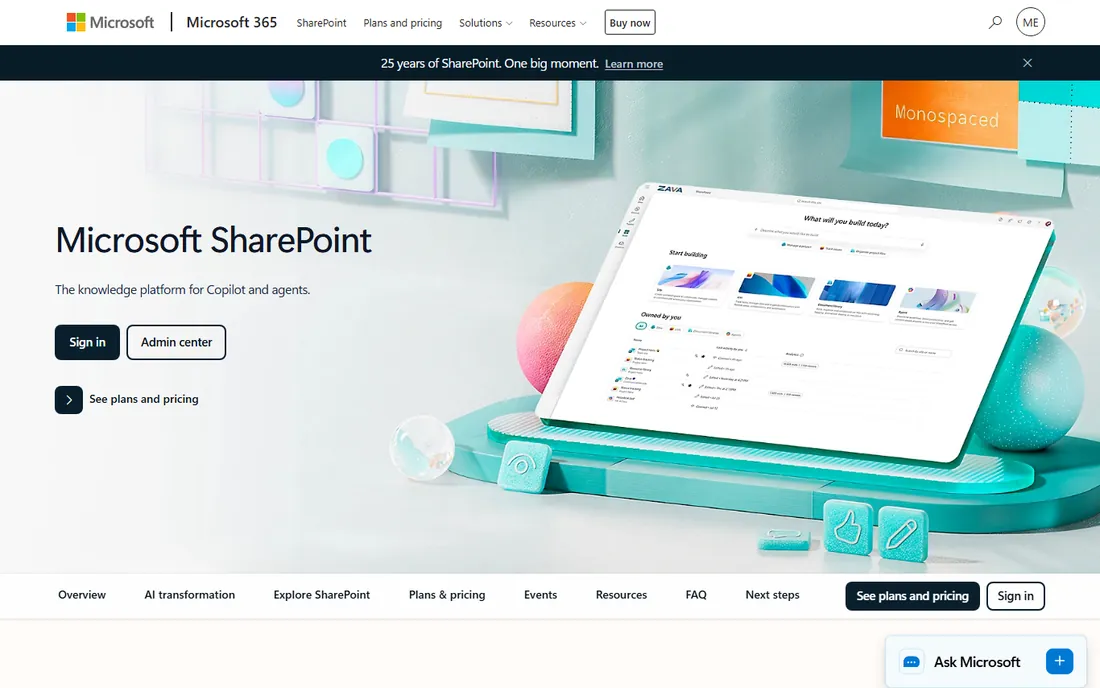
For most small and mid-size US companies, SharePoint wins by default. If you already pay for Microsoft 365, you already own a capable document repository: document libraries with version history, check-in and check-out, metadata columns, and permissions down to the individual file. Files shared in Teams channels live in SharePoint automatically, so adoption often happens on its own.
The strength is the ecosystem. Documents open in Word, Excel, and PowerPoint for the web, retention policies tie into Microsoft Purview, and Power Automate can route approvals without extra software. The honest catch is governance. Without someone owning site structure and naming conventions, SharePoint libraries sprawl into the same chaos they replaced. Assign an owner, set up a simple information architecture, and it is the best value in this guide.
What we like- Bundled with Microsoft 365 subscriptions
- Deep Teams and Office integration
- Granular permissions and versioning
Watch out for- Can sprawl without governance
- Search needs tuning on large libraries
- Administration is a real skill
Starting price$7 per user/month (Business Starter)
Free planYes
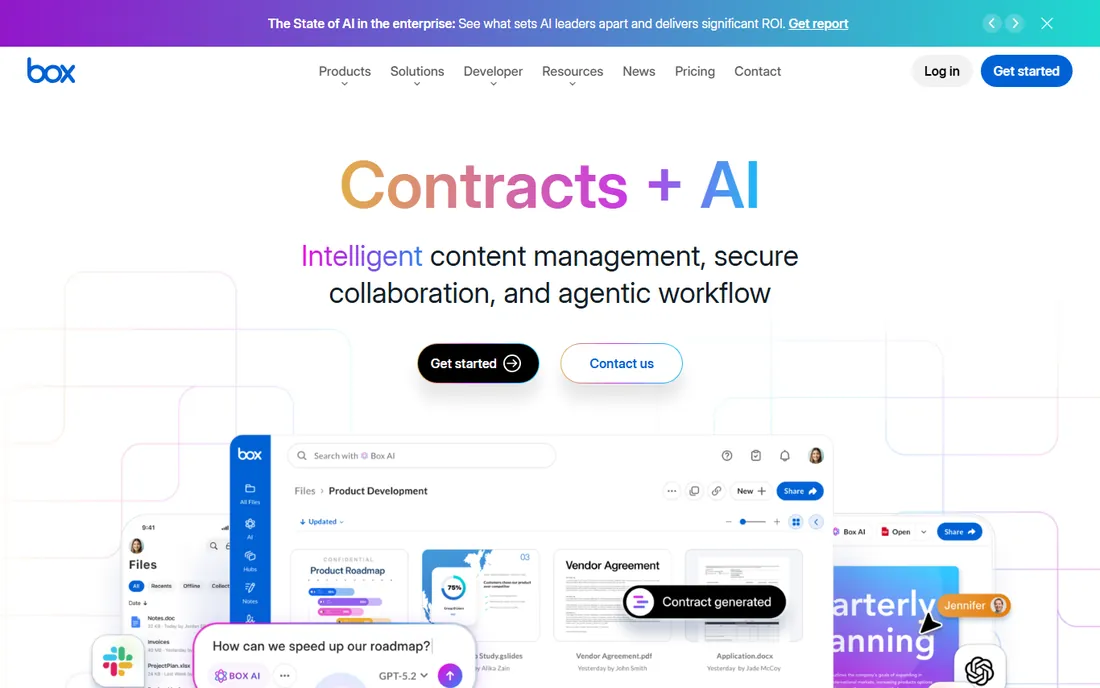
Box positions itself as intelligent content management rather than just storage, and the compliance story backs it up. HIPAA, GDPR, and FedRAMP certifications make it a natural fit for healthcare, finance, and legal teams that need a document repository auditors will accept. Box Relay adds no-code workflow automation for approvals and onboarding, and Box Sign covers e-signatures.
The free tier gives individuals 10GB, which is genuinely useful for evaluation. Paid business plans start at $7 per user per month for small teams, scaling to unlimited storage on higher tiers. The catch is that the granular admin controls and advanced security features that regulated companies need sit on the pricier plans. For a mid-size company standardizing on Google Workspace or a mixed app stack, Box is often the easiest repository to roll out.
What we like- Strong security and compliance certifications
- 1,500+ integrations
- Clean interface users actually adopt
Watch out for- Individual plans are pricey for the storage offered
- Business tiers need annual commitment for best pricing
- Advanced governance lives on higher plans
Starting priceSee website
Free planFree trial
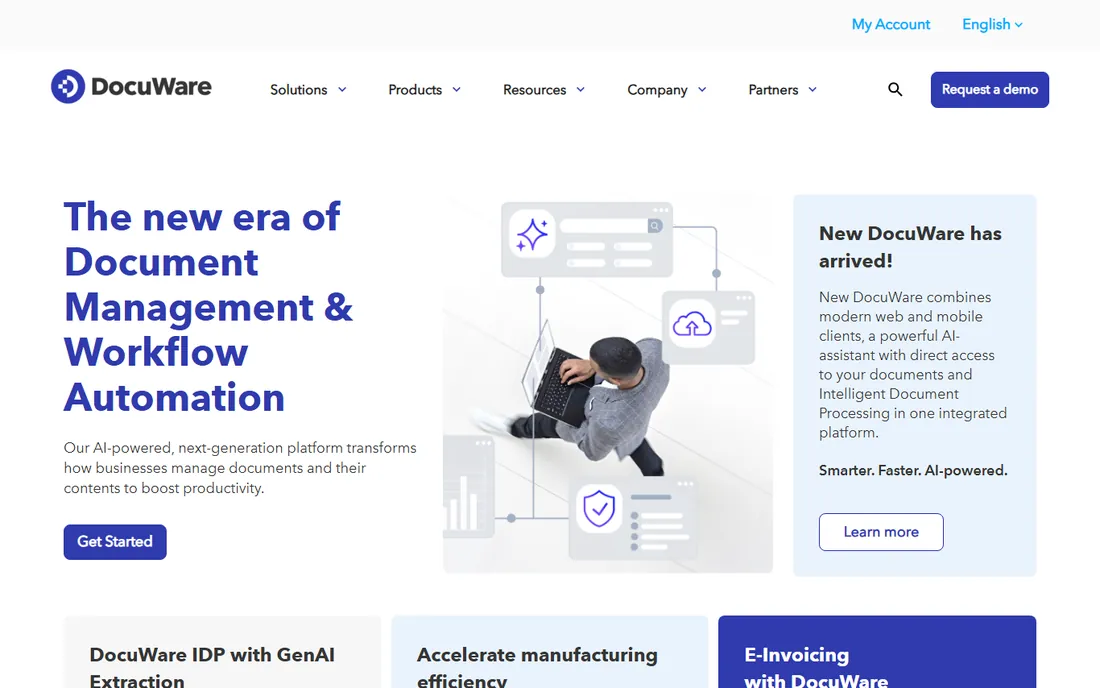
DocuWare has spent decades on one problem: turning paper and scattered files into an organized, searchable repository. Its capture tools scan, index, and file documents automatically, and the workflow engine routes invoices, contracts, and HR documents for approval without email chains. With over 19,000 customers, it is one of the most deployed document management systems in the mid-market.
The platform comes in identical cloud and on-premises versions, so IT teams with data-residency requirements have options. The trade-off is the buying experience. Pricing is quote-based and implementations typically run through authorized partners, which adds cost and time compared with self-serve tools. If your goal is simply cloud file storage, look elsewhere; if your goal is killing paper processes, DocuWare is built for exactly that.
What we like- Purpose-built for document capture and indexing
- Cloud and on-premises options
- Strong workflow automation
Watch out for- Quote-based pricing slows evaluation
- Interface feels enterprise-traditional
- Implementation usually needs a partner
Starting priceSee website
Free planFree trial
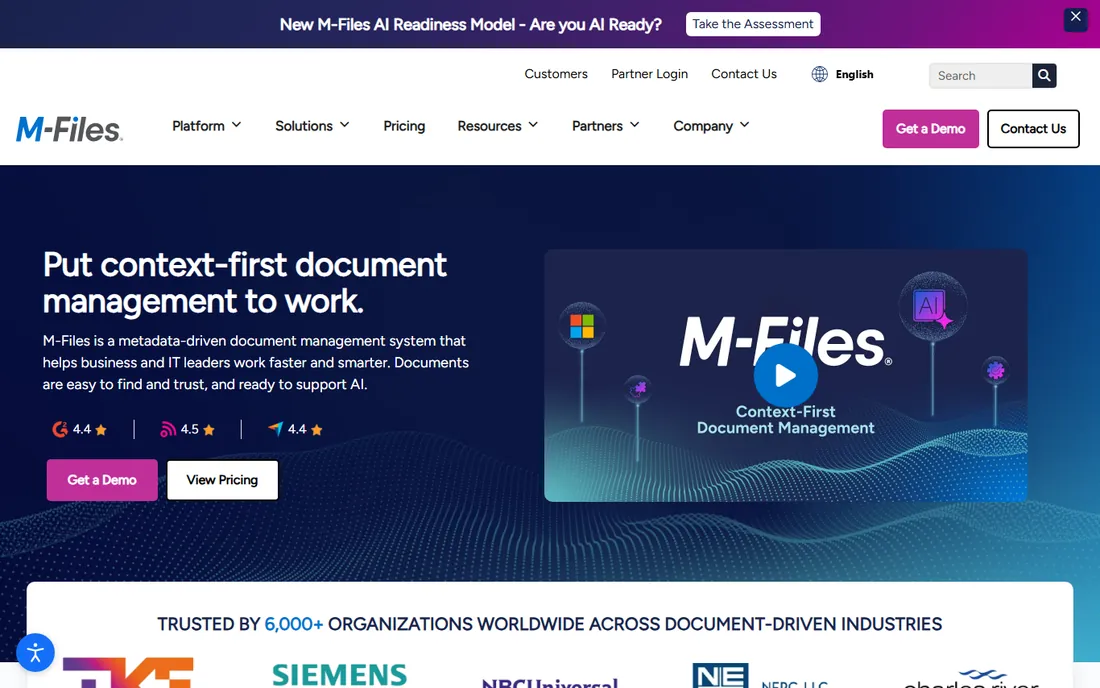
M-Files takes a fundamentally different approach: instead of folders, every document gets metadata tags like client, project, and document type, and you find things by describing them. Once set up, the same contract appears under its client, its project, and its matter without anyone filing three copies. For companies where people waste hours hunting for files, this model pays for itself.
Recent releases added Workspaces, which pull related documents, people, and processes into one view, and the platform integrates natively with Microsoft 365 so users keep working in familiar apps. The catch is that metadata-driven design requires upfront thinking about your content model; done poorly, it confuses people more than folders do. Pricing is quote-based, positioning it above self-serve tools but below heavyweight ECM suites.
What we like- Finds documents by what they are, not where they sit
- Deep Microsoft 365 and CRM integrations
- Strong governance and AI features
Watch out for- Quote-based pricing
- Metadata modeling takes planning
- Smaller user community than SharePoint
Starting priceSee website
Free planFree trial

Laserfiche is enterprise content management with records management in its DNA. Government agencies, banks, and healthcare organizations use it to enforce retention schedules, manage audits, and automate document-heavy processes with AI-assisted capture that reads invoice fields like PO numbers and totals. The drag-and-drop forms builder digitizes intake without developers.
Cloud plans start in the $45 to $55 per user per month range, which puts it firmly in the mid-market and up. The honest catch is complexity: users consistently report a learning curve, and the interface rewards training. For a small team that just needs shared folders with versioning, Laserfiche is overkill. For an organization where compliance failures have real consequences, it is one of the safest choices.
What we like- Serious records retention and compliance tooling
- AI-powered data capture
- Broad integrations including DocuSign and Salesforce
Watch out for- Pricing starts around $45-55 per user per month and climbs
- Steep learning curve
- Can feel heavy for simple storage needs
Starting price$10 per user/month (Team)
Free planNo
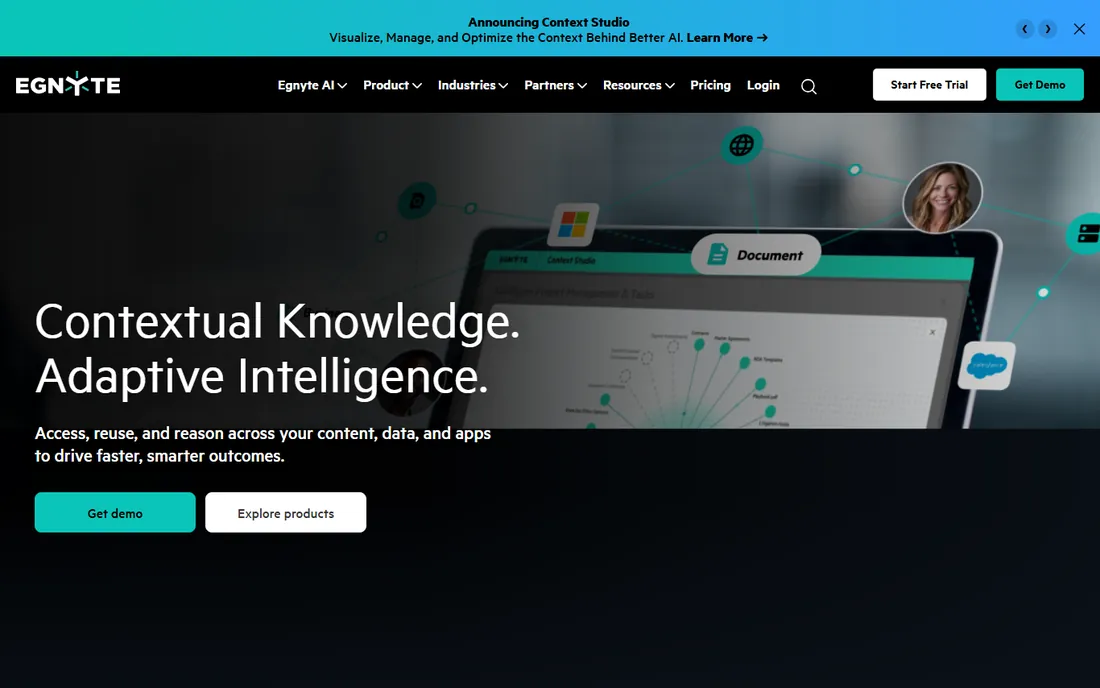
Egnyte's hybrid model is genuinely distinctive: it connects on-premises storage to the cloud in one interface, so a firm with terabytes of CAD files on a local NAS gets cloud backup and remote access without migrating everything. Edge caching keeps large files fast locally, and ransomware detection watches file behavior to freeze suspicious encryption before it spreads.
Plans start at $10 per user per month for small teams, with business tiers adding compliance and AI features. The catch is that Egnyte is built for IT administrators first; setup and governance assume someone technical is driving. Teams without dedicated IT will find Box or SharePoint easier to live with. For architecture, engineering, and manufacturing firms with heavy files and compliance needs, Egnyte is hard to beat.
What we like- Unique hybrid architecture links local NAS with cloud
- Ransomware detection
- Strong large-file and CAD support
Watch out for- No free plan
- Setup needs IT involvement
- Interface is admin-oriented rather than user-friendly
Starting priceSee website
Free planFree trial
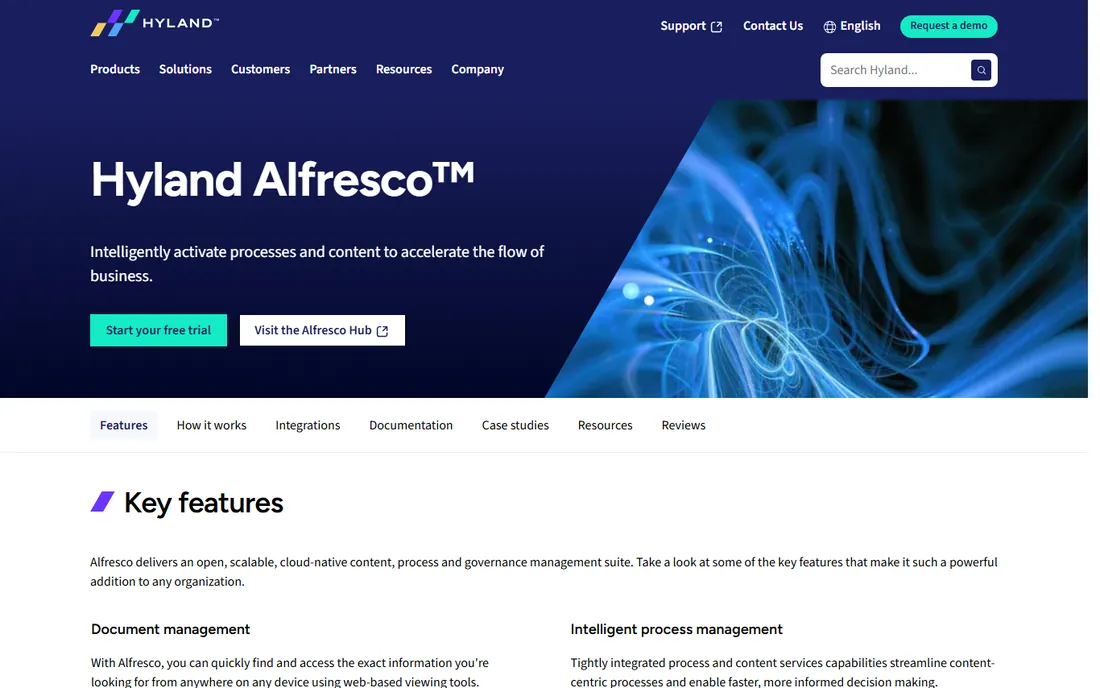
Alfresco began as the open-source alternative to expensive enterprise content management, and that DNA remains. Developers can build custom content applications on its APIs, model complex content types, and integrate with anything. Since becoming part of Hyland, it sits inside a larger content-services portfolio with serious governance credentials.
The trade-off is that Alfresco rewards technical teams and punishes casual ones. The community edition is free but self-supported, and the enterprise platform needs implementation expertise. Pricing is quote-based. For organizations with developers who want a repository they can shape exactly to their processes, Alfresco offers freedom the SaaS tools cannot. For everyone else, a managed platform will be cheaper in practice.
What we like- Open-source roots with deep customization
- Strong governance and compliance tooling
- Now backed by Hyland
Watch out for- Needs developers to get full value
- Community edition is self-supported
- Enterprise pricing is quote-based
Traditional repositories like SharePoint, Box, and Egnyte organize documents in folders, which everyone understands immediately. Metadata-driven systems like M-Files organize by attributes, which scales better once you have tens of thousands of documents but requires planning. A practical rule: under 10,000 documents, folders with good naming conventions and search are fine. Above that, or when the same document serves multiple teams, metadata starts paying off. Either way, decide the model before migration, because restructuring a live repository is painful.
How to choose the right document repository software
Start with what you already own. A Microsoft 365 subscriber gets SharePoint at no extra cost, and a Google Workspace shop may find Drive plus a tool like Box covers its needs. Next, list your non-negotiables: compliance certifications, retention policies, on-premises storage, or e-signatures. Regulated industries should shortlist Box, Laserfiche, and DocuWare; hybrid-storage needs point to Egnyte; deep customization points to Alfresco.
Then run a real pilot. Migrate one department's actual documents, test search with the terms people really use, and check permissions with a skeptical eye. Pricing in this category is often quote-based, so get written quotes for your exact user count and storage before comparing. The cheapest repository is the one your team actually uses, so weight adoption and admin effort as heavily as the feature list.
How we chose
We compared document repository platforms by reviewing vendor pricing pages, official documentation, and product announcements, alongside public reviews on G2, Capterra, TrustRadius, and Reddit. We weighed storage architecture, permissions and governance, compliance certifications, integration depth, and fit for small and mid-size teams. We did not perform hands-on testing.
Frequently asked questions
What is document repository software?
It is a central system for storing, organizing, securing, and finding business documents. Unlike a shared drive, a document repository adds version control, metadata, permissions, audit trails, and retention policies, so every file has one authoritative home.
What is the difference between SharePoint and a shared drive?
A shared drive is just networked folders. SharePoint adds version history, check-in and check-out, metadata, granular permissions, retention policies, and search across all content. It also integrates with Teams and Office apps, turning storage into a collaboration platform.
How much does document management software cost?
Cloud tools range from about $7 to $55 per user per month depending on features and compliance needs. SharePoint is bundled with Microsoft 365. Enterprise platforms like Laserfiche, M-Files, and DocuWare are typically quote-based and cost more once implementation is included.
Do I need on-premises document management?
Most small and mid-size companies do not. Cloud repositories are easier to maintain and access remotely. On-premises or hybrid options like Egnyte or DocuWare's on-premise edition make sense when regulations, client contracts, or data-residency rules require data to stay on your own infrastructure.
Can document repository software replace paper filing?
Yes, and that is one of its main selling points. Tools like DocuWare and Laserfiche include capture and indexing that scan paper documents into searchable records. Pair the software with a scanner and a retention policy, and most offices can go largely paperless.
What is metadata in document management?
Metadata is information about a document, such as client name, project, date, or document type, stored alongside the file. It lets you find documents by describing them instead of remembering which folder they are in. M-Files is built entirely around this concept.
Sources we checked (7)
- https://www.microsoft.com/en-us/microsoft-365/sharepoint/collaboration
- https://www.box.com
- https://www.docuware.com
- https://www.m-files.com
- https://www.laserfiche.com
- https://www.egnyte.com
- https://www.alfresco.com
Is your product missing or out of date?
We review this list regularly. Vendors can request a listing, send updated pricing or ask about featured placement.

Shihab Mia · Founder, Rankite
Shihab has spent more than a decade helping SaaS and e-commerce brands grow through search. He writes Rankite's software buying guides from pricing pages, documentation and public user reviews. More about Shihab.