How we make this list: we compare pricing pages, product documentation and public user reviews. Rankite is independent; if a vendor ever pays for a featured spot, that listing is clearly labeled Partner.
Key takeaways
- Hostinger offers the best balance of price and performance for small business sites, with plans from $2.99 per month.
- WP Engine and Kinsta are the premium managed WordPress options, from $20 and $35 per month respectively.
- Bluehost and SiteGround are the beginner-friendly picks officially recommended for WordPress.
- Introductory prices always rise at renewal, so check the renewal rate before you commit to any host.
Quick comparison
| Tool | Best for | Starting price | Free plan |
|---|
 Bluehost Bluehost | WordPress beginners | From $2.95/month | No |
 Hostinger Hostinger | Value and performance | From $2.99/month | No |
 SiteGround SiteGround | Support quality | From $2.99/month | No |
 WP Engine WP Engine | Managed WordPress at scale | From $20/month | No |
 Kinsta Kinsta | Premium performance | From $35/month | No |
 Cloudways Cloudways | Flexible cloud hosting | From $14/month | No |
 DreamHost DreamHost | Transparent pricing | From $2.95/month | No |
 Hosting.com Hosting.com | Developer-friendly hosting | See website | No |
 InMotion Hosting InMotion Hosting | US-based support | From $2.29/month | No |
Is your product missing or out of date?
We review this list regularly. Vendors can request a listing, send updated pricing or ask about featured placement.
Starting priceFrom $2.95/month
Free planNo
Bluehost is the host most beginners meet first, partly because WordPress.org recommends it. Signup includes a free domain for the first year, one-click WordPress installation and a guided setup flow that gets a basic site live in under an hour. Support is available around the clock, which matters when something breaks at midnight.
The pricing story is the catch. The $2.95 monthly figure is an introductory rate for a long term; renewals cost several times more. Performance is adequate rather than impressive. Bluehost suits a first website where simplicity matters more than speed. Anyone planning serious traffic should look at managed options instead.
What we like- Officially recommended by WordPress
- One-click installs
- Free domain for the first year
Watch out for- Renewal prices jump sharply
- Upsells during checkout
Starting priceFrom $2.99/month
Free planNo

Hostinger has become the value leader by pairing LiteSpeed servers with aggressive pricing. Independent speed tests consistently place it near the top of the budget tier, and the custom hPanel is cleaner than the cPanel most cheap hosts use. Plans from $2.99 per month include a free SSL certificate and CDN.
Support is chat and ticket only, with no phone option, and renewals rise above the intro price. For a small business site, blog or portfolio where every dollar counts, Hostinger is the price-to-performance pick. It is the host we suggest most often for new projects on a budget.
What we like- Strong speed for the price
- Clean custom control panel
- Free SSL and CDN
Watch out for- No phone support
- Renewal prices higher than intro rates
Starting priceFrom $2.99/month
Free planNo
SiteGround built its reputation on support that actually solves problems. Tickets get knowledgeable answers fast, which is worth real money when your site is down. The platform runs on Google Cloud with daily backups, staging environments and solid security tooling included.
The limitations are storage caps that push growing sites to higher tiers, and renewal rates that are among the highest in the shared hosting tier. At $2.99 per month introductory, it is competitive to start. SiteGround fits business owners who want a safety net of genuinely good support.
What we like- Excellent customer support
- Google Cloud infrastructure
- Daily backups and staging
Watch out for- Strict storage limits
- Renewals are pricey
Starting priceFrom $20/month
Free planNo
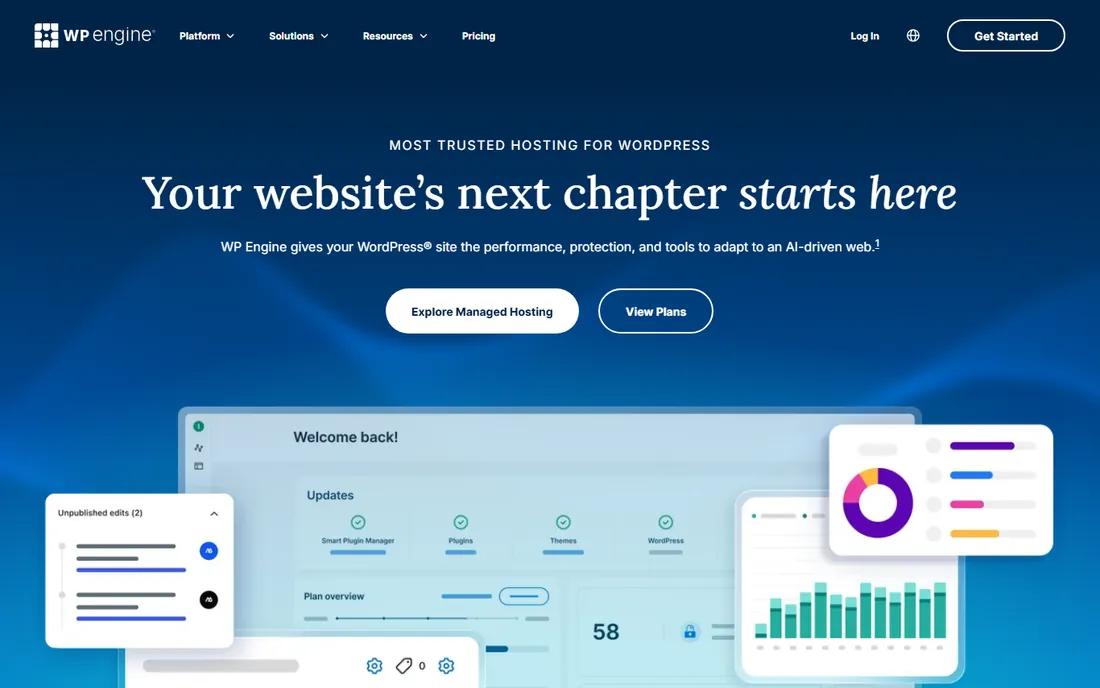
WP Engine is managed WordPress hosting for businesses where the site is critical infrastructure. Updates, caching, security and backups are handled for you, with staging, development and production environments for safe changes. Performance is consistently strong, and support staff know WordPress deeply.
The trade-offs are real: it hosts WordPress and nothing else, some plugins are disallowed for performance reasons, and the $20 monthly starting price climbs with traffic and add-ons. Agencies and growing businesses that bill for reliability rather than tinker with servers will find the premium justified.
What we like- Enterprise-grade managed WordPress
- Staging and dev environments
- Strong security
Watch out for- WordPress only
- Plugin restrictions
- Costs add up with add-ons
Starting priceFrom $35/month
Free planNo

Kinsta targets the top of the managed WordPress market. Sites run in isolated containers on Google Cloud's fastest machines, with a custom dashboard, free CDN, staging and application performance monitoring. Speed test results are routinely among the best in the industry.
Plans start at $35 per month with monthly visit limits, so high-traffic sites pay more. Like WP Engine, it is WordPress only. Kinsta suits WooCommerce stores, membership sites and publishers where milliseconds of load time translate to revenue.
What we like- Google Cloud C2 machines
- Excellent speed
- Developer-friendly tools
Watch out for- Premium pricing
- WordPress only
- Visit limits on plans
Starting priceFrom $14/month
Free planNo
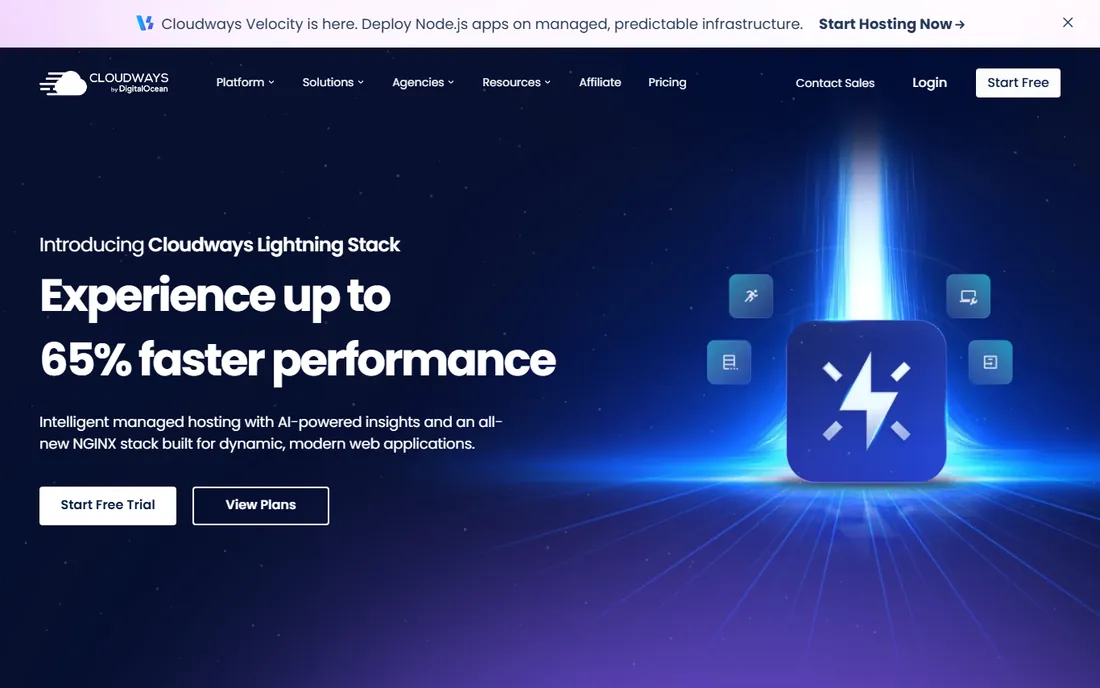
Cloudways sits between shared hosting and raw cloud servers. You pick the underlying provider (DigitalOcean, AWS, Google Cloud), and Cloudways adds the management layer: one-click apps, staging, backups and scaling. Pricing starts around $14 per month with hourly billing and no long-term contract.
You get more control and more responsibility than with WP Engine or Kinsta. Server settings, scaling decisions and some troubleshooting fall to you. Developers and technically comfortable owners who want cloud power without cloud complexity will like it.
What we like- Choice of cloud providers
- Pay-as-you-go scaling
- No long contracts
Watch out for- You manage more than with fully managed hosts
- Support is ticket-based
Starting priceFrom $2.95/month
Free planNo
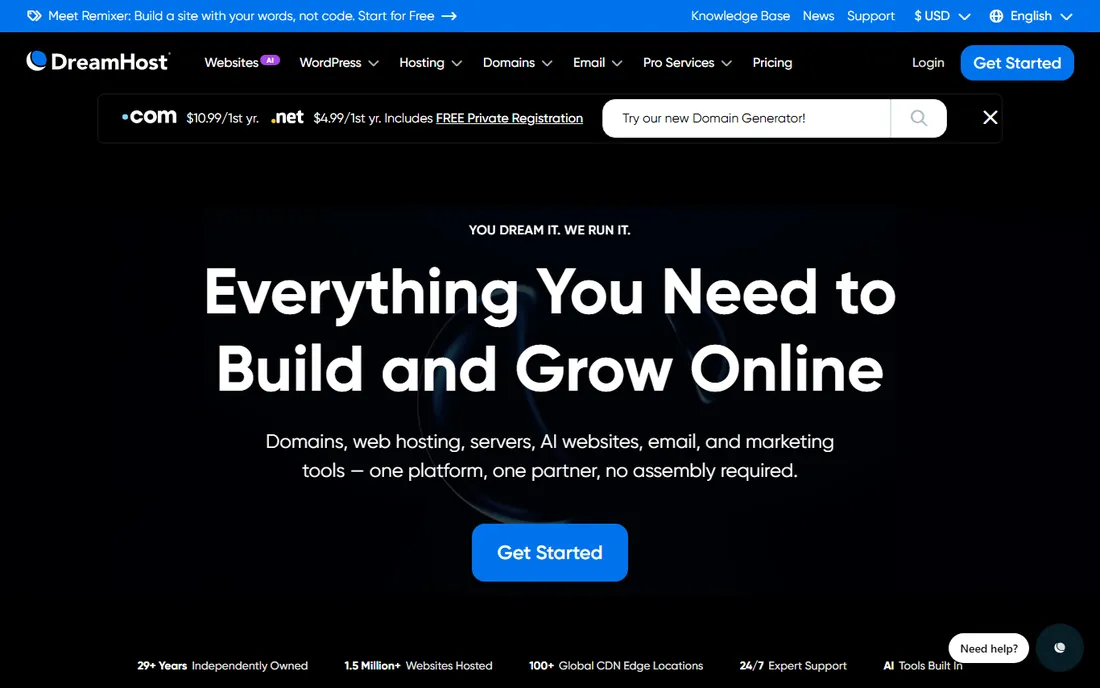
DreamHost stands out for honesty: pricing is straightforward, renewals do not ambush you the way some competitors do, and the 97-day money-back guarantee is the longest in the business. As an independent company, it avoids the conglomerate ownership common in this industry.
Performance is respectable rather than remarkable, and the custom control panel takes adjustment if you know cPanel. For a straightforward small business site where fair pricing matters more than top-tier speed, DreamHost is a solid citizen.
What we like- 97-day money-back guarantee
- Straightforward pricing
- Independently owned
Watch out for- Control panel differs from cPanel
- Performance is mid-pack
Starting priceSee website
Free planNo
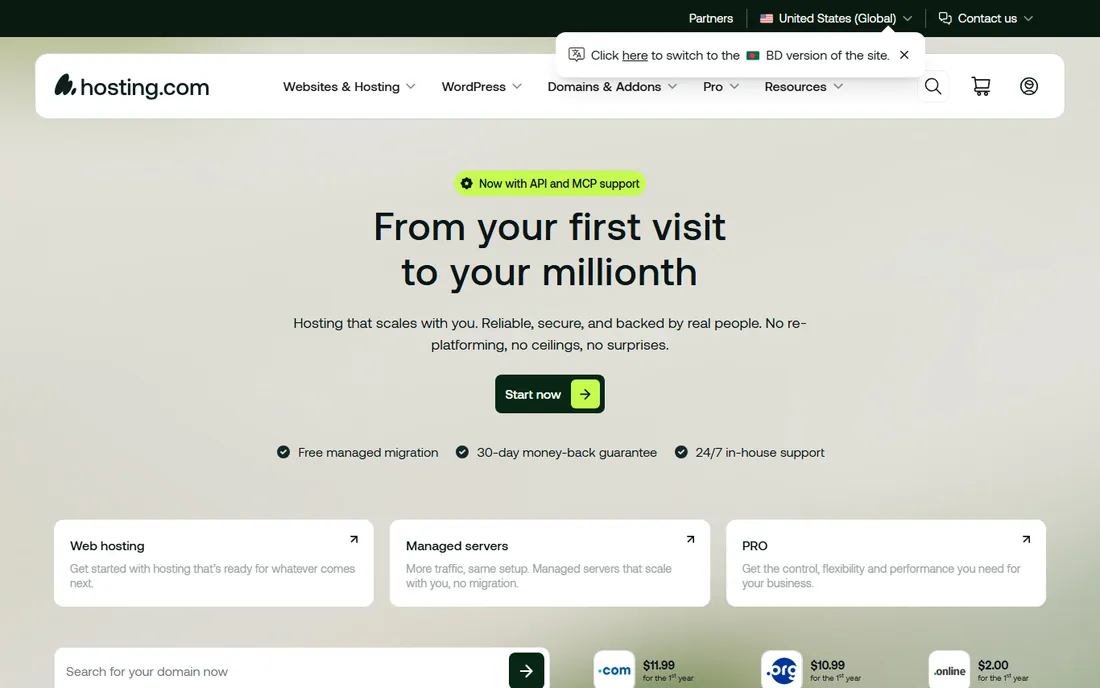
Hosting.com is the new name for A2 Hosting, which rebranded in 2024. The Turbo server plans with LiteSpeed caching built the company's speed reputation, and the range runs from cheap shared hosting to VPS and dedicated servers. Developer tools like staging, cloning and multiple PHP versions are included on many plans.
The rebrand means older reviews reference A2 Hosting; it is the same company. Checkout upsells are aggressive, so read each screen. For developers and growing sites that want room to scale up within one vendor, Hosting.com remains a capable option.
What we like- Speed-optimized Turbo servers
- Developer tools
- Wide plan range from shared to dedicated
Watch out for- Rebrand from A2 Hosting causes confusion
- Aggressive upsells
Starting priceFrom $2.29/month
Free planNo

InMotion Hosting appeals to buyers who want to call a US-based support team. The 90-day money-back guarantee is generous, site migrations are free, and plans from $2.29 per month introductory cover shared, WordPress, VPS and dedicated hosting. Business-class features like free SSL and backups are standard.
The control panel and website feel dated next to Hostinger or SiteGround, and the lowest prices require multi-year commitments. For a small business that values domestic phone support over modern polish, InMotion delivers.
What we like- US-based support team
- 90-day money-back guarantee
- Free site migration
Watch out for- Interface feels dated
- Intro pricing requires long terms
Shared vs managed vs cloud: which type do you need?
Shared hosting ($3 to $10 per month) puts your site on a server with hundreds of others. It is fine for new sites with modest traffic. Managed WordPress hosting ($20 to $35+ per month) adds updates, caching, security and expert support for WordPress specifically. Cloud hosting like Cloudways gives dedicated resources that scale, with more management left to you.
The practical rule: start shared, move to managed WordPress when the site earns money or traffic grows past a few thousand visits a month. Do not pay for managed hosting for a site nobody visits yet, and do not run a revenue-generating store on the cheapest shared plan.
The renewal trap
Nearly every budget host advertises an introductory price that requires a one to three year prepayment, then renews at two to four times the rate. A $2.95 per month plan can renew at $9.99 or more. Before buying, find the renewal price on the pricing page, multiply by your term, and compare that number, not the headline. This single habit saves more money than any coupon.
Support quality: how to test it before you buy
Every hosting company claims great support. Almost none let you verify it before paying, which is why support quality is the most lied-about feature in hosting. But you can test it, and you should, because the difference between good and bad support is the difference between a ten-minute fix and a three-day outage. Start with the pre-sales chat. Ask a specific technical question, not a sales question: how do you handle PHP version changes, what is your backup retention policy, do you offer staging environments. Note the response time and whether the answer is specific or scripted. Pre-sales support quality correlates strongly with post-sales support quality; it is usually the same team.
Check the support channels and hours against your needs. A host with ticket-only support and 24-hour response times is fine for a brochure site and terrible for a store doing daily revenue. Look for 24/7 live chat or phone for anything business-critical. Read the SLA carefully: what uptime is guaranteed, what counts as downtime, and what compensation applies. Then read independent reviews focusing on support experiences, filtering out the obviously incentivized ones. Patterns matter more than individual complaints; every host has angry reviews, but consistent themes (slow tickets, unhelpful agents, upsell pressure) are signal.
Test the knowledge base before you need it. Search for three tasks you will actually perform: restoring a backup, setting up SSL, migrating a site. If the documentation is clear, current and complete, that is a strong positive signal; good hosts invest in docs because it reduces their ticket load. If the docs are thin, outdated or missing, expect to file tickets for everything. Also check community resources: active user forums and third-party tutorials indicate a large, engaged user base, which means your future problems have probably been solved publicly already.
The migration test is the ultimate support evaluation, and many hosts offer free migration. Use it. How the migration is handled tells you everything: do they communicate clearly, do they verify the site works after moving, do they help with DNS and SSL, how long does it take. A host that migrates you carefully will support you carefully. One that botches the migration or leaves you to figure it out will not improve after you pay. Time the whole process and keep notes; if you later switch hosts again, you will know exactly what good looks like.
Finally, understand the escalation path before an emergency. Who do you contact at 2 AM when the site is down? Is there a status page with real incident history? What is the actual median response time for urgent tickets, not the marketed one? Ask support directly: what happens if my site goes down right now. The specificity of the answer tells you whether they have a real incident process or just a chat widget. Hosting is insurance as much as infrastructure; you are buying the response to the bad day, not just the good days. Choose the host whose bad-day response you trust.
Frequently asked questions
How much does web hosting cost?
Shared hosting runs $3 to $10 per month introductory, renewing higher. Managed WordPress hosting costs $20 to $35+ per month. Cloud hosting starts around $10 to $15 per month. Add a domain at roughly $12 to $15 per year if one is not included.
What is the difference between shared and managed hosting?
Shared hosting gives you space on a shared server and leaves management to you. Managed hosting handles updates, caching, security and backups, with support staff who know the platform deeply. Managed costs more and saves time.
Do I need managed WordPress hosting?
Not at first. Shared hosting handles a new WordPress site fine. Consider managed hosting when the site generates revenue, gets significant traffic, or when you would rather pay than troubleshoot.
Can I switch hosts later?
Yes. Most hosts offer free migration, and WordPress sites move with plugins or manual export. Some downtime risk exists, so migrate during low-traffic hours and keep a backup.
What is uptime and how much does it matter?
Uptime is the percentage of time your site is reachable. The difference between 99.9% and 99.99% is about 8 hours of downtime per year. For a business site, look for 99.9% or better with a service credit guarantee.
Should I buy my domain from my host?
The free first-year domain is convenient, but keeping domains with a dedicated registrar makes future host switches cleaner. Either works; just ensure you control the domain account.
How we chose
We compared the hosts small businesses actually buy, using pricing from vendor pages and recent independent comparisons. We weighted real-world speed test results, support quality, pricing transparency including renewals, and fit for non-technical owners. No servers were rented for testing; assessments rest on published performance data, pricing pages and public reviews.
Sources we checked (11)
- https://www.bluehost.com/web-hosting
- https://www.hostinger.com/web-hosting
- https://www.siteground.com/web-hosting.htm
- https://wpengine.com/plans/
- https://kinsta.com/wordpress-hosting/
- https://www.cloudways.com/en/pricing.php
- https://www.dreamhost.com/hosting/shared/
- https://hosting.com/
- https://www.inmotionhosting.com/web-hosting
- https://easytopspot.com/best-web-hosting-wordpress-2026/
- https://www.digital4design.com/blog/best-wordpress-hosting-2026-comparison/
Is your product missing or out of date?
We review this list regularly. Vendors can request a listing, send updated pricing or ask about featured placement.

Shihab Mia · Founder, Rankite
Shihab has spent more than a decade helping SaaS and e-commerce brands grow through search. He writes Rankite's software buying guides from pricing pages, documentation and public user reviews. More about Shihab.