How we make this list: we compare pricing pages, product documentation and public user reviews. Ratings come from G2, Capterra or Trustpilot, with the date we checked them.
Key takeaways
- Planner 5D is the best home design software for most beginners, with excellent ease of use, floor plans, and 3D views.
- RoomSketcher suits accurate layouts, with 2D and 3D plans plus a redraw service.
- SketchUp suits users who want to learn real 3D modeling and eventually create more complex designs.
- Sweet Home 3D is the best free design software, with a free desktop app for basic plans and simple 3D.
- Chief Architect is the industry standard for residential remodelers producing construction documents.
- Cedreo suits contractors who need fast client-ready designs and proposals, while Floorplanner suits fast 2D layout planning.
Quick comparison
Is your product missing or out of date?
We review this list regularly. Vendors can request a listing, send updated pricing or ask about featured placement.
The best home design software
Starting priceFree
Free planYes
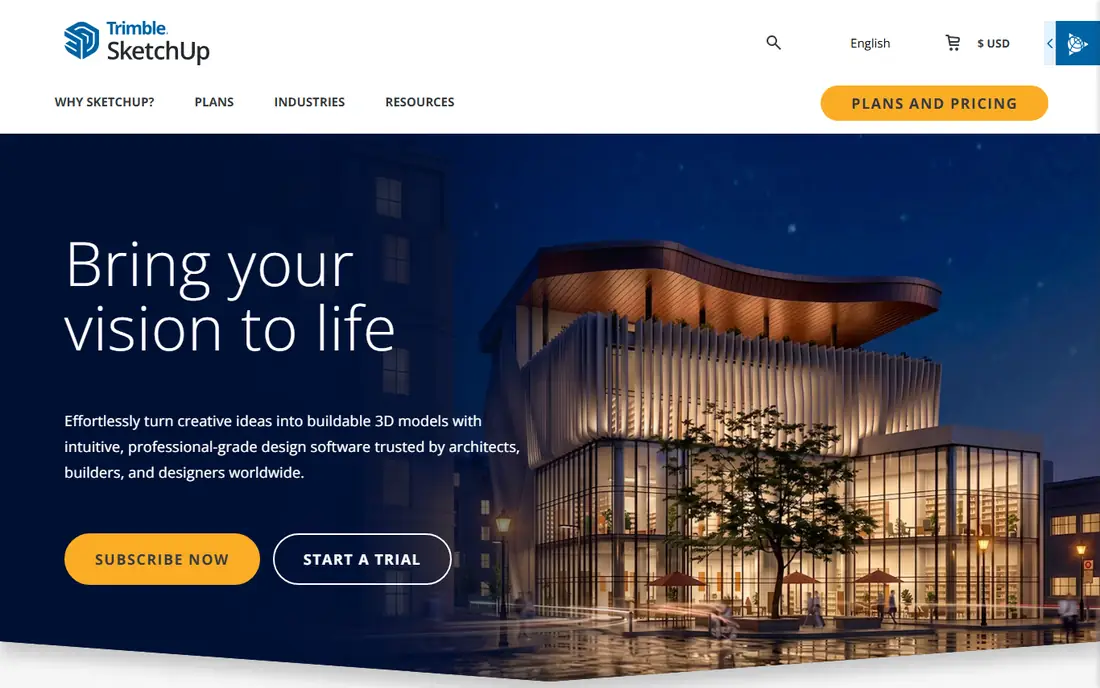
SketchUp suits users who want to move beyond decorating and actually learn 3D modeling, since it can become a useful long-term skill. The free web version covers basic modeling, Go costs 10.75 dollars a month on annual billing for web and iPad, and Pro with LayOut is the budget professional alternative for construction documents. The modeling is flexible for concepts, details, and custom furniture that room planners cannot build.
The learning curve is real: if all you want is to decide whether a sectional sofa fits in the living room, learning a general-purpose 3D modeling system is unnecessary work. For a user who wants to learn 3D modeling or eventually create more complex designs, SketchUp is the best pick.
What we like- Flexible 3D modeling for concepts and details
- Free web version
- Go from 10.75 dollars a month annual
- Pro with LayOut for professionals
Watch out for- Learning curve
- General-purpose tool, not a room planner
- Full 2D and 3D plans need skill
- Pro pricing higher than hobby tools
Starting priceFree
Free planYes
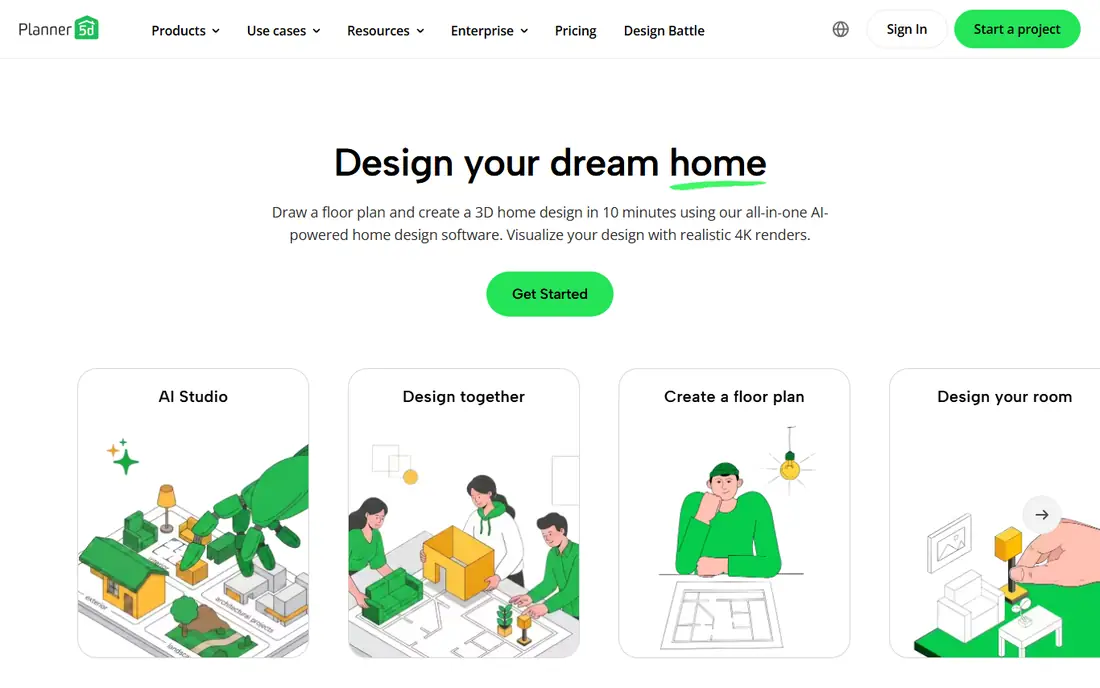
Planner 5D is the best home design software for most beginners, rated excellent for ease of use, floor plans, and 3D visualization. The free tier covers 2D and 3D editing with unlimited projects, Premium costs 59.99 dollars a year, and the app runs on web, iOS, Android, Windows, macOS, and visionOS. Room scanning with a phone camera helps a beginner start from a real room rather than a blank plan.
Professional features such as CAD export need the Professional plan, and render quality sits below Chief Architect or Cedreo. For a hobbyist, student, or homeowner planning a room or a remodel, Planner 5D is the best starting point.
What we like- Excellent ease of use, floor plans, and 3D views
- Unlimited projects on free tier
- Premium 59.99 dollars a year
- Mobile friendly
- Room scan with phone camera
Watch out for- Professional features need the Professional plan
- CAD export limited to higher plans
- Render quality below Chief Architect
Starting priceFree
Free planYes
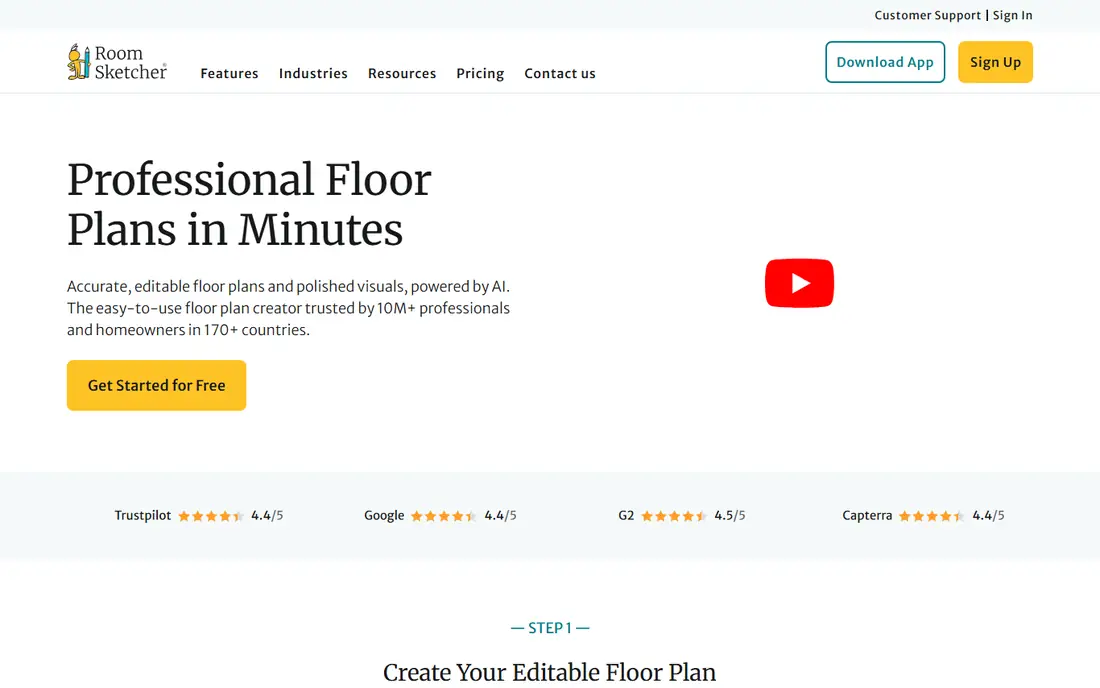
RoomSketcher suits accurate layouts, with excellent ease of use, floor plans, and 3D views, plus 2D and 3D plans and a redraw service that turns a blueprint into a finished plan. Real product catalogs from actual manufacturers mean a design can become a shopping list, which generic symbol-based tools cannot do. The free plan includes 2 credits and 1 AI conversion, and paid plans start at 24 dollars a month or 144 dollars a year, though some guides cite 99 dollars a year, so confirm the current rate.
The free plan is limited, and the subscription adds up for a single project. For a homeowner or school project that needs accurate layouts with real products, RoomSketcher is the best pick.
What we like- Excellent ease of use, floor plans, and 3D views
- 2D and 3D plans plus redraw service
- Real product catalogs
- Pro can draw from a blueprint
Watch out for- Free plan limited to 2 credits and 1 AI conversion
- Paid from 24 dollars a month or 144 dollars a year
- Some guides cite 99 dollars a year
Starting priceFree
Free planYes
HomeByMe suits DIYers and early-career designers who want branded interior visuals with product staging. The tool is excellent for ease of use and 3D views, with real products staged in a room so a design looks like a real interior rather than a diagram. The free tier covers 2 projects, with paid tiers for HD renders and more projects.
The decorating focus means construction documents are out of scope, and the free tier is limited to 2 projects. For a user decorating a room and choosing real products, HomeByMe is the best pick.
What we like- Excellent ease of use and 3D views
- Branded interior visuals with product staging
- Free to start
- Browser, iOS, and Android
Watch out for- Free tier limited to 2 projects
- Paid tiers for HD renders and more projects
- Decorating focus, not construction documents
Starting priceFree
Free planYes
Sweet Home 3D is the best free design software, with a free desktop app under GPL covering basic plans and simple 3D. Ease of use is good, floor plans are excellent, and 3D views are very good for a free tool, across Windows, macOS, Linux, iOS, Android, and web. For learning the basics or planning a room at zero cost, Sweet Home 3D is hard to beat.
3D quality is basic compared with paid tools, support is limited, and the interface feels older than Planner 5D. Paid store editions add some features. For a user who wants free design without a subscription, Sweet Home 3D is the best pick.
What we like- Free desktop app under GPL
- Good ease of use
- Excellent floor plans
- Very good 3D
- Windows, macOS, Linux, iOS, Android, and web
Watch out for- Basic 3D quality
- Limited support
- Paid store editions for some features
- Interface older than Planner 5D
Starting price$1,995/year
Free planNo
Chief Architect is the industry standard for residential remodelers producing construction documents, with framing, materials lists, and photorealistic rendering in one desktop app. The software handles roofs, foundations, and framing, automatically generates elements as you build walls and place doors and windows, and produces material lists for estimating projects. Premier costs 1,995 dollars a year in one guide and 2,095 dollars in another, so confirm the current rate.
The learning curve is steep, the price is professional, and the desktop-only app is overkill for decorating. For a remodeler or design-build firm that needs construction documents, Chief Architect is the best pick.
What we like- Industry standard for residential remodelers
- Construction documents, framing, and materials lists
- Photorealistic rendering
- Imports DWG, DXF, and PDF
Watch out for- Premier 1,995 dollars a year, or 2,095 dollars in some guides
- Steep learning curve
- Desktop only
- Overkill for decorating

#7Cedreo
Best for: Fast contractor proposals4.6/5 on
G2 (8 reviews, checked Oct 2026)
Visit cedreo.com
Starting priceSee website
Free planYes
Cedreo suits contractors and remodelers who need fast client-ready designs and proposals, moving from a simple floor plan to a complete 2D and 3D presentation in about two hours even from scratch. The cloud-based tool creates full sets of 2D plans with custom annotations, measurements, site plans, terrain modeling, and electrical plans, plus photorealistic renders in about five minutes. The learning curve is easy, and support quality is rated excellent.
Pricing is not published, so check the vendor page, and the contractor focus means hobby features are thinner than Planner 5D. For a contractor who sells jobs with fast, professional proposals, Cedreo is the best pick.
What we like- Cloud-based
- Full sets of plans and fast proposals
- Photorealistic renders in about 5 minutes
- Easy learning curve
- Excellent support
Watch out for- Pricing not published, check vendor page
- Contractor focus means hobby features thinner
- Browser only
Starting priceFree
Free planYes
Floorplanner suits fast 2D layout planning, with clean floor plans for sharing, a free tier with 5 projects, and credits from 8.15 dollars for renders up to 8K. The browser-based tool is quick to learn and ideal for sharing a layout with a contractor or family member.
The tool covers 2D and basic 3D only, with generic symbols rather than real product catalogs, so a design cannot become a shopping list without manual work. Render credits add up for many images. For a user who needs a fast, clean floor plan to share, Floorplanner is the best pick.
What we like- Fast clean floor plans for sharing
- Free tier with 5 projects
- Credits from 8.15 dollars
- Renders up to 8K
- Browser based
Watch out for- 2D and basic 3D only
- Generic symbols, not real product catalogs
- Render credits add up for many images
How we chose
We ranked home design software on the job that matters, since there is no single winner for every project: decorating, layout planning, learning 3D modeling, and construction documents are different jobs. We weighted ease of use for beginners, real product catalogs for shopping lists, and construction features for remodelers, and we flagged where guides disagree on price, since Chief Architect, RoomSketcher, and SketchUp Go each carry two published rates. We also separated free tiers from trials, since a free tier that covers a whole project beats a trial that expires mid-design.
What to check before you buy
Measure twice before designing: wall lengths, door swings, window positions, and plumbing locations decide whether a plan works in reality. Decide whether 2D is enough or 3D matters, since 2D covers layout and contractor communication, while 3D catches mistakes the plan hides, such as sight lines, fixture scale, and tile choices. Confirm whether the tool uses real product catalogs or generic symbols, since only catalog tools turn a design into a shopping list. Finally, check export formats before buying, since a plan that cannot export to DWG, PDF, or images is hard to share with a contractor.
Frequently asked questions
What is the best free home design software?
Planner 5D free tier with unlimited projects and Sweet Home 3D free desktop app are the strongest free options. RoomSketcher free plan and HomeByMe free start also cover a full room layout without paying.
Do I need 3D or is a 2D floor plan enough?
2D is enough for layout and communicating with a contractor. 3D matters when you need to evaluate how the finished room looks and feels, including sight lines, fixture scale, and tile choices. For a full remodel, do both.
Which software do contractors use?
Chief Architect is the industry standard for residential remodelers producing construction documents. Design-build firms also use Cedreo for fast client presentations, and SketchUp Pro with LayOut is the budget professional alternative.
Can home design software show real furniture?
Yes, on tools with brand catalogs: RoomSketcher and HomeByMe include real products from actual manufacturers. Generic tools such as Floorplanner use representative symbols.
How much does home design software cost?
Homeowner tools run 49 to 60 dollars a year for RoomSketcher VIP and Planner 5D Premium, while SketchUp Go is 119 dollars a year. Professional tools start near 229 dollars a month for Chief Architect in some guides, with Premier cited at 1,995 dollars a year.
Sources we checked (0)
Is your product missing or out of date?
We review this list regularly. Vendors can request a listing, send updated pricing or ask about featured placement.

Shihab Mia · Founder, Rankite
Shihab has 5+ years in B2B and SaaS SEO. He writes Rankite's software buying guides from pricing pages, documentation and public user reviews. More about Shihab.
 SketchUp
 Planner 5D
 RoomSketcher
 HomeByMe
 Sweet Home 3D
 Chief Architect
 Floorplanner