How we make this list: we compare pricing pages, product documentation and public user reviews. Ratings come from G2, Capterra or Trustpilot, with the date we checked them.
Key takeaways
- Desktop tools like MadCap Flare and Help+Manual suit writers who want full control over output formats and a one-time license, while cloud tools suit teams that need real-time collaboration.
- Structured authoring platforms such as Paligo pay off when you reuse the same content across many products, languages, or output channels.
- Knowledge base platforms like Document360, Helpjuice, and ClickHelp are the fastest route to a searchable, branded help center for customers.
- Git-based tools like GitBook fit documentation teams that already work alongside developers and want docs to follow the same review workflow as code.
- Prices in this category are mostly quote-based or plan-based, so shortlist two or three tools and run a trial with your own content before committing.
Quick comparison
| Tool | Best for | Starting price | Free plan |
|---|
 MadCap Flare MadCap Flare | Full-featured technical documentation | See website | No |
 Adobe RoboHelp Adobe RoboHelp | Enterprise help with strong output options | See website | No |
 HelpNDoc HelpNDoc | Affordable desktop help authoring | See website | Yes |
 Paligo Paligo | Structured, reusable component content | See website | No |
 ClickHelp ClickHelp | Cloud help authoring with analytics | See website | No |
 Document360 Document360 | AI-ready knowledge bases | See website | No |
 Helpjuice Helpjuice | Easy knowledge bases for support teams | See website | No |
 Help+Manual Help+Manual | Word-processor-simple desktop authoring | See website | No |
 GitBook GitBook | Developer-friendly docs with Git sync | See website | Yes |
Is your product missing or out of date?
We review this list regularly. Vendors can request a listing, send updated pricing or ask about featured placement.
#1MadCap Flare
Best for: Full-featured technical documentation4.4/5 on
G2 (491 reviews, checked Oct 2026)
Visit madcapsoftware.com
Starting priceSee website
Free planNo
MadCap Flare has been the default choice for professional technical writers for years, and the reason is depth. You write topics once, then publish them as HTML5 help, PDF manuals, Word documents, or eBooks, with conditional tags controlling which content appears in each output. Variables, snippets, and master pages keep repeated text consistent, so a product name change or a safety warning update can be made in one place instead of across hundreds of pages.
That depth comes with a learning curve. New writers often need training before they feel comfortable with Flare projects, stylesheets, and targets, and the desktop-based workflow fits single writers or small teams better than large groups editing at the same time. If your documentation is large, complex, or published in many formats, Flare is hard to beat. If you need a quick help center with light authoring, a simpler cloud tool will get you there faster.
What we like- Single-source publishing to many formats
- Topic-based authoring
- Strong conditional content and variables
Watch out for- Steep learning curve
- Desktop-only workflow can slow remote collaboration
#2
Adobe RoboHelp
Best for: Enterprise help with strong output options
Visit adobe.com
Starting priceSee website
Free planNo
Adobe RoboHelp brings the same single-source idea as Flare with the added weight of the Adobe ecosystem. It imports content from Word, FrameMaker, and DITA, and it publishes responsive HTML5 help that works on phones and desktops without extra work. Teams that already use Adobe products for design or publishing often find RoboHelp slots into their existing licenses and workflows with little friction.
The trade-offs are familiar for enterprise software. Pricing is not published as a simple list, so you will need a quote, and the interface shows its long history compared with newer browser-based editors. RoboHelp is at its best in larger organizations with established review processes and a need for polished, branded output across many channels. Smaller teams may find its power more than they need.
What we like- Backed by Adobe
- Responsive HTML5 output
- Good import from Word, FrameMaker, and DITA sources
Watch out for- Pricing is quote-based
- Interface can feel dated next to newer cloud tools
#3HelpNDoc
Best for: Affordable desktop help authoring4.1/5 on
G2 (18 reviews, checked Oct 2026)
Visit helpndoc.com
Starting priceSee website
Free planYes
HelpNDoc is the tool to look at when budget matters and you work alone or in a very small team. Its free Personal Edition covers a surprising amount of ground, and the paid editions stay affordable compared with the big enterprise tools. The editor feels closer to a word processor than to a structured authoring system, which means most writers can start producing real documentation on the first day.
Output options are generous for the price, including compiled HTML Help (CHM), responsive HTML sites, PDF, Word, and ePub. What you give up is the collaboration layer: there is no browser-based co-editing or built-in review workflow like the cloud tools offer, and it runs on Windows. For a solo technical writer, a freelancer, or a small software company, those limits rarely matter, and the value is excellent.
What we like- Free Personal Edition
- Clean, simple interface
- Publishes to CHM, HTML, PDF, Word, and ePub
Watch out for- Fewer team collaboration features than cloud platforms
- Windows only
#4Paligo
Best for: Structured, reusable component content4.6/5 on
G2 (57 reviews, checked Oct 2026)
Visit paligo.net
Starting priceSee website
Free planNo
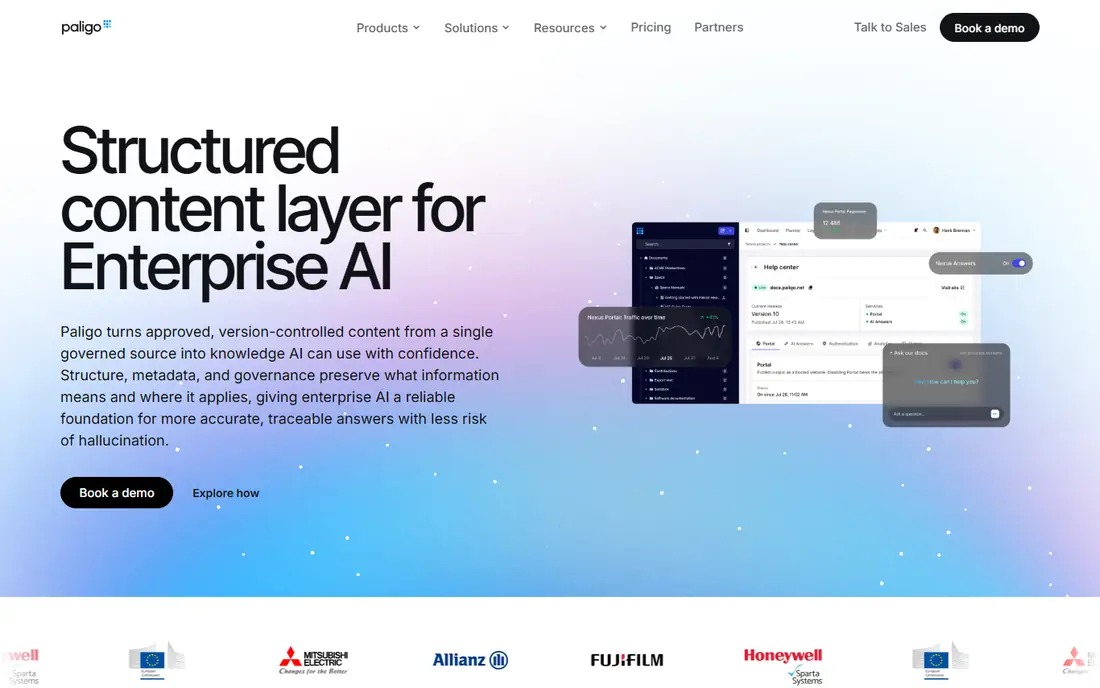
Paligo takes a different approach from the desktop tools: content is built from reusable components rather than whole pages. A warning, a procedure, or a product description can live in one component and appear in ten documents, and when it changes, every document updates at once. That model is a major advantage for companies with many products, many languages, or strict regulatory content that must stay identical everywhere.
The catch is that component-based authoring is a discipline, not just a feature. Writers need to learn to think in reusable chunks, and teams need to agree on a content model before the benefits show up. Paligo also handles translation well, with workflows for sending components out and bringing them back without breaking structure. If your docs are large, multilingual, and heavily reused, Paligo is one of the strongest options available. If you run a single help center, it may be more structure than you need.
What we like- Component-based reuse across products and languages
- Strong translation workflow
- Cloud collaboration
Watch out for- Structured authoring takes training
- Overkill for small, simple help centers
#5ClickHelp
Best for: Cloud help authoring with analytics4.7/5 on
G2 (67 reviews, checked Oct 2026)
Visit clickhelp.com
Starting priceSee website
Free planNo
ClickHelp is a cloud platform that tries to give small and mid-sized teams the core of Flare-style authoring without the desktop install. Writers work in the browser, reuse content with variables and snippets, and publish a branded help portal. Its built-in analytics stand out: you can see which articles readers actually open, where they search and find nothing, and which topics need work, all without wiring up a separate analytics tool.
That focus makes ClickHelp a good fit for product teams that treat documentation as a living part of the product and want evidence about what readers need. The ecosystem is smaller than the long-established desktop tools, so if you depend on a specific integration or a niche output format, check it during the trial. For most web help centers, though, ClickHelp covers the essentials with less setup and a gentler learning curve.
What we like- Fully browser-based authoring
- Built-in reader analytics
- Single sourcing with variables and snippets
Watch out for- Smaller ecosystem than Flare or RoboHelp
- Fewer third-party integrations
Starting priceSee website
Free planNo
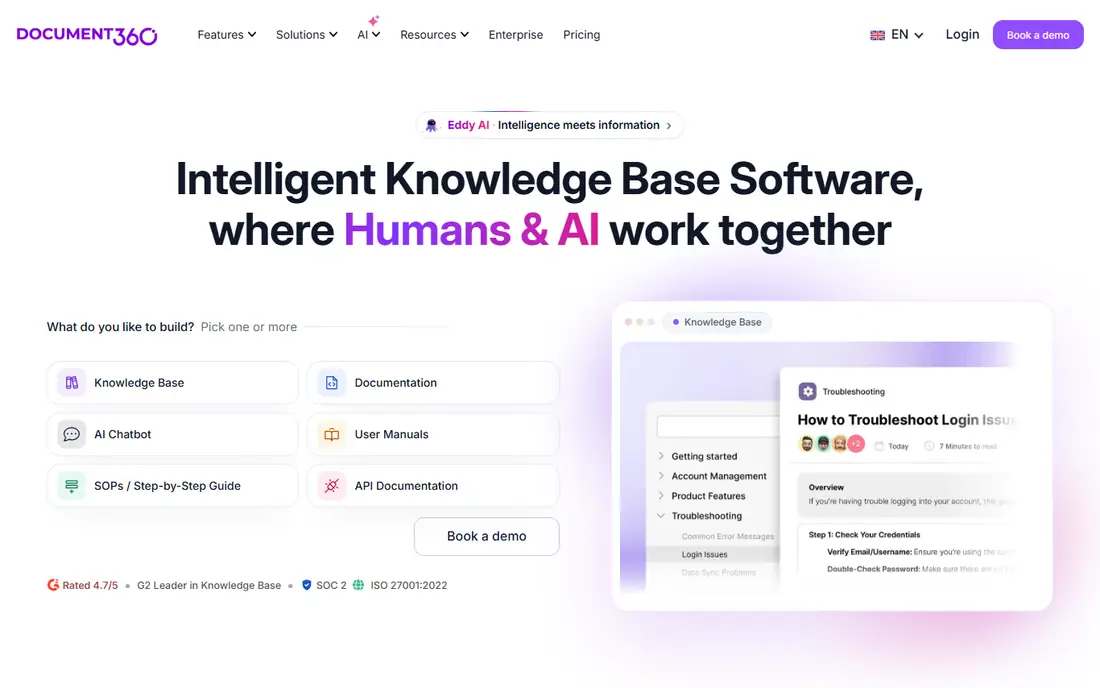
Document360 positions itself as a knowledge base platform first, and that shows in how quickly you can get a help site live. You create categories and articles in a clean editor, customize the portal to match your brand, and publish. Recent versions add AI features throughout: AI search that answers from your content, AI-assisted drafting, and tooling meant to keep documentation usable by AI agents as well as by human readers.
Version control, analytics, and integrations with Slack, Zendesk, Salesforce, and GitHub are included, which makes Document360 a natural choice for support teams that want a self-service portal customers will actually use. It is less oriented toward structured, component-based authoring than Paligo, and its pricing rises as teams and feature needs grow. For customer-facing knowledge bases, product documentation, and internal wikis, it is one of the easiest tools to adopt.
What we like- Fast to set up
- AI search and AI-assisted authoring
- Versioning and analytics included
Watch out for- Less suited to structured DITA workflows
- Pricing climbs with team size and advanced features
#7Helpjuice
Best for: Easy knowledge bases for support teams4.7/5 on
G2 (382 reviews, checked Oct 2026)
Visit helpjuice.com
Starting priceSee website
Free planNo

Helpjuice aims squarely at support teams that need a knowledge base people will use, and its homepage puts that goal front and center. The editor is simple enough that non-writers on a support team can contribute articles, search forgives typos and understands intent, and AI features help turn tickets into articles and surface answers fast. Multi-language support covers more than 50 languages, which matters for companies with a global customer base.
Analytics show which articles get read and what readers search for without success, so the team can keep closing gaps instead of guessing. Helpjuice is less about structured reuse or complex output formats and more about getting answers in front of customers quickly. If your main goal is cutting support tickets with a help center your whole team can maintain, Helpjuice is a strong, low-friction choice.
What we like- Very easy editor
- Strong search with typo tolerance
- AI search and analytics
- 14-day free trial
Watch out for- Less control over structured content than Paligo or Flare
- Design customization has limits
Starting priceSee website
Free planNo
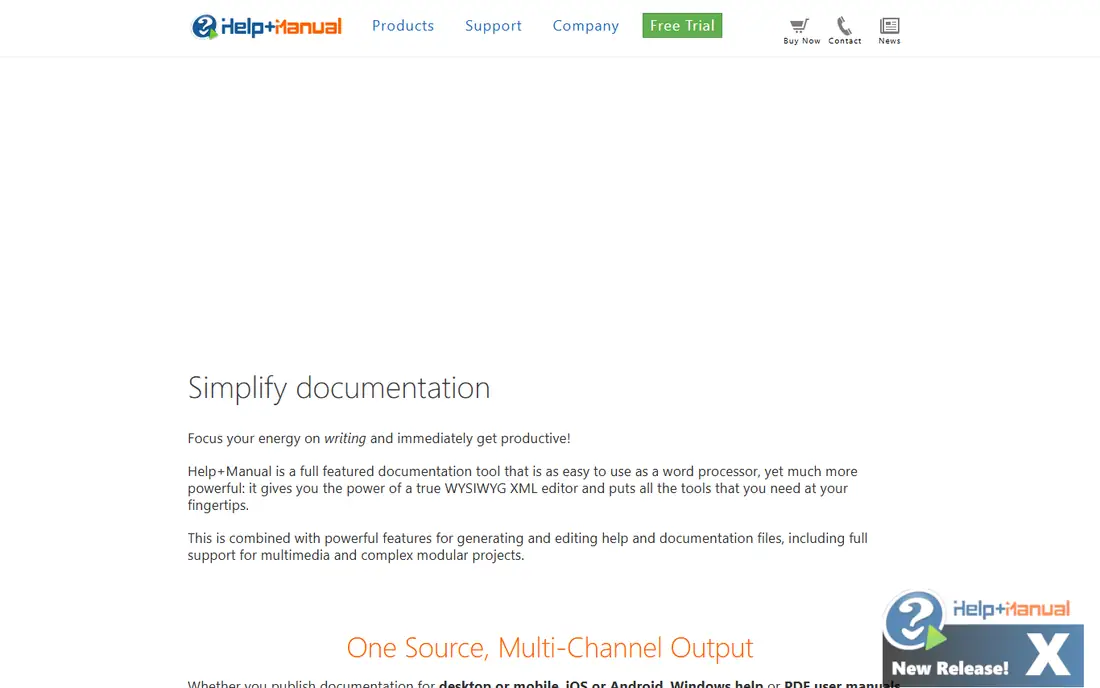
Help+Manual has a loyal following among writers who want power without a steep learning curve. Its pitch is simple: a documentation tool as easy to use as a word processor, with a true WYSIWYG XML editor underneath. You write once and publish to responsive Webhelp, Windows HTML Help, PDF manuals, and eBooks, using conditional tags to tailor output per channel without post-processing.
Import tools are a practical strength, covering Word, HTML, Winhelp, RoboHelp, and Author-It sources, plus Visual Studio source documentation. Team features such as multi-user editing and version control are present, and plugins add DeepL machine translation and PDF peer review. The main limit is the desktop, Windows-based model, which suits solo writers and small teams better than distributed groups editing in a browser. For a writer who wants a capable, affordable desktop tool, Help+Manual is a proven pick.
What we like- Easy to learn
- Single source to Webhelp, CHM, PDF, and eBooks
- Conditional content
- Good import tools
Watch out for- Windows desktop software
- Limited real-time collaboration compared with cloud tools
#9GitBook
Best for: Developer-friendly docs with Git sync4.7/5 on
G2 (207 reviews, checked Oct 2026)
Visit gitbook.com
Starting priceSee website
Free planYes
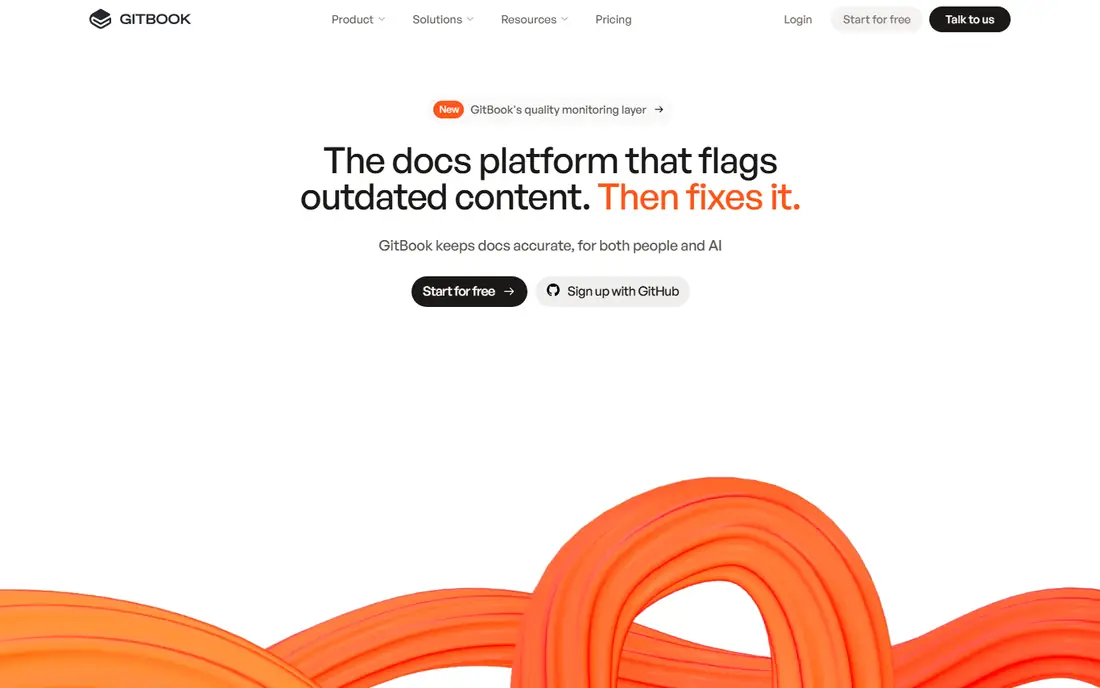
GitBook has grown from a tool for open-source project docs into a full documentation platform, and its current focus is keeping docs accurate as products change. Git sync lets teams branch, review, and merge documentation the way they handle code, and its agent tooling flags content that no longer matches the product so stale pages get fixed before readers hit them. An AI assistant lets users ask the docs questions directly and get answers grounded in the content.
The reading experience is clean and fast, which helps for public product documentation and API guides. GitBook is less of a fit for teams that need strict DITA-based structured authoring, and its most advanced features require paid plans, though a free plan exists for smaller use. If your docs live next to your code and your team already thinks in branches and pull requests, GitBook feels natural in a way few other tools do.
What we like- Git sync with branching and review
- AI assistant for readers
- Free plan available
- Clean reading experience
Watch out for- Less suited to highly structured DITA content
- Advanced features sit on paid plans
How we chose
We compared these tools on the strength of their authoring model, the output formats they support, collaboration and review features, search quality for readers, and pricing transparency. We read each vendor's own product and pricing pages, checked public reviews on G2 and Capterra, and looked at how each tool handles the practical jobs writers face every day: reuse, translation, versioning, and publishing to more than one channel. We did not claim hands-on testing, and we treated vendor marketing claims with care, favoring features that are documented in product pages and confirmed by reviewers. Tools were included only when they are actively sold today and fit the help authoring category, not general note-taking or wiki apps.
Start with your output. If you must ship PDF manuals, compiled help, and a web portal from one source, a desktop tool like Flare or Help+Manual covers that well. If a branded, searchable web help center is the whole job, a knowledge base platform like Document360 or Helpjuice gets you live faster. Next, count your writers and reviewers. Browser-based tools make collaboration and review far easier for distributed teams, while desktop tools can create version-control headaches when several people edit at once. Then weigh reuse and translation. If the same content appears across products or languages, a component-based tool like Paligo saves far more time than page-based tools, but only if your team is willing to learn structured authoring. Run a trial with a real slice of your content, including a translated topic and a multi-format publish, before you sign. That trial will reveal more than any feature list.
Frequently asked questions
Do I need a help authoring tool, or is a wiki enough?
A wiki works for internal notes, but a help authoring tool adds single-source publishing, conditional content, versioning, and reader analytics that wikis lack. If you publish customer-facing docs in more than one format or language, a dedicated tool pays for itself quickly.
What is single-source publishing?
Single-source publishing means you write content once and publish it to several outputs, such as a web help center, a PDF manual, and an in-app help system. Conditional tags and variables let each output include or exclude the right content without maintaining separate copies.
Which tool is best for a small team on a tight budget?
HelpNDoc and GitBook are the natural starting points, since both offer free plans or editions. Help+Manual is also affordable for a desktop tool. Start with a free plan or trial and upgrade only when your content volume or team size demands it.
Can these tools handle multiple languages?
Yes, with differences. Paligo and Document360 have the strongest translation workflows, and Helpjuice supports more than 50 languages. Desktop tools handle translation through conditional content and import/export, which works but takes more manual effort.
How long does it take to move existing docs into a new tool?
It depends on volume and format. Import tools in Flare, RoboHelp, and Help+Manual handle Word and HTML sources well, and most cloud tools offer migration help. A small help center can move in days, while a large, structured library may take weeks of cleanup.
Sources we checked (9)
- https://www.madcapsoftware.com
- https://www.adobe.com
- https://www.helpndoc.com
- https://www.paligo.net
- https://www.clickhelp.com
- https://www.document360.com
- https://www.helpjuice.com
- https://www.helpandmanual.com
- https://www.gitbook.com
Is your product missing or out of date?
We review this list regularly. Vendors can request a listing, send updated pricing or ask about featured placement.

Shihab Mia · Founder, Rankite
Shihab has 5+ years in B2B and SaaS SEO. He writes Rankite's software buying guides from pricing pages, documentation and public user reviews. More about Shihab.