How we make this list: we compare pricing pages, product documentation and public user reviews. Rankite is independent; if a vendor ever pays for a featured spot, that listing is clearly labeled Partner.
Key takeaways
- For API reference docs that developers actually use, ReadMe, Mintlify, and Redocly are the strongest picks. GitBook and Stoplight cover the middle ground.
- Confluence and Notion are general knowledge tools. They work for internal runbooks, but they are not documentation platforms.
- Most vendors now charge for AI features by the credit. Read the AI pricing line carefully, because it can double a small plan.
- Mintlify and ReadMe start free, which makes them the cheapest way to test whether good docs move your adoption numbers.
Quick comparison
| Tool | Best for | Starting price | Free plan |
|---|
 GitBook GitBook | Product and developer docs with built-in AI | $65 per site/month (billed annually) | Yes |
 ReadMe ReadMe | API-first companies that treat docs as a product | $0/month (Starter) | Yes |
 Confluence Confluence | Internal team knowledge in Atlassian environments | $5.42 per user/month | Yes |
 Notion Notion | Early-stage teams documenting everything in one workspace | See website | Yes |
 Mintlify Mintlify | Startups that want beautiful API docs fast | $0/month (Starter) | Yes |
 Document360 Document360 | Support-heavy teams running large knowledge bases | See website | Free trial |
 Stoplight Stoplight | API teams that design and document in one place | $44/month (billed annually) | Yes |
 Archbee Archbee | Customer-facing knowledge portals with branding control | $80/month | Free trial |
 Redocly Redocly | Engineering teams running docs-as-code on OpenAPI | $10 per seat/month (billed monthly) | Free trial |
Is your product missing or out of date?
We review this list regularly. Vendors can request a listing, send updated pricing or ask about featured placement.
The best documentation software for tech teams
Starting price$65 per site/month (billed annually)
Free planYes
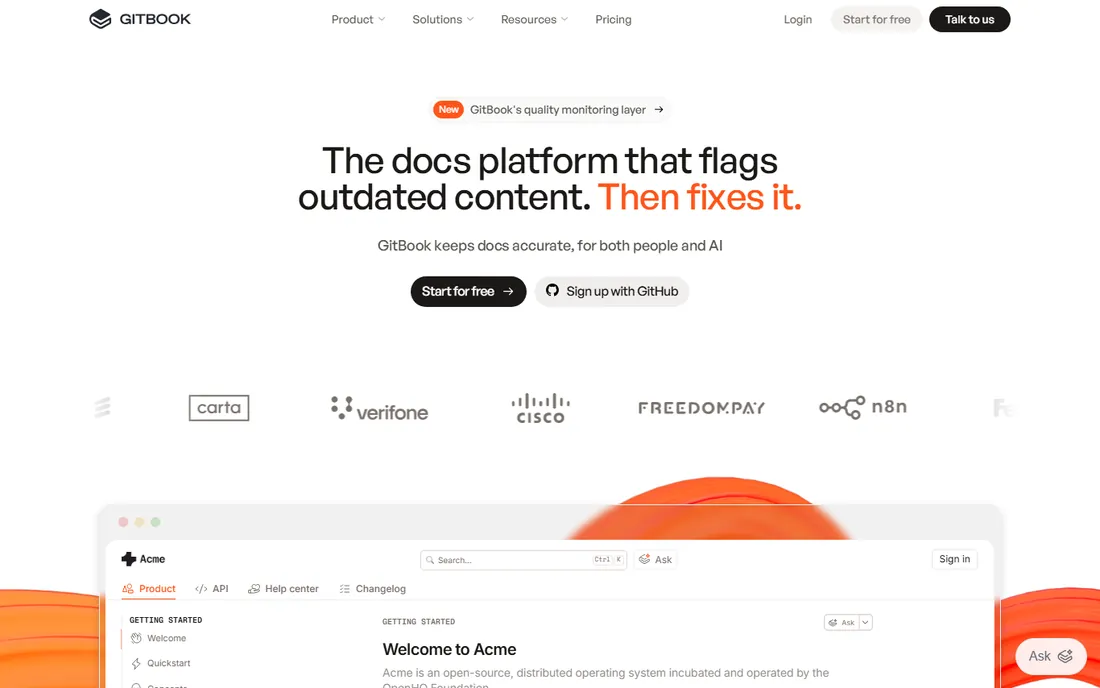
A mid-size SaaS company we looked at runs its public developer docs, internal runbooks, and AI chatbot answers from one GitBook setup. That is the product's pitch in one sentence: docs as the knowledge layer for both humans and agents. The Essential plan starts at $65 per site per month on annual billing, readers are free, and page views are unlimited, so the cost math is simple until you add seats and AI credits. Git sync, branching, and merge-style reviews fit teams that already think in pull requests.
The catch is that the headline price is not the whole bill. Each collaborator adds $12 per user per month, and AI features run on credits that cost a penny each past the included bundle. Authenticated, customer-only content requires Ultimate at $249 per site per month. Budget the full stack, not the plan card, and GitBook is a fair deal for teams that want AI-native docs without building their own stack.
What we like- Per-site pricing with unlimited readers and page views
- AI assistant and agent features built in
- Git sync treats docs like code
Watch out for- Team seats cost $12 per user/month on top of the site fee
- AI credits add a second meter
- Authenticated access needs the $249 Ultimate plan
#2
ReadMe
Best for: API-first companies that treat docs as a product
Visit readme.com
Starting price$0/month (Starter)
Free planYes
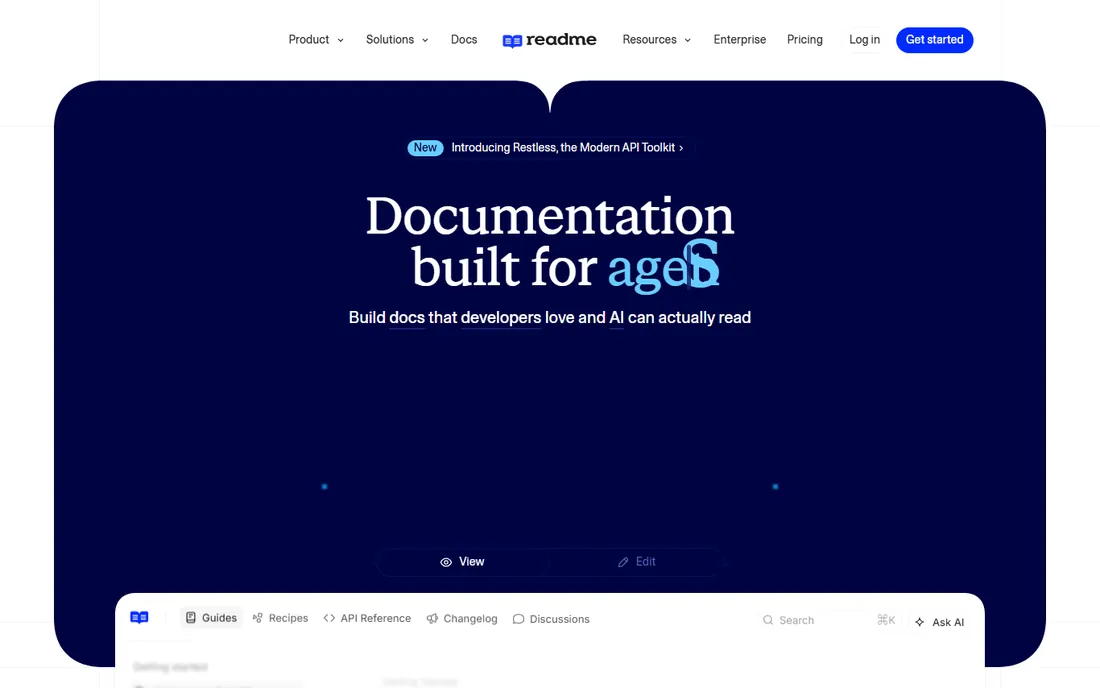
ReadMe has been the reference point for developer-friendly API documentation for years. You upload your OpenAPI spec and get interactive reference docs with code samples, auth handling, and a "try it" console. The WYSIWYG editor keeps non-engineers productive, bidirectional Git sync keeps engineers in their workflow, and the AI writer watches pull requests and drafts doc updates when code changes.
The Starter plan is genuinely free with a custom domain, which makes ReadMe the easiest tool here to trial properly. The Pro plan's price is not published, so scaling teams negotiate. The $150 per month Ask AI add-on is worth knowing about if your roadmap includes docs chat. For an API company where documentation drives adoption, ReadMe is the shortlist leader.
What we like- Starter plan is free with a custom domain
- Interactive API reference from your OpenAPI spec
- AI writer proposes updates when code changes
Watch out for- Paid Pro pricing is not published
- Branch review and governance features lean enterprise
- Ask AI is a $150/month add-on
Starting price$5.42 per user/month
Free planYes
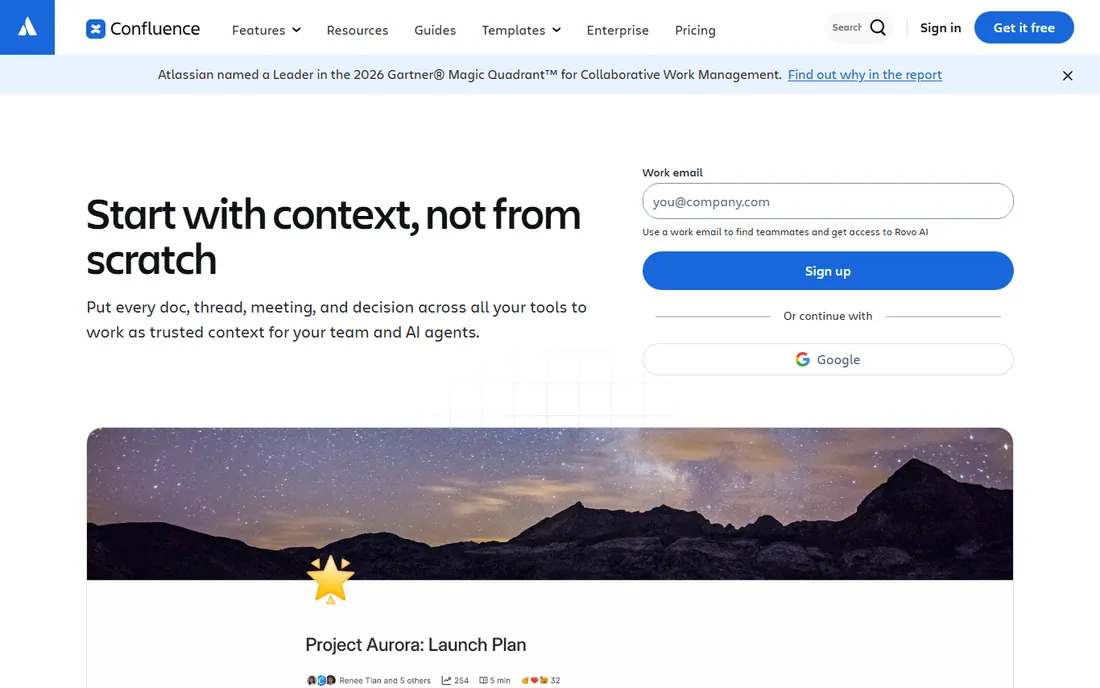
Almost every tech team has a Confluence wiki, usually inherited. For internal runbooks, meeting notes, architecture decision records, and onboarding pages, it works, especially when Jira is already the system of record. The Standard plan at $5.42 per user per month is one of the cheapest ways to give a whole team a shared knowledge base, and the free tier covers teams up to 10 users.
Confluence is not documentation software in the sense this list means. Public API docs, versioned developer portals, and docs-as-code workflows are outside its design. Teams that try to publish customer-facing docs from Confluence usually end up with a second tool anyway. Keep it for internal knowledge, buy a real docs platform for your developers and customers.
What we like- Free for up to 10 users
- Deep Jira integration
- Standard plan is cheap at $5.42 per user/month
Watch out for- Not built for public developer docs
- API reference support is weak
- Search and structure break down at scale without curation
#4
Notion
Best for: Early-stage teams documenting everything in one workspace
Visit notion.so
Starting priceSee website
Free planYes
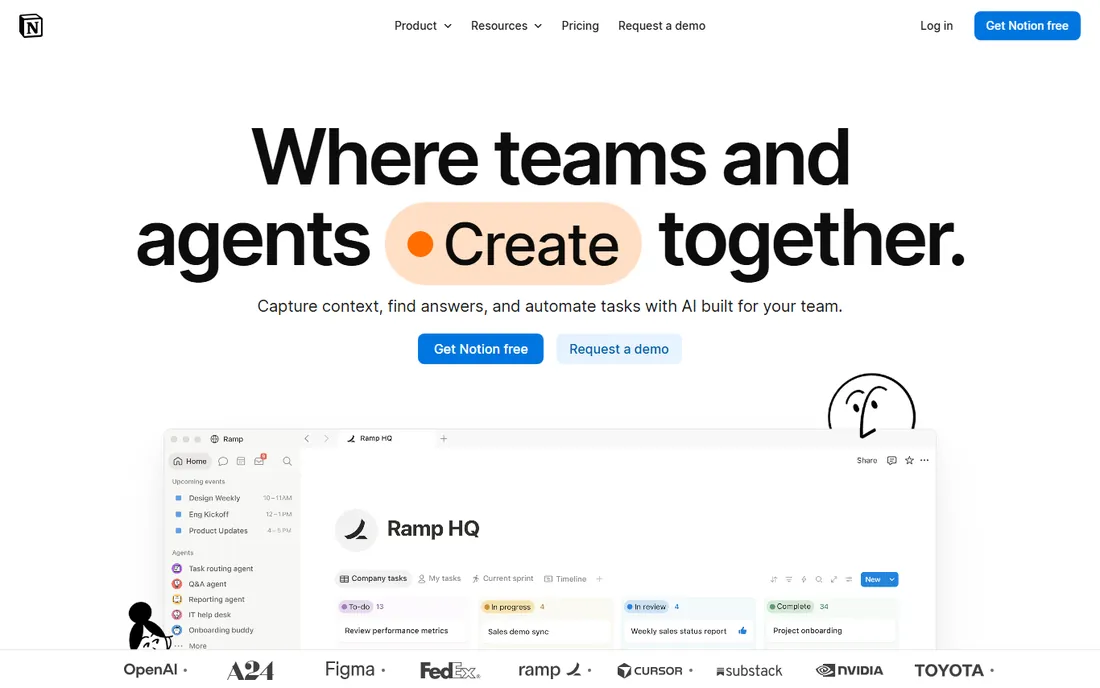
Notion wins by being the tool the team already uses. Early-stage startups document architecture notes, onboarding checklists, and even public help articles in Notion because the friction is zero and everyone knows the interface. Databases, embedded content, and AI features cover most internal documentation needs without a second product.
The limits arrive when docs become a product surface. There is no OpenAPI rendering, no docs-as-code pipeline, no review workflow worth the name, and public sites carry Notion's look unless you invest in theming. Use Notion for internal team knowledge while you are small. When your API docs start affecting signups, move them to a purpose-built tool.
What we like- Flexible blocks handle docs, wikis, and project tracking together
- Fast to adopt with no implementation
- Generous free tier for individuals
Watch out for- No real API docs workflow
- Versioning and publishing are basic
- Public docs look generic without heavy theming
Starting price$0/month (Starter)
Free planYes
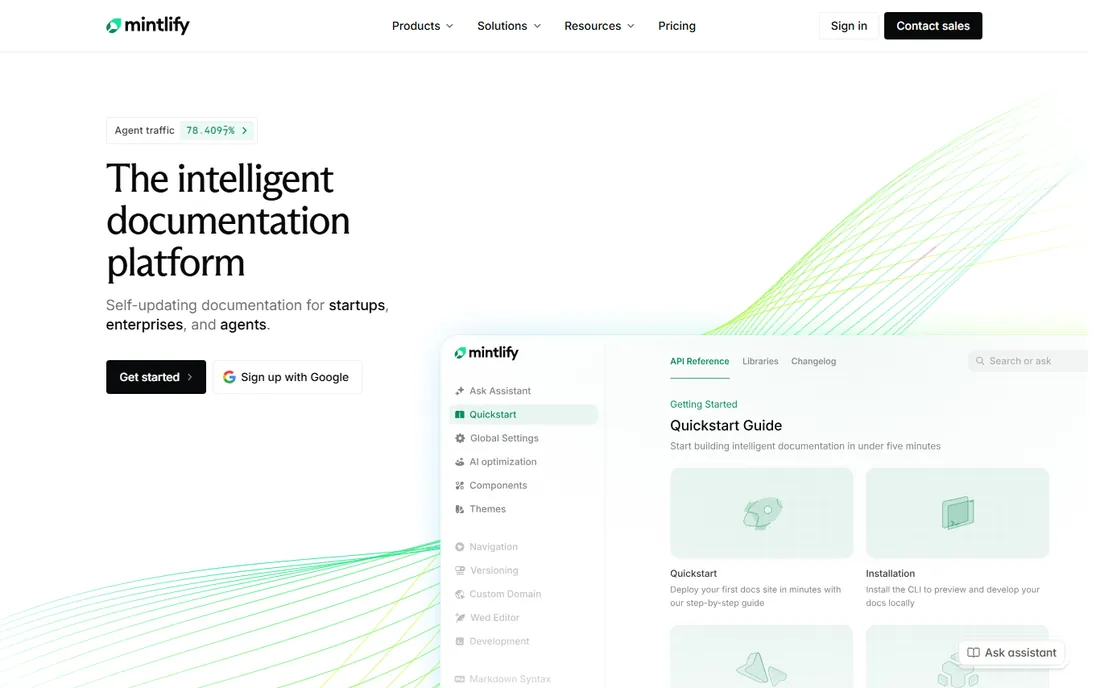
Mintlify has become the default answer for developer docs that need to look great and work for AI agents. Every published site gets Markdown versions of its pages, llms.txt files, and its own MCP server, which means your docs are readable by coding assistants from day one. The web editor is genuinely pleasant, the API playground is built in, and migration from ReadMe or Docusaurus is automated.
The Starter plan is free and includes a custom domain, authentication, and up to five editor seats. Pro pricing is not published, and AI usage runs on credits at a penny each past the included quota, so heavy AI use needs a budget line. For a startup that wants investor-grade docs in an afternoon, Mintlify is the fastest path.
What we like- Starter is free with custom domain, web editor, and API playground
- Ships llms.txt, MCP server, and agent-ready output by default
- Pro trial needs no credit card
Watch out for- Paid Pro pricing is not published
- AI features are credit-metered
- Five editor seats on Starter is tight for larger teams
Starting priceSee website
Free planFree trial
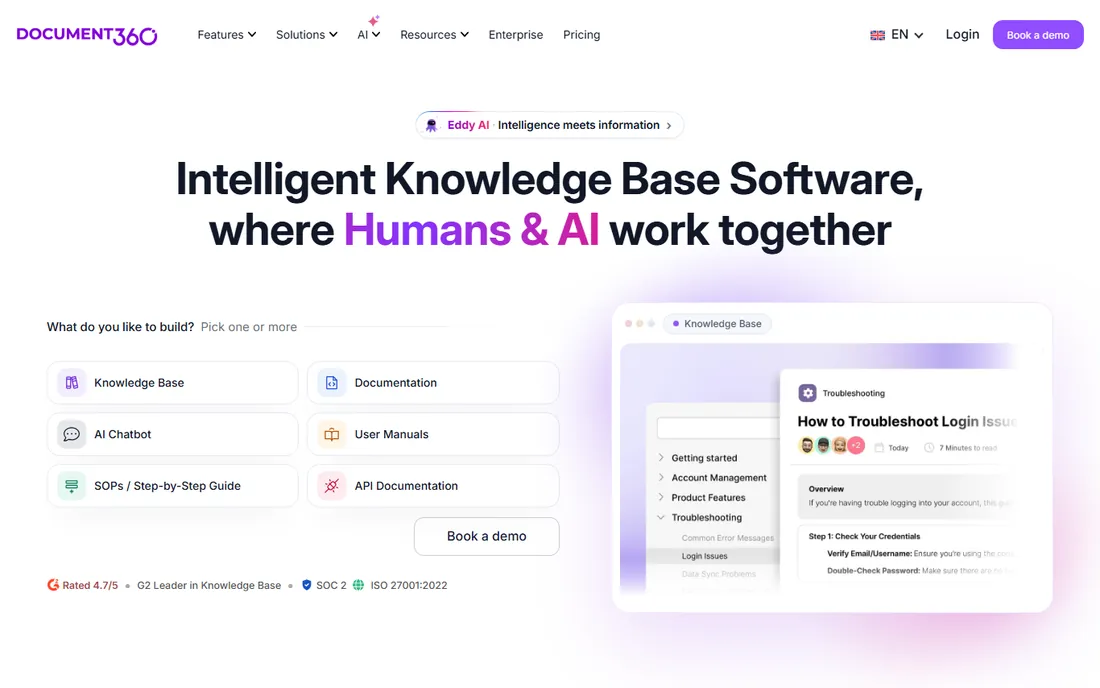
Document360 is a knowledge base platform first and a developer docs tool second. It handles thousands of articles with versioning, approval workflows, translation, and article-level analytics, and it targets support and customer education teams rather than API developers. The migration service from Confluence, SharePoint, and other sources is included in most quotes, which removes the usual import pain.
Pricing is entirely quote-based, calibrated to team accounts, workspaces, languages, and AI usage. That is awkward for quick comparisons but can work out fairly for teams that fit the model. Choose Document360 when your problem is a sprawling help center with measurable ticket deflection goals, not when your problem is API reference docs.
What we like- Built for large knowledge bases with strong analytics
- SOC 2 Type II and ISO 27001 compliance
- Migration service from Confluence and others included
Watch out for- Quote-only pricing with no public numbers
- Knowledge-base focus, weaker for API docs
- AI features bundled into custom quotes
Starting price$44/month (billed annually)
Free planYes
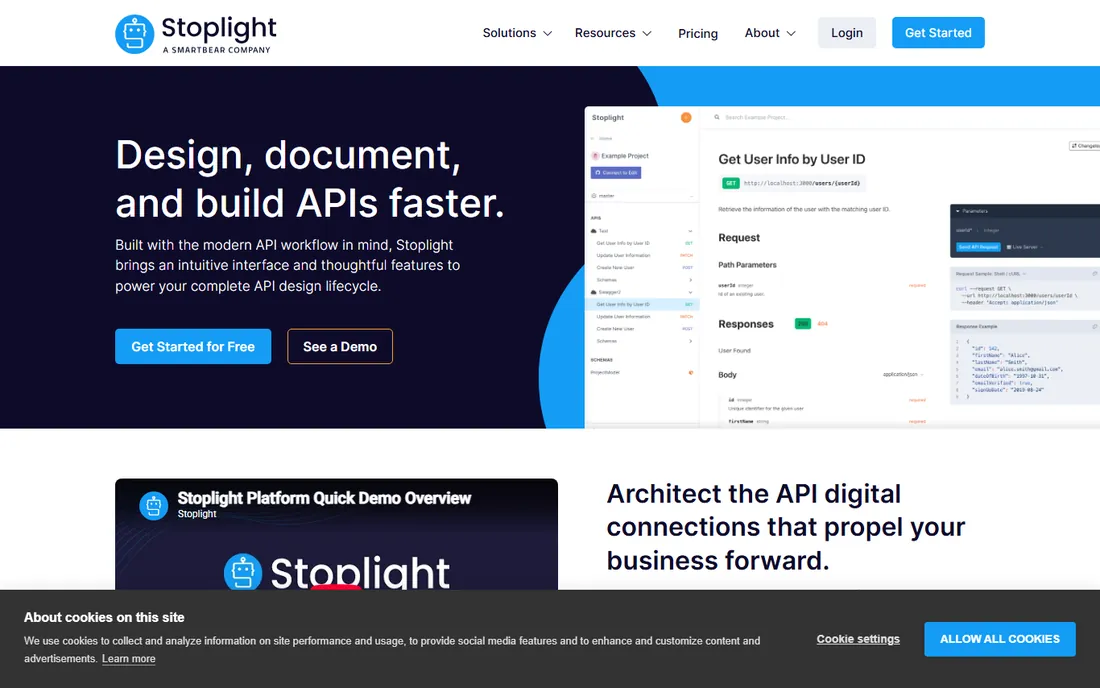
Stoplight approaches documentation from the API design side. Teams model their APIs visually, validate them against style guides, and publish interactive docs with mock servers from the same project. The Basic plan at $44 per month on annual billing, with the first three users free, is affordable for a small API team, and every tier includes mock servers and unlimited documentation views.
The documentation output is good but not the product's center of gravity. Teams that only need beautiful reference docs will get more polish from Mintlify or ReadMe. Stoplight earns its place when the workflow starts with API design and governance, and the docs are one output of that process rather than the whole job.
What we like- Visual OpenAPI designer plus docs in one tool
- Basic plan starts at $44/month with first 3 users free
- Mock servers included on every plan
Watch out for- Docs are secondary to the design workflow
- Governance features need the $362 Pro Team plan
- Smaller community than the pure docs tools
#8
Archbee
Best for: Customer-facing knowledge portals with branding control
Visit archbee.com
Starting price$80/month
Free planFree trial
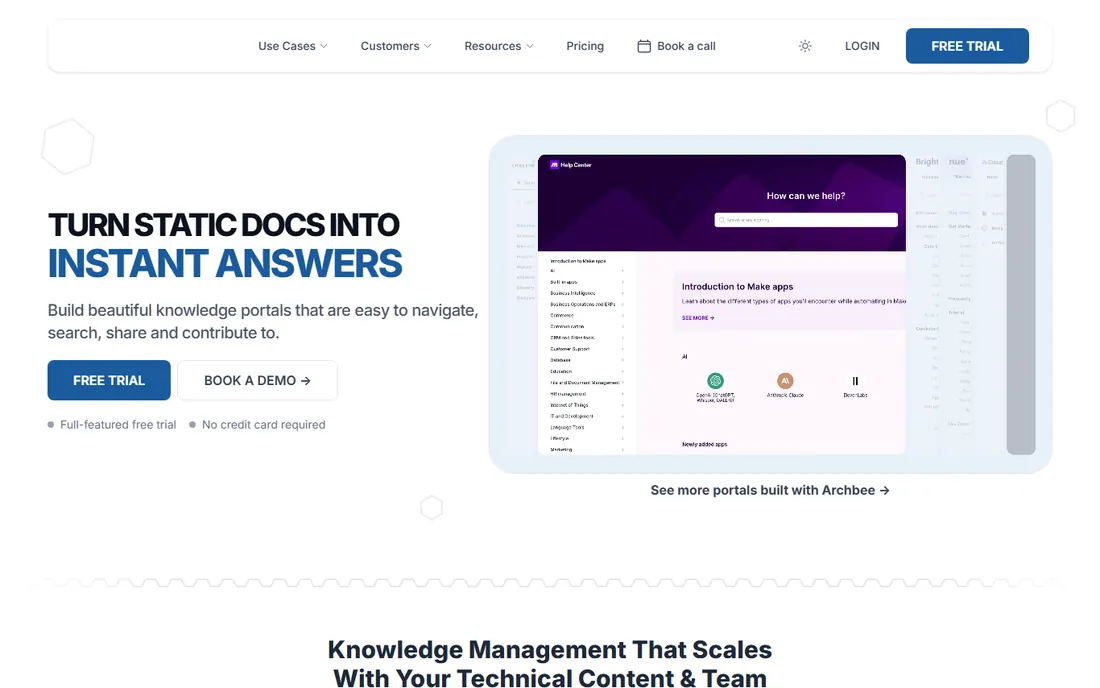
Archbee calls itself a knowledge portal platform, and the output looks it: polished, branded documentation sites for customers, partners, and internal teams. The Growing plan at $80 per month includes unlimited readers, public and private portals, a custom domain, and GitHub integration, which is a clean flat price in a category full of meters and quotes. A 14-day trial with no credit card makes evaluation easy.
The step to Scaling at $350 per month is steep, and that is where review workflows, localization, and reusable content live. Teams that need those features should compare against GitBook and Document360 before committing. For companies whose docs are a brand surface, Archbee's design quality is a genuine differentiator.
What we like- Beautiful portals with full branding control
- Flat pricing with unlimited readers
- GitHub and GitLab integrations for docs-as-code
Watch out for- Starts at $80/month with no free plan
- Review and localization need the $350 Scaling tier
- Smaller ecosystem than the leaders
#9
Redocly
Best for: Engineering teams running docs-as-code on OpenAPI
Visit redocly.com
Starting price$10 per seat/month (billed monthly)
Free planFree trial
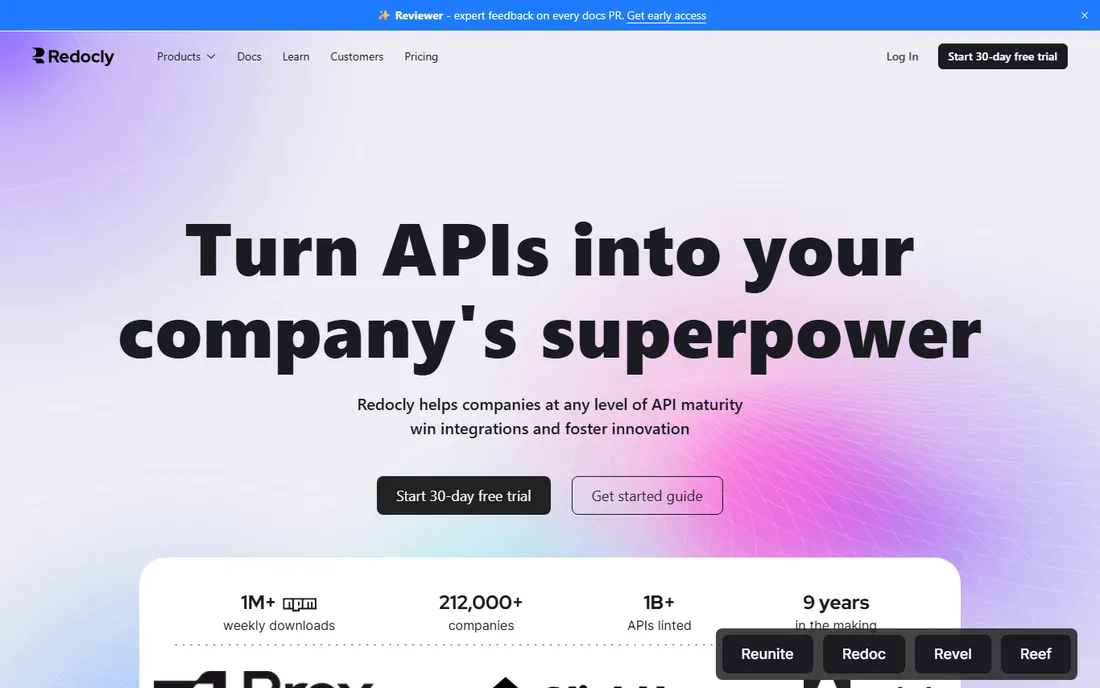
Redocly is built for teams that keep documentation in the repository next to the code. The open-source Redoc renderer powers countless API reference sites, and the commercial platform adds collaboration, governance, linting, and developer portals. Pricing is per seat, starting at $10 per month on monthly billing, which is the most transparent model in this category.
The trade-off is the audience. Technical writers who live in Markdown and Git will be at home; product marketers and support teams will find the workflow alien. API governance, scorecards, and portfolio management are Redocly's real strengths, so it fits platform teams standardizing many APIs rather than a startup publishing its first docs.
What we like- Per-seat pricing from $10/month is transparent
- Redoc is the most popular open-source API docs renderer
- Strong linting and governance for API portfolios
Watch out for- Developer-centric, not friendly for non-technical writers
- Readers-facing polish needs configuration
- Support quality tracks the plan tier
How we chose
We compared documentation platforms through their pricing pages, feature documentation, and public reviews on G2 and Capterra. Every product listed exists today and fits tech team documentation as of October 2026. Prices come from the vendor's own pricing page, and we wrote "See website" wherever the vendor keeps pricing behind a calculator or a sales call. We weighted API documentation quality, developer workflow fit, publishing and theming, AI features, and value for small and mid-size teams.
Pricing explained for tech teams
Documentation pricing has converged on three models, and each one taxes a different kind of growth. Per-seat pricing (Stoplight, Redocly) is predictable but gets expensive as every engineer who touches docs needs a license. Per-site pricing (GitBook) is friendly to large reader bases but stacks up when you run many doc sites. Usage and credit models (Mintlify AI, ReadMe Ask AI) keep base prices low and shift cost to AI features, which is fine until your chatbot gets popular.
The practical move is to model twelve months of your real usage before choosing. Count your editors, estimate your AI query volume, and check what counts as a paid seat versus a free reader. Free plans from ReadMe, Mintlify, Notion, and Stoplight are generous enough to run a real evaluation. Never buy an annual plan before your docs have been live for a month, because the tool you like in a demo is not always the tool your engineers will maintain.
What to look for before you buy
Start with the content type. API reference docs need OpenAPI import, interactive consoles, and code samples; internal runbooks need fast editing and search; customer help centers need theming, analytics, and ticket deflection. No single tool on this list is best at all three, so name your primary job before you shortlist.
Check the publishing and versioning story. Developer docs need versioned releases that match your API versions, preview deployments for review, and instant rollbacks when something breaks. Ask how the tool handles multiple product versions, because retrofitting versioning later is painful.
Evaluate the AI story honestly. Every vendor now ships an assistant, a writer, or a chat widget, but the pricing and quality vary wildly. Run the same ten questions through each candidate's AI and read the answers. Check whether AI credits are pooled, whether overages pause or bill silently, and whether your content trains the vendor's models. The answers change the real cost more than the plan price does.
Frequently asked questions
Should we use Confluence for our developer docs?
Confluence works for internal team knowledge, but it is a poor fit for public developer documentation. It lacks API reference rendering, versioned publishing, and docs-as-code workflows. Most teams end up pairing Confluence for internal notes with a dedicated docs platform for anything customer-facing.
What is docs-as-code?
Docs-as-code means writing documentation in Markdown, storing it in Git, and publishing through automated builds, the same way you ship software. It gives you versioning, reviews, and preview deployments. Redocly, Mintlify, GitBook, and ReadMe all support this workflow to different degrees.
How much should documentation software cost?
A startup can run on free plans from ReadMe, Mintlify, or Stoplight. Small teams typically pay $44 to $250 per month depending on seats and AI usage. Larger teams with compliance needs, SSO, and review workflows land in the thousands per year. Quote-based vendors like Document360 vary too much to generalize.
Do we need AI features in our docs platform?
AI search and assistants genuinely help readers find answers in large doc sets. AI writing and translation features speed up maintenance. But AI is now a second meter on most plans, so estimate your query volume. Start with the core docs workflow, add AI where the usage data justifies it.
Can we migrate from our current docs tool?
Most vendors offer migration help. Mintlify automates migration from ReadMe and Docusaurus, Document360 migrates from Confluence and SharePoint, and ReadMe handles inbound migrations too. Budget a week for cleanup regardless of the tooling, because imported content always needs review.
How do we keep docs from going stale?
Pick a tool with Git integration or review reminders so docs update with code changes. Assign owners to each section, review analytics for pages with high exits, and treat docs updates as part of the definition of done for features. No tool fixes an ownership problem, but the right tool makes ownership easier.
Sources we checked (9)
- https://www.gitbook.com/pricing
- https://readme.com/pricing
- https://www.atlassian.com/software/confluence/pricing
- https://www.notion.so/pricing
- https://mintlify.com/pricing
- https://document360.com/pricing/
- https://stoplight.io/pricing
- https://www.archbee.com/pricing
- https://redocly.com/pricing
Is your product missing or out of date?
We review this list regularly. Vendors can request a listing, send updated pricing or ask about featured placement.

Shihab Mia · Founder, Rankite
Shihab has spent more than a decade helping SaaS and e-commerce brands grow through search. He writes Rankite's software buying guides from pricing pages, documentation and public user reviews. More about Shihab.