How we make this list: we compare pricing pages, product documentation and public user reviews. Rankite is independent; if a vendor ever pays for a featured spot, that listing is clearly labeled Partner.
Key takeaways
- Photomatix Pro ($99 one-time) is still the reference dedicated HDR merger, with the best deghosting and alignment controls for tricky brackets.
- If you already pay for Adobe, Lightroom's built-in HDR merge is good enough for most real estate and outdoor work, no extra purchase needed.
- Affinity Photo is now completely free and includes HDR merging, making it the best no-cost path to pro-level results.
- Aurora HDR was discontinued by Skylum and replaced by Luminar Neo. Do not buy old Aurora HDR licenses from third-party sellers.
Quick comparison
| Tool | Best for | Starting price | Free plan |
|---|
 Adobe Lightroom Adobe Lightroom | Photographers already paying for Adobe's ecosystem | See website | Free trial (7 days) |
 Photomatix Pro Photomatix Pro | Dedicated HDR merging with maximum control | $99 (one-time) | Free trial (watermarked output) |
 Luminar Neo Luminar Neo | AI-assisted HDR looks without manual bracketing fuss | See website | Free trial |
 ON1 Photo RAW ON1 Photo RAW | All-in-one editor with HDR built in | $99.99 (one-time perpetual license) | Free trial |
 EasyHDR EasyHDR | Budget dedicated HDR merging | See website | Free trial |
 Dynamic-Photo HDR Dynamic-Photo HDR | Alignment and ghost removal on handheld brackets | See website | Free trial |
 HDR Efex Pro HDR Efex Pro | Stylized HDR effects and one-click looks | See website | Free trial (Nik Collection trial) |
 Affinity Photo Affinity Photo | Free professional editing with HDR merge included | Free | Yes, completely free |
 SNS-HDR SNS-HDR | Batch HDR processing with natural results | See website | Free trial (Lite version available) |
 Picturenaut Picturenaut | Free HDR tonemapping without signups | Free | Yes, completely free |
Is your product missing or out of date?
We review this list regularly. Vendors can request a listing, send updated pricing or ask about featured placement.
The best HDR software
#1
Adobe Lightroom
Best for: Photographers already paying for Adobe's ecosystem
Visit adobe.com
Starting priceSee website
Free planFree trial (7 days)
Here is the blunt truth about HDR software in 2026: half the photographers shopping for a dedicated HDR app do not need one. If you already subscribe to Adobe's Photography plan, Lightroom's Photo Merge to HDR handles bracketed sets with clean alignment, solid deghosting and output as a 16-bit DNG that stays fully editable. For real estate interiors and outdoor scenes, where the goal is natural-looking dynamic range rather than drama, it is genuinely all most people need.
The limits show up when you want character. Lightroom's tonemapping controls are conservative by design, so the punchy, detailed HDR look requires round-tripping to Photoshop or a plugin. And the subscription model means you rent it forever. But before spending $99 on a specialist, merge three brackets in Lightroom and ask whether the result actually leaves you wanting more.
What we like- HDR merge built into the raw workflow
- DNG output stays fully editable
- Excellent highlight recovery
Watch out for- Subscription only, no perpetual license
- Fewer creative tonemapping controls than Photomatix
- Merge can be slow on large brackets
#2
Photomatix Pro
Best for: Dedicated HDR merging with maximum control
Visit hdrsoft.com
Starting price$99 (one-time)
Free planFree trial (watermarked output)
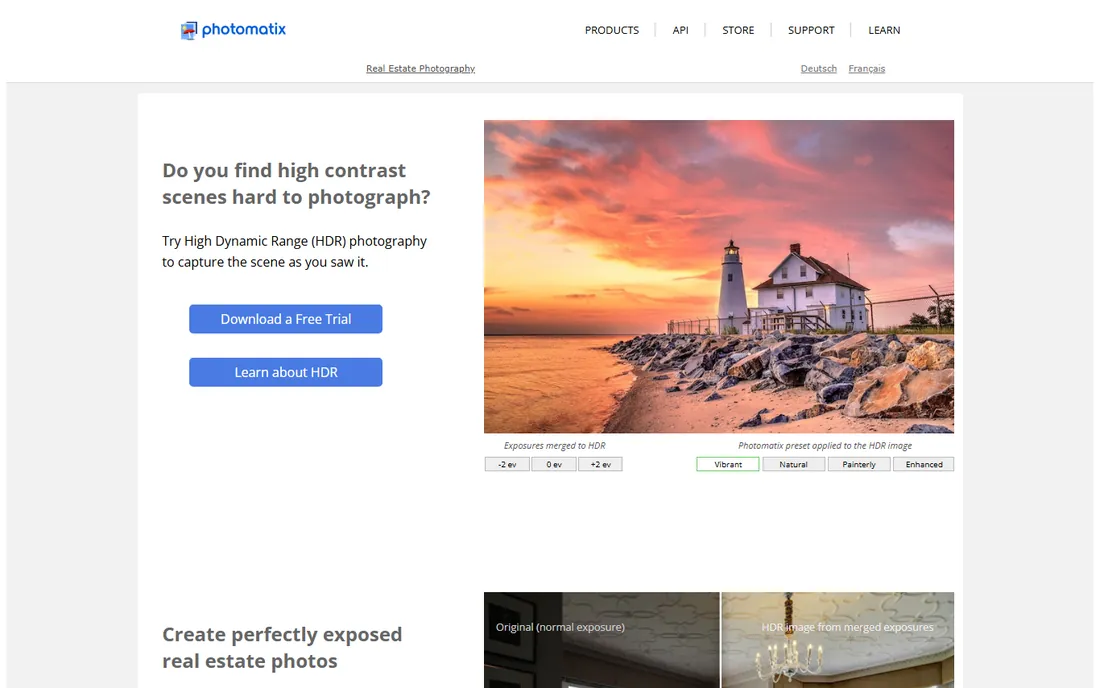
Photomatix has been the HDR specialist since before HDR was fashionable, and Pro remains the deepest merging tool you can buy. Where it earns the $99 one-time price is in difficult brackets: moving water, swaying trees, people walking through a real estate shot. The selective deghosting brush lets you pick which exposure supplies each moving region, a level of control Lightroom's automatic merge does not offer. It runs standalone or as a Lightroom plugin, and the preset library spans from invisible natural merges to full drama.
The interface has barely changed in a decade, and newcomers can find the slider count intimidating. The trial watermarks output, so serious evaluation means buying. But for photographers who shoot brackets weekly, especially in real estate and architecture where ghost-free windows matter, Photomatix Pro is still the professional standard.
What we like- Best-in-class deghosting and alignment
- Huge preset library from natural to dramatic
- Works as Lightroom plugin or standalone
Watch out for- Interface looks dated
- $99 is steep if you only merge occasionally
- Learning curve on the advanced sliders
#3
Luminar Neo
Best for: AI-assisted HDR looks without manual bracketing fuss
Visit skylum.com
Starting priceSee website
Free planFree trial
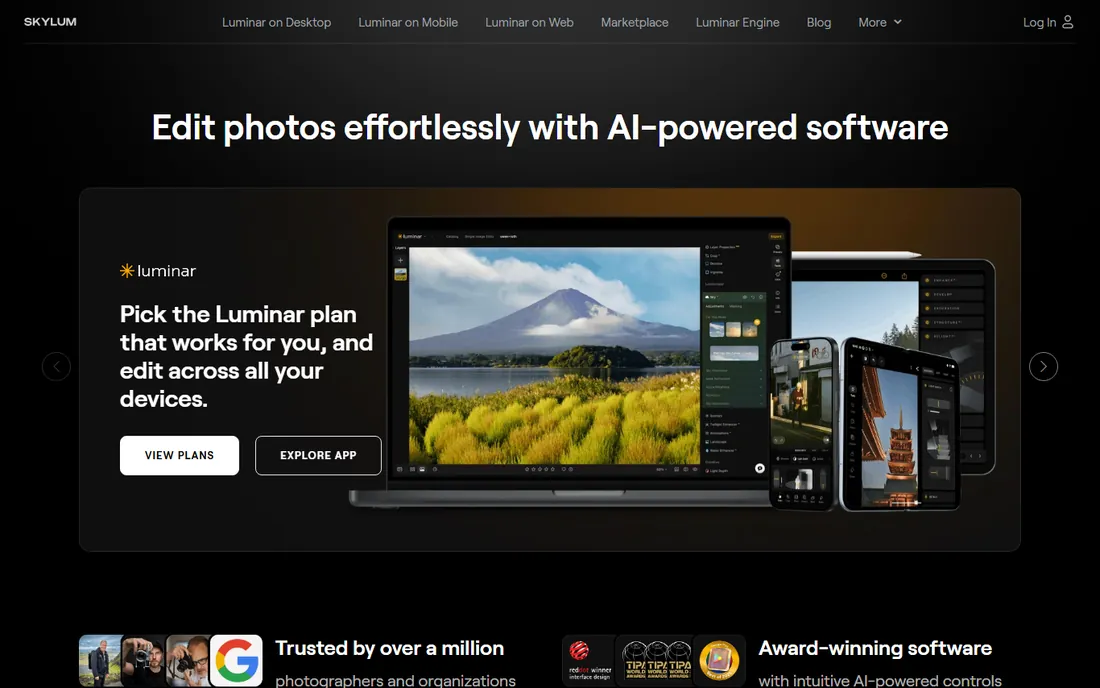
With Aurora HDR discontinued, Luminar Neo is Skylum's answer for HDR photographers. The HDR Merge extension combines brackets, and then Neo's AI tools (sky enhancement, structure, relight) take over for the stylized finish that made Aurora famous. The single-image "HDR look" from one RAW file is genuinely useful for drone pilots and event shooters who cannot bracket. The interface is modern and fast, a relief after Photomatix's retro panels.
Skylum's pricing requires clicking through signup before you see numbers, which is frustrating, and the HDR Merge extension costs extra on lower tiers. The library management is also weaker than Lightroom's. Choose Luminar Neo if you want the creative, punchy HDR aesthetic with AI doing the heavy lifting, and you are comfortable in Skylum's ecosystem rather than Adobe's.
What we like- HDR Merge extension plus AI enhancement tools
- Single-image HDR-look from one RAW
- Modern, fast interface
Watch out for- Pricing only shown after signup steps
- HDR Merge is a paid extension on some tiers
- Catalog features trail Lightroom
#4
ON1 Photo RAW
Best for: All-in-one editor with HDR built in
Visit on1.com
Starting price$99.99 (one-time perpetual license)
Free planFree trial
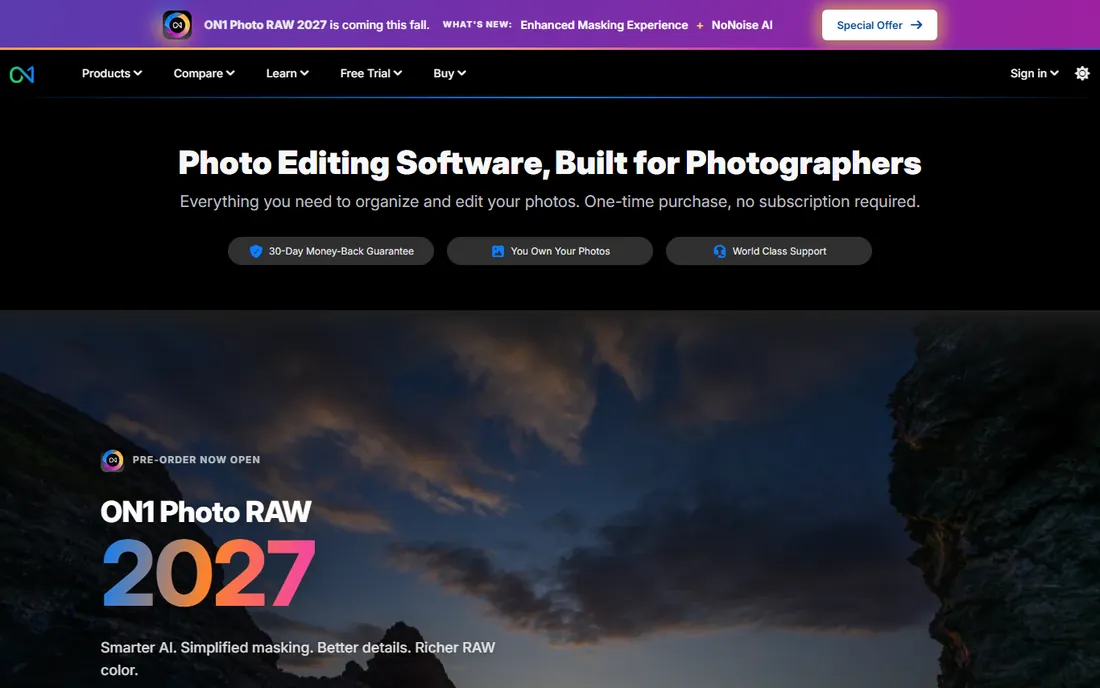
ON1 Photo RAW is for photographers who want one program instead of three. The $99.99 perpetual license (a subscription option also exists) buys a complete raw editor with HDR merging, panorama stitching, layers, masking and effects built in. The HDR merge handles standard three- and five-shot brackets cleanly, and because it lives inside the main editor, you go from merge to finished print without exporting between apps.
Specialists beat it at their specialties: Photomatix merges tricky brackets better, Lightroom organizes libraries better. But as a value proposition it is strong, one payment covers the whole workflow, and ON1's masking tools are excellent for blending an HDR merge with a single exposure by hand. If you are leaving Adobe's subscription behind, ON1 is the most complete landing spot that still does HDR properly.
What we like- HDR merge inside a full Lightroom alternative
- Perpetual license available
- Layers, masking and effects included
Watch out for- HDR controls less deep than Photomatix
- Smaller preset ecosystem
- Performance varies on older machines
Starting priceSee website
Free planFree trial
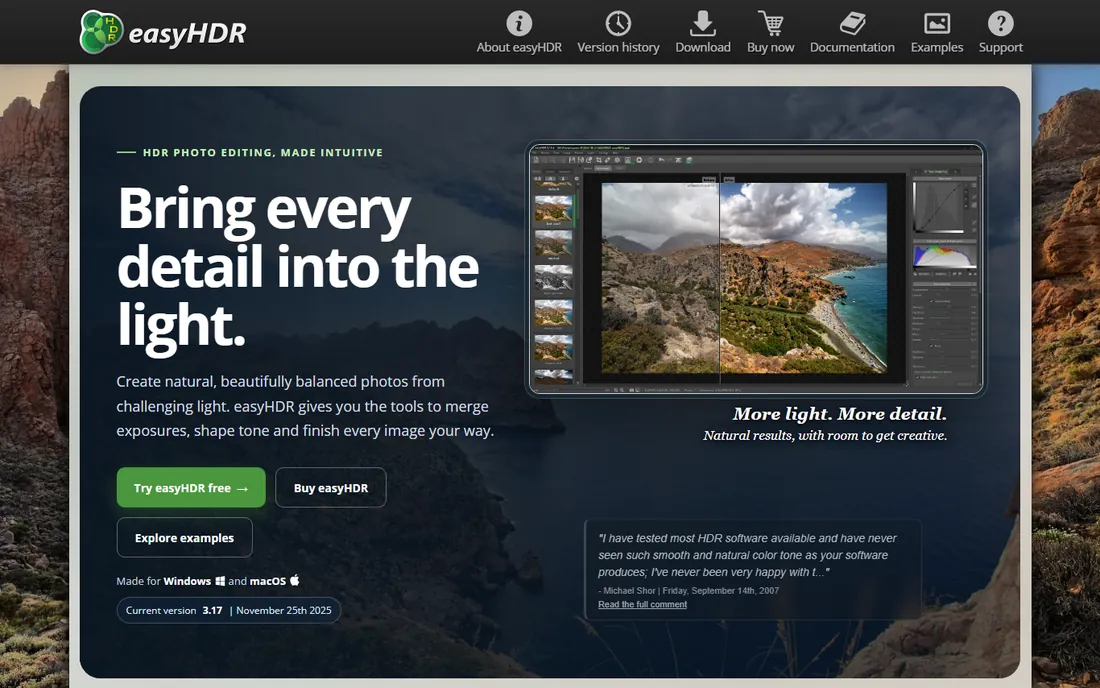
EasyHDR is the quiet bargain of dedicated HDR software. It does the core job, align brackets, merge to 32-bit HDR, tonemap, with a one-time price far below Photomatix, and it includes batch processing for chewing through a day of real estate shoots. The true HDR workflow preserves highlight data properly rather than faking it, which matters if you deliver files to retouchers.
You get what you pay for in polish. The interface is functional rather than beautiful, the preset library is thin, and advanced ghost removal is basic next to Photomatix. But the merges themselves are clean and natural-looking, which is the whole point. For photographers who need honest HDR merging on a tight budget, EasyHDR is the value pick.
What we like- Affordable one-time price
- True 32-bit HDR workflow
- Batch processing included
Watch out for- Smallest feature set here
- Interface is bare-bones
- Limited preset library
Starting priceSee website
Free planFree trial
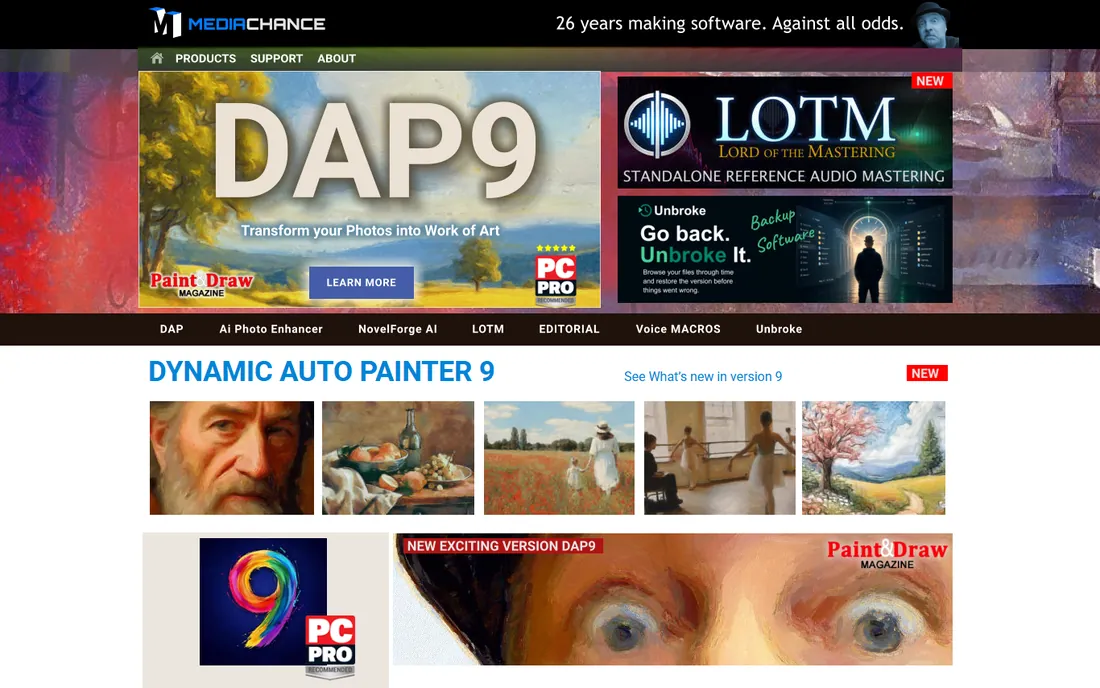
Dynamic-Photo HDR comes from MediaChance, essentially a one-developer shop, and it punches above its weight where it counts. The auto-alignment is among the best for handheld brackets shot without a tripod, and the anti-ghosting handles moving subjects well. Its tonemapping styles lean painterly, which suits photographers who like the illustrative HDR look rather than the invisible one.
The trade-off is the ecosystem. Updates are infrequent, the website looks like a time capsule, and you will find fewer YouTube tutorials than for Photomatix or Lightroom. Support is a single developer who does answer email, but slowly. If your brackets are handheld and your taste runs dramatic, the merge quality justifies the quirks.
What we like- Excellent auto-alignment for handheld shots
- Strong anti-ghosting
- Painterly tonemapping styles
Watch out for- One-developer product with slow updates
- Website and docs feel dated
- Smaller user community for tutorials
Starting priceSee website
Free planFree trial (Nik Collection trial)
HDR Efex Pro is not a bracket merger, and that distinction matters. It takes a single image (or a pre-merged 32-bit file) and applies HDR-style tonemapping and effects: structure, drama, vignettes, the works. As part of DxO's Nik Collection it plugs into Lightroom and Photoshop, and its presets are the fastest path from flat RAW to striking image on this list. Architectural and fine-art photographers love it for the control over micro-contrast.
Because it ships only inside the full Nik Collection, you pay for seven plugins when you wanted one. And since it works from single images, it cannot recover the highlight and shadow detail that true bracket merging captures. Use it as a finishing tool on top of a real merge from Lightroom or Photomatix, not as a replacement for bracketing.
What we like- Gorgeous preset looks with fine control
- Works as plugin for Lightroom and Photoshop
- Part of the respected Nik Collection
Watch out for- Sold only as part of the full Nik Collection
- Not a bracket merger, it is a single-image effect
- Adds up if you only want HDR
Starting priceFree
Free planYes, completely free

Canva's decision to make the entire Affinity suite free forever changed the math of this category. Affinity Photo includes genuine HDR merging to 32-bit, full layer-based editing, focus stacking and panorama stitching, at a price of zero with no watermark and no feature limits. For a photographer starting out or a small studio cutting subscription costs, it removes every financial excuse.
The HDR merge works but holds your hand less than Photomatix: fewer presets, simpler deghosting, and you are expected to know what tonemapping is. The tutorial ecosystem is smaller than Adobe's, though it grows monthly since the price drop. As a free Lightroom-and-Photoshop replacement that handles HDR properly, nothing else comes close.
What we like- Full HDR merge to 32-bit
- Professional layer and retouching tools
- No subscription, no catch
Watch out for- HDR merge less guided than Photomatix
- Smaller tutorial ecosystem than Adobe
- RAW processing a step behind Lightroom
Starting priceSee website
Free planFree trial (Lite version available)
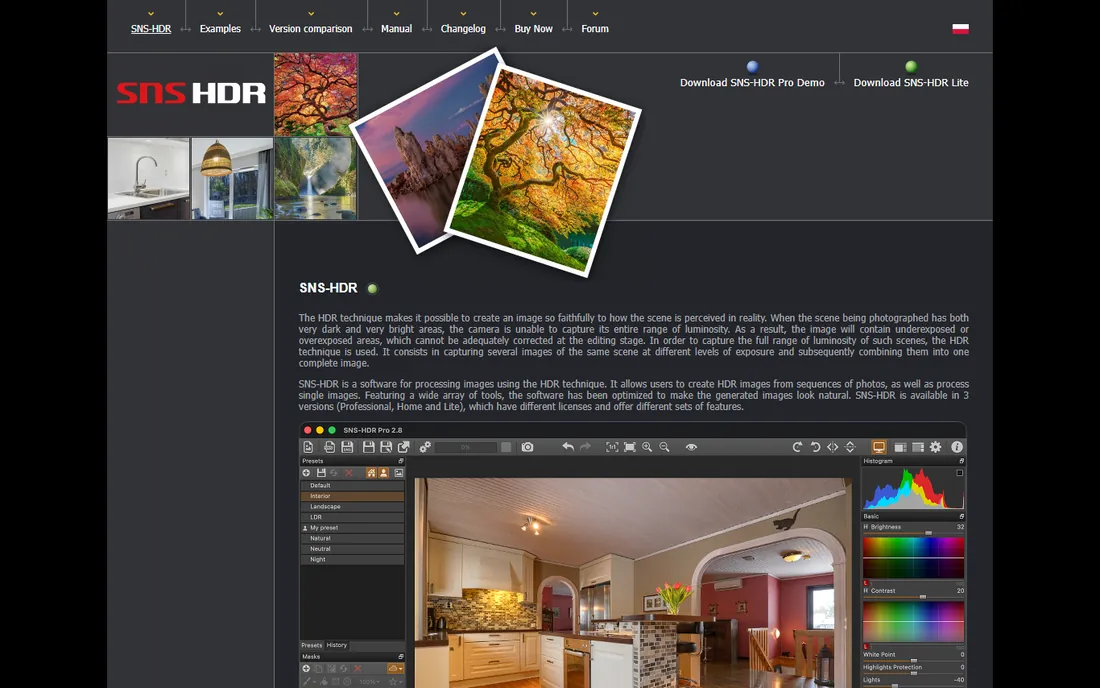
SNS-HDR is the connoisseur's pick for natural results. Its tonemapping algorithm is widely regarded as one of the most realistic: open shadows and recovered highlights without the halos and grit that scream "HDR." The batch queue processes entire shoots unattended, which real estate photographers with hundreds of brackets appreciate, and it runs happily on modest hardware.
Everything else about it is spartan. The interface is a handful of sliders, presets are essentially absent, and the website makes pricing oddly hard to locate. There is a free Lite version for basic work. If your taste is "HDR that does not look like HDR" and you process volume, SNS-HDR deserves the audition. If you want guided creativity, look elsewhere.
What we like- Superb natural-looking tonemapping
- Batch queue for large shoots
- Low system requirements
Watch out for- Minimalist interface with almost no presets
- Website pricing is hard to find
- Little marketing means few reviews
Starting priceFree
Free planYes, completely free
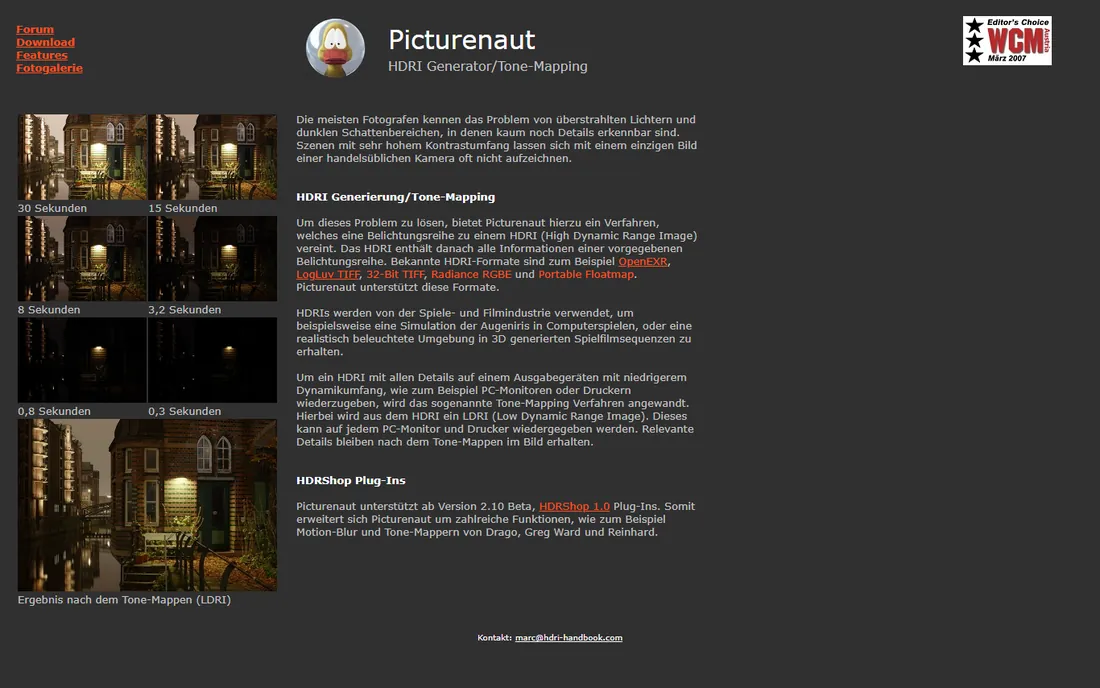
Picturenaut is a small free Windows utility that does one thing: tonemap HDR images. You feed it a 32-bit file merged elsewhere (or generated from a single RAW) and it applies clean, adjustable tonemapping with several operators. No account, no watermark, no trial clock. It is the kind of honest freeware that survives on reputation.
The limits are clear. It does not merge brackets itself, it only runs on Windows, and updates arrive rarely. Pair it with a free merger (Affinity Photo handles that) and you have a complete no-cost HDR pipeline. For students, hobbyists and anyone testing whether HDR is worth pursuing, Picturenaut is the zero-risk starting point.
What we like- Free with no account or watermark
- Solid tonemapping operators
- Lightweight and fast
Watch out for- Tonemapping only, no bracket merging
- Windows-only
- Development is slow
What to look for in HDR software
Start with merge quality, because everything downstream depends on it. Good merging means automatic alignment that fixes handheld shake and deghosting that handles movement without smearing. Photomatix Pro and Dynamic-Photo HDR lead here; test any trial on your hardest bracket, not your easiest, before deciding.
Next, check the bit depth of the workflow. True HDR software merges to a 32-bit file that preserves the full captured range, then tonemaps down for display. Tools that skip straight to an 8-bit result throw away data you may want later. Lightroom, Photomatix, EasyHDR and Affinity all keep proper 32-bit intermediates.
Then consider where the tool lives in your workflow. A Lightroom plugin (Photomatix, HDR Efex Pro) keeps you in one catalog. A standalone merger plus your existing editor works fine too, as long as file handoff is simple. Batch processing matters if you shoot real estate volume; SNS-HDR and EasyHDR handle queues best.
Finally, weigh the license model against your usage. Occasional HDR shooters do fine with free tools (Affinity Photo, Picturenaut) or Lightroom's built-in merge. Weekly bracket shooters should pay once for Photomatix Pro or ON1 Photo RAW rather than renting forever.
How we chose
We verified each product is actually sold today, which is why Aurora HDR is absent: Skylum discontinued it in favor of Luminar Neo. Pricing comes from the vendors' own sites where the pages rendered it; where pricing hid behind signup flows we wrote "See website" rather than guessing. We weighted merge quality (alignment, deghosting, 32-bit workflow) above preset counts, read photographer forums and reviews for real-world complaints, and made sure free options were genuinely free, not trials in disguise.
Avoiding the overcooked look
HDR's bad reputation comes from one mistake: pushing tonemapping until every photo looks like a video game screenshot. Halos around rooflines, glowing skies and crunchy textures are all signs the strength slider went too far. The fix is restraint plus the right starting point.
Shoot with the merge in mind. Three brackets at two-stop intervals cover most scenes; save five or seven for interiors with bright windows. A tripod helps, but modern alignment handles handheld brackets fine. Expose for the highlights in your brightest frame, since blown highlights cannot be recovered but shadows usually can.
In the software, start from the most natural preset and add drama slowly. Pull back strength until the image looks almost flat, then add contrast with normal editing tools instead. The best HDR is the kind viewers never notice: open shadows, detailed highlights, and no clue that three exposures were involved.
Frequently asked questions
What is HDR photography?
HDR (high dynamic range) photography combines multiple exposures of the same scene, typically a dark, medium and bright shot, into one image that holds detail in both shadows and highlights. Software aligns the brackets, merges them into a 32-bit file, then tonemaps the result down to something a screen or print can display.
How many bracketed exposures do I need?
Three exposures two stops apart cover most outdoor scenes and exteriors. Interiors with bright windows, sunsets and other extreme-contrast scenes benefit from five or seven. More frames give smoother merges but take longer to shoot and process, so match the count to the scene's contrast.
Can I make HDR from a single RAW file?
Yes, and tools like Luminar Neo and HDR Efex Pro specialize in it. A single RAW holds more range than a JPEG, so you can pull a convincing HDR look from one frame. But it cannot match true bracketing: a single exposure simply did not capture the highlight and shadow detail that multiple frames did.
Why do my HDR photos look unnatural?
Over-tonemapping. Pushing strength, structure and saturation sliders too far creates halos, gray skies and the crunchy texture people mock. Start from the natural preset, reduce the effect until the image looks almost flat, then finish with normal contrast and color edits.
Is Aurora HDR still available?
No. Skylum discontinued Aurora HDR; its own site states the product no longer receives updates and points users to Luminar Neo instead. Avoid buying old Aurora HDR licenses from third-party sellers, since activation may not work. Luminar Neo with the HDR Merge extension is the current Skylum path.
Do I need a tripod for HDR?
It helps, but it is not required. Modern auto-alignment in Lightroom, Photomatix and Dynamic-Photo HDR corrects handheld shake well for three-shot brackets. Use a tripod for seven-frame brackets, long exposures or critical architectural work where pixel alignment matters.
Sources we checked (11)
- https://www.adobe.com
- https://www.hdrsoft.com
- https://skylum.com
- https://skylum.com/aurora-hdr-vs-luminar-neo
- https://www.on1.com/products/photo-raw/
- https://www.easyhdr.com
- https://www.mediachance.com
- https://nikcollection.dxo.com
- https://www.affinity.studio
- https://www.sns-hdr.com
- https://www.picturenaut.de
Is your product missing or out of date?
We review this list regularly. Vendors can request a listing, send updated pricing or ask about featured placement.

Shihab Mia · Founder, Rankite
Shihab has spent more than a decade helping SaaS and e-commerce brands grow through search. He writes Rankite's software buying guides from pricing pages, documentation and public user reviews. More about Shihab.