How we make this list: we compare pricing pages, product documentation and public user reviews. Rankite is independent; if a vendor ever pays for a featured spot, that listing is clearly labeled Partner.
Key takeaways
- OBS Studio and DaVinci Resolve give you professional chroma key for free, which makes paid tools a choice about convenience, not capability.
- Filmora and Movavi Video Editor are the easiest on-ramps for beginners who want to key out a background without learning a pro tool.
- VCam and ManyCam remove or replace webcam backgrounds live with no green screen at all, which suits meetings and streams better than post-production keying.
- Camtasia fits tutorial creators who already record there, while VSDC, Lightworks, and PowerDirector round out the budget and mid-range editing options.
- HitFilm was discontinued and no longer accepts new users, so we replaced it with CyberLink PowerDirector in this lineup.
Quick comparison
| Tool | Best for | Starting price | Free plan |
|---|
 OBS Studio OBS Studio | free live chroma key for streaming | Free | Yes |
 DaVinci Resolve DaVinci Resolve | professional keying at zero cost | Free | Yes |
 Filmora Filmora | beginner-friendly chroma key editing | See website | Yes |
 Camtasia Camtasia | tutorial creators keying out backgrounds | $179.88/year | Free trial (watermarked exports) |
 VSDC VSDC | free chroma key on Windows | Free | Yes |
 VCam VCam | webcam background removal without a green screen | $48/year | Yes (free with watermark) |
 ManyCam ManyCam | live virtual backgrounds in calls and streams | See website | Yes |
 CyberLink PowerDirector CyberLink PowerDirector | AI-assisted background editing | See website | Yes |
 Lightworks Lightworks | film-style editing with keying | See website | Yes |
 Movavi Video Editor Movavi Video Editor | simple chroma key on a budget | $49.95/year | Free trial (7 days) |
Is your product missing or out of date?
We review this list regularly. Vendors can request a listing, send updated pricing or ask about featured placement.
Green screen software, reviewed for 2026
XSplit reports more than 15 million signups on its own site, and a large share of those users stream with virtual or keyed backgrounds. Green screen work has quietly become mainstream: teachers record lessons over slides, streamers sit inside game footage, and sales teams present from branded virtual sets. The cloth still matters for the cleanest keys, but AI background removal now handles the cases where a physical screen is impractical.
This list covers both worlds: traditional chroma key editors for post-production and AI tools that erase backgrounds live. Prices come from the vendors' own sites, checked in October 2026.
Starting priceFree
Free planYes
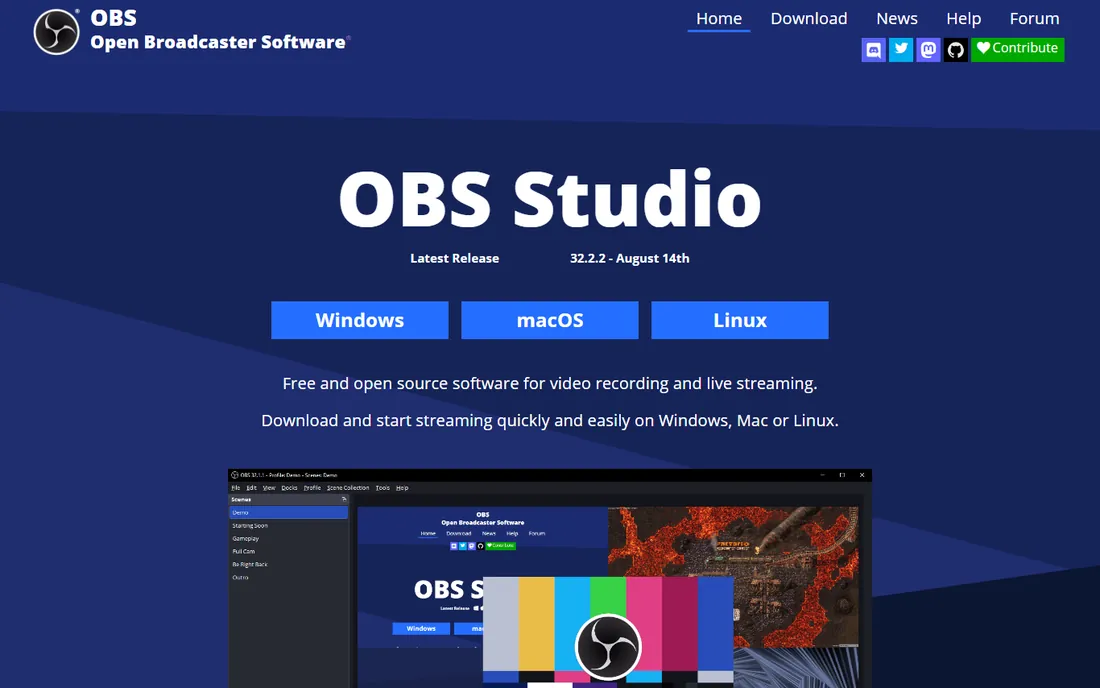
OBS remains the first tool to try for live green screen work because the chroma key filter costs nothing and runs in real time. Add your camera as a source, apply the filter, sample the green, and adjust similarity and smoothness until the edges look clean. Streamers have used exactly this pipeline for years.
The honest catch is that OBS will not forgive bad lighting. Uneven green, shadows, or spill on your shoulders produce the noisy edges people blame on software. A cheap pair of softbox lights improves the key more than any upgrade. Once the lighting is right, though, the result rivals paid streaming tools.
What we like- Free chroma key filter with spill correction
- Keys live during streams and recordings
- No watermarks or limits
Watch out for- Tuning the key takes manual tweaking
- Lighting problems show up mercilessly
Starting priceFree
Free planYes
If your green screen work happens in post-production, DaVinci Resolve is almost unfair to the competition. The free version includes the 3D keyer, HSL qualifiers, and the full Fusion compositing page, which is the same toolset used on actual film and television work. Blackmagic's own site confirms the free edition with no watermark.
Keying in Resolve rewards patience: pull the initial key, refine with matte controls, despill, and track the result. It takes longer to learn than Filmora's one-slider chroma key, but the ceiling is far higher. The $295 one-time Studio license adds AI masking and noise reduction for those who outgrow the free tools.
What we like- 3D keyer and qualifiers in the free version
- Fusion page for advanced compositing
- No watermark on free exports
Watch out for- The learning curve is real
- Studio-only features like Magic Mask cost $295 one-time
Starting priceSee website
Free planYes
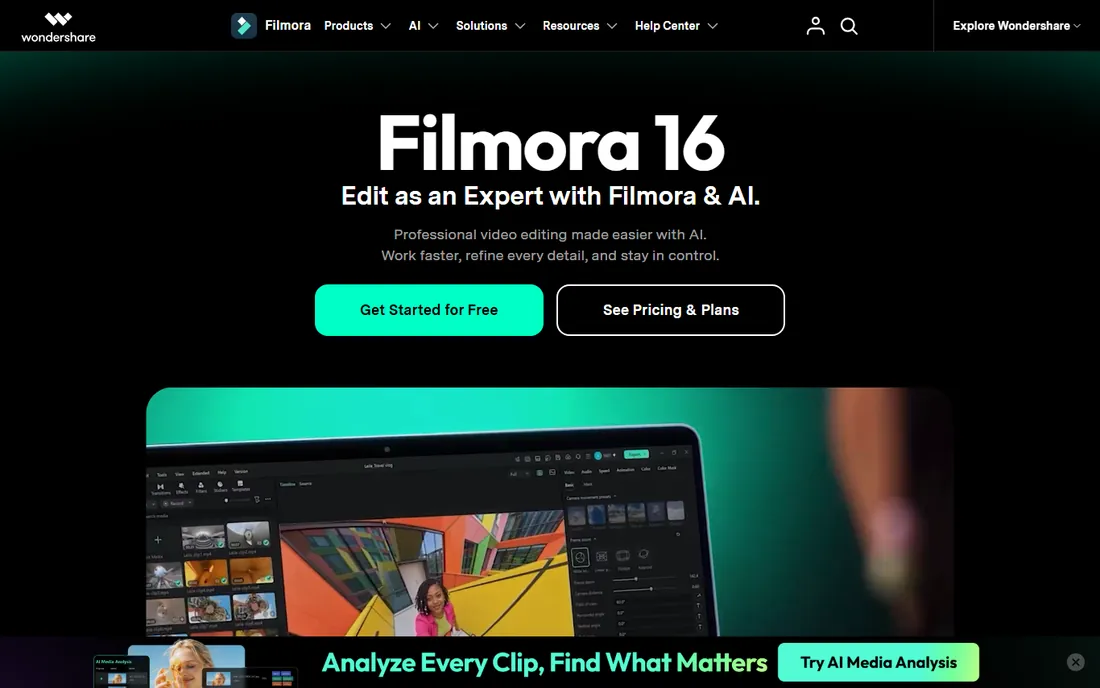
Filmora treats chroma key the way beginners need it treated: drop the effect on a clip, pick the green with the eyedropper, adjust one tolerance slider. It also includes AI portrait segmentation for cutting out people without any green screen, which covers the webcam-style shots where hanging cloth is overkill.
The vendor's own FAQ confirms you can use Filmora free with watermarked exports, and paid plans remove the watermark. Pricing snapshots from third parties ranged from $49.99 to $69.99 per year, so confirm on filmora.wondershare.com before budgeting. For YouTubers and educators who key occasionally, the simplicity is the whole point.
What we like- Chroma key is a simple drag-and-drop effect
- AI portrait cutout works without a green screen
- Gentle learning curve
Watch out for- Free exports carry a watermark
- Pricing was not cleanly verifiable on the vendor buy page
Starting price$179.88/year
Free planFree trial (watermarked exports)
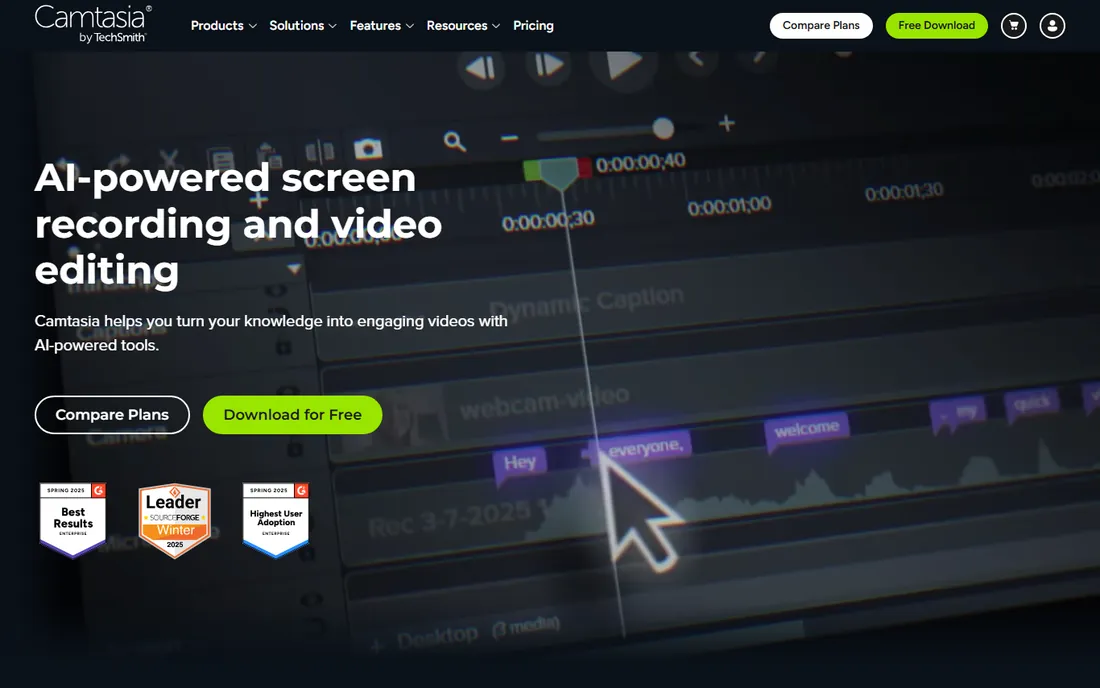
Camtasia earns its place here for a specific buyer: the tutorial maker who records in Camtasia anyway. The Remove a Color effect keys out a green background behind a presenter, and because recording and editing live in one app, the presenter-over-slides format comes together fast. Captions, quizzes, and callouts are all built in.
Nobody buys Camtasia just for chroma key; the keyer is competent but simple, with none of Resolve's matte refinement. At $179.88 per year for the Essentials plan, the math works when the whole tutorial pipeline lives in the app. The free trial watermarks exports, which is enough to test the key on your footage.
What we like- Remove a Color effect handles basic keying
- Record, key, and edit in one app
- Strong for presenter-over-slide tutorials
Watch out for- Keying controls are basic next to dedicated editors
- The annual price is high if keying is all you need
Starting priceFree
Free planYes
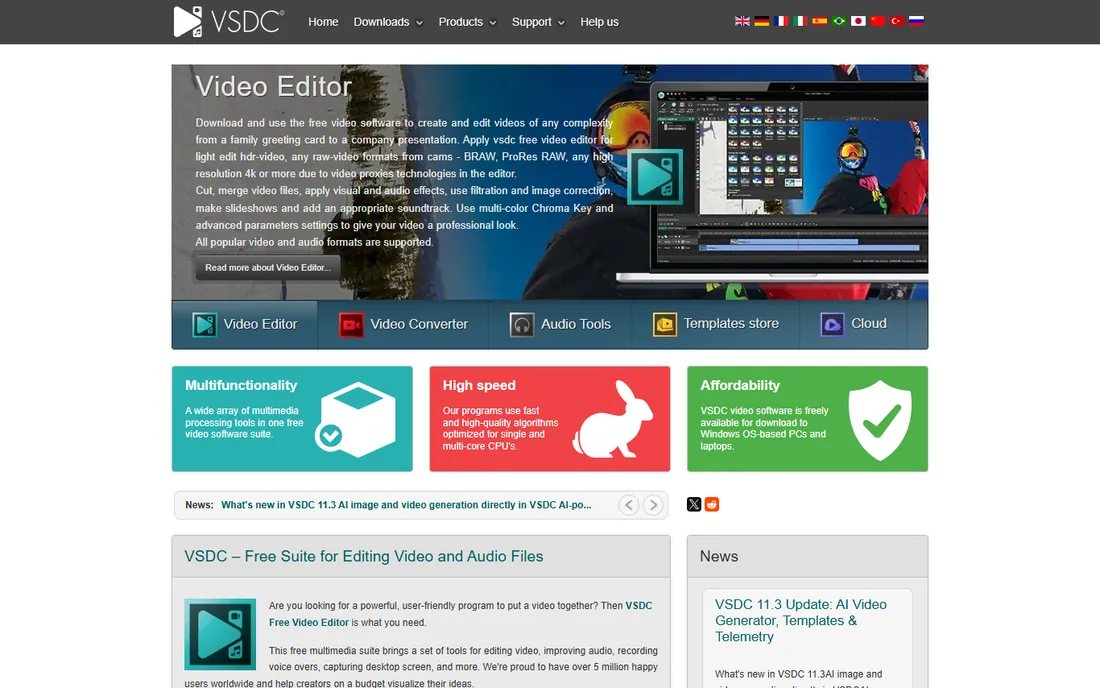
VSDC's own homepage advertises its chroma key tool front and center, and the vendor confirms the free editor exports without watermarks. The free keyer handles standard green screen removal, while the $19.99 per year Pro version adds multi-color chroma key for removing any background color, plus hardware acceleration for faster exports.
The interface is the price of admission: track ordering runs opposite to most editors, and the menus show their age. But for Windows users who want free keying without a watermark, the value is hard to argue with. It runs on modest hardware that chokes heavier editors.
What we like- Chroma key included in the free version with no watermark
- Pro adds multi-color keying for $19.99 per year
- Light on system requirements
Watch out for- Windows only
- The interface feels dated and takes getting used to
#6
VCam
Best for: webcam background removal without a green screen
Visit vcam.ai
Starting price$48/year
Free planYes (free with watermark)
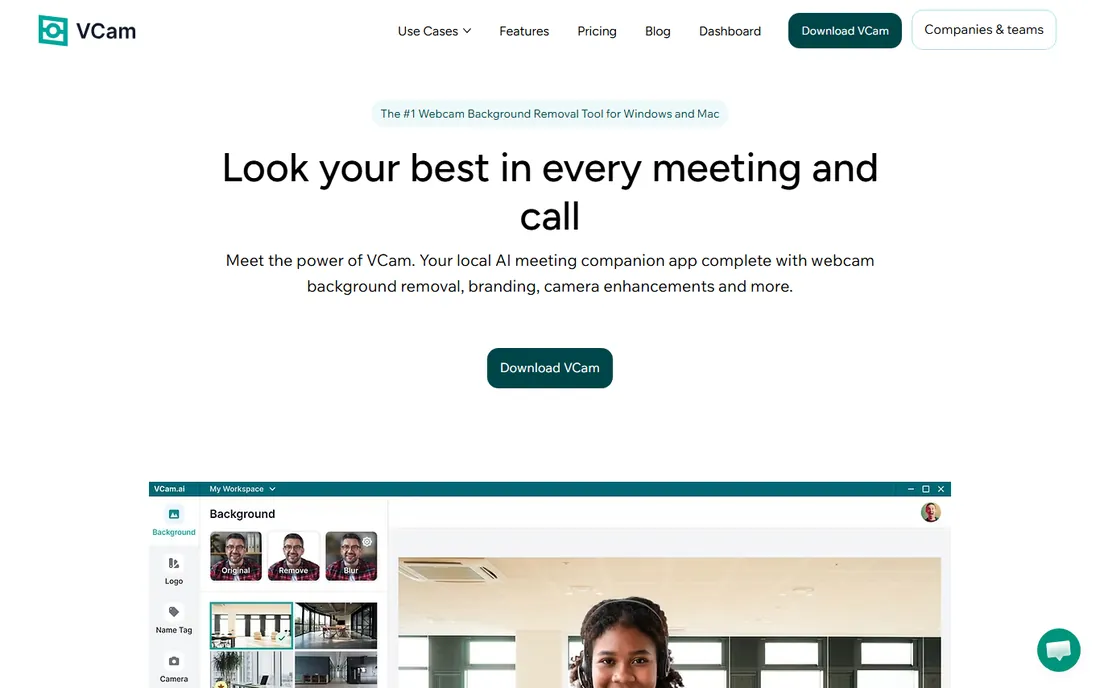
VCam is the current name for what was XSplit VCam; the vendor confirms it is gradually migrating users from XSplit VCam to VCam. It sits between your webcam and any app, removing, blurring, or replacing your background in real time with no green screen. Processing happens on your device, which the vendor highlights for privacy.
The vendor's own pricing page lists a free Starter plan with watermark, Personal at $48 per year, a $59 lifetime option, and Business at $72 per year. For streamers, teachers, and remote workers, this is the pragmatic answer when hanging a green screen is not happening. It does not edit video; it fixes the camera feed.
What we like- AI removes or replaces webcam backgrounds live
- Runs entirely on-device for privacy
- Free tier available
Watch out for- Not a video editor, webcam only
- Free version watermarks the output
Starting priceSee website
Free planYes
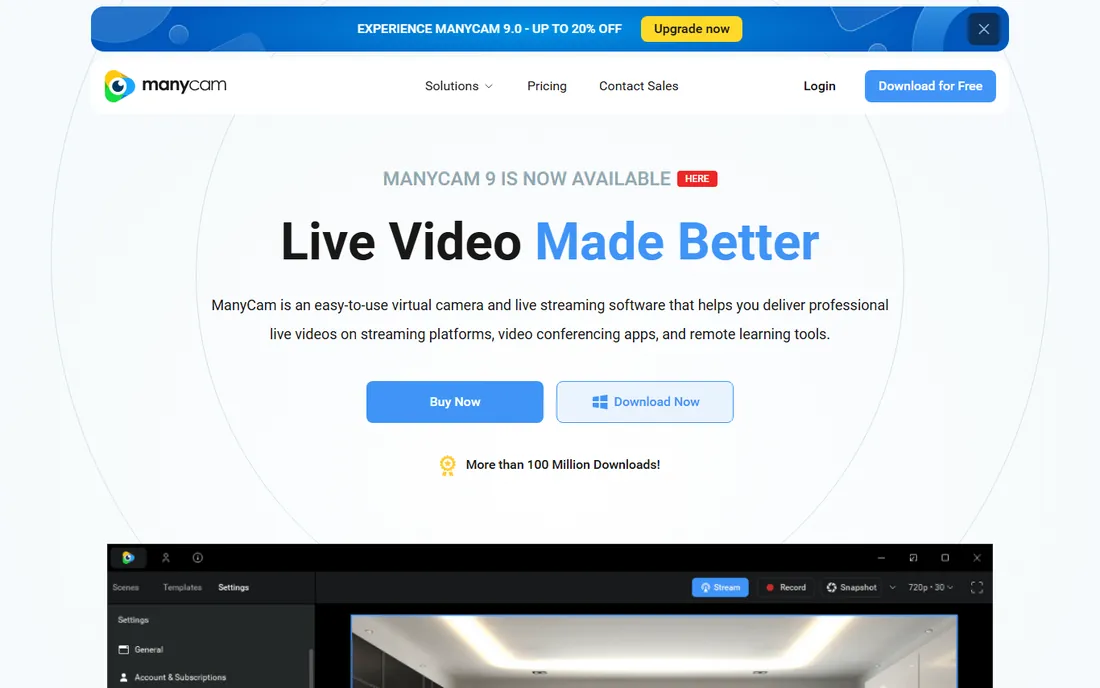
ManyCam has been doing virtual cameras for years, and its feature set covers both approaches to backgrounds: AI virtual backgrounds without a green screen, and a traditional chroma key effect for users who have one. It plugs into Zoom, Teams, YouTube, and Twitch as a virtual camera, which makes it a fixture for teachers and live sellers.
The free version covers basic virtual camera use, but background removal sits behind paid tiers. Third-party snapshots put plans in the $49 to $149 per year range, so confirm on manycam.com. It overlaps with VCam on background removal, with the edge going to ManyCam for multi-source live production.
What we like- Virtual backgrounds plus a real chroma key effect
- Works as a virtual camera in Zoom, Teams, and streaming apps
- Long track record
Watch out for- Background removal is locked behind paid plans
- Pricing needs a check on the vendor store
Starting priceSee website
Free planYes
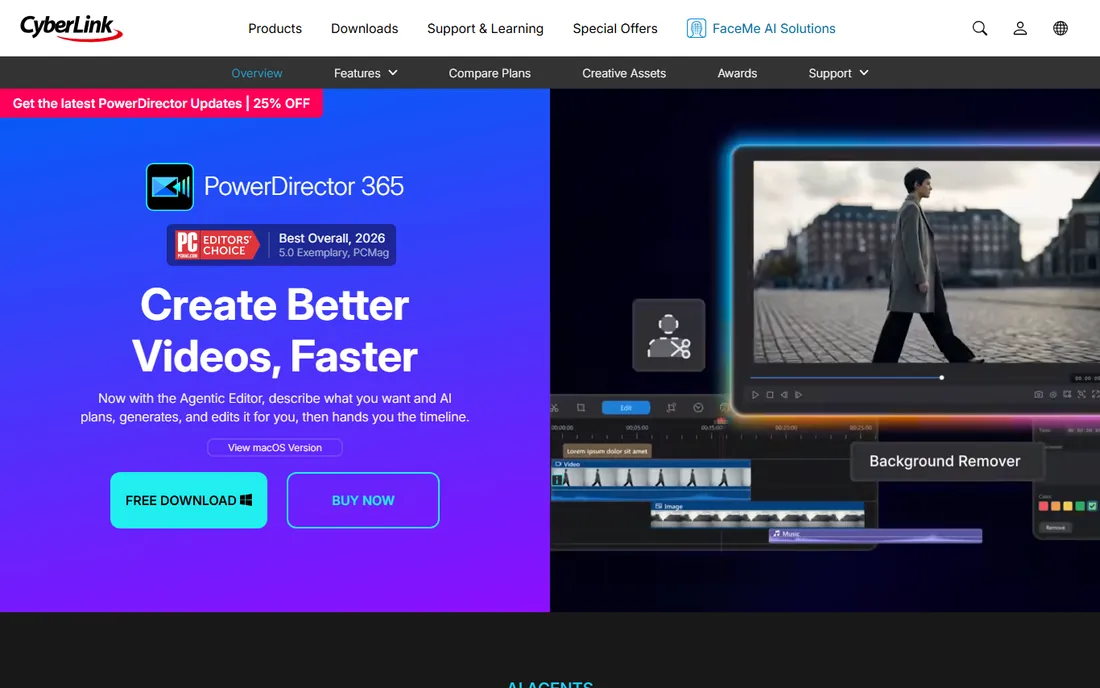
PowerDirector replaces HitFilm in this lineup, since Artlist discontinued HitFilm and stopped accepting new users. It is a worthy substitute for green screen work: a traditional chroma key tool for physical screens plus AI background removal for footage shot without one, all in a timeline editor that beginners can actually navigate.
The vendor's own FAQ confirms a free Essential version with no time limits, covering core editing and basic AI features. Paid options include a one-time lifetime license and the PowerDirector 365 subscription that opens the full AI suite. For creators who want keying, AI cutouts, and a deep effects library in one Windows and Mac app, it is the most complete mid-range pick here.
What we like- Chroma key plus AI background removal without a green screen
- Free Essential version with no time limit
- Strong template and stock library
Watch out for- Full AI features need the paid 365 subscription
- Pricing page needs a visit for current numbers
Starting priceSee website
Free planYes
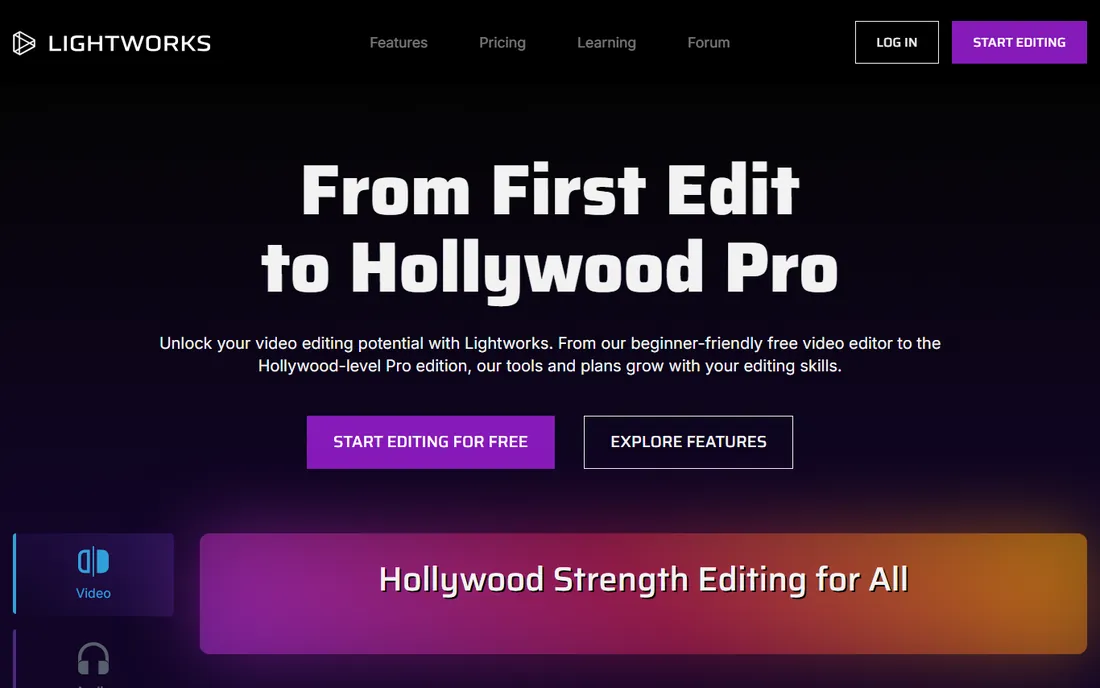
Lightworks comes from the film world, and it shows in the editing model: fast trimming, flexible timelines, and a free tier that the vendor's own homepage presents as the starting point. Chroma key effects are available for green screen compositing within that professional framework.
The free plan caps exports at 720p, which limits it for publishing, and the keying workflow assumes you know what you are doing. Third-party snapshots put paid plans around $9.99 to $23.99 per month, so verify on lwks.com. Choose it if you want to grow into serious editing, not if you want the fastest possible key.
What we like- Free tier for learning and non-commercial work
- Professional trimming and effects heritage
- Cross-platform
Watch out for- Free exports cap at 720p
- Chroma keying is less guided than in beginner tools
Starting price$49.95/year
Free planFree trial (7 days)
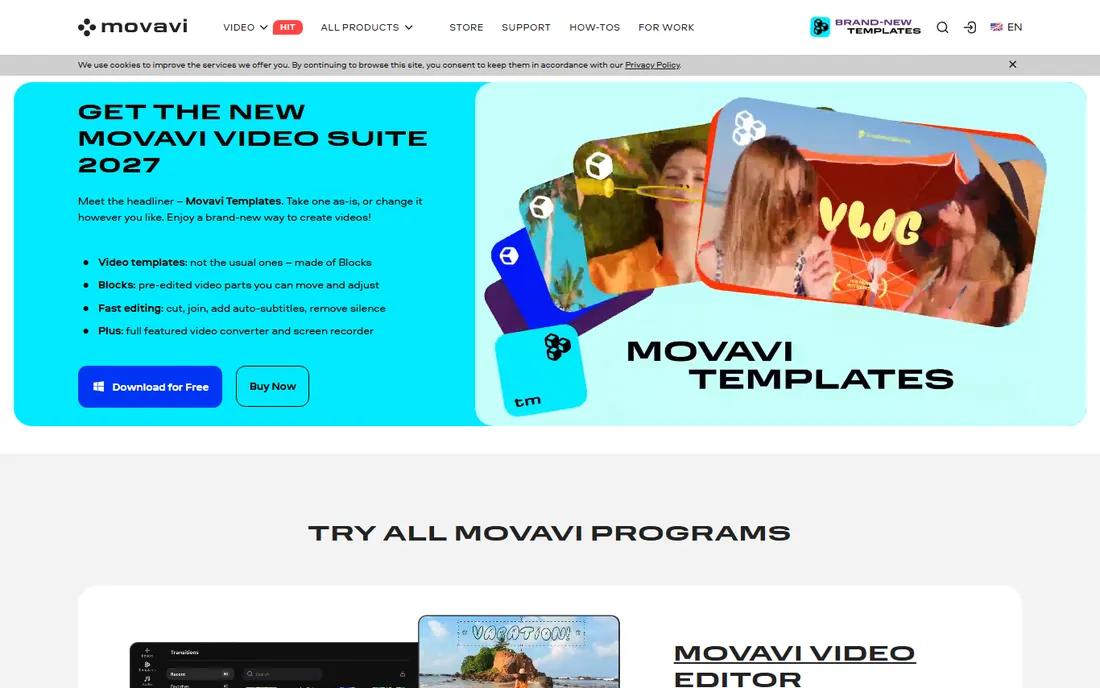
Movavi Video Editor keeps chroma key where beginners can find it: an effect you drag onto the clip, sample the green, and adjust. The vendor's own page lists the one-year plan at $49.95, and the FAQ confirms a free trial with a watermark and length limits. For family videos, school projects, and simple YouTube composites, that is enough.
The keyer will not satisfy perfectionists; edge refinement is basic compared with Resolve or PowerDirector. But the whole editor is built around the same philosophy, and buyers who want the job done today rather than mastered over months will be happy. It is the budget counterpart to Filmora in this list.
What we like- Chroma key effect is easy to find and tune
- Clean interface for beginners
- Vendor page confirms $49.95 per year
Watch out for- Trial watermarks exports and limits length
- Keying controls are simpler than pro tools
Choosing green screen software that actually fits your setup
Decide first whether you need live or post-production keying. Live keying for streams, classes, and calls points to OBS, VCam, or ManyCam. Post-production keying for recorded video points to Resolve, Filmora, PowerDirector, VSDC, or Movavi. Buying a great editor for a live problem, or a live tool for an editing problem, is the most common mistake in this category.
Then weigh the green screen itself. A physical screen plus OBS or Resolve gives the cleanest results for the least money. AI background removal from VCam or ManyCam skips the cloth entirely and looks good enough for meetings and streams, though edges still show it on close inspection. If you already own a screen, traditional chroma key tools win; if you never will, the AI tools are the honest answer.
How we chose
We opened each vendor's homepage and pricing page, recorded plan limits and free-tier terms from the vendor's own words, and cross-referenced user feedback on G2, Capterra, and Reddit. Tools qualified with an active 2026 product, a real chroma key or background removal feature, and pricing we could verify or honestly mark as "see website." HitFilm was dropped because the vendor discontinued it. We never claim hands-on testing; these comparisons come from documented features, published prices, and reported user experience.
Physical green screens vs. AI background removal
A physical green screen still wins on quality. Even lighting on a wrinkle-free cloth gives keyers clean color to remove, which means sharp edges and no flicker. The setup costs little: a collapsible screen and two softbox lights transform results in OBS, Resolve, or any keyer on this list. For recorded content where quality matters, this remains the recommendation.
AI background removal wins on convenience. VCam and ManyCam erase or replace backgrounds with no cloth, no lights, and no setup, which is why they dominate meetings and live streams. The trade is edge quality: hair, glasses, and busy backgrounds still confuse the models, and low light makes it worse. Use AI removal when the setting is live or temporary; hang the screen when the video has to look its best.
Frequently asked questions
What is the best free green screen software?
OBS Studio for live keying and DaVinci Resolve for post-production keying, both completely free with no watermarks. VSDC is the best free Windows-only option with chroma key built in. All three handle real green screen footage well.
Do I need a physical green screen?
Not always. VCam and ManyCam remove or replace webcam backgrounds live with AI and no green screen, which suits meetings and streams. For the cleanest edges in recorded video, a physical green screen with even lighting still beats AI removal.
Why does my chroma key look bad around the edges?
Usually lighting or spill. Uneven green, shadows on the screen, or green light bouncing onto your hair and shoulders all cause noisy edges. Light the screen separately from yourself, keep distance between you and the cloth, and adjust the keyer's edge and despill controls.
Can I remove a background without a green screen in a recorded video?
Yes. Filmora's AI portrait cutout, PowerDirector's AI background removal, and DaVinci Resolve Studio's Magic Mask all segment people without a green screen. Results are good for social video, though a real green screen still keys cleaner.
Is HitFilm still available?
No. Artlist discontinued HitFilm and its sibling apps, stopped accepting new subscriptions, and took down the FXhome site in early 2025. Existing installs may still run, but there is no support or future updates. CyberLink PowerDirector is the replacement pick in this list.
Sources we checked (12)
- https://obsproject.com/
- https://www.blackmagicdesign.com/products/davinciresolve
- https://filmora.wondershare.com
- https://www.techsmith.com/camtasia/
- https://videosoftdev.com/
- https://vcam.ai/
- https://vcam.ai/pricing
- https://manycam.com/
- https://www.cyberlink.com/products/powerdirector-video-editing-software/
- https://lwks.com/
- https://www.movavi.com/video-editor/
- https://www.xsplit.com/
Is your product missing or out of date?
We review this list regularly. Vendors can request a listing, send updated pricing or ask about featured placement.

Shihab Mia · Founder, Rankite
Shihab has spent more than a decade helping SaaS and e-commerce brands grow through search. He writes Rankite's software buying guides from pricing pages, documentation and public user reviews. More about Shihab.