How we make this list: we compare pricing pages, product documentation and public user reviews. Ratings come from G2, Capterra or Trustpilot, with the date we checked them.

Key takeaways
- Runway is the most complete creative suite, while Kling gives the most video per dollar for creators on a budget.
- Google has replaced Veo with Gemini Omni inside the Gemini app, so check which model your subscription actually includes before paying.
- OpenAI's Sora is no longer available to consumers as of April 2026, which makes Runway, Kling, and Gemini the safer long-term bets.
- Credit systems make real costs hard to compare, so test each tool on the same prompt before committing to a monthly plan.
Quick comparison
| Tool | Best for | Starting price | Free plan |
|---|
 Runway Runway | Pro editing suite with generative video | $15 per month | Free trial |
 Kling Kling | Best value for volume | $6.99 per month | Yes |
 Google Gemini Omni Google Gemini Omni | Conversational video creation and editing | See website | Yes |
 Pika Pika | Fast social clips | $8 per month | Yes |
 Hailuo Hailuo | Stylized and cinematic short clips | $9.99 per month | Yes |
 Luma Luma | Multi-model creative workspace | $30 per month | Yes |
 PixVerse PixVerse | Fast effects and template-driven clips | $10 per month | Yes |
 Synthesia Synthesia | Avatar-led training and business video | $29 per month | Free trial |
Is your product missing or out of date?
We review this list regularly. Vendors can request a listing, send updated pricing or ask about featured placement.
#1Runway
Best for: Pro editing suite with generative video4.1/5 on
G2 (105 reviews, checked Oct 2026)
Visit runwayml.com
Starting price$15 per month
Free planFree trial
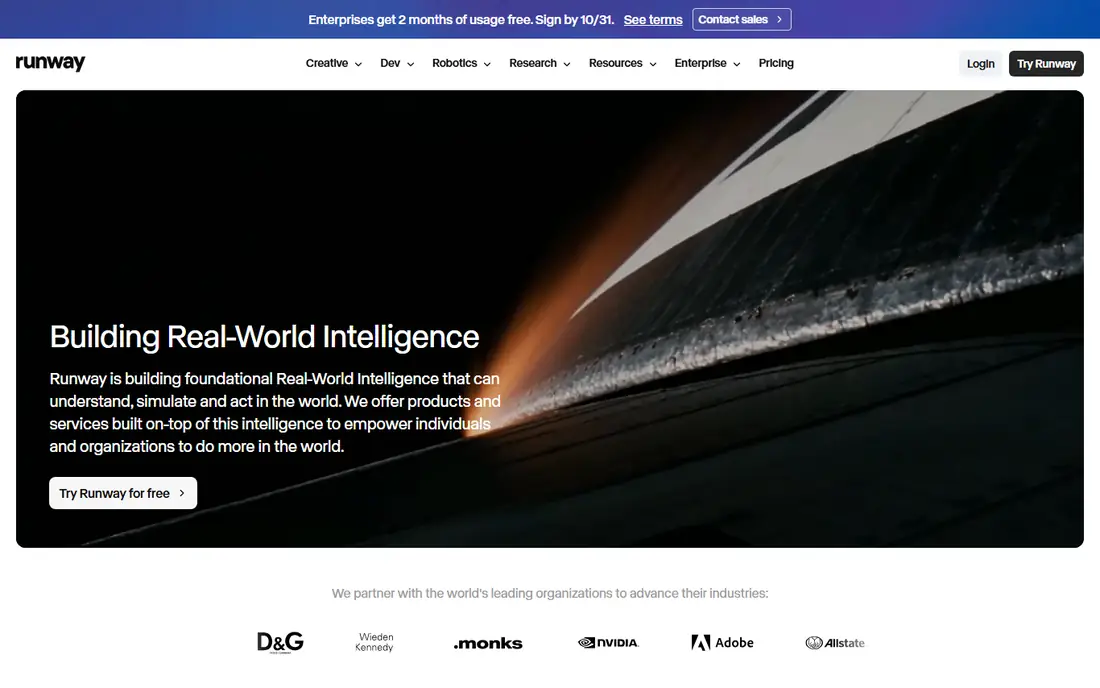
Runway is the closest thing this category has to a complete production tool. Its Gen-4.5 model generates clips from text and images, and the same workspace offers timeline editing, masking, tracking, and upscaling, so you can move from a generated clip toward a finished piece without exporting to another editor. For filmmakers and agencies, that combination matters more than any single model benchmark.
The honest catch is cost structure. The Standard plan is $15 per month, or $12 per month on annual billing, and generations consume credits at rates that vary by model and resolution. Heavy users should watch credit burn during the trial period before settling on a tier. If you want one workspace for generation and editing, Runway still leads.
What we like- Full editing suite alongside generation
- Gen-4.5 model with 4K upscaling
- Frame-level control tools
Watch out for- Credit math takes learning
- Monthly plan costs more than annual billing suggests
Starting price$6.99 per month
Free planYes
Kling, from Kuaishou, has become the value pick in generative video. Its 3.0 model produces up to 4K output with native audio, and its Standard plan starts at $6.99 per month, undercutting most rivals. The free tier is also unusually generous, with 66 credits refreshing daily, enough for a clip or two per day without paying anything.
The honest catch is the credit system, which changes cost depending on model, resolution, and duration, so budgeting takes a few sessions to learn. Kling also chains shorter clips into longer sequences rather than generating long scenes in one pass. For creators who need volume on a budget, it is the best deal available right now.
What we like- Lowest entry price among major models
- 66 free credits daily
- Long clips through extension, up to 3 minutes
Watch out for- Credit costs vary by model and mode
- Interface can feel crowded for newcomers
Starting priceSee website
Free planYes
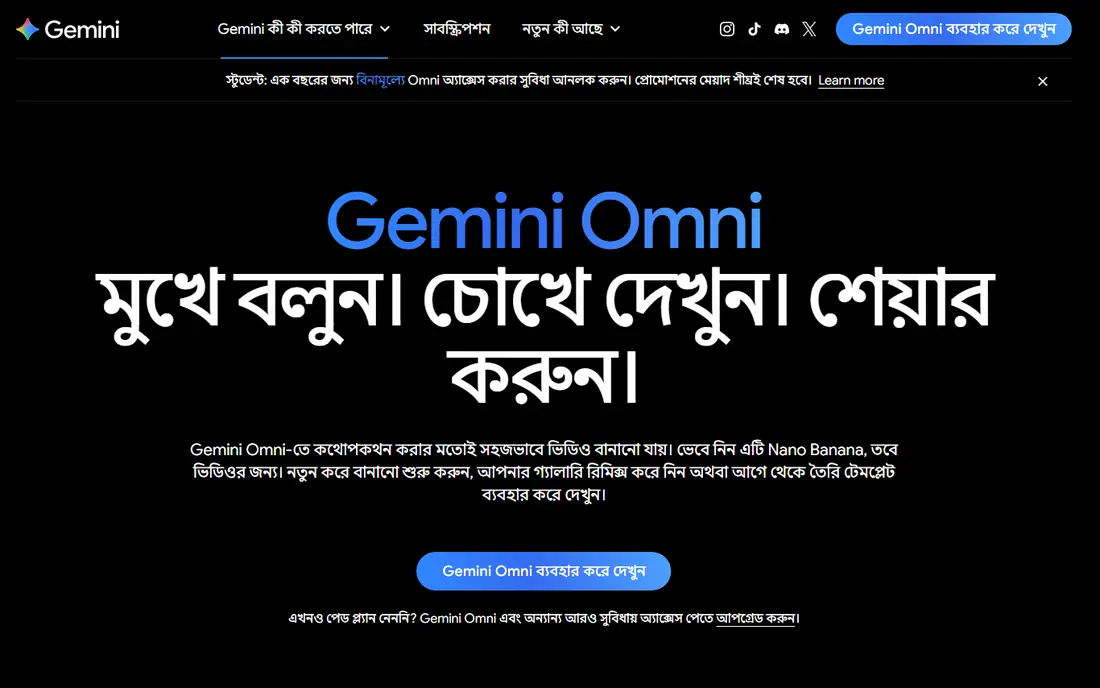
Google's video story changed in 2026. Gemini Omni, the company's current video model, is replacing Veo inside the Gemini app, and it treats video creation as a conversation: describe a scene, extend it, swap a background, or change a wardrobe, all through follow-up prompts. Native audio, including dialogue and sound effects, comes standard, and an optional AI avatar feature lets you star in your own clips.
The honest catch is transition confusion. Older comparisons still list Veo 3.1 pricing and features, while current access depends on your Google AI subscription tier, so confirm what your plan includes before comparing prices. For people already inside Google's ecosystem, Omni is the most approachable way to make video without learning a new editor.
What we like- Create and edit video through plain conversation
- Scene extension and video-to-video editing
- Native audio generation
Watch out for- Veo branding is being phased out, which confuses plan comparisons
- Features vary by subscription tier and region
Starting price$8 per month
Free planYes
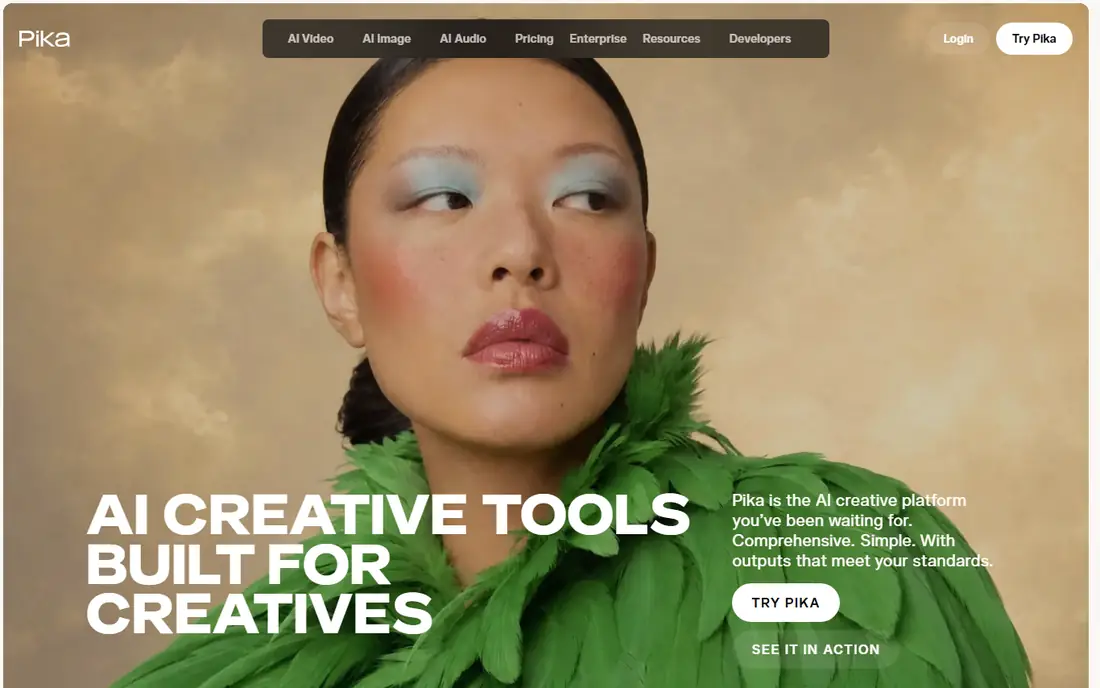
Pika aims at speed and simplicity. Its platform turns a prompt or image into a short clip in seconds, with presets and effects that suit social feeds, memes, and quick marketing tests. Paid plans start at $8 per month, and a free tier lets new users try generation before paying, though free output carries limits.
The honest catch is scope. Pika clips run short, and creators who need precise camera control or long sequences will hit its limits quickly. Its newer direction, bundling many models and creative apps under one platform and a ChatGPT plugin, adds breadth but also complexity. For fast, stylized social content, it remains one of the easiest tools to pick up.
What we like- Very fast generation
- Simple interface for short-form content
- Now integrates with ChatGPT
Watch out for- Shorter clips than Kling
- Less fine control than Runway
Starting price$9.99 per month
Free planYes
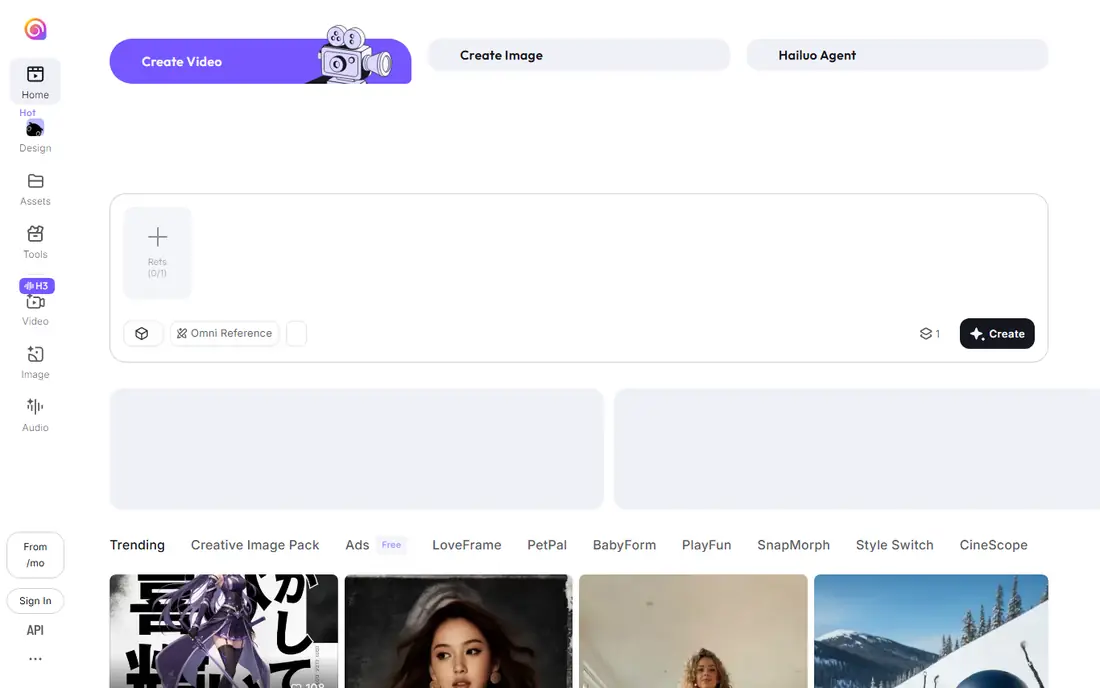
Hailuo, from MiniMax, built its reputation on smooth motion and cinematic feel in short clips, and its newer H3 model adds multimodal editing and reference-based generation. The platform leans into templates and effects, which makes it popular for trend-driven social content, product showcases, and stylized animation. Entry plans start around $9.99 per month, with daily credits for free users.
The honest catch is transparency. Hailuo's pricing and credit details are harder to pin down than Runway's or Kling's, so check the in-product billing page before subscribing. Clip lengths are also short by default. For creators who value motion quality and quick, polished social clips, it is a strong mid-priced option.
What we like- Strong motion quality for short clips
- Daily free credits
- Template-driven effects for social trends
Watch out for- Short default clip lengths
- Pricing details are less transparent than rivals
Starting price$30 per month
Free planYes
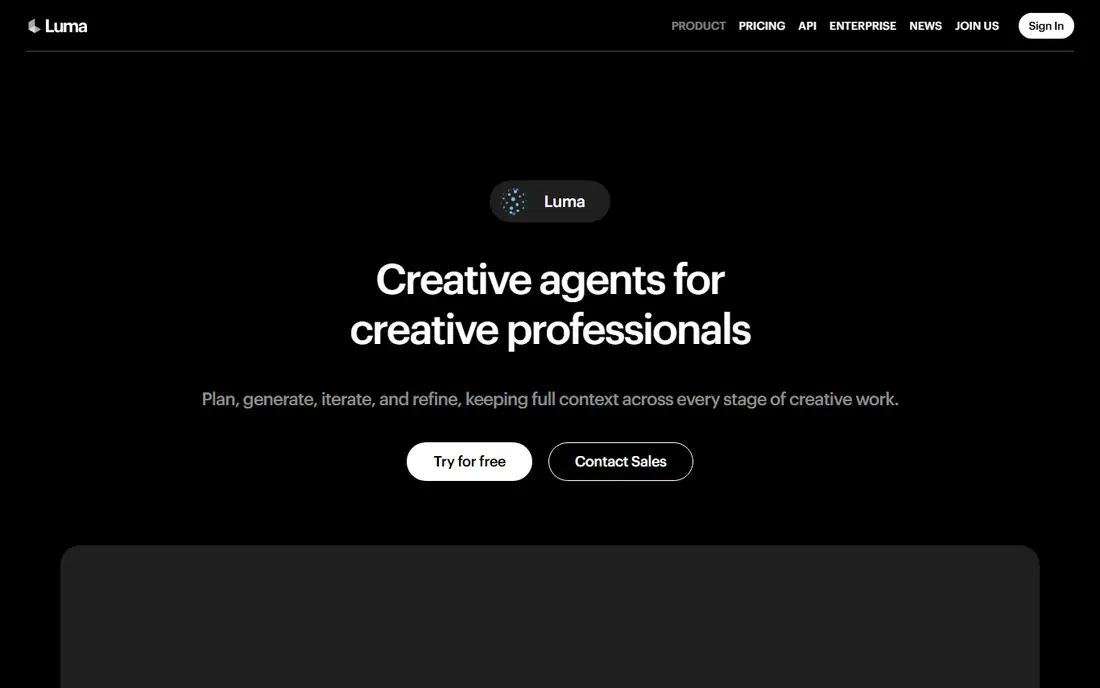
Luma has moved beyond its original Dream Machine into an agent-driven creative workspace. Its Ray models sit alongside third-party models such as Veo 3.1 and Kling, and its agents can plan, generate, iterate, and keep context across a project, which suits teams producing campaigns rather than single clips. The Plus plan starts at $30 per month with 10,000 credits, and higher tiers scale steeply.
The honest catch is price. At $30 per month, Luma costs more than double most rivals here, and its credit system means heavy video work can burn through an allowance. For solo creators on a budget, that is hard to justify. For teams that want one workspace spanning models and media types, the consolidation may be worth it.
What we like- Agent-driven workspace across image, video, and audio
- Access to Luma and third-party models
- Strong consistency tools
Watch out for- Highest entry price on this list
- Credit-based pricing needs careful tracking
Starting price$10 per month
Free planYes
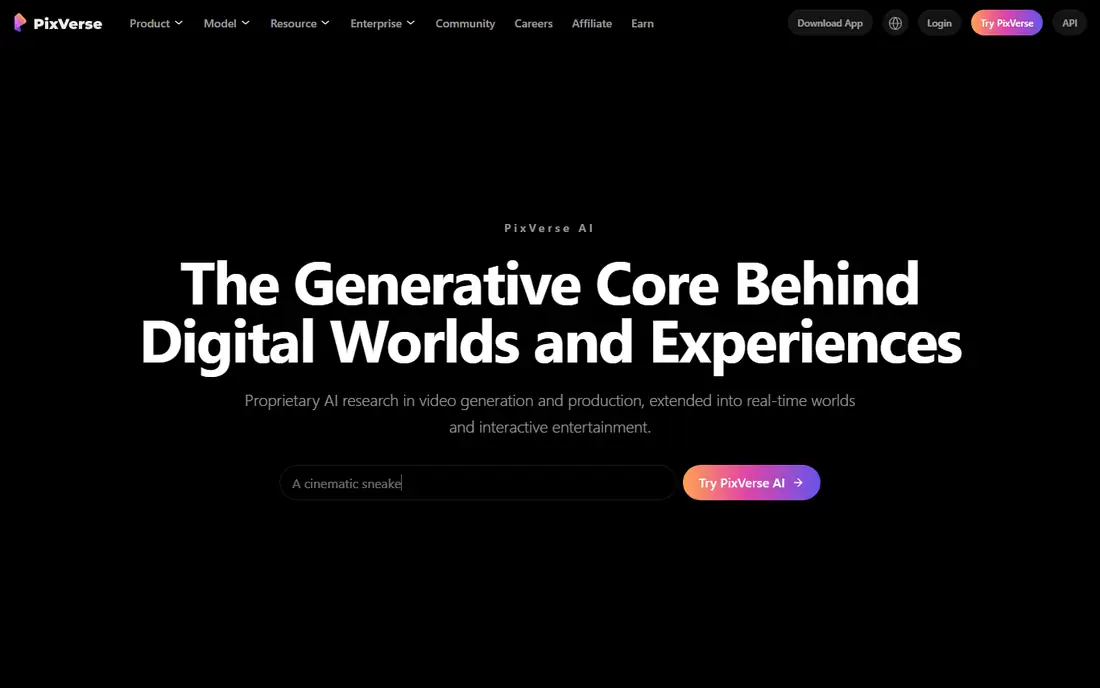
PixVerse combines quick generation with a deep library of effects and templates, which makes it a favorite for viral-style clips, transitions, and anime-flavored visuals. Its newer V6 model targets cinematic production and API use, while the consumer product keeps daily free credits for casual creators. Paid plans start around $10 per month.
The honest catch is control. PixVerse favors speed and templates over the fine-grained direction that Runway offers, so creators with a precise vision may feel constrained. Its growing enterprise and API focus also means consumer features can shift. For fast, eye-catching clips without a learning curve, it is a solid choice.
What we like- Very fast generation
- Large template and effects library
- Daily free credits
Watch out for- More template-driven than director-controlled
- Enterprise focus may sideline casual users
#8Synthesia
Best for: Avatar-led training and business video4.6/5 on
G2 (2,804 reviews, checked Oct 2026)
Visit synthesia.io
Starting price$29 per month
Free planFree trial
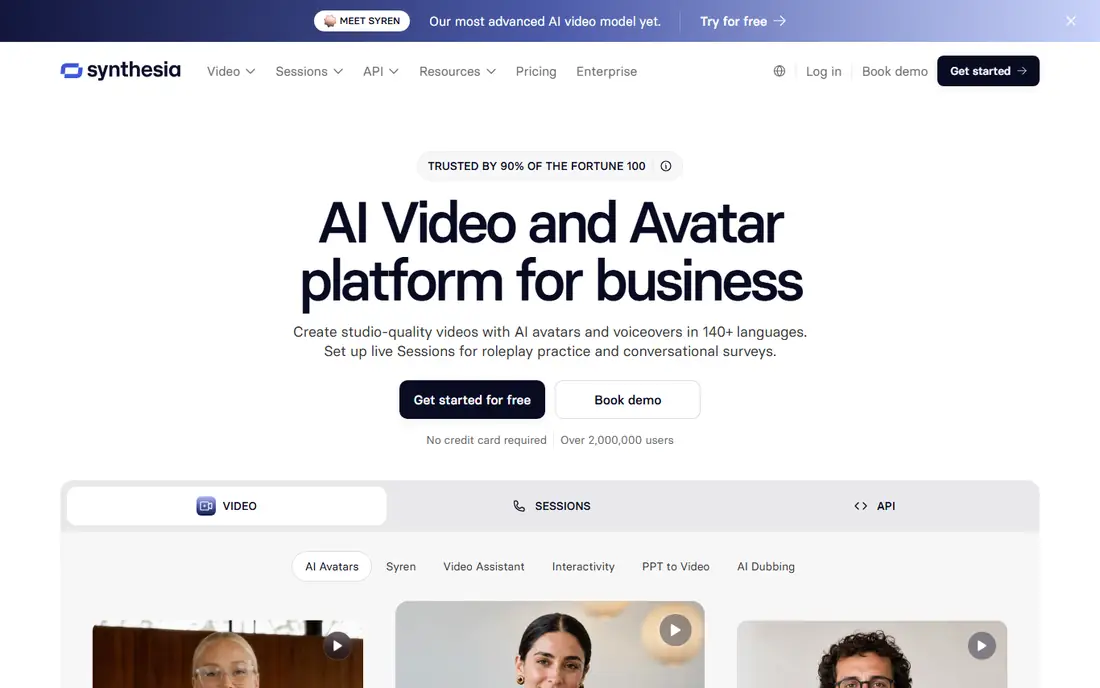
Synthesia solves a different problem from the rest of this list. Instead of generating cinematic scenes, it creates presenter-led videos from a script, with AI avatars speaking in more than 140 languages. Training teams, internal communications, and sales enablement use it to produce and update videos without cameras, studios, or reshoots. Plans start at $29 per month.
The honest catch is fit. Synthesia will not make a short film or a product commercial in the cinematic sense, and its avatars, while improved, still read as corporate presenters. For businesses that need many training or explainer videos in multiple languages, though, it replaces a slow and expensive production process with a fast one.
What we like- Realistic AI avatars in 140+ languages
- No filming or editing skills needed
- Strong enterprise compliance
Watch out for- Built for presenters, not cinematic scenes
- Avatar style can feel corporate
How we chose
We compared tools that generate video from text, images, or scripts and are available to buy or try today, drawing on vendor pricing pages, documentation, and recent independent comparisons. We excluded OpenAI's Sora because consumer access ended in April 2026, and we noted Google's shift from Veo to Gemini Omni because it changes what subscribers actually receive. We favored tools with distinct strengths rather than near-identical clones, and we flagged credit systems wherever they make true costs harder to compare.
What to check before you pay
Start with clip length and output limits, not model names. Most tools here generate clips of 5 to 16 seconds by default, and longer videos require chaining or extension features that cost extra credits. If your project needs 60-second scenes, test that workflow specifically during a free trial, since marketing pages often describe maximums that require the most expensive modes.
Commercial use terms deserve a second look. Free tiers often restrict commercial use or add watermarks, and some plans limit how generated video can be used in advertising. Check the license for your plan, and confirm whether the vendor claims any rights over your outputs. Also confirm content policies: tools differ on what they will generate, and a tool that blocks your subject matter is useless no matter how good its quality.
Compare costs on the same project
Credit systems make headline prices misleading. Generate the same 10-second clip at the same resolution on two or three tools, note the credits consumed, and convert that into a per-clip cost at your expected volume. A cheaper monthly plan can cost more per finished video than a pricier one with a better credit allowance. Run this test before annual billing locks you in.
Frequently asked questions
What is the best generative AI video tool overall?
Runway is the strongest all-round choice for creators who want generation plus editing in one workspace. Kling is the best value for volume, and Google Gemini Omni is the easiest option for people who prefer conversational prompts. The right pick depends on whether you value control, price, or simplicity most.
Is OpenAI Sora still available?
No. OpenAI ended consumer access to the Sora app in April 2026 and shut down the API in September 2026, according to multiple independent comparisons. Runway, Kling, and Google Gemini Omni are the closest current alternatives for most Sora use cases.
How much does generative AI video cost per month?
Entry plans range from $6.99 per month for Kling to $30 per month for Luma, with most tools between $8 and $15. Real costs depend on credit consumption, which varies by model, resolution, and clip length, so test your typical project before committing to annual billing.
Can I use AI-generated video commercially?
Most paid plans allow commercial use, but free tiers often restrict it or add watermarks. Check the license terms for your specific plan, since they differ by vendor and tier. If you produce client work or advertising, confirm commercial rights in writing before delivering a project.
How long can AI-generated video clips be?
Most tools generate 5 to 16 seconds per clip by default. Kling can chain clips into sequences up to about 3 minutes, and Gemini Omni can extend scenes through follow-up prompts. Truly long, continuous scenes still require editing multiple clips together in a video editor.
Do I need video editing experience to use these tools?
No. Pika, Hailuo, and Gemini Omni are designed for users without editing backgrounds, and Synthesia needs only a script. Runway and Luma offer deeper editing tools, but you can generate clips in all of them with a prompt alone and learn the advanced features later.
Sources we checked (10)
- https://runwayml.com/
- https://klingai.com/global/
- https://gemini.google/overview/video-generation/
- https://pika.art
- https://hailuoai.video/
- https://lumalabs.ai/dream-machine
- https://pixverse.ai
- https://www.synthesia.io
- https://nesyona.com/articles/best-ai-video-generators
- https://www.creativeainews.com/articles/ai-video-generation-complete-landscape-2026/
Is your product missing or out of date?
We review this list regularly. Vendors can request a listing, send updated pricing or ask about featured placement.

Shihab Mia · Founder, Rankite
Shihab has 5+ years in B2B and SaaS SEO. He writes Rankite's software buying guides from pricing pages, documentation and public user reviews. More about Shihab.