How we make this list: we compare pricing pages, product documentation and public user reviews. Ratings come from G2, Capterra or Trustpilot, with the date we checked them.
Key takeaways
- Game clipping software for PC saves short highlights while you play, using a replay buffer, hotkey, or automatic event detection, then trims and shares them.
- Medal is the best all-around free clipper, with automatic highlight detection in major titles and share links that play inside Discord.
- If you own an NVIDIA graphics card, the NVIDIA App with ShadowPlay gives instant replay with almost no FPS cost, and you may already have it installed.
- OBS Studio is the only option that records anything with full control, but you set up the replay buffer yourself and get no auto highlights.
- Check platform terms before recording and sharing: game, platform, and streaming terms cover recording, music licensing, and other players voice, so confirm rules before posting clips publicly.
Quick comparison
| Tool | Best for | Starting price | Free plan |
|---|
 Medal Medal | All-around game clipping | Free | Yes |
 Outplayed Outplayed | Automatic highlights per game | Free | Yes |
 SteelSeries Moments SteelSeries Moments | Clipping inside the GG app | Free | Yes |
 NVIDIA App NVIDIA App | Instant replay on NVIDIA cards | Free | Yes |
 OBS Studio OBS Studio | Full-control free recording | Free | Yes |
 Xbox Game Bar Xbox Game Bar | Clipping with zero installs | Free | Yes |
 Gazoom Gazoom | Lightweight automatic clips | Free | Yes |
 Eklipse Eklipse | Free clips from streams you already made | Free | Yes |
Is your product missing or out of date?
We review this list regularly. Vendors can request a listing, send updated pricing or ask about featured placement.
The best game clipping software for PC
Starting priceFree
Free planYes
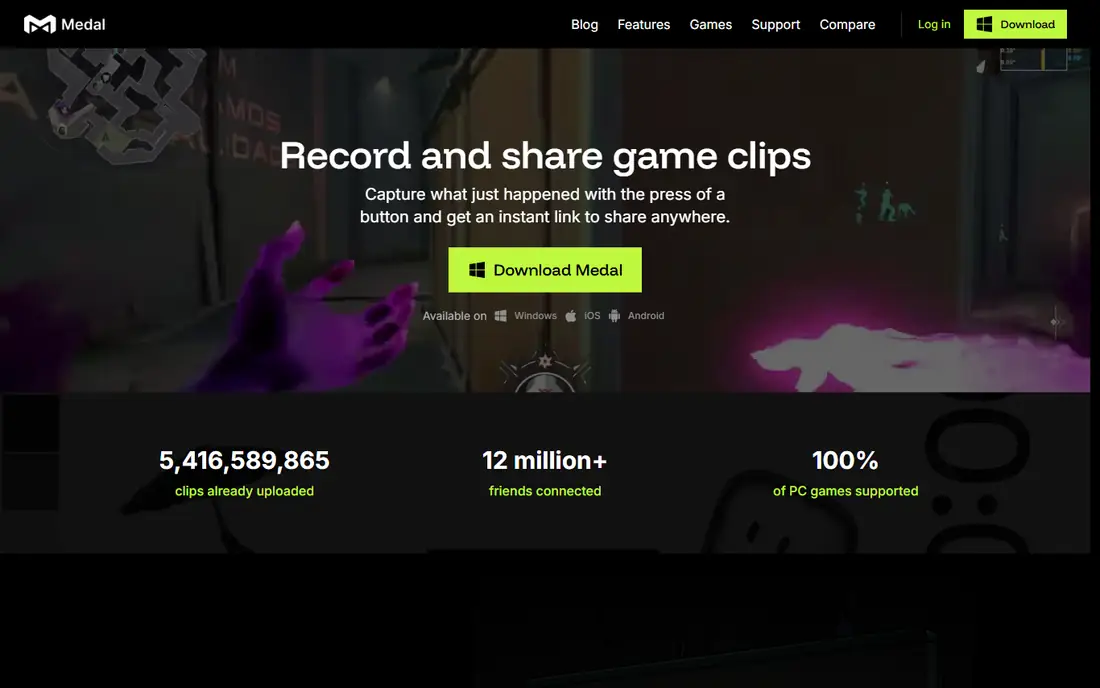
Medal keeps a replay buffer running while you play, so you press F8 after the moment and the last 15 seconds to 10 minutes are saved, and in supported games such as Valorant, Fortnite, CS2, and Roblox, highlights save themselves. Every clip gets a medal.tv link that plays inline in Discord, and Clips You Are In brings clips your friends took of you into your library. Its built-in editor covers trim, text, slow-mo, and separate audio tracks for game, mic, and Discord, with voice-activated clipping by saying "clip that".
The drawbacks are platform limits and free-tier caps. There is no Mac or Linux app and no clipping on Android, instant replay tops out at 10 minutes, quick-share links last 14 days without Premium, and ads appear on the free tier. Medal suits PC players who want the best all-around free clipper with easy Discord sharing.
What we like- Replay buffer from 15 seconds to 10 minutes with F8 hotkey
- Highlights save themselves in supported games
- Built-in editor with trim, text, slow-mo, and separate audio tracks
- Share links play inline in Discord
Watch out for- No Mac or Linux app for clipping, and no clipping on Android
- Instant replay tops out at 10 minutes
- Quick-share links last 14 days without Premium
- Ads on free tier
Starting priceFree
Free planYes
Outplayed by Overwolf detects kills and wins in games with event detection and bookmarks them on a timeline, with each clip running up to 180 seconds before and after the event. It runs inside the Overwolf client and uploads to outplayed.tv with one click, plus one-click uploads to Discord, YouTube, and TikTok. For competitive players in supported titles, automatic detection beats manual clipping, since you never miss a kill while focused on the match.
The drawbacks are platform dependence and hosting limits. It runs only inside Overwolf, has no mobile app, free-tier uploads are hosted for 3 months, and ads appear on the free tier. Outplayed suits competitive players in supported titles who want automatic highlights without pressing a hotkey.
What we like- Automatic highlight detection in games with event detection
- Event bookmarks on a timeline
- Clips up to 180 seconds before and after each event
- One-click uploads to Discord, YouTube, and TikTok
Watch out for- Runs inside Overwolf client
- No mobile app
- Free-tier uploads hosted for 3 months
- Ads on free tier, Premium removes them
Starting priceFree
Free planYes
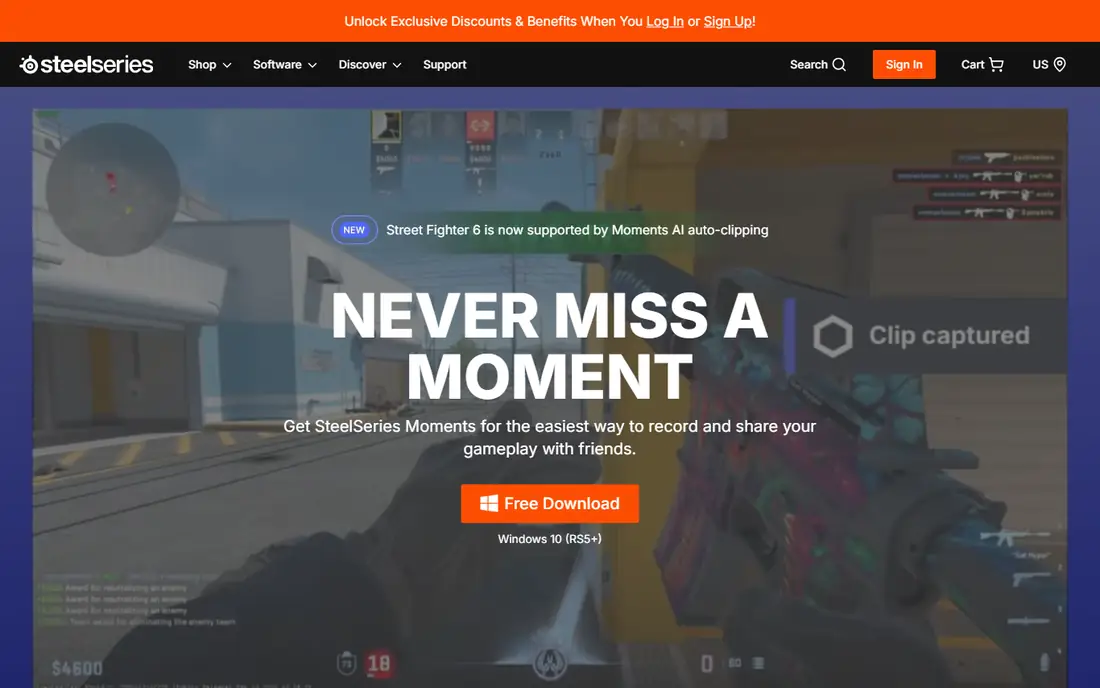
SteelSeries Moments suits players who already use SteelSeries gear and want clips tied to their setup, with free clipping inside the GG app. It offers automatic capture in supported games, basic trim, and sharing, with low FPS impact that keeps gameplay smooth. For SteelSeries users, Moments avoids installing a separate clipper, since it lives where their gear settings already live.
The drawbacks are game coverage and feature depth. Automatic capture covers a limited game list, it is tied to the GG app, and editing and sharing features trail Medal. SteelSeries Moments suits SteelSeries users who want simple clipping inside their existing app.
What we like- Free clipping inside SteelSeries GG app
- Automatic capture in supported games
- Basic trim and share
- Low FPS impact
Watch out for- Limited game list for automatic capture
- Tied to SteelSeries GG app
- Fewer sharing and editing features than Medal
Starting priceFree
Free planYes
The NVIDIA App with ShadowPlay gives instant replay with almost no FPS cost, using GPU encoding to save the last minutes of gameplay on a hotkey, and you may already have it installed if you own an NVIDIA graphics card. Its very low performance impact suits competitive players who cannot afford frame drops, and its instant replay covers any game, not only supported titles. For NVIDIA owners, it is the first tool to try before installing anything new.
The drawbacks are hardware lock-in and editing absence. It works only with NVIDIA GPUs, has no built-in editor, and offers no auto highlights, so clips need a separate editor for trimming and sharing. NVIDIA App suits NVIDIA GPU owners who want instant replay with minimal performance cost.
What we like- Free with NVIDIA GPU
- Instant replay with almost no FPS cost
- GPU-encoded recording
- Already installed on many gaming PCs
Watch out for- NVIDIA GPU only
- No built-in editor
- No auto highlights
- Windows only for full features
#5OBS Studio
Best for: Full-control free recording4.6/5 on
G2 (138 reviews, checked Oct 2026)
Visit obsproject.com
Starting priceFree
Free planYes
OBS Studio is free and open source, and it is the only option that records anything with full control, from any window or display for as long as you like, with scenes, sources, transitions, and facecam overlays. Its encoding control covers bitrate, CRF, x264, x265, and AV1 presets, plus separate audio tracks with manual routing, and it runs on Windows, Mac, and Linux with thousands of community plugins. For live streaming, OBS moves to the top, since Medal does not support streaming.
The drawbacks are setup effort and missing clipper features. The replay buffer requires manual config, auto-clipping is not available, there are no editing features, and setup takes time with scenes, encoding, and audio routing, which can lag games without manual tuning. OBS Studio suits power users and creators who need maximum control or stream on Twitch, YouTube, or Kick.
What we like- Free and open source with no catches
- Records any window or display for as long as you like
- Full bitrate, codec, and scene control
- Windows, Mac, and Linux
- Thousands of community plugins
Watch out for- Replay Buffer requires manual config
- No auto-clipping or highlights
- No editing features
- Setup takes time with scenes, encoding, and audio routing
Starting priceFree
Free planYes
Xbox Game Bar needs zero installs on Windows, offering free clipping with basic trim and low FPS impact for casual players who want to save a moment without new software. Its built-in design means no setup, no account, and no extra app, which suits players who clip rarely and share informally. For a quick highlight, Game Bar is the fastest path from gameplay to clip.
The drawbacks are quality caps and feature limits. It caps convenience over quality, so serious creators outgrow it fast, with fewer editing and sharing features than Medal or Outplayed, and it is Windows only. Xbox Game Bar suits casual Windows players who want clipping with zero installs.
What we like- Built into Windows with zero installs
- Free clipping with basic trim
- Low FPS impact
- Quick capture for casual players
Watch out for- Caps convenience over quality
- Serious creators outgrow it fast
- Fewer editing and sharing features than Medal or Outplayed
- Windows only
Starting priceFree
Free planYes
Gazoom offers lightweight automatic clips with auto-detection of kills and match events, which beats manual clipping if you play supported competitive titles, plus community features for sharing and discovering clips. Its light footprint suits lower-end PCs where heavier clippers cost frames, and its free tier covers core clipping without a subscription. For players who want automatic clips without Medal social feed, Gazoom is a lean alternative.
The drawbacks are coverage and editing depth. Game coverage is smaller than Medal or Outplayed, editing features trail Medal, and community features add noise for solo users who only want a recorder. Gazoom suits players who want lightweight automatic clips on modest hardware.
What we like- Free lightweight automatic clips
- Auto-detects kills and match events
- Community features
- Low resource use
Watch out for- Smaller game coverage than Medal or Outplayed
- Fewer editing features than Medal
- Community features add noise for solo users
#8Eklipse
Best for: Free clips from streams you already made4.5/5 on
G2 (6 reviews, checked Oct 2026)
Visit eklipse.gg
Starting priceFree
Free planYes
Eklipse turns streams you already made into clips, using AI to generate highlights from VODs and gameplay recordings without live capture setup. It suits creators who stream regularly and want vertical highlights with captions from existing content, rather than installing a live recorder. For high-volume clip channels, AI post-processing from streams is faster than manual trimming of full recordings.
The drawbacks are source limits and AI variance. It needs existing streams or recordings rather than live capture, AI highlight quality varies by game and stream, and some plans gate output. Eklipse suits streamers who want free AI clips from content they already recorded.
What we like- Free clips from streams and VODs you already made
- AI-generated highlights
- Suits creators who stream regularly
- No live capture setup needed
Watch out for- Needs existing streams or recordings, not live capture
- AI highlight quality varies by game and stream
- Output gating on some plans
How we chose
We compared PC clipping tools on auto-capture, replay buffer design, editing, sharing, performance impact, and price, using 2026 comparison reviews. We favored free tools with automatic detection for competitive players, while noting where manual setup or hardware limits change the real experience. We also weighed platform terms, since recording and sharing rules vary by game, platform, and streaming service.
How to choose the best game clipping software for PC
Start by checking what you already have: NVIDIA App for NVIDIA owners and Xbox Game Bar for Windows users cost nothing extra and need no install. Next, decide whether you need auto highlights: competitive players in supported titles should choose Outplayed or Gazoom, while casual sharers should choose Medal. Then check storage and performance impact before leaving automatic capture on all day, since clips fill drives fast. Finally, check platform terms for recording and sharing before posting clips publicly, including game terms, music licensing, and consent for other players voice captured in clips.
Frequently asked questions
What is game clipping software for PC?
It is software that saves short highlights while you play, using a replay buffer, hotkey, or automatic event detection, then trims and shares them to Discord, TikTok, or YouTube. It differs from full recording tools by focusing on short moments rather than full sessions.
Which game clipper is best for free?
Medal is the best all-around free clipper, with automatic highlights in major titles and Discord-friendly share links, while OBS Studio is the best free full-control recorder. NVIDIA App is best for NVIDIA owners who want instant replay with almost no FPS cost.
Do I need a powerful PC for clipping?
Not necessarily. NVIDIA App and Gazoom have very low FPS impact, while OBS Studio can lag games without manual tuning on low-end PCs. Hardware encoding and modest settings keep clipping smooth on most gaming PCs.
Can I clip on console or mobile?
Most PC clippers are Windows-only, though Medal offers mobile browsing and iPhone recording, and console platforms have their own built-in capture. Check your console or phone capture tools for clips outside PC.
Are clips saved automatically?
In supported games, Medal, Outplayed, and Gazoom save highlights automatically when kills or match events are detected. In other games, you press a hotkey such as F8 in Medal to save the replay buffer manually.
Can I share clips anywhere?
Most tools offer one-click sharing to Discord, YouTube, and TikTok, but check platform terms first: game, platform, and streaming terms cover recording, music licensing, and other players voice, so confirm rules before posting clips publicly, especially with licensed music or voice chat included.
Sources we checked (0)
Is your product missing or out of date?
We review this list regularly. Vendors can request a listing, send updated pricing or ask about featured placement.

Shihab Mia · Founder, Rankite
Shihab has 5+ years in B2B and SaaS SEO. He writes Rankite's software buying guides from pricing pages, documentation and public user reviews. More about Shihab.