How we make this list: we compare pricing pages, product documentation and public user reviews. Rankite is independent; if a vendor ever pays for a featured spot, that listing is clearly labeled Partner.
Key takeaways
- SketchList 3D is the easiest entry point for a one-person shop, with a 14-day free trial and plans from $79.99 a month, but the old budget tier is gone and yearly now costs $599.99.
- Mozaik is the subscription pioneer for cabinet shops, at $125 a month for Manufacturing or $225 a month for CNC, and the only option here with a paid trial instead of a free one.
- Cabinet Vision, Microvellum, and Cyncly DesignFLEX are built for larger or sales-driven operations; all three are quote-priced and overkill for shops with fewer than five people.
Quick comparison
| Tool | Best for | Starting price | Free plan |
|---|
 SketchList 3D SketchList 3D | solo woodworkers and small cabinet shops | $79.99 per month; $599.99 per year billed annually; $999.99 one-time license | Free trial (14 days) |
 Mozaik Mozaik | cabinet shops that want design-to-CNC on subscription | $125 per month (Manufacturing); $225 per month (CNC); $325 per month (Enterprise) | No (3-month paid trial) |
 KCD Software KCD Software | cabinet and closet designers who want flexible rental | $95 per month (Cabinet/Closet Designer rental) | No |
 Cabinet Pro Cabinet Pro | small shops that want CAD/CAM without enterprise pricing | See website | No |
 PolyBoard PolyBoard | shops building odd-shaped or parametric casework | See website | Yes (free version with full design features) |
 Cabinet Vision Cabinet Vision | mid-size to large manufacturers automating design to machine | See website | No |
 Microvellum Microvellum | engineering-driven shops already living in AutoCAD | See website | No |
 Cyncly DesignFLEX Cyncly DesignFLEX | kitchen and bath dealers who sell from manufacturer catalogs | See website | No |
 Chief Architect Chief Architect | remodelers and designers who design whole rooms, not just cabinets | See website | Free trial |
 SketchUp Pro SketchUp Pro | budget 3D modeling with the biggest extension library in the business | $399 per year (Pro, billed annually) | Free trial |
Is your product missing or out of date?
We review this list regularly. Vendors can request a listing, send updated pricing or ask about featured placement.
The best furniture design software
Starting price$79.99 per month; $599.99 per year billed annually; $999.99 one-time license
Free planFree trial (14 days)
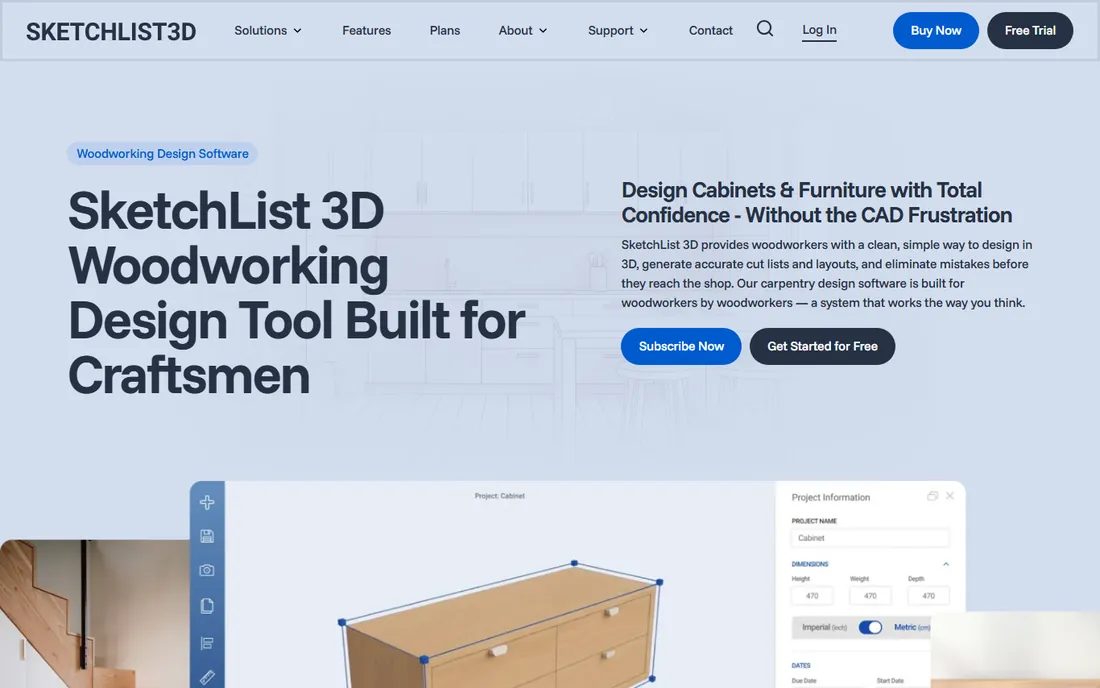
SketchList 3D is built around the way woodworkers actually think. Instead of drawing lines and extruding shapes, you insert virtual boards, cut them to size, and place them in the design. Joinery like dados, rabbets, and mortise-and-tenon is applied with a click, and every change updates the cut list and shop drawings automatically.
The catch is the price structure. The roughly $200 hobby tier that once made this an easy recommendation is gone. Entry is now $79.99 a month or $599.99 a year, with a $999.99 one-time license that excludes updates and support. For a shop where cabinetry is the business, the time saved on cut lists can justify it. For a hobbyist building a few pieces a year, it is a harder sell.
What we like- Woodworking-native workflow with virtual boards
- Automatic cut lists and shop drawings
- Gentle learning curve for non-CAD users
Watch out for- No free or hobby tier anymore
- Yearly price sits well above SketchUp Pro
- Limited for work outside cabinetry and furniture
Starting price$125 per month (Manufacturing); $225 per month (CNC); $325 per month (Enterprise)
Free planNo (3-month paid trial)
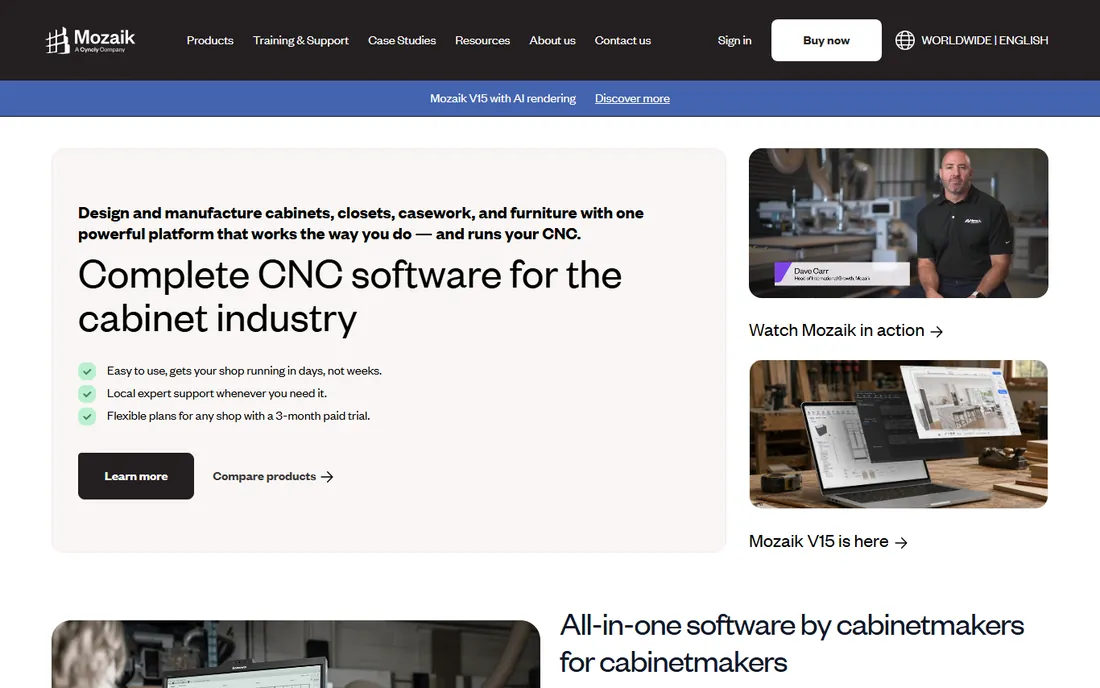
Mozaik disrupted this industry in 2012 by renting software by the month instead of selling five-figure licenses. The Manufacturing tier at $125 a month covers design, pricing, cut lists, and shop drawings for non-CNC shops. The CNC tier at $225 a month adds nesting and machine-ready G-code. Training and support are included, and the support staff are former cabinet makers, which shows in how they answer questions.
The trade-offs are clear. There is no free trial, only a 3-month paid trial, so you commit money before you know if the workflow fits. It runs on Windows only. And the old $50-a-month design module is gone, so design-only operations now start at $125 a month. For a production cabinet shop, that is still a fraction of what Cabinet Vision costs.
What we like- Subscription pricing with no big upfront cost
- Generates G-code for CNC routers
- Trainers are former cabinet makers
Watch out for- Windows only, Mac users need emulation
- No free trial
- The design-only tier of years past is gone
Starting price$95 per month (Cabinet/Closet Designer rental)
Free planNo

KCD has been selling to cabinet shops since long before subscriptions were fashionable, and its rental program is unusually flexible. You rent the Cabinet/Closet Designer at $95 a month, and you can stop and restart the rental as work demands. The libraries are the selling point: hundreds of door styles, frame and frameless construction, closet components, plus a Cabinotch library that lets you order cabinets as ready-to-assemble units with hardware, doors, and drawers included.
The base rental is design and presentation. Cut listing, estimating, and CNC output come as add-ons, each with its own fee, so the real monthly cost for a producing shop is higher. The interface also shows its age. But for a designer who sells kitchens and outsources the building, the library depth and the Cabinotch pipeline are genuinely useful.
What we like- Stop-and-start monthly rental with no obligation
- 300+ door styles and deep cabinet libraries
- Cabinotch integration for outsourcing production
Watch out for- Cut lists and CNC are paid add-ons
- Interface feels dated next to newer rivals
- Phone support is a strength but also a necessity
#4
Cabinet Pro
Best for: small shops that want CAD/CAM without enterprise pricing
Visit cabinetpro.com
Starting priceSee website
Free planNo
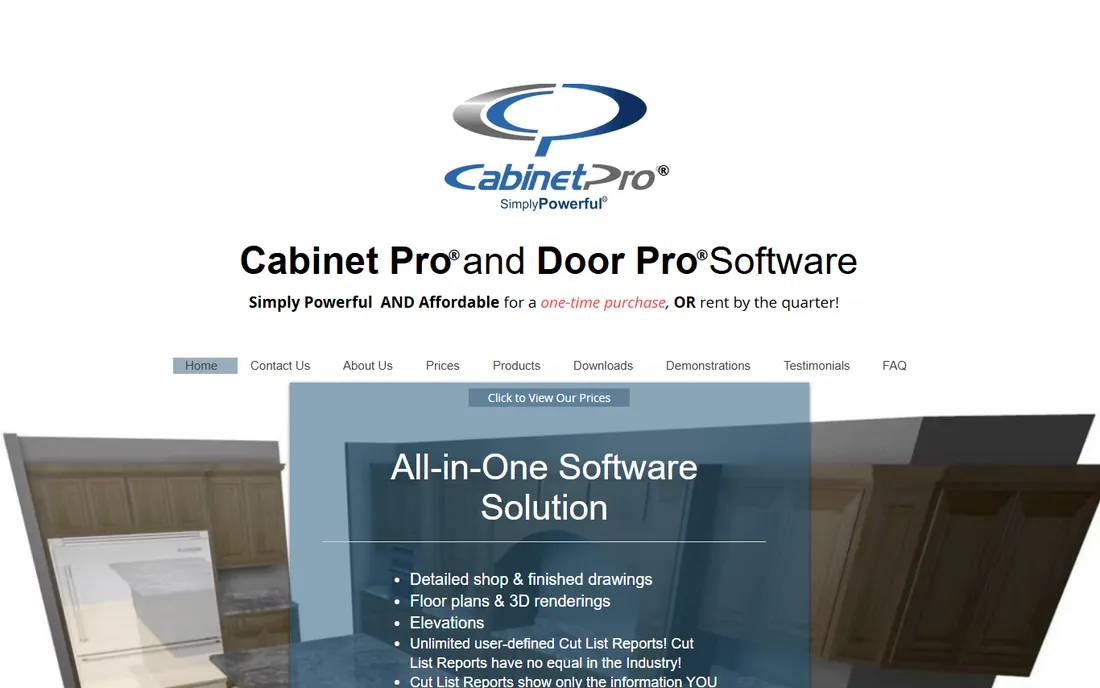
Cabinet Pro is a CAD/CAM generator for shops that want more than drawings. Design a cabinet, entertainment center, or office in 3D and the software inserts the machining automatically, producing shop drawings, 3D renderings, cut lists, panel optimization, labels, and direct CNC code. Features like grain matching show it was built by people who have stood at a panel saw.
What sets it apart commercially is the choice to buy or rent, which is rare in this market. The downside of that flexibility is complexity: this is deeper software than SketchList or KCD, and the smaller community means fewer tutorials and forum answers when you get stuck.
What we like- Buy-or-rent pricing is rare in this market
- Generates shop drawings, cut lists, and direct CNC code
- Grain matching and panel optimization included
Watch out for- Public pricing is thin, expect a sales conversation
- Steeper learning curve than SketchList or KCD
- Smaller user community for peer help
Starting priceSee website
Free planYes (free version with full design features)
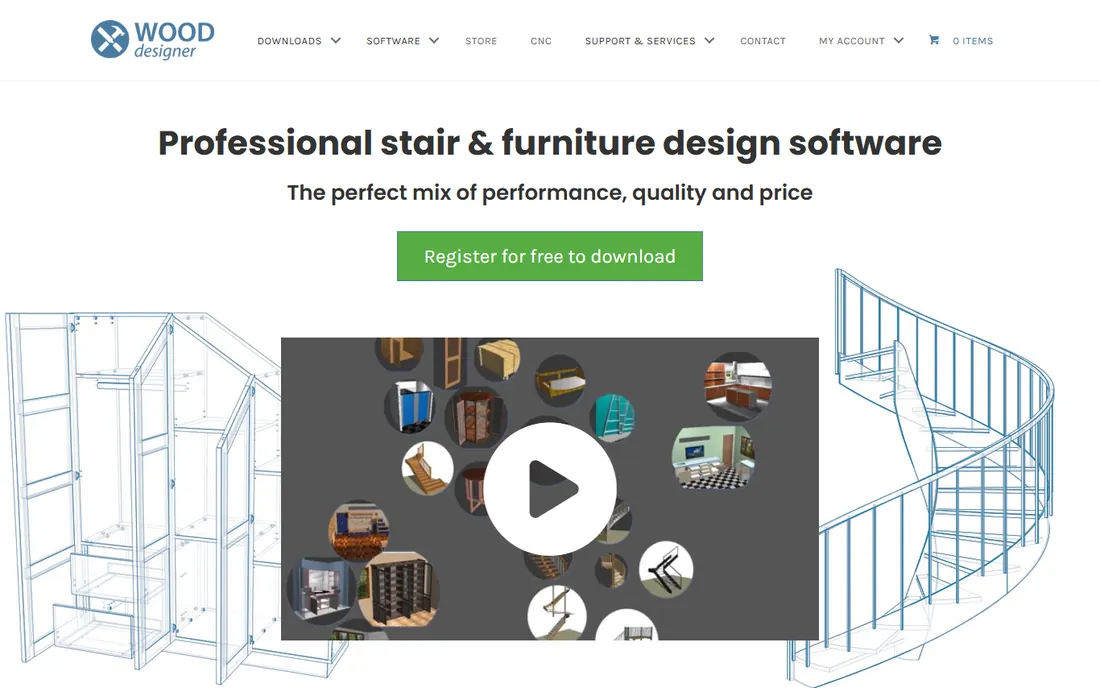
PolyBoard comes from Boole & Partners and is sold under the Wood Designer brand, and it thinks differently from every library-based tool on this list. Instead of picking cabinets from a catalog, you define a construction method: materials, joinery, hardware rules. Then you draw, and PolyBoard generates the parts, cut lists, pricing, and CNC files from that method. For sloped ceilings, angled walls, and fitted furniture that fights standard libraries, this is the most capable affordable option.
The honest catch is the learning curve. The parametric, method-first approach is powerful but unfamiliar, and you will spend real time learning it before it feels natural. The free version includes all design features, but manufacturing output requires the paid license, and pricing is not published. Shops that build the same standard kitchens all day may find Mozaik or KCD faster. Shops that build unusual pieces will find PolyBoard worth the study.
What we like- Parametric engine handles sloped, angled, and irregular cabinetry
- Free version covers all design features
- Cut lists and CNC output update live as you design
Watch out for- The method-driven workflow takes real study
- Full manufacturing output needs the paid version
- Pricing is not published
Starting priceSee website
Free planNo
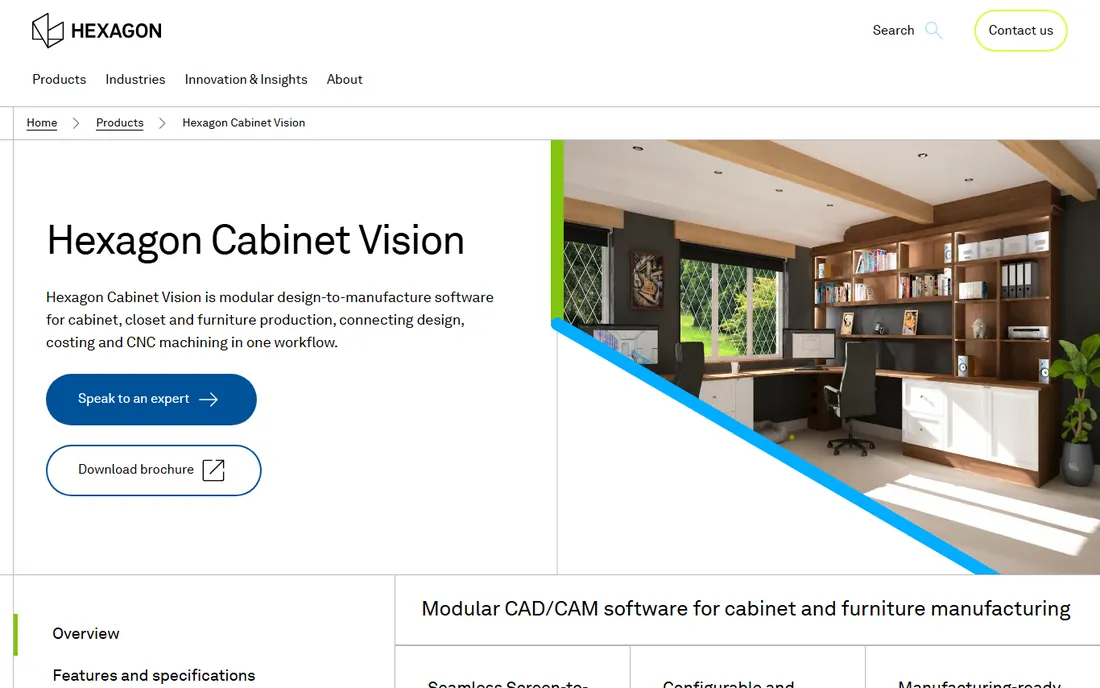
Cabinet Vision, part of Hexagon through the Vero Software group, is the heavyweight of this list. It is a modular suite that takes a job from sales presentation through design, engineering, and manufacturing, with modules for rendering, cut lists, nesting, and direct machine output. Its intelligent catalog of cabinets, drawers, shelves, and hardware enforces your construction standards while designers drag and drop layouts.
None of that comes cheap or simple. Pricing is quote-only and lands in five figures once you add the modules a real shop needs. For a ten-person cabinet manufacturer running nested CNC daily, it pays for itself. For a three-person custom shop, Mozaik does the same job at a tenth of the cost.
What we like- Modular system from sales presentation to CNC
- Huge installed base means deep reseller support
- Photorealistic rendering for closing jobs
Watch out for- Quote-only pricing, expect five figures
- Overkill for shops under five people
- Modular pricing means the real cost creeps up
Starting priceSee website
Free planNo
Microvellum is for shops where the drawing office runs AutoCAD and is not about to stop. It layers an intelligent product library, parametric engineering, and manufacturing output directly onto AutoCAD technology, so submittal drawings, 3D models, and renderings all live in the DWG format architects and contractors already expect. For commercial casework and millwork, where submittals matter as much as the parts, that integration is the whole point.
The price of admission is literal: you need AutoCAD plus Microvellum, and both the cost and the complexity put it firmly in the mid-size and larger shop bracket. A two-person custom furniture shop will drown in features it never touches. A fifteen-person architectural millwork firm bidding commercial jobs will wonder how it ever worked without it.
What we like- Built on AutoCAD, so DWG workflows stay intact
- Handles design, engineering, and manufacturing in one platform
- Strong for commercial casework and millwork
Watch out for- Requires an AutoCAD license on top
- Enterprise-grade complexity and pricing
- Small shops will find it more software than they need
#8
Cyncly DesignFLEX
Best for: kitchen and bath dealers who sell from manufacturer catalogs
Visit cyncly.com
Starting priceSee website
Free planNo
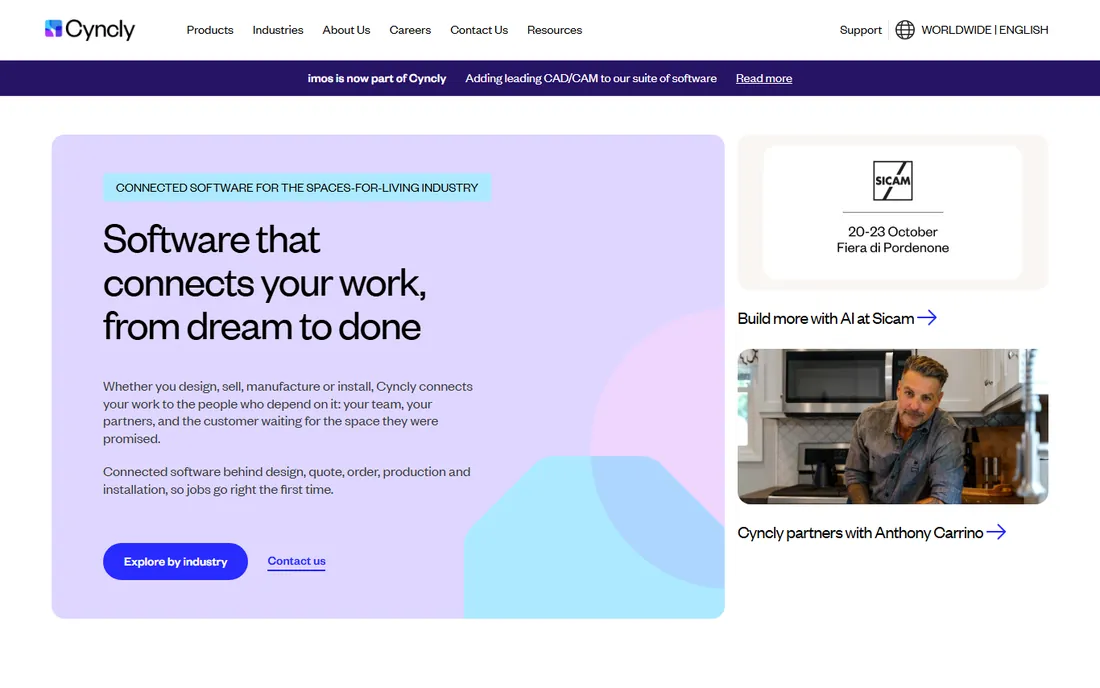
The product formerly known as 2020 Design is now DesignFLEX, under its parent company Cyncly. It remains the most widely used kitchen and bath design software in North America: it pairs 3D visualization with real manufacturer catalogs, so the cabinets you draw are the cabinets the factory builds, with pricing that follows. The current roadmap pushes cloud collaboration and faster visualization.
The honest limitation is that this is a sales tool, not a manufacturing tool. It will not generate cut lists for your shop or G-code for your CNC. If you are a dealer who sells kitchens, that is exactly what you want. If you are a shop that builds them, look at Mozaik or Cabinet Vision instead. Pricing is quote-based, and old training videos labeled 2020 Design refer to the same product.
What we like- Real manufacturer catalogs with accurate pricing
- The industry standard for kitchen and bath sales design
- Cloud collaboration with clients and teams
Watch out for- Built for selling, not for manufacturing
- Quote-only enterprise pricing
- The 2020 Design rebrand means older tutorials reference a dead name
Starting priceSee website
Free planFree trial
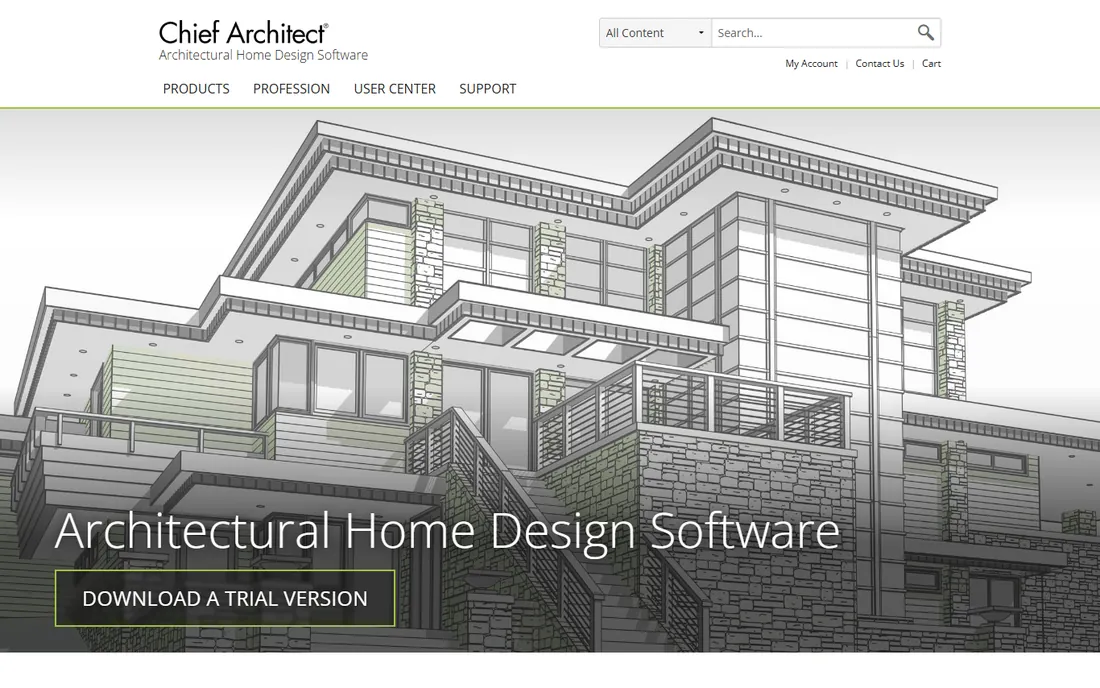
Chief Architect is residential design software, not cabinet software, but it earns a place here because so many small design-build firms live in it. Draw walls and it builds the 3D model simultaneously, generating roofs, foundations, framing, dimensions, and materials lists automatically. The kitchen and bath tools include cabinet editing and manufacturer catalogs, so a remodeler can take a client from floor plan to finished kitchen presentation without leaving the program.
The catch is scope and cost. This is a roughly $2,000-a-year subscription for full residential design, a lot to pay if all you need is cabinet drawings. Buy Chief Architect if you design houses and want cabinets inside them. Buy SketchList or KCD if cabinets are the whole business.
What we like- Automatic roofs, framing, and materials lists
- Fast residential workflow from plan to 3D
- Strong kitchen and bath tools inside full home designs
Watch out for- Subscription pricing around $2,000 a year
- Overkill if you only build furniture
- Rendering lags behind dedicated visualization tools
Starting price$399 per year (Pro, billed annually)
Free planFree trial
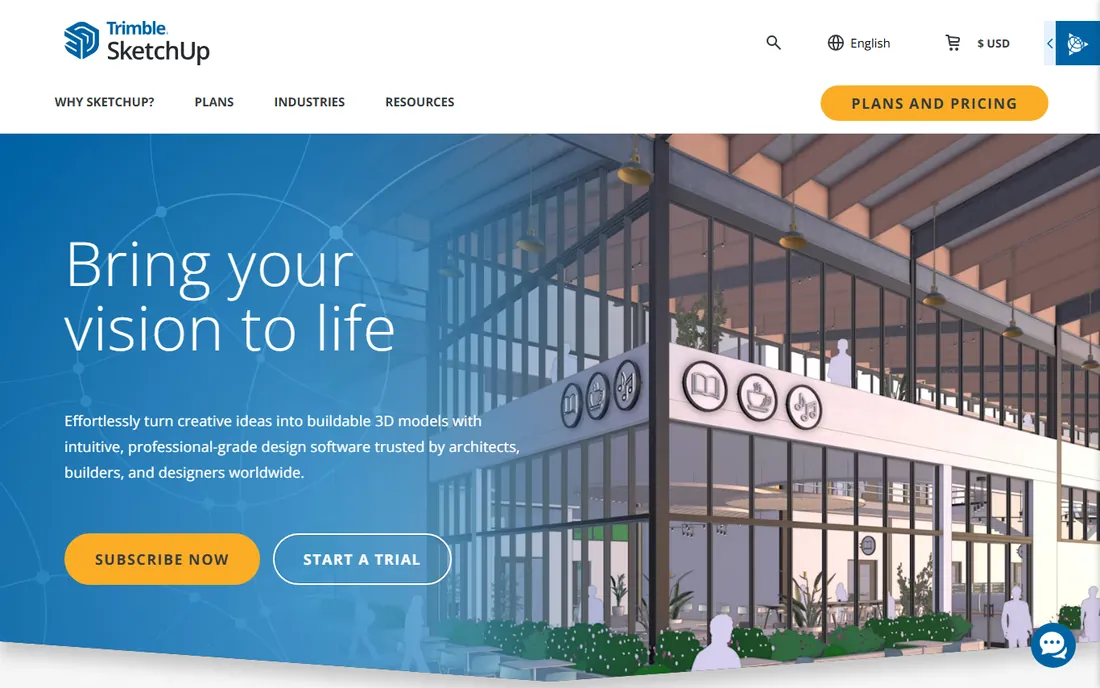
SketchUp Pro is the Swiss army knife on this list. At $399 a year it costs less than everything except the free tools, and the Extension Warehouse holds thousands of plugins. With OpenCutList for cut lists, CabWriter for cabinet wizards, and LayOut for 2D documentation, a determined shop can build a workable cabinet workflow. Trimble's 2025 updates added photoreal materials inside the app.
What it will never do is think like a cabinetmaker. There are no boards, no sheet goods, no joinery in the core product. Every cabinet is dumb geometry until a plugin gives it meaning, and a dimension change means manually updating everything that depended on it. For a shop that designs one-off furniture alongside other work, that trade is often fine. For a shop that builds kitchens all day, a purpose-built tool pays for itself in weeks.
What we like- Cheapest professional option here
- Thousands of extensions including cut-list and cabinet plugins
- Easy to learn, huge tutorial base
Watch out for- Not cabinet-native, needs plugins for cut lists and shop drawings
- Parametric changes are manual
- Rendering needs a paid add-on for client work
How we chose
We started from vendor pricing pages, feature lists, and documentation, then checked each product against public reviews on G2, Capterra, and woodworking forums, plus trade press like Woodshop News. Every tool here exists today and is actively sold: renamed products use current names (2020 Design is now Cyncly DesignFLEX), and discontinued products were left out. We weighted fit for small and mid-size US shops over raw feature counts.
What to check before you buy
Buying cabinet and furniture software is really buying a workflow, not a drawing tool. Get these four questions right and the choice mostly makes itself.
Cut lists and CNC output
Decide what has to come out of the software. If you cut by hand, you need accurate cut lists and shop drawings, which SketchList, KCD, and PolyBoard all generate. If you run a CNC, you need nesting and G-code, which means Mozaik CNC, Cabinet Pro, Cabinet Vision, or Microvellum. Paying for CNC features you will never use is the most common way small shops overspend here.
Design versus manufacturing
Some tools sell kitchens, others build them. Cyncly DesignFLEX and Chief Architect are presentation and sales tools with manufacturer catalogs. Mozaik, Cabinet Vision, and Microvellum are manufacturing tools with machine output. SketchList, KCD, and Cabinet Pro sit in the middle. Be honest about which side of that line your business is on.
Pricing model
Subscriptions dominate this market. Mozaik starts at $125 a month, KCD rents at $95 a month with stop-and-start flexibility, and SketchList runs $79.99 monthly or $599.99 yearly. Cabinet Pro and SketchList still offer one-time purchases. Add up three years of any subscription before you sign.
Support and learning curve
SketchList and KCD are learnable in days by non-CAD users. PolyBoard and Microvellum demand real study. Cabinet Vision and Microvellum assume a trained operator. Ask every vendor what onboarding costs, whether training is included, and what support hours look like before you commit.
One-time license or subscription: doing the math
SketchList at $599.99 a year costs $1,800 over three years, against a $999.99 one-time license with no updates or support. Skip updates and the perpetual license wins by $800. Want every update and live support, and the subscription wins on value. Mozaik and KCD are subscription-only, so budget the monthly number as a permanent operating cost. The general rule: subscriptions buy updates, support, and a low entry price, while perpetual licenses buy cost certainty. Pick based on how your shop actually operates, not on which number looks smaller in year one.
Frequently asked questions
Do I need CAD experience to use furniture design software?
No, not for the tools aimed at small shops. SketchList 3D, KCD, and Mozaik are built for woodworkers and designers, not drafters, and most users produce real designs within days. Microvellum and Cabinet Vision are the exceptions: they assume CAD literacy and reward it with deeper control.
Can SketchUp replace dedicated cabinet software?
It can, up to a point. With extensions for cut lists and cabinet wizards, SketchUp Pro handles one-off furniture and built-ins well at $399 a year. It falls behind when you need parametric cabinets, automatic cut lists, or CNC output, because every change has to be made by hand.
What should a small cabinet shop expect to pay?
For design and cut lists, budget $95 to $125 a month (KCD rental, Mozaik Manufacturing) or $399 to $600 a year (SketchUp Pro, SketchList annual). Add CNC output and the floor rises to $225 a month for Mozaik CNC. Enterprise suites like Cabinet Vision and Microvellum are quote-priced and typically land in five figures.
Does cabinet design software run on Mac?
Mostly no. SketchList 3D, SketchUp Pro, and Chief Architect run natively on macOS. Mozaik, KCD, Cabinet Pro, Cabinet Vision, and Microvellum are Windows-only, though some shops run them on Macs through virtualization.
What is the difference between 2020 Design and Cyncly DesignFLEX?
They are the same product under a new name. 2020 Design, the long-time standard for kitchen and bath sales design, was rebranded to DesignFLEX under its parent company Cyncly. Old tutorials that mention 2020 Design still apply, but buy and download from Cyncly under the current name.
Sources we checked (13)
- https://sketchlist.com/
- https://www.mozaiksoftware.com/
- https://kcdsoftware.com/software-series-kcds-rental-program/
- https://www.cabinetpro.com/
- https://wooddesigner.org/Cabinetfile-service/
- https://www.chiefarchitect.com/
- https://sketchup.trimble.com/en/products/sketchup-pro/buy
- https://sketchup.trimble.com/en/plans-and-pricing
- https://www.cyncly.com/resources/blog/mozaik-software-roger-taylors-legacy
- https://www.2020kitchendesign.com/designflex-2020-design-rebrand-guide/
- https://www.woodshopnews.com/features/next-level-design-software
- https://www.woodshopnews.com/features/software-for-design-presentation
- https://docrack.me/en/best-cabinet-design-software/
Is your product missing or out of date?
We review this list regularly. Vendors can request a listing, send updated pricing or ask about featured placement.

Shihab Mia · Founder, Rankite
Shihab has spent more than a decade helping SaaS and e-commerce brands grow through search. He writes Rankite's software buying guides from pricing pages, documentation and public user reviews. More about Shihab.