How we make this list: we compare pricing pages, product documentation and public user reviews. Rankite is independent; if a vendor ever pays for a featured spot, that listing is clearly labeled Partner.
Key takeaways
- FileZilla, WinSCP and Cyberduck cover most people for free, and there is little reason to pay unless you need their specific strengths.
- Transmit is the Mac power-user pick, worth the one-time price for people who live in file transfer.
- SmartFTP and CuteFTP survive on Windows enterprise features, but casual users should not pay for what free tools do.
- SFTP support is table stakes now; any client on this list that lacked it would not be on this list.
Quick comparison
| Tool | Best for | Starting price | Free plan |
|---|
 FileZilla FileZilla | Free, full-featured FTP on any platform | Free | Yes |
 WinSCP WinSCP | Windows users who want free and powerful | Free | Yes |
 Cyberduck Cyberduck | Free Mac and Windows client with cloud storage | Free | Yes |
 Transmit Transmit | Mac power users who transfer files daily | See website | Free trial |
 SmartFTP SmartFTP | Windows professionals needing automation | See website | Free trial |
 CuteFTP CuteFTP | Long-time Windows users wanting a classic client | See website | Free trial |
 ForkLift ForkLift | Mac users wanting a dual-pane file manager | See website | Free trial |
 Commander One Commander One | Mac dual-pane manager with FTP built in | Free | Yes |
 ExpanDrive ExpanDrive | Mounting servers as local drives | See website | Free trial |
 Core FTP Core FTP | Free Windows FTP with a long track record | Free | Yes |
Is your product missing or out of date?
We review this list regularly. Vendors can request a listing, send updated pricing or ask about featured placement.
The best ftp client software
Starting priceFree
Free planYes
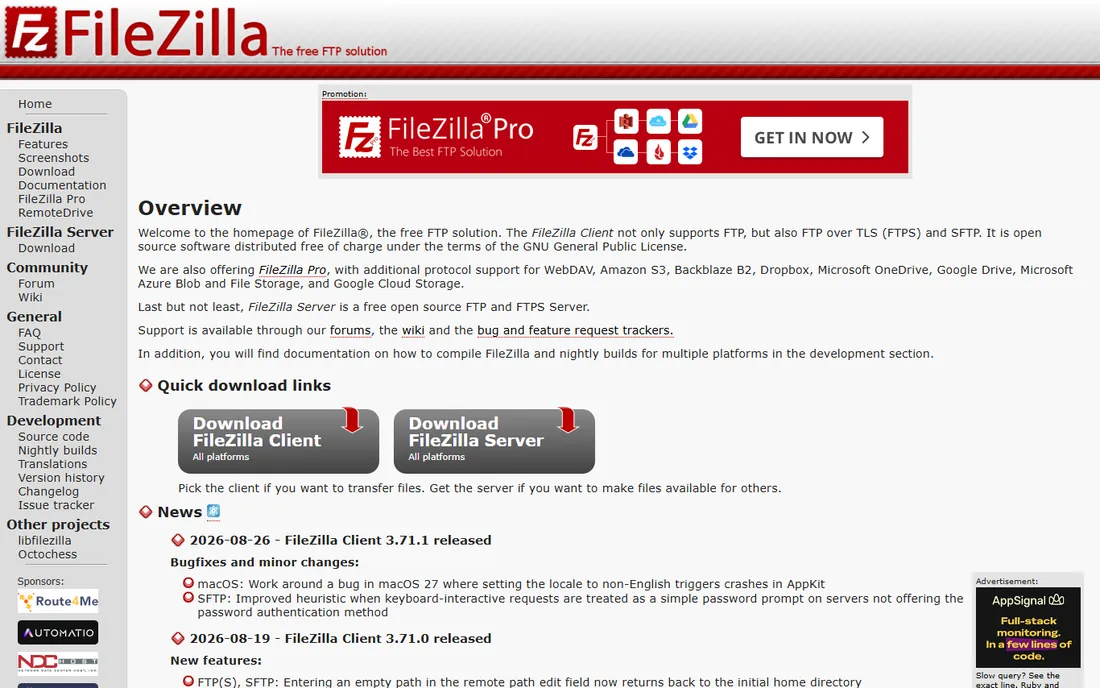
FTP is old technology, and FileZilla is the old reliable that refuses to die. It does everything a file transfer client needs: FTP, SFTP and FTPS, drag-and-drop transfers, bookmarked sites, transfer queues and remote file editing. It runs on every desktop platform, which matters in mixed teams. And it costs nothing.
The honest annoyances are well documented. The Windows installer includes bundled offers that must be declined carefully, which has burned its reputation with casual users. The interface prioritizes function over beauty, and very large transfers sometimes need settings adjusted. None of that changes the verdict. For anyone who needs an FTP client and does not have a specific reason to choose otherwise, FileZilla is the default answer, and the Pro version adds cloud storage protocols for a small one-time fee.
What we like- Free and open source
- Runs on Windows, Mac and Linux
- Supports FTP, SFTP and FTPS
Watch out for- Installer has bundled offers to decline
- Interface is functional rather than pretty
- Large transfers need tuning
Starting priceFree
Free planYes
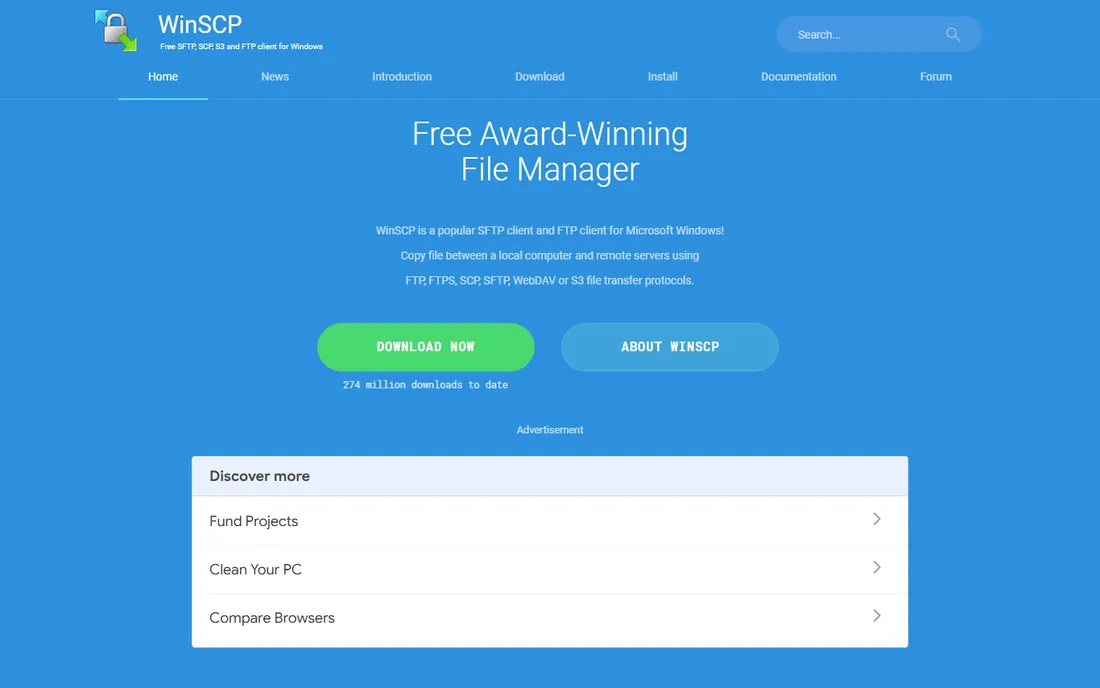
Windows users have a better free option than most realize. WinSCP combines a file manager with SFTP, SCP, FTP and WebDAV support, and its scripting interface lets administrators automate transfers that would otherwise be manual chores. Scheduled uploads, synchronized folders and batch operations are all in reach without paying for an enterprise tool.
The interface shows its age, and the choice between Commander and Explorer layouts confuses first-time users. It is Windows-only, so cross-platform teams need something else. But for Windows-based developers and system administrators, WinSCP's combination of power and price, free, is unmatched. The scripting alone justifies learning it.
What we like- Free and open source
- Excellent SFTP and SCP support
- Scripting and automation built in
Watch out for- Windows only
- Interface looks dated
- Dual-pane layout confuses some beginners
Starting priceFree
Free planYes
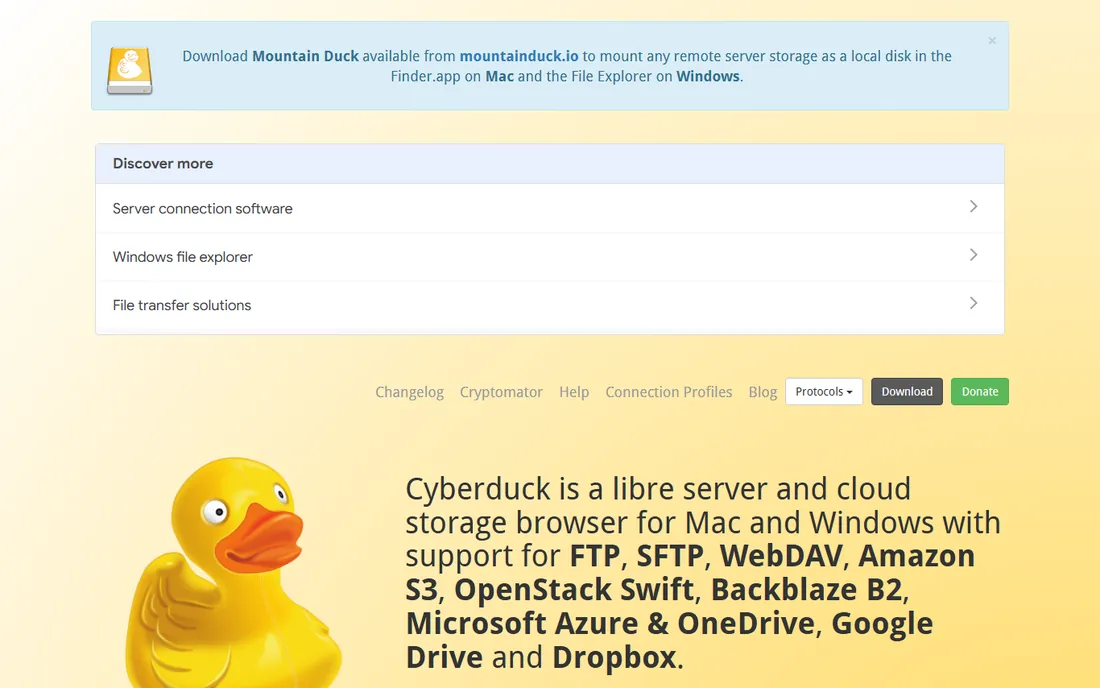
Cyberduck is the friendly face of file transfer. The interface is clean, the learning curve is gentle, and beyond FTP and SFTP it connects to cloud storage like Amazon S3, Google Drive and Dropbox. For someone who moves files between a server and cloud storage, one free tool covers both.
The project is donation-supported, which means prompts to contribute, fair enough for free software. Very large transfers can feel slower than in tuned tools like Transmit, and automation features are thinner than WinSCP's scripting. But as a free, pleasant client for Mac and Windows that handles both traditional servers and cloud buckets, Cyberduck earns its popularity.
What we like- Free with a clean interface
- Connects to S3, Google Drive and more
- Solid SFTP support
Watch out for- Donation prompts on download
- Large transfers can be slow
- Fewer automation features
#4
Transmit
Best for: Mac power users who transfer files daily
Visit panic.com
Starting priceSee website
Free planFree trial

Ask Mac developers which FTP client they love, and Transmit wins the poll. Panic built it as a Mac-native app with unusual attention to speed and detail. Transfers run fast, the interface is genuinely pleasant, and it speaks FTP, SFTP, S3 and a dozen other protocols. Features like remote file editing, synchronization and droplet shortcuts reward people who transfer files all day.
It costs real money for a one-time license, which is the entire decision. Occasional users should take Cyberduck for free and never look back. But for developers, designers and server administrators on Macs who move files constantly, Transmit's speed and polish pay for themselves in saved frustration. It is the rare paid utility that its users recommend without hesitation.
What we like- Fastest transfers in its class
- Beautiful, Mac-native interface
- Connects to servers and cloud storage alike
Watch out for- Mac only
- Paid license
- Overkill for occasional transfers
Starting priceSee website
Free planFree trial
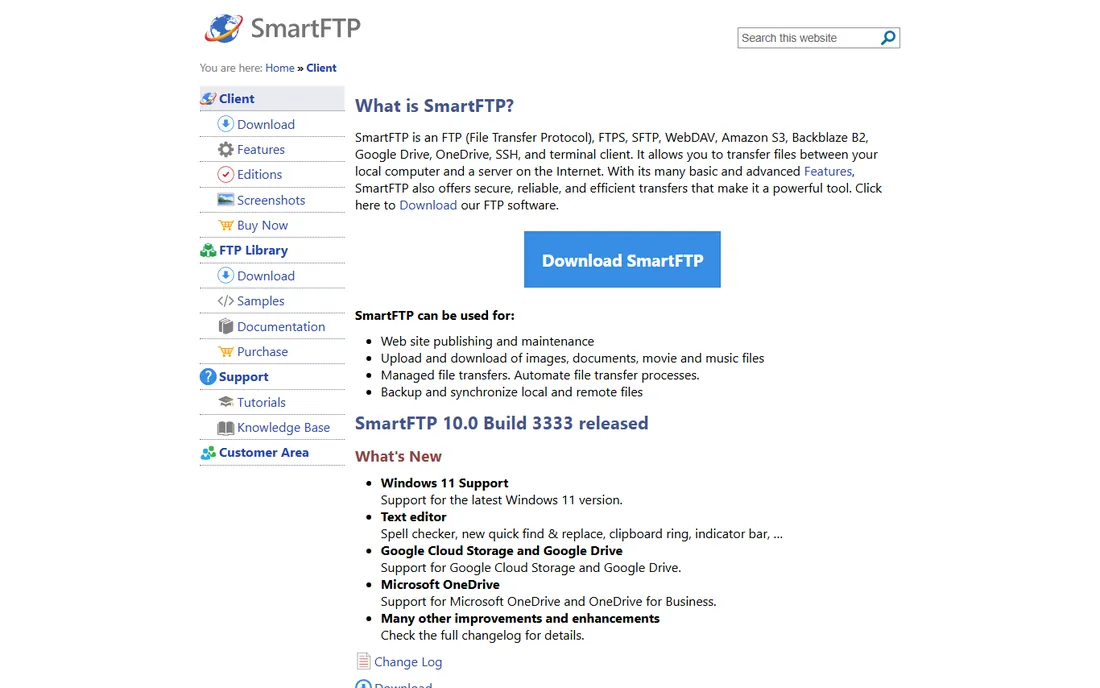
SmartFTP targets Windows professionals who need more than drag and drop. Scheduled transfers, automated synchronization, scripting and a long protocol list make it a workhorse for IT departments and web operations teams. The administration features suit managed environments where consistency matters.
The interface packs in a lot, which new users find dense. It is Windows-only and requires a paid license for full functionality, putting it in direct competition with the free WinSCP. The buyers who choose SmartFTP usually have specific automation or compliance needs that justify the cost. Everyone else should start free.
What we like- Strong automation and scheduling
- Supports many protocols
- Enterprise-friendly administration
Watch out for- Windows only
- Paid license for full use
- Interface is dense
Starting priceSee website
Free planFree trial
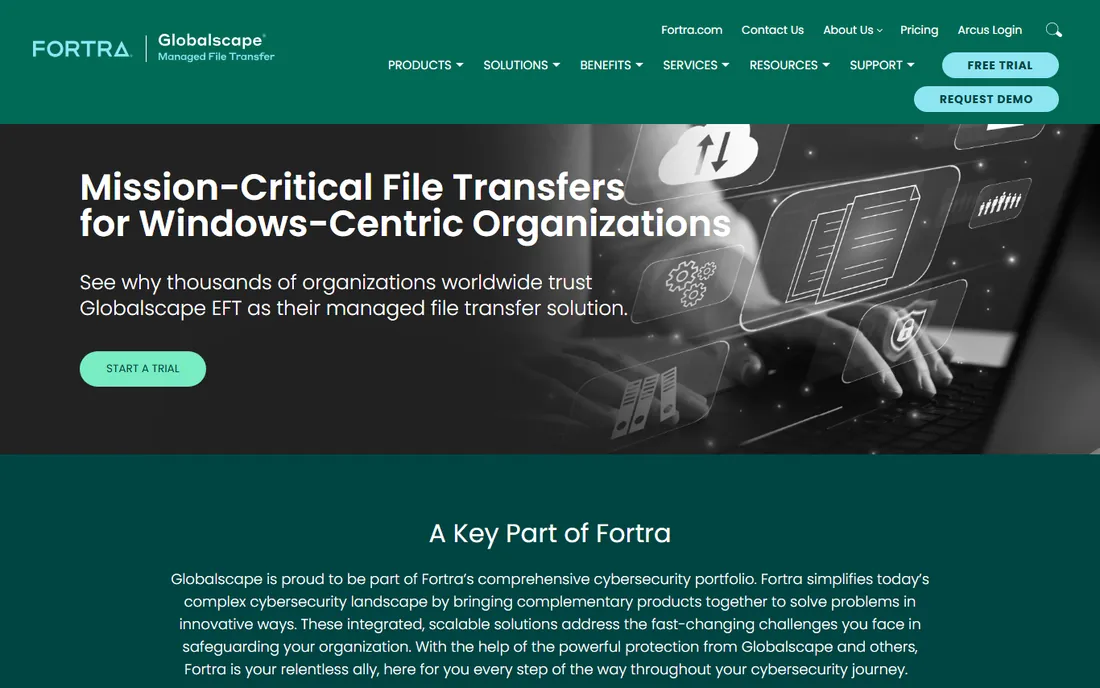
CuteFTP has been around since the late 1990s, and it shows in both good and bad ways. The good: refined transfer management, scripting, and the backing of Fortra's Globalscape lineup for businesses that want a vendor relationship. Long-time users know exactly where everything is.
The bad: it charges for what FileZilla and WinSCP do free, and development moves slowly. New buyers rarely choose CuteFTP first in 2026. Its remaining audience is businesses with existing deployments and users with decades of muscle memory. There is nothing wrong with it, but the value case against free alternatives is thin for new purchases.
What we like- Decades of refinement
- Scriptable transfers
- Part of Fortra's managed file transfer lineup
Watch out for- Paid in a world of good free clients
- Interface feels legacy
- Innovation is slow
Starting priceSee website
Free planFree trial
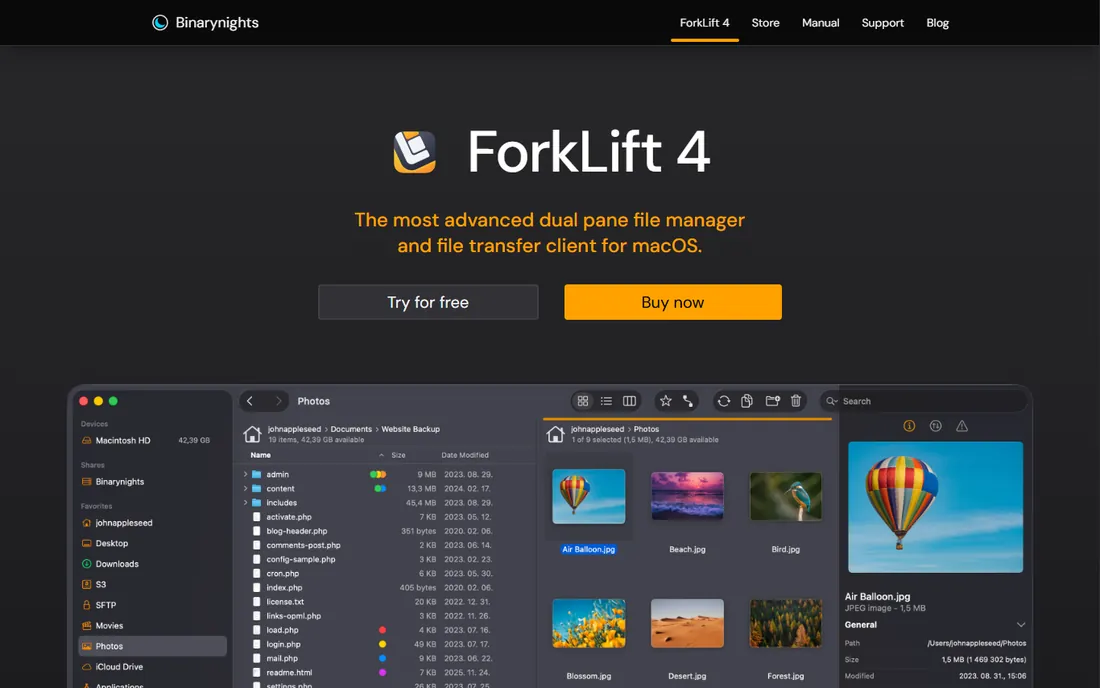
ForkLift is primarily a Mac file manager that happens to include solid FTP and SFTP support. The dual-pane layout makes moving files between local folders and servers natural, and the app is fast and well-designed. For Mac users who want one tool for both local file management and server transfers, it is compelling.
As a pure FTP client it is less deep than Transmit, and it is Mac-only and paid. Buyers should evaluate it as a file manager first: if the dual-pane workflow appeals, the FTP support is a genuine bonus. If only FTP is needed, Transmit or Cyberduck are more focused choices.
What we like- Excellent dual-pane file management
- FTP and SFTP built in
- Fast and Mac-native
Watch out for- Mac only
- Paid app
- FTP features are secondary to file management
#8
Commander One
Best for: Mac dual-pane manager with FTP built in
Visit eltima.com
Starting priceFree
Free planYes
Commander One offers Mac users a free dual-pane file manager with FTP, SFTP and FTPS support built in. The free version handles everyday transfers fine, and the paid PRO pack adds cloud storage connections, archive handling and more protocols. Tabs, dual panes and keyboard shortcuts make bulk file operations efficient.
The design is utilitarian rather than beautiful, and Mac-only as expected. The free tier is genuinely useful, which makes Commander One an easy recommendation for Mac users who want dual-pane management without paying. Power users who outgrow it usually land on ForkLift or Transmit.
What we like- Free version covers basics
- Dual-pane with tabs
- PRO pack adds cloud and archive features
Watch out for- Mac only
- Best features need the paid PRO pack
- Interface is utilitarian
Starting priceSee website
Free planFree trial
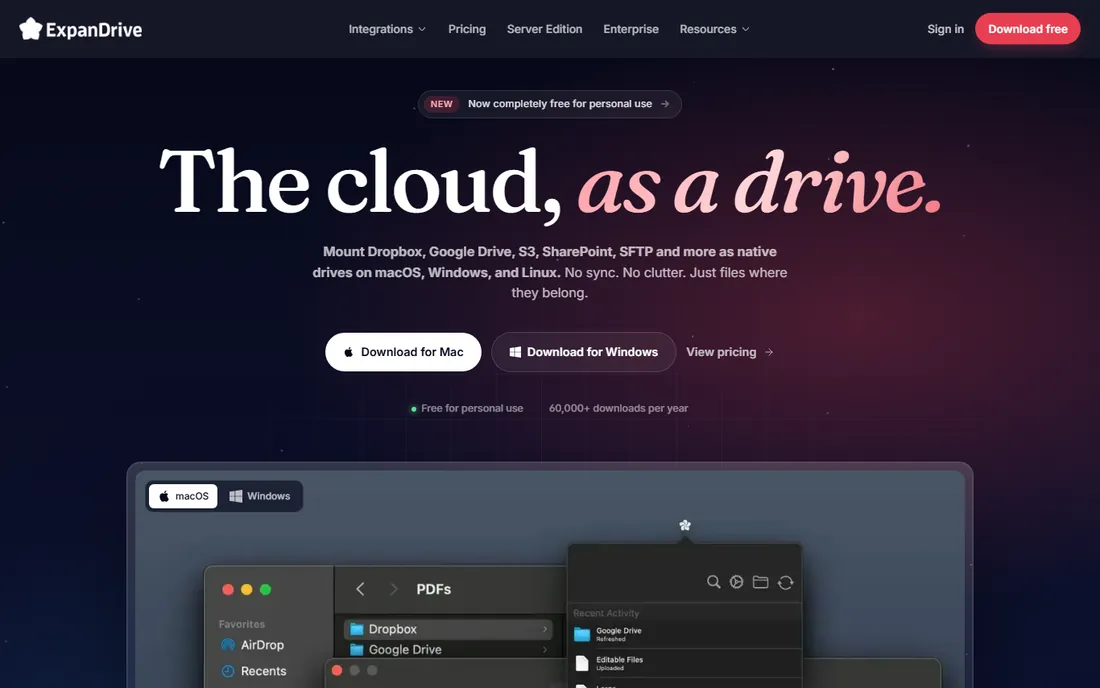
ExpanDrive solves a different problem. Instead of a transfer window, it mounts remote servers as local drives, so any application can open and save files directly on the server. Photoshop, code editors and office apps work on remote files as if they were local. It supports SFTP, S3, Google Drive and many other backends.
The magic depends on connection quality, and large files over slow links will remind users the files are not really local. Pricing is subscription-based, which stings for a utility. But for workflows where opening remote files directly beats downloading, editing and re-uploading, ExpanDrive removes an entire category of friction.
What we like- Servers appear as local drives in Finder and Explorer
- Works with SFTP, S3 and more
- Every app can open remote files
Watch out for- Subscription pricing
- Performance depends on connection
- Not a traditional transfer manager
Starting priceFree
Free planYes
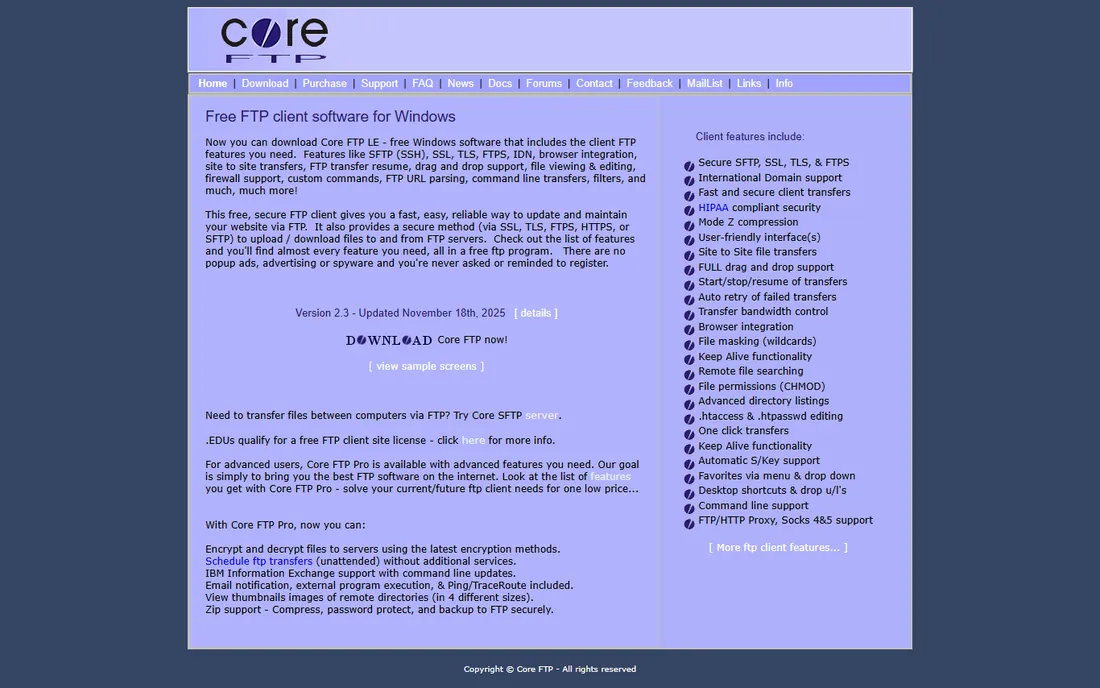
Core FTP has served Windows users for two decades with a free LE version that covers FTP, SFTP and FTPS, plus scheduling and scripting unusual at the free tier. It is a legitimate alternative to FileZilla for Windows users who prefer its workflow.
The interface is dated, and some advanced features require the paid Pro version. Development is quieter than the leading free tools. But as a free, no-nonsense Windows FTP client with a long history, Core FTP remains a valid choice, particularly for users who have run it happily for years.
What we like- Free LE version is capable
- SFTP and FTPS supported
- Scheduling and scripting included
Watch out for- Windows only
- Interface is dated
- Pro version needed for some features
How we chose
We listed clients that are real, current products with working homepages, excluding abandoned projects and suspended sites. Each was checked for protocol support, platform availability and pricing model. We weighed transfer performance, interface quality, automation features and value, drawing on vendor documentation and long-standing user consensus. No vendor paid for placement and we claimed no hands-on testing. The list mixes free open-source tools, paid power-user apps and specialty approaches like drive mounting because buyers choose across all of them.
Free vs paid: when paying makes sense
For most people, it does not. FileZilla, WinSCP and Cyberduck handle FTP, SFTP and FTPS competently at no cost, and Core FTP adds another free Windows option. Paying makes sense in three situations: speed and polish matter because you transfer files all day (Transmit), you need automation and administration features beyond free tools (SmartFTP), or you want servers mounted as local drives (ExpanDrive).
Beware the middle ground of paid clients that offer little over free ones. Before buying, list the specific features the paid tool has that your free tool lacks. If the list is short or vague, keep your money. The free tools in this category are unusually good, which is why several paid clients survive mostly on legacy business.
What to check before you choose
Confirm protocol support first. Any modern workflow needs SFTP at minimum; FTPS matters for some legacy servers. All ten tools here cover the basics, but if you also need S3, WebDAV or cloud drives, check the specific list. Protocol gaps are the most common reason for a wrong purchase.
Check platform coverage for the whole team. A Mac-only tool is fine for a solo Mac user and useless for a mixed team. FileZilla and ExpanDrive cover all desktops; the rest are split by platform. Standardizing on one cross-platform client simplifies support.
Test with your actual files. Transfer a large batch, try a flaky connection, and edit a remote file if your workflow needs it. Performance and reliability differences show up under real conditions, not in feature lists. Most paid tools offer trials, and the free tools cost nothing to evaluate.
Frequently asked questions
What is the best free FTP client?
FileZilla is the best free all-rounder across Windows, Mac and Linux. Windows users should also consider WinSCP for its scripting and SFTP strength. Mac users who want a cleaner free option can use Cyberduck.
Is FTP still used in 2026?
Yes, though SFTP has largely replaced plain FTP. Web hosting, media workflows, EDI and legacy enterprise systems still rely on file transfer protocols daily. The clients on this list mostly speak SFTP and FTPS, which are the secure variants that matter now.
What is the difference between FTP, SFTP and FTPS?
FTP is the original unencrypted protocol. FTPS adds encryption to FTP. SFTP is a different protocol that runs over SSH and is generally preferred for security and firewall friendliness. For new setups, use SFTP unless the server requires otherwise.
Can I use an FTP client with Amazon S3?
Some can. Cyberduck, Transmit and ExpanDrive connect directly to S3, and FileZilla Pro adds cloud protocol support. Pure FTP clients cannot, since S3 is not an FTP protocol. Check the protocol list before buying for cloud storage use.
Why do some FTP clients cost money?
Paid clients typically offer faster transfers, better interfaces, automation features or specialty functions like drive mounting. Whether that is worth it depends on usage intensity. Occasional users rarely benefit; daily users often do.
Sources we checked (10)
- https://filezilla-project.org
- https://winscp.net
- https://cyberduck.io
- https://panic.com
- https://www.smartftp.com
- https://www.globalscape.com
- https://binarynights.com
- https://www.eltima.com
- https://www.expandrive.com
- https://coreftp.com
Is your product missing or out of date?
We review this list regularly. Vendors can request a listing, send updated pricing or ask about featured placement.

Shihab Mia · Founder, Rankite
Shihab has spent more than a decade helping SaaS and e-commerce brands grow through search. He writes Rankite's software buying guides from pricing pages, documentation and public user reviews. More about Shihab.