How we make this list: we compare pricing pages, product documentation and public user reviews. Rankite is independent; if a vendor ever pays for a featured spot, that listing is clearly labeled Partner.
Key takeaways
- VirtualBox remains the easiest free VM software for desktop users on Windows, Mac and Linux, with no feature restrictions.
- VMware Workstation Pro and Fusion Pro are now free for everyone, including commercial use, which changed this market significantly in late 2024.
- Hyper-V and Windows Sandbox cost nothing extra on Windows Pro and Enterprise, since they are built into the operating system.
- Proxmox VE is the standout for running virtual machines on a dedicated server, while UTM is the best free option for Apple Silicon Macs.
Quick comparison
| Tool | Best for | Starting price | Free plan |
|---|
 VirtualBox VirtualBox | free desktop virtualization on Windows, Mac and Linux | See website | Yes |
 VMware Workstation Pro VMware Workstation Pro | Windows and Linux users who want the best desktop VM performance | See website | Yes |
 VMware Fusion Pro VMware Fusion Pro | macOS users who want VMware-quality virtualization | See website | Yes |
 Hyper-V Hyper-V | Windows Pro and Enterprise users who want built-in virtualization | See website | Yes |
 Proxmox VE Proxmox VE | homelabs and small businesses virtualizing a dedicated server | See website | Yes |
 UTM UTM | free virtualization on Apple Silicon Macs | See website | Yes |
 QEMU QEMU | maximum flexibility, automation and unusual architectures | See website | Yes |
 GNOME Boxes GNOME Boxes | Linux desktop users who want the simplest possible VMs | See website | Yes |
 Windows Sandbox Windows Sandbox | disposable, isolated Windows environments for testing | See website | Yes |
Is your product missing or out of date?
We review this list regularly. Vendors can request a listing, send updated pricing or ask about featured placement.
Free does not always mean free: read this first
Virtualization vendors have a habit of blurring the line between free software and free trials, so here is the honest picture. Every tool on this list can be used at no cost, but the terms differ. VirtualBox, UTM, QEMU, GNOME Boxes and Proxmox VE are genuinely free and open source. VMware Workstation Pro and Fusion Pro became free for all users, commercial included, in late 2024, after years of being paid products with a limited free Player edition. Hyper-V and Windows Sandbox are features of Windows Pro and Enterprise, so they are free only in the sense that you already paid for the operating system. Nothing here is a time-limited trial dressed up as a free product.
Starting priceSee website
Free planYes
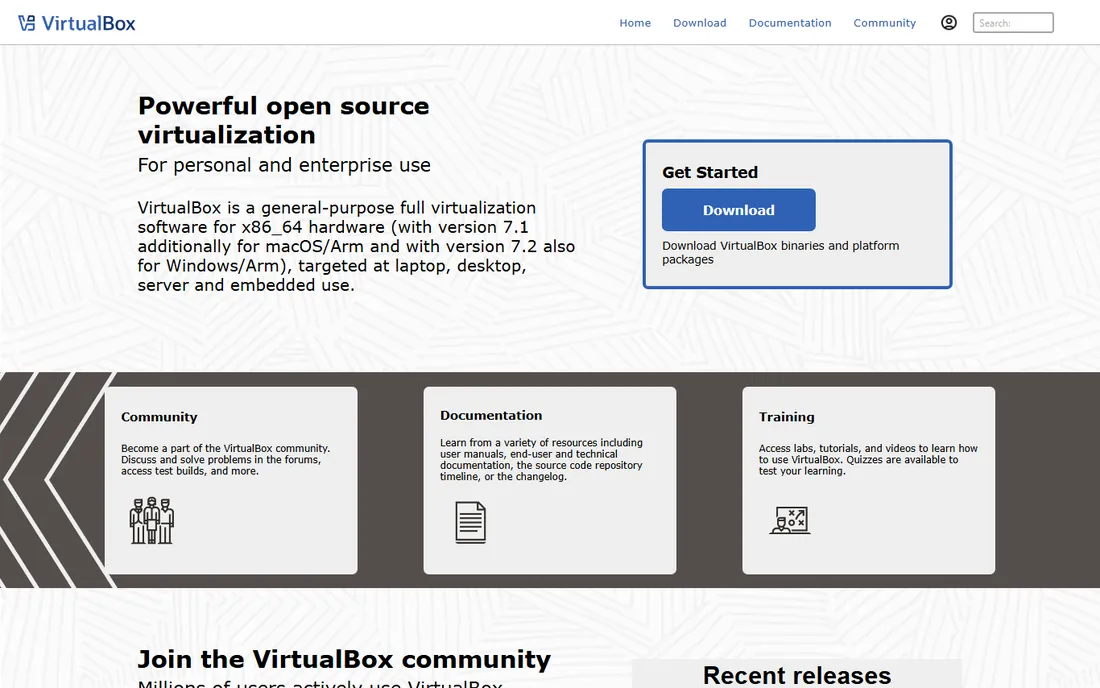
VirtualBox, maintained by Oracle, is the default answer when someone asks for free VM software, and for most desktop use it deserves the title. It runs Windows, Linux and older macOS guests on Windows, Mac and Linux hosts, supports snapshots, shared folders, USB passthrough and a windowed integration mode, and costs nothing with no strings attached. The documentation is thorough and nearly every problem you encounter has been solved on a forum somewhere.
It is not the fastest hypervisor. VMware's products generally deliver better graphics performance and smoother behavior under load, which matters for gaming or heavy desktop applications inside a VM. The interface has barely changed in a decade. And some users remain uneasy about Oracle's long-term plans, though VirtualBox has stayed free for many years. For learning, testing and everyday virtualization, it remains the safest free pick.
What we like- Completely free with no feature limits
- Runs on every major desktop OS
- Huge community and documentation
Watch out for- Performance lags behind VMware for demanding guests
- The interface feels dated
- Oracle's stewardship worries some users
#2
VMware Workstation Pro
Best for: Windows and Linux users who want the best desktop VM performance
Visit vmware.com
Starting priceSee website
Free planYes
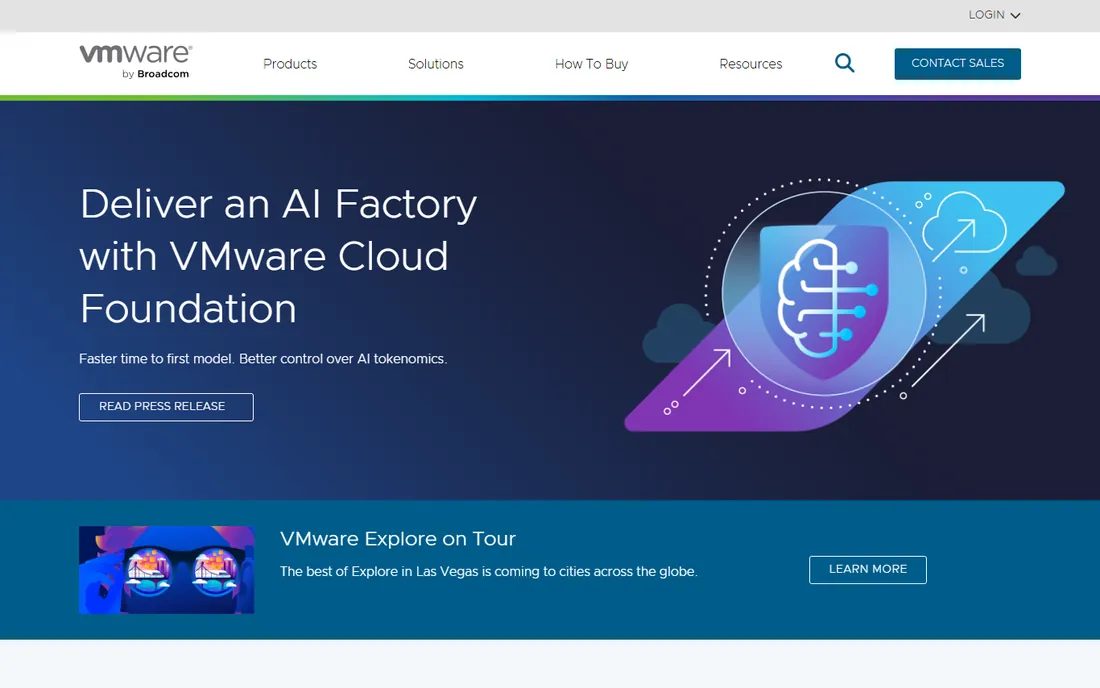
Workstation Pro used to be the paid product everyone recommended but few bought, with most people settling for the limited free Player. That changed when Broadcom made both Workstation Pro and Fusion Pro free for all use. You now get the full feature set, snapshots, clones, virtual networking editor, restricted VMs, at no cost. Performance remains the benchmark for desktop virtualization, particularly for graphics-heavy guests.
The practical friction is the download: you need a Broadcom account and must navigate their support portal, which is less pleasant than it sounds. There is also the background question of Broadcom's long-term strategy, since the company has a reputation for aggressive monetization. But as things stand, this is professional-grade virtualization software for free, and it is hard to argue with that.
What we like- Now free for commercial, educational and personal use
- Best-in-class performance and 3D graphics
- Mature snapshot and cloning tools
Watch out for- Download requires a Broadcom account
- Future licensing terms depend on Broadcom's decisions
#3
VMware Fusion Pro
Best for: macOS users who want VMware-quality virtualization
Visit vmware.com
Starting priceSee website
Free planYes
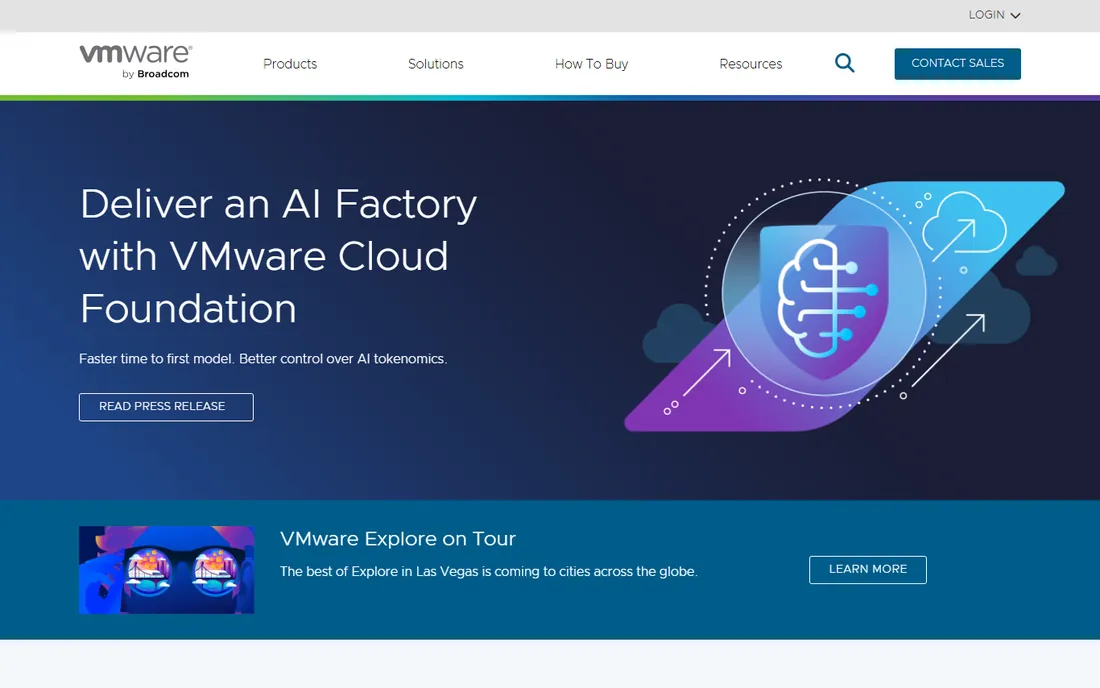
Fusion Pro is the Mac sibling of Workstation Pro and shares its licensing story: previously paid, now free for everyone. On Apple Silicon Macs it runs ARM versions of Windows and Linux well, and on older Intel Macs it runs the full x86 guest catalog. The integration features, shared folders, drag and drop, Retina display support, make guest operating systems feel like part of the Mac.
The ARM transition imposes real limits: you cannot run an x86 Windows VM on an Apple Silicon Mac with any hypervisor, so check that ARM Windows or your Linux distribution covers your needs. UTM is the lighter-weight free alternative on the same hardware. But for Mac users who want the most polished VM experience at no cost, Fusion Pro is the answer.
What we like- Free for all users since late 2024
- Runs Windows and Linux on Intel and Apple Silicon Macs
- Unity-style integration modes
Watch out for- Apple Silicon guests are limited to ARM operating systems
- Broadcom account needed for download
Starting priceSee website
Free planYes
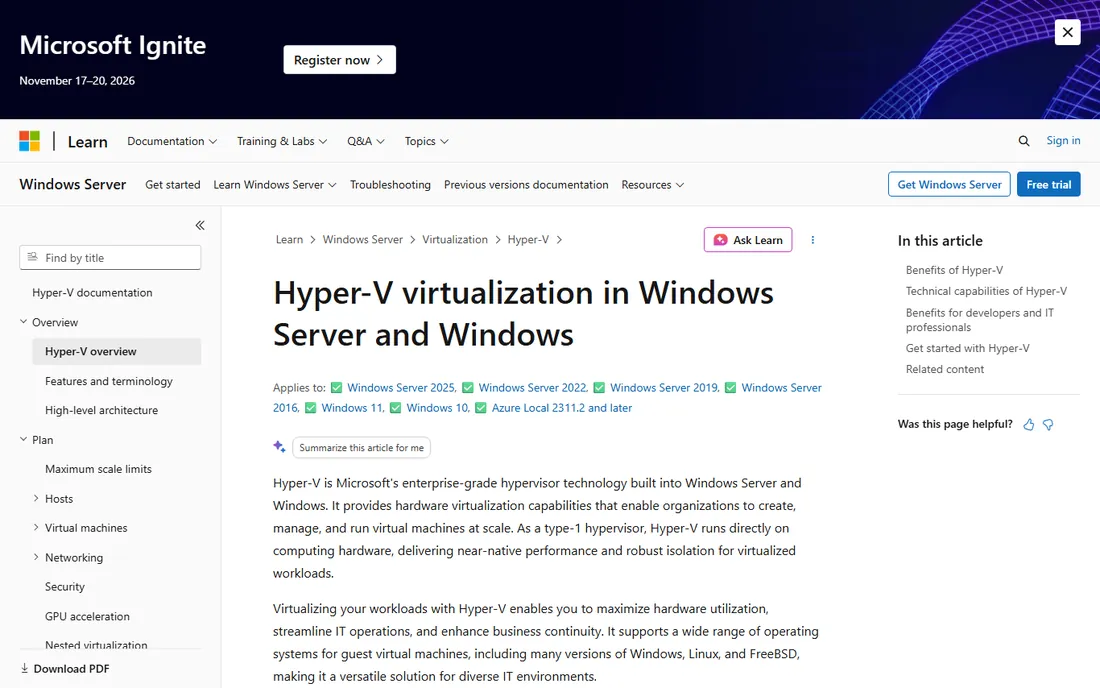
Hyper-V is Microsoft's hypervisor, and on Windows Pro and Enterprise it is one checkbox away in the Windows Features dialog. Because it is a type-1 hypervisor that sits close to the hardware, performance is excellent, and features like shielded VMs, virtual switches and replication come from the enterprise server world. PowerShell automation is deep, which Windows administrators appreciate.
The limitations are well known: no USB device passthrough to guests, which rules out some hardware testing scenarios, and the Linux guest experience, while improved, still trails VirtualBox and VMware for desktop use. It also requires Windows Pro or Enterprise; Home users are out of luck. If you already run Windows Pro and your guests are mostly Windows or server Linux, Hyper-V is the free option with the least to install.
What we like- Included with Windows Pro and Enterprise at no extra cost
- Type-1 hypervisor with strong performance
- Good PowerShell automation
Watch out for- Requires Windows Pro or higher
- No USB passthrough for guests
- Less friendly for Linux desktop guests
#5
Proxmox VE
Best for: homelabs and small businesses virtualizing a dedicated server
Visit proxmox.com
Starting priceSee website
Free planYes
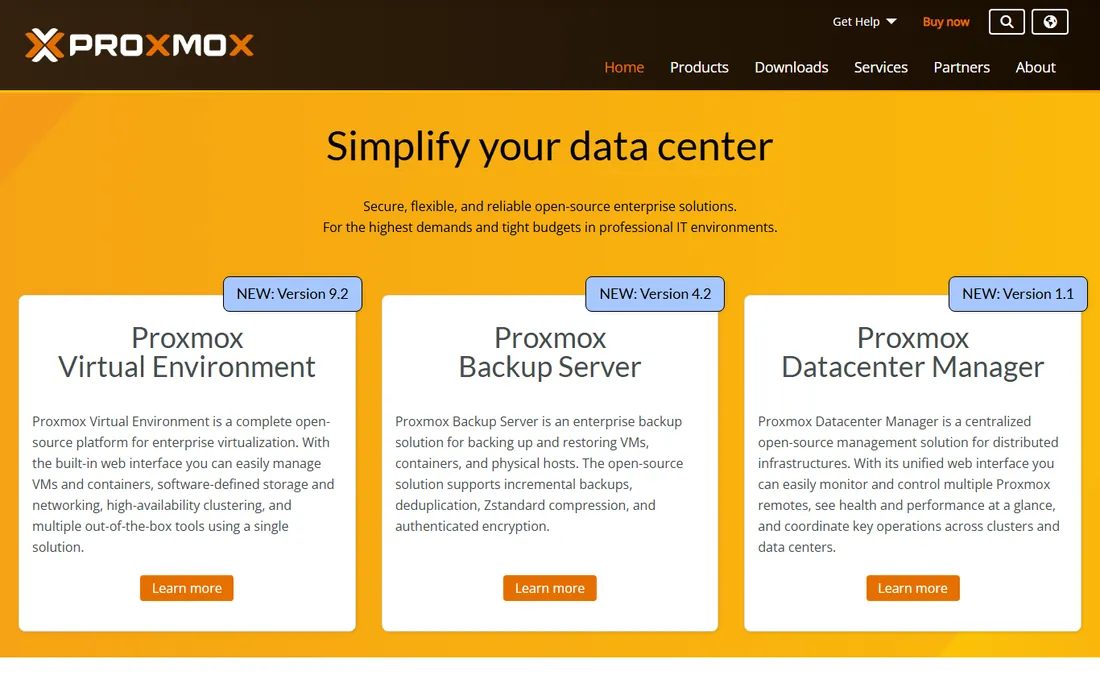
Proxmox VE turns a spare server into a virtualization platform through a web interface. It combines KVM virtual machines with lightweight LXC containers, adds clustering, live migration, scheduled backups and software-defined storage, and charges nothing for the software itself. The homelab community has made it the default recommendation for a home server, and small businesses use it to consolidate aging hardware.
This is server software, not a desktop app: you install it on bare metal and manage it from a browser. The free tier works fully but uses the community package repository, while the tested enterprise repository and official support require a subscription. For running a VM or two on your laptop it is the wrong tool; for a home lab or office server it is the best free option by a wide margin.
What we like- Free and open source
- Combines KVM virtualization with LXC containers
- Web-based management with clustering and backups
Watch out for- Overkill for running one VM on a desktop
- Enterprise support and stable updates are paid
Starting priceSee website
Free planYes
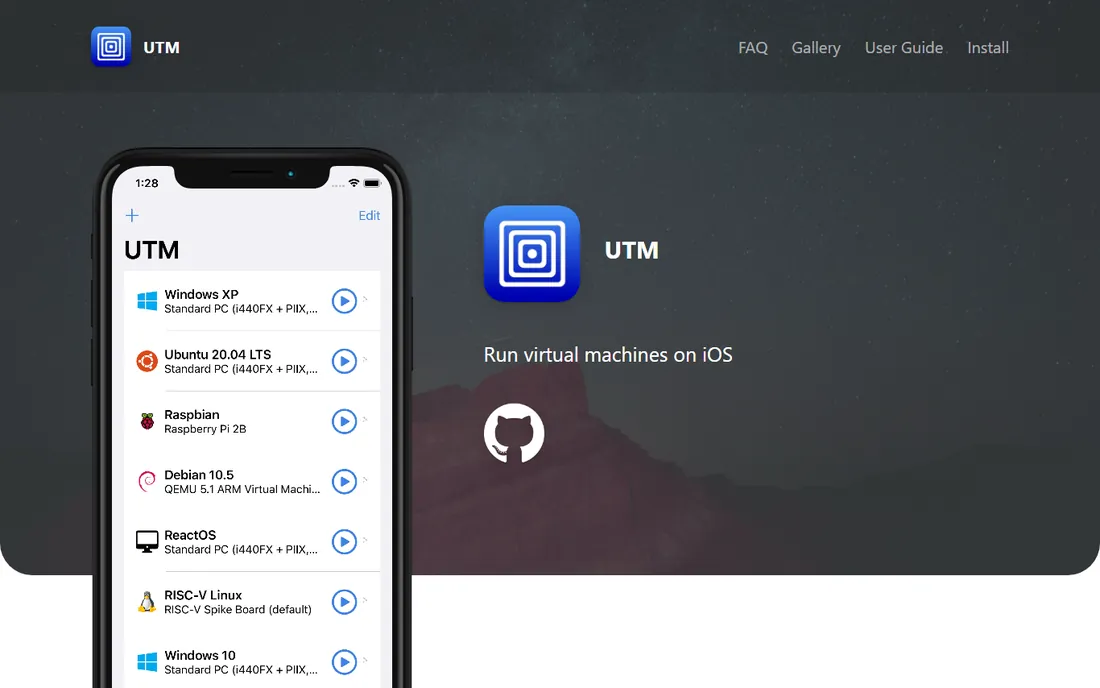
UTM is built for the Macs Apple actually sells now. On Apple Silicon it uses Apple's native virtualization framework to run ARM guests at near-native speed, and it can also emulate other processor architectures, slowly, when you need to. It is free, open source, and available both as a direct download and on the Mac App Store. For students and developers who need a Linux VM on a MacBook, it is the simplest path.
Emulation is the caveat: running x86 operating systems on ARM hardware works but is not fast enough for daily use. Feature-wise it is simpler than VirtualBox or VMware, with less sophisticated snapshot and networking tooling. But for its target, a free VM on a modern Mac, UTM hits the mark with minimal fuss.
What we like- Free and open source
- Runs on Apple Silicon using native virtualization
- Can also emulate other architectures
Watch out for- Emulation of x86 guests on ARM is slow
- Fewer advanced features than VMware or VirtualBox
#7
QEMU
Best for: maximum flexibility, automation and unusual architectures
Visit qemu.org
Starting priceSee website
Free planYes
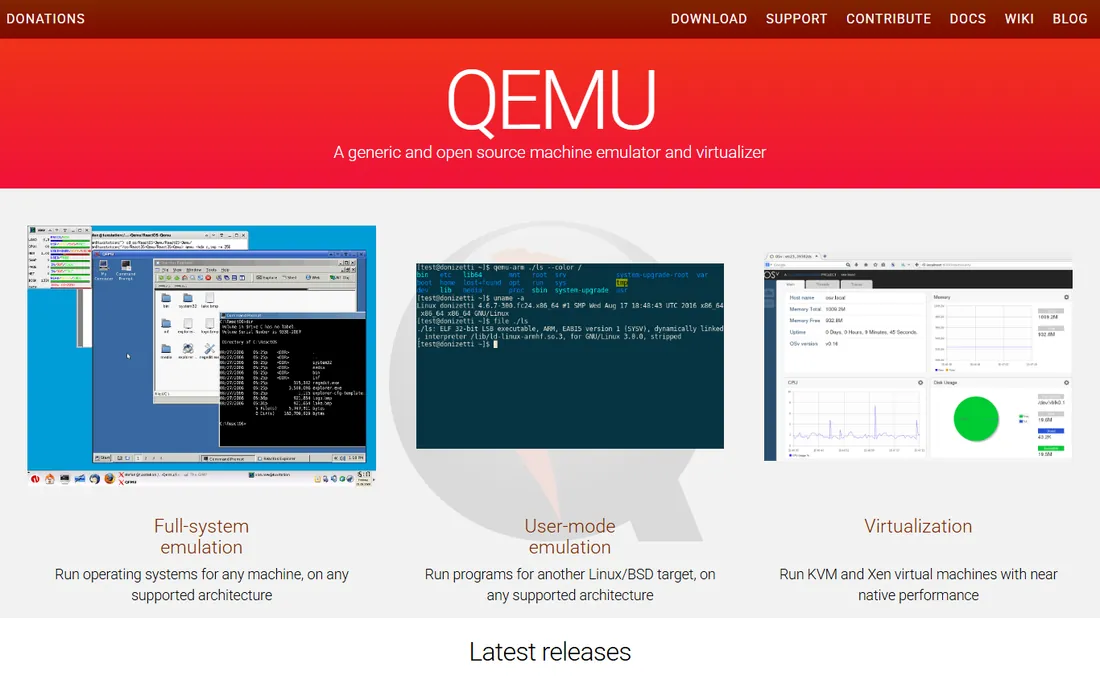
QEMU is the engine room of open-source virtualization. It emulates full systems across a huge range of processor architectures and, paired with KVM on Linux, virtualizes at near-native speed. Proxmox, UTM and countless cloud platforms build on it. For automation, custom tooling and odd architectures, nothing else is as flexible, and it costs nothing.
Almost nobody runs QEMU directly for desktop use, because the interface is the command line and the learning curve is steep. Most users meet it through friendlier front ends: Proxmox on servers, UTM on Macs, or virt-manager on Linux desktops. If you are comfortable with terminals and scripts, QEMU gives you complete control; if not, pick one of the tools built on top of it.
What we like- Free and open source
- Emulates dozens of architectures
- The engine behind Proxmox, UTM and much of cloud computing
Watch out for- Command-line driven with a steep learning curve
- Not a friendly desktop VM app on its own
Starting priceSee website
Free planYes
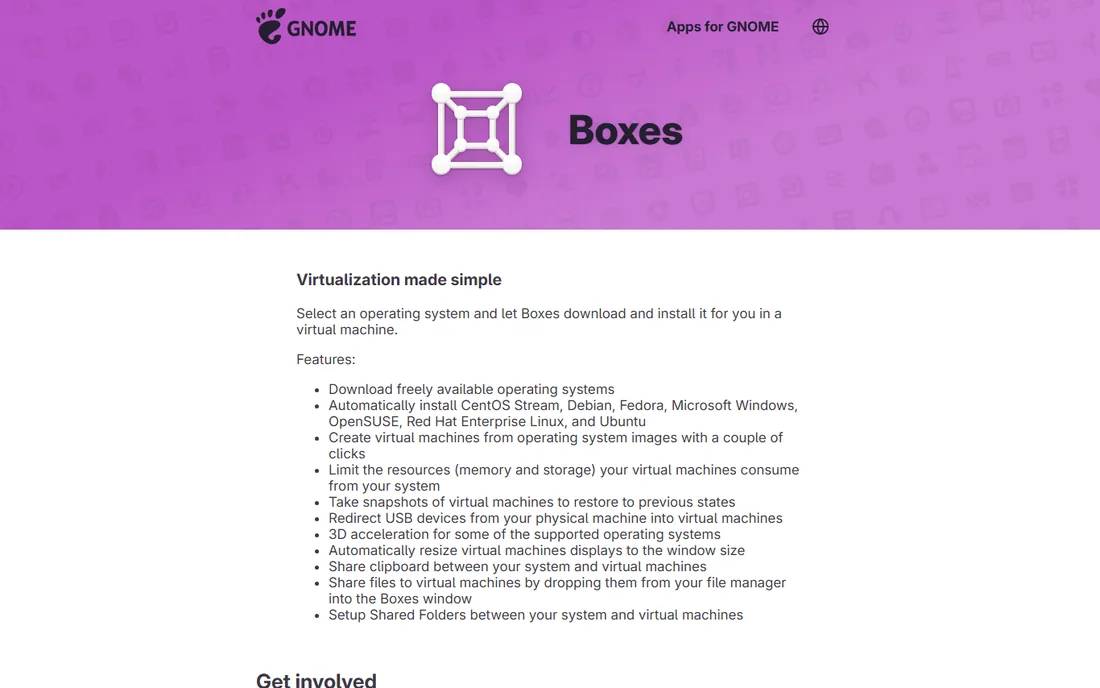
GNOME Boxes answers a simple question: what if creating a VM were as easy as installing an app? Pick an operating system from the list, and Boxes downloads the ISO, creates the VM with sensible defaults and gets out of the way. It uses QEMU and KVM under the hood, so performance is fine, and for trying a Linux distribution or running a quick test VM it is delightful.
The simplicity is deliberate and limiting. Advanced networking, detailed hardware tuning and complex snapshot management are absent or minimal. Users of KDE, Xfce or other desktops can run it but may prefer virt-manager for deeper control. As a first VM tool on a GNOME-based Linux system, though, nothing is easier.
What we like- Free and open source
- Extremely simple interface
- Automatic OS downloads for popular distributions
Watch out for- Minimal settings and advanced features
- GNOME-centric, less at home on other desktops
Starting priceSee website
Free planYes
Windows Sandbox is not really virtual machine software in the traditional sense; it is a lightweight, isolated desktop for trying things you do not trust. Need to open a suspicious attachment or test an installer? Launch the Sandbox, do the risky thing, close the window, and every trace vanishes. It starts in seconds because it shares the host's system files rather than booting a full guest.
That disposability is the whole point and the whole limitation. Nothing persists, customization is minimal, and it only runs Windows. For general virtualization you want Hyper-V or VirtualBox. But for safe testing of untrusted software, it is the fastest free option on Windows, and it is already installed.
What we like- Built into Windows Pro and Enterprise
- Launches a clean Windows in seconds
- Everything is discarded on close
Watch out for- Not a general VM tool
- No persistence between sessions
- Windows Pro or higher required
Start with your host operating system, because it narrows the field immediately. On Windows, the choice is between VirtualBox for maximum compatibility, Hyper-V for built-in performance, and VMware Workstation Pro now that it is free. On a Mac, the fork is Intel versus Apple Silicon: Fusion Pro covers both, while UTM is the lightweight free pick for ARM. On Linux, VirtualBox and GNOME Boxes handle desktop needs, and KVM-based tools cover the rest.
Then consider the guest. Running Windows on Windows is easy everywhere. Running macOS as a guest is restricted by Apple's licensing to Apple hardware and is poorly supported outside specific setups. ARM hosts can only run ARM guests at full speed, so verify that the operating system you need ships an ARM build.
Finally, separate desktop use from server use. If the goal is a VM on the computer in front of you, the desktop tools above are right. If the goal is a home server or lab that runs VMs around the clock, skip the desktop apps and install Proxmox VE on the hardware. Mixing the two jobs leads to frustration.
The catch behind every free hypervisor
Free VM software usually costs you in one of three currencies: features, convenience or control. Open-source tools like VirtualBox, QEMU and Proxmox give you everything but expect you to solve problems yourself through documentation and forums. VMware's free Pro products give you commercial polish but tie you to Broadcom's account system and its future decisions. Built-in options like Hyper-V and Windows Sandbox cost nothing beyond Windows itself, but only if you have the right Windows edition, and Home users face an upgrade bill.
Watch for the specific traps. Some downloads labeled free are trials that expire. Some free tiers limit commercial use; that is not the case for the VMware products since late 2024, but it is worth verifying for any business deployment. And free rarely includes support: if a VM hosts anything important, budget either for a support subscription like Proxmox's or for the staff time to become your own support.
We reviewed vendor documentation, download pages and licensing terms, then checked community feedback from homelab forums, sysadmin discussions and review sites. We weighted licensing honesty, performance, guest and host compatibility, feature depth and ease of use. We did not install or benchmark any of these products; this comparison reflects published specifications and reported user experience.
Frequently asked questions
Is VirtualBox really free for commercial use?
Yes. VirtualBox is released under the GPL, and the base package is free for any use including commercial. The separately downloadable Extension Pack has its own license with different terms for commercial deployment, so check that if you need its features at work.
What happened to VMware Workstation Player?
Workstation Player was the limited free edition of Workstation Pro. In late 2024 Broadcom discontinued the Player/Pro split and made the full Workstation Pro and Fusion Pro free for everyone, including commercial use. If you still have Player installed, moving to Pro is the upgrade path.
Can I run virtual machines on Windows Home?
Not with Hyper-V or Windows Sandbox, which require Pro or Enterprise. VirtualBox and VMware Workstation Pro both run fine on Windows Home, so Home users should pick one of those.
How much RAM and disk space does a VM need?
It depends on the guest. A light Linux VM is comfortable with 2 GB of RAM and 20 GB of disk; a Windows 11 guest wants at least 4 to 8 GB of RAM and 60 GB of disk to feel responsive. Your host needs enough left over for itself, so 16 GB of host RAM is the practical minimum for comfortable multitasking with VMs.
Can I run macOS in a virtual machine?
Apple's license allows macOS virtualization only on Apple hardware, and support varies by tool. On a Mac, VMware Fusion and UTM can virtualize macOS; on non-Apple hardware it violates the license and works poorly. For most cross-platform testing, Linux and Windows guests are the practical choices.
Is Proxmox really free, or is there a catch?
The software is fully free and open source with no feature limits. The paid part is the enterprise package repository, which offers tested updates, and official support subscriptions. Home users run happily on the free community repository; businesses usually buy at least the basic subscription for stable updates and support access.
Sources we checked (8)
- https://www.virtualbox.org/
- https://www.vmware.com/
- https://learn.microsoft.com/en-us/virtualization/hyper-v-on-windows/about/
- https://proxmox.com/
- https://getutm.app/
- https://www.qemu.org/
- https://apps.gnome.org/Boxes/
- https://learn.microsoft.com/en-us/windows/security/application-security/application-isolation/windows-sandbox/
Is your product missing or out of date?
We review this list regularly. Vendors can request a listing, send updated pricing or ask about featured placement.

Shihab Mia · Founder, Rankite
Shihab has spent more than a decade helping SaaS and e-commerce brands grow through search. He writes Rankite's software buying guides from pricing pages, documentation and public user reviews. More about Shihab.