How we make this list: we compare pricing pages, product documentation and public user reviews. Ratings come from G2, Capterra or Trustpilot, with the date we checked them.
Key takeaways
- Clockify has the most generous free plan in this list for tracking time: unlimited users, projects and tracking, with paid plans only needed for admin controls and deeper reports.
- Free plans are real but fenced. Todoist caps free projects, Toggl Track caps free team size, and RescueTime keeps its best reports paid. Read the fence before you build a habit inside it.
- Time management is three different jobs: tracking where hours went (Clockify, Toggl), deciding what to do (Todoist, TickTick) and protecting focus (Forest, RescueTime). Most people need one tool from two of those groups, not eight apps.
- Google Calendar and Microsoft To Do are the fully free options with no paid tier pushing at you, and for many people they are enough.
Quick comparison
Is your product missing or out of date?
We review this list regularly. Vendors can request a listing, send updated pricing or ask about featured placement.

#1Clockify
Best for: Free time tracking for teams4.5/5 on
G2 (204 reviews, checked Oct 2026)
Visit clockify.me
Starting priceFree
Free planYes
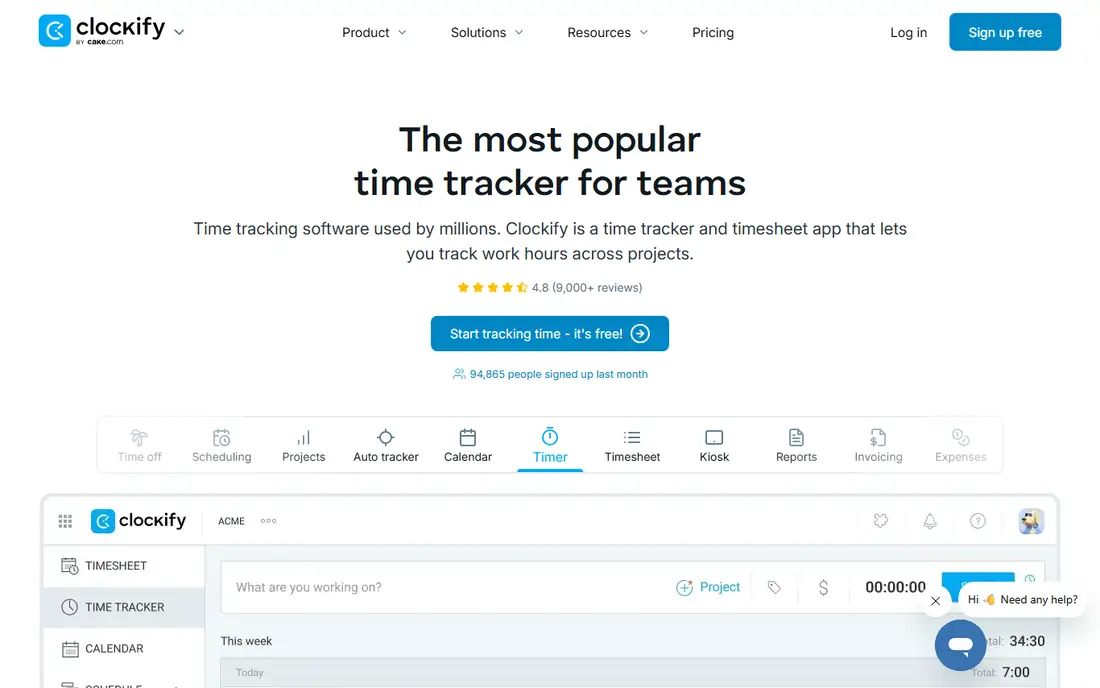
What we like- Clockify's free plan is the reference point for this category: unlimited users, unlimited projects and unlimited time tracking, with timesheets, a team dashboard and basic reports included at no cost. A whole small company can run on it without a card. Paid plans from about 5 dollars per user per month add scheduling, invoicing, time off and admin controls when a team actually needs them. For freelancers it produces the records that make invoicing defensible rather than estimated.
Watch out for- Free reports are basic, with limits on report ranges and exports that growing teams notice first. The interface is functional rather than polished, and some settings sit in menus that take hunting. It tracks time but does not manage your tasks or your attention, so it answers where the hours went, not what you should do next.
#2Toggl Track
Best for: Simple one click time tracking4.6/5 on
G2 (1,589 reviews, checked Oct 2026)
Visit toggl.com
Starting priceFree
Free planYes
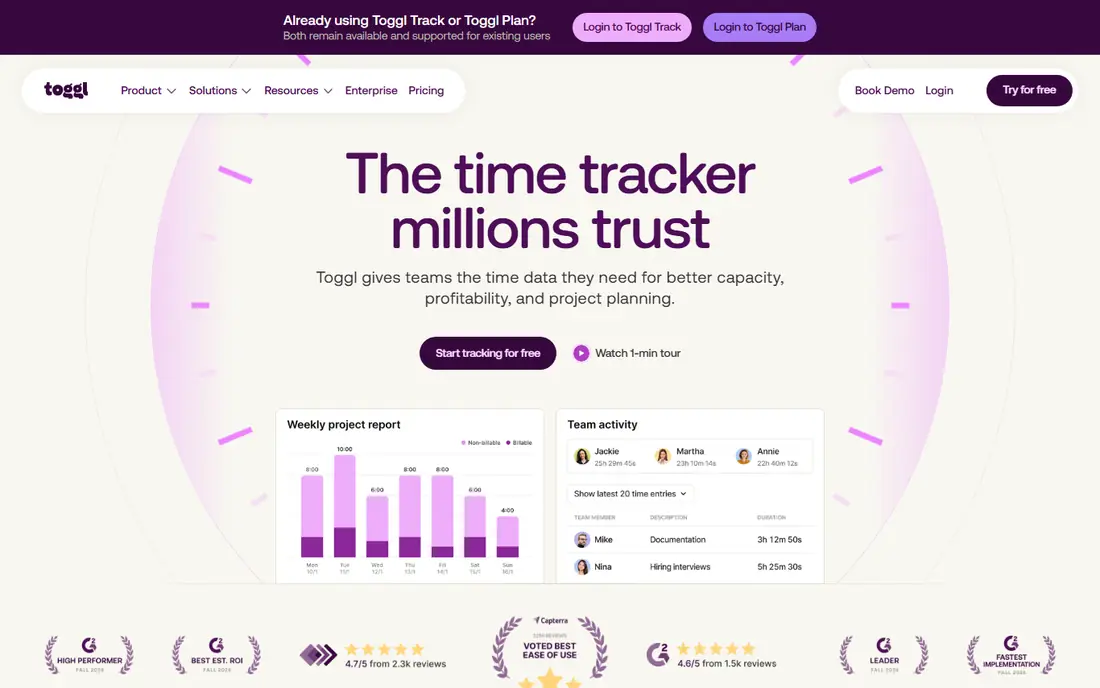
What we like- Toggl Track is the tracker people actually keep using, because starting a timer takes one click and the apps are consistent across web, desktop and phone. The free plan covers small teams, with unlimited tracking and basic reporting, and the timeline and reminder features catch the sessions you forgot to start. Paid plans from around 9 to 10 dollars per user per month add billable rates, team reporting and project forecasts. If Clockify is the generous option, Toggl is the pleasant one.
Watch out for- The free plan's team size cap and missing billable rates push freelancers who invoice from their tracker toward paid tiers sooner than the marketing suggests. Reporting depth on free is limited to the basics. It is a tracker only: no task management, no calendar planning, so it pairs with something else rather than replacing your system.

#3Todoist
Best for: Task lists and priorities4.5/5 on
G2 (832 reviews, checked Oct 2026)
Visit todoist.com
Starting priceFree
Free planYes
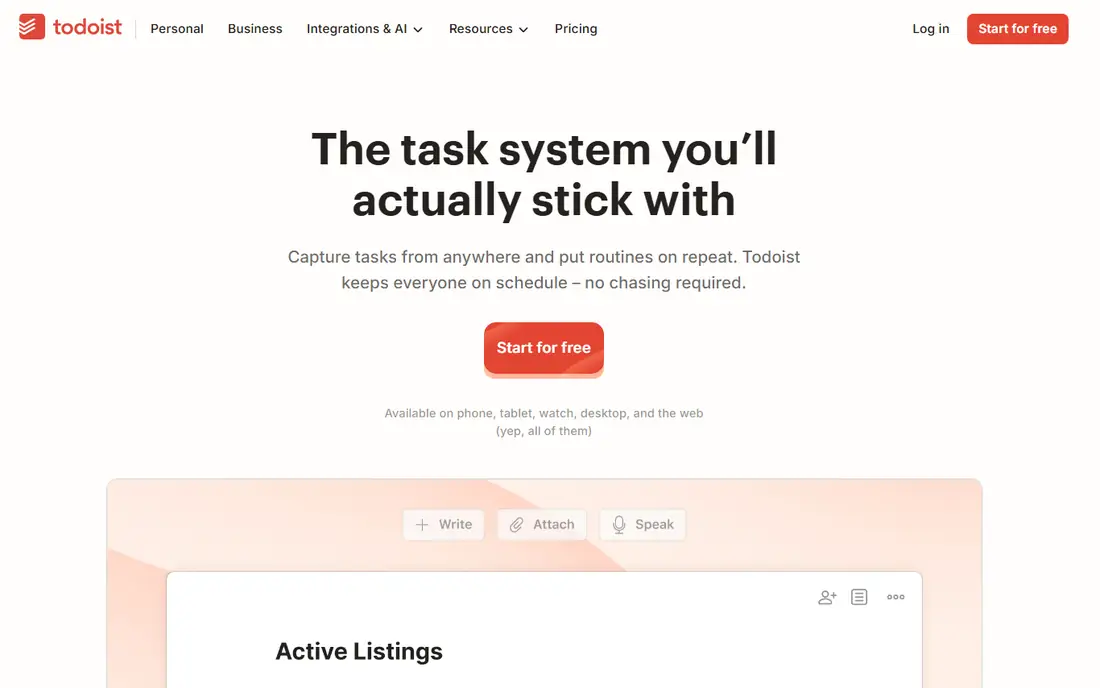
What we like- Todoist manages the deciding half of time management: what you intend to do. Natural language entry turns "call the dentist tomorrow at 9" into a dated, timed task, priorities and projects keep the list honest, and it is fast on every platform. The free plan covers personal use well, with a cap on active projects that most individuals never reach. Paid plans at about 4 to 5 dollars a month add reminders, calendar layout and more projects.
Watch out for- The free project's cap and the paid calendar view are the two fences that matter. It does not track time, so pairing it with Clockify or Toggl is common. Team features exist but the product's heart is personal productivity
- Departments looking for workload management should look at project tools instead.

#4TickTick
Best for: Tasks with a built in focus timer4.5/5 on
G2 (113 reviews, checked Oct 2026)
Visit ticktick.com
Starting priceFree
Free planYes
What we like- TickTick combines a task list, a calendar view, a habit tracker and a Pomodoro style focus timer in one app, which removes the usual two app compromise. The free plan includes the core list and timer features, and its calendar view on free is something Todoist charges for. Premium, at a few dollars a month, raises list limits and adds fuller calendar and tracking features. For a student or solo worker who wants one app, it is the most complete free starting point here.
Watch out for- Free list and task counts are capped, and heavy users hit them. The breadth means settings and views take longer to learn than a single purpose tool. Sync and support are solid but the ecosystem of integrations is thinner than Todoist's, which matters if your tasks live inside other software.
Starting priceFree
Free planYes
What we like- Time blocking, putting tasks on the calendar as appointments with yourself, is the technique most likely to survive contact with a real week, and Google Calendar is the free tool most people already have for it. Multiple calendars, colour coding, reminders and sharing are all free with a Google account, and it connects to nearly every other tool in this list. Appointment schedules and Google Tasks cover light booking and list needs without another app.
Watch out for- It is a calendar, not a manager: no priorities, no projects, no tracking of what actually happened versus the plan. Task handling through Google Tasks is basic next to Todoist or TickTick. And the free consumer version comes with Google account data practices that some workplaces restrict, in which case the Workspace version through an employer is the route.
Starting priceFree
Free planYes
What we like- RescueTime runs quietly on your computer and phone and reports how your time actually split between apps and sites, which is information no manual tracker captures honestly. The free Lite plan gives basic reports and a rolling window of data, enough for a monthly reality check that changes behaviour on its own. The paid plan, at 12 dollars a month or 78 a year, adds focus sessions that block distracting sites, deeper history and offline time tracking.
Watch out for- The free plan's reporting window and feature limits mean the long view is a paid feature. It is automatic tracking of your own devices, which raises a fair question about data
- Read the privacy terms and keep it to personal use unless your employer runs a proper, disclosed programme. It diagnoses time use but does not plan your day, so it pairs with a list or calendar tool.
Starting priceFree
Free planYes
What we like- Forest turns focus into a small game: plant a virtual tree when you start a session, and it withers if you leave the app to check your phone. That tiny stake is surprisingly effective for students and anyone whose problem is the phone rather than the plan. Sessions build a visible forest over weeks, and the app has partnered in tree planting programmes tied to coins earned in the app. The core timer is free to download, with extras sold inside the app.
Watch out for- It manages attention for a session, nothing more: no tasks, no schedule, no reports for a manager. The approach depends on the phone being the distraction
- Desktop drift needs another answer. Pricing and extras vary by platform and store, so check the current terms in the app store rather than a roundup. Determined users can also just close the app, which makes it a nudge, not a lock.
Starting priceFree
Free planYes
What we like- Microsoft To Do is completely free with a Microsoft account, with no paid tier and no upgrade prompts: lists, reminders, due dates, shared lists and a My Day view that pulls today's chosen tasks into one screen. It carries forward the old Wunderlist design, so it feels friendly rather than corporate, and it connects with Outlook tasks for people in Microsoft based workplaces. For someone who needs a list and nothing else, it is the end of the search.
Watch out for- Free and simple also means shallow: no time tracking, no real project structure, limited automation and integrations next to Todoist. Development pace is slow, and power users outgrow it quickly. It also ties you to a Microsoft account, which is a small thing until an employer controls that account.
How we chose
We required a free plan usable indefinitely, not a trial, and checked each plan's stated limits against current reporting in October 2026. The list deliberately spans the three jobs in time management: tracking time, deciding tasks, and defending focus, because a list of eight near identical timers would help nobody. Tools that are trials only, including several well known planning apps, were excluded even when they are excellent paid products. Prices for upgrades came from vendor pages and current comparisons; nothing here was hands on tested.
Name your failure mode first. If hours vanish and you cannot say where, start with a tracker: Clockify for a team, Toggl Track for yourself, RescueTime if you will never press a timer button honestly. If your days are busy but the wrong things get done, the fix is a list and a calendar: Todoist or TickTick for tasks, Google Calendar for time blocking. If the phone eats your focus, Forest plus a tracker covers it.
Then check the fence. Count your projects, your team size and the reports you need against the free limits, and look at the paid price before you settle in, because you are choosing a future bill as much as a free tool. Finally, give any tool two full weeks. Time management software shows its value across busy and quiet days, and switching every three days is its own form of losing time.
Frequently asked questions
Are these tools really free forever?
The free plans listed are ongoing plans, not trials. Clockify, Google Calendar and Microsoft To Do can be used indefinitely at no cost, and Todoist, Toggl Track, TickTick, RescueTime and Forest keep free tiers with stated limits. Vendors can change plan terms, so check the current free plan details before a whole team commits.
What do free plans usually leave out?
Reporting depth, exports, integrations, billable rates, admin controls and higher caps on projects or users are the standard paid extras in this category. The pattern is consistent: doing the work is free, proving and administering the work costs money. If you bill clients or manage a team, expect to pay eventually; if the tool is personal, free often lasts.
Is automatic time tracking a privacy problem?
It can be. A tool like RescueTime records which apps and sites you used, which is sensitive even when it is your own data. Use automatic tracking on your own account, for your own review, and read the retention terms. Employers should only run tracking with clear notice and a written policy; secret monitoring damages trust and can breach local law.
Should I use several of these together?
Usually two, one for deciding and one for tracking. A common pairing is Todoist or TickTick for tasks with Clockify or Toggl for hours, sometimes with Google Calendar holding the plan. More than that and the system itself becomes a task. The best setup is the smallest one you will still be using in three months.
Can free tools work for a whole team?
Yes, within limits. Clockify's free plan covers unlimited users for basic tracking, which suits small companies well. Toggl Track and others cap free team size. What teams usually end up paying for is not seats but control: approvals, locked timesheets, scheduling and payroll connections.
Sources we checked (0)
Is your product missing or out of date?
We review this list regularly. Vendors can request a listing, send updated pricing or ask about featured placement.

Shihab Mia · Founder, Rankite
Shihab has 5+ years in B2B and SaaS SEO. He writes Rankite's software buying guides from pricing pages, documentation and public user reviews. More about Shihab.
 Google Calendar
 RescueTime
 Forest
 Microsoft To Do