How we make this list: we compare pricing pages, product documentation and public user reviews. Ratings come from G2, Capterra or Trustpilot, with the date we checked them.
Key takeaways
- Adobe Express gives the strongest free starting point, with watermark-free removal and room to keep editing the same image.
- PhotoRoom suits sellers best, because its free plan handles product shots and its paid plans add batch work and templates.
- Credit tools such as Removal.AI and Slazzer suit occasional high-resolution downloads better than a monthly subscription.
- Free plans differ most on resolution, watermark rules, and commercial use, so read the export terms before you use a cutout in a listing or an ad.
- A second tool often fixes an edge the first one misses, especially around hair, fur, glass, and fine product details.
Quick comparison
| Tool | Best for | Starting price | Free plan |
|---|
 Adobe Express Adobe Express | Everyday free cutouts | $9.99 per user/month (billed annually) | Yes |
 PhotoRoom PhotoRoom | Product photos for sellers | $7.50 per user/month (billed annually) | Yes |
 Pixlr Pixlr | Browser editing plus removal | See website | Yes |
 Fotor Fotor | Casual editing and batch fixes | $8.99 per user/month | Yes |
 Pixelcut Pixelcut | Mobile sellers | See website | Yes |
 PicWish PicWish | Low-cost high-resolution downloads | See website | Yes |
 Clipdrop Clipdrop | Fast one-off cutouts | See website | Yes |
 Removal.AI Removal.AI | Occasional users buying credits | See website | Yes |
 Slazzer Slazzer | Developers and bulk work | See website | Yes |
Is your product missing or out of date?
We review this list regularly. Vendors can request a listing, send updated pricing or ask about featured placement.
#1Adobe Express
Best for: Everyday free cutouts4.5/5 on
G2 (855 reviews, checked Oct 2026)
Visit adobe.com
Starting price$9.99 per user/month (billed annually)
Free planYes
Adobe Express earns the top spot because its free offer is genuinely usable. You upload a photo, remove the background, and download a transparent PNG without a watermark on the result. That combination is rarer than it sounds, since many free tools cap resolution, add a mark, or limit commercial use. For a social post, a slide, or a profile image, the free plan often covers the whole job.
The rest of the editor matters too. Once the background is gone, you can resize the cutout, add text, place it on a solid color, or drop it into a template without moving to another app. Setup takes minutes, and there is no desktop install to manage. The honest catch is that heavy generative editing and larger credit allowances belong to the Premium plan, so regular high-volume users will eventually hit a ceiling. If you only need clean cutouts a few times a week, start here and pay only when the extra design features become part of your routine.
What we like- Watermark-free removal on the free plan
- Editing tools in the same workspace
- Simple upload and download flow
Watch out for- A free Adobe account is required
- Advanced generative credits sit behind paid plans
#2PhotoRoom
Best for: Product photos for sellers4.3/5 on
G2 (20 reviews, checked Oct 2026)
Visit photoroom.com
Starting price$7.50 per user/month (billed annually)
Free planYes
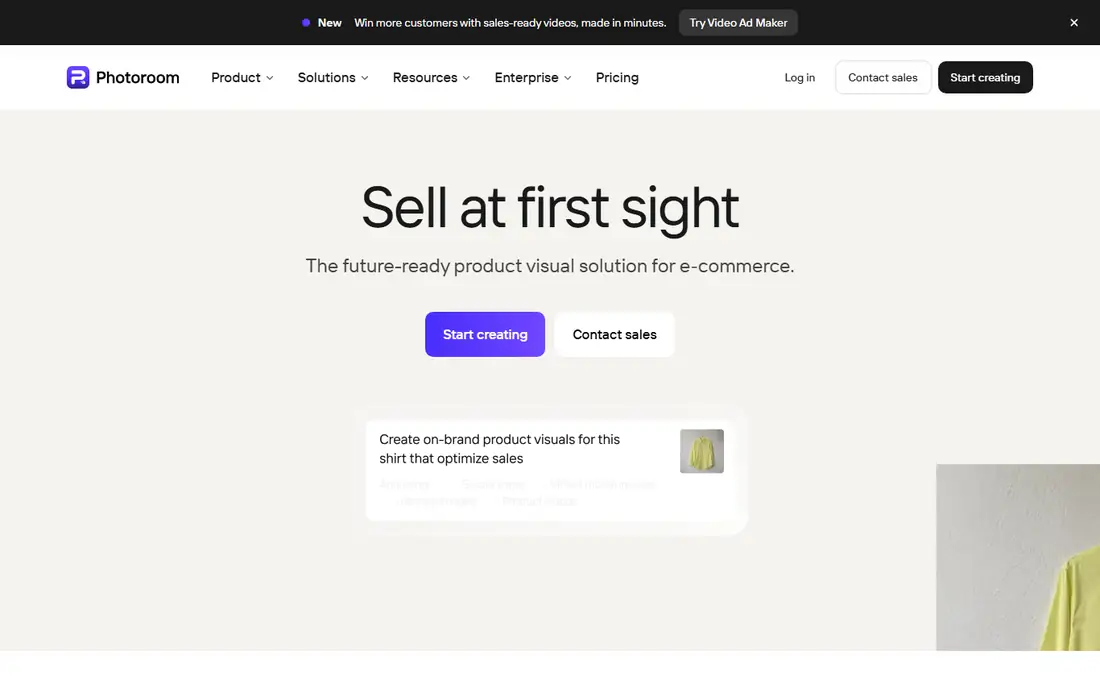
Sellers tend to judge a background remover by the finished listing, not by the cutout alone. PhotoRoom fits that test. It removes the background, centers the product, and offers studio-style backdrops that make a phone photo look closer to a catalog shot. The mobile app helps when you photograph stock at a market, in a warehouse, or at home and need listings ready the same day.
The free plan works for trying the workflow and for personal projects, but commercial sellers should treat the paid Pro plan as the real starting point. Pro, at $7.50 per month when billed annually or $12.99 month to month, adds higher-resolution exports and batch tools that matter once you process dozens of images. Check the current plan details before you publish, because free exports and paid exports carry different terms. For a small shop, the time saved on consistent listing images often justifies the upgrade sooner than expected.
What we like- Product-focused templates and backgrounds
- Batch processing on paid plans
- Mobile app for on-the-go listings
Watch out for- Free exports carry limits and are not meant for commercial use
- Full batch and high-resolution features need a paid plan
#3Pixlr
Best for: Browser editing plus removal4.4/5 on
G2 (751 reviews, checked Oct 2026)
Visit pixlr.com
Starting priceSee website
Free planYes
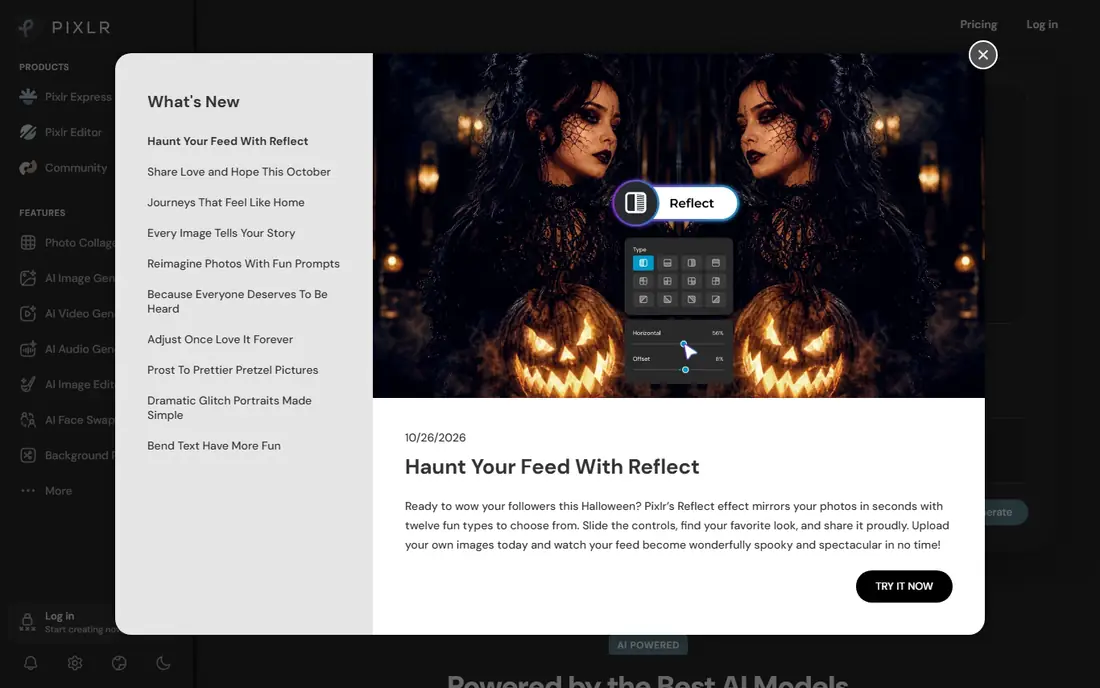
Pixlr appeals to people who want more than a single button. Background removal sits inside a browser editor, so you can clean an edge, adjust color, crop, and export without opening desktop software. That breadth helps when a cutout needs a small repair rather than a second upload to a different tool. It runs on modest hardware, which makes it a practical choice for students, volunteers, and small teams sharing computers.
Free use comes with trade-offs that are easy to accept for occasional work and harder to accept daily. Ads appear in the free experience, and AI credits limit how much automated work you can do before paying. Paid plans remove ads and raise those limits. If you edit photos often but do not want desktop software, Pixlr is a strong middle ground between a one-job remover and a full paid suite.
What we like- Full photo editor in the browser
- No install required
- Useful refine and erase brushes
Watch out for- Free use is ad-supported
- AI credits and some features sit behind paid plans
#4Fotor
Best for: Casual editing and batch fixes4.2/5 on
G2 (342 reviews, checked Oct 2026)
Visit fotor.com
Starting price$8.99 per user/month
Free planYes
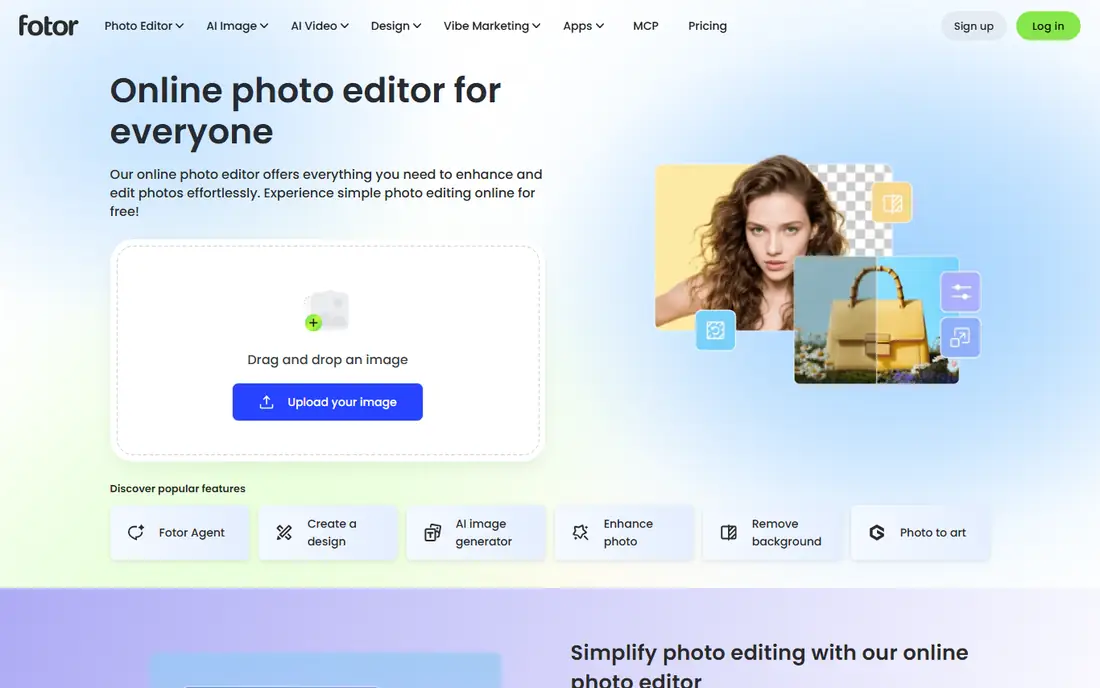
Fotor works well for marketers and casual creators who remove backgrounds as one step in a larger task. The interface is direct, the editing options are easy to find, and templates help when a cutout needs to become a banner, a post, or a flyer quickly. You do not need to learn masking or layers to get a usable result, which keeps small jobs moving.
The free plan is best treated as a trial of the workflow rather than a permanent production setup. Exports may be watermarked, and batch processing and higher-quality output sit on the Pro plan at $8.99 per month. For a team that processes images in groups, that batch step is the main reason to upgrade. For a single image now and then, the free plan will usually do, provided you check the export before you publish it.
What we like- Beginner-friendly editor
- Batch tools on paid plans
- Design templates alongside photo editing
Watch out for- Free exports can carry a watermark
- Finer edge control is weaker than in specialist tools
Starting priceSee website
Free planYes
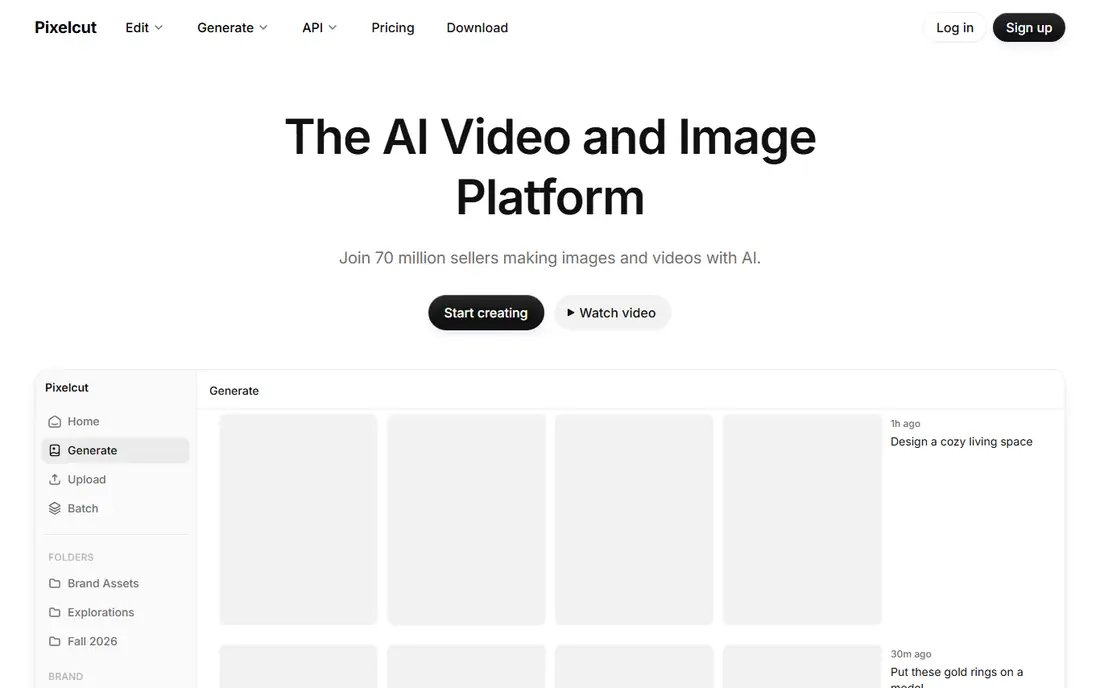
Pixelcut was built with phone-first sellers in mind. You photograph a product, remove the background, pick a clean backdrop, and export a listing-ready image without touching a computer. That speed matters for resale sellers, craft sellers, and anyone who lists from a phone between other jobs. The free tier is more generous than many rivals on exports, which makes it worth testing before you commit to a subscription.
The limit shows up when work moves beyond single images. Larger batches, deeper template libraries, and team features belong to paid plans, and the desktop experience does not match the polish of the mobile app. If your work lives on a phone and your volume is modest, Pixelcut may be the only tool you need. If you process catalogs on a desktop, pair it with a browser tool for batch days.
What we like- Watermark-free exports reported on the free tier
- Mobile-first workflow
- Quick background replacement
Watch out for- Desktop workflow is thinner than the mobile app
- Advanced templates and batch tools need a paid plan
#6PicWish
Best for: Low-cost high-resolution downloads4.8/5 on
G2 (6 reviews, checked Oct 2026)
Visit picwish.com
Starting priceSee website
Free planYes

PicWish keeps the job narrow, and that focus is its appeal. Upload an image, remove the background, download the result, and move on. There is little to learn and little clutter around the main action, which suits bookkeepers, assistants, and small sellers who process images only when a new product arrives. Paid pricing is positioned at the lower end of this group, so occasional high-resolution downloads stay cheap.
The trade-off is breadth. PicWish does not replace a design editor, so a cutout that needs text, layout, or a full template will move to another app. The free allowance also runs out faster for daily users, which means regular work should be priced as a small subscription or credit purchase rather than assumed free. For infrequent, practical cutouts, it remains one of the cheapest reliable options.
What we like- Low entry cost for paid credits
- Straightforward one-job workflow
- Batch options on paid plans
Watch out for- Fewer design tools than full editors
- Free allowance is limited for regular users
Starting priceSee website
Free planYes
When you need one clean cutout in under a minute, Clipdrop is hard to beat. The web tool accepts an upload, removes the background, and lets you download without a long signup flow for basic use. That low friction helps when you are fixing a single image for a presentation, a document, or a message and do not want another account. It also sits well next to Clipdrop image tools for cleanup and upscaling.
Clipdrop is not a full editor, so do not expect deep masking, batch catalog work, or design templates in the free flow. Those needs belong to a paid plan or a second tool. Treat it as the quick tool in your set: fast for one-offs, honest about its limits, and easy to keep beside a fuller editor for bigger jobs.
What we like- Very fast web removal with no signup for basic use
- Clean interface
- Useful alongside other Clipdrop tools
Watch out for- Limited editing after removal
- Heavier use and API access need paid plans
#8Removal.AI
Best for: Occasional users buying credits4.2/5 on
G2 (47 reviews, checked Oct 2026)
Visit removal.ai
Starting priceSee website
Free planYes
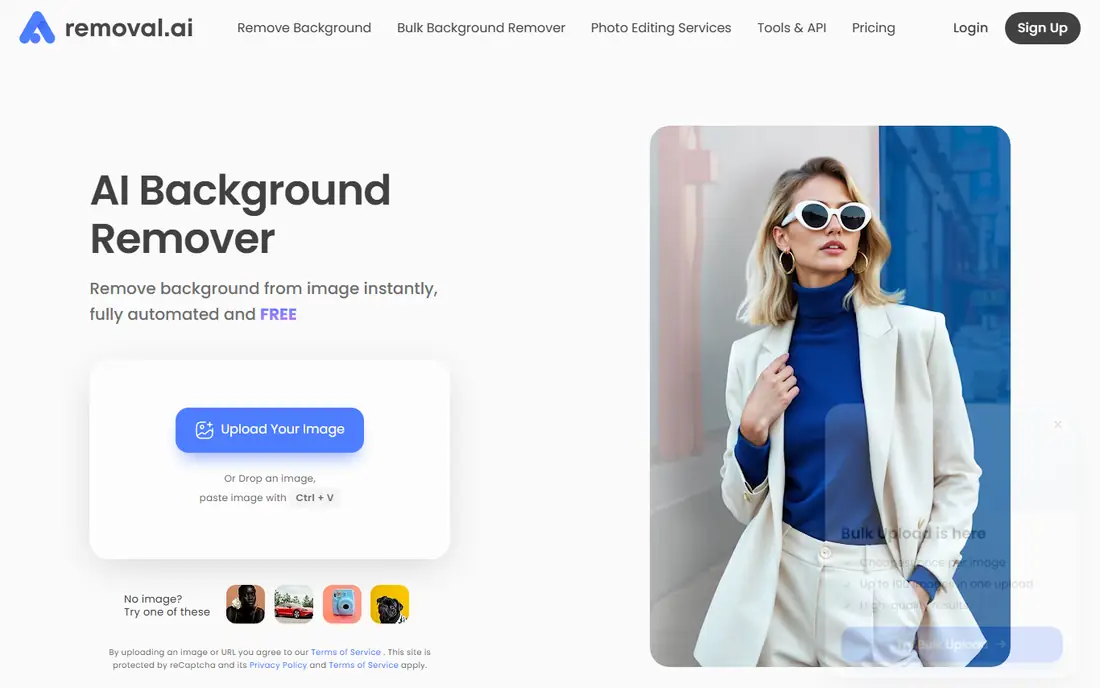
Removal.AI suits people who dislike subscriptions. You can preview results at low resolution without paying, test one high-resolution download with a free credit, and then buy credits only when you need them. That model fits seasonal sellers, occasional presenters, and anyone who removes backgrounds in bursts rather than every week. The interface stays focused on the cutout, so there is little to configure.
Costs deserve a careful look before you rely on credits for daily work. Per-image pricing adds up when volume rises, and a monthly plan from a rival may cost less for the same number of downloads. Editing after removal is also limited, so rough edges may need a brush tool elsewhere. For low, uneven volume, though, the pay-when-you-need-it model is often the cheapest honest choice.
What we like- Unlimited low-resolution previews
- One free high-resolution credit to test
- Credit packs avoid a subscription
Watch out for- Regular high-volume work costs more per image than a subscription
- Editing tools are basic
Starting priceSee website
Free planYes
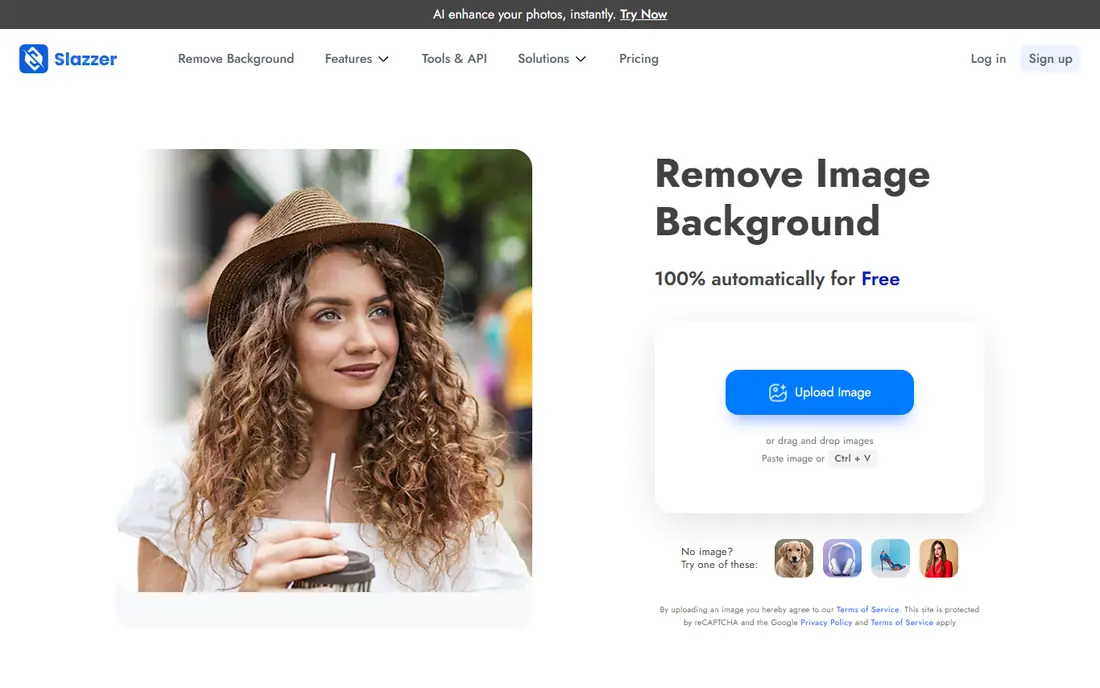
Slazzer stands out for teams that need background removal inside a process rather than as a one-off edit. Its API and desktop app support bulk uploads and automated pipelines, which helps catalog teams, print shops, and developers who feed cutouts into another system. Free credits and unlimited previews let you test edge quality on your own images before buying, which matters because product photos vary more than portraits.
The weakness is that Slazzer is a specialist, not a design suite. You will still need another app for layouts, text, and marketing templates. Credit use also needs monitoring, since a large batch can consume a plan faster than a flat subscription would. If your goal is clean, repeatable cutouts at volume, Slazzer earns a place in testing. If your goal is a finished social post, start with Adobe Express or PhotoRoom instead.
What we like- API and desktop options for pipelines
- Free credits and unlimited previews to test
- Batch processing for larger sets
Watch out for- Credit pricing needs tracking at volume
- Design editing is not the focus
How we chose
We compared vendor pricing pages, product documentation, and public reviews on G2, Capterra, and Reddit, then checked which free plans allow a real download rather than only a preview. A tool stayed on this list only if its free option produces a usable image for ordinary work, with the limits stated plainly. We gave extra weight to watermark rules, resolution caps, commercial-use terms, batch support, and whether the tool also helps with the next step, such as a listing template or a design layout. No tool here was ranked on a single demo image, since edge quality varies by subject, lighting, and background clutter.
What to check before you trust a free plan
Free rarely means unlimited, and the fine print decides whether a tool fits your work. Start with three questions: can you download at full resolution, can you use the result commercially, and does the export carry a watermark. A tool that passes all three for occasional use may still cap monthly exports, so check that limit too if you process images weekly.
Match the tool to the image type
Portraits with hair, pets with fur, and products with transparent or reflective parts stress different models. Run the same difficult image through two tools before you choose one for a whole catalog. The better edge on your hardest photo usually predicts the better result across the set, and it saves rework later.
Plan for batch days
Single-image tools feel fast until you face 50 product photos. If batch work is part of your month, favor tools with batch uploads, consistent centering, and template exports, even if the paid plan costs a little more. The time saved on consistent output often matters more than a small monthly price difference.
Keep an editable copy
Download the transparent PNG and keep the original photo. If a marketplace, a client, or a print vendor asks for a different background or a larger size, you can re-export without re-shooting or re-cutting. This habit also protects you when a free plan changes, since your source files stay under your control.
Frequently asked questions
What is the best free tool to remove photo background?
Adobe Express is the strongest free starting point for most people, because it removes backgrounds without a watermark and lets you keep editing in the same workspace. PhotoRoom is better for sellers, and Removal.AI or Slazzer suit occasional high-resolution downloads. The right pick depends on whether you need a single cutout, a product listing, or a batch of images.
Can I use free background remover results commercially?
It depends on the tool and the plan. Some free plans allow personal use only, while others allow broader use with limits on resolution or monthly exports. Check the plan terms on the vendor site before you use a cutout in a listing, an ad, or a client project, and upgrade when commercial use is part of your regular work.
Why do some free cutouts look rough around hair?
Hair, fur, and fine edges are the hardest parts for automatic removal, especially when the background color is close to the subject. A second tool often handles the same image better, and a manual erase or restore brush can fix small gaps. For critical portraits, a tool with refine controls or a desktop editor gives you more room to correct the edge.
Do free tools keep my photos private?
Most web tools upload your image to process it, so avoid sensitive or private photos on a free web remover unless the vendor states its retention policy clearly. For sensitive work, a desktop tool or an offline option keeps the file on your own computer. Always check the privacy terms before uploading client or personal images.
Is a credit plan or a subscription cheaper?
Credit plans win for uneven, low volume, because you pay only when you download a high-resolution result. Subscriptions win for steady weekly work, because the per-image cost falls once you pass a modest monthly count. Track one month of real downloads, then compare that count against the credit price and the subscription price.
What file format should I download?
Download a transparent PNG when you plan to place the cutout on another background, since PNG keeps transparency. Use JPG only when the final image sits on a solid color and file size matters more than flexibility. Keep the original photo as well, so you can re-cut or resize later without losing quality.
Sources we checked (9)
- https://www.adobe.com/express/pricing
- https://www.photoroom.com/pricing
- https://www.pixlr.com/pricing
- https://www.fotor.com/pricing
- https://www.pixelcut.ai/pricing
- https://picwish.com/pricing
- https://clipdrop.co/pricing
- https://removal.ai/pricing
- https://www.slazzer.com/pricing
Is your product missing or out of date?
We review this list regularly. Vendors can request a listing, send updated pricing or ask about featured placement.

Shihab Mia · Founder, Rankite
Shihab has 5+ years in B2B and SaaS SEO. He writes Rankite's software buying guides from pricing pages, documentation and public user reviews. More about Shihab.