How we make this list: we compare pricing pages, product documentation and public user reviews. Ratings come from G2, Capterra or Trustpilot, with the date we checked them.
Key takeaways
- Upscayl is the best free tool to enlarge photos, with open source code, local processing, unlimited use, and no watermark.
- waifu2x suits anime and line art for free, with no watermark and open source models.
- Topaz Gigapixel suits professional photographers who need maximum detail recovery, with a one-time $199 price in one source and subscription pricing in others.
- LetsEnhance suits web and print work with 16x upscaling, while VanceAI suits batch processing and extreme enlargement.
- BigJPG suits anime and illustration, Pixelcut suits ecommerce and creators, and Magnific suits creative AI art detail.
- AI upscaling has limits: results vary by source image, and pushing past 4x often looks plastic no matter the tool.
Quick comparison
| Tool | Best for | Starting price | Free plan |
|---|
 Upscayl Upscayl | Free local upscaling | Free | Yes |
 waifu2x waifu2x | Anime and line art | Free | Yes |
 Topaz Gigapixel Topaz Gigapixel | Professional photo detail | $199 one-time | No |
 LetsEnhance LetsEnhance | Web and print work | $9 per month | Yes |
 VanceAI VanceAI | Batch processing | $9.90 per month | Yes |
 BigJPG BigJPG | Anime and illustration | $9 per month | Yes |
 Pixelcut Pixelcut | Ecommerce and creators | $4.99 per month | Yes |
 Magnific Magnific | Creative AI art detail | $39 per month | No |
Is your product missing or out of date?
We review this list regularly. Vendors can request a listing, send updated pricing or ask about featured placement.
Starting priceFree
Free planYes
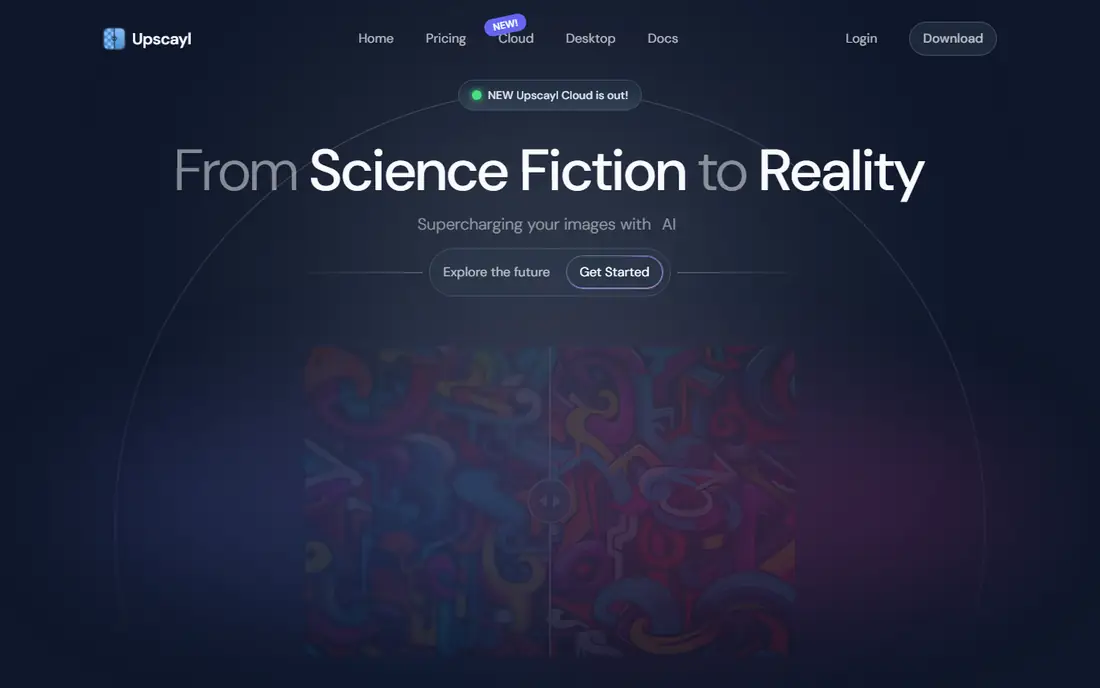
Upscayl is the honest answer for free AI image enhancement: it is genuinely open source, runs fully locally, handles standard photography upscaling competently, and costs nothing. The tool supports up to 4x in one pass and 16x chained, with no watermark and no cloud upload, which suits privacy-conscious users. For anyone who wants zero cost and zero cloud upload, Upscayl is the right default.
The trade-off is that it lacks the creative detail injection of Magnific and the restoration depth of Topaz, and it needs a Vulkan-compatible GPU. For free local upscaling, Upscayl is clearly the best pick, since it costs nothing and uploads nothing.
What we like- Genuinely open source
- Runs fully locally
- Unlimited use
- No watermark
- No cloud upload
Watch out for- Needs a Vulkan-compatible GPU
- Lacks creative detail injection
- Interface basic
Starting priceFree
Free planYes
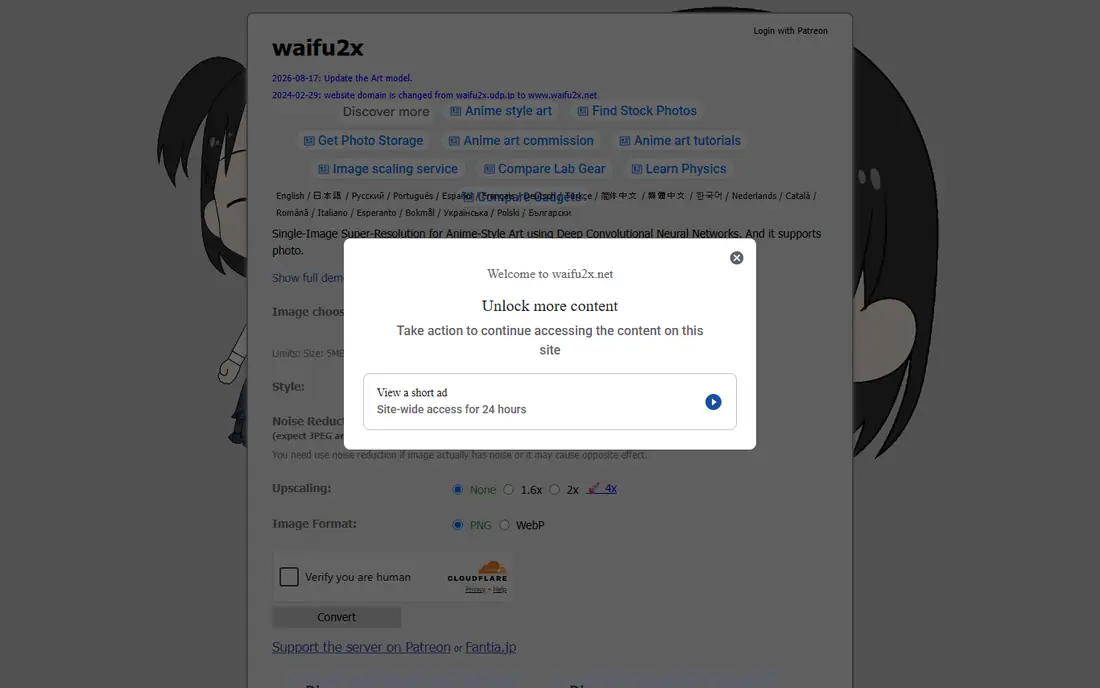
waifu2x suits anime and line art, with dedicated models like Real-ESRGAN Anime that beat general-purpose upscalers for cartoons, artwork, and clean edges. The tool is free and open source, with no watermark, and web and desktop versions for quick jobs. Upscaling reaches 4x, which covers most anime and illustration needs.
Anime focus means weaker results for real photos, and the web version limits file size. For anime and line art, waifu2x is clearly the best pick, since its dedicated models beat general upscalers.
What we like- Free
- Open source
- No watermark
- Dedicated anime models beat general upscalers
Watch out for- Anime focus, weaker for real photos
- Web version limits
- Interface dated
Starting price$199 one-time
Free planNo
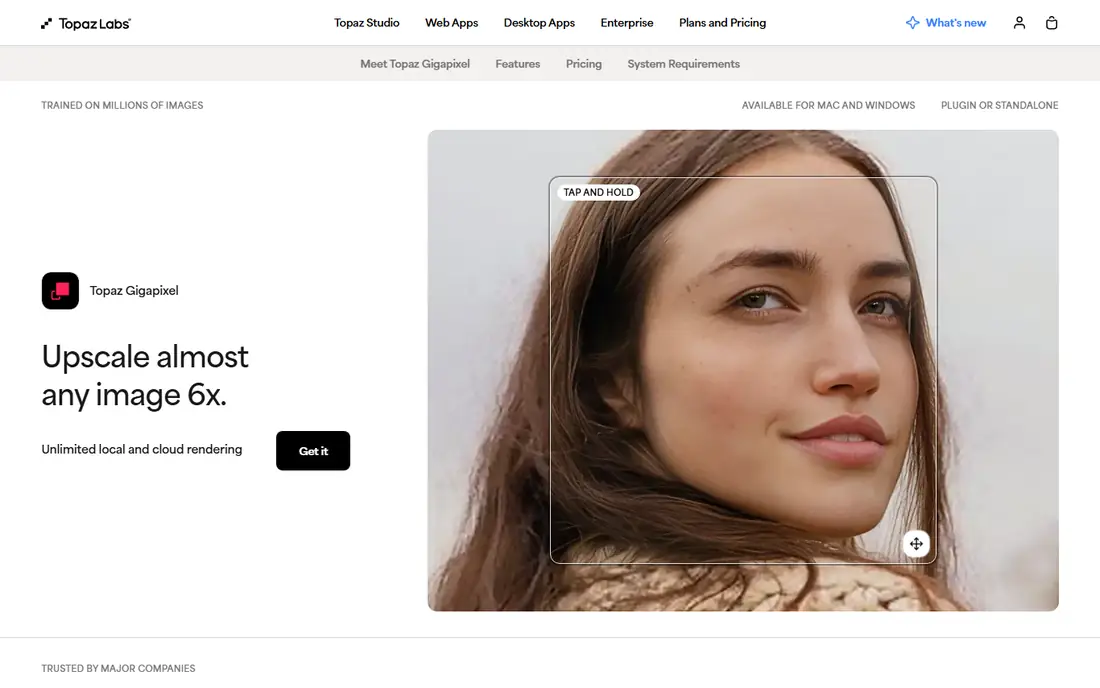
Topaz Gigapixel is the top pick for real photography, with denoising, sharpening, and upscaling in a single local desktop app that has no close competitor for photo restoration work. The one-time $199 price is a genuine advantage if you process more than a handful of images per month, though other sources list $12 per month subscription pricing, so check the current page. Topaz still wins on face detail, and Gigapixel reaches 6x in one pass and 16x tiled.
Free use is trial only, and GPU needs are heavy for large files. For professional photo detail, Topaz Gigapixel is clearly the best pick, since its face detail leads the category.
What we like- Best face detail and texture fidelity
- Denoising, sharpening, and upscaling in one app
- Local desktop processing
Watch out for- Trial only for free use
- Price conflict: $199 one-time vs $12 per month in different sources
- Heavy GPU needs
Starting price$9 per month
Free planYes
LetsEnhance is the best overall web upscaler for print, ecommerce, and all content types, with 16x upscaling, smart enhancement modes, sharp details, and color correction. The tool suits large-format print and ecommerce catalogs, with batch processing on paid plans. Free tier offers 10 credits for testing.
Free output carries a watermark until you buy a plan or bundle, and volume work needs a subscription from $9 per month. For web and print work, LetsEnhance is clearly the best pick, since its 16x range covers poster sizes.
What we like- Best overall for web, print, and all content types
- 16x upscaling
- Smart enhancement modes
- No watermark on paid
Watch out for- Free tier only 10 credits
- Free output carries a watermark until you buy a plan
- Subscription needed for volume
Starting price$9.90 per month
Free planYes
VanceAI suits batch processing and extreme enlargement, with up to 40x upscaling in one source and 8x in another, plus AI sharpening, denoise, and old photo restoration. The web and desktop versions suit catalogs and archives, with video upscaling also listed. Free tier offers 3 credits per month for testing.
Extreme ratios look artificial, since pushing past 4x often looks plastic, and free credits run out fast. For batch processing, VanceAI is clearly the best pick, since its batch tools suit catalogs and archives.
What we like- Batch processing
- Extreme enlargement up to 40x
- AI sharpening, denoise, and old photo restoration
- Web and desktop
Watch out for- Free tier only 3 credits per month
- Extreme ratios look artificial
- Pricing varies by credit pack
Starting price$9 per month
Free planYes
BigJPG suits anime and illustration, with dedicated models that preserve clean edges and line art better than general upscalers. Free tier offers 5 images per day with a 3 MB max, which suits casual anime upscaling, while Premium at $9 per month removes limits. Upscaling reaches 8x in one comparison and 16x in another, so check the current page.
Free tier caps and file size limits restrict larger jobs, and real photo results are weaker than Topaz. For anime and illustration, BigJPG is clearly the best pick, since its models preserve clean edges.
What we like- Dedicated anime models
- Up to 16x in some sources, 8x in others
- 5 free images per day
- Clean edges
Watch out for- Free tier caps at 5 per day and 3 MB max
- Real photo results weaker
- Subscription for volume
Starting price$4.99 per month
Free planYes
Pixelcut suits ecommerce and creators, with 4K to 16K output, background removal plus upscaling, and easy editing tools. Free tier gives 3 downloads a day with no watermark and no sign-up, which suits social media and marketplace sellers. Pro starts at $4.99 per month for volume work.
Free tier limits downloads to 3 per day, and video upscaling needs Pro credits. For ecommerce and creators, Pixelcut is clearly the best pick, since its background removal plus upscaling suits sellers.
What we like- Ecommerce and print-on-demand focus
- 4K to 16K output
- Free tier 3 downloads per day with no watermark
- Background removal plus upscaling
Watch out for- Free tier limited to 3 downloads per day
- Pro needed for volume
- Video upscaling needs Pro credits
#8Magnific
Best for: Creative AI art detail4.0/5 on
G2 (3 reviews, checked Oct 2026)
Visit magnific.ai
Starting price$39 per month
Free planNo
Magnific suits creative AI art, with detail injection that produces more visually striking results than faithful upscalers, especially for Midjourney images. The tool reaches 16x upscaling and preserves style while adding detail, which suits artists and designers who want dramatic enhancement. Creative Upscale in Topaz offers a similar approach for AI art.
Free use is trial only, and creative detail can invent textures not in the source, which harms archival or documentary photos. For creative AI art detail, Magnific is clearly the best pick, since its detail injection suits AI-generated images.
What we like- Creative detail injection for AI art
- Visually striking results
- 16x upscaling
- Style-preserving detail
Watch out for- Trial only for free use
- $39 per month
- Creative detail can invent textures not in the source
How we chose
We compared free tier usefulness, max upscale, output quality on real photos versus AI art, privacy, and pricing. We also weighed batch speed, since a tool that upscales one image well but crawls on a hundred-image catalog fails working photographers. We favored free tools with no watermark, like Upscayl and waifu2x, and noted where free tiers watermark or cap downloads. We weighed source image quality heavily, since AI upscaling cannot invent detail that was never captured. We did not test any tool hands-on, and prices come from vendor and comparison sources, with conflicts noted.
Buying guide: what to check before you pick
Start with your source image: real photos need a faithful model like Topaz or Upscayl, while AI art needs a creative model like Magnific or Krea, and mixing them up is the most common mistake. Test both model types on the same image once, so you can see the difference before committing to a workflow for good each time you start a job. Match your upscale ratio to your target DPI, not the tool default, since pushing past 4x often looks plastic no matter the tool. Calculate the pixels you actually need for your print size, then upscale only that far and no further at all today either. Check free limits before starting, since VanceAI offers only 3 credits per month, LetsEnhance offers 10 credits, and BigJPG caps at 5 per day. Check privacy, since Upscayl runs locally with no upload, while web tools upload your images to servers. Finally, test with your own worst image, not a clean sample, since results vary by source image: blurry, noisy, or low-resolution sources upscale worse than sharp originals.
Frequently asked questions
What is the best free tool to enlarge photos?
Upscayl is the best free tool, with open source code, local processing, unlimited use, and no watermark. waifu2x is the best free pick for anime and line art.
Can AI upscaling restore a very blurry photo?
Only partly, since AI upscaling reconstructs texture but cannot invent detail that was never captured. For motion blur or camera shake, start with a tool that lists unblur, like Remini, then upscale the sharpened file.
How far can I enlarge a photo before it looks bad?
Most free tools cap at 4x, and pushing past 4x often looks plastic no matter the tool. Match your upscale ratio to your target DPI and print size, not the tool maximum.
Is there a free AI upscaler with no watermark?
Yes, Upscayl is free and open source with no watermark, and Pixelcut free tier gives 3 downloads a day with no watermark. LetsEnhance free output carries a watermark until you buy a plan.
Do AI upscalers also upscale video?
Several do through separate products or modes: Topaz sells Topaz Video, Krea upscales video up to 8K, VanceAI lists a video upscaler, and Pixelcut runs video upscaling on Pro with credits.
Sources we checked (0)
Is your product missing or out of date?
We review this list regularly. Vendors can request a listing, send updated pricing or ask about featured placement.

Shihab Mia · Founder, Rankite
Shihab has 5+ years in B2B and SaaS SEO. He writes Rankite's software buying guides from pricing pages, documentation and public user reviews. More about Shihab.