How we make this list: we compare pricing pages, product documentation and public user reviews. Rankite is independent; if a vendor ever pays for a featured spot, that listing is clearly labeled Partner.
Key takeaways
- Empower and Fudget are completely free to use, with no paid tier required for core spending tracking.
- Rocket Money, PocketGuard, Goodbudget and EveryDollar all offer free plans with real limits (fewer budgets, fewer linked accounts), and paid upgrades only when you outgrow them.
- If you want automatic bank syncing without paying, Rocket Money and PocketGuard give you the most on their free tiers.
- Manual-entry apps like Goodbudget and Fudget are better for people who do not want to connect bank accounts at all.
Quick comparison
| Tool | Best for | Starting price | Free plan |
|---|
 Rocket Money Rocket Money | finding and cancelling forgotten subscriptions | $7 per month (pay-what-you-want premium) | Yes |
 Monarch Money Monarch Money | couples who want one shared financial dashboard | $99.99 per year | Free trial (7 days) |
 YNAB YNAB | people who want a strict budgeting method, not just tracking | $109 per year | Free trial (34 days) |
 Copilot Money Copilot Money | iPhone users who want AI categorization | $95 per year | Free trial |
 PocketGuard PocketGuard | a single number that tells you what is safe to spend | $74.99 per year | Yes |
 Empower Empower | free net worth tracking with spending views | Free | Yes |
 Goodbudget Goodbudget | envelope budgeting fans who skip bank linking | $80 per year | Yes |
 EveryDollar EveryDollar | Dave Ramsey followers and zero-based beginners | $79.99 per year | Yes |
 Fudget Fudget | the simplest possible manual expense list | $19.99 per year | Yes |
Is your product missing or out of date?
We review this list regularly. Vendors can request a listing, send updated pricing or ask about featured placement.
The best free spending tracker apps
Starting price$7 per month (pay-what-you-want premium)
Free planYes
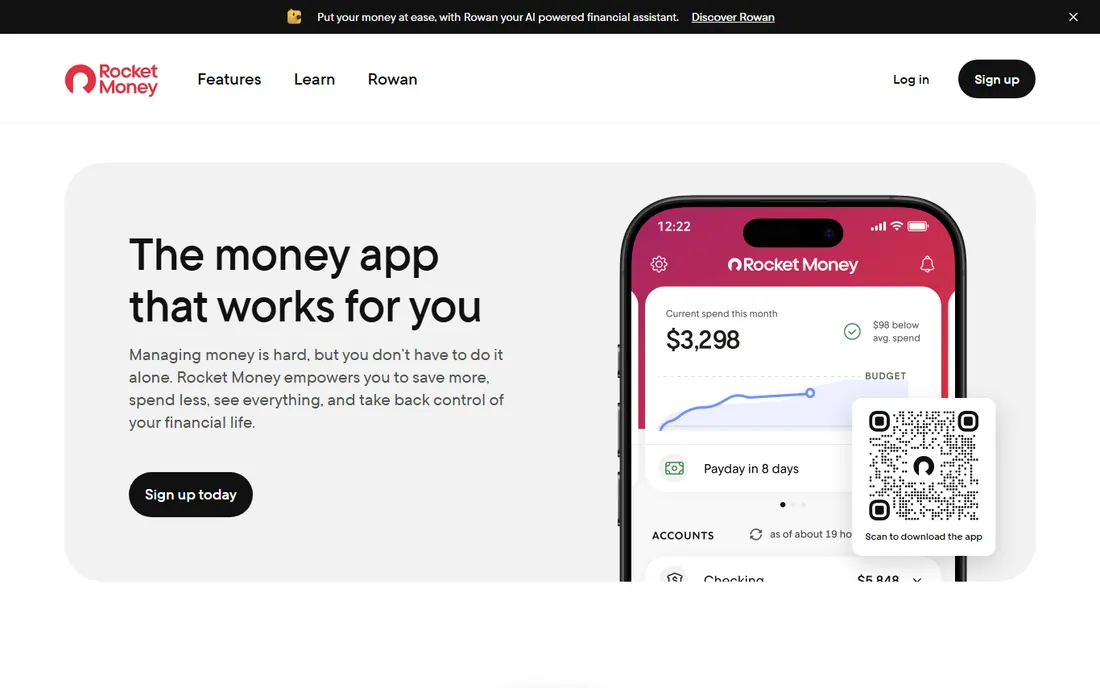
Rocket Money does something no other free spending tracker does: it scans your linked accounts, flags every recurring charge, and shows you exactly what subscriptions cost you each month. The free tier covers account linking, spending tracking and the subscription list, which is enough to get an honest picture of where your money goes. It started life as Truebill and rebranded under Rocket Companies in 2022.
The trade-off is that the free plan watches but does not act. Cancelling a subscription through the app, negotiating bills and Smart Savings all require Premium, priced on a $7 to $14 per month sliding scale. If you mostly want awareness and do not mind cancelling things yourself, the free tier is one of the strongest no-cost options in this roundup.
What we like- Genuinely useful free tier with account linking and subscription detection
- Automatic categorization of spending
- Bill negotiation service on premium
Watch out for- Subscription cancellation and bill negotiation are paywalled
- 35 to 60 percent of first-year savings is taken as a fee on negotiated bills
#2
Monarch Money
Best for: couples who want one shared financial dashboard
Visit monarch.com
Starting price$99.99 per year
Free planFree trial (7 days)

Monarch became the default Mint replacement after the shutdown, and its dashboard is the reason. Bank accounts, credit cards, investments and goals sit in a single clean view, and you can invite a partner to share it without paying for a second seat. Monarch promises never to sell your data or run ads, which is how it justifies charging when so many rivals are free.
That promise costs $14.99 per month or $99.99 per year, with only a 7-day trial before you pay. If your definition of a free spending tracker requires an actual free plan, skip to Rocket Money or Empower below. But if you are willing to pay for the best all-in-one view and shared household budgeting, this is the benchmark the rest are judged against.
What we like- Polished dashboard with net worth, investments and budgeting in one place
- Partner collaboration at no extra cost
- AI-powered transaction categorization
Watch out for- No free plan, only a 7-day trial
- At $99.99 per year it is the priciest option here
#3
YNAB
Best for: people who want a strict budgeting method, not just tracking
Visit ynab.com
Starting price$109 per year
Free planFree trial (34 days)
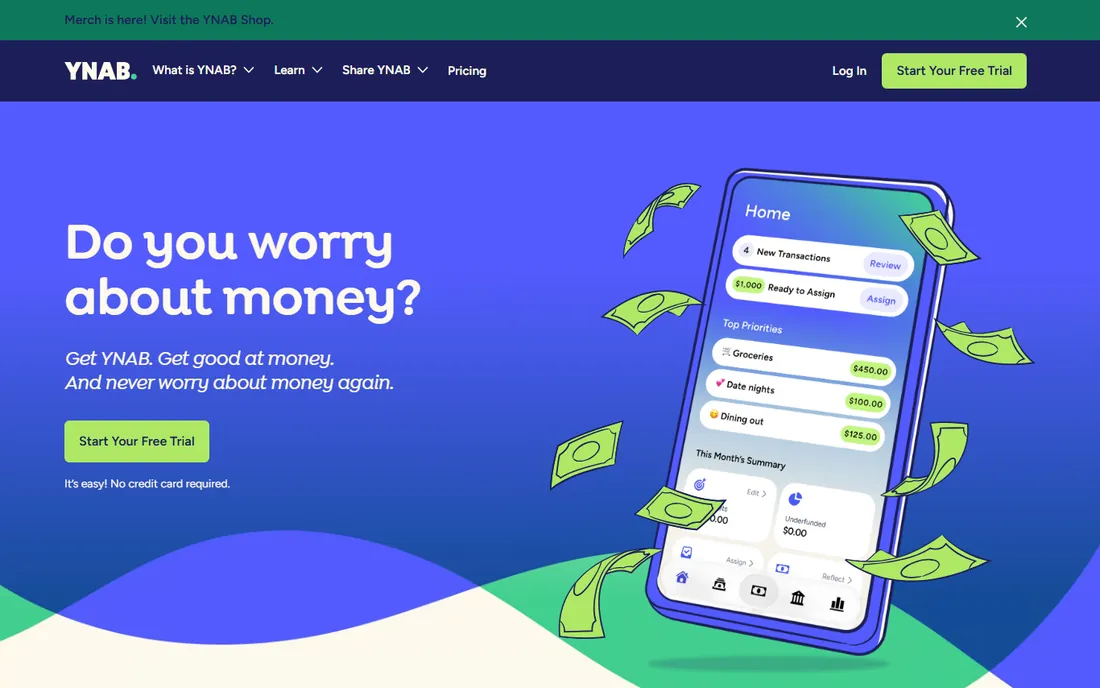
YNAB is not really a spending tracker. It is a budgeting system with an app attached, built on the rule that every dollar gets a job before the month starts. People who stick with it report real behavior change, and the company claims the average user saves $6,000 in the first year. That is a big claim, but it reflects how different YNAB is from passive trackers.
The catch is the price: $109 per year or $14.99 per month, with no free tier. The 34-day trial is generous and needs no credit card, so you can test whether the discipline suits you before committing. If you just want to watch where money goes without the rules, look at the free options instead.
What we like- Zero-based method that forces every dollar into a category
- 34-day free trial, the longest here
- Strong community and free educational resources
Watch out for- No free plan and no bank-sync-only tier
- The method takes a few weeks to click for new users
Starting price$95 per year
Free planFree trial
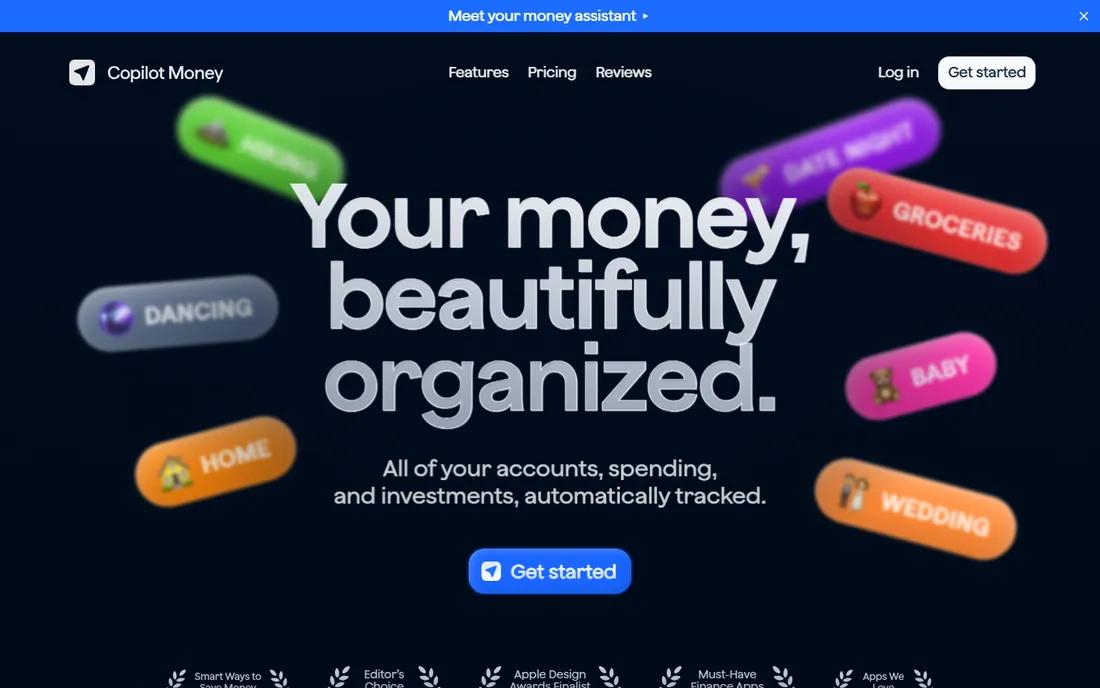
Copilot is the darling of the Apple crowd, with an interface that won design awards and AI that gets smarter about categorizing your spending the longer you use it. Features like budget rollovers and the spending line give you forward-looking guidance rather than just backward-looking charts. It tracks investments and net worth alongside everyday spending, so it can replace several apps at once.
Pricing is $95 per year or $13 per month, and there is a free trial but no permanent free plan. The web version opened it up beyond Apple devices, but the design still feels like it was built for iPhone first. If you live in the Apple ecosystem and will pay for the prettiest tracker, this is it.
What we like- AI learns your spending patterns and tags transactions automatically
- Native apps for iPhone, iPad, Mac and web
- Rollover budgets and cash-flow views
Watch out for- No free tier
- The experience is tuned for Apple users, Android support arrived later
Starting price$74.99 per year
Free planYes

PocketGuard answers one question better than anyone: after bills and goals, how much can I spend right now? Its Leftover feature does that math automatically, and Pace forecasts where your spending is headed before the month ends. That makes it one of the most practical free spending trackers for people who do not want to think in categories.
The free plan is genuinely usable but capped at 2 linked accounts, which is tight if you have multiple cards. Plus at $74.99 per year (or $12.99 per month) adds unlimited accounts, the debt payoff planner and a one-time $149.99 lifetime option. Try the free tier first; it is enough to learn whether the safe-to-spend number changes your habits.
What we like- "Leftover" and "Pace" features show what is safe to spend today
- Works with zero-based, category or envelope styles
- Connects to 20,000 plus institutions
Watch out for- Free tier limited to 2 linked accounts
- Debt payoff planner requires the paid Plus plan
Starting priceFree
Free planYes
Empower Personal Dashboard (the former Personal Capital) is the closest thing to a free Mint that still exists. It connects your accounts, tracks spending by category, analyzes investment fees and projects your retirement, all for free with no premium tier. The dashboard is free because Empower hopes you will eventually use its paid advisory services, which is a fair trade most users can live with.
As a spending tracker it is solid but not deep. Budgeting tools are basic compared with YNAB or Monarch, and the app leans toward net worth and investing rather than day-to-day budget control. If you want one free login that shows your whole financial life, including where money goes, nothing beats it on price.
What we like- Completely free dashboard with no paid tier
- Investment fee analyzer and retirement planner included
- Bank-level encryption and read-only access
Watch out for- Budgeting features are lighter than dedicated budgeting apps
- Expect prompts about Empower's paid wealth management service
Starting price$80 per year
Free planYes
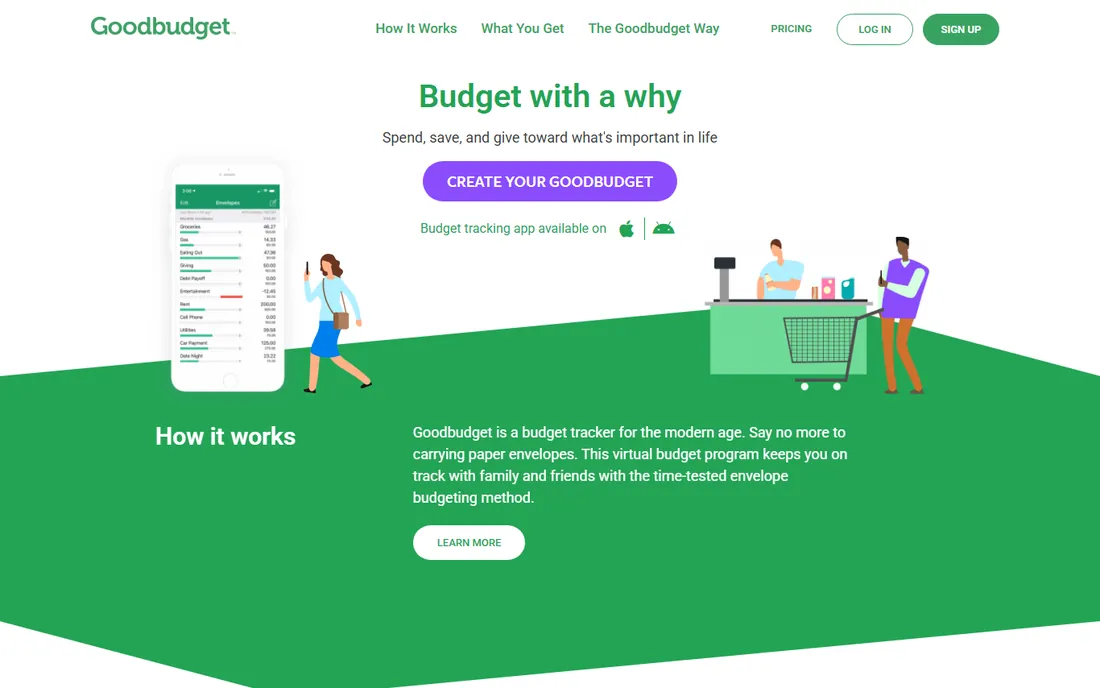
Goodbudget is the digital version of the cash envelope system: you fill virtual envelopes for groceries, rent and fun money, then spend from them until they are empty. It never touches your bank accounts, which suits people who prefer privacy or simply find manual entry builds better spending awareness. The free plan gives you 10 regular and 10 annual envelopes plus one bank account.
That manual approach is both the strength and the limit. You will type every purchase yourself, which gets old if you make dozens of transactions a week. Plus at $10 per month or $80 per year adds unlimited envelopes and more history. For a couple who wants to share envelopes without linking accounts, the free tier is a fine start.
What we like- Digital envelope system that works without connecting banks
- Syncs budgets across a household
- Free tier is enough for a simple monthly budget
Watch out for- Manual entry means more work per purchase
- No automatic transaction import on any plan
Starting price$79.99 per year
Free planYes
EveryDollar is Ramsey Solutions' zero-based budgeting app, and its free plan is one of the best truly free options here: unlimited budget categories, manual transaction entry, sinking funds and multi-device access, with no time limit. It is designed around the Baby Steps debt payoff method, so if getting out of debt is your goal, the app's structure pushes you in that direction.
Bank connection, custom reports, the debt payoff tracker and CSV export sit behind Premium at $79.99 per year or $17.99 per month after a 14-day trial. That is the classic free-app bargain: do the data entry yourself and pay nothing, or pay for convenience. The free tier alone is enough to run a serious zero-based budget.
What we like- Free plan with unlimited categories and manual entry
- Built around the debt snowball method
- Simple interface with no clutter
Watch out for- Automatic bank syncing requires Premium
- Coaching and advanced reports are paywalled
Starting price$19.99 per year
Free planYes
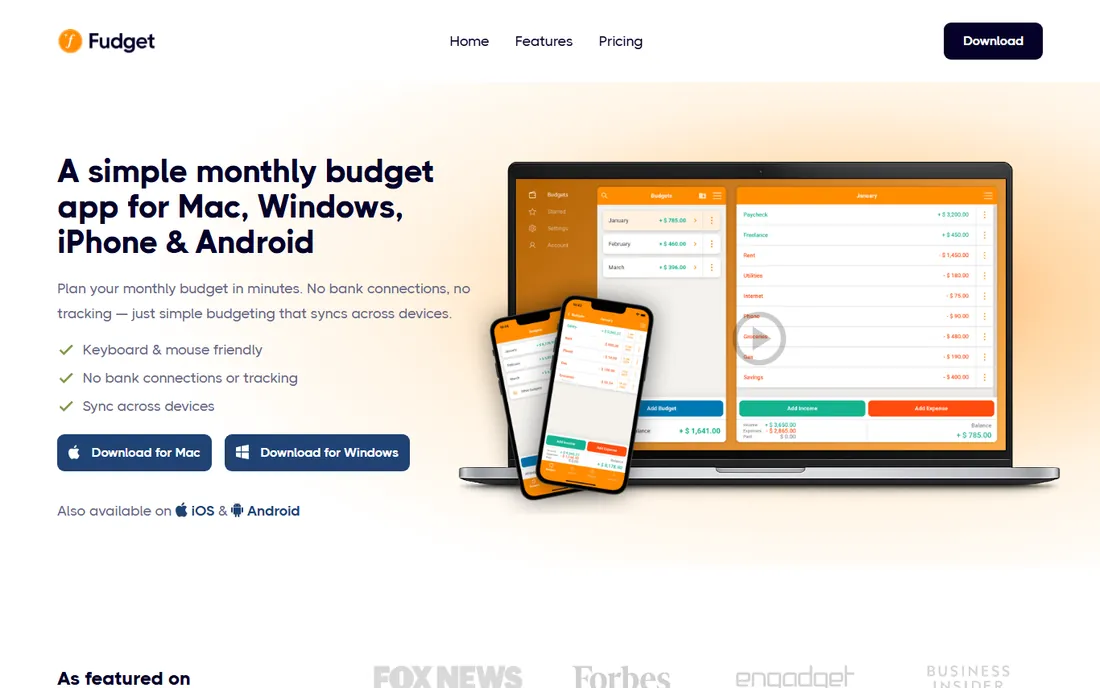
Fudget is barely more than a smart notepad, and that is the point. You create a budget, type in expenses, and watch the balance fall. No accounts to link, no categories to maintain, no AI to train. The free Basic plan covers 5 budgets and 250 entries on one device, which is plenty for a personal monthly budget.
If you want charts, bank sync or investment tracking, Fudget will bore you. But for people who abandoned fancier apps because logging felt like homework, this minimalism is exactly why it works. Plus at $19.99 per year is the cheapest upgrade here, and many users never need it.
What we like- Extremely simple, no account or bank connection needed
- Works on iOS, Android, Mac and Windows
- Cheapest Plus plan in this list
Watch out for- No automatic syncing or categorization at all
- Basic interface with no charts or insights
What to look for before you pick a free spending tracker
Start with how you want data to get into the app. Automatic bank syncing saves time but means sharing credentials with a third party through services like Plaid. Manual entry keeps your data private and often builds better habits, at the cost of a few minutes a day. Rocket Money, PocketGuard and Empower sync; Goodbudget and Fudget never ask for bank access.
Next, check what the free tier actually limits. Some apps cap linked accounts (PocketGuard allows 2 on free), some cap budgets (Fudget allows 5), and some withhold the best features entirely (Monarch, YNAB and Copilot have no free plan at all). A free plan you outgrow in a month is really a trial. Read the limits before you invest time setting up.
Think about whether you need budgeting rules or just awareness. Trackers like Empower show where money went. Systems like YNAB, EveryDollar and Goodbudget tell you where money should go. Most people who fail with budgets picked a passive tracker when they needed a method, or a strict method when they needed a glance. Match the app to your personality and you will still be using it in six months.
How we chose
We compared the apps that real Mint refugees actually adopted, drawing on current pricing pages, official feature lists and public reviews on G2, Capterra and Reddit. We checked each vendor's own pricing page for free tiers, trial lengths and plan limits, and we dropped any app that had shut down or stopped updating. We favored apps that work for US bank accounts, that state their security practices clearly, and that offer a free path that is usable beyond a short trial. We did not test the apps hands-on.
Free versus paid: where the line really sits
The free personal finance app market now splits into two groups. The first group is free forever: Empower, Fudget's Basic plan, and the limited free tiers of Rocket Money, PocketGuard, Goodbudget and EveryDollar. The second group charges from day one: Monarch, YNAB and Copilot, with trials from 7 to 34 days.
What do you actually lose on a free tier? Usually it is account limits, automatic syncing or advanced reports. Rocket Money's free tier keeps the subscription radar but not the cancellation service. PocketGuard's free tier keeps the safe-to-spend number but only 2 accounts. EveryDollar's free tier keeps the whole budgeting method but makes you type transactions by hand. For most people, those trade-offs are worth it until the habit is solid.
A word on Mint: Intuit closed it in March 2024 and pointed users to Credit Karma, which tracks credit but does not budget. Any article still listing Mint as an option is outdated. Every app above is live and maintained as of October 2026.
Frequently asked questions
Is there still a completely free spending tracker app like Mint was?
Yes. Empower's Personal Dashboard is completely free with no paid tier, and Fudget's Basic plan is free with generous limits. Rocket Money, PocketGuard, Goodbudget and EveryDollar all have permanent free plans with some restrictions. None of them replicate Mint exactly, but together they cover what Mint did.
Do free budgeting apps sell my data?
It depends on the business model. Apps with no ads and no paid tier make money somehow, often through advisory upsells (Empower) or premium upgrades (Rocket Money). Read the privacy policy of any app before linking bank accounts, and check whether it shares data with third parties. Monarch explicitly promises not to sell data, which is part of why it charges.
Can I track spending without linking my bank account?
Yes. Goodbudget and Fudget are built for manual entry, and EveryDollar's free plan works entirely by hand. You type each purchase, which takes a few seconds and keeps your bank credentials offline. Many people find manual logging makes them more aware of spending than automatic syncing does.
What happened to Mint?
Intuit shut down Mint in March 2024 and moved users to Credit Karma, which offers subscription tracking but no real budgeting features. Former Mint users mostly moved to Monarch Money, YNAB, Copilot or Rocket Money. If an article still recommends Mint, the advice is outdated.
Are free spending tracker apps safe?
Reputable apps use bank-level 256-bit encryption and connect through established aggregators like Plaid, Finicity or Mastercard Connect, with read-only access so they cannot move your money. Still, only download apps from official app stores, enable two-factor authentication, and avoid linking accounts you do not need tracked.
Sources we checked (12)
- https://www.rocketmoney.com
- https://monarch.com
- https://ynab.com
- https://copilot.money
- https://pocketguard.com
- https://home.personalcapital.com
- https://goodbudget.com
- https://www.everydollar.com
- https://fudget.com
- https://financefernly.com/best-budget-app-us-2026/
- https://onlinetoolguides.com/best-budgeting-apps/
- https://dataconomy.com/2026/08/19/7-best-money-management-apps-to-take-control-of-your-finances-in-2026/
Is your product missing or out of date?
We review this list regularly. Vendors can request a listing, send updated pricing or ask about featured placement.

Shihab Mia · Founder, Rankite
Shihab has spent more than a decade helping SaaS and e-commerce brands grow through search. He writes Rankite's software buying guides from pricing pages, documentation and public user reviews. More about Shihab.