How we make this list: we compare pricing pages, product documentation and public user reviews. Ratings come from G2, Capterra or Trustpilot, with the date we checked them.
Key takeaways
- The ASL App, SignSchool, and ASL Bloom offer the most free learning content without paying, while Lingvano and anysign keep their deeper lessons behind a subscription.
- Hand Talk is the only app in this list built mainly for translation, turning typed or spoken words into signed video on demand.
- ASL Kids is the clear pick for families, with real children signing, no ads, and a design kids can use without reading.
- Every app here is free to start, but full lesson libraries, extra signs, and feedback features usually require a purchase.
Quick comparison
| Tool | Best for | Starting price | Free plan |
|---|
 The ASL App The ASL App | Conversational ASL phrases | Free | Yes |
 SignSchool SignSchool | Free structured ASL lessons | Free | Yes |
 Lingvano Lingvano | Gamified daily lessons | Free | Free trial |
 Hand Talk Hand Talk | Translating words into ASL | Free | Yes |
 ASL Bloom ASL Bloom | Bite-size daily lessons | Free | Yes |
 anysign anysign | Free video dictionary plus first lessons | Free | Yes |
 ASL Kids ASL Kids | Kids and families learning together | Free | Yes |
Is your product missing or out of date?
We review this list regularly. Vendors can request a listing, send updated pricing or ask about featured placement.
The best free sign language app
Starting priceFree
Free planYes
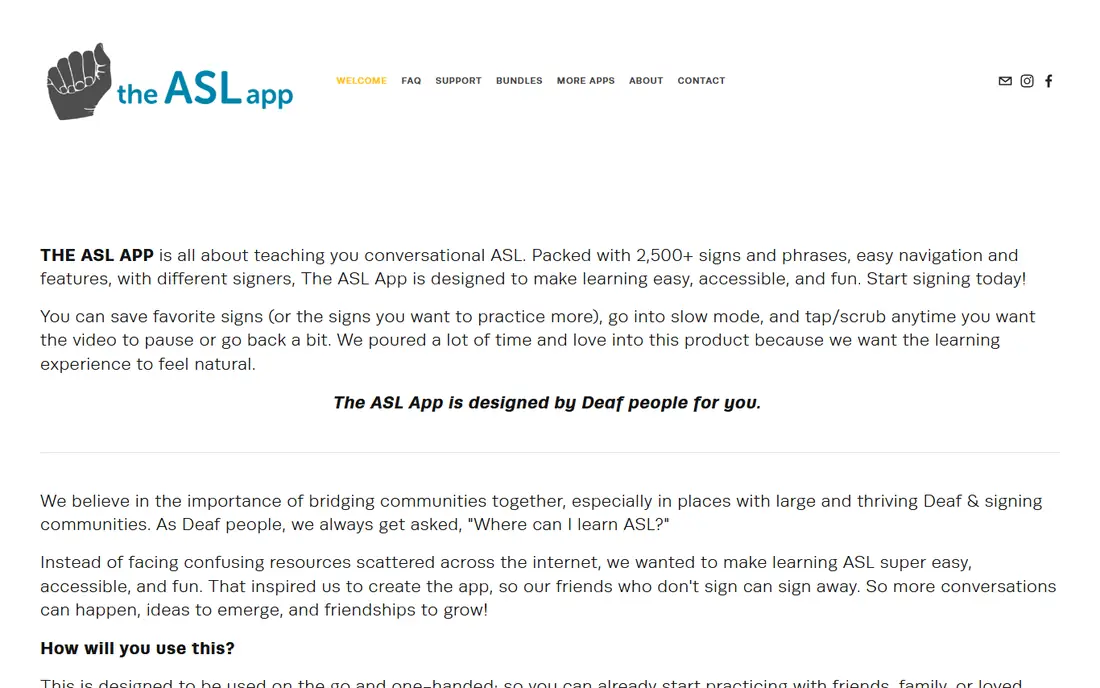
The ASL App focuses on conversational signing, the phrases people actually use with friends, family, and coworkers. Its library covers more than 2,500 signs and phrases across topics such as colors, education, and pop culture, all demonstrated on video by Deaf signers. Learners can save favorite signs, slow videos down, and scrub back and forth to catch handshape and movement details.
The app is free to download, and a one-time $9.99 purchase opens up its best content, which keeps the total cost low compared with subscriptions. The trade-off is structure: this is a phrase library with practice features, not a step-by-step course with grammar progression. It works best as a daily companion for someone who wants to start signing in real conversations quickly.
What we like- 2,500+ signs and phrases taught by Deaf signers
- Slow mode and favorites for practice
- Designed for one-handed use on the go
Watch out for- Best content requires a one-time $9.99 purchase
- Lessons are phrase-based rather than a full course
Starting priceFree
Free planYes
SignSchool is a free resource for learning ASL at your own pace, built around video lessons, interactive exercises, and quick reviews. Its modular curriculum lets learners focus on the signs most relevant to them, rather than working through a fixed course in order. Mobile apps for iOS and Android carry the same lessons, and classroom tools help teachers bring ASL into schools.
The main limits are depth and feedback. SignSchool does not offer the camera-based sign checking found in some paid apps, and its library is smaller than subscription rivals. For a learner who wants a genuinely free, structured starting point with no paywall waiting, it is one of the strongest options in this list.
What we like- Fully free video-based curriculum
- Interactive exercises and reviews
- IOS and Android apps plus classroom tools
Watch out for- Smaller lesson library than subscription rivals
- Fewer feedback features
Starting priceFree
Free planFree trial
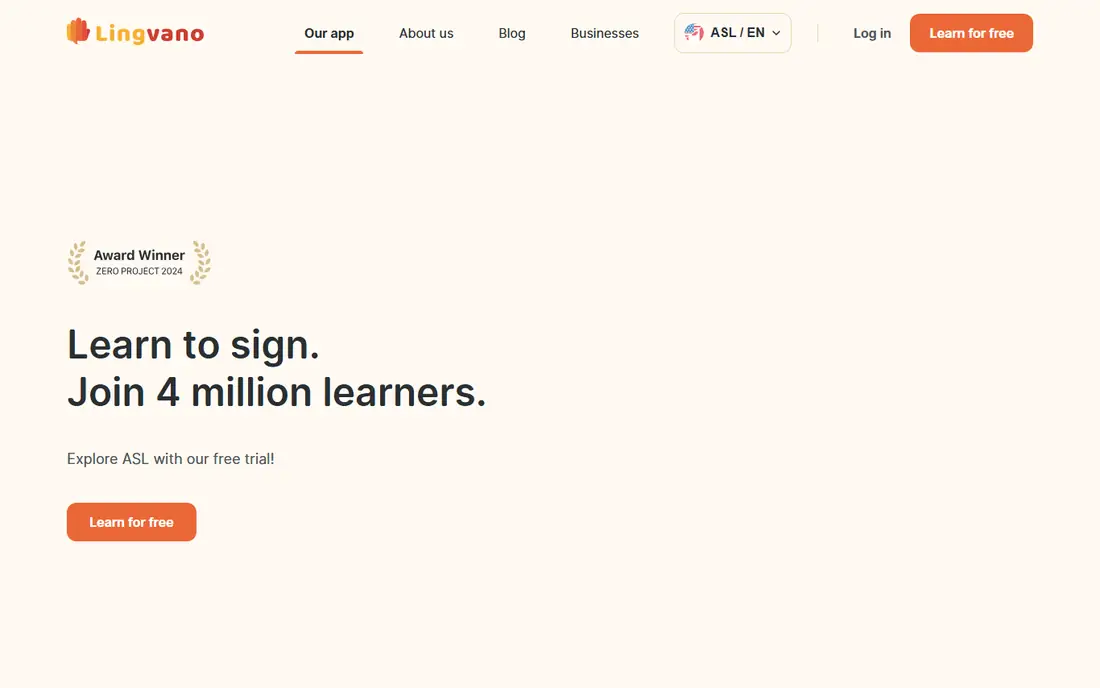
Lingvano turns ASL learning into short, game-like lessons that take about 10 minutes a day. Its 600+ interactive lessons cover the alphabet, numbers, greetings, and everyday phrases, all taught by Deaf teachers on video. A sign mirror feature uses the phone camera to check fingerspelling handshapes and motion, giving instant feedback that most free apps lack.
Getting started is free, and a free trial opens more lessons, but continued access requires a subscription whose price is shown in the app stores. Lingvano suits learners who stick with habits when lessons feel like a game and who value feedback on their own signing. Budget-conscious learners can start free and decide after the trial whether the structure is worth paying for.
What we like- 600+ interactive lessons from Deaf teachers
- Sign mirror gives camera feedback on fingerspelling
- Live practice sessions with Deaf tutors
Watch out for- Full access requires a subscription
- Some lessons sit behind the paywall early
Starting priceFree
Free planYes
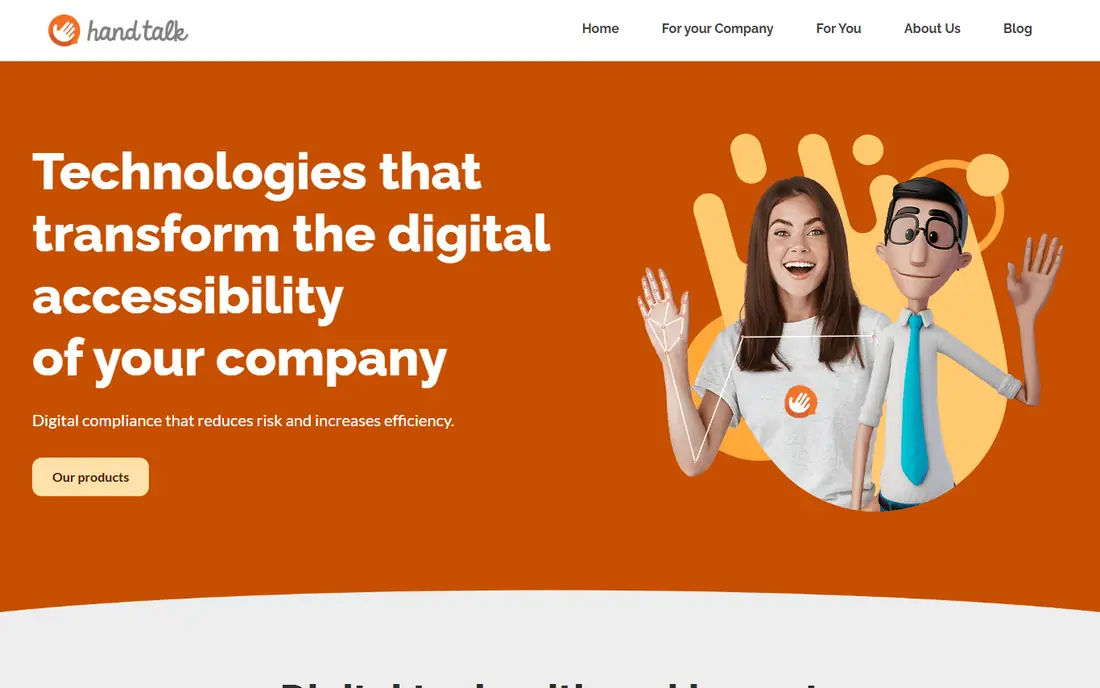
Hand Talk works differently from the lesson apps in this list. Its 3D interpreter, Hugo, translates typed text and spoken audio into American Sign Language, British Sign Language, and Brazilian Sign Language, so users can look up a sign or follow a conversation in the moment. Learners can save favorite translations, adjust signing speed, and customize the interpreter, which helps when a sign moves too fast to follow.
The honest limit is that translation is not the same as learning a language. Hand Talk shows signs on demand but does not teach grammar, sentence structure, or Deaf culture in a structured path. Use it as a pocket translator and a vocabulary aid alongside a lesson app, not as the only tool for learning ASL.
What we like- Translates text and audio into ASL, BSL, and Libras with a 3D interpreter
- Free app with favorites and speed controls
- Classroom and family friendly
Watch out for- Translation quality varies with phrasing
- It teaches translation, not a full ASL curriculum
Starting priceFree
Free planYes
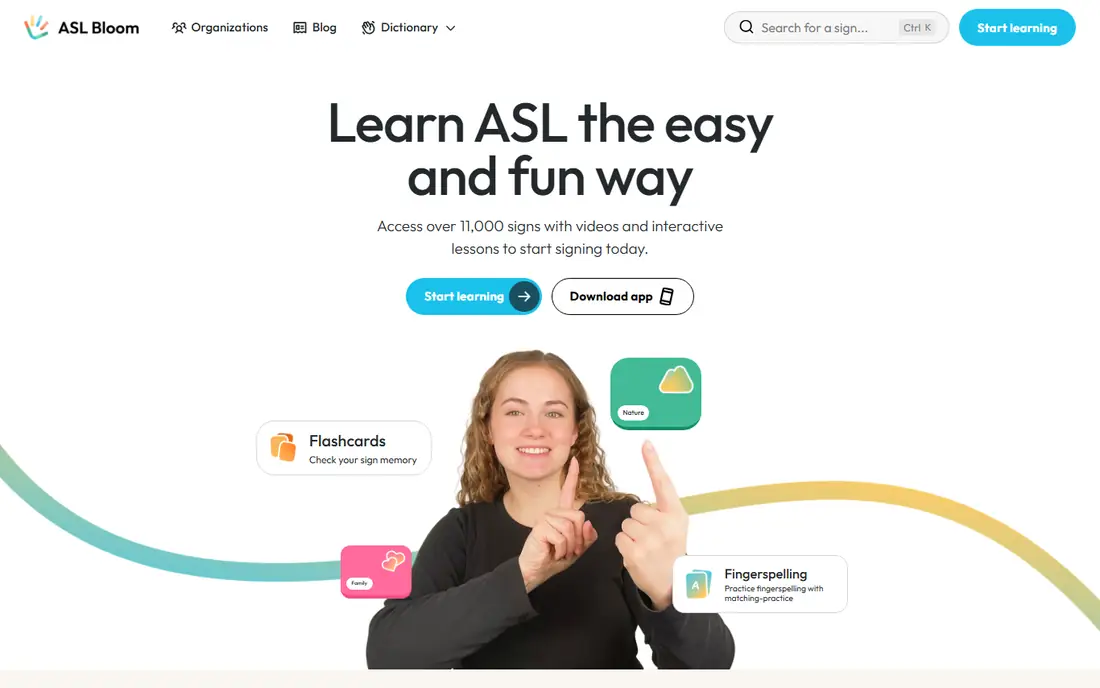
ASL Bloom teaches through short daily lessons guided by Bloom and her dog Joy, with native Deaf signers demonstrating real, everyday ASL. Its dictionary holds more than 11,000 signs with videos, variants, and common phrases, and practice tools include flashcards, quizzes, and fingerspelling drills. The app offers two free lessons every day, so a learner can build a habit without paying.
The free tier is genuinely useful, but the full course sits behind a subscription. Grammar coverage is lighter than a classroom course, so learners who want deep grammar study should pair ASL Bloom with a structured resource. For casual learners, families, and students who want five minutes of signing a day, it is an easy app to stick with.
What we like- 11,000-sign video dictionary
- Two free lessons every day
- Flashcards, quizzes, and fingerspelling practice
Watch out for- Full course requires a subscription
- Lesson path is lighter on grammar than some rivals
Starting priceFree
Free planYes
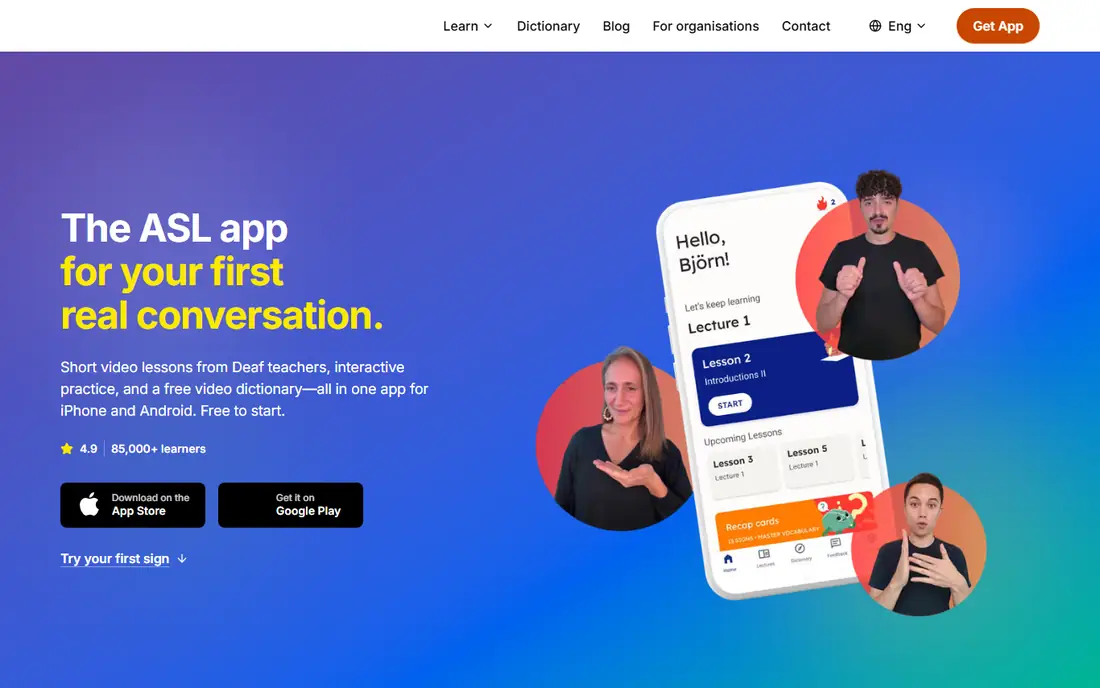
anysign is an ASL learning app with short video lessons, interactive practice, progress tracking, and a free video dictionary. Learners can search for a sign, watch a Deaf or native signer demonstrate it, and replay the video as often as needed, all without an account. The first lessons, practice exercises, and the complete fingerspelling alphabet guide are included free.
The subscription opens up the full lesson library, all interactive exercises, and structured progression. One quirk is that anysign also teaches German and Ukrainian sign languages, so learners should confirm they are in the ASL track before starting. For someone who wants a free dictionary plus a gentle on-ramp to lessons, anysign is a strong free starting point.
What we like- Full video dictionary free on web and in the app
- First lessons and fingerspelling guide included
- Deaf and native signers throughout
Watch out for- Full lesson library requires a subscription
- ASL content shares the app with German and Ukrainian sign languages
Starting priceFree
Free planYes
ASL Kids was created by parents of a deaf son, and that origin shows in the design. Young signers aged 1 to 12 demonstrate signs, which helps children learn by imitating other kids rather than adults. The free app includes 58 signs, quiz games, fingerspelling, and baby sign language, with an optional pack of 200+ more signs. There are no ads and no direct links to social networks, and the app works without an internet connection after download.
The limits are scope and age. Vocabulary stays at beginner level, and teens or adults will want a deeper app such as SignSchool or Lingvano alongside it. For families, classrooms, and young beginners, though, ASL Kids is the safest and most kid-friendly free option in this list.
What we like- Real children signing, which kids copy naturally
- No ads and no external links
- Works offline after download
Watch out for- Vocabulary is beginner-level
- Older learners will outgrow it quickly
How we chose
We reviewed vendor sites, app store listings, and public reviews, alongside lesson structure, free-tier generosity, signer quality, and fit for different learners. Tools qualified only when they are free to start, teach American Sign Language specifically, and remain available on iOS or Android in 2026. Where an app keeps its full library behind a paywall, we said so plainly instead of calling it fully free.
How to pick a free sign language app
Match the app to the learner, not to a top-ten list. A child, a coworker, and a student each need a different starting point.
For absolute beginners
Start with SignSchool or ASL Bloom. Both are free, structured, and video-led, so a new learner can begin today without paying or choosing a plan. Add Hand Talk as a lookup tool for signs you meet in daily life.
For kids and families
Start with ASL Kids. Real children signing, no ads, and offline use make it safe for independent practice. Parents can learn alongside with The ASL App for conversational phrases the whole family can use.
For serious daily practice
Try Lingvano or anysign. Lingvano adds camera feedback and gamified streaks, while anysign adds a free dictionary and progress tracking. Both keep deeper lessons behind a subscription, so use the free period to judge whether the teaching style fits before paying.
Frequently asked questions
Is ASL the same everywhere?
No. Sign languages differ by country and region, just as spoken languages do. American Sign Language is used in the United States and parts of Canada, while British Sign Language, Auslan, and others are separate languages. Check that an app teaches ASL specifically if that is the community you want to communicate with.
Can I become fluent with only an app?
An app builds vocabulary and basic skills, but fluency needs conversation with fluent signers and Deaf community practice. Use apps for daily study, then add classes, Deaf-led tutoring, or community events when you are ready. Think of an app as a starting point, not a complete education.
Which app is best for kids?
ASL Kids is the best fit for children, with real kids signing, no ads, and simple navigation that does not require reading. For older children, SignSchool and ASL Bloom add more vocabulary and structure. Adults should supervise early practice and model signs during daily routines.
Do these apps work offline?
Some do, with limits. ASL Kids works without an internet connection after download, and downloaded lessons in some apps play offline. Most apps need a connection for new lessons, dictionary updates, and account features, so check offline support before a trip.
How long does it take to learn basic signs?
Most learners pick up the alphabet, numbers, and common greetings within a few weeks of daily practice. Holding a simple conversation takes longer, often several months of steady study plus practice with fluent signers. Short daily sessions beat occasional long ones, so choose an app you will actually open every day.
What is fingerspelling and why does it matter?
Fingerspelling spells words letter by letter with handshapes, and it appears constantly in real ASL for names, places, and words without an established sign. Apps such as Lingvano, ASL Bloom, and ASL Kids include fingerspelling practice, and learning the alphabet early makes every other lesson easier.
Sources we checked (10)
- https://theaslapp.com
- https://signschool.com
- https://lingvano.com
- https://handtalk.me
- https://aslbloom.com
- https://anysign.app
- https://asl-kids.com
- https://www.mezzoguild.com/asl-apps-and-courses/
- https://www.superprof.com/blog/top-sign-language-apps-kids/
- https://freeappsforme.com/free-apps-to-learn-asl/
Is your product missing or out of date?
We review this list regularly. Vendors can request a listing, send updated pricing or ask about featured placement.

Shihab Mia · Founder, Rankite
Shihab has 5+ years in B2B and SaaS SEO. He writes Rankite's software buying guides from pricing pages, documentation and public user reviews. More about Shihab.