How we make this list: we compare pricing pages, product documentation and public user reviews. Rankite is independent; if a vendor ever pays for a featured spot, that listing is clearly labeled Partner.
Key takeaways
- Scrivener remains the best drafting environment for long manuscripts at a $59.99 one-time price, while Overleaf owns LaTeX-based collaboration at $25/month.
- Zotero is free and open-source, making it the default reference manager for anyone paying their own way; EndNote's $275 license only makes sense with institutional access or grant funding.
- Paperpal and Writefull bring AI editing tuned for academic English, a meaningful step up from general grammar checkers for non-native English writers.
- Quillbot's free tier covers short paraphrasing tasks, but serious use needs Premium at $19.95/month.
- Mendeley's free 2GB plan is generous, though its paid tiers cost more than Zotero's storage upgrades.
Quick comparison
| Tool | Best for | Starting price | Free plan |
|---|
 Scrivener Scrivener | Drafting theses, dissertations, and books | $59.99 one-time | Free trial (30 days of use) |
 Overleaf Overleaf | LaTeX documents with co-authors | $25/month | Yes |
 Zotero Zotero | Researchers who want free, open reference management | Free | Yes |
 EndNote EndNote | Funded labs and medical researchers | $275 one-time | Free trial |
 Mendeley Mendeley | Building a PDF library with discovery features | $4.99/month | Yes |
 Quillbot Quillbot | Paraphrasing and quick rewriting | $19.95/month | Yes |
 Paperpal Paperpal | Non-native English writers submitting to journals | $25/month | Yes |
 Writefull Writefull | Final language polish on LaTeX and Word manuscripts | $150/year | Yes |
Is your product missing or out of date?
We review this list regularly. Vendors can request a listing, send updated pricing or ask about featured placement.
The best academic writing software
Starting price$59.99 one-time
Free planFree trial (30 days of use)
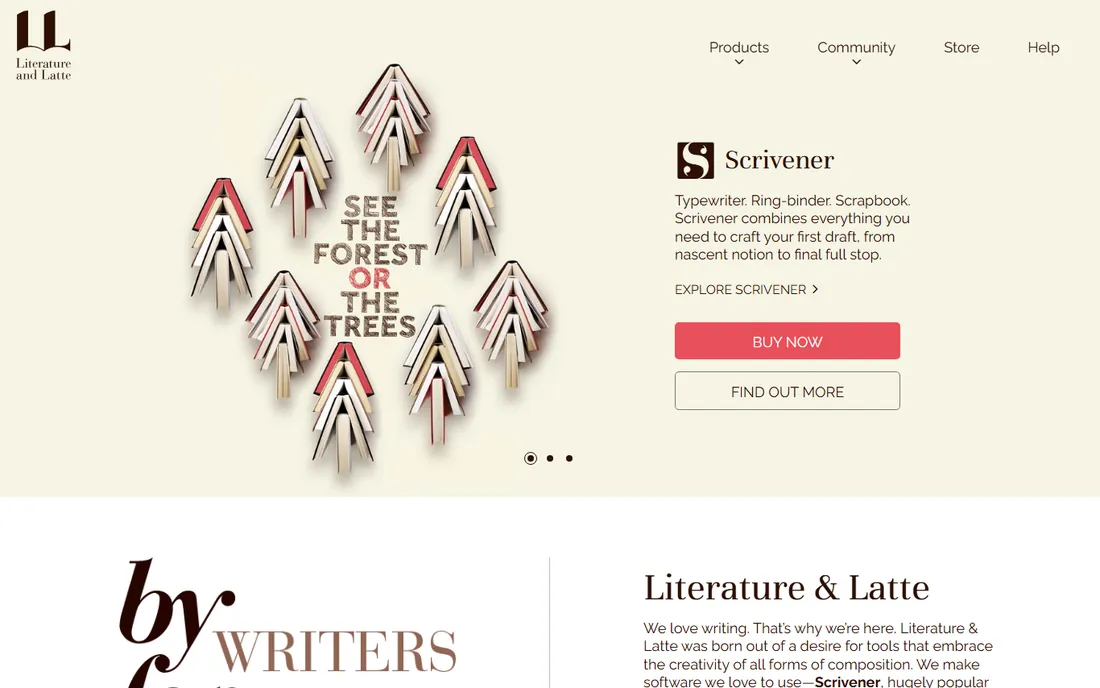
Picture a doctoral student staring at 60,000 words of dissertation scattered across a dozen Word files. Scrivener exists for exactly that moment. Its binder, corkboard, and split-screen views let you rearrange chapters like index cards while keeping research notes one click away. The Compile feature turns the whole project into a clean Word document or PDF when submission day arrives.
The $59.99 license is per platform (Mac or Windows) and yours permanently, with a trial measured in 30 days of actual use rather than calendar days. There is no collaboration to speak of, so co-authored papers still belong in Overleaf or Word. For solo long-form writing, though, nothing in this list structures thought as well.
What we like- One-time purchase, no subscription
- Corkboard and outlining built for long documents
- Compiles to Word, PDF, and ebook formats
Watch out for- Real learning curve in the first week
- No real-time collaboration
Starting price$25/month
Free planYes
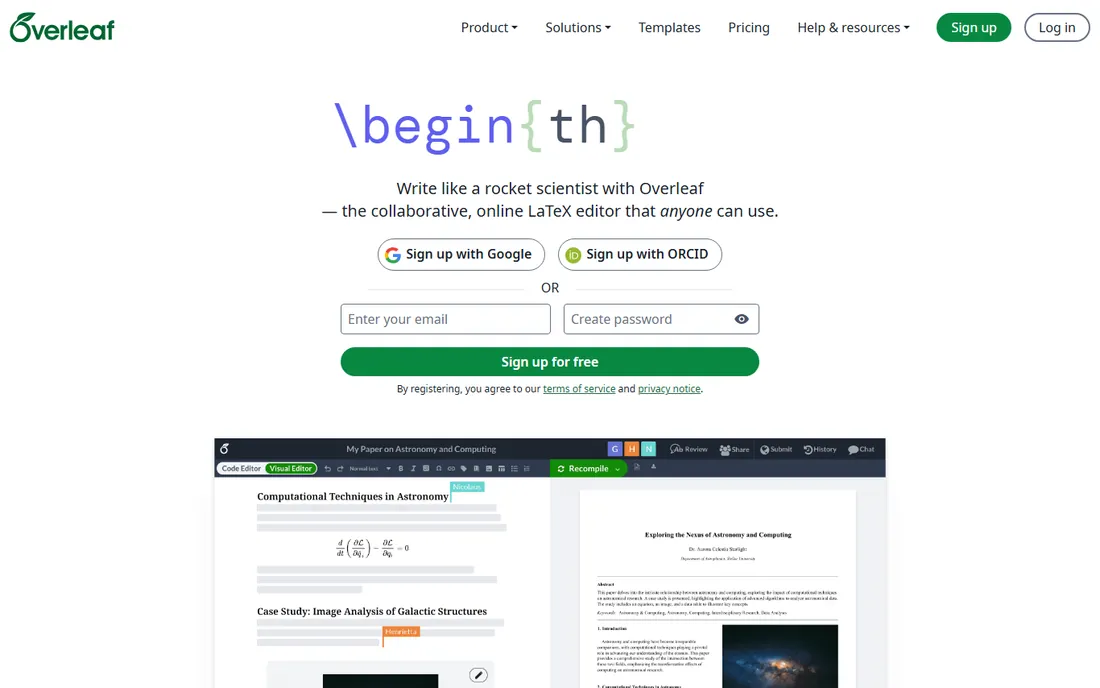
Overleaf is where STEM papers get written. It puts a full LaTeX editor in the browser with real-time collaboration, version history, and templates for most major journals and conferences. Co-authors comment and edit simultaneously, and the compiled PDF updates as you type.
The free plan handles solo projects with one collaborator, which covers many students. The $25/month Standard plan (or $199/year) raises the collaborator limit and compile resources; heavy LaTeX users on long documents will feel the difference. If your discipline runs on Word, skip Overleaf entirely and spend your budget on Scrivener or an AI editor instead.
What we like- Real-time LaTeX collaboration in the browser
- Thousands of journal templates
- Free tier covers solo writing
Watch out for- Paid plans needed for serious collaboration
- Useless if your field does not use LaTeX
#3
Zotero
Best for: Researchers who want free, open reference management
Visit zotero.org
Starting priceFree
Free planYes
Zotero does the core job, organizing references and generating citations, for free. The browser connector grabs papers, web pages, and metadata in one click. Word and Google Docs plugins insert citations and build bibliographies in thousands of styles. PDF annotation and group libraries cover collaboration basics.
The catch is cloud storage: 300MB free, with paid tiers from $20/year for 2GB. Heavy PDF collectors either pay the modest upgrade or link to local files. Zotero's nonprofit, open-source nature also means no venture-capital pricing surprises later. For self-funded researchers, it is the rational default.
What we like- Completely free and open-source
- Excellent browser capture
- 10,000+ citation styles
Watch out for- Only 300MB of free cloud sync
- Interface looks dated
Starting price$275 one-time
Free planFree trial
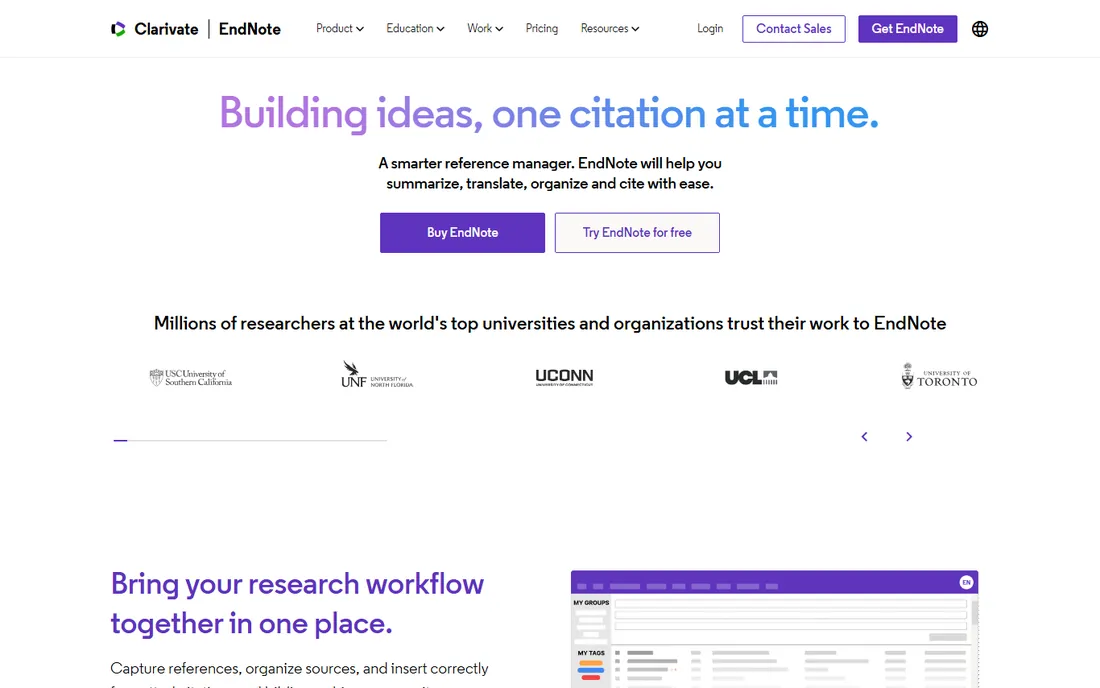
EndNote is the incumbent in funded research, especially biomedicine. It manages libraries of tens of thousands of references without slowing down, integrates with the databases researchers actually search, and its Word plugin is the most refined of the bunch. The 2025 version adds AI features like key-takeaway extraction from PDFs.
At $275 for a full license ($150 student, $125 upgrade), individuals should check their university library first; many institutions hold site licenses that make it free. EndNote Online is free but limited. Buy it when someone else pays, or when your library exceeds what Zotero handles gracefully.
What we like- Deepest database and journal integration
- Handles enormous libraries well
- Cite While You Write is polished
Watch out for- $275 is steep for individuals
- Interface feels corporate and dated
Starting price$4.99/month
Free planYes
Mendeley combines a reference manager with a competent PDF reader and an academic social layer that surfaces trending papers in your field. The free plan includes 2GB of storage, PDF annotation, and Word citation tools, which is enough for most undergraduates and many postgrads.
Paid tiers start at $4.99/month for 5GB (Plus), rising to $14.99/month for unlimited storage (Max), and add AI features like the Reading Assistant. The pricing is fair but notably higher than Zotero's annual storage rates. Researchers uncomfortable with Elsevier's data practices tend to choose Zotero; everyone else gets a polished, generous free product.
What we like- Generous 2GB free tier
- Good PDF reader and annotation
- Academic social network for discovery
Watch out for- Paid storage costs more than Zotero's
- Elsevier ownership worries some researchers
Starting price$19.95/month
Free planYes
Quillbot's paraphraser is the tool students actually open daily. Paste a clunky paragraph, pick the Academic or Formal mode, adjust the intensity slider, and get a cleaner version in seconds. The summarizer condenses long papers, and the grammar checker, translator, and plagiarism checker round out the suite.
Free covers 125-word paraphrases in two modes, enough for occasional use. Premium at $19.95/month (or $99.95/year) adds unlimited paraphrasing, all modes, and the plagiarism checker. It is a rewriting aid, not a drafting environment; pair it with Scrivener or Word rather than expecting it to structure your thesis.
What we like- Nine paraphrasing modes including Academic
- Useful summarizer and translator
- Genuinely usable free tier
Watch out for- Monthly billing is pricey
- Not a full writing environment
Starting price$25/month
Free planYes
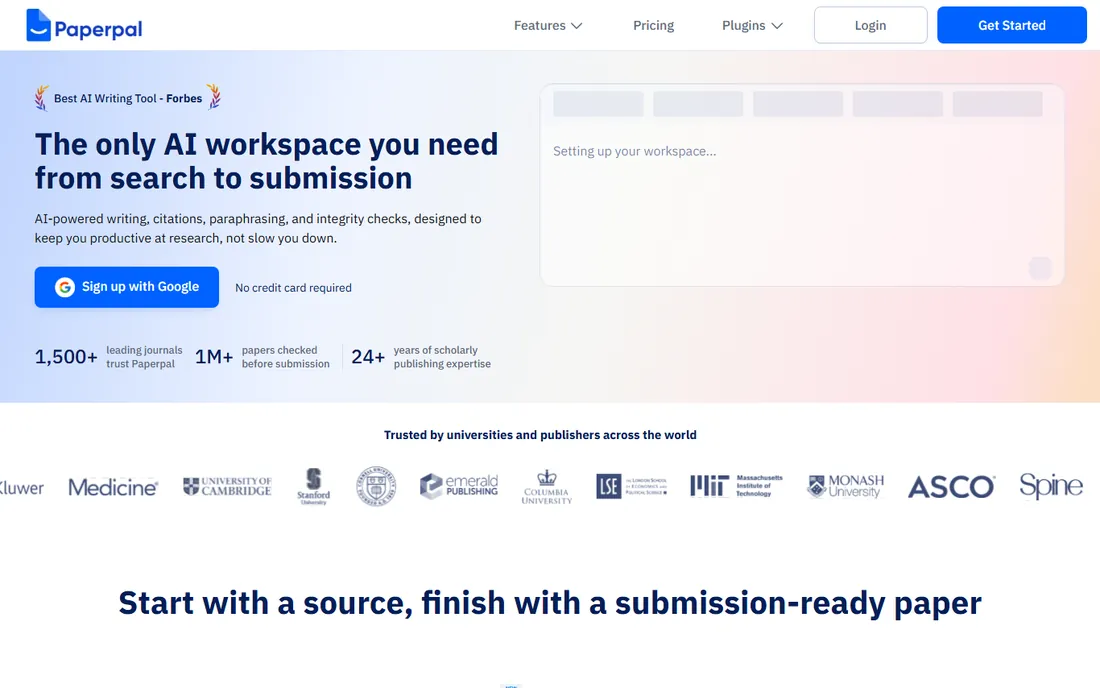
Paperpal is an AI writing assistant trained on millions of edited manuscripts rather than generic web text, and the difference shows in its suggestions. It respects academic register, leaves equations and technical terms alone, and runs pre-submission checks against the language and technical issues that cause desk rejections.
The free tier includes 200 language suggestions a month plus limited plagiarism and AI-detection checks. Prime costs $25/month or $139/year for unlimited corrections and deeper checks. For researchers writing in a second language, it catches the awkward phrasings that general grammar checkers miss. Native speakers writing casually will find it overkill.
What we like- Suggestions trained on academic manuscripts
- Pre-submission checks target desk-rejection reasons
- Works inside Word and Overleaf
Watch out for- Niche for academic use only
- Free tier limits are tight
Starting price$150/year
Free planYes
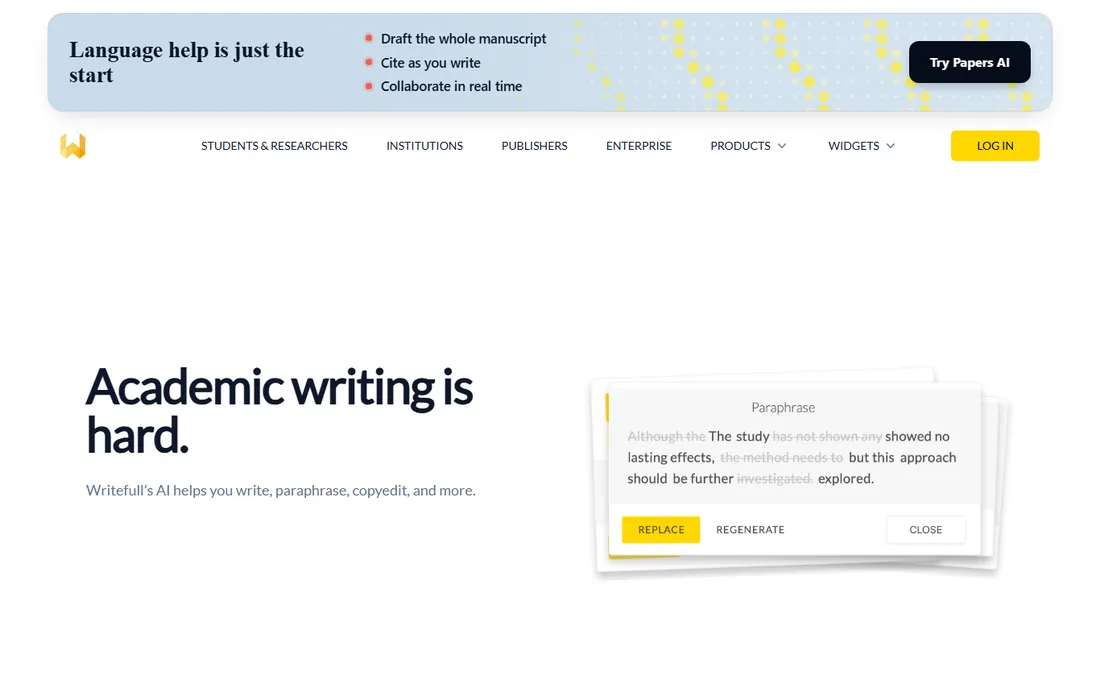
Writefull lives where researchers already write: as a plugin for Overleaf, Word, and browsers. Its language models are trained on scientific text, so corrections fit academic style rather than marketing copy. Widgets for paraphrasing, title generation, and abstract drafting sit alongside the core proofreading.
The free tier gives a daily quota of the tools; Premium at $150/year removes the limits. It is less of a platform than Paperpal and more of a quiet assistant inside your existing workflow. Researchers who already live in Overleaf will barely notice the setup and will notice the cleaner prose.
What we like- Excellent Overleaf and Word integration
- Academic-specific language models
- Affordable annual price
Watch out for- Narrower feature set than Paperpal
- Free quota is limited
Different academic tasks need different software, and buying one tool for everything leads to disappointment. Drafting a thesis or book? Scrivener's structure wins. Writing a LaTeX paper with three co-authors? Overleaf. Managing 500 references? Zotero or EndNote. Polishing English as a second-language writer? Paperpal or Writefull. Rewriting a paragraph quickly? Quillbot.
The common mistake is buying an AI editor expecting it to organize references, or buying a reference manager expecting it to fix your prose. Map your actual bottleneck first. Most researchers need two tools: one for drafting and one for references, plus optionally one for language polish. Budget accordingly: a Scrivener license plus Zotero covers most PhD students for $59.99 total, while a funded lab might reasonably spend ten times that across a team.
Free vs paid: where the money actually goes
Academic writing software splits into two pricing philosophies. Reference managers and LaTeX editors monetize storage and collaboration: Zotero is free with $20/year storage upgrades, Overleaf is free for solo work with $25/month for teams. The software itself costs nothing; scale costs money.
AI writing assistants monetize usage instead. Quillbot, Paperpal, and Writefull all offer genuinely useful free tiers with daily or monthly caps, then charge $100 to $300 per year for unlimited use. The free tiers are honest trials: use them for a month on real work before paying. Scrivener and EndNote are the outliers with one-time purchases, $59.99 and $275 respectively, which can be cheaper over a multi-year PhD than any subscription.
How we chose
We evaluated vendor pricing pages, documentation, and feature lists for tools that are actively maintained and purchasable today. We cross-checked real-world usage against university library guides, researcher communities on Reddit, and public reviews. Each tool had to serve a distinct academic writing task: drafting, LaTeX collaboration, reference management, or AI-assisted editing. We excluded general word processors and essay mills, and we list only prices published on vendor pages.
Frequently asked questions
What is the best free academic writing software?
Zotero for references, Overleaf's free tier for LaTeX writing, and Quillbot's free tier for paraphrasing. Together they cover drafting, citing, and rewriting at zero cost. Scrivener's 30-day trial is the best free path for long-form drafting.
Is Scrivener good for academic writing?
Yes, for long solo documents like theses, dissertations, and monographs. Its outlining and research organization beat Word for anything over 20,000 words. It is less useful for co-authored journal papers, where Overleaf or Word with tracked changes works better.
Which is better for references: Zotero, Mendeley, or EndNote?
Zotero if you pay your own way (free, open-source). EndNote if your university provides it (deepest features for huge libraries). Mendeley if you want the most generous free storage and PDF discovery. All three handle standard citation tasks well.
Can AI writing tools like Paperpal get me accused of plagiarism?
Using AI for grammar and language polish is widely accepted; submitting AI-generated text as your own work is not. Paperpal and Writefull position themselves as editing aids, and many journals permit AI-assisted editing with disclosure. Check your target journal's policy before submitting.
Do I need LaTeX for academic writing?
Only in fields that require it: mathematics, physics, computer science, and much of engineering. In the humanities and social sciences, Word remains standard. Do not learn LaTeX just because Overleaf exists; learn it because your collaborators and journals use it.
Sources we checked (12)
- https://www.literatureandlatte.com/
- https://www.overleaf.com/
- https://www.overleaf.com/user/subscription/plans
- https://www.zotero.org/
- https://endnote.com/
- https://endnote.com/buy/cary/
- https://www.mendeley.com/
- https://quillbot.com/
- https://paperpal.com/
- https://www.writefull.com/
- https://my.writefull.com
- https://effortlessacademic.com/zotero-vs-mendeley-vs-endnote-which-reference-manager-is-better/
Is your product missing or out of date?
We review this list regularly. Vendors can request a listing, send updated pricing or ask about featured placement.

Shihab Mia · Founder, Rankite
Shihab has spent more than a decade helping SaaS and e-commerce brands grow through search. He writes Rankite's software buying guides from pricing pages, documentation and public user reviews. More about Shihab.