How we make this list: we compare pricing pages, product documentation and public user reviews. Ratings come from G2, Capterra or Trustpilot, with the date we checked them.
Key takeaways
- PicWish, Cleanup.pictures, and WatermarkRemover.io offer the quickest free starts for single photos.
- HitPaw and Apowersoft handle both photos and video, which matters when a project mixes media types.
- Free tiers usually limit resolution, file size, or daily uses, and full-quality exports often need a paid plan.
- AI reconstruction beats simple blur for clean results, but busy backgrounds still need a manual brush check.
- Only remove watermarks from content you own or have permission to edit, since removing a watermark from copyrighted work can break the law.
Quick comparison
Is your product missing or out of date?
We review this list regularly. Vendors can request a listing, send updated pricing or ask about featured placement.

#1PicWish
Best for: All-round photo watermark removal4.8/5 on
G2 (6 reviews, checked Oct 2026)
Visit picwish.com
Starting priceSee website
Free planYes

PicWish is a good first stop for a photo with a logo, text overlay, or date stamp. Upload the image, brush over the mark, and the tool fills the area with nearby texture. For plain backgrounds and simple patterns, results often look clean at a glance, and the workflow takes under a minute.
Heavy users will hit free limits, and complex backgrounds with faces, fine text, or repeating patterns can leave soft patches. PicWish also offers other photo tools, so it fits users who need background removal and enhancement in the same place. For one-off photos, the free tier is usually enough to judge quality before paying.
What we like- Fast AI removal
- Good background reconstruction
- Simple upload workflow
Watch out for- Free credits limit heavy use
- Manual control is limited compared with Inpaint
Starting price$12.99 per month
Free planYes

HitPaw stands out because it covers video as well as photos. Its AI mode can track a moving watermark across frames, which is a harder task than cleaning a still image. Users can also choose manual selection for marks that automatic detection misses, and preview helps avoid a wasted export.
The free online version is best treated as a trial. Export quality and feature limits mean serious video work needs the paid desktop tool. For a creator who needs both photo and video cleanup in one product, HitPaw is worth testing with a short clip before committing to a subscription.
What we like- Handles static and moving video watermarks
- Desktop and online options
- Preview before export
Watch out for- Free online version limits features and export quality
- Full results need a paid plan
Starting price$19.95 per month
Free planYes

Apowersoft suits users with a folder of files rather than a single image. Batch processing on paid plans saves time for sellers, archivists, and small teams cleaning product photos or old clips. The interface stays simple, with selection tools for marking the area to remove and a preview step before export.
Free online use comes with restrictions on quality and editing options, so it works better as a check than as a full workflow. The monthly price is also higher than some single-purpose tools. Apowersoft makes most sense when batch volume justifies the cost, or when a user already uses other Apowersoft tools.
What we like- Batch processing on paid plans
- Supports photos and video
- Straightforward interface
Watch out for- Free online version limits quality and features
- Monthly price is higher than some rivals

#4
Media.io Watermark Remover
Best for: Browser-based video and photo cleanup
Visit media.io
Starting priceSee website
Free planYes

Media.io, from Wondershare, runs in a browser and covers both photos and video. That no-install setup helps on a shared computer or a Chromebook, and credit-based pricing can suit occasional users better than a monthly plan. Common formats such as MP4 and MOV are supported, and the workflow follows the usual upload, mark, and export pattern.
Credit use depends on task and video length, so a long video can cost more than expected. Free credits cover only limited testing. Media.io fits users who need a browser tool for occasional cleanup and prefer to pay per use rather than subscribe.
What we like- No install needed
- Credit-based use suits occasional work
- Handles common formats
Watch out for- Credit costs vary by task length
- Free allowance is limited
Starting priceSee website
Free planYes
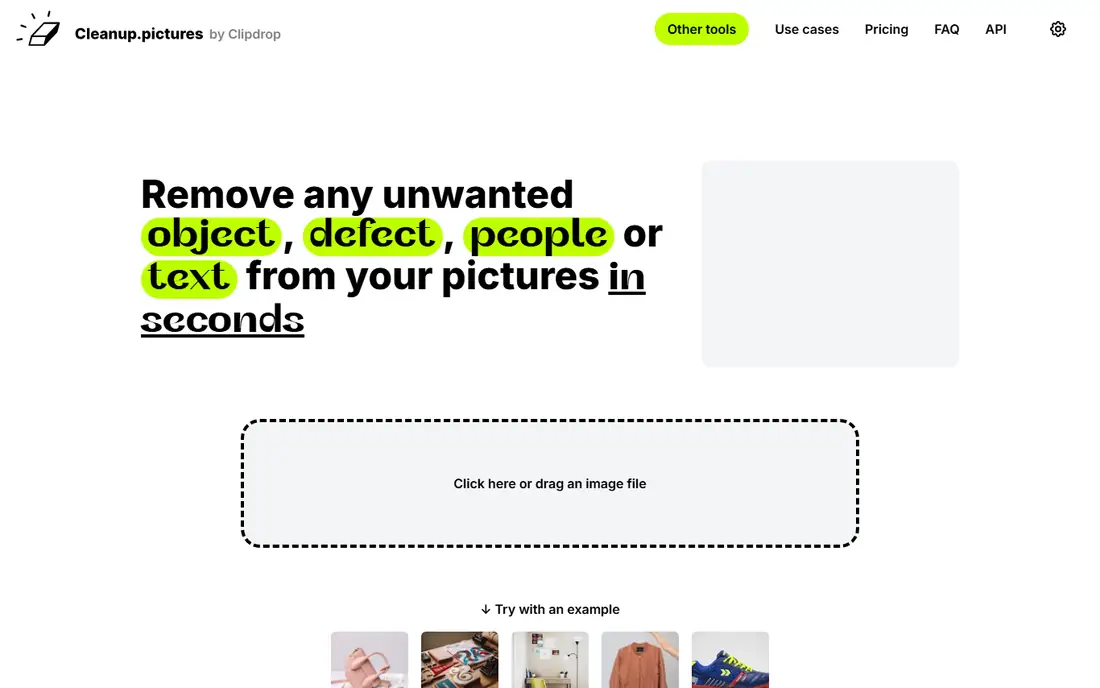
Cleanup.pictures is the fastest tool on this list for a single photo. Open the site, upload, brush over the watermark, and download the result. The brush gives more control than fully automatic tools, which helps with marks near edges or detailed areas. It is also useful for removing small objects, not just watermarks.
Free exports cap resolution, and there is no video support. For social posts and small web images, the free output is often fine. For print or large displays, a paid plan or a desktop editor may be needed. Cleanup.pictures earns its place as the quick, no-fuss photo option.
What we like- Very fast for single photos
- Good brush control
- No account needed for basic use
Watch out for- Free exports limit resolution
- No video support
Starting priceSee website
Free planFree trial
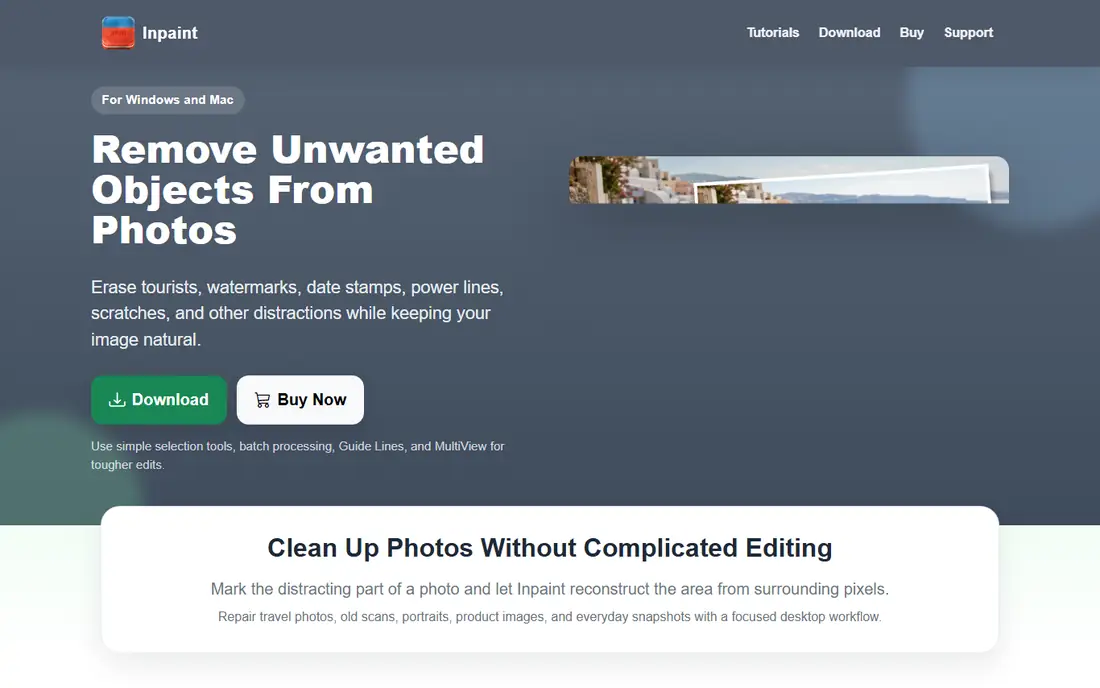
Inpaint takes a manual approach that suits tricky photos. Instead of relying only on automatic detection, the user paints over the watermark and guides the reconstruction. That control helps with marks over faces, text, or patterned backgrounds, where automatic tools often smudge the area.
The trade-off is time. Each photo needs careful marking, and batch work is slower than with PicWish or Apowersoft. Inpaint is best for a small number of important photos where quality matters more than speed, such as restored family pictures or product shots that will be reused.
What we like- Precise manual selection
- Good for complex marks
- Desktop and online versions
Watch out for- Slower than automatic tools
- No video support
- Free use is limited
Starting priceSee website
Free planYes
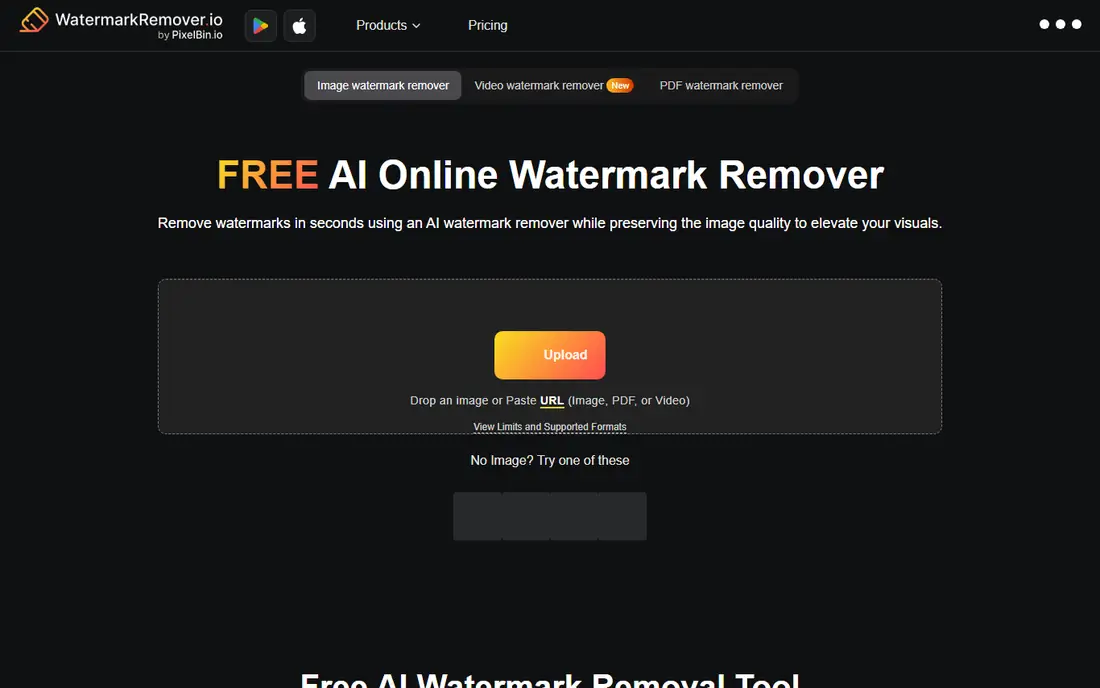
WatermarkRemover.io focuses on automatic removal for photos, with an emphasis on translucent watermarks. Upload an image and the tool attempts to detect and remove the mark without manual brushing. For clean, light watermarks on simple backgrounds, that hands-off approach works well.
Complex marks, bold logos, and busy backgrounds give mixed results, and there is less manual control to fix problem areas. It is best used as a first attempt for simple photos, with PicWish or Inpaint as a fallback when the result needs work. The free tier makes that trial-and-error approach low cost.
What we like- Automatic detection for photos
- Very simple workflow
- Fast for translucent marks
Watch out for- Less control for complex marks
- Quality varies by background
How we chose
We compared pricing pages, product documentation, and public reviews, and checked each tool for photo support, video support, free limits, export quality, and manual controls. We favored tools that exist today, run online or offer a clear online version, and handle watermark removal as a core task. Where a current price could not be confirmed from a vendor page, we listed it as See website rather than guessing. We did not claim hands-on testing, and we treated vendor accuracy claims with care, since results vary by image and background.
How to get a clean result without ruining the photo
Start with the highest-quality original file available. A low-resolution copy will show artifacts after removal, even with a good tool, while a full-size original gives the AI more texture to work with. If the file came from a social platform, check whether the original is still on the camera or computer before editing a compressed copy.
Next, match the tool to the mark. Automatic tools suit light, translucent watermarks on plain backgrounds. Bold logos, marks over faces, and moving video watermarks need manual selection or a dedicated video tool such as HitPaw. After removal, zoom in and check edges, patterns, and skin tones at full size. A result that looks clean as a thumbnail can show smudging at full view.
Finally, keep a backup of the original and respect ownership. Save the edited file under a new name, and do not use a watermark remover to strip credit from work that belongs to someone else. For client or commercial work, confirm in writing that the content is owned or licensed for editing before removing any mark.
For video, test removal on a short clip before processing a full project. A method that works on a static logo in one corner can fail on a moving watermark or a mark that changes position, and re-encoding can soften detail or shift audio sync. Check the test clip at full size, watch the sections where the mark moves, and confirm the frame rate matches the original. If the result shows smearing or flicker, try a manual selection or a desktop tool with tracking rather than running the whole file through the same online pass again.
A final check before exporting is file format and size. Save the cleaned photo in the same format as the original when possible, and avoid repeated saves in lossy formats, since each save can soften detail. For video, check frame rate, resolution, and audio sync after removal, because some online tools re-encode the whole clip. Keep the cleaned file, the original, and a short note about which tool and settings were used, so a later re-export does not require starting over.
Frequently asked questions
Is there a truly free watermark remover online?
Several tools offer free tiers, including PicWish, Cleanup.pictures, and WatermarkRemover.io, but most limit resolution, file size, or daily uses. For a single simple photo, a free tier is often enough. For video or high-resolution work, a paid plan is usually needed.
Can these tools remove watermarks from video?
Yes, but fewer tools handle video well. HitPaw, Apowersoft, and Media.io support video, while PicWish, Cleanup.pictures, Inpaint, and WatermarkRemover.io focus on photos. Moving watermarks are harder than static ones and need a tool with tracking or manual frame checks.
Will removal damage photo quality?
It can, especially on busy backgrounds or low-resolution files. AI reconstruction fills the marked area with nearby texture, which can look soft or blurred on close inspection. Always check the result at full size and keep the original file.
Is it legal to remove a watermark?
It depends on ownership and permission. Removing a watermark from your own photos or from content you have rights to edit is generally fine. Removing a watermark from copyrighted work without permission can violate intellectual property law, so check rights before editing.
What if the watermark sits over a face or detailed pattern?
Use a manual tool such as Inpaint or Cleanup.pictures and work in small sections, checking the result after each pass. Automatic tools often struggle with faces and fine patterns, and a second pass with a brush can improve the result, though some marks cannot be removed cleanly.
Can I remove a watermark from a screenshot?
Yes, if you own the content or have permission to edit it. Screenshots often have lower resolution than originals, so results may look softer. Use the highest-quality screenshot available, work in small sections, and check the result at full size before sharing.
Sources we checked (7)
- https://picwish.com/pricing
- https://www.hitpaw.com/remove-watermark.html
- https://www.apowersoft.com/watermark-remover
- https://www.media.io/watermark-remover.html
- https://cleanup.pictures/pricing
- https://theinpaint.com
- https://www.watermarkremover.io
Is your product missing or out of date?
We review this list regularly. Vendors can request a listing, send updated pricing or ask about featured placement.

Shihab Mia · Founder, Rankite
Shihab has 5+ years in B2B and SaaS SEO. He writes Rankite's software buying guides from pricing pages, documentation and public user reviews. More about Shihab.
 HitPaw Watermark Remover
 Apowersoft Watermark Remover
 Cleanup.pictures
 Inpaint
 WatermarkRemover.io