How we make this list: we compare pricing pages, product documentation and public user reviews. Rankite is independent; if a vendor ever pays for a featured spot, that listing is clearly labeled Partner.
Key takeaways
- Scribus is the only fully free, professional-grade page layout program, and it handles print-ready PDFs with proper color management.
- Affinity, now free from Canva, gives you a professional layout studio that used to cost real money, with a free Canva account as the only requirement.
- Canva, VistaCreate, Marq and DesignCap are free tiers of commercial products: generous for everyday design, with paid plans gating premium assets and features.
- LibreOffice Draw and Inkscape are free and open source, best for simple layouts and for creating the graphics that go into your documents.
Quick comparison
| Tool | Best for | Starting price | Free plan |
|---|
 Scribus Scribus | professional page layout at zero cost | See website | Yes |
 Affinity by Canva Affinity by Canva | professional layout work, free | See website | Yes |
 Canva Canva | fast, template-driven design for non-designers | See website | Yes |
 VistaCreate VistaCreate | template design with a path to printed products | See website | Yes |
 Marq Marq | teams that need on-brand templates anyone can use | See website | Yes |
 LibreOffice Draw LibreOffice Draw | simple free layouts, diagrams and posters | See website | Yes |
 Inkscape Inkscape | creating vector graphics for your publishing projects | See website | Yes |
 DesignCap DesignCap | quick online posters, flyers and infographics | See website | Yes |
Is your product missing or out of date?
We review this list regularly. Vendors can request a listing, send updated pricing or ask about featured placement.
Free means three different things here
Before the list, a note on honesty. Some tools below are free in the complete sense: open source, no account, no upsell. Some are free tiers of commercial products, generous but designed to convert you to paid plans. And one, Affinity, is a formerly paid professional suite that Canva made free in late 2025. All eight can produce real publishing work without spending money; the differences are in how much hand-holding you get, who owns your files' workflow, and where the paywalls sit.
Starting priceSee website
Free planYes
Scribus is the answer for anyone who needs real desktop publishing without paying for InDesign. It handles the things that separate publishing software from drawing programs: master pages, text styles, CMYK and spot color, ICC color management, and PDF/X export that print shops accept. Newsletters, brochures, books and posters are all practical projects, and the price is zero on every major desktop operating system.
The cost is convenience. The interface shows its open-source roots, the built-in template selection is thin compared to Canva's millions, and features like complex table handling require patience. Print professionals who learn it produce genuinely professional output; casual users making one flyer will get there faster with a template tool. If your work goes to a commercial printer, Scribus is the free option that speaks the printer's language.
What we like- True desktop publishing with CMYK, spot colors and ICC profiles
- Press-ready PDF export
- Free and open source on Windows, Mac and Linux
Watch out for- Interface feels dated
- Smaller template ecosystem than commercial tools
- Some advanced features need manual setup
Starting priceSee website
Free planYes
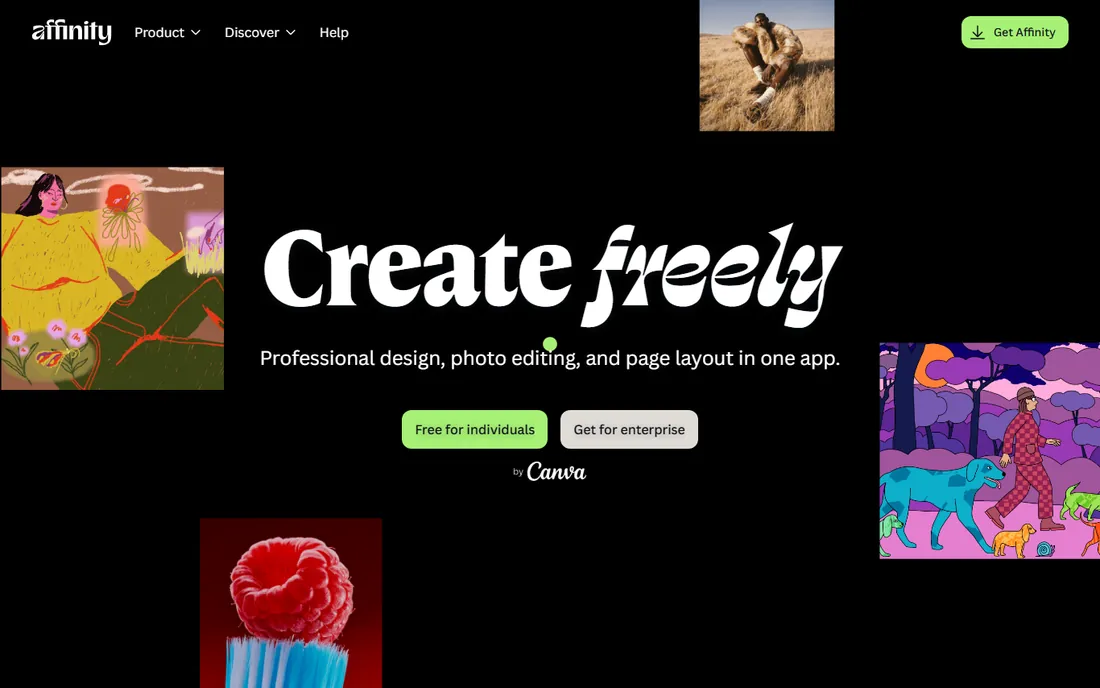
This is the biggest story in free design software in years. Affinity was Serif's paid alternative to Adobe's suite, with Publisher as its layout app. After acquiring Serif, Canva merged Designer, Photo and Publisher into a single free application in late 2025, with Layout, Vector and Pixel studios you switch between. The full professional toolset costs nothing; you need only a free Canva account to sign in.
For desktop publishing specifically, the Layout studio gives you master pages, text flow, professional typography and PDF export that rival paid software. Compatibility with Photoshop, Illustrator and InDesign files eases migration. The catch is mild: advanced AI features sit behind Canva's premium subscription, and the unified app is still settling in. If you want pro-grade layout for free with a modern interface, start here.
What we like- Formerly paid pro suite now free
- Layout, Vector and Pixel studios in one app
- Opens Adobe file formats
Watch out for- Requires a free Canva account
- AI features need a Canva premium subscription
- Still maturing as a unified app
#3
Canva
Best for: fast, template-driven design for non-designers
Visit canva.com
Starting priceSee website
Free planYes
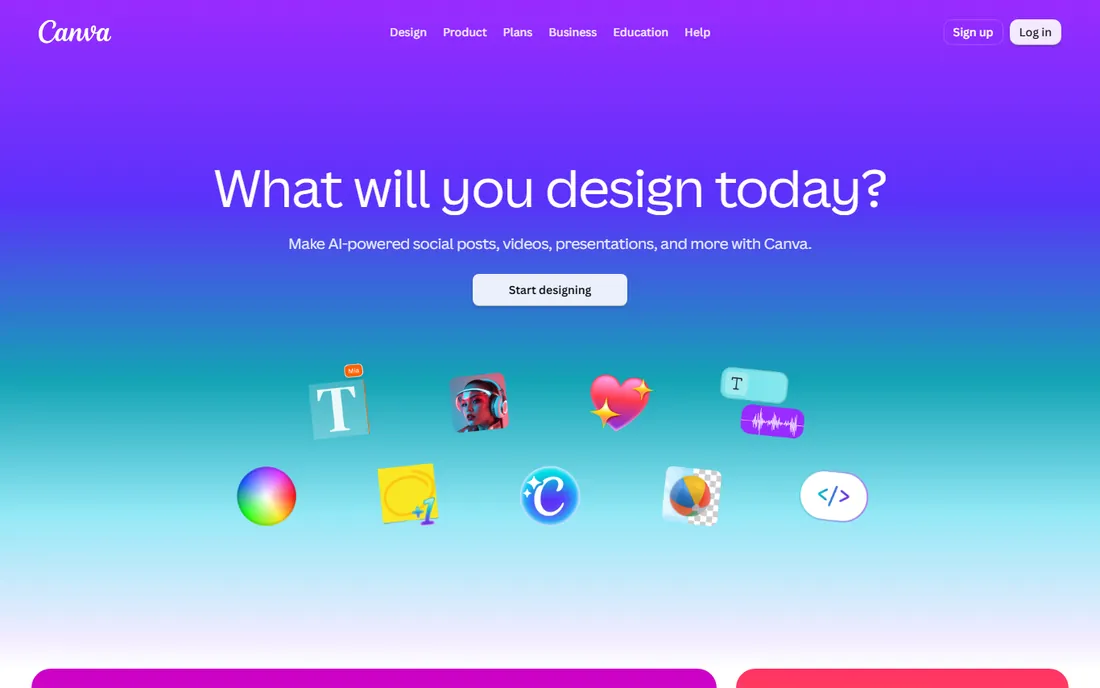
Canva's free tier is how most of the world now makes flyers, social posts, presentations and simple print layouts. The template library is unmatched, the drag-and-drop editor needs no training, and collaboration, commenting and sharing work on the free plan. For a small business owner who needs a decent menu or event poster by Friday, nothing is faster.
The free tier is deliberately fenced. Premium templates, most stock photos and tools like the background remover require Pro, and serious print work hits limits: CMYK handling and bleed control are basic compared to Scribus or Affinity. Canva is also a walled garden; your designs live on their platform. As a free publishing tool for everyday marketing materials, it is excellent; as a replacement for professional layout software, it is not trying to be one.
What we like- Enormous template library
- Extremely easy to learn
- Collaboration and brand kit on the free tier
Watch out for- Free tier limits premium templates, stock and background remover
- Print color control is basic
- Designs can look templated
Starting priceSee website
Free planYes
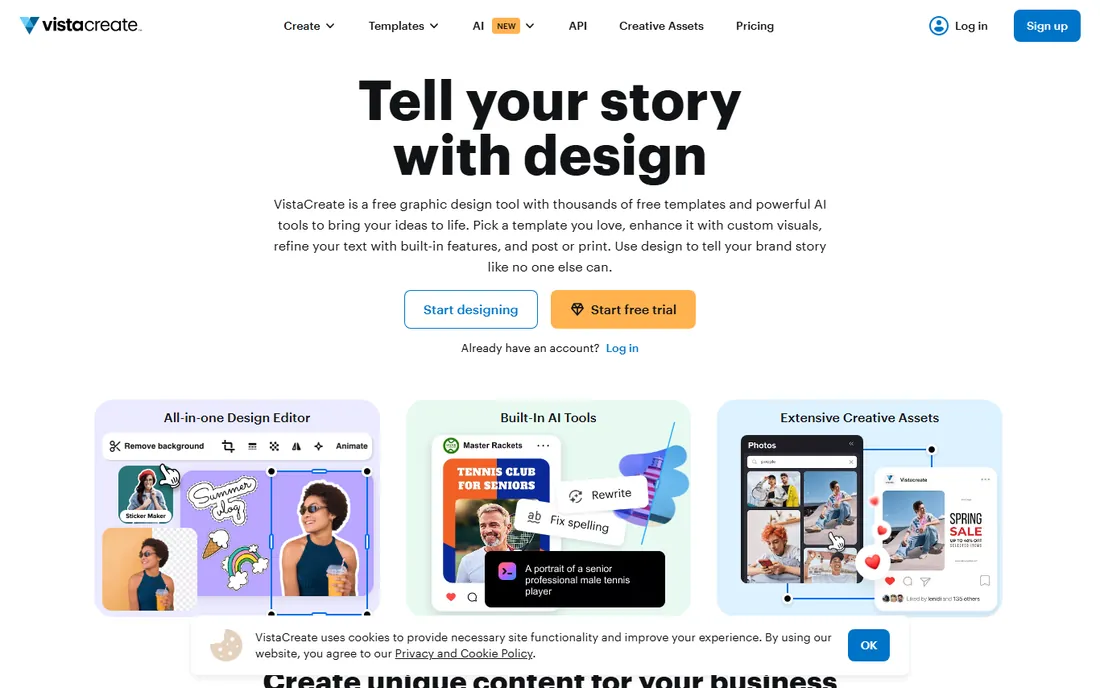
VistaCreate, from the Vista group, is Canva's most direct competitor in the free template space. The free tier includes hundreds of thousands of templates, AI-assisted design tools, background removal and brand kit features, which is generous. The distinctive touch is the print connection: for select formats you can send designs to print through VistaPrint with delivery included, closing the loop from screen to paper.
The free-versus-Pro boundary will feel familiar to Canva users: full stock library access, one-click resize and some AI features sit behind the paid plan. The template and asset ecosystem is smaller than Canva's, though still large in absolute terms. If Canva's style does not suit you, VistaCreate is the free alternative most worth trying, especially when the end goal is something printed.
What we like- 200,000+ free templates
- Built-in AI tools on the free tier
- Print ordering through VistaPrint for select formats
Watch out for- Free tier gates the full stock library and resize features
- Smaller ecosystem than Canva
#5
Marq
Best for: teams that need on-brand templates anyone can use
Visit marq.com
Starting priceSee website
Free planYes
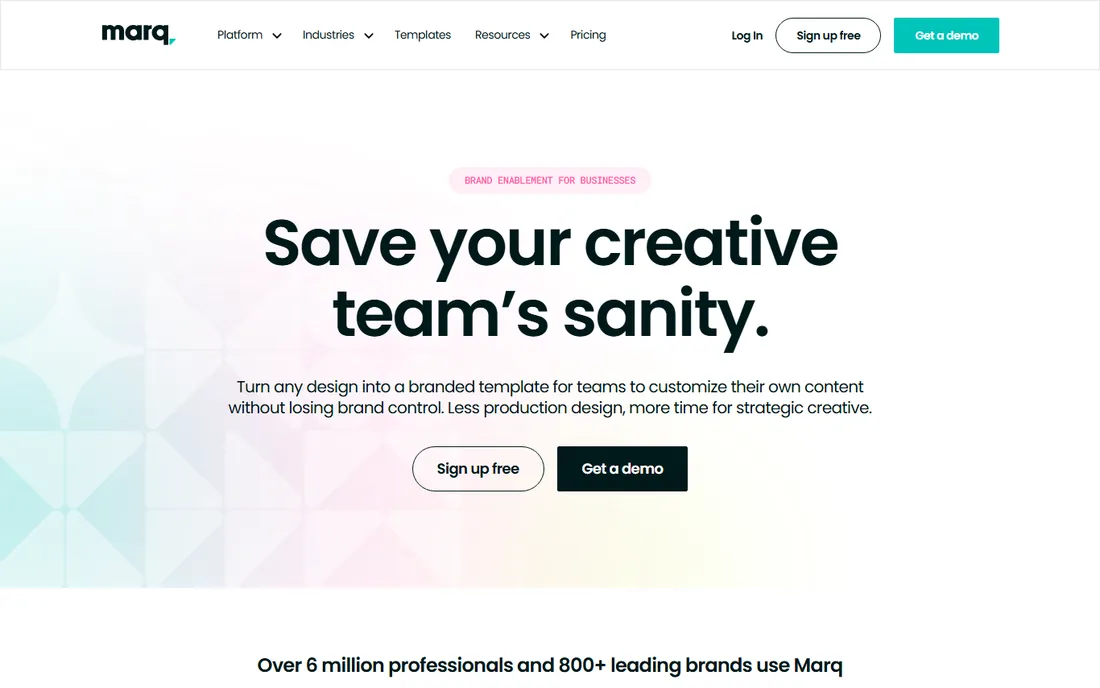
Marq, formerly Lucidpress, solves a different problem: how does a company let dozens of non-designers create flyers and brochures without destroying the brand? The answer is lockable templates, where designers fix the logo, fonts and colors, and everyone else customizes the content. Creating in Marq is free, and the template gallery covers the standard business documents.
It is less a layout playground than a brand control system, so solo designers wanting full creative freedom will prefer Scribus or Affinity. The paid tiers add the deeper brand management, analytics and integrations that larger organizations need. For a business where consistency across many creators matters more than any single designer's vision, Marq's free tier is a practical starting point.
What we like- Free to create
- Lockable templates keep non-designers on brand
- Strong for distributed teams like real estate and franchises
Watch out for- Brand-enablement focus rather than free-form layout
- Advanced features are paid
Starting priceSee website
Free planYes
LibreOffice Draw is the quiet utility player of free publishing. It is a vector drawing and diagram tool rather than a real DTP application, but for one-page flyers, posters, simple brochures and diagrams it gets the job done with zero cost and zero signup. Text boxes, shapes, image placement and PDF export cover the basics, and it opens a wide range of file formats.
Nobody should typeset a 40-page catalog in Draw; that is Scribus territory. Long text flow, master pages and professional color management are beyond its brief. But it is already installed wherever LibreOffice is, it asks nothing of you, and for quick practical layouts it is far more capable than its humble reputation suggests.
What we like- Completely free with no account
- Handles posters, diagrams and simple brochures
- Good PDF export
Watch out for- Not a true page-layout program
- Typography and long-document tools are limited
#7
Inkscape
Best for: creating vector graphics for your publishing projects
Visit inkscape.org
Starting priceSee website
Free planYes
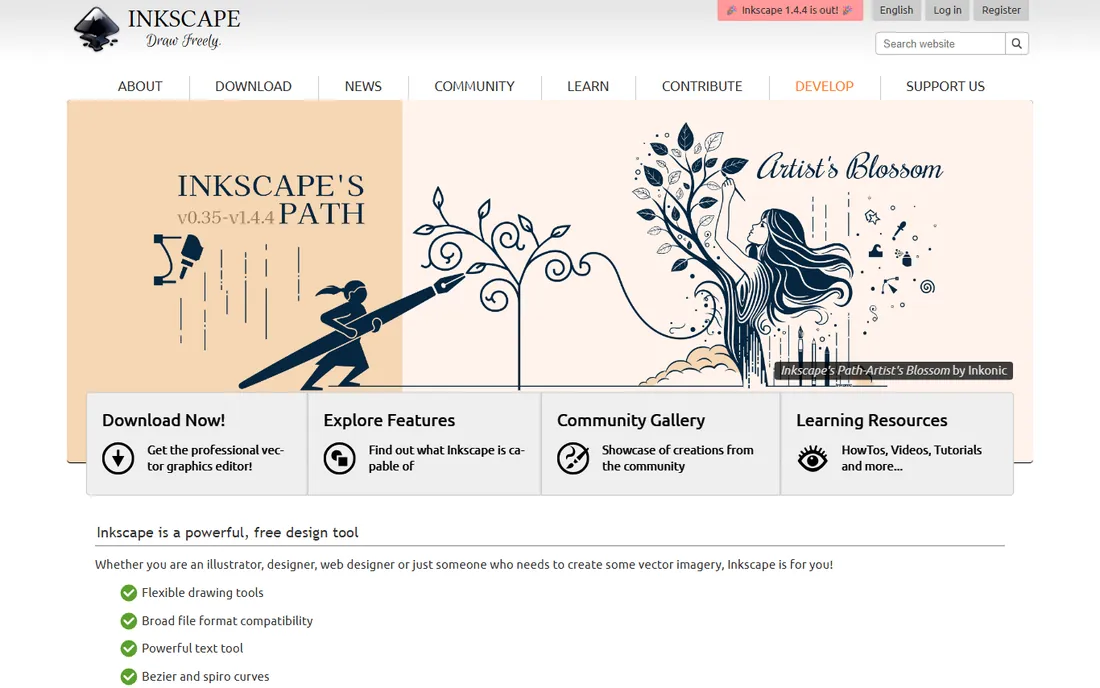
Inkscape earns its place as the graphics engine behind many free publishing workflows. It is a genuinely professional vector editor, comparable to Illustrator for illustration, logo work and decorative typography, and it is completely free. Many Scribus users design their graphics in Inkscape and place them into layouts, which plays to each tool's strengths.
The limitation is architectural: Inkscape is a single-canvas illustration tool, so multi-page documents with flowing text are painful. Use it for what it is, the best free way to create the vector artwork, and pair it with Scribus or Affinity for the layout itself. The combination of Inkscape plus Scribus is the classic free-software publishing stack, and it remains capable.
What we like- Professional-grade vector editor, free
- Excellent text-on-path and typography tools
- Huge tutorial community
Watch out for- Illustration software, not page layout
- Multi-page documents are awkward
Starting priceSee website
Free planYes
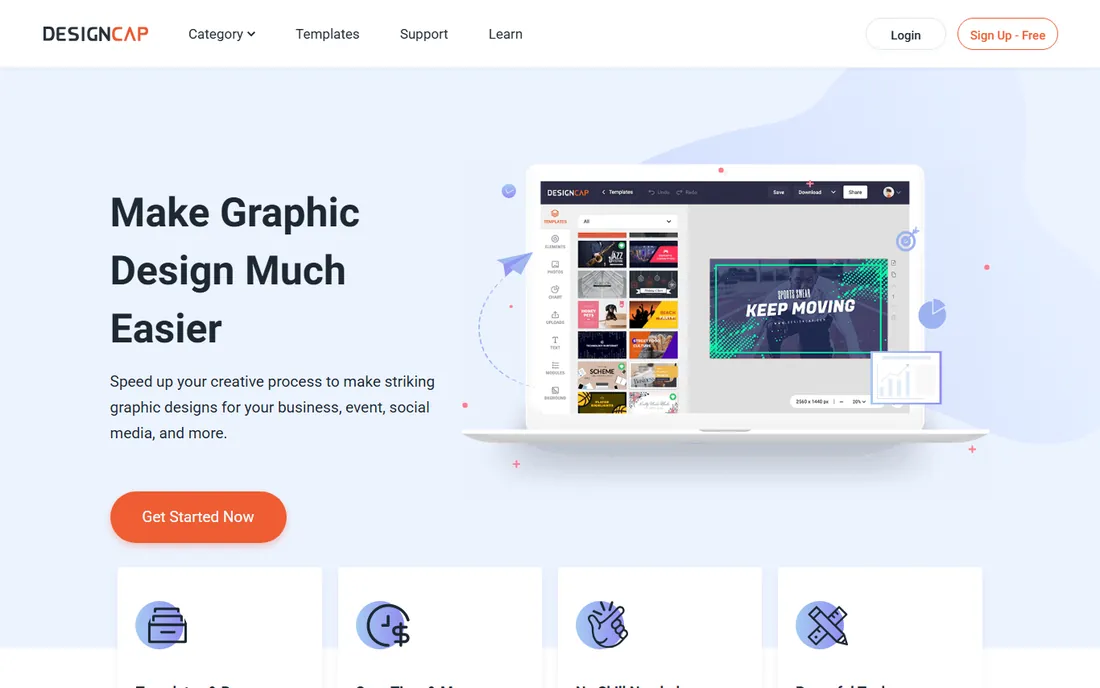
DesignCap is a smaller browser-based design tool in the Canva mold: pick a template, customize text and images, export. Its distinctive strength is visual charts and infographics, with modules that turn data into presentable graphics quickly. For a student, teacher or small business needing a poster or chart today, the free tier is enough to get real work done.
It does not match Canva or VistaCreate on template depth or ecosystem, and the vendor is less established, so buyers should not build a business-critical workflow on it without testing exports carefully. But as a free, no-install option for simple publishing tasks, it is a reasonable backup to have bookmarked.
What we like- Free to start with thousands of templates
- Very low learning curve
- Chart and infographic modules included
Watch out for- Smaller template library than the big names
- Free exports carry limitations
- Less known vendor
Which free publishing path fits you
Choose by the work, not by the price tag, since all of these are free to start. If your output goes to a commercial printer, learn Scribus or Affinity: only they give you the color management and PDF standards that print shops require. If you produce marketing materials for screen and office printing, Canva or VistaCreate will get you there in a tenth of the time. If brand consistency across a team is the problem, Marq's lockable templates beat any amount of individual skill. And if you already live in LibreOffice, Draw plus Inkscape covers simple needs without installing anything new.
Consider the exit costs too. Template tools keep your designs on their platforms; open-source tools keep your files in standard formats on your own disk. A business building a library of marketing materials over years should prefer the latter, even if the former is faster this week.
The real cost of free publishing software
Free software still bills you in time. Scribus and Affinity repay a learning investment of days to weeks with professional output; template tools repay nothing because there is nothing to learn, but they charge through premium upsells, $10 to $15 per month typically for Pro tiers, and through the sameness of template-based design. The hidden costs to budget are fonts, commercial licenses for typefaces you use in client work, stock photography beyond the free libraries, and printing itself, where a badly prepared file costs real money in reprints. For a freelancer, the honest calculation is hourly rate times learning time versus subscription cost; for most, one landed client covers either path many times over.
We reviewed vendor sites, pricing pages and feature lists, then checked user reviews, tutorial communities and designer forums for real-world experience. We weighted layout capability, print readiness, template quality, the generosity and limits of free tiers, and file ownership. We did not design or print anything in these tools; this reflects documented features and reported experience.
Frequently asked questions
Can free software really replace InDesign?
For many users, yes. Scribus handles professional print production including CMYK and PDF/X, and Affinity's free Layout studio covers most of what freelancers and small studios need. What you lose is Adobe's ecosystem: the plugin library, the integration with Photoshop and Illustrator, and the industry-standard file format that some clients and printers demand.
Which free tool is best for print-ready PDFs?
Scribus, with its PDF/X export and proper color management, is the safest free choice for commercial printing. Affinity also exports press-ready PDFs. Always confirm the exact PDF standard with your print shop before sending files, and request a proof on critical jobs.
Do I need to pay for fonts with these tools?
The tools themselves do not charge for fonts, but font licensing is separate from software. Free tools ship with or support open-license fonts, which are fine for most work. If a client requires a specific commercial typeface, you buy that license yourself regardless of which layout software you use.
Can I collaborate with others on these tools?
The browser-based tools, Canva, VistaCreate, Marq and DesignCap, are built for collaboration with sharing and commenting. The desktop tools, Scribus, Affinity, LibreOffice and Inkscape, work on files you share through cloud storage, with version control up to you. Teams that co-edit daily usually prefer the browser tools.
What is the catch with Affinity being free?
Canva's business model funds it: the core professional toolset is free with a Canva account, while AI-powered features require a Canva premium subscription. Canva has stated it does not train AI on your files or sell your data. The reasonable reading is that free Affinity attracts users into Canva's ecosystem, which is a trade many designers will happily make.
Which should a complete beginner start with?
Canva, for pure speed: you will have a finished flyer within the hour. If the goal is learning real publishing skills that transfer anywhere, start with Affinity's Layout studio or Scribus instead; the learning curve is steeper but the skills are permanent and the output is more professional.
Sources we checked (10)
- https://www.scribus.net/
- https://affinity.studio/
- https://www.canva.com/
- https://www.vistacreate.com/
- https://marq.com/
- https://www.libreoffice.org/
- https://inkscape.org/
- https://www.designcap.com/
- https://www.livemint.com/gadgets-and-appliances/affinity-by-canva-goes-free-here-to-compete-with-pro-design-apps-from-adobe-11761922033742.html
- https://www.digitaltrends.com/phones/in-a-rare-move-affinitys-entire-design-and-editing-software-has-gone-free/
Is your product missing or out of date?
We review this list regularly. Vendors can request a listing, send updated pricing or ask about featured placement.

Shihab Mia · Founder, Rankite
Shihab has spent more than a decade helping SaaS and e-commerce brands grow through search. He writes Rankite's software buying guides from pricing pages, documentation and public user reviews. More about Shihab.