How we make this list: we compare pricing pages, product documentation and public user reviews. Rankite is independent; if a vendor ever pays for a featured spot, that listing is clearly labeled Partner.
Key takeaways
- Online Check Writer is the only full cloud platform that is genuinely free to use: you pay $1 per check printed from your bank account, with no subscription.
- GnuCash is completely free and open source, pairing check printing with full double-entry accounting, ideal if you want one free tool for the books.
- Desktop tools like ezCheckPrinting and CheckBuilderPro offer free trials or demos, but printed checks carry a DEMO watermark until you buy a license (from about $24).
- "Free" usually means the software costs nothing; you still pay for blank check stock, MICR toner and postage. Budget about $0.10 to $0.30 per printed check in supplies.
Quick comparison
| Tool | Best for | Starting price | Free plan |
|---|
 Online Check Writer Online Check Writer | Small businesses wanting a free cloud check platform | Free (pay as you go; $1 per check printed from your bank account) | Yes, free pay-as-you-go plan |
 FiChecks FiChecks | Businesses wanting a free first month to test everything | Free first month, then $0.49 per check | Yes, first month free |
 GnuCash GnuCash | Free double-entry accounting with check printing built in | Free | Yes, completely free and open source |
 VersaCheck VersaCheck | Free tier with print credits for occasional checks | Free tier available | Yes, free tier with free print credits |
 CheckBuilderPro CheckBuilderPro | Simple check writing for individuals and small businesses | See website | Free demo version |
 ezCheckPrinting ezCheckPrinting | MICR printing on blank stock with a cheap one-time license | From about $24 (one-time license) | Free trial (prints DEMO watermark) |
 Checkeeper Checkeeper | Printing checks from QuickBooks, Xero or FreshBooks | See website | Free trial |
Is your product missing or out of date?
We review this list regularly. Vendors can request a listing, send updated pricing or ask about featured placement.
The best free check writing software
Starting priceFree (pay as you go; $1 per check printed from your bank account)
Free planYes, free pay-as-you-go plan
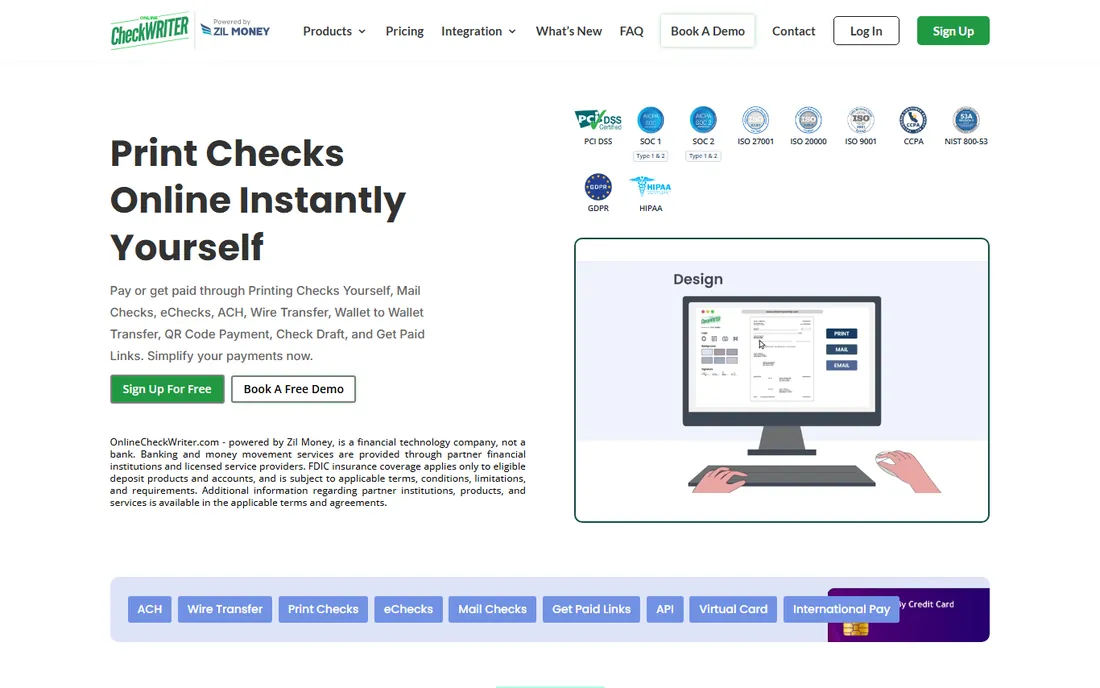
Nobody should pay a monthly subscription just to print the occasional check, and Online Check Writer is built around that idea. The platform itself costs nothing: you create an account, design checks with your logo, and print them on blank stock from any office printer for $1 per check, or have them mailed via USPS for $1.25. It connects to QuickBooks, Xero and other accounting tools, and the same dashboard handles ACH transfers and wires if you outgrow paper.
The pay-as-you-go model is honest but not the cheapest at scale. A business printing fifty checks a month pays $50 in per-check fees, where a $24 desktop license would pay for itself immediately. The $30 minimum wallet recharge also locks up a small balance. For low-volume check writers who want zero fixed cost and cloud convenience, it is the best free starting point.
What we like- No subscription, print from any printer
- Mail checks for $1.25
- Integrates with accounting software
- ACH and wire options built in
Watch out for- Per-check fees add up at volume
- $30 minimum wallet recharge
- Advanced features like positive pay cost extra
#2
FiChecks
Best for: Businesses wanting a free first month to test everything
Visit fichecks.com
Starting priceFree first month, then $0.49 per check
Free planYes, first month free
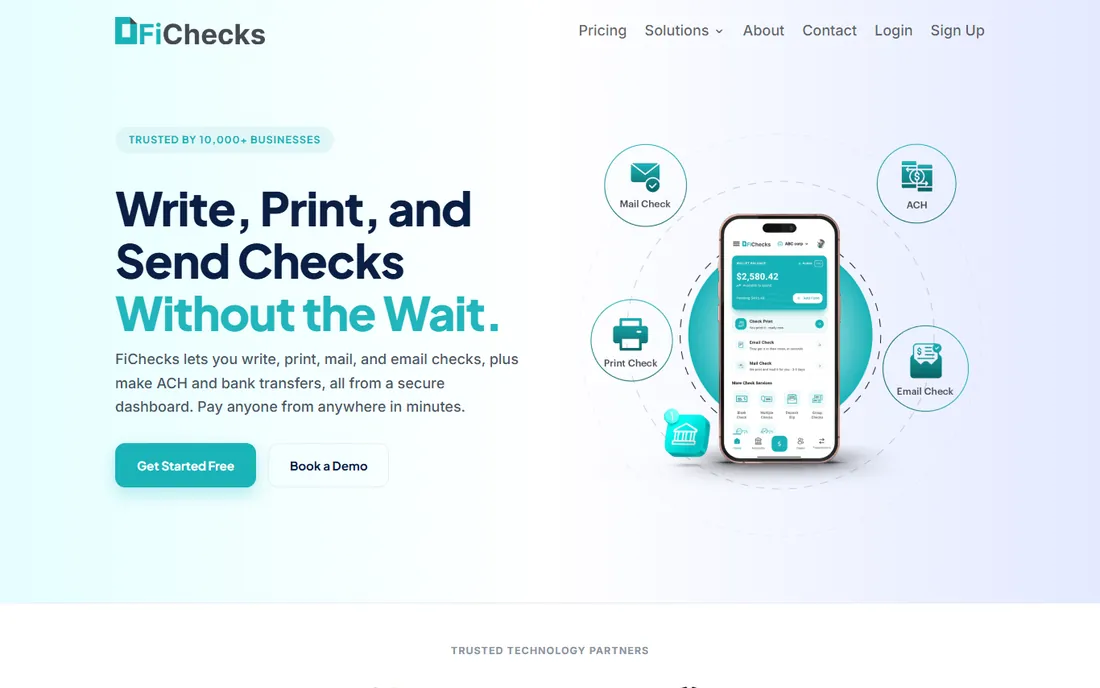
FiChecks takes the guesswork out of trials by making the entire first month free: unlimited check writing, printing, emailing and ACH with no card required up front. After that, checks cost $0.49 each, which undercuts Online Check Writer's $1 print fee nearly in half. Emailed checks and ACH transfers ride on the same platform, so a vendor who accepts digital payment never needs paper at all.
The obvious catch is that "free" expires after thirty days, so this is a trial rather than a permanent free tier. The company is also newer than the established names here, with fewer third-party reviews to lean on. Still, a genuinely free full-featured month is the best way to learn whether cloud check writing fits your workflow before committing to per-check fees anywhere.
What we like- Full platform free for the first month
- $0.49 per check after
- Email checks and ACH included
- No printer or special paper needed for mailed checks
Watch out for- Only the first month is free
- Per-check pricing still adds up
- Newer company with a shorter track record
#3
GnuCash
Best for: Free double-entry accounting with check printing built in
Visit gnucash.org
Starting priceFree
Free planYes, completely free and open source
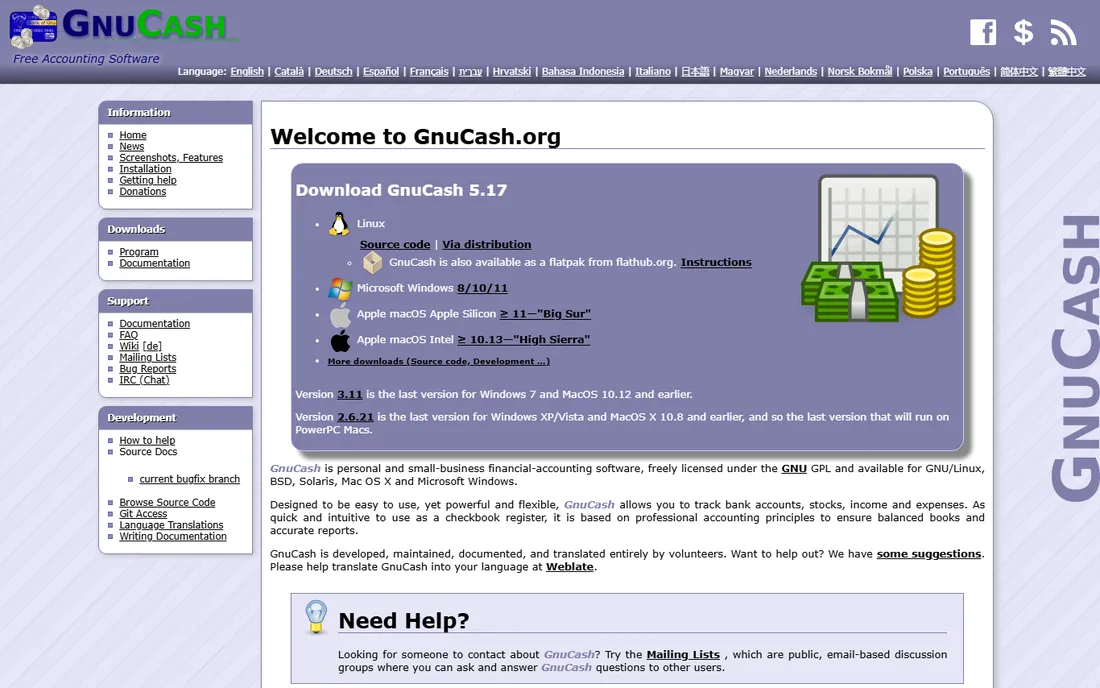
GnuCash is the only tool here that is free in every sense: no trial clock, no watermark, no per-check fee, no upsell. It is a complete double-entry accounting program, and its check-printing feature writes checks directly from your registered bank accounts onto standard check stock. For a freelancer or micro-business that needs both books and checks without spending anything, the value is unmatched.
You pay in usability instead of money. The interface looks like accounting software from 2005 because in many ways it is, and setting up check formats takes patience. There is no cloud version, so multi-user offices are out. But the checks it prints are real, bank-acceptable checks with no DEMO stamped across them, which is more than the free trials of paid products can say.
What we like- Full accounting system at zero cost
- Prints checks from registered accounts
- No subscriptions, no per-check fees, no watermarks
Watch out for- Dated interface with a learning curve
- Check layouts are basic
- No cloud sync or mobile app worth using
Starting priceFree tier available
Free planYes, free tier with free print credits
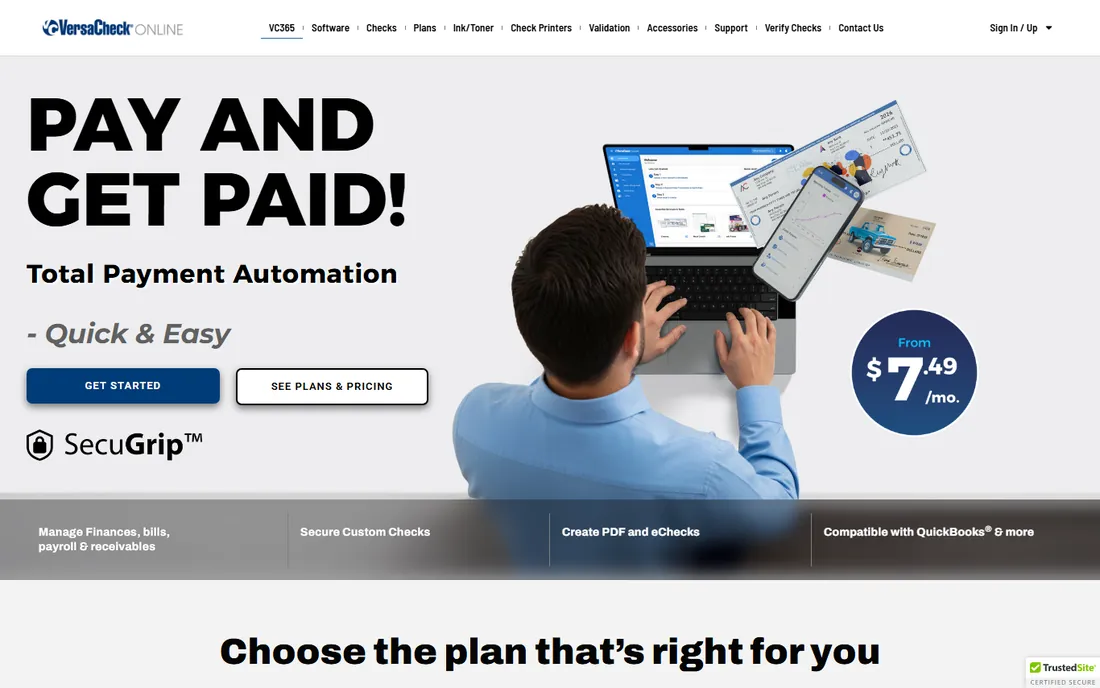
VersaCheck has sold check printing software and secure check paper for years, and VersaCheck Online brings it to the browser with a free tier that includes print credits. You can design checks with security features, print them at home, and order their branded check stock if you want paper with built-in anti-fraud features. For someone who writes a handful of checks a month, the free credits may cover the whole year.
The business model nudges you toward spending: credits deplete, paid plans start at low monthly prices, and the ecosystem favors their own check paper. The product also leans toward home users rather than businesses with approval workflows. As a free way to print your first checks today, though, it works exactly as advertised.
What we like- Free tier includes print credits to start
- Designs and prints secure checks
- Check paper and accessories in their store
Watch out for- Free credits run out
- Pushing toward paid plans and their branded check stock
- Software feels oriented to home users
Starting priceSee website
Free planFree demo version
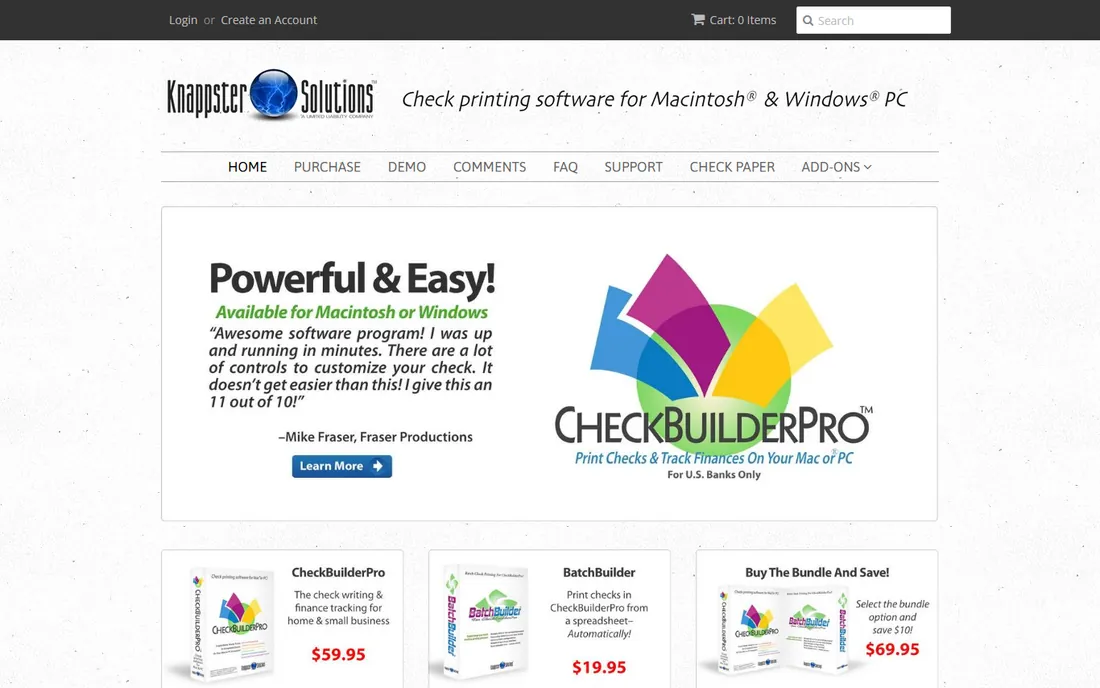
CheckBuilderPro positions itself as the simple option for people who find accounting software intimidating. The interface mimics a paper checkbook register, so writing and tracking checks feels familiar from the first minute. The free demo lets you test the full workflow before paying, which is more generous than trials that lock features behind signup walls.
The demo is the limitation: it is an evaluation copy, not a permanent free tier, and pricing is not published on the site before you engage with sales. It also lacks the accounting integrations that Checkeeper and Online Check Writer offer. For a sole proprietor who wants the simplest possible path from "I need to write a check" to a printed check, it deserves a look.
What we like- Built specifically for small businesses and individuals
- Simple checkbook-style interface
- Low learning curve
Watch out for- Free version is a demo, not full-featured
- Pricing not shown upfront
- Fewer integrations than cloud rivals
Starting priceFrom about $24 (one-time license)
Free planFree trial (prints DEMO watermark)
ezCheckPrinting from Halfpricesoft is the longtime budget champion of desktop check printing. The software prints MICR-encoded checks, the magnetic-ink character line banks require, directly onto blank check stock with a standard laser printer, eliminating pre-printed checks entirely. Licenses start around $24 one-time for a single user, which a business printing even a few checks a month recoups quickly versus per-check cloud fees.
The free trial is fully functional except for one thing: it stamps DEMO across every printed check, so you cannot use it for real payments without buying. Mac support is limited compared to Windows. But for a Windows-based small business that wants to own its check printing outright for the price of a pizza, nothing beats it.
What we like- Prints real MICR-encoded checks on blank stock
- One-time license from about $24, no subscription
- QuickBooks and Quicken compatible formats
Watch out for- Trial prints DEMO across checks
- Windows-focused with limited Mac support
- Interface is plain
Starting priceSee website
Free planFree trial
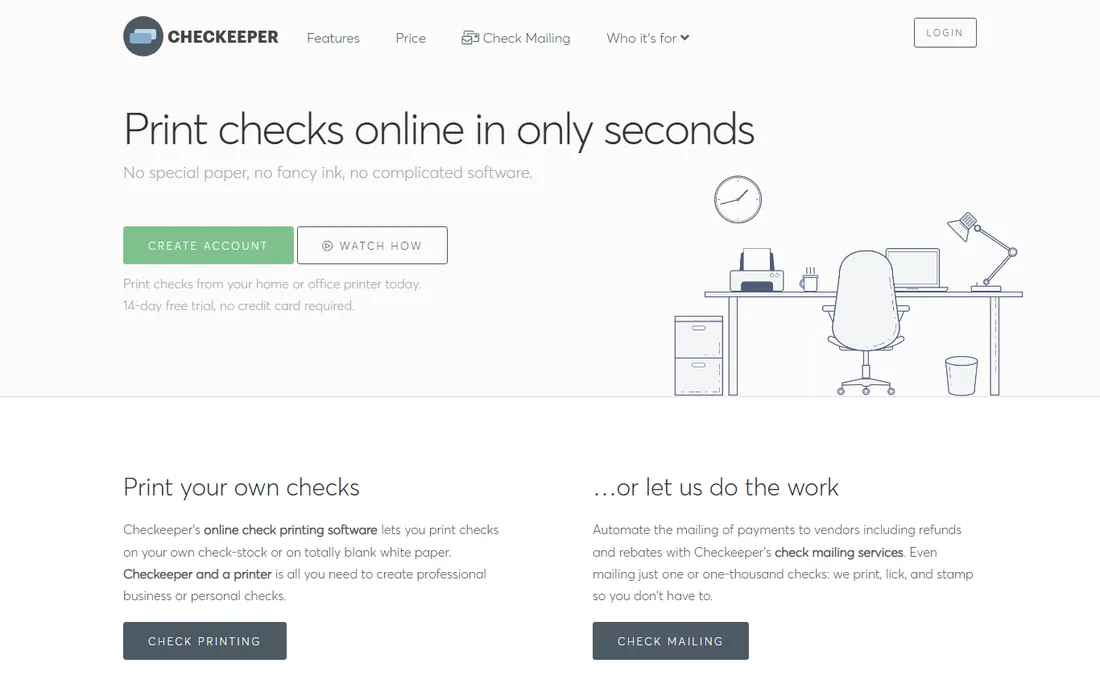
Checkeeper solves a specific problem: you already run QuickBooks, Xero or FreshBooks, and you want checks to flow straight out of your accounting data without retyping. Connect the integration, pick a template with your logo, and print on blank stock or have Checkeeper mail the checks for you. For bookkeepers and accountants managing multiple clients, the time savings are real.
There is no free tier beyond the trial, and pricing is subscription-based, so this is the least "free" option on the list. It earns its place because the integration eliminates the double entry that causes most check errors, and the free trial is enough to prove the workflow. If your books live in QuickBooks, start here; if they do not, the tools above give you more for less.
What we like- Direct integrations with QuickBooks, Xero and FreshBooks
- Mail checks for you
- Professional templates with logos
Watch out for- Trial only, no permanent free tier
- Subscription pricing
- Overkill if you do not use accounting software
The real cost of "free" check printing
Free software does not mean free checks. Every printed check consumes blank check stock (about $0.05 to $0.15 per sheet in bulk), MICR toner if you print the magnetic-ink line yourself (a cartridge premium of $20 to $40 over standard toner, spread across thousands of checks), and postage ($0.73 and up for mailing). A realistic all-in cost for a self-printed check is $0.10 to $0.30 before any software fees.
That math decides which tool wins for you. Under ten checks a month, Online Check Writer's $1 per-check fee is fine and the zero fixed cost wins. Over thirty checks a month, ezCheckPrinting's $24 one-time license beats every per-check fee on this list within the first month. Cloud mailing services charge $1 to $1.25 per mailed check, which beats your time standing at a printer only if your time is worth more than the difference.
One more cost people forget: rejected checks. A check missing a proper MICR line or with misaligned routing numbers gets rejected by the bank's reader, and reissuing costs more than the supplies saved. Test your first batch with your own bank before mailing checks to vendors.
What to check before you print your first check
Confirm your bank accepts self-printed checks, which nearly all US banks do as long as the MICR line meets ANSI standards. You need the routing number, account number and check number printed in magnetic ink (or MICR toner) at the bottom, positioned precisely. Most check software, including ezCheckPrinting and Online Check Writer, handles the layout; your job is using the right toner and stock.
Decide between blank stock and pre-printed checks. Blank stock is cheaper and lets the software print everything including your logo, but it requires MICR toner. Pre-printed checks from your bank or VersaCheck already have the MICR line, so any printer works, at a higher per-check cost.
Set up positive pay if your bank offers it. You send the bank a list of issued checks, and it flags anything that does not match, which stops most check fraud cold. It is the single best security step a check-writing business can take, and many banks include it free for business accounts.
Finally, keep records. Every tool here logs issued checks, but reconcile monthly against your bank statement. GnuCash users get this inside the accounting; cloud users should export the check register quarterly for their accountant.
How we chose
We verified each product is live and actually offers a free plan, trial or demo today, which is why this list is shorter than most roundups. Pricing and per-check fees come from the vendors' own pricing pages. We excluded big-name accounting suites with no free tier and "free" tools that turned out to be dead websites. Then we weighed the real economics for a small US business: software cost plus supplies and per-check fees at low, medium and higher volumes.
Frequently asked questions
Is it legal to print my own checks?
Yes. US law allows anyone to print checks as long as they carry a valid routing number, account number and check number in a MICR line that meets banking standards. Banks process millions of self-printed checks. What is illegal is printing checks against accounts you do not own or with fraudulent intent, which is check fraud regardless of how the check was made.
Do I need special ink or paper?
For the MICR line, yes: use MICR toner in a laser printer or have the line pre-printed on your check stock. Regular inkjet ink works for the rest of the check but will not read in bank scanners for the MICR line. Blank check stock from office suppliers or VersaCheck meets the paper standards most banks expect.
Will my bank accept checks I print at home?
Yes, if the MICR line is correct. Banks' automated readers check the magnetic characters, not where the check was printed. Run your first batch past your own bank or test-deposit one before mailing to vendors, and keep your software's check layout at default settings until you know it reads cleanly.
What is positive pay, and do I need it?
Positive pay is a bank service where you upload a list of checks you have issued, and the bank only honors matching items. It blocks forged and altered checks automatically. Most business banks offer it free or cheap, and if you print your own checks it is the strongest fraud protection available. Ask your bank to enable it before your first batch.
Can I print checks directly from QuickBooks?
QuickBooks Desktop can print checks natively through its banking menu, and QuickBooks Online users can connect Checkeeper or Online Check Writer to pull payee data automatically. ezCheckPrinting also offers QuickBooks-compatible formats. Any of these beats retyping vendor details by hand.
Are free check writing tools safe?
The established ones are, with caveats. Desktop tools like GnuCash and ezCheckPrinting keep your bank data on your own computer, which many owners prefer. Cloud tools encrypt data in transit and at rest, but you are trusting a third party with account numbers. Either way, enable two-factor authentication, limit who can print, and use positive pay.
Sources we checked (8)
- https://onlinecheckwriter.com/pricing/
- https://fichecks.com/pricing/
- https://www.gnucash.org
- https://versacheckonline.com
- https://checkbuilderpro.com
- https://www.halfpricesoft.com
- https://checkeeper.com
- https://contentmavericks.com/best-check-printing-software/
Is your product missing or out of date?
We review this list regularly. Vendors can request a listing, send updated pricing or ask about featured placement.

Shihab Mia · Founder, Rankite
Shihab has spent more than a decade helping SaaS and e-commerce brands grow through search. He writes Rankite's software buying guides from pricing pages, documentation and public user reviews. More about Shihab.