How we make this list: we compare pricing pages, product documentation and public user reviews. Rankite is independent; if a vendor ever pays for a featured spot, that listing is clearly labeled Partner.
Key takeaways
- If you want automatic bill detection at zero cost, Rocket Money's free tier finds your subscriptions and upcoming bills from linked accounts without a subscription.
- Privacy-first pick: Finny never asks for bank logins, and its core tracking is free forever, with Apple Pay logging as its standout trick.
- TimelyBills and Billiant are the only two here built around due-date reminders first, with Billiant auto-detecting bills straight from your email.
- Watch the upsell: PocketGuard's paid plan now runs $12.99/month, and YouGot's SMS reminders cost credits after the free trial, so know the long-term price before you commit.
Quick comparison
| Tool | Best for | Starting price | Free plan |
|---|
 Rocket Money Rocket Money | People who want bills and subscriptions detected automatically | Free (Premium $7-$14/month, pay what you think is fair) | Yes |
 PocketGuard PocketGuard | People who want one number showing what is safe to spend after bills | Free (Plus $12.99/month or $74.99/year) | Yes |
 TimelyBills TimelyBills | Families that want bill reminders and shared budgets | Free to download (premium plans via in-app purchase) | Yes |
 Spendee Spendee | Couples and roommates splitting bills with shared wallets | Free (Premium $5.99/month or $35.99/year) | Yes |
 Fudget Fudget | Minimalists who want a simple list of bills and a running balance | Free (Plus $19.99/year or $14.99/6 months) | Yes |
 Billiant Billiant | iPhone owners who want bills detected from email automatically | Free | Yes (free forever, per the vendor) |
 YouGot YouGot | People who want bill reminders as text messages that always arrive | Free to start (prepaid credits from $5 after the 7-day trial) | Free trial (7 days, then pay-per-use credits) |
 Finny Finny | Privacy-minded trackers who refuse to link a bank account | Free (Finny Pro upgrade available in-app) | Yes (core features free forever, per the vendor) |
Is your product missing or out of date?
We review this list regularly. Vendors can request a listing, send updated pricing or ask about featured placement.
The best free bill tracker app
A single late fee on a credit card can cost $30 or more, which makes a free app that nags you before the due date one of the best deals in personal finance. The catch is that most "free" bill trackers are really funnels into paid plans, and a few of the best-known names in this space have shut down (Prism closed in 2024, Honeydue was acquired and wound down). The eight apps below are alive, actively maintained, and genuinely usable without paying, each with a different idea of what bill tracking should look like.
#1
Rocket Money
Best for: People who want bills and subscriptions detected automatically
Visit rocketmoney.com
Starting priceFree (Premium $7-$14/month, pay what you think is fair)
Free planYes
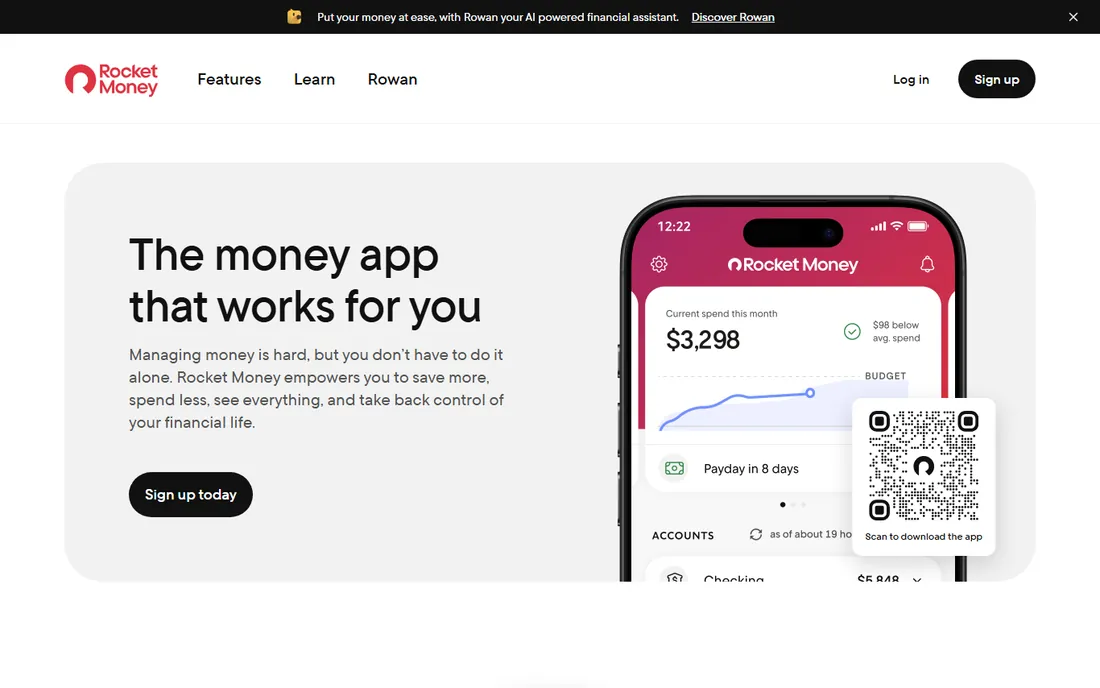
Rocket Money is the closest thing this list has to a mainstream default. Link your accounts once and it scans for recurring charges, lists your upcoming bills, and flags when a bill amount changes. The free plan covers the core tracking: subscription detection, upcoming bill tracking, transaction history, balance alerts, and a basic budget. For bill tracking purposes, that is the whole job.
The monetization is the part to understand before you sign up. Premium runs $7 to $14 a month on a "pay what you think is fair" model, and the human concierge features, subscription cancellation for you, and unlimited budgets sit behind it. Bill negotiation is available to free users too, but Rocket Money takes 35 to 60 percent of the first year's savings when it works. If all you want is to never miss a due date, the free tier is enough, and you can ignore the upsells.
What we like- Free tier detects subscriptions and tracks upcoming bills from linked accounts
- Bill negotiation concierge can lower bills for a success fee only
- Balance alerts and credit score tracking included free
Watch out for- Subscription cancellation help is Premium-only
- Premium pricing is a sliding scale that some buyers find confusing
- Bank syncing is slower on the free tier
#2
PocketGuard
Best for: People who want one number showing what is safe to spend after bills
Visit pocketguard.com
Starting priceFree (Plus $12.99/month or $74.99/year)
Free planYes
PocketGuard answers a different question than a pure reminder app: after all the bills hit this month, what can you actually spend? Its "In My Pocket" figure subtracts detected bills and goals from income, which makes upcoming bills impossible to ignore. The free tier includes bill tracking and detection across linked accounts, and you can also run it manually through the web app if you do not want to link a bank.
The honest trade-off is the pricing ladder. Plus at $12.99 a month or $74.99 a year is now one of the pricier options in this space, and free users report a lot of upgrade nudging. That said, the free tier does the core bill work, and the debt payoff planner and unlimited budgets are the real reasons to pay. If you link accounts, expect occasional sync hiccups, which reviewers mention regularly.
What we like- Free version detects recurring bills and shows your "In My Pocket" safe-to-spend amount
- Works without bank linking through the web app
- Bill reminders and subscription spotting included
Watch out for- Plus pricing rose sharply and now costs $12.99/month
- Free users see frequent upgrade prompts
- Pace spending forecasts are a paid feature
Starting priceFree to download (premium plans via in-app purchase)
Free planYes
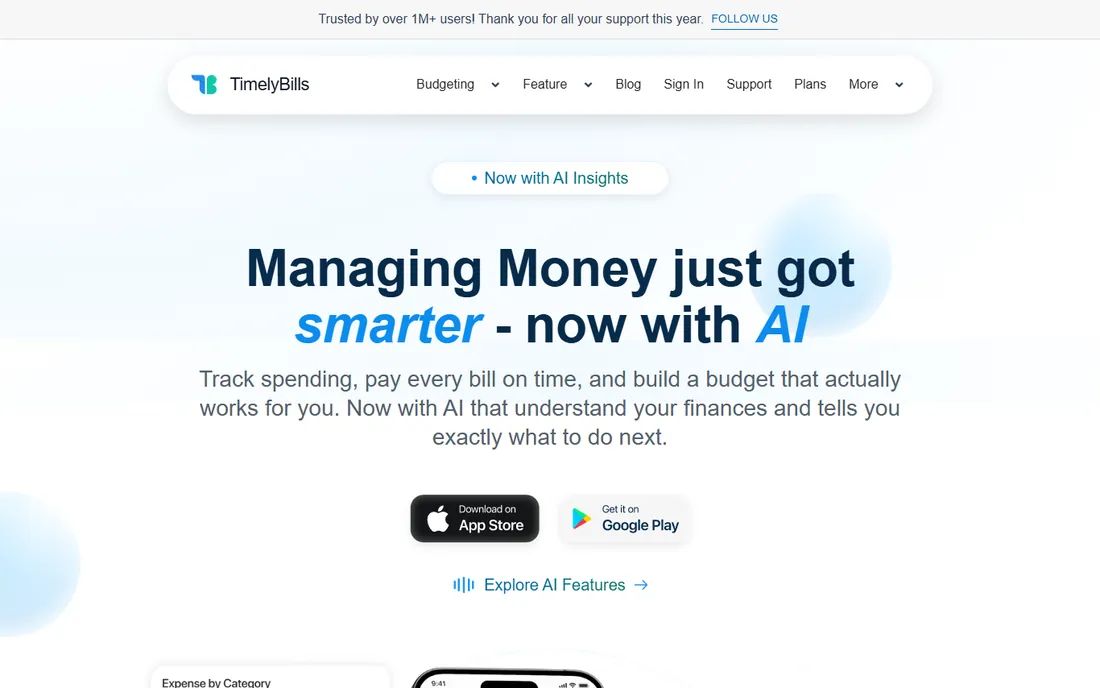
TimelyBills is a bill reminder app first and a budget app second, which is exactly the right priority for this category. Add your bills once, set reminder timing, and it pings you before each due date. The family features are unusually good for a free app: shared budgets, joint bill tracking, and per-member spending views, all without a bank connection if you prefer.
The paid tier adds AI insights, bank sync in the US and Canada, monthly reports, and widgets, but the vendor does not publish a clean price list on its site, so check the app store listing before upgrading. Also know that bank-level encryption and biometric login are in place, but the company is India-based, which matters to some US users reading privacy policies. For a household that just needs reminders that work, the free tier covers it.
What we like- Free to download with no credit card required
- Smart reminders and AI-predicted alerts before due dates
- Family sharing with shared budgets and joint bill tracking
Watch out for- Bank sync is limited to the US and Canada and sits on a paid tier
- The app leans heavily on manual entry outside India
- Sync reliability gets mixed reviews
#4
Spendee
Best for: Couples and roommates splitting bills with shared wallets
Visit spendee.com
Starting priceFree (Premium $5.99/month or $35.99/year)
Free planYes
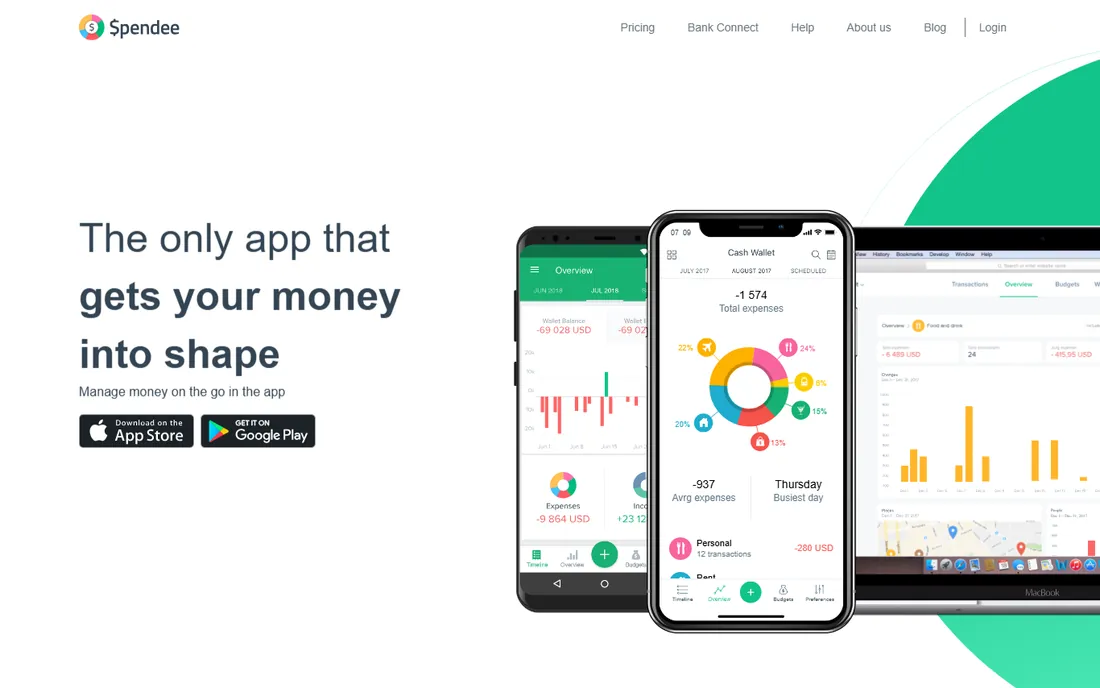
Spendee's bill reminders and alerts are the sleeper feature in an app usually described as a budgeting tool. Set up your recurring bills and it notifies you before due dates, while shared wallets let a couple or household track who paid what. The free Basic plan is genuinely useful: a full spending overview, one budget, one wallet, and secure sync across devices.
The line between free and paid is clear, which is a plus. Plus adds unlimited budgets and wallets, while Premium at $5.99 a month (or $35.99 a year, per Spendee's own help center) adds bank sync and automatic categorization. If you are comfortable entering transactions manually, Basic may be all you need. If you want the app to pull everything in automatically, price the Premium plan against Rocket Money's free tier first.
What we like- Free Basic plan with spending overview, bill alerts, and reminders
- Shared wallets make splitting bills straightforward
- Supports 150-plus currencies for international households
Watch out for- Bank sync and automatic categorization require the $5.99/month Premium plan
- Basic allows only one budget and one wallet
- Subscriptions must be bought through the app stores
#5
Fudget
Best for: Minimalists who want a simple list of bills and a running balance
Visit fudget.com
Starting priceFree (Plus $19.99/year or $14.99/6 months)
Free planYes
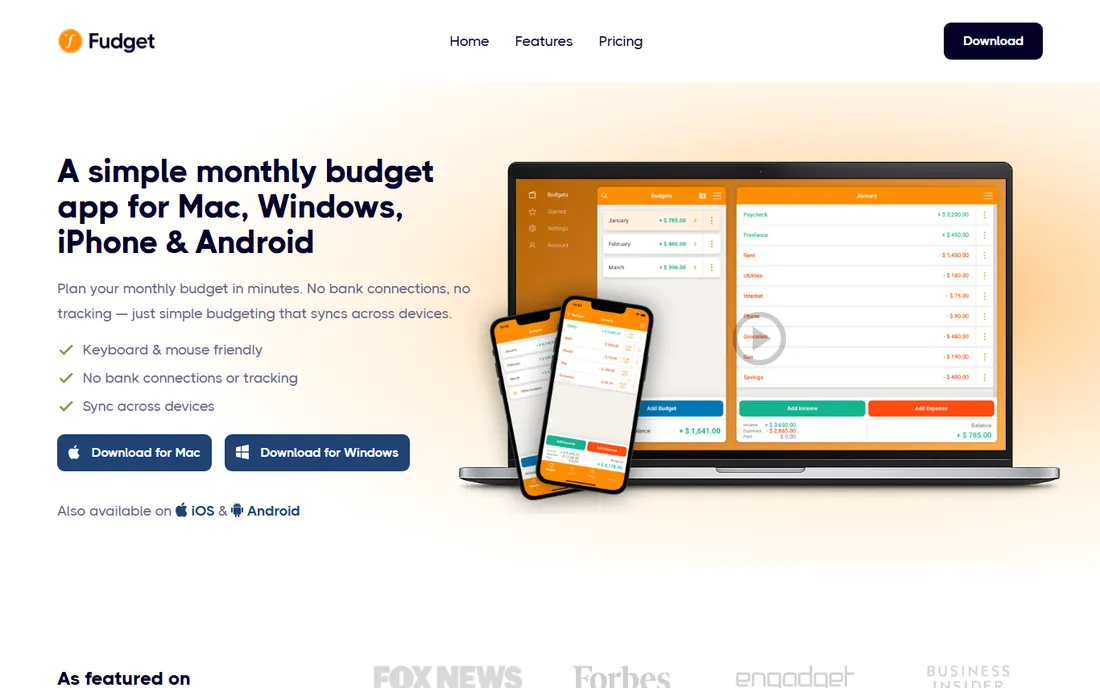
Fudget is the anti-app on this list: no bank logins, no account required, no syncing, just a list where you type each bill, mark it paid, and see the running balance. That simplicity is the point. The free Basic plan covers 5 budgets and 250 entries on one device, which is plenty for a straightforward household bill list.
The catch is that reminders, the one feature a bill tracker arguably needs most, are locked behind Fudget Plus at $19.99 a year (or $14.99 for six months, with a 7-day trial). Without Plus, you are relying on your own discipline to open the app. If you want automation or bank sync, look elsewhere. If you want the cheapest possible system that cannot leak your financial data because it never has it, this is it.
What we like- Free Basic plan with up to 5 budgets and 250 entries
- Mark entries as paid and watch the running balance
- Works offline with no account or bank connection
Watch out for- No bank sync at any price
- Bill reminders require the Plus subscription
- Charts and categories are basic
#6
Billiant
Best for: iPhone owners who want bills detected from email automatically
Visit billiant.app
Starting priceFree
Free planYes (free forever, per the vendor)
Billiant takes the cleverest approach here: connect your email and it finds bills in your inbox, categorizes them, and reminds you before they are due. No bank logins, no manual entry for the bills that arrive by email. The developer states the app is free forever and ad-free, which makes it the most generous free tier on this list by a wide margin.
The trade-offs are real, though. It is iPhone-only, so Android users are out. Email-based detection depends on your billers sending recognizable bills, and some users report misses that need manual fixing. And you are granting an app access to your email inbox, which is a bigger privacy ask than a bank connection for many people. For an iPhone owner who gets most bills by email, it is close to a set-and-forget bill tracker.
What we like- Free forever with no ads, per the developer
- Auto-detects bills from your email inbox
- Reminders, calendar view, and spending charts included
Watch out for- IPhone only, with no Android or web app
- Requires email inbox access to detect bills
- Small independent developer with a limited feature set
#7
YouGot
Best for: People who want bill reminders as text messages that always arrive
Visit yougot.ai
Starting priceFree to start (prepaid credits from $5 after the 7-day trial)
Free planFree trial (7 days, then pay-per-use credits)
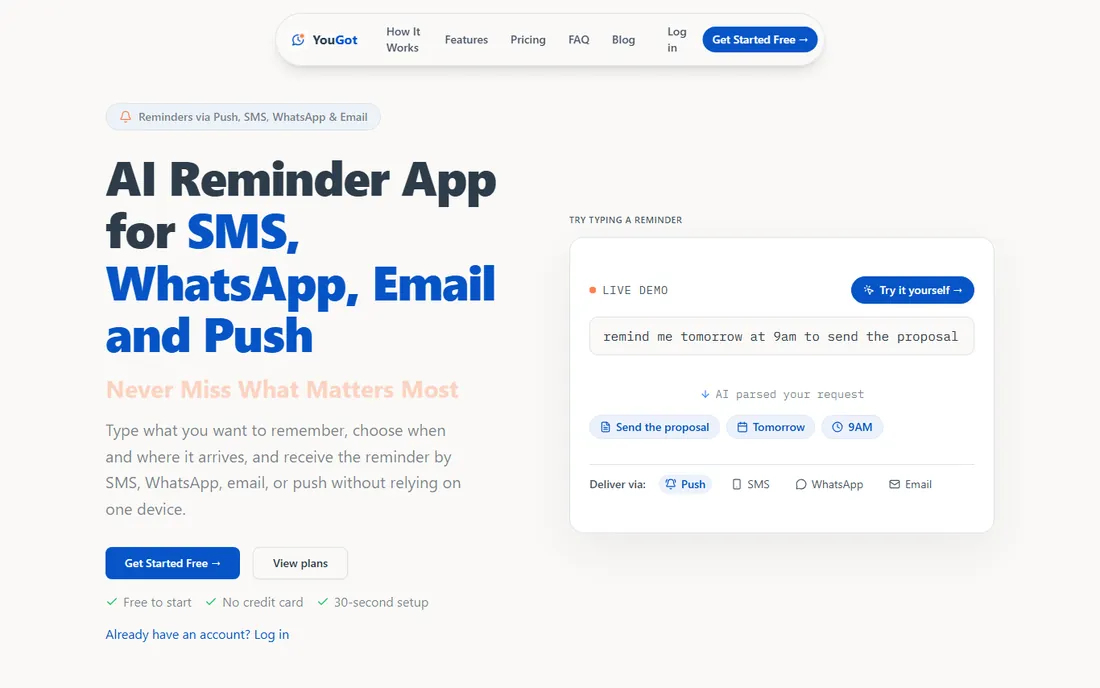
YouGot is the odd one out, and that is why it earned a spot. It is an AI reminder service, not a finance app: you type "remind me 3 days before each credit card bill is due" and it texts you. No bank account, no app install, no financial data shared. For variable bills that autopay cannot handle, a text message is harder to miss than a push notification.
Pricing is honest but not "free forever." Signup is free with 7 days of everything included, then you continue with prepaid credits from $5, where SMS costs more per reminder than email or push. Plans with monthly allowances exist, and the Plus plan runs $24.99 a month. The frugal move: use it for the handful of bills that actually need attention, and let autopay handle the fixed ones.
What we like- SMS reminders arrive even without internet or an installed app
- Plain-language scheduling ("remind me the 1st of every month")
- Can remind family members on their own phones
Watch out for- Not a bill tracker in the traditional sense, setup is fully manual
- No permanent free tier after the trial
- SMS-heavy use costs more than push or email
#8
Finny
Best for: Privacy-minded trackers who refuse to link a bank account
Visit getfinny.app
Starting priceFree (Finny Pro upgrade available in-app)
Free planYes (core features free forever, per the vendor)
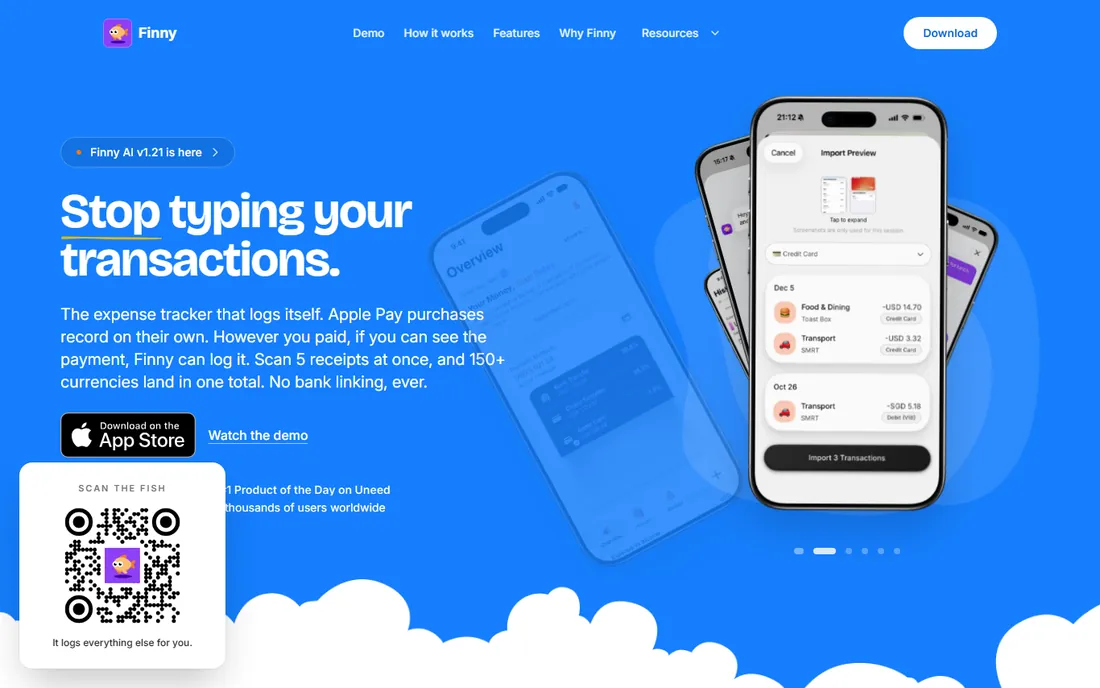
Finny's pitch is that your bank credentials should never leave your bank. Everything is manual or captured from payment notifications and Apple Pay taps, with optional cloud sync. The vendor states core features, manual tracking, custom categories, spending charts, 150-plus currencies, and offline support, are free forever, with no trial and no card required. A built-in recurring transactions feature lets you set up bill schedules and get reminders before each charge.
The downside of privacy-first is effort: without bank sync, you do more of the work, though Tap to Track and notification logging cut it down. Finny Pro, which adds AI input, receipt scanning, and cloud sync, is priced in the low single digits per month through the app store, with the exact figure shown at checkout. It is iOS-only, so Android users should look at Spendee or TimelyBills instead.
What we like- Core tracking is free forever with no account required
- Never asks for bank logins, data stays on your device
- Apple Pay Tap to Track logs purchases automatically
Watch out for- IOS only
- AI features like receipt scanning and voice input need the paid Pro tier
- Recurring bill reminders are newer and less proven than rivals
What to look for in a bill tracker app
Picking the best free bill tracker app is mostly about deciding how much automation you want and how much access you are willing to grant.
Bank sync vs. manual entry
Synced apps like Rocket Money and PocketGuard find bills you forgot about, which is their real value. The price is a bank connection through an aggregator like Plaid, plus occasional sync errors. Manual apps like Fudget, TimelyBills, and Finny keep your data on your device or in your own hands, but they only track the bills you remember to add. If your main problem is forgotten subscriptions, sync wins. If your main problem is just remembering due dates, manual is fine.
Reminders you will actually see
A reminder you dismiss without reading is worthless. Check what channels the app supports and whether you can control timing. TimelyBills and Billiant send smart push alerts before due dates. YouGot goes further with SMS and WhatsApp, which reach you even with no data connection. Fudget only reminds paying subscribers, which is worth knowing before you build your system around it.
The free-plan trap
"Free" usually means one of three things: a genuinely free product (Billiant, Finny's core), a limited tier designed to upsell you (PocketGuard, Rocket Money, Spendee), or a trial wearing a free costume (YouGot after 7 days). Read the pricing page for the paid tier even if you never plan to pay, because the price tells you how badly the company wants to convert you, and aggressive upsell prompts are the tax you pay for the free tier.
Set up your bill tracker in 10 minutes
The best app in the world does nothing until your bills are in it. Here is a fast setup routine that works with any of the eight above.
First, list every recurring bill with its due date and amount. Pull up your last two bank or card statements and write them down: rent, utilities, insurance, phone, streaming, minimum card payments. Most people find at least one forgotten subscription during this step, which is half the value of the exercise.
Second, put every fixed bill on autopay through the biller, not the app. Autopay is more reliable than any reminder. Then use the app for the variable bills: credit cards you pay in full, quarterly insurance, annual renewals. Set reminders 3 to 5 days before the due date, not the day of, so you have time to act.
Third, do a monthly 5-minute review. Open the app, confirm everything marked paid actually cleared, and check for new recurring charges. Cancel anything you do not recognize. This is the habit that turns an app into actual savings, and it is the step most people skip.
How we chose
We started with the searches buyers run: best free bill tracker app, free bill reminder app, and bill tracker without bank account. For each candidate we opened the vendor's own site, checked whether the app is still alive and maintained (Prism and Honeydue were dropped because they shut down or were acquired), confirmed the free plan on the vendor's pricing page or app listing, and read user reviews on app stores, Reddit, and review sites for the real-world catches. Where a price could not be verified on the vendor's own pages, we wrote "see website" rather than guessing.
Frequently asked questions
Is there really a free bill tracker app that does not try to upsell me?
Yes, with caveats. Billiant is free with no ads according to its developer, and Finny's core tracking is free forever. Fudget's Basic plan is free with no account needed. Most others, Rocket Money, PocketGuard, and Spendee, run a limited free tier with paid upgrades, which is fine as long as the free tier covers reminders.
Should I link my bank account to a bill tracker?
Linking gets you automatic bill detection, which catches subscriptions you forgot about. The trade-off is that a third party sees your transaction history through an aggregator like Plaid. If that bothers you, Finny, Fudget, and TimelyBills work without any bank connection, and YouGot needs nothing but a phone number.
Can a bill tracker pay my bills for me?
Rarely. Most of these apps remind you; they do not move money. Prism used to offer free bill pay before it shut down, and none of the current free apps replicate that. For actual payment, set up autopay with each biller and use the tracker for reminders and oversight.
What is the difference between a bill tracker and a budgeting app?
A bill tracker focuses on due dates and upcoming payments so you never pay late. A budgeting app focuses on spending categories and limits so you spend less than you earn. Many apps do both, but if late fees are your problem, pick the app with the best reminders, not the best charts.
Do free bill tracker apps sell my data?
Reputable ones state they do not sell personal data, and bank-linked apps use read-only connections that cannot move money. The business model to watch is advertising: some free apps show ads or promote financial products. Check the privacy policy before linking accounts, and prefer apps that state their policy plainly.
Sources we checked (11)
- https://rocketmoney.com/
- https://www.rocketmoney.com/learn/personal-finance/how-much-does-rocket-money-cost
- https://pocketguard.com/
- https://pocketguard.com/blog/pocketguard-vs-ynab/
- https://timelybills.app/
- https://spendee.com/
- https://help.spendee.com/article/202-what-is-spendee-premium
- https://fudget.com/
- https://billiant.app
- https://www.yougot.ai/
- https://getfinny.app/
Is your product missing or out of date?
We review this list regularly. Vendors can request a listing, send updated pricing or ask about featured placement.

Shihab Mia · Founder, Rankite
Shihab has spent more than a decade helping SaaS and e-commerce brands grow through search. He writes Rankite's software buying guides from pricing pages, documentation and public user reviews. More about Shihab.