How we make this list: we compare pricing pages, product documentation and public user reviews. Rankite is independent; if a vendor ever pays for a featured spot, that listing is clearly labeled Partner.

Key takeaways
- Monarch Money and YNAB are the two strongest all-rounders: Monarch if you want tracking plus budgeting in one view, YNAB if you want a method that forces every dollar to have a job.
- For retirement modeling, Boldin and ProjectionLab give you serious scenario tools cheaply, while WealthTrace and MaxiFi Planner suit people who want tax-level detail.
- Empower is the only genuinely free option worth your time here, with a free dashboard and retirement planner that cost nothing unless you hire their advisors.
- Spreadsheet lovers who hate black-box apps should look at Tiller Money, which feeds your accounts into Google Sheets or Excel you actually own.
Quick comparison
| Tool | Best for | Starting price | Free plan |
|---|
 Monarch Money Monarch Money | Households managing money together | $99.99 per year (Core plan) | 7-day free trial |
 YNAB YNAB | People serious about zero-based budgeting | $109 per year | 34-day free trial |
 Quicken Simplifi Quicken Simplifi | Hands-off budgeters who want a spending plan | $5.99 per month (billed annually) | No (30-day money-back guarantee) |
 Empower Empower | Investors who want free tracking and retirement planning | $0 (free Personal Dashboard) | Yes |
 Boldin Boldin | DIY retirement planners who model taxes and Social Security | $168 per year (PlannerPlus, billed annually) | Yes (Basic plan) |
 ProjectionLab ProjectionLab | Visual thinkers who like interactive timelines | $129 per year (Premium) | Yes (Basic plan) |
 WealthTrace WealthTrace | Investors who want detailed, account-linked projections | $229 per year (Standard) | 14-day free trial |
 MaxiFi Planner MaxiFi Planner | Economics-minded planners focused on lifetime spending | $109 for the first year, then $89 per year | No |
 PocketSmith PocketSmith | People who plan money on a calendar | $14.49 per month (Premium) | Yes (Basic plan) |
 Tiller Money Tiller Money | Spreadsheet people who want automation without giving up control | $79 per year | 30-day free trial |
Is your product missing or out of date?
We review this list regularly. Vendors can request a listing, send updated pricing or ask about featured placement.
Starting price$99.99 per year (Core plan)
Free plan7-day free trial

Monarch Money is the closest thing to a direct replacement for Mint that charges for the privilege, and most former Mint users seem glad they switched. It connects checking, savings, credit cards, loans and investment accounts into one dashboard, then layers budgeting, cash flow, goals and a net worth tracker on top. The standout feature is the Household model: you can add a partner with their own login at no extra charge, which fixes the single-login friction that plagues most competitors.
In 2026 Monarch added a Plus tier at $199 per year with forecasting and deeper investment analysis, but Core at $99.99 per year covers most households. The catch is the entry price: no free tier, only a 7-day trial. For couples sharing one view of their money, it is still good value.
What we like- Unlimited account syncing on Core
- Partner sharing at no extra cost
- No ads and no data selling
Watch out for- No permanent free tier
- The new Plus tier costs $199 per year if you want forecasting
#2
YNAB
Best for: People serious about zero-based budgeting
Visit ynab.com
Starting price$109 per year
Free plan34-day free trial
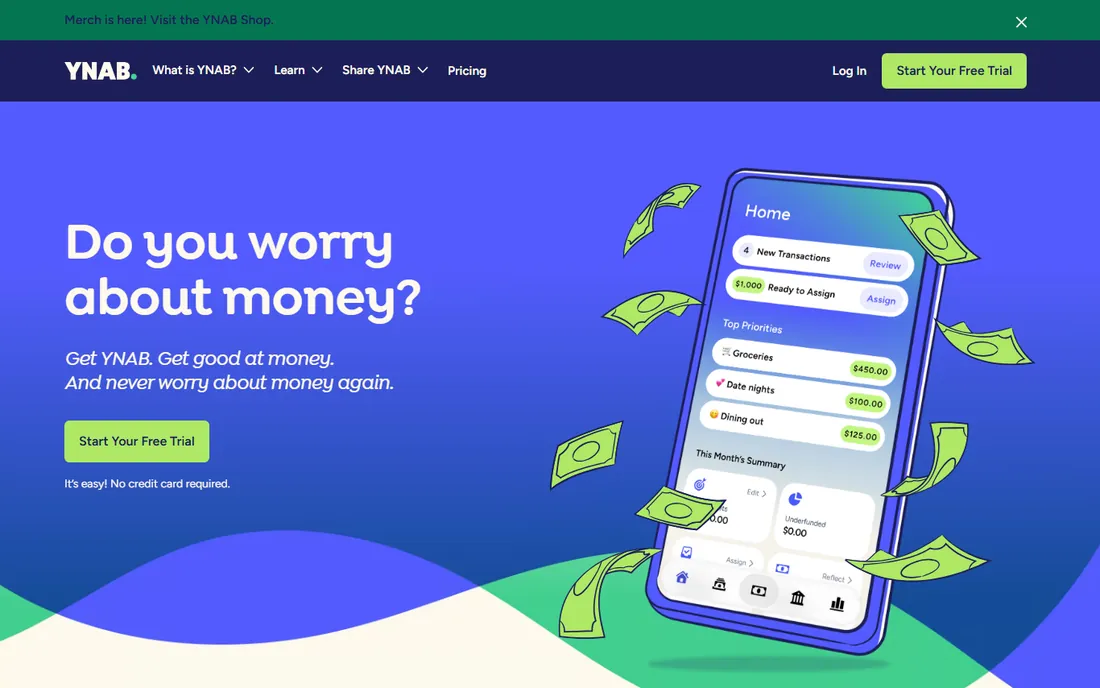
You Need a Budget has been around since 2004, and it shows in the best way: instead of just showing you where money went, it teaches you to assign every dollar a job before you spend it. The four rules (give every dollar a job, embrace true expenses, roll with the punches, age your money) are the real product. The software is the scaffolding. People who actually engage with the method report meaningful savings; people who just connect accounts and stare at the dashboard do not.
It costs $14.99 per month or $109 per year, one plan with everything included, and the 34-day trial needs no credit card. Up to six people can share one subscription. The weakness is scope: no real investment analysis and no free tier. Pair it with a retirement tool below if you need that side.
What we like- A proven four-rule method with workshops and coaching
- 34-day trial needs no credit card
- Up to six people share one subscription
Watch out for- No free tier and no investment tracking to speak of
- The method demands active engagement
#3
Quicken Simplifi
Best for: Hands-off budgeters who want a spending plan
Visit quicken.com
Starting price$5.99 per month (billed annually)
Free planNo (30-day money-back guarantee)

Simplifi is Quicken's modern answer to the budgeting app crowd, and it keeps winning awards for a reason. Instead of forcing one budgeting religion on you, it builds a personalized Spending Plan from your income, bills, subscriptions and goals, then shows you what is safe to spend each day. It handles zero-based budgeting, envelope budgeting and 50-30-20 without complaint, which is rare.
It also tracks investments, subscriptions, bills and your credit score in the same subscription. The catch: no free trial, only a 30-day money-back guarantee, and the standard price is $5.99 per month billed annually. A good pick if you want Quicken's name without the desktop baggage.
What we like- A Spending Plan that adapts as you spend
- Supports zero-based, envelope and 50-30-20 methods
- Credit score monitoring included
Watch out for- No free trial, only a refund window
- The annual price has crept upward over time
#4
Empower
Best for: Investors who want free tracking and retirement planning
Visit empower.com
Starting price$0 (free Personal Dashboard)
Free planYes
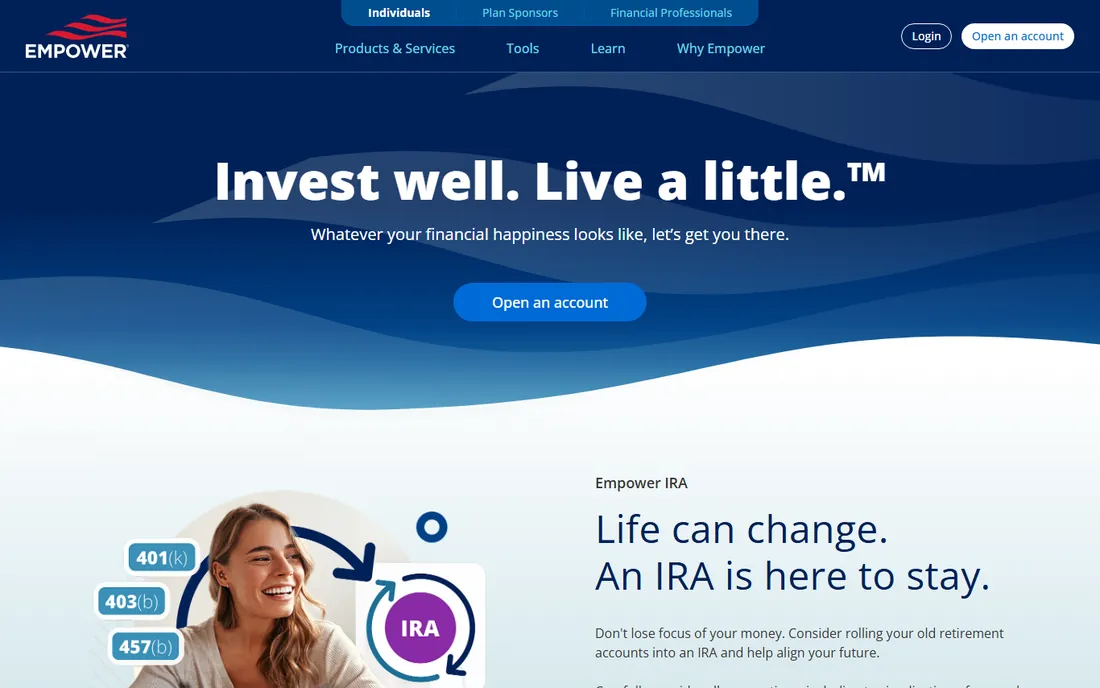
Empower, formerly Personal Capital, runs the best free deal in personal finance software. The Personal Dashboard costs nothing and includes net worth tracking across linked accounts, a cash flow view, a Retirement Planner that stress-tests your plan against recessions, portfolio analysis with a fee analyzer, a savings planner and a debt paydown tool. You could run your entire financial overview on this and never pay a cent.
The trade is clear: Empower makes money selling wealth management, and once your tracked assets cross $100,000 you will likely get sales outreach for advisory at 0.89 percent of assets per year. The dashboard stays free regardless. Budgeting is the weak spot, so pair it with a budgeting app if you need that side.
What we like- The full dashboard and Retirement Planner are completely free
- Deep portfolio and fee analysis
- No subscription required
Watch out for- The budgeting tools are thin
- Expect persistent sales calls about paid advisory services
#5
Boldin
Best for: DIY retirement planners who model taxes and Social Security
Visit boldin.com
Starting price$168 per year (PlannerPlus, billed annually)
Free planYes (Basic plan)
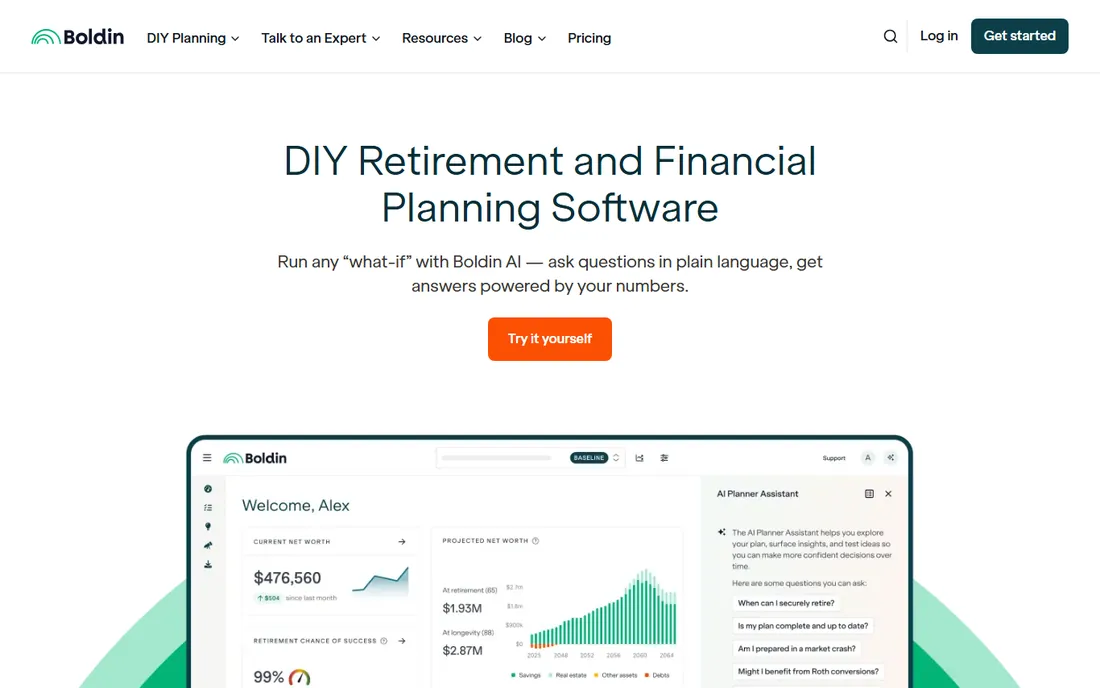
Boldin, formerly NewRetirement, is the tool a lot of serious DIY planners quietly rely on. The free Basic plan already gives you a workable retirement snapshot, and PlannerPlus adds the serious machinery: multiple what-if scenarios, Roth conversion modeling, state-specific tax calculators, Medicare simulators, real estate tracking and Monte Carlo stress tests. The Roth conversion explorer alone can justify the subscription.
PlannerPlus now costs $168 per year for new subscribers (up from $144), with a 14-day free trial, and a $3,200 flat-fee advisor tier exists if you want a human to check your work. The catch is that Boldin is a lab, not a concierge: it assumes you enjoy adjusting variables and reading charts.
What we like- Deep scenario modeling, Roth conversion tools and Monte Carlo analysis
- Generous free Basic plan
- Live classes and a document vault
Watch out for- No human advisor included
- The interface can feel dense for casual users
Starting price$129 per year (Premium)
Free planYes (Basic plan)

ProjectionLab takes retirement planning out of the spreadsheet and onto a visual timeline where you can drag through your life and watch your money evolve. Model retirement dates, career breaks, Coast FIRE, Social Security claiming and spending changes, and see the effect instantly. It is the most enjoyable of the planning tools to actually use, which matters more than people admit: a tool you open is a tool that helps.
The free Basic plan is useful for a one-time plan but forgets everything when you log out. Premium at $129 per year saves your data and adds tax analysis. The privacy model is a selling point, no bank linking at all, but the price is manual entry, which takes an honest afternoon the first time.
What we like- Beautiful interactive timeline of your financial life
- Monte Carlo and tax analysis on Premium
- No account linking required, so your data stays private
Watch out for- Manual data entry takes time
- The free plan does not save your work between sessions
Starting price$229 per year (Standard)
Free plan14-day free trial
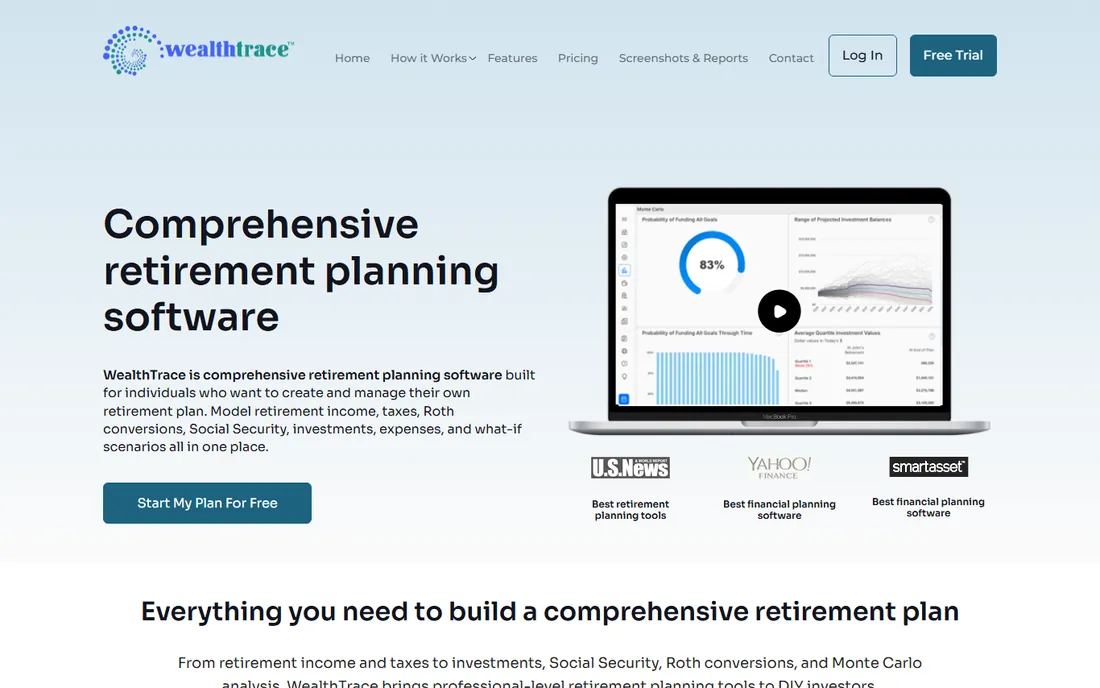
WealthTrace sits at the professional end of DIY planning. It links your investment accounts and refreshes balances daily, then builds projections from your actual holdings, not rough estimates. The scenario tools are unusually thorough: federal and state tax projections, Social Security planning, RMD calculations, Roth conversion scenarios on the Deluxe tier, asset allocation modeling and historical recession scenarios that show how your plan holds up in a bear market.
Standard costs $229 per year and Deluxe $289, with a 14-day free trial and no free tier. It is the priciest option here and offers no budgeting tools. It suits someone whose budget is already handled and who wants advisor-grade planning depth.
What we like- Links investment accounts with daily balance updates
- Detailed tax, Social Security and RMD modeling
- Bear-market scenario testing
Watch out for- The priciest consumer option here
- No free tier and no budgeting features
Starting price$109 for the first year, then $89 per year
Free planNo
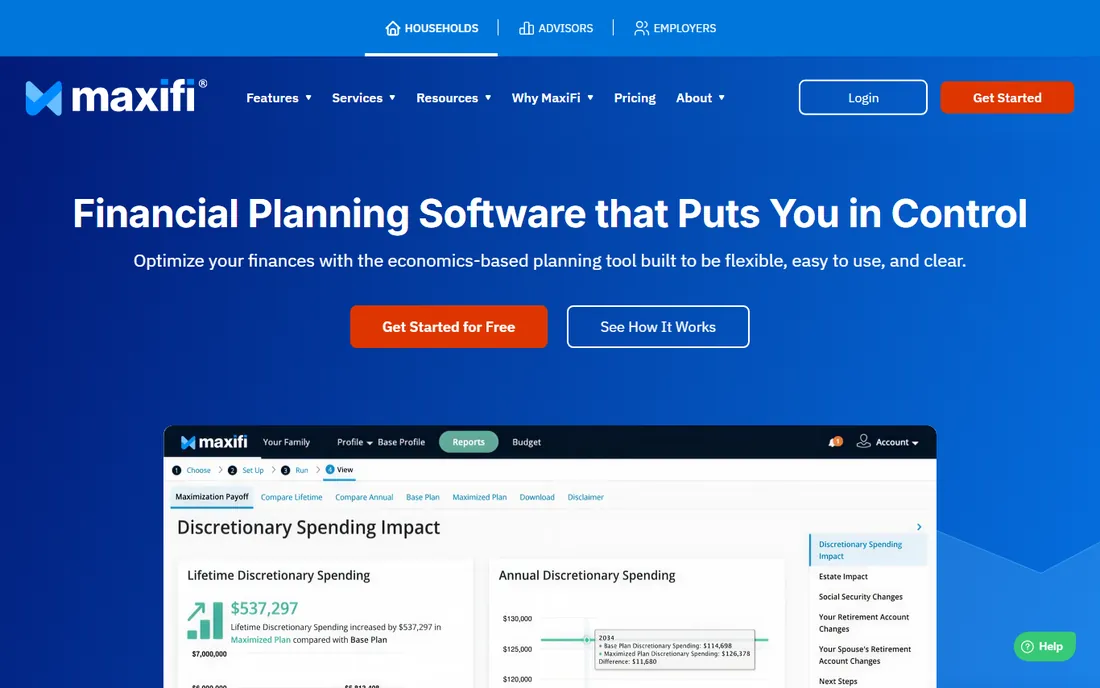
MaxiFi Planner comes from economist Laurence Kotlikoff's company, and it thinks about money differently than everything else here. Instead of asking how much you can save, it computes your sustainable lifetime spending: how much you can afford to spend each year while keeping the same standard of living for life. That consumption-smoothing logic, plus Social Security optimization and Monte Carlo simulations, makes it a favorite on forums like Bogleheads.
The first year costs $109, renewals $89, with no free trial or free tier. The interface is dated and the learning curve is real, but support is famously responsive. It is the pick for the person who distrusts glossy dashboards and wants the math.
What we like- Consumption-smoothing engine built on real economics
- Social Security optimization
- Monte Carlo simulations
- Consistently praised support
Watch out for- No free trial
- The interface feels dated and the learning curve is real
Starting price$14.49 per month (Premium)
Free planYes (Basic plan)
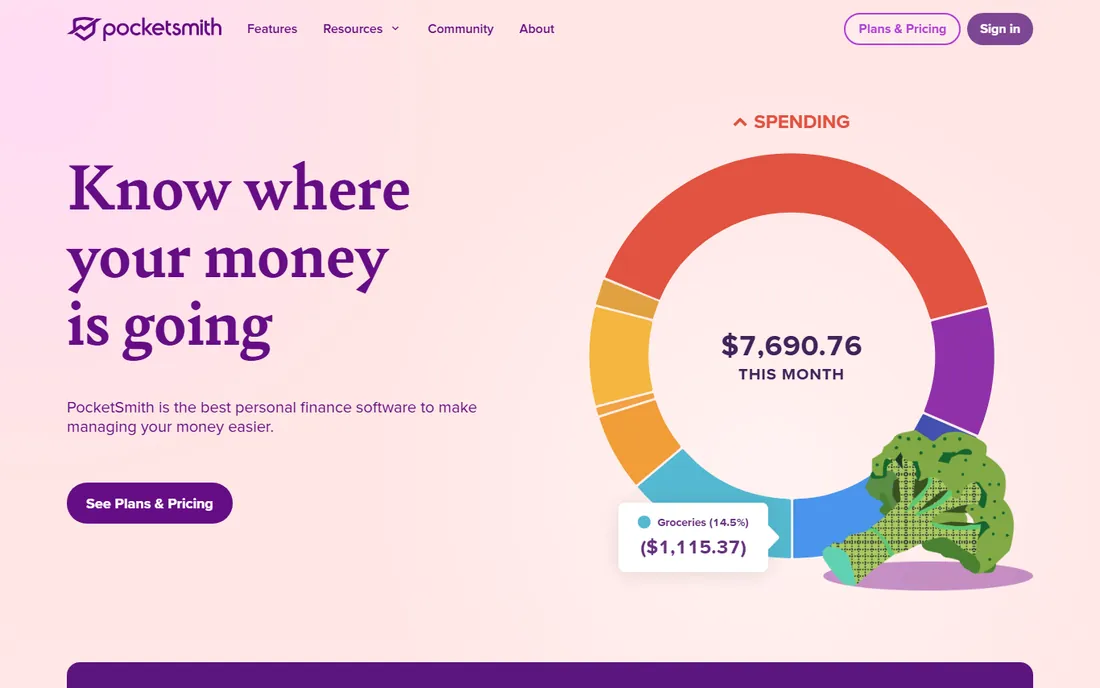
PocketSmith is built around a calendar, and that single design choice makes it different from every dashboard on this list. You schedule income, bills and events on dates, and it projects your account balances forward, up to 30 years on the Super tier. For freelancers with irregular income or anyone who thinks in paydays rather than pie charts, the calendar view clicks in a way dashboards never do.
The free Basic plan covers manual imports, two accounts and six months of projections. Premium at $14.49 per month adds automatic bank feeds, ten accounts and ten-year projections. It is subscription-funded, so your data is not the product. If you like planning forward in time rather than analyzing the past, start here.
What we like- Calendar-based cash flow forecasting up to 30 years
- Multi-currency support
- Funded by subscriptions, not data sales
Watch out for- Premium pricing has risen
- Automatic bank feeds are limited to paid tiers
#10
Tiller Money
Best for: Spreadsheet people who want automation without giving up control
Visit tillerhq.com
Starting price$79 per year
Free plan30-day free trial
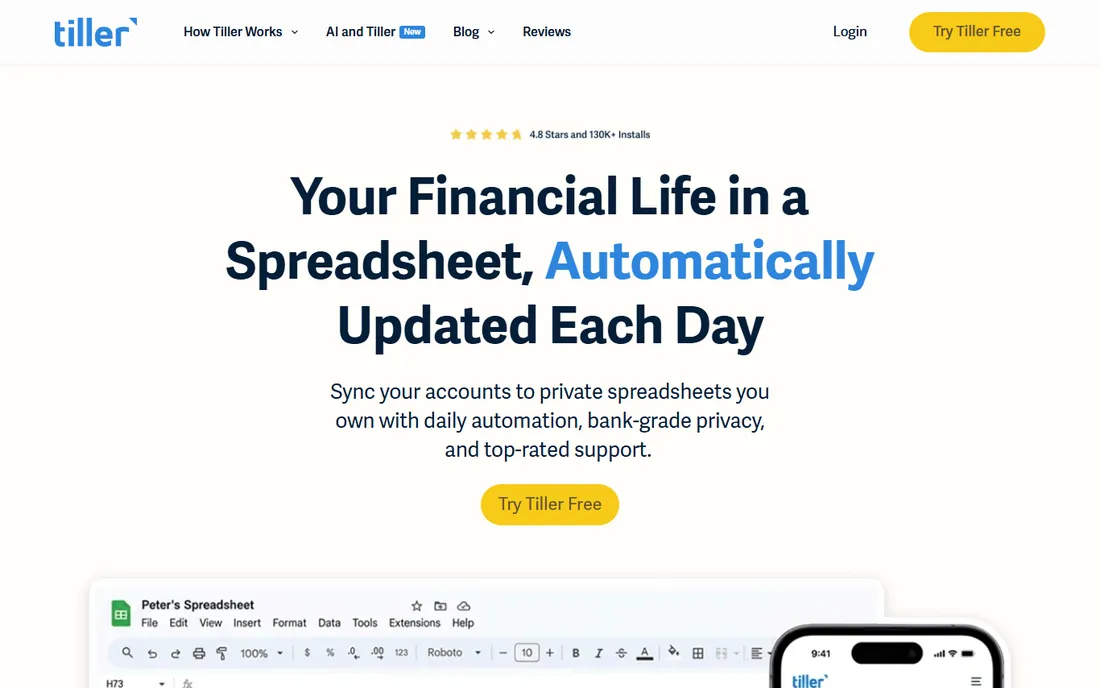
Tiller Money solves the spreadsheet problem: it pulls your bank transactions into Google Sheets or Microsoft Excel automatically every day, then gets out of your way. You get the full power of a spreadsheet, formulas, pivot tables, custom categories, with none of the manual data entry. The Foundation templates cover budgeting, debt payoff and net worth tracking, and the community has built hundreds more.
At $79 per year with a 30-day free trial, it is one of the cheaper serious options, with no ads and no data monetization. The catch is that it is unapologetically spreadsheet-first. If you already live in Sheets, nothing else here gives you this much control for the money.
What we like- Bank feeds flow straight into Google Sheets or Excel you own
- Huge template library and an active community
- No ads, and your data stays yours
Watch out for- Requires a Google sign-in and some spreadsheet comfort
- No credit score or retirement tools built in
How we chose
We compared pricing pages, feature lists and documentation from each vendor, plus public reviews on G2, Capterra and Reddit, to check how these tools behave in real use. We favored tools with transparent pricing, active development and a clear audience, and we mixed mass-market apps with specialist planning software so both budgeters and retirement modelers find a fit. We did not test any software hands-on, and prices change, so check the vendor's current pricing page before you buy.
Start with your actual problem, not the feature list. If money feels chaotic month to month, you need a budgeting app first: YNAB if you want a method that changes behavior, Monarch if you want the whole picture with minimal effort, Simplifi if you want something cheap that mostly runs itself. If month-to-month is fine and the question is "can I retire, and when," skip the budgeters and go straight to Boldin or ProjectionLab. They answer a question the budgeting apps cannot even ask.
Second, decide how much manual work you will tolerate. Empower, Monarch and Simplifi pull your data in automatically. ProjectionLab, MaxiFi and the free tier of PocketSmith ask you to type numbers in, which takes longer but keeps your bank credentials out of a third party. Tiller splits the difference: automatic feeds, but into a spreadsheet you control.
Third, match the price to the value. A $229-per-year planner is overkill for a 28-year-old with one 401(k) and cheap for a 55-year-old timing Social Security. Free options are not charity: Empower sells advisory, while PocketSmith and ProjectionLab want you to upgrade. Know which deal you took.
Budgeting apps vs planning software: what is the difference
Budgeting apps manage the next 30 days. Planning software manages the next 30 years. YNAB, Monarch, Simplifi and Goodbudget-style tools answer "where did my money go and what is safe to spend." Boldin, ProjectionLab, WealthTrace and MaxiFi answer "when can I retire, how much can I spend, and what does the tax bill look like."
Most people need one of each, not one instead of the other. A common setup: Monarch or Simplifi for daily money, the free Empower dashboard for investments, and Boldin's free plan for an annual retirement check. That combination costs about $100 a year and covers everything the $229 tools do for most households. Buy the expensive specialist only when your situation is genuinely complex: rental income, stock options, a business, or a retirement date within five years.
Frequently asked questions
Do I need both a budgeting app and financial planning software?
Not always. If you are under 35 with straightforward finances, a budgeting app like YNAB or Simplifi plus a free tracker like Empower covers most of it. Planning software earns its keep when you have real decisions to model: retirement timing, Social Security claiming, Roth conversions, or irregular income. Start with the free tiers of Boldin or ProjectionLab before paying for anything.
Which of these tools is actually free?
Empower's Personal Dashboard is fully free with no paid tier required for the software itself. Boldin, ProjectionLab and PocketSmith all offer genuinely useful free plans, and Tiller Money and YNAB have generous trials (30 and 34 days). Monarch, Simplifi, WealthTrace and MaxiFi have no free tier at all, only trials or refund windows.
Can these tools replace a financial advisor?
They can replace some of what an advisor does, especially plan modeling and investment fee analysis, but they cannot replace judgment, tax advice or someone to talk you off the ledge in a market crash. Boldin sells a flat-fee advisor-built plan for $3,200 if you want a human to check your DIY work. For most people, good software plus an occasional hourly advisor beats a 1-percent-of-assets fee.
Is it safe to link my bank accounts to these apps?
The established apps use bank-grade encryption and read-only connections through data providers like Plaid, Finicity and MX, and they cannot move your money. That said, linking is a personal call: ProjectionLab and MaxiFi work entirely on manual entry if you prefer that no third party ever holds your credentials.
What is the best online financial planning tool for couples?
Monarch Money is the strongest pick for couples, because it gives your partner their own login at no extra cost and the budgeting is built for shared finances. YNAB also covers up to six people on one subscription, though everyone shares the same login.
How much should I pay for financial planning software?
Most individuals land between $79 and $168 per year. Pay more than $200 only if you will actually use the depth. Start free, upgrade when you hit a real limit, and never pay for features you have not tried.
Sources we checked (16)
- https://monarch.com/
- https://ynab.com/
- https://www.quicken.com/
- https://www.empower.com/
- https://www.boldin.com/
- https://projectionlab.com/
- https://www.mywealthtrace.com/
- https://maxifiplanner.com/
- https://www.pocketsmith.com/
- https://www.tillerhq.com/
- https://www.thepennyhoarder.com/budgeting/monarch-money-review/
- https://www.thepennyhoarder.com/budgeting/ynab-review/
- https://www.mymillennialguide.com/empower-review/
- https://robberger.com/best-retirement-calculators/
- https://marriagekidsandmoney.com/projectionlab-review/
- https://marriagekidsandmoney.com/tiller-money-review/
Is your product missing or out of date?
We review this list regularly. Vendors can request a listing, send updated pricing or ask about featured placement.

Shihab Mia · Founder, Rankite
Shihab has spent more than a decade helping SaaS and e-commerce brands grow through search. He writes Rankite's software buying guides from pricing pages, documentation and public user reviews. More about Shihab.