How we make this list: we compare pricing pages, product documentation and public user reviews. Rankite is independent; if a vendor ever pays for a featured spot, that listing is clearly labeled Partner.
Key takeaways
- For most US small businesses the realistic shortlist is QuickBooks Online, Xero and FreshBooks: all three publish prices, all three handle invoicing through tax-ready reports, and the choice comes down to ecosystem and price.
- The cheapest legitimate starting points are Wave (free invoicing and accounting) and Zoho Books (free while annual revenue stays under $50,000), both verified on their own pricing pages.
- Xero Early starts at $27 per month and FreshBooks Lite at $23 per month, so the gap between the budget picks and the market leaders is smaller than most buyers expect.
- Kashoo, FreeAgent, Sage and ZarMoney all fit specific situations, from solo freelancers to UK contractors, but check the integrations list before committing.
Quick comparison
| Tool | Best for | Starting price | Free plan |
|---|
 QuickBooks Online QuickBooks Online | US small businesses that want the widest app and accountant ecosystem | See website (plans quoted on Intuit's pricing page) | Free trial |
 Xero Xero | Growing businesses that want fast, clean bank reconciliation | $27/month (Early plan) | Free trial |
 FreshBooks FreshBooks | Service businesses and freelancers that invoice constantly | $23/month (Lite plan) | Free trial (30 days) |
 Wave Wave | Solo owners and micro-businesses that want accounting at zero cost | Free (Starter tier) | Yes |
 Zoho Books Zoho Books | Businesses already running Zoho CRM, Inventory or other Zoho apps | $15/month billed annually (Standard plan) | Yes |
 Sage Sage | Businesses that want cash-flow forecasting without a separate tool | See website (plans quoted on Sage's pricing page) | Free trial |
 Kashoo Kashoo | Freelancers and very small businesses that want simple double-entry books | See website (plans quoted on Kashoo's pricing page) | Free trial |
 FreeAgent FreeAgent | UK freelancers, contractors and very small limited companies | See website (plans quoted on FreeAgent's pricing page) | Free trial |
 ZarMoney ZarMoney | Small teams that want straightforward per-user pricing | $20/month (Small Business plan) | Free trial |
Is your product missing or out of date?
We review this list regularly. Vendors can request a listing, send updated pricing or ask about featured placement.
The best financial management software for small business
Pick the wrong accounting tool and you pay for it twice: once in the subscription, and again in the hours your bookkeeper spends fighting it at year end. The nine tools below cover the real small-business market, from free options that handle the basics to the full platforms accountants actually ask for. Prices come from each vendor's own pricing page, checked this month.
Starting priceSee website (plans quoted on Intuit's pricing page)
Free planFree trial
QuickBooks Online is the safe default for a US small business for one practical reason: whoever does your books probably already knows it. Invoicing, expense tracking, bank feeds, sales tax and 100-plus standard reports cover what most businesses need, and the app marketplace fills the gaps for industry-specific workflows. The mobile app handles receipt capture and invoicing from the field without a laptop.
The honest catch is cost creep. The headline plan price is only the start: payroll, payment processing and advanced features each add their own monthly fee, and Intuit has a habit of raising prices on renewals. Businesses that need multi-entity consolidation or serious inventory management will also find the top tier expensive. If your accountant is QuickBooks-certified, that alone can justify it; otherwise, compare the total against Xero before signing.
What we like- The largest integration marketplace in small-business accounting
- Most US accountants already work in it
- Payroll, payments and time tracking available as native add-ons
Watch out for- No published entry price to compare against rivals without visiting the pricing page
- Frequent price increases reported by long-term users
- Advanced inventory and project costing sit on higher tiers
#2
Xero
Best for: Growing businesses that want fast, clean bank reconciliation
Visit xero.com
Starting price$27/month (Early plan)
Free planFree trial

Xero built its reputation on reconciliation that takes minutes instead of an afternoon, and that reputation holds up. Early at $27 per month covers invoicing, quotes, bill capture and bank feeds for a young business, while Growing at $59 adds multi-currency and project tracking. The interface stays readable as transaction volume grows, which matters when the person doing the books is also running the business.
The trade-offs are mostly about geography. Xero started in New Zealand and it shows: US payroll is handled through partners rather than natively, and US-based phone support is thinner than Intuit's. Businesses that invoice internationally will want the Growing tier from day one. For a domestic US service business choosing between this and QuickBooks, the deciding factor is usually which one your bookkeeper prefers.
What we like- Published pricing with three simple tiers ($27, $59 and $97 per month)
- Bank reconciliation is genuinely quick
- More than 1,000 integrations in its app store
Watch out for- US payroll requires a third-party add-on
- Phone support is limited compared with QuickBooks
- Multi-currency sits on the $59 Growing plan, not Early
#3
FreshBooks
Best for: Service businesses and freelancers that invoice constantly
Visit freshbooks.com
Starting price$23/month (Lite plan)
Free planFree trial (30 days)
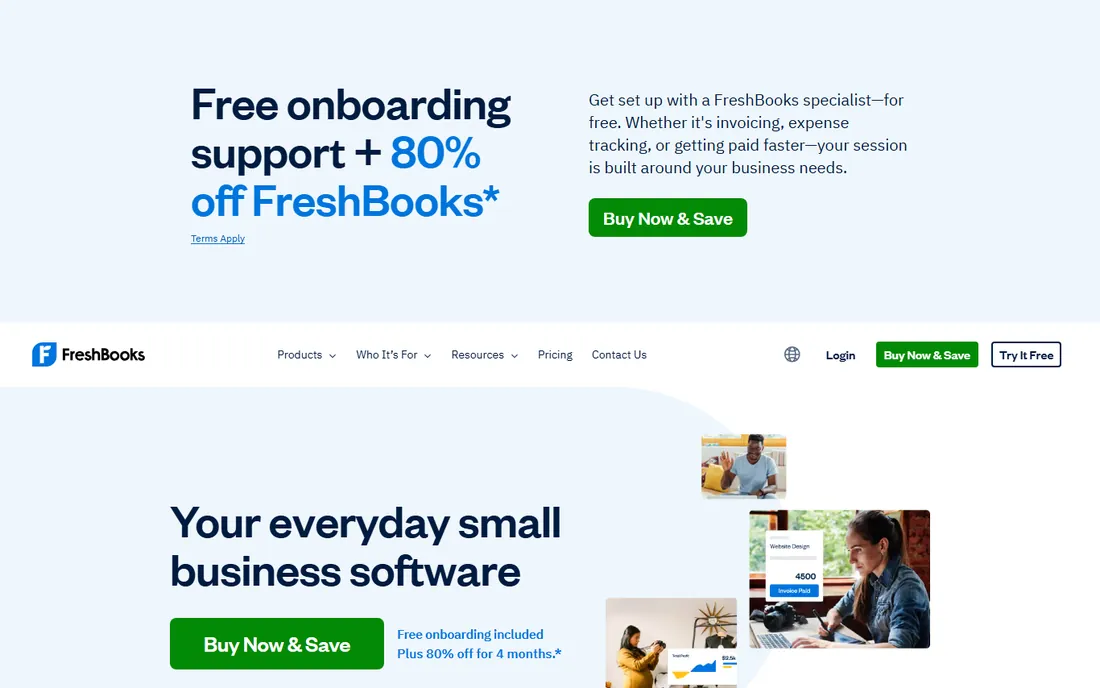
FreshBooks is built for people who get paid per project. Creating a professional invoice takes seconds, clients can pay online from the invoice itself, and late-payment reminders go out automatically. The Lite plan at $23 per month suits a freelancer with a handful of retainer clients, while Plus at $43 and Premium at $70 raise the client caps and add features like accountant access and double-entry reports.
The honest catch is the ceiling. This is not the tool for a business with inventory, manufacturing or complex cost accounting; the general ledger exists but the depth is not there. The five-client cap on Lite also pushes growing freelancers up to Plus sooner than expected. If your business is services and your biggest pain is getting invoices out and paid, nothing here beats it. If you need real accounting depth, start with Xero instead.
What we like- The fastest invoice-to-paid workflow in this group, with automated reminders
- Lite starts at $23 per month with a $1 first-year promo currently advertised
- Time tracking and proposals built in
Watch out for- Lite caps billable clients at five
- True double-entry accounting depth is thinner than QuickBooks or Xero
- Advanced features like inventory arrive only on higher tiers
#4
Wave
Best for: Solo owners and micro-businesses that want accounting at zero cost
Visit waveapps.com
Starting priceFree (Starter tier)
Free planYes
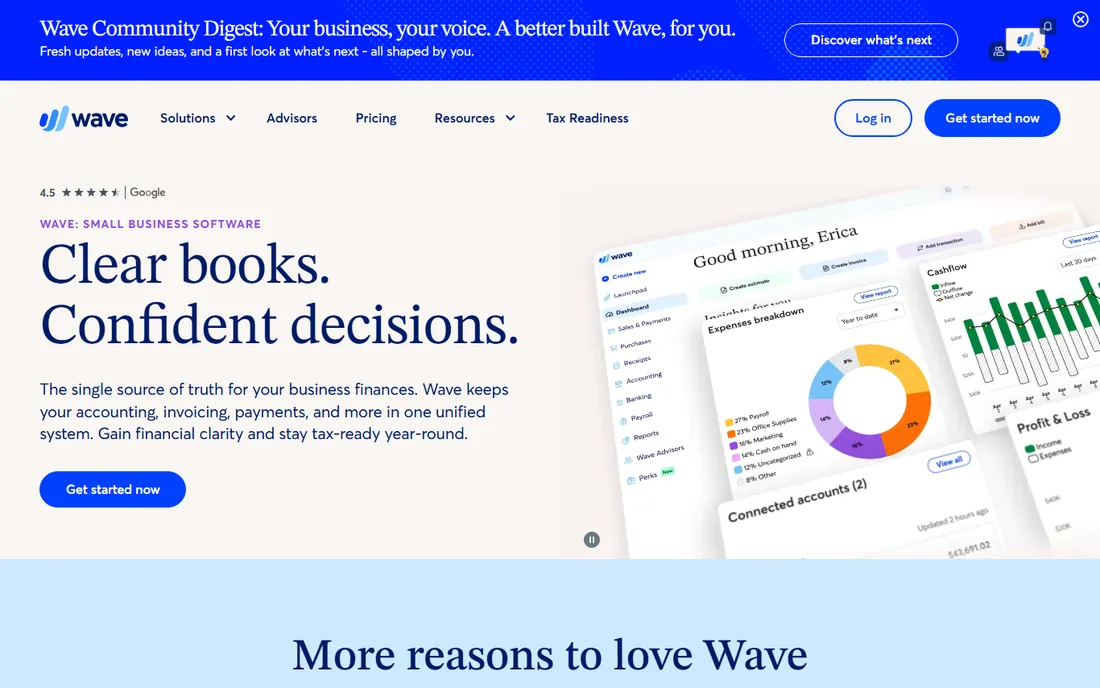
Wave is the rare free product that is not a trial in disguise. The Starter tier covers invoicing, accounting and receipt uploads at no cost, which is enough for a freelancer or a side business to stay organized and tax-ready. When you need more, Mobile Receipts at $8 per month adds OCR capture and Pro at $19 adds the fuller feature set, so the upgrade path stays cheap.
The catch is support and scale. There is no phone line to call when something looks wrong in your books, and businesses with employees, inventory or multi-entity needs will outgrow it. Wave also earns money on payment processing, so compare its card rates if you invoice heavily. For a one-person business watching every dollar, it is the obvious first stop.
What we like- Invoicing and accounting genuinely free with no trial clock
- Simple enough to run without a bookkeeper
- Paid tiers are cheap ($8 per month for Mobile Receipts, $19 per month for Pro)
Watch out for- No free receipt scanning on the Starter tier
- Payroll is a paid add-on with limited state coverage
- Customer support options are thinner than paid rivals
#5
Zoho Books
Best for: Businesses already running Zoho CRM, Inventory or other Zoho apps
Visit zoho.com
Starting price$15/month billed annually (Standard plan)
Free planYes
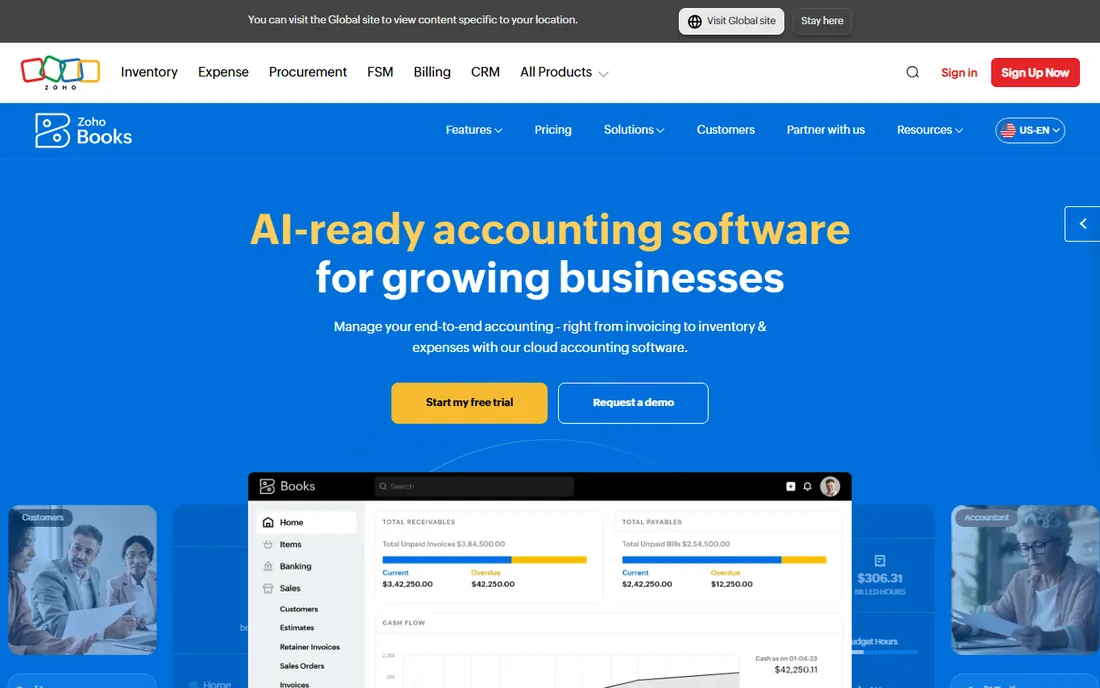
Zoho Books makes the most sense as part of the Zoho universe. If your CRM, inventory and help desk already live in Zoho, the accounting module shares the same data and the same login, which removes a whole category of integration headaches. The free plan is unusually generous: full accounting at zero cost until your revenue crosses $50,000 for the year. Standard at $15 per month billed annually ($20 month to month) is one of the cheaper paid tiers here.
Standalone, it is less compelling. The interface takes longer to learn than FreshBooks or Wave, and US payroll runs through partners. But for a business already paying for Zoho One or Zoho CRM, Books is close to a no-brainer: the data flows between the apps without middleware, and the price is hard to beat.
What we like- Free plan covers businesses with annual revenue under $50,000
- Standard at $15 per month billed annually undercuts most rivals
- Deep automation and a client portal included
Watch out for- The free plan's revenue cap forces an upgrade as you grow
- US payroll needs a third-party integration
- The interface carries the usual Zoho learning curve
#6
Sage
Best for: Businesses that want cash-flow forecasting without a separate tool
Visit sage.com
Starting priceSee website (plans quoted on Sage's pricing page)
Free planFree trial
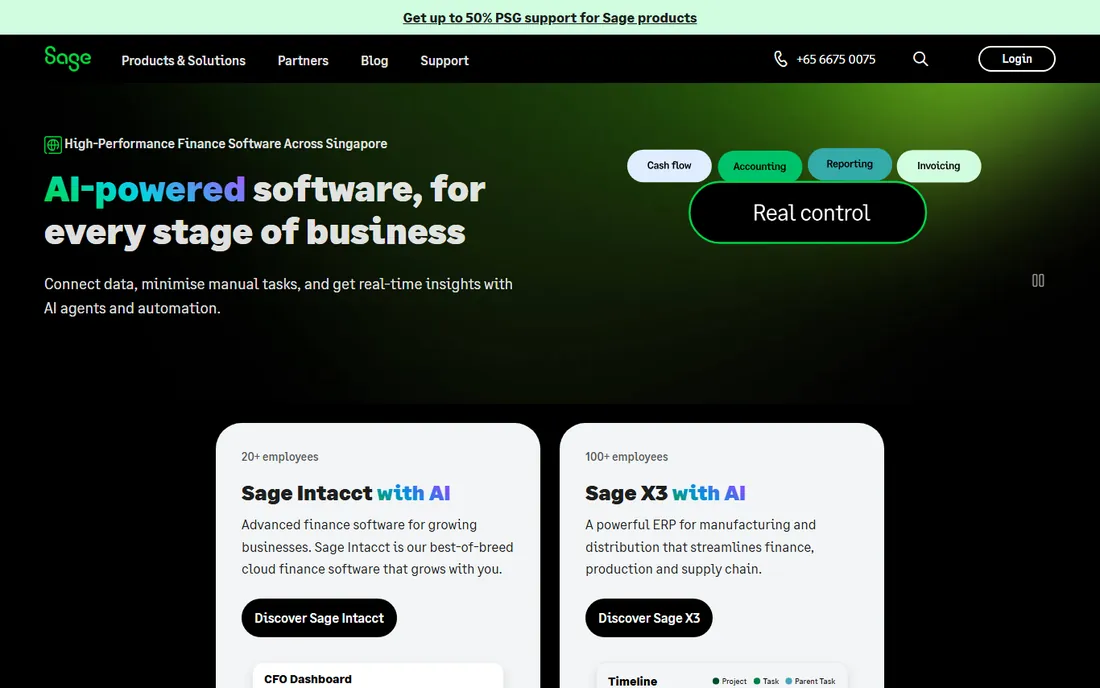
Sage Accounting (formerly Sage Business Cloud Accounting) plays to a specific strength: forward-looking cash management. The forecasting tools show where your cash position is heading based on outstanding invoices and bills, which is genuinely useful for businesses with lumpy revenue. Bank feeds, invoicing and tax-ready reports cover the basics, and the product scales into Sage's mid-market line if the business grows.
The honest catch is momentum. In the US small-business market, fewer accountants specialize in Sage and fewer niche apps integrate with it, so expect more friction than with the two market leaders. Pricing is quote-driven on the US site, which makes comparison shopping slower. It fits businesses that value the forecasting and plan to stay in the Sage family as they scale.
What we like- Cash-flow forecasting and bank reconciliation built into the core product
- Strong compliance tooling for multi-entity businesses
- Long track record with mid-size companies
Watch out for- No published US entry price to compare quickly
- The US small-business ecosystem of accountants and integrations is smaller than QuickBooks or Xero
#7
Kashoo
Best for: Freelancers and very small businesses that want simple double-entry books
Visit kashoo.com
Starting priceSee website (plans quoted on Kashoo's pricing page)
Free planFree trial
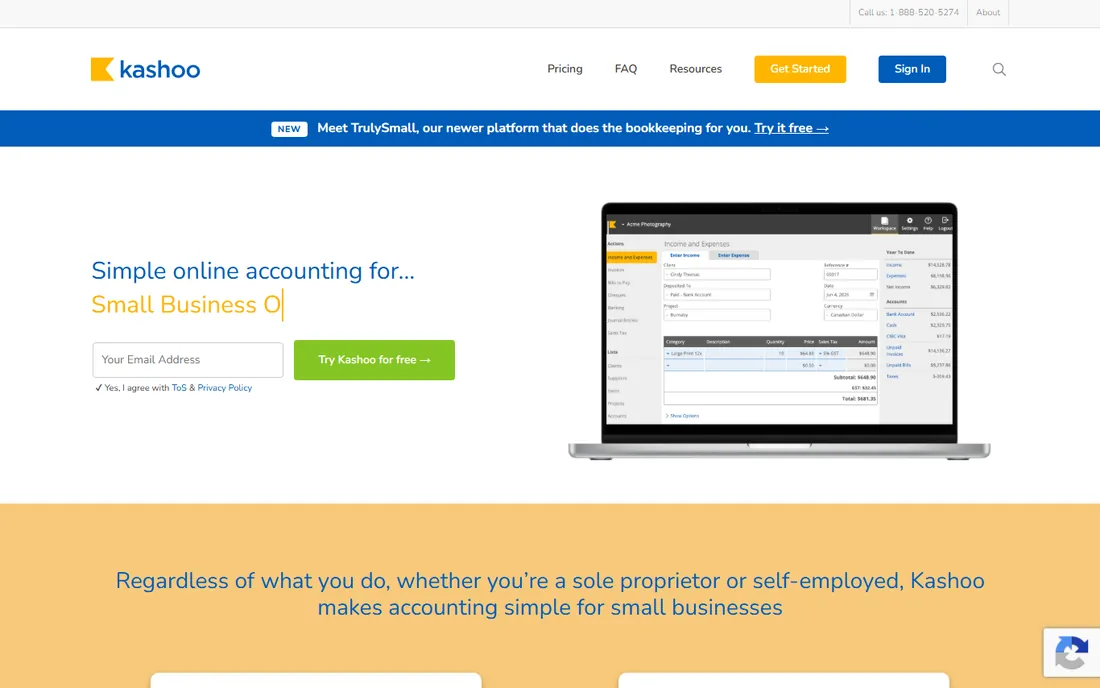
Kashoo is for the owner who wants real accounting without learning accounting software. The interface hides the double-entry machinery while keeping the books correct underneath, and the auto-categorization improves as you correct it. Multi-currency support at this level of simplicity is unusual and useful for freelancers billing international clients.
The trade-off is ecosystem. With a short integration list and basic reporting, it suits a simple business and not much beyond. Pricing is not published on the pricing page without engaging the sales flow, so add the cost of finding the price to the cost of the product. If your needs are invoicing plus clean books plus a tax-ready P and L, it does the job with minimal fuss.
What we like- True double-entry accounting in a genuinely simple interface
- Multi-currency support included
- Automatic transaction categorization that learns from corrections
Watch out for- No published price on the main site without starting a trial
- The integration list is short next to Xero or QuickBooks
- Reporting depth is basic
#8
FreeAgent
Best for: UK freelancers, contractors and very small limited companies
Visit freeagent.com
Starting priceSee website (plans quoted on FreeAgent's pricing page)
Free planFree trial
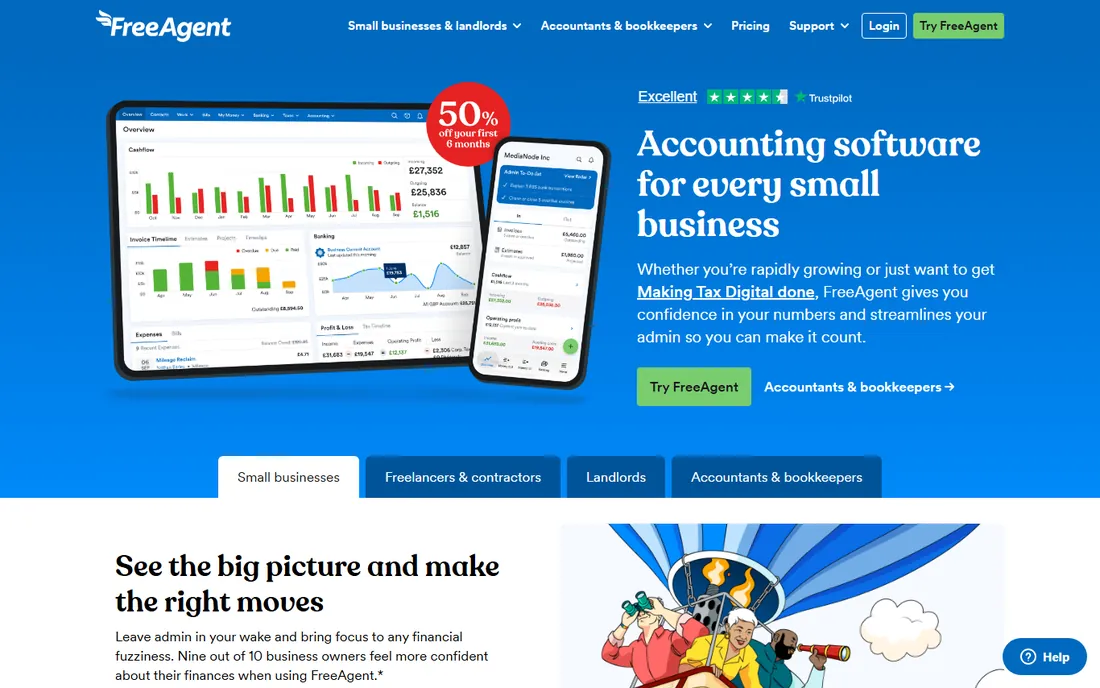
FreeAgent is the rare tool on this list designed around a specific country's tax system, and for UK contractors it shows. Dividend vs. salary planning, self-assessment timelines and VAT handling are first-class features rather than afterthoughts. Several UK banks bundle it free with business accounts, which can make the effective price zero.
For a US buyer, most of that advantage evaporates. The US edition exists but the tax tooling is thinner, and GBP pricing adds conversion guesswork to any comparison. It earns its place here for the UK-based reader or the US freelancer with UK clients, not as a general US recommendation.
What we like- Built around UK tax realities like Making Tax Digital and dividend planning
- Clean dashboard showing what you can safely spend
- Free with several UK business bank accounts
Watch out for- US tax and compliance features are thin
- Pricing is published in GBP, which complicates US comparison
- The feature set assumes a simple service business
#9
ZarMoney
Best for: Small teams that want straightforward per-user pricing
Visit zarmoney.com
Starting price$20/month (Small Business plan)
Free planFree trial
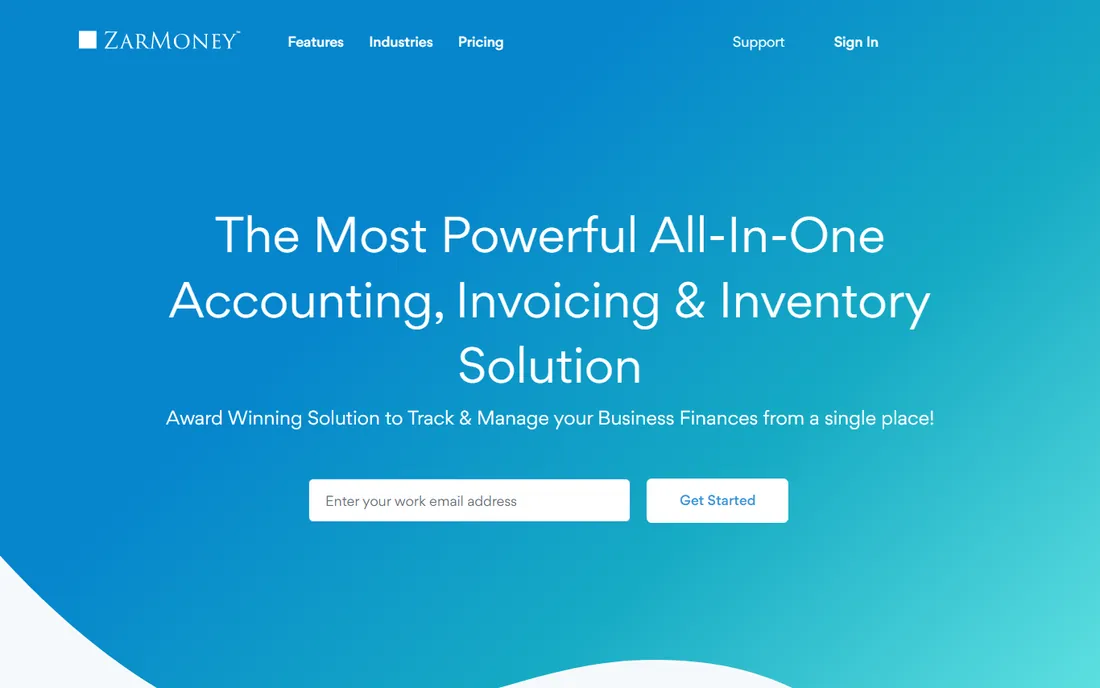
ZarMoney competes on simplicity of pricing rather than depth of features. The Small Business plan at $20 per month covers two users, and each extra seat is $10, which makes the math easy for a team of three to ten. Inventory tracking and recurring billing ride on the entry plan instead of being gated behind upgrades.
The honest catch is maturity. Fewer accountants know it, fewer apps integrate with it, and the reporting will feel basic after QuickBooks. It fits a small team that wants predictable per-user pricing and does not need an exotic integration stack. Businesses planning to hire a bookkeeper should check that the bookkeeper is willing to learn it first.
What we like- Small Business plan at $20 per month includes two users with additional users at $10 each
- Inventory and billing features included at the entry tier
- US-based customer service advertised
Watch out for- The integration ecosystem is small next to the market leaders
- Brand recognition among accountants is low
- Advanced reporting lags QuickBooks and Xero
How we chose
We started with the searches buyers actually run: financial management software for small business, small business accounting software and bookkeeping software. For each candidate we opened the vendor's own pricing page and recorded the entry plan, the free tier and the trial terms, then checked feature depth against public reviews on G2 and Capterra and practitioner discussion on Reddit. We compared invoicing, bank reconciliation, payroll options, integrations and company-size fit, and dropped products that were discontinued, acquired into something else, or priced only for enterprises. Where a price could not be verified on the vendor's page we wrote "See website" rather than guessing. We did not test any product hands-on.
What to check before you buy
The sticker price is the least informative number on most of these pages. What decides your real cost is the combination of user seats, transaction volume, payroll needs and the add-ons each vendor gates behind higher tiers.
Count the seats, then the clients
FreshBooks Lite caps billable clients at five, Wave's free tier is single-user, and Kashoo-style simple tools assume one person doing the books. If two people touch the finances, check the per-seat math: ZarMoney's $10 per extra user is cheap, while per-user pricing at the big platforms compounds fast past five seats.
Payroll is usually a separate purchase
Only a few of these tools run payroll natively in the US. QuickBooks sells it as an add-on, Xero routes you to a partner, and Wave's payroll covers limited states. If you have W-2 employees, price the payroll add-on in the same spreadsheet as the accounting plan, because it can double the monthly total.
Ask your accountant before you ask the internet
The best software is the one your bookkeeper already knows. A QuickBooks-certified accountant will close your month faster in QuickBooks than in a cheaper tool they have to learn, and that labor saving usually dwarfs the subscription difference. If you do not have an accountant yet, pick the tool with the biggest local ecosystem, which in the US is QuickBooks Online.
Mind the revenue caps on free plans
Zoho Books is free only while annual revenue stays under $50,000, and Wave's free tier excludes receipt scanning. Free plans are excellent starting points, but map out what the first paid tier costs and when you will hit it, so the upgrade does not arrive as a surprise mid-year.
When free accounting software is enough
Free accounting software is enough when the business is simple: one owner, service income, no employees, no inventory. Wave's free Starter tier and Zoho Books' free plan both produce a clean profit and loss statement and tax-ready records, which is all a freelancer needs at filing time. The reports your CPA wants do not require a paid subscription.
The moment the business adds employees, inventory or multiple entities, free stops being enough. Payroll, sales tax automation, multi-user permissions and audit trails are the features that justify paying, and they arrive at roughly the same time the business can afford them. A practical rule: stay free until tax time gets painful, then buy the cheapest paid tier of the tool your accountant recommends.
Frequently asked questions
What is the cheapest financial management software for a small business?
Wave is free for invoicing and accounting on its Starter tier, and Zoho Books is free while your annual revenue stays under $50,000. Among paid tools, the verified entry prices are Zoho Books Standard at $15 per month billed annually, ZarMoney Small Business at $20 per month, FreshBooks Lite at $23 per month and Xero Early at $27 per month.
Is QuickBooks Online worth it for a very small business?
It depends on your accountant. QuickBooks Online has the biggest integration marketplace and the most accountants who know it, which saves real labor at tax time. For a solo freelancer with simple needs, Wave or FreshBooks usually does the job for less. Buy QuickBooks when your books are complex enough to need a professional, not before.
Do I need payroll bundled with my accounting software?
Not necessarily. Most small businesses run payroll as a separate add-on or a separate service entirely: QuickBooks sells payroll as an add-on, Xero integrates with payroll partners, and standalone services like Gusto work with any of these tools. Bundle payroll only if the combined price beats a standalone payroll service.
Can free accounting software handle taxes?
Yes, for simple businesses. Wave and Zoho Books both generate profit and loss statements, balance sheets and expense reports that a CPA can file from. What free plans usually lack is sales tax automation and multi-state handling, so businesses selling across state lines should check that feature specifically.
How hard is it to switch accounting software later?
Easier than vendors imply, harder than it looks. All nine tools import bank history and customer lists, but open invoices, historical categorization and payroll history need manual cleanup. The practical advice: switch at the start of a fiscal year or quarter, run both systems in parallel for one month, and keep read-only access to the old books for at least a year.
Sources we checked (11)
- https://quickbooks.intuit.com/
- https://www.xero.com/us/pricing/
- https://www.freshbooks.com/pricing
- https://www.waveapps.com/pricing
- https://www.zoho.com/us/books/pricing/
- https://www.sage.com/
- https://kashoo.com/
- https://www.freeagent.com/pricing/
- https://www.zarmoney.com/pricing
- https://www.g2.com/categories/accounting
- https://www.capterra.com/accounting-software/
Is your product missing or out of date?
We review this list regularly. Vendors can request a listing, send updated pricing or ask about featured placement.

Shihab Mia · Founder, Rankite
Shihab has spent more than a decade helping SaaS and e-commerce brands grow through search. He writes Rankite's software buying guides from pricing pages, documentation and public user reviews. More about Shihab.