How we make this list: we compare pricing pages, product documentation and public user reviews. Rankite is independent; if a vendor ever pays for a featured spot, that listing is clearly labeled Partner.
Key takeaways
- Most small businesses do not need to buy encryption: VeraCrypt, BitLocker, and 7-Zip cover full-disk and file encryption for free.
- Paid tools earn their price through management, not math. ESET and Tresorit add central consoles, compliance reporting, and audit trails that free tools lack.
- Match the tool to the threat. Full-disk encryption protects lost laptops; file-level encryption protects files you share or store in the cloud.
- Only two tools here publish clear prices (WinZip at $34.95, the free options at zero). The rest price by plan or quote, so budget time for a sales call.
Quick comparison
| Tool | Best for | Starting price | Free plan |
|---|
 VeraCrypt VeraCrypt | free full-disk and container encryption | Free | Yes |
 NordLocker NordLocker | encrypted cloud vault with easy sharing | See website | Yes |
 Cryptomator Cryptomator | encrypting files in Dropbox, Drive, or OneDrive | Free | Yes |
 BitLocker BitLocker | Windows shops needing built-in encryption | Included with Windows | Yes |
 7-Zip 7-Zip | encrypting files to share by email | Free | Yes |
 ESET Endpoint Encryption ESET Endpoint Encryption | centrally managed business encryption | See website | Free trial |
 DiskCryptor DiskCryptor | free Windows full-disk encryption alternative | Free | Yes |
 Tresorit Tresorit | compliance-heavy teams (GDPR, HIPAA) | See website | Yes |
 WinZip WinZip | teams that already zip and share files daily | $34.95 | Free trial (21 days) |
Is your product missing or out of date?
We review this list regularly. Vendors can request a listing, send updated pricing or ask about featured placement.
The best file encryption software
Starting priceFree
Free planYes
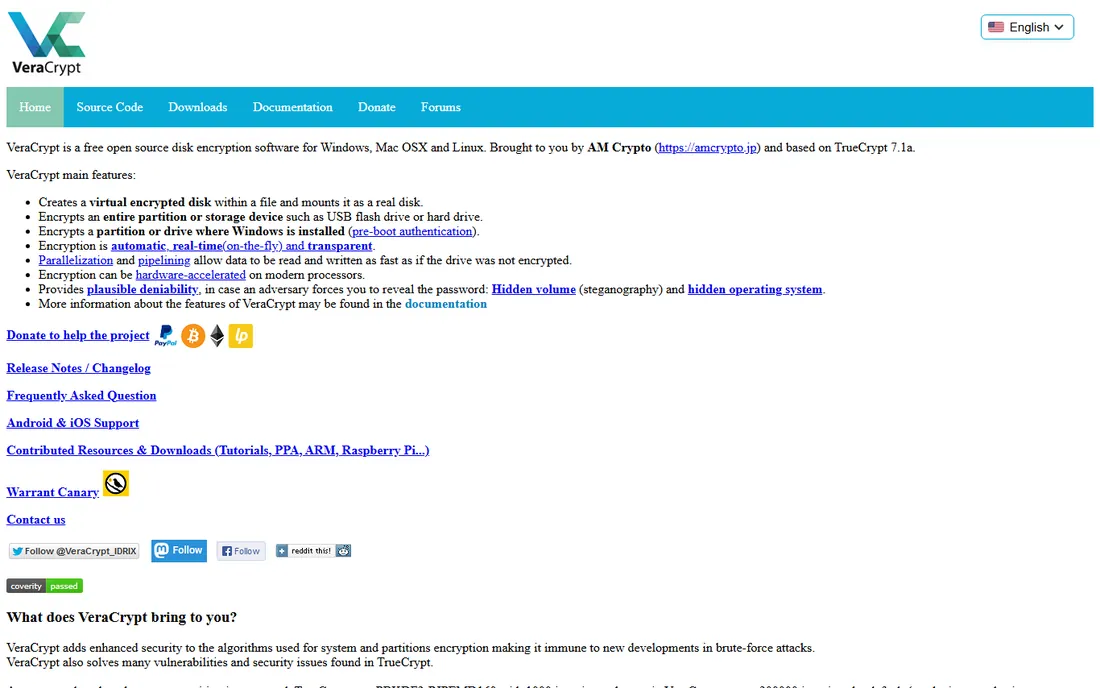
VeraCrypt is the free, open-source heavyweight of disk encryption. It encrypts entire drives, partitions, or file containers with AES-256, and its hidden-volume feature gives you plausible deniability if someone forces you to reveal a password. It grew out of the TrueCrypt project and has been independently audited, which is why security professionals keep recommending it.
The catch is usability. The interface looks like it belongs to another decade, and there is no admin console for managing a team's machines. For a single owner or a technical team protecting their own laptops, it is the best free option available. For a 20-person company with no IT staff, the lack of central management will hurt.
What we like- Free and open source with audited code
- AES-256 encryption plus hidden volumes
- Runs on Windows, macOS, and Linux
Watch out for- Dated interface that intimidates beginners
- No central management for teams
- Setup mistakes can lock you out of your own data
Starting priceSee website
Free planYes
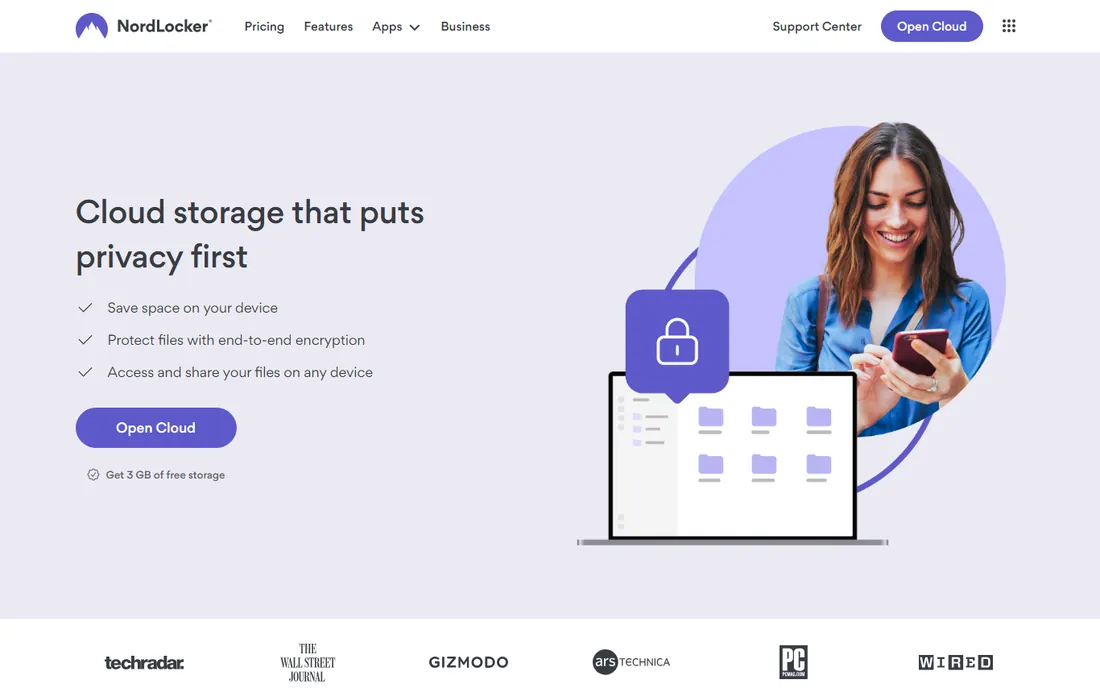
NordLocker comes from the company behind NordVPN, and it shows in the polish. Files are encrypted on your device before they touch the cloud, using AES-256 and xChaCha20 under a zero-knowledge design, so NordLocker itself cannot read them. The free plan includes 3 GB of encrypted cloud storage with no credit card required.
Local encrypted lockers were retired in 2025, so NordLocker is now a cloud-first product. That is fine for teams that want encrypted storage and sharing across devices, but less useful if you wanted pure on-device encryption. Paid plans scale to 2 TB. Check the current pricing page before budgeting, since Nord Security adjusts prices and promotions often.
What we like- Zero-knowledge architecture with AES-256 and xChaCha20
- Generous free plan with 3 GB of encrypted cloud storage
- Polished apps for Windows, macOS, iOS, and Android
Watch out for- No native Linux app
- Serious storage requires a paid plan
- No published independent security audit as of early 2026
Starting priceFree
Free planYes
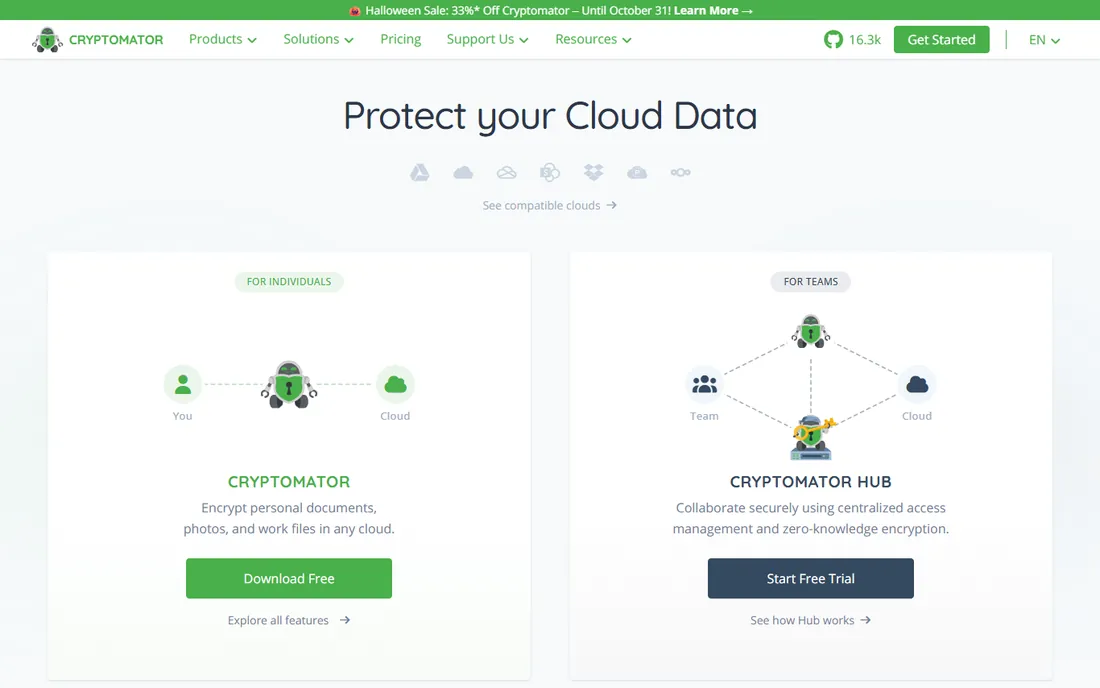
Cryptomator takes a different approach: instead of giving you its own cloud, it encrypts files before they reach the cloud storage you already use. You create a vault inside Dropbox, Google Drive, OneDrive, or iCloud, and Cryptomator encrypts file contents and filenames with AES-256 on your device. The provider only ever sees scrambled data.
The desktop version is free and open source, and the project has passed independent security audits. There is no account to create and no vendor server holding your keys. The tradeoff is scope: Cryptomator encrypts, it does not share, sync, or manage. For a business that already pays for cloud storage and wants a privacy layer on top, it is hard to beat at the price.
What we like- Free and open-source desktop apps
- Adds encryption on top of any cloud storage
- No account or registration required
Watch out for- Mobile apps cost a small extra fee
- No collaboration or sharing features
- One more layer for staff to understand
Starting priceIncluded with Windows
Free planYes
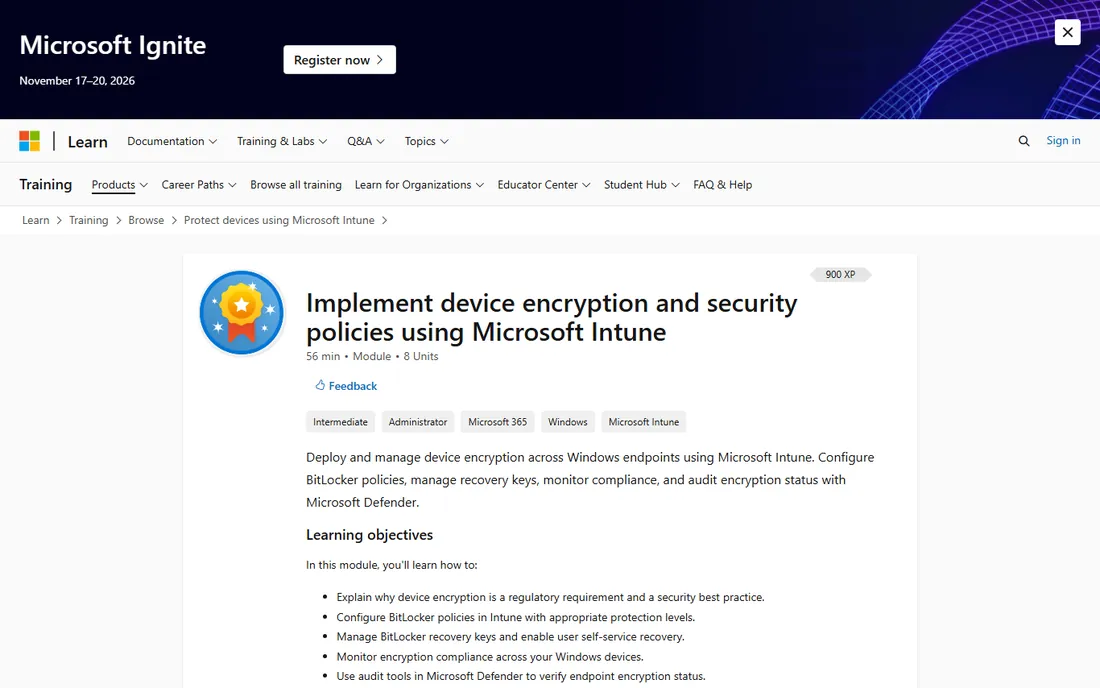
If your team runs Windows Pro, you already own an encryption tool. BitLocker encrypts entire volumes with AES, ties into the TPM chip for hardware-backed protection, and extends to USB drives through BitLocker To Go. For domain-joined machines, IT can enforce encryption policies and escrow recovery keys in Active Directory.
The limitation is the edition requirement: Windows Home machines cannot use BitLocker, and many small businesses buy Home by default. Upgrading editions just for BitLocker is worth pricing against a third-party tool. Also note that files are only protected while on the encrypted drive; email a file to someone and it travels unencrypted.
What we like- Built into Windows Pro, Enterprise, and Education at no extra cost
- TPM chip integration for pre-boot protection
- Manageable through Group Policy and Active Directory
Watch out for- Not available on Windows Home edition
- Windows-only
- Recovery keys must be managed or a forgotten password means lost data
Starting priceFree
Free planYes
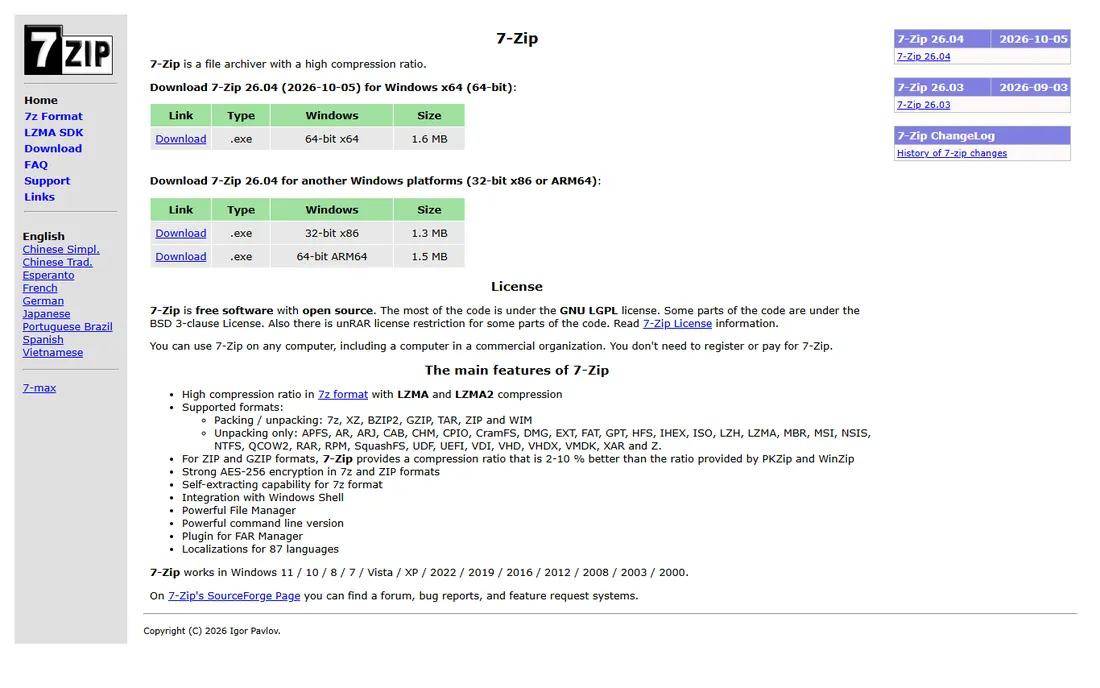
7-Zip is the quiet workhorse of file encryption. Right-click any file, add it to an archive, set a password, and you get AES-256 encryption in a zip file anyone can open with the password. It costs nothing, runs on minimal hardware, and has been maintained by its developer for over two decades.
This is point-to-point encryption, not a system. There is no vault, no syncing, no way to revoke access after you send the file. But for the common small-business task of emailing a sensitive spreadsheet or contract, an encrypted zip remains the simplest reliable method. Every office should have it installed regardless of what else they buy.
What we like- Completely free and open source
- AES-256 encryption on zip and 7z archives
- Tiny footprint that runs on any old machine
Watch out for- Archive-based only, no live or transparent encryption
- Spartan interface
- No key management or sharing controls
#6
ESET Endpoint Encryption
Best for: centrally managed business encryption
Visit eset.com
Starting priceSee website
Free planFree trial
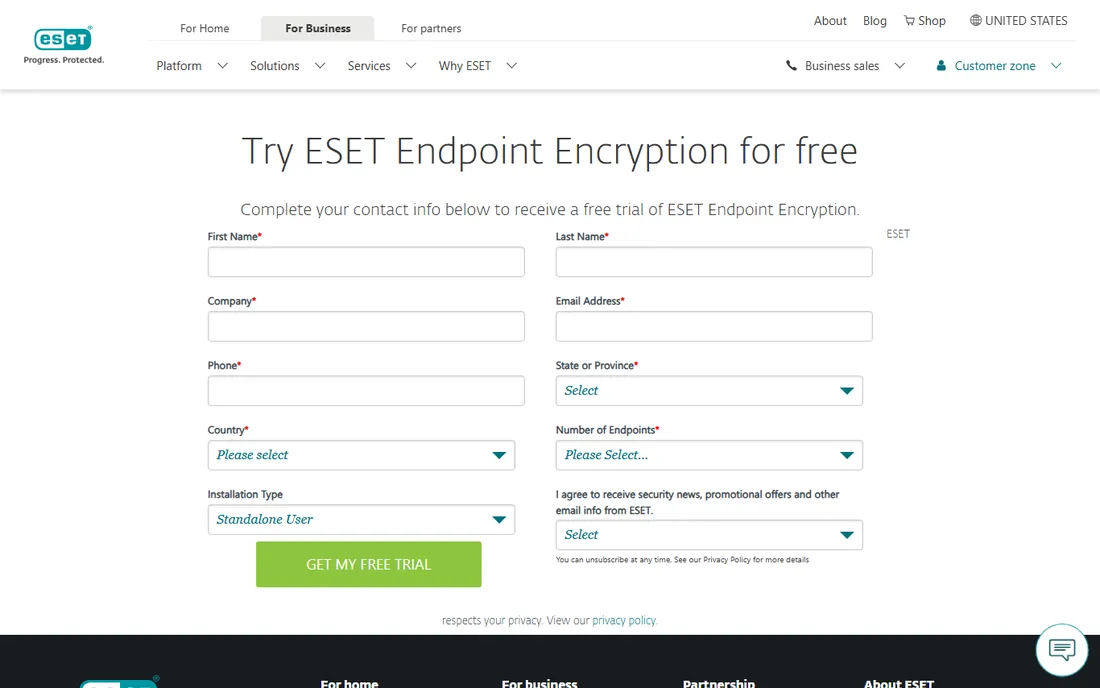
ESET Endpoint Encryption is the business-grade option on this list. It combines full-disk encryption, file and folder encryption, Outlook email encryption, and removable media control under one management console. The encryption is FIPS 140-2 validated, which matters for government-adjacent work and regulated industries.
Unlike the free tools, ESET gives an administrator remote control of encryption keys and security policy across the fleet, including remote and hybrid workers. That management is what you are paying for. Pricing is quote-based, and the product makes most sense once you have enough machines that managing them one by one has become painful.
What we like- FIPS 140-2 validated AES-256 encryption
- Central console for keys, policies, and licensing
- Covers full disk, files, email, and removable media
Watch out for- Quote-based pricing with no public numbers
- Strongest on Windows, thinner elsewhere
- More product than a very small team needs
Starting priceFree
Free planYes
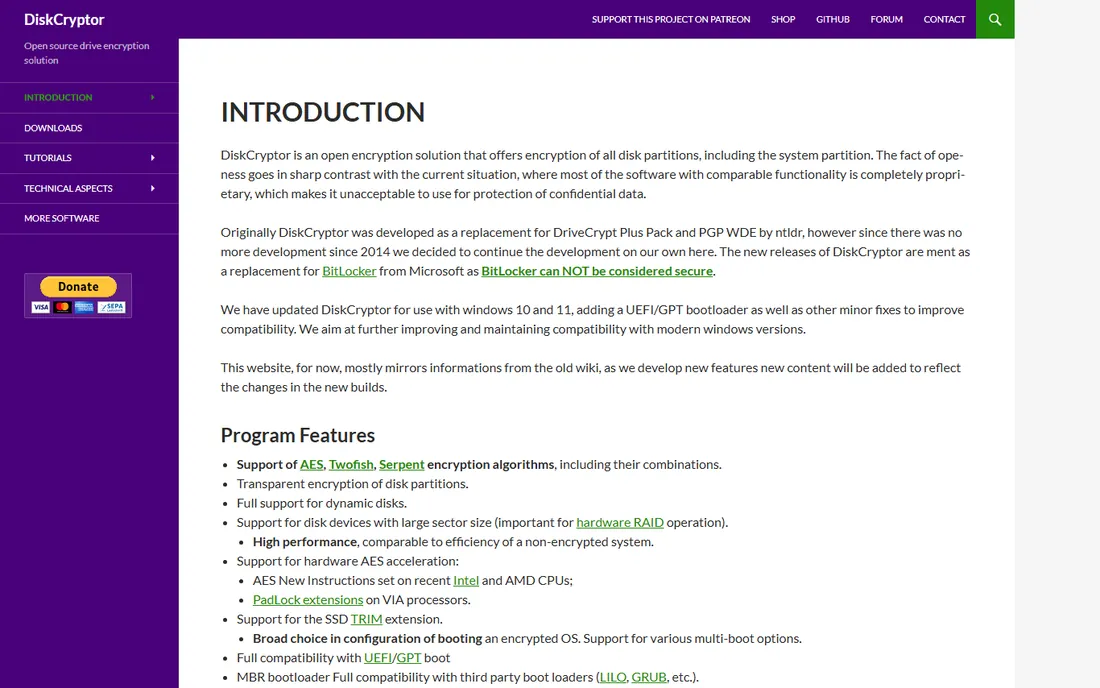
DiskCryptor is the open-source answer to BitLocker for Windows purists. It encrypts entire partitions including the system drive, with pre-boot authentication and support for AES, Twofish, and Serpent. A community fork has kept it alive and updated it for modern Windows versions with UEFI and GPT boot support.
It exists for a specific audience: people who want full-disk encryption but do not trust or cannot use BitLocker. There is no company behind it, no support contract, and no macOS or Linux version. For a business, that makes it a backup option rather than a first choice, but as a free tool for a technical owner, it does the job.
What we like- Free and open source under GPLv3
- Supports AES, Twofish, and Serpent in XTS mode
- Updated for Windows 10 and 11 with UEFI support
Watch out for- Windows-only
- Maintained by a community fork, not a company
- Documentation is thin
Starting priceSee website
Free planYes
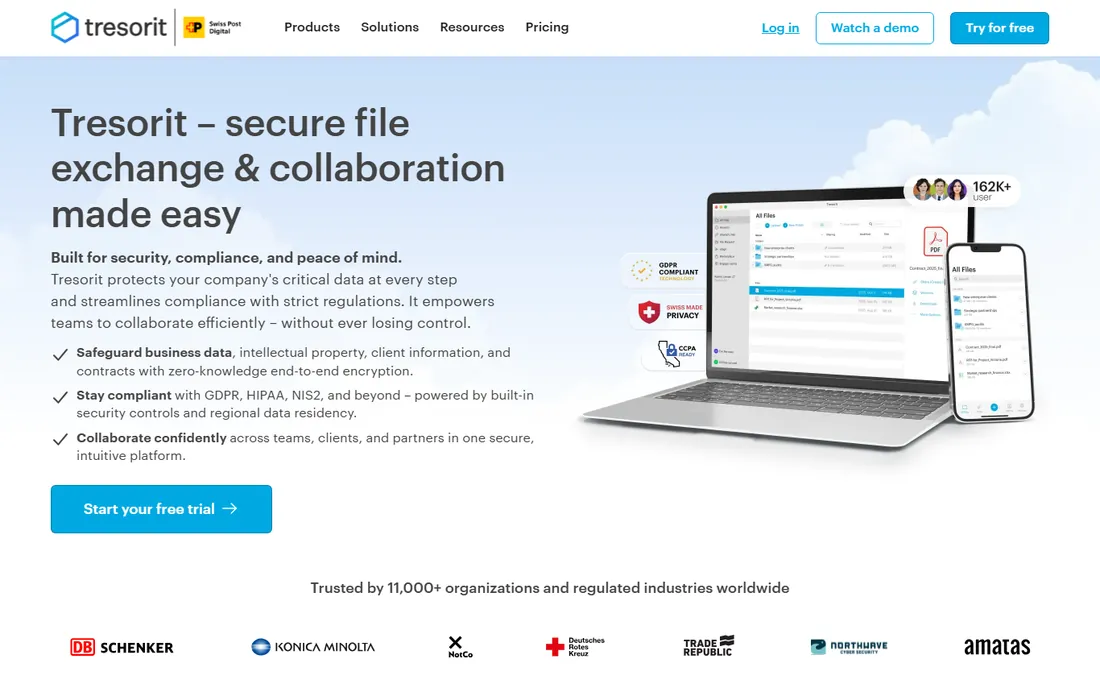
Tresorit is the Swiss option for businesses that live under compliance regimes. Every file is encrypted on the device with AES-256 before upload, and the zero-knowledge design means Tresorit cannot access your data. Compliance certifications cover GDPR, HIPAA, NIS2, CCPA, and FINRA, and you can choose where your data physically resides.
That positioning comes at a premium over Dropbox or OneDrive, and the free Basic plan is only useful for evaluation. Business plans require a minimum of three users. For a law firm, clinic, or financial advisor handling regulated data, the compliance story justifies the cost. For general file sharing, cheaper options will do.
What we like- Zero-knowledge end-to-end encryption
- Built for GDPR, HIPAA, NIS2, and FINRA compliance
- Data residency choice across 12 global locations
Watch out for- Pricier than mainstream cloud storage
- Free plan limited to 3 GB
- No real-time document collaboration
#9
WinZip
Best for: teams that already zip and share files daily
Visit winzip.com
Starting price$34.95
Free planFree trial (21 days)
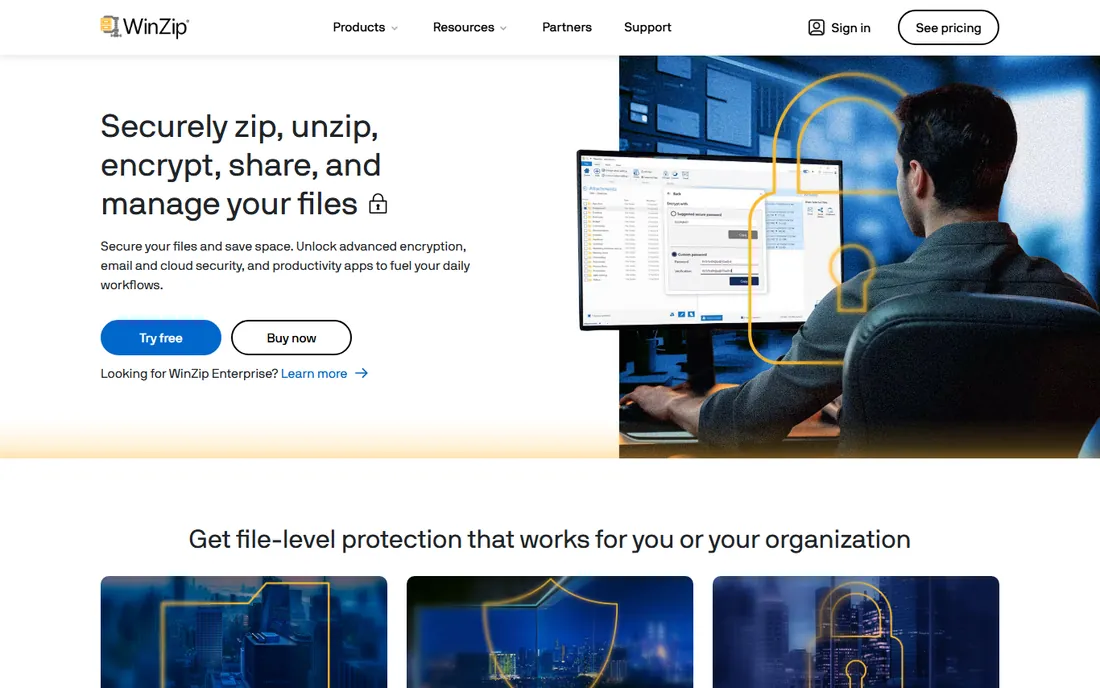
WinZip is the familiar name on this list, and familiarity counts. Staff already know how to zip a file; WinZip adds AES-256 encryption, secure sharing, and cloud connections to that workflow. The vendor lists a $34.95 price with a 21-day free trial, and an Enterprise edition adds FIPS 140-2 compliance and centralized IT deployment.
The honest comparison is with 7-Zip, which encrypts zips for free. WinZip earns its price through a polished interface, support, and enterprise management features. If your team already uses WinZip daily and you want encryption without retraining anyone, it is a reasonable buy. If you are starting from scratch, try the free tools first.
What we like- AES-256 zip encryption in a familiar workflow
- 100,000+ businesses use it for file security, per the vendor
- One-time price of $34.95 with a 21-day free trial
Watch out for- Encryption only exists inside archives
- Newer versions push subscriptions
- 7-Zip covers the basics for free
Encryption at rest vs. encryption for sharing: pick your battle
File encryption solves two different problems, and the tools split along that line. Encryption at rest protects data sitting on a device: BitLocker, VeraCrypt, and DiskCryptor encrypt whole drives so a stolen laptop yields nothing. ESET does the same thing with a management console on top.
Encryption for sharing protects files in motion: 7-Zip and WinZip encrypt archives you email, while NordLocker, Cryptomator, and Tresorit encrypt files before they reach the cloud. Decide which risk keeps you up at night. Most small businesses need at-rest encryption on every laptop first, then a sharing solution for the files that leave the building.
How to choose file encryption software for your business
Start with what you already own
Before spending anything, check your Windows edition. BitLocker on Pro or Enterprise covers full-disk encryption for free, and macOS includes FileVault. Many businesses buy encryption software they do not need because nobody checked what was already installed.
Decide who manages the keys
Free tools put key management on the user, which works until someone forgets a password and loses access permanently. If you cannot afford that risk, pay for a product with central key escrow and recovery, like ESET or Tresorit. Write down who holds recovery keys before you encrypt anything.
Check the compliance box early
If clients or regulators require HIPAA, GDPR, or FIPS 140-2, filter for it first. Consumer-grade encryption may use the same AES-256 math, but auditors want certifications, access logs, and policies. Tresorit and ESET publish compliance credentials; free tools generally do not.
Test sharing with real recipients
Encrypted files are only useful if the other side can open them. A password-protected zip works everywhere. A proprietary vault requires the recipient to install the same software. Run a trial exchange with an actual client before standardizing, and confirm the process survives contact with non-technical people.
How we chose
We built this list from vendor pricing pages, product documentation, and public reviews on G2, Capterra, and Reddit. We compared encryption standards, platform support, pricing transparency, and fit for small business teams, favoring tools with verifiable homepages and current product lines. We did not test any software hands-on; every claim here comes from published vendor material or third-party reviews.
Frequently asked questions
What is the best free file encryption software?
VeraCrypt is the strongest free option for full-disk and container encryption, and it is open source. For encrypting files you already store in the cloud, Cryptomator is free on desktop. For one-off sharing, 7-Zip creates password-protected AES-256 archives at no cost. Windows Pro users also get BitLocker built in.
Is Windows BitLocker enough for a small business?
For protecting laptops against theft, yes. BitLocker encrypts the whole drive with AES and integrates with the TPM chip. It does not encrypt individual files you email or upload, and it is unavailable on Windows Home. Businesses with compliance requirements or mixed operating systems usually need more.
What encryption standard should I look for?
AES-256 is the current standard for file encryption software, and every tool on this list uses it. Some add alternatives like Twofish or Serpent. Avoid anything advertising proprietary or unnamed encryption, and prefer tools whose implementations have been independently audited.
Can encrypted files be shared with people who do not have the software?
It depends on the method. Password-protected zip files from 7-Zip or WinZip open anywhere with the password. Vault-based tools like NordLocker and Tresorit have their own secure sharing links. Full-disk encryption from BitLocker or VeraCrypt cannot be shared at all; it only protects the device.
Does encryption slow down my computer?
Modern processors include AES hardware acceleration, so the performance impact of disk encryption is negligible for office work. You may notice it during very large file transfers or on machines more than a decade old. File-level encryption of individual documents has no meaningful speed cost.
What happens if I forget my encryption password?
With most consumer tools, your data is unrecoverable, which is the point of encryption. Business products like ESET and Tresorit offer administrator key recovery. Whatever you choose, store recovery keys somewhere safe and separate from the encrypted device before you need them.
Sources we checked (10)
- https://veracrypt.fr/
- https://nordlocker.com/
- https://cryptomator.org/
- https://learn.microsoft.com/en-us/training/modules/deploy-device-data-protection/6-explore-bitlocker
- https://www.7-zip.org/
- https://www.eset.com/us/business/endpoint-security/encryption/trial/
- https://diskcryptor.org/
- https://tresorit.com/
- https://www.winzip.com/
- https://www.ibm.com/downloads/documents/us-en/137a3e32273ed1f5
Is your product missing or out of date?
We review this list regularly. Vendors can request a listing, send updated pricing or ask about featured placement.

Shihab Mia · Founder, Rankite
Shihab has spent more than a decade helping SaaS and e-commerce brands grow through search. He writes Rankite's software buying guides from pricing pages, documentation and public user reviews. More about Shihab.