How we make this list: we compare pricing pages, product documentation and public user reviews. Ratings come from G2, Capterra or Trustpilot, with the date we checked them.
Key takeaways
- Cozi is the best free family organizer, with a shared calendar, lists, and meal plans for the whole family.
- TimeTree suits families that juggle many groups, with unlimited shared calendars and simple invites.
- FamilyWall adds location tracking and a family messenger alongside the calendar.
- Skylight and Hearth move the calendar onto a wall display, so kids and partners see the plan without opening an app.
- Google Calendar remains the best free fallback, especially for families already on Google accounts.
Quick comparison
Is your product missing or out of date?
We review this list regularly. Vendors can request a listing, send updated pricing or ask about featured placement.
The best family calendar apps
Starting priceFree
Free planFree
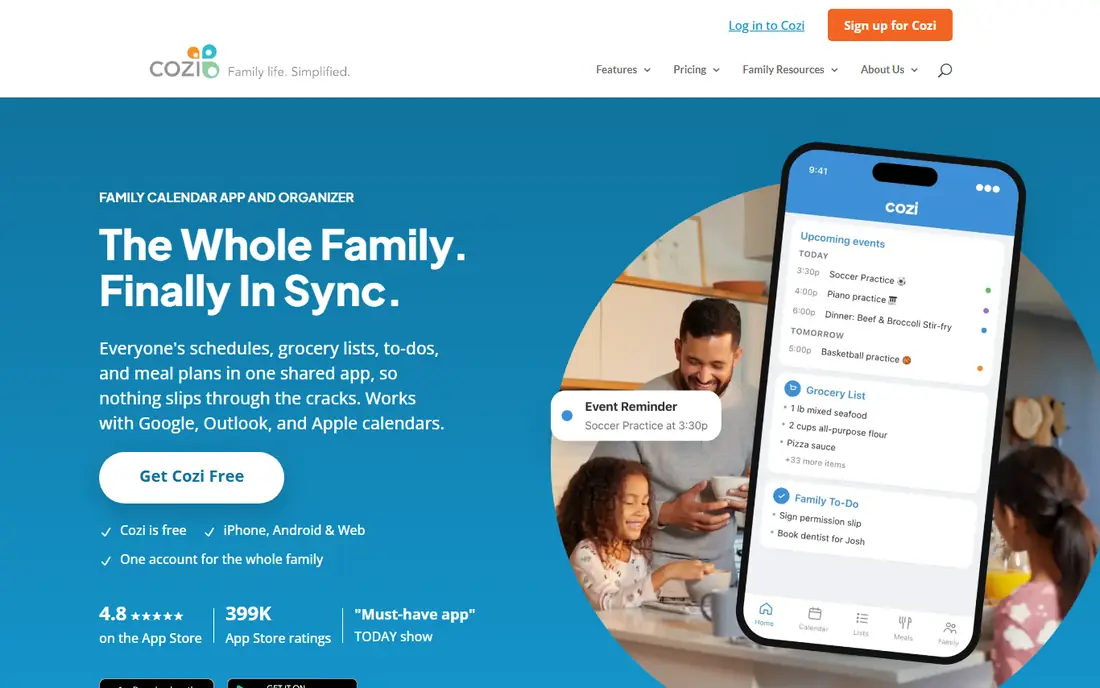
Cozi is the free family organizer that puts everyone's schedules, grocery lists, to-dos, and meal plans in one shared app, so nothing slips through the cracks. One account serves the whole family, with each member signing in their own way, and the calendar shows who needs to be where at a glance, color-coded by person. Lists update in real time, so whoever is at the store sees the latest list, and dinners can be planned on the calendar with recipes sent straight to the shopping list. Gold costs 39 dollars per year for an ad-free experience with month view on mobile, calendar search, change notifications, and a birthday tracker, while a 79 dollar tier adds AI event import, AI meal planning, and an AI recipe creator. Cozi suits families that want the full organizer free, with optional upgrades.
What we like- Free shared calendar, shopping lists, to-dos, and recipe box for every family member
- Color-coded by person with reminders and agenda emails
- Imports from Google, Outlook, and Apple Calendar plus TeamSnap and SportsEngine
- 4.8 App Store rating from 399,000 ratings
Watch out for- Gold features like month view on mobile and calendar search cost 39 dollars per year
- Ads in the free plan
Starting priceFree
Free planFree
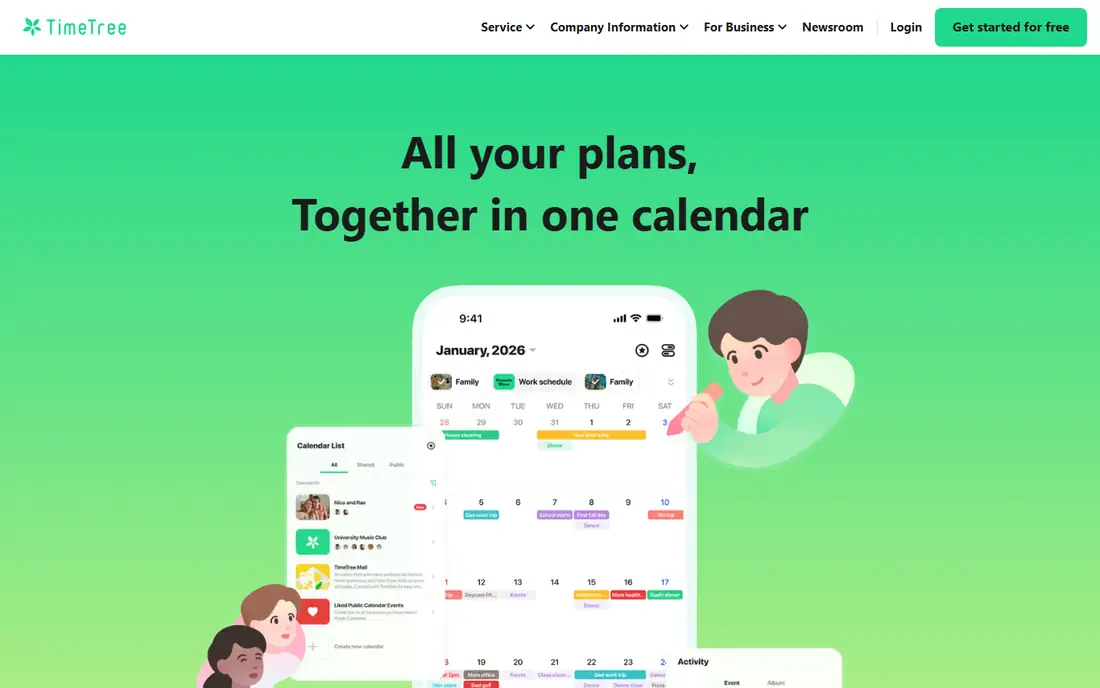
TimeTree keeps calendar sharing simple: create a calendar, send an invite, and the group is done. Families, school groups, and hobby groups each get their own calendar, and filters show everything together or one calendar at a time. Premium costs 4.49 dollars per month or 44.99 dollars per year, adding an ad-free experience, file attachments to events, vertical calendar view, pinned events, and dedicated support. TimeTree suits families that belong to many groups and want clean calendar separation without extra organizer features.
What we like- Group-based sharing with as many calendars as needed
- Filters to view everything together or switch between calendars
- Premium at 4.49 dollars per month or 44.99 dollars per year with ad-free use, file attachments, and vertical view
Watch out for- No lists, meals, or chores in the core product
- Premium pricing varies by region
Starting priceFree
Free planFree
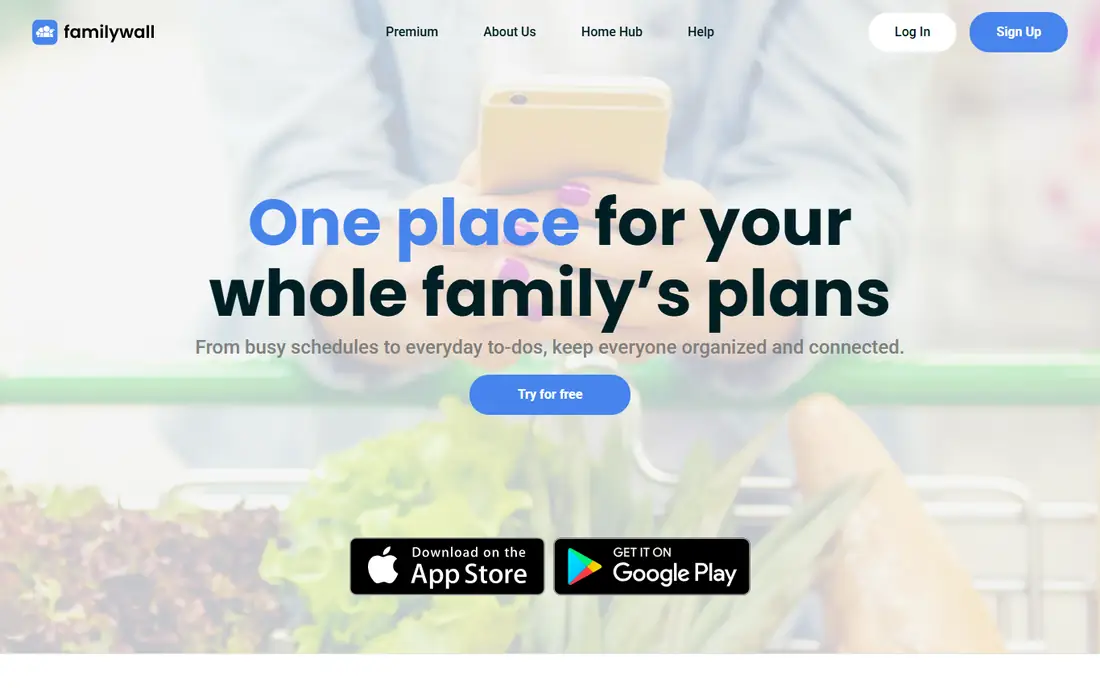
FamilyWall helps manage everyday family life by sharing everyone's schedules and activities, tracking grocery lists, planning dinners, managing to-dos, and locating kids when they are outside. The shared calendar syncs with Google Calendar and lives in one place accessible anytime, anywhere, so birthdays and special events are never missed. Beyond the calendar, FamilyWall adds a family messenger, multi-group support for extended family and friends, a budget tracker, and a meal planner with drag-and-drop recipes that build grocery lists in one click. Real-time location with safe zone alerts shows where kids are and notifies when they arrive at home or school. FamilyWall suits families that want one dashboard for calendar, messages, lists, and location.
What we like- Shared calendar synced with Google Calendar
- Shopping lists and to-dos
- Family messenger with texts, voice, photos, and video
- Real-time location with safe zone alerts
- Budget tracking and meal planner in premium
Watch out for- Homepage shows no premium pricing
- Location tracking needs a family conversation about privacy
Starting priceSee website
Free planFree
FamCal is a family calendar app built around shared scheduling, with lists and reminders for household coordination. The homepage returned only a bot-verification page during this review, so feature and pricing details rest on app store descriptions rather than the website, and buyers should confirm the current plan inside the app. FamCal suits families that want a simple shared calendar without a wall display or premium ecosystem.
What we like- Family calendar app with shared scheduling and lists
- Long-running app with a simple interface
- Free to download
Watch out for- Homepage returned only a bot-verification page, so current features and pricing rest on app store listings
- Details here should be confirmed in the app before choosing
Starting priceFree
Free planFree
Google Calendar is the free fallback every family already has: sign in, create shared calendars, and color-code each person. It works on web, iOS, and Android, integrates with Gmail, Meet, and Tasks, and syncs with dedicated family apps like Cozi, FamilyWall, Skylight, and Hearth. The homepage is a sign-in page, so feature details rest on Google's product documentation. Google Calendar suits families that want a free, reliable shared calendar without a dedicated family app, or that use it as the sync backbone under a wall display.
What we like- Free with any Google account
- Shared calendars with per-person colors
- Works on web, iOS, and Android
- Integrates with Gmail, Meet, and Tasks
- Imports and syncs with Cozi, FamilyWall, Skylight, and Hearth
Watch out for- Homepage is login-walled, so feature details rest on Google's product pages
- No built-in lists, meals, or chores
Starting priceSee website
Free planNo
Skylight Calendar puts the family schedule on a touchscreen device in the kitchen, displaying all calendars in one simple view with auto-synced schedules and interactive chore charts. The company reports trust from over 1 million families, offers 4-month free returns, and replaces covered devices free within 3 years under the Skylight Promise. A mobile app for Apple and Android manages the display remotely. Skylight suits families where the problem is not planning but visibility: kids and partners see the plan on the wall without opening an app.
What we like- Touchscreen wall display showing all calendars in one place
- Auto-synced schedules and interactive chore charts
- Trusted by over 1 million families
- 4-month free returns
- 3-year replacement promise
- Mobile app for Apple and Android
Watch out for- Hardware purchase required, with pricing not shown on the homepage
- Needs a power outlet and consistent WiFi
Starting priceSee website
Free planNo
Hearth Display replaces the whiteboard, wall calendar, chore charts, and scattered reminders with one shared, easy-to-use system. It combines a smart calendar, visual routines kids can follow to build lasting habits, AI-powered meal planning with grocery lists, a family dashboard snapshot of everything happening today, a family rhythm summary, and a Hearth Helper AI sidekick for tedious tasks. The display auto-syncs with Google, Outlook, and Apple calendars and rates 4.7 out of 5 from 786 reviews. Hearth suits families that want routines and meal planning on the wall alongside the calendar.
What we like- Replaces whiteboard, wall calendar, chore charts, and scattered reminders in one system
- Smart calendar with kid-friendly routines
- AI-powered meal planning
- Family dashboard and rhythm summary
- Syncs with Google, Outlook, and Apple calendars
- 4.7 rating from 786 reviews
Watch out for- Hardware purchase required, with pricing not shown on the homepage extract
- Wall-display approach suits a fixed kitchen location
Starting priceFree
Free planFree
OurHome is a handy tool tailored to families, built around a gamified task system where housework and homework earn goals and rewards that build responsibility and self-esteem. Its calendar uses a monthly view made for mobiles to keep everyone coordinated, and grocery lists let the whole family add items and swipe them off at the store. OurHome suits families where chores and motivation are the bigger problem, with the calendar as the coordinating companion.
What we like- Gamified task system that motivates kids with goals and rewards
- Monthly calendar view made for mobiles
- Shared grocery lists with swipe-off at the store
- Free to use
Watch out for- Homepage gives no pricing or plan details beyond the free app
- Task focus may exceed families that only need a calendar
How we chose
We opened each vendor homepage and compared sharing models, extra organizer features, pricing, and wall-display options. Where homepages were blocked or login-walled, that limitation is stated in the tool entry rather than hidden, and prices not shown are recorded as "See website".
How to pick the right family calendar app
Start with the real bottleneck. If events get forgotten, a wall display like Skylight or Hearth puts the plan where everyone sees it. If lists and meals cause the friction, Cozi or FamilyWall cover those in one app. If the family already runs on Google, Google Calendar with shared calendars may be enough, and a dedicated app adds little.
Then test with the whole household, not just one parent. The best calendar is the one kids and partners actually check, so run a two-week trial with real events, chores, and school schedules, and watch whether entries stay current. Finally, settle the privacy question for location features: FamilyWall's real-time location helps with pickups and safety, but it deserves a family conversation before enabling tracking for older kids. A weekly family meeting also helps: spend ten minutes each Sunday reviewing the coming week together, so surprises drop and everyone leaves the table knowing who drives whom where. Keep the system simple enough that a babysitter or grandparent can read it too, since a calendar only one parent understands fails the moment that parent travels or falls ill. Color coding by person keeps that readability fully intact even when the week fills up.
Frequently asked questions
What is the best free family calendar app?
Cozi leads for free family organizing, with a shared calendar, lists, and meal plans at no cost. Google Calendar and TimeTree also offer strong free plans.
Is there a family calendar that works on a wall display?
Yes. Skylight Calendar and Hearth Display are touchscreen wall displays that sync with Google, Outlook, and Apple calendars and show the family plan in the kitchen.
Can family calendar apps sync with Google Calendar?
Yes. Cozi, FamilyWall, Skylight, and Hearth all sync with Google Calendar, and TimeTree supports group sharing alongside it.
Do family calendar apps work for divorced or blended families?
Yes. Multi-group support in FamilyWall and multiple calendars in TimeTree let separate households share only the calendars they need, without sharing everything.
What is the cheapest premium family calendar?
TimeTree Premium costs 4.49 dollars per month or 44.99 dollars per year, while Cozi Gold costs 39 dollars per year. Both offer free plans for basic use.
Do I need a wall display, or is an app enough?
An app is enough for families that check phones regularly. A wall display helps when kids or partners rarely open calendar apps, since the plan stays visible in a shared space.
Sources we checked (8)
- https://www.cozi.com/
- https://timetreeapp.com/
- https://familywall.com/
- https://famcal.com/
- https://calendar.google.com/
- https://www.skylightframe.com/
- https://hearthdisplay.com/
- https://ourhomeapp.com/
Is your product missing or out of date?
We review this list regularly. Vendors can request a listing, send updated pricing or ask about featured placement.

Shihab Mia · Founder, Rankite
Shihab has 5+ years in B2B and SaaS SEO. He writes Rankite's software buying guides from pricing pages, documentation and public user reviews. More about Shihab.
 Cozi
Cozi TimeTree
 FamilyWall
 FamCal
 Google Calendar
 Skylight Calendar
 Hearth Display
 OurHome